

Leaderboard
-
swt61
High Rollers28Points22273Posts -
mikeymad
High Rollers17Points13883Posts -
Grahame
High Rollers14Points16859Posts -
skullguise
High Rollers10Points8927Posts




Popular Content
Showing content with the highest reputation on 08/31/24 in Posts
-
3 points
-
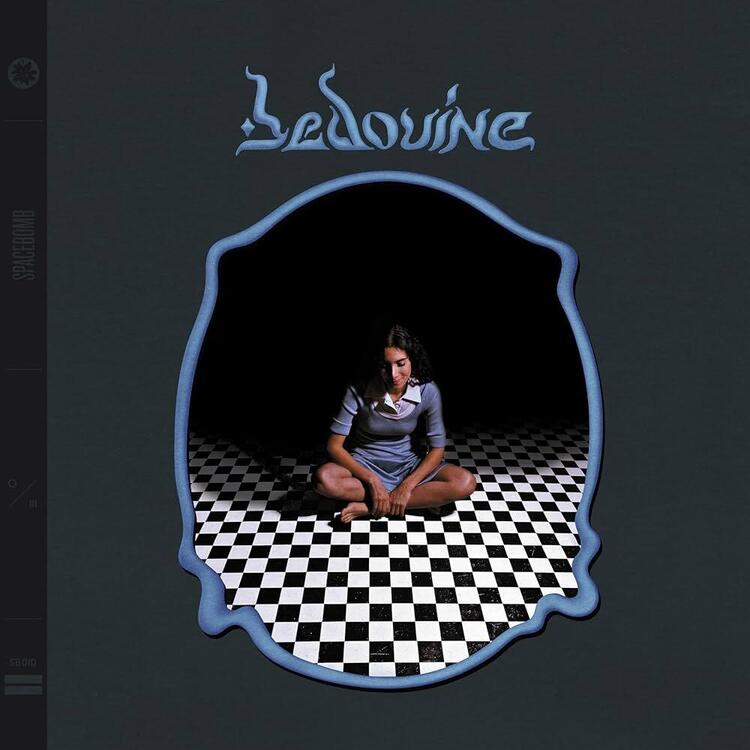
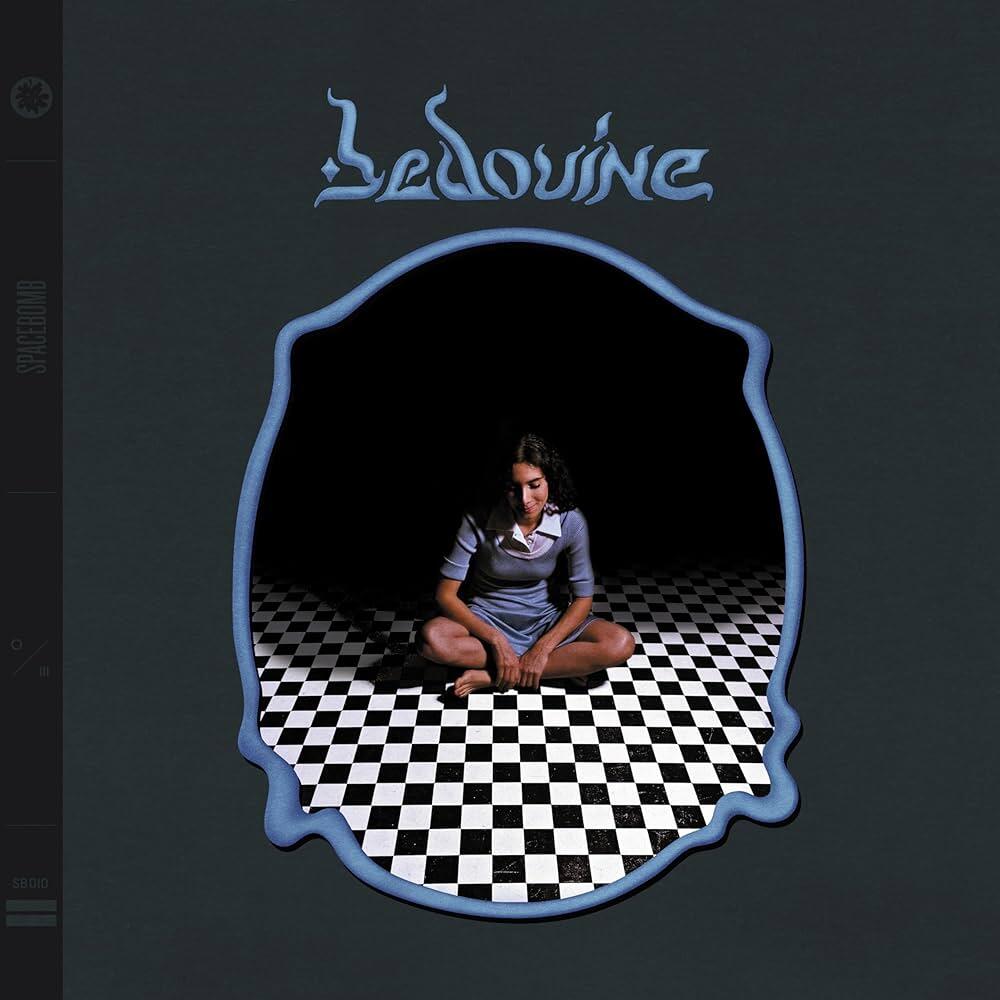
3 pointsBedouine - s/t Nice easy pop folk, nice sound without becoming too boring. Love her voice! This one is in my Roon library, her other stuff seems good as well.
 1 point1 pointOpen faced omelet with bacon, caramelized onion, parmigiano and heirloom tomatoes.
 1 pointShrinking (AppleTV) - season 1 Season 2 coming in October '24
 1 point1 pointA Jerry Lewis movie filmed in 1972 was so bad (in a dark way) that it was never released. He donated the unfinished movie to the Library of Congress with the stipulation that it would not be released until 2024. “This movie is so drastically wrong its pathos and its comedy are so wildly misplaced, that you could not, in your fantasy of what it might be like, improve on what it really is.” ‘The Day the Clown Cried’: Why Jerry Lewis’s Lost Holocaust Film Is Still Lost1 pointThese guys have anything that you think might work? https://amscope.com/1 pointSometimes living at the base of a volcano is a bummer. Seems that Verizon has deprecated band 13 (lower Hz - but had connectivity) for band 2 (higher Hz - but I get no bits). I use to be able to get some bits from band 5 and 66 - but those are pretty much gone now as well.
 0 points






Important Information
By using this site, you agree to our Terms of Use.