Leaderboard




Popular Content
Showing content with the highest reputation on 01/08/25 in Posts
-
2 points
-
I like her a lot more on her own than with the epileptic drummer.1 point
-
1 pointMaybe he meant these? https://www.livescience.com/technology/computing/nvidias-mini-desktop-supercomputer-is-1-000-times-more-powerful-than-your-laptop-and-can-fit-in-your-pocket https://techcrunch.com/2025/01/06/nvidias-project-digits-is-a-personal-ai-computer https://www.nvidia.com/en-us/project-digits/1 point
-
1 pointhmmm ^ that link is this v link for me. https://www.nytimes.com/2018/12/28/movies/jerry-lewis-day-the-clown-cried.html1 point
-
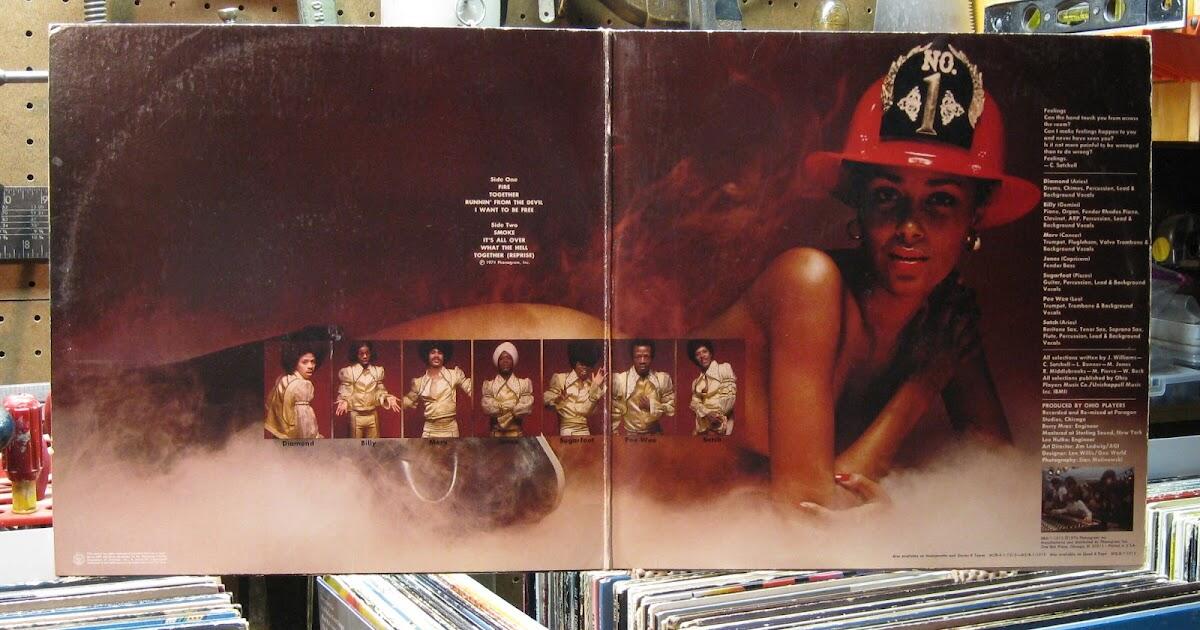
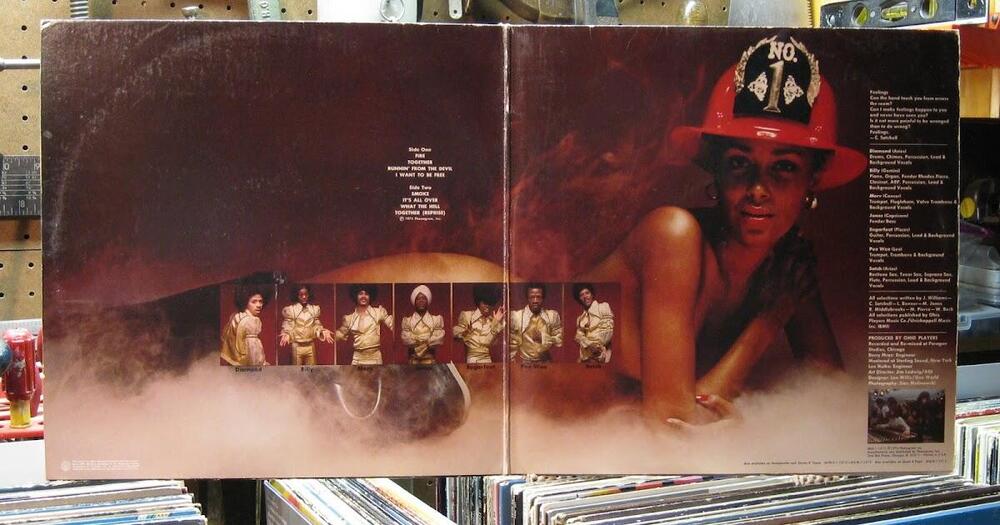
Fire by Ohio Players (1974) https://album.link/i/1434907387 Example: The title track is the star of the show, but once I found 'What the Hell' (track 7), I was entranced. Not just by the album cover. And yup it was a gatefold.
 1 point
 -
1 pointBest wishes to you both, hope your mom improves quickly and fully!1 point