Leaderboard




Popular Content
Showing content with the highest reputation on 02/15/25 in Posts
-
6 points
-
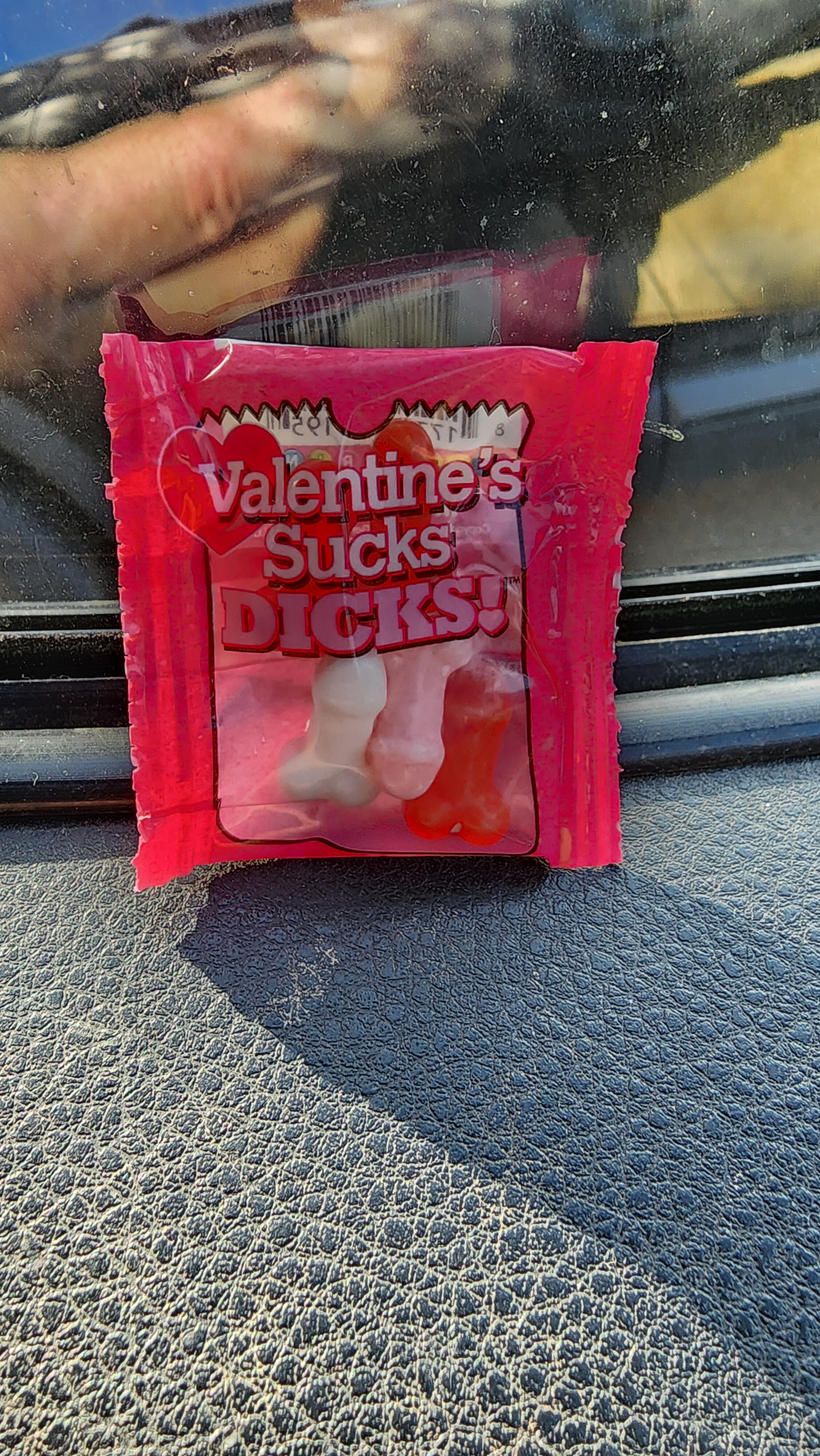
5 pointsGot a Valentine's gift from a coworker. That's the nicest way I can think of to tell somebody to "eat a bag of dicks".
 5 points
 -
4 points
-
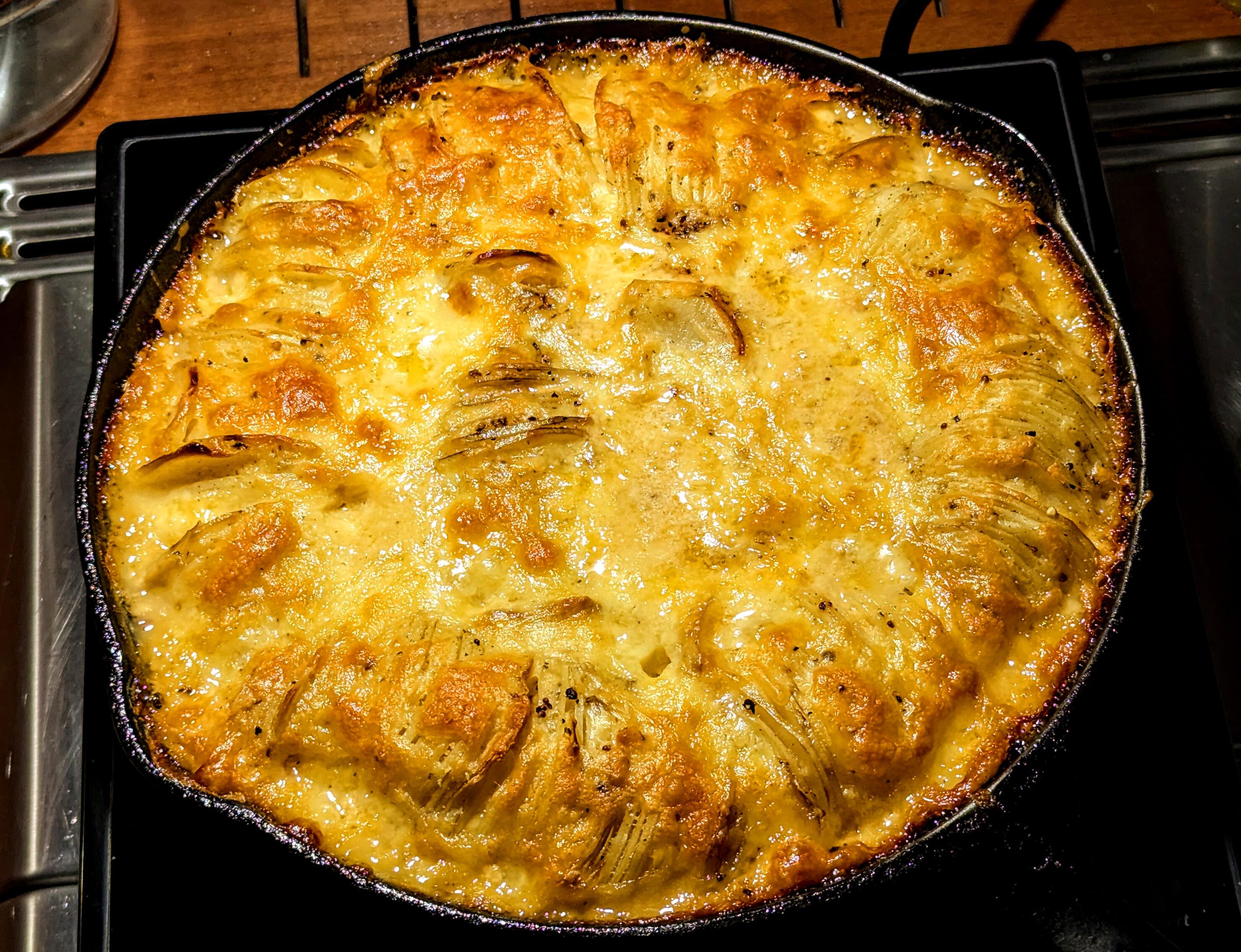
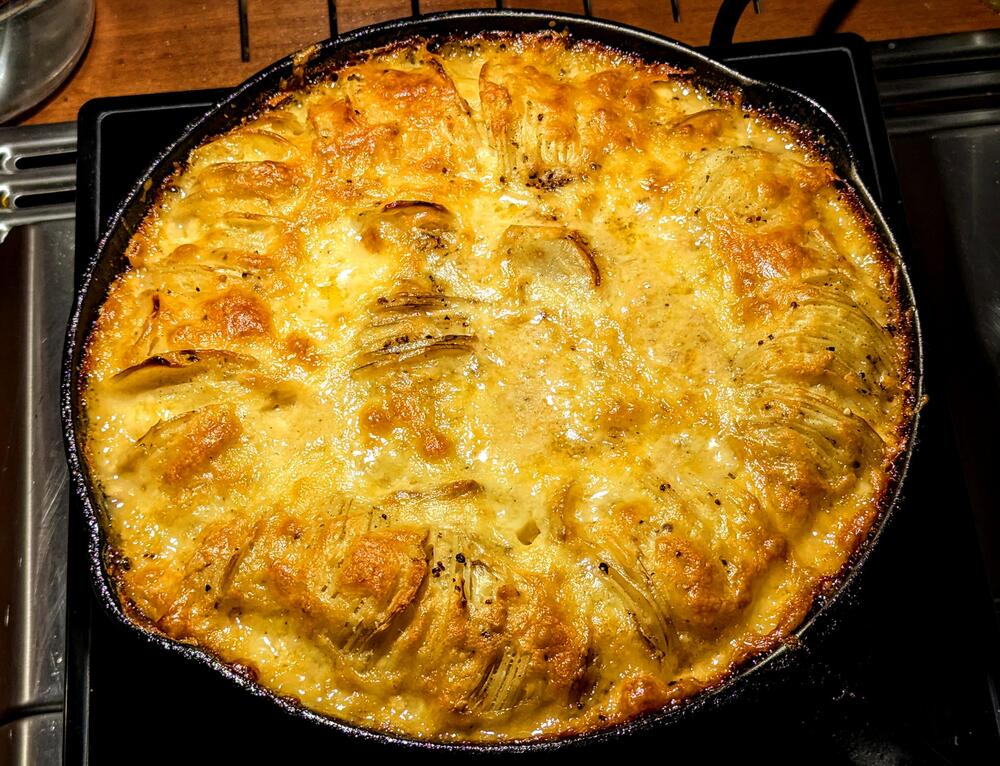
3 pointsA thinly sliced Skillet potato bake. I just have to wait for it to cool down for a bit before diving in.
 3 points
 -
2 pointsI'll be there before it's fully cool. Please set another place at the table.2 points
-
2 pointsWait, what? That doesn't look like it's shaped like a vagina? I guess that's what "groovy" eludes to. Straight people and their subtleties, I just don't get it.2 points
-
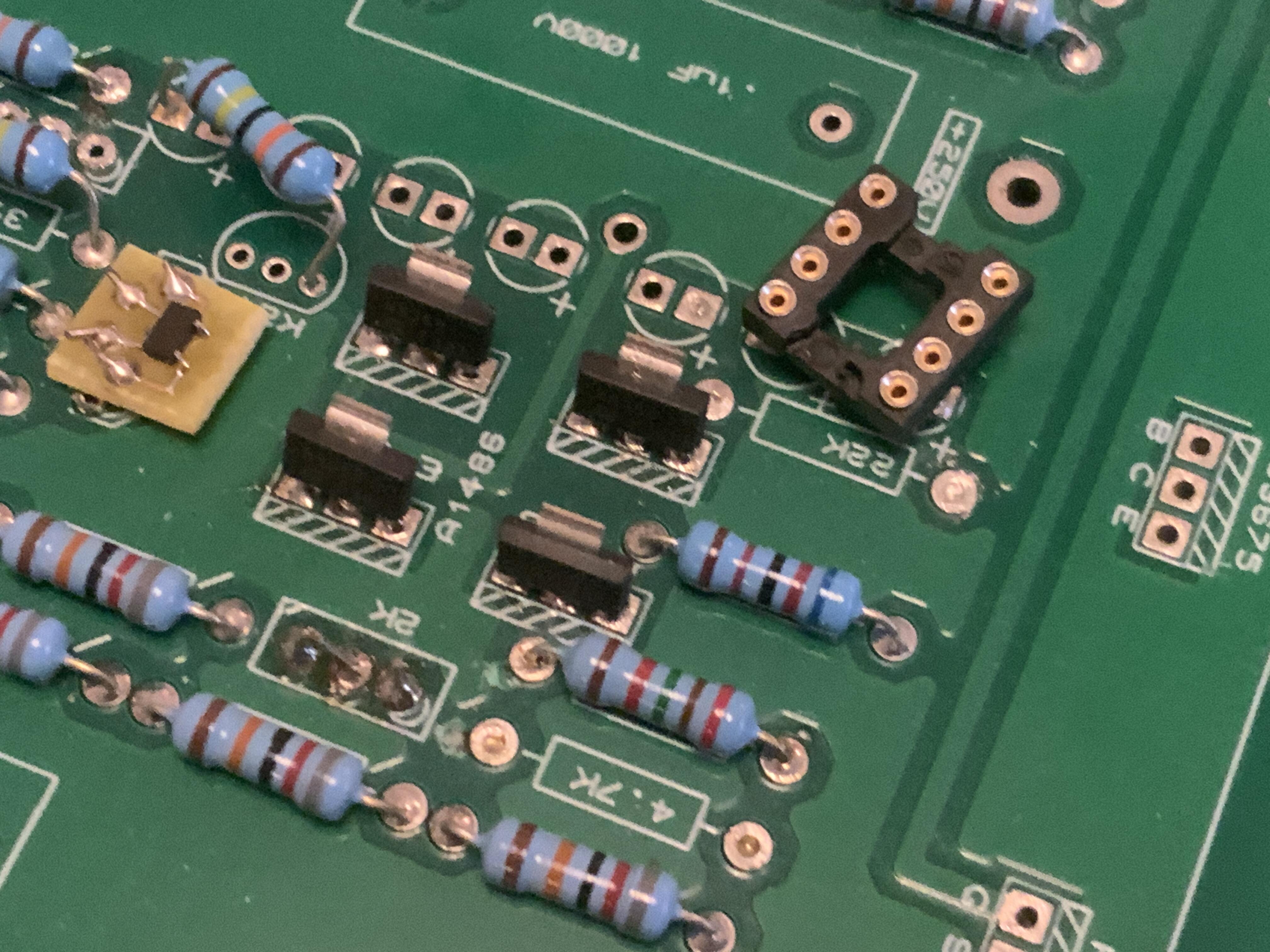
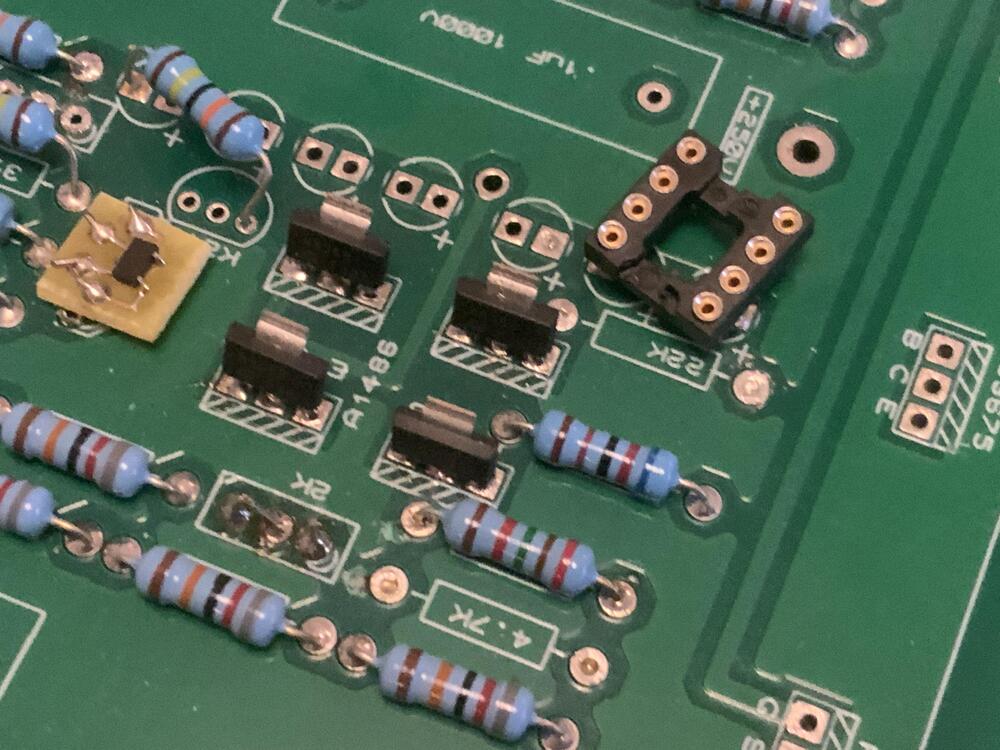
Below STN9360 replacing 2sa1468 on a Kevin DIY T2 board. I bent outer pins slightly outwards to fit into the to220 pads.
 1 point
 -
definitely not. use ksa1156. not sure if its the same pinout. kind of busy at the moment. but you would not know that1 point