Leaderboard




Popular Content
Showing content with the highest reputation on 11/10/25 in Posts
-
1 point
-
Happy birthday. Until today, I believe Andre the Giant holds several records on drinking, but I know you two can do it!
 1 point
 -
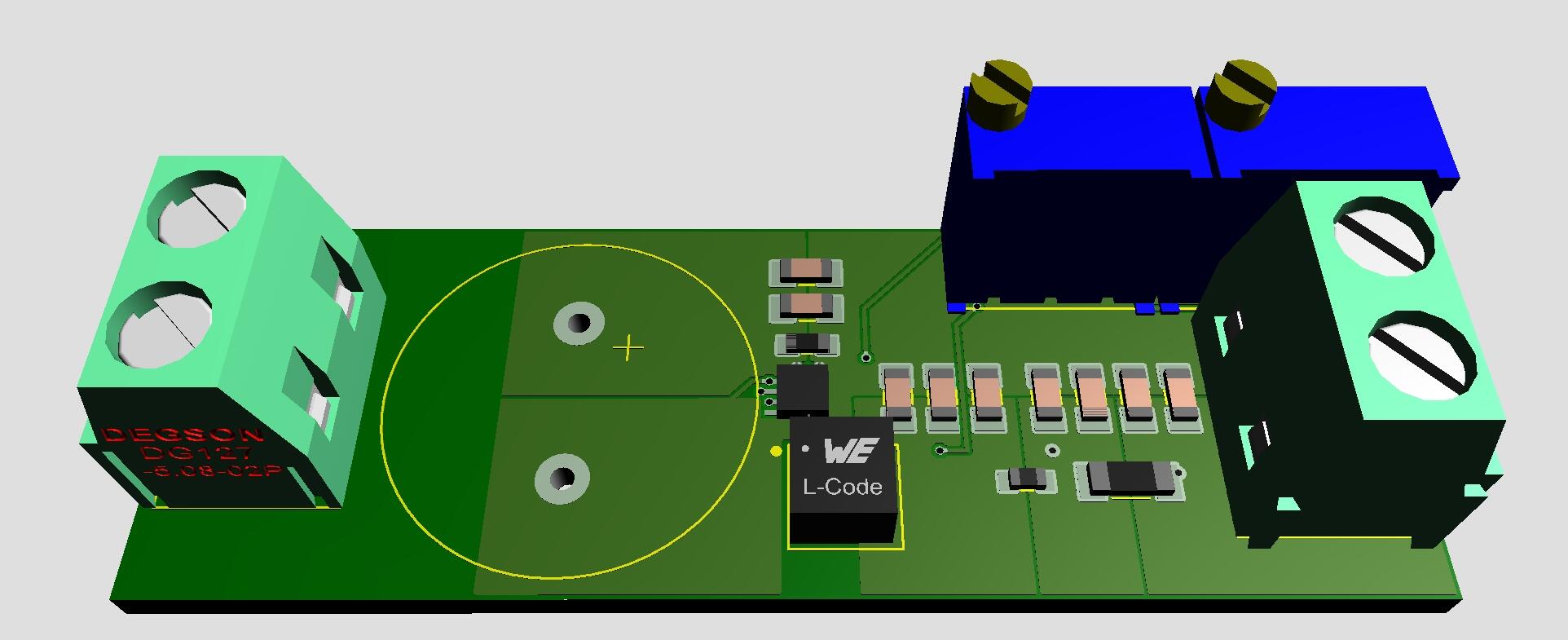
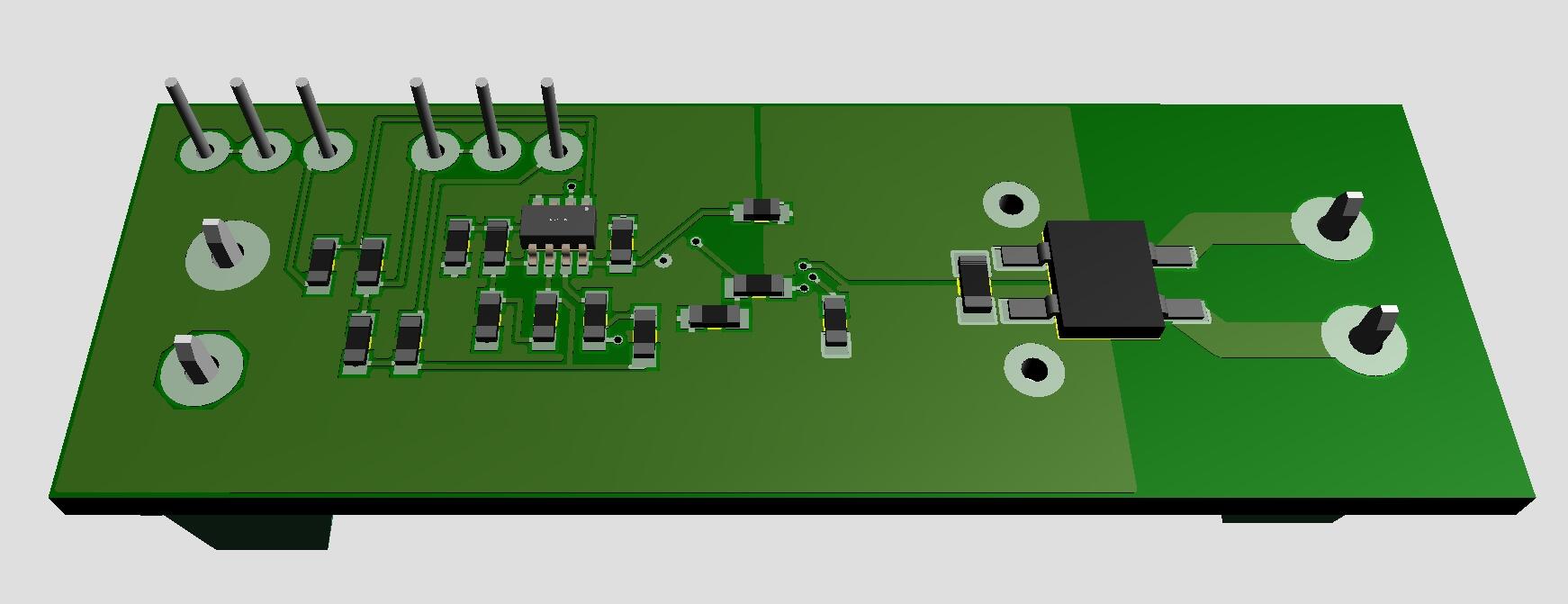
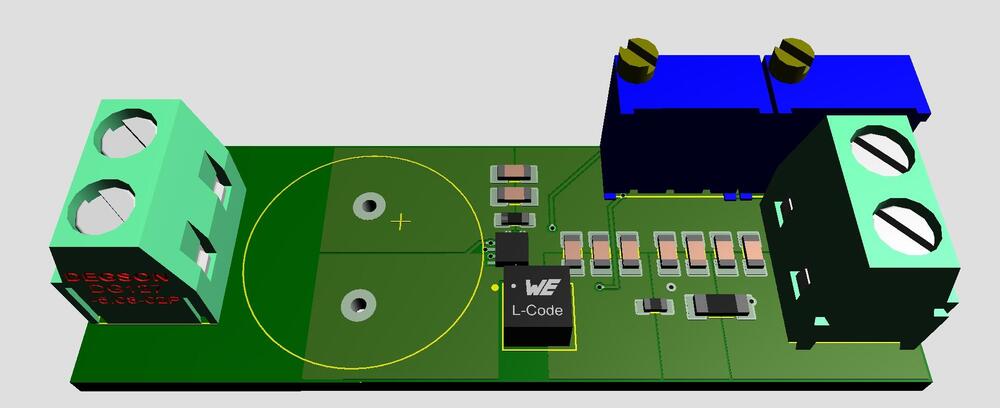
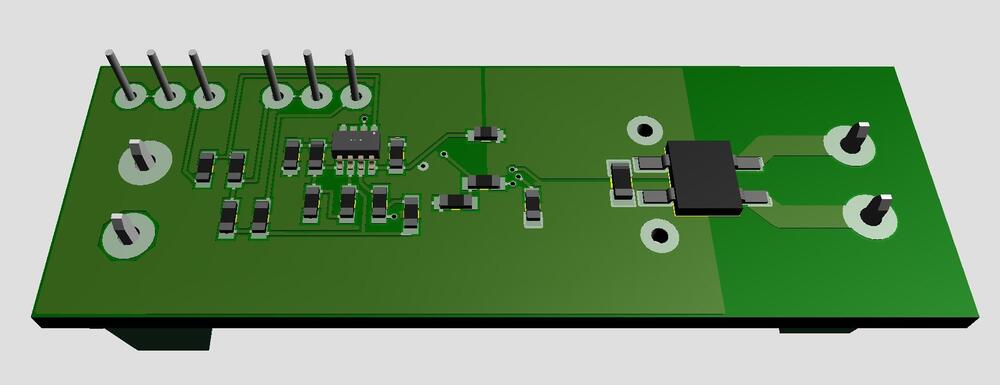
Only in fantasy world... Filament supply for DHT. 9VAC in and 2.5/5.0VDC out. Size 2.07in x 0.7in. All you need is to connect a transformer and a tube to heat.
 1 point
 -
1 pointFlytrap Central https://gardenandgun.com/feature/venus-flytrap/?src=longreads1 point
-
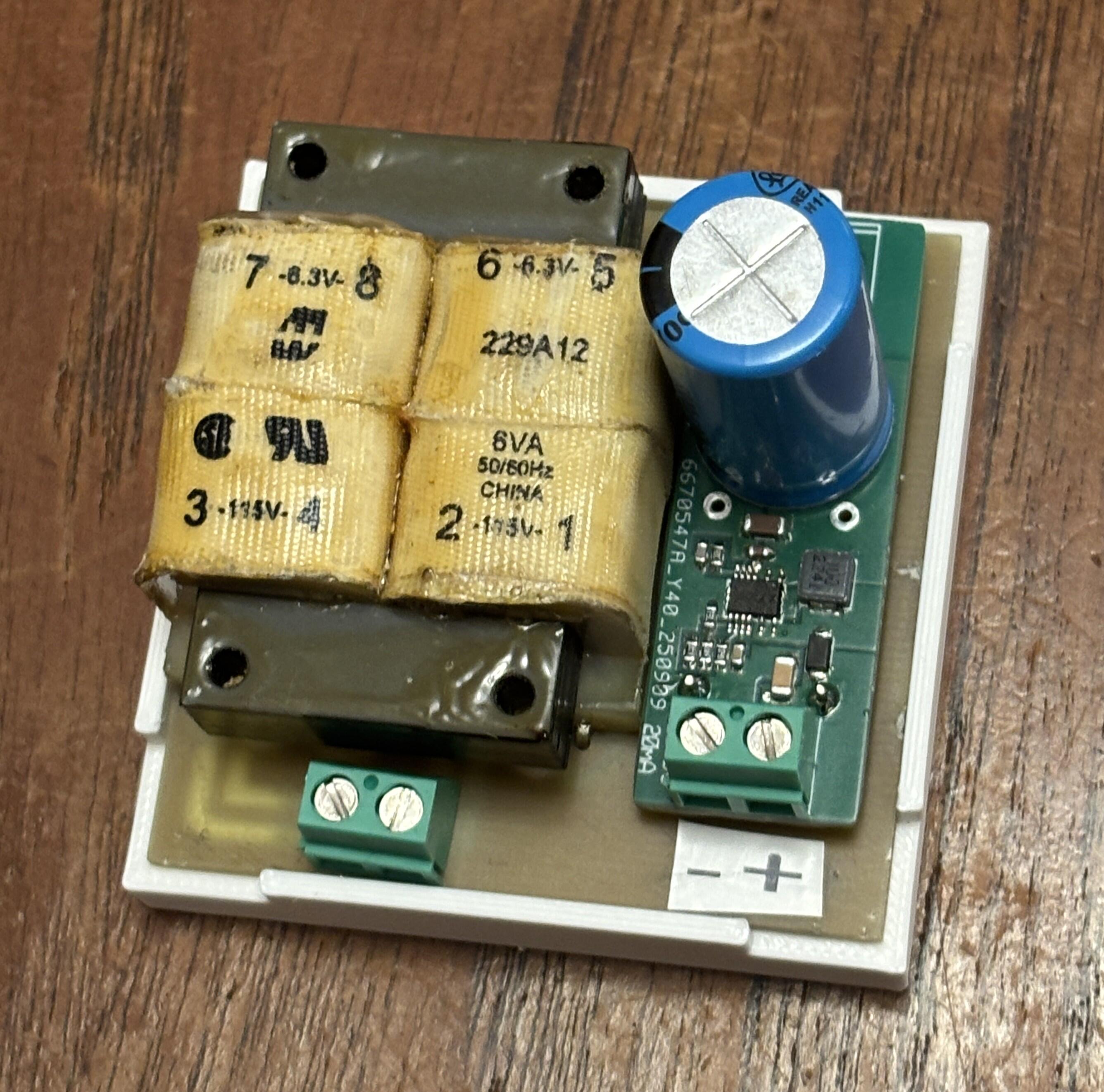
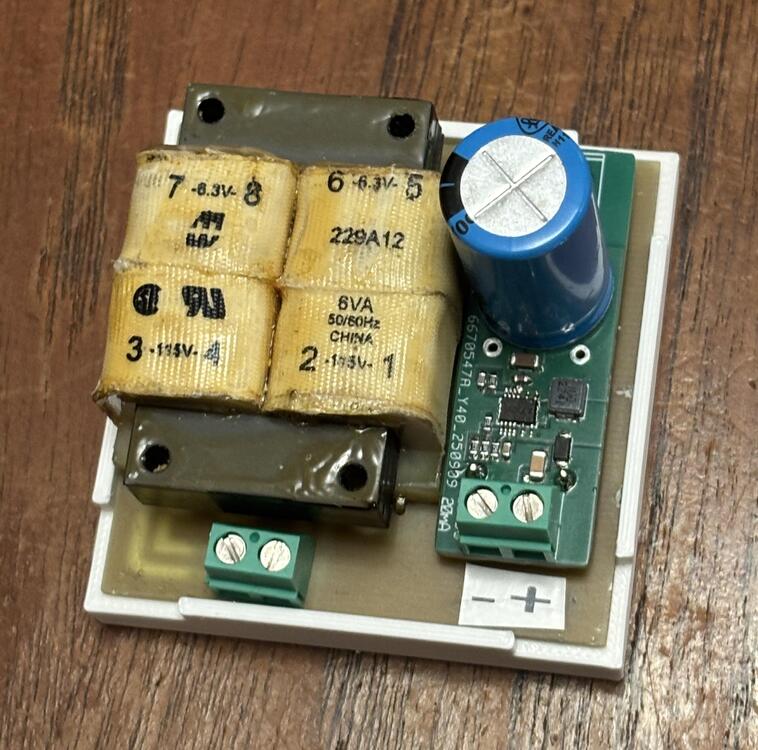
A small 120 V supply for above grid voltage control. 6.3VAC Hammond 229A transformer and LT8365 DC/DC converter. Out 120V . Size 2.3in x 2.3in.
 1 point
 -
1 pointGreat video for all you Stax fans. Very rare insight which actually shows proper parts of the factory1 point
-
1 pointsorry this is my fault, we were using it as a prop for a Cronenberg film....1 point
-
0 pointsY'all remember Plants vs. Zombies (2009). One of the most beloved video games ...ever. It had a couple sequels that were nothing like it, and at least one "F2P" online version IIRC. Well, apparently EA shat out a "remaster" last month called Plants vs. Zombies: Replanted and it's a half baked, buggy AI-upscaled mess. Now that's a damn shame.0 points