

Leaderboard




Popular Content
Showing content with the highest reputation on 11/22/25 in Posts
-
4 pointsI'm afraid it'll start talking to me if I open it up... But perhaps there's a science project in my future to see what happens when I do.4 points
-
Ohhhhh shit.2 points
-
2 pointsZero Mattnog posts since 2023. What a sad state of affairs. I was just reminded that I failed to make a batch again and I am disappoint in myself. Anybody else make some or still have some in the back of the fridge? Is a month enough time for it to gel?2 points
-
1 pointStill have some in the fridge and I will admit that I'm absolutely terrified to drink it.1 point
-
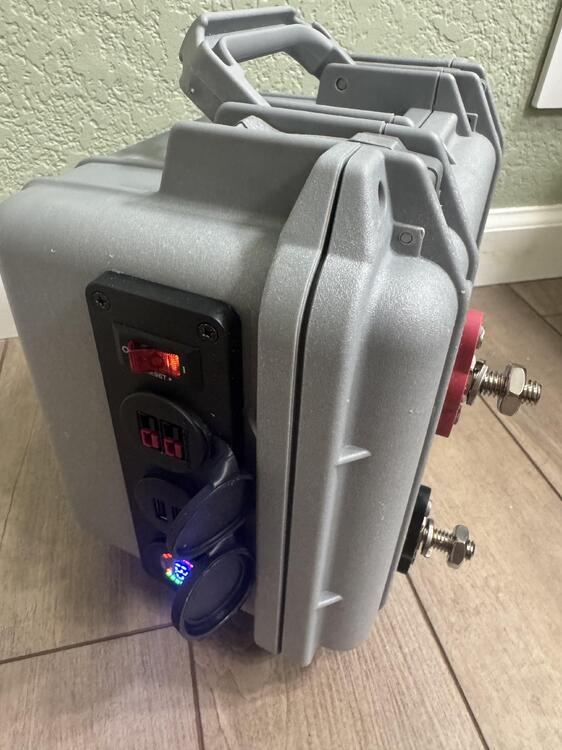
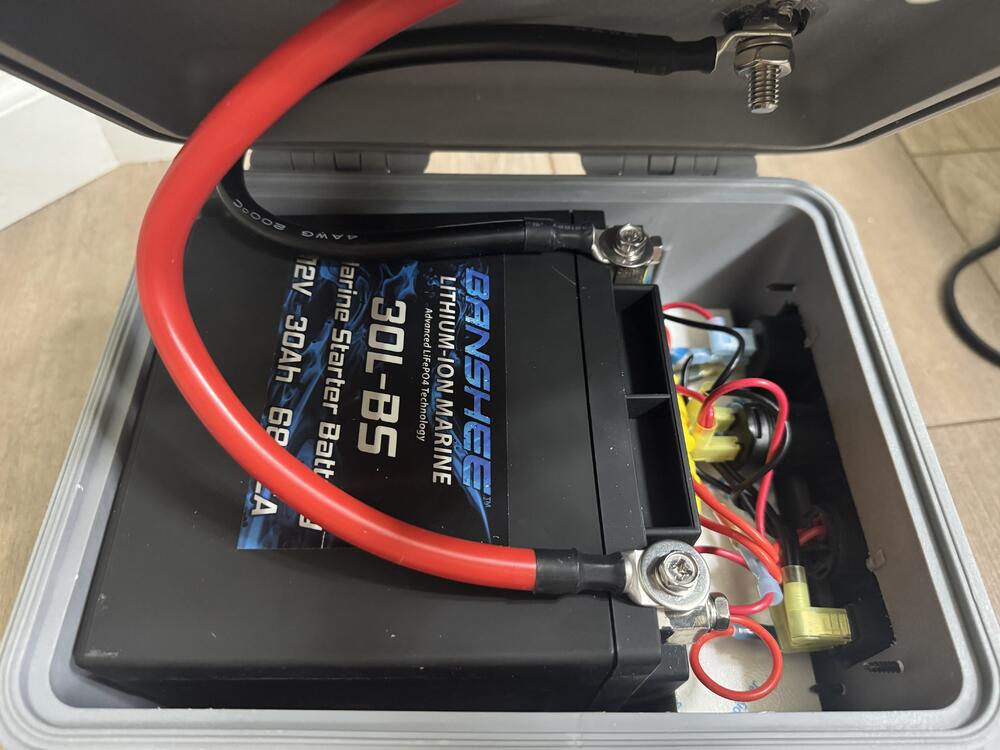
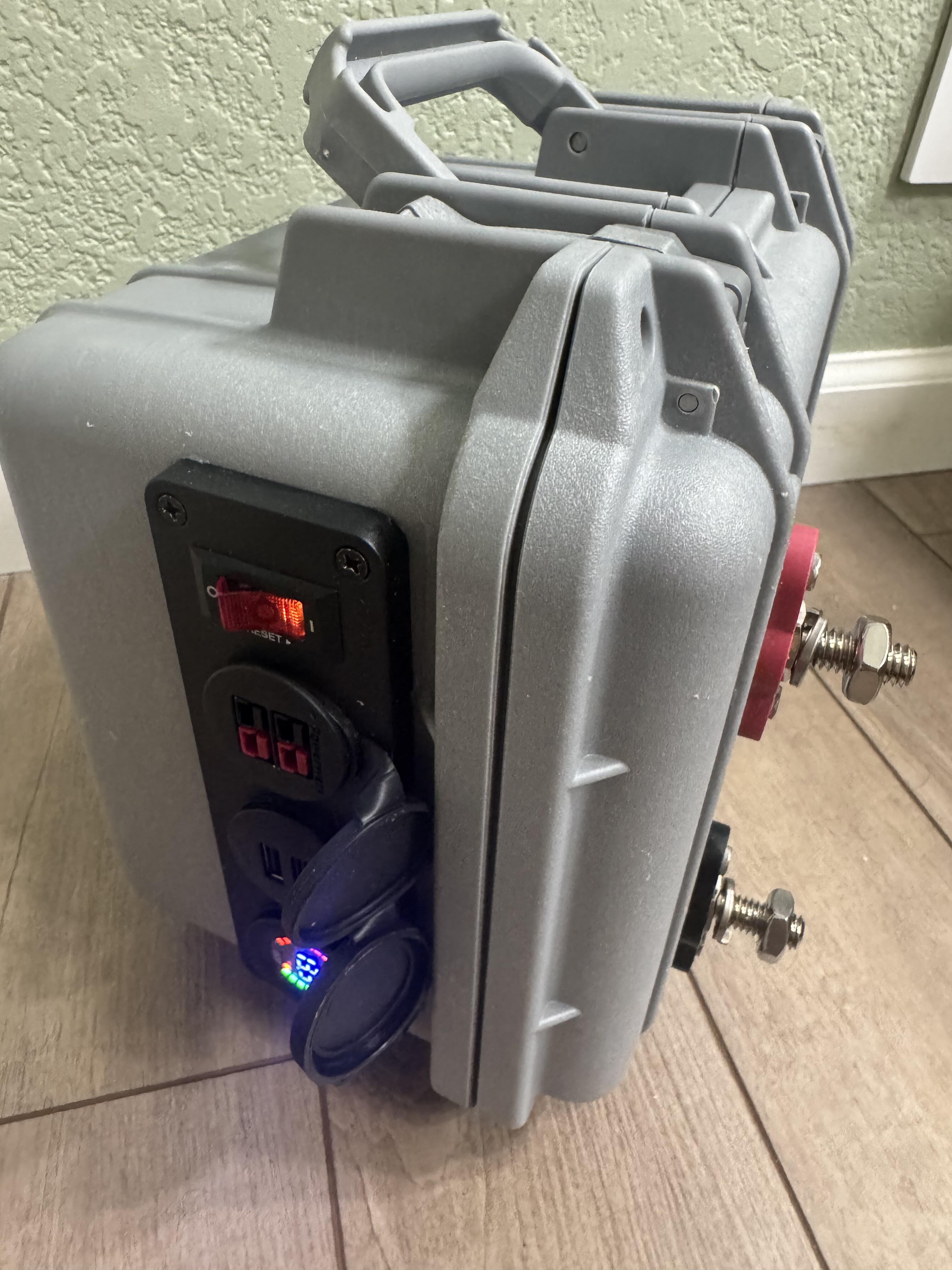
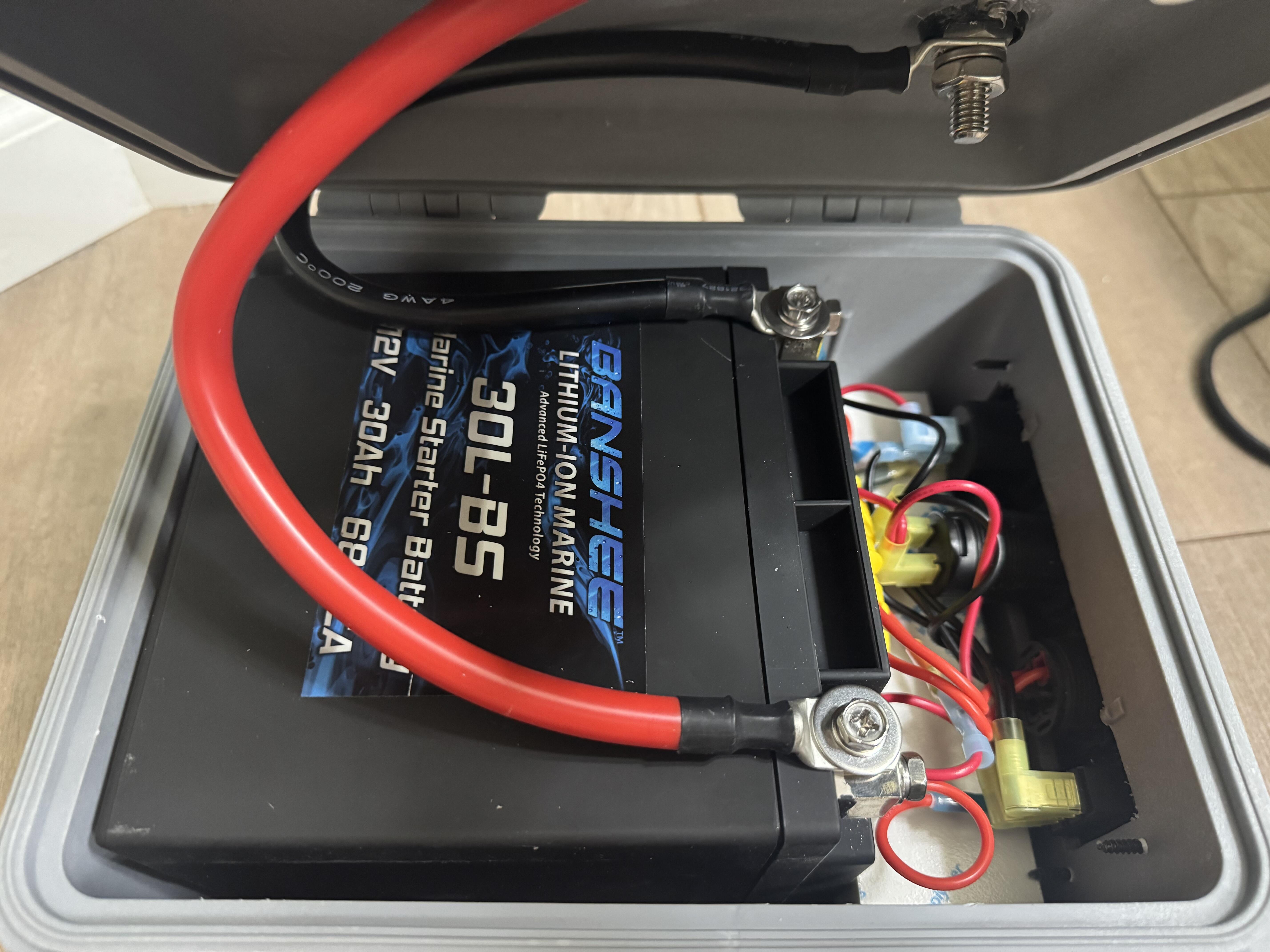
1 point1 point1 point1 pointMaybe the biggest one album wonders ever? Debut is just an absolute, genre-defining classic. Then money, drugs etc. "Love Spreads" is a great song off #2 but the rest of it ...1 point1 pointA boat battery box of sorts. Allows me to connect my Garmin EchoMap, charge my phone and start my Yamaha motor push to start outboard. Waiting for some insulated terminal knob battery connectors to arrive before give it a go next week..
 1 pointI often listen to music in languages I don't understand. I find that if the music's good it'll still get the feelings & message across even if you don't understand a single word.1 point



.thumb.jpg.e56950ebbdfabfb46c42ffd725ee1ba0.jpg)
Important Information
By using this site, you agree to our Terms of Use.