


tkam
Administrators
-
Joined
-
Last visited
Everything posted by tkam
-
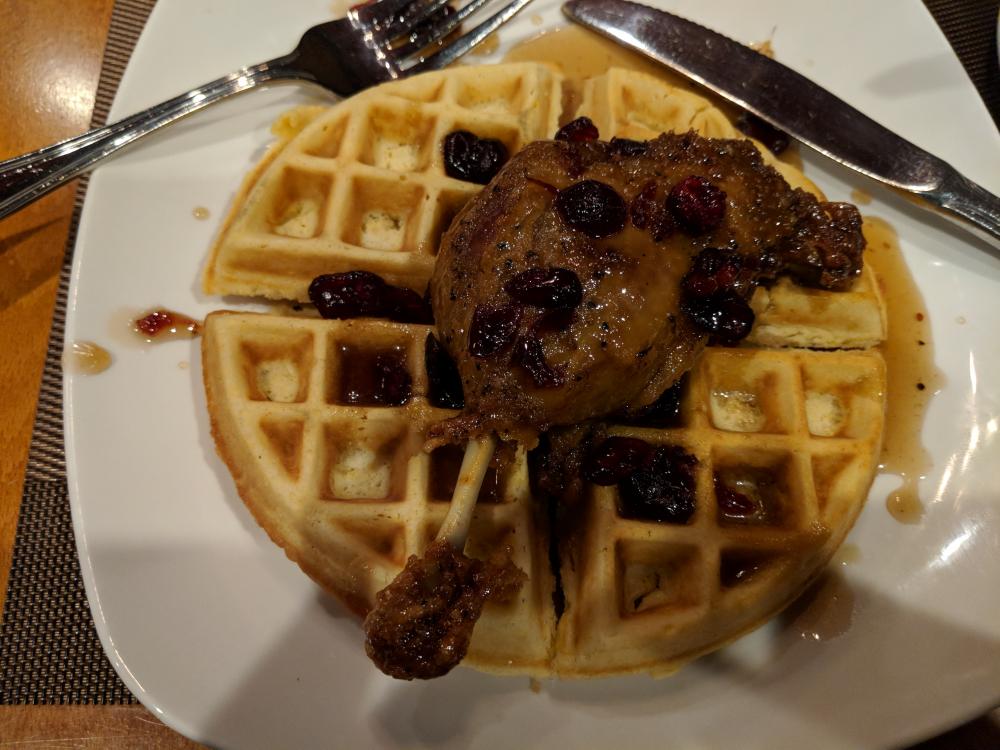
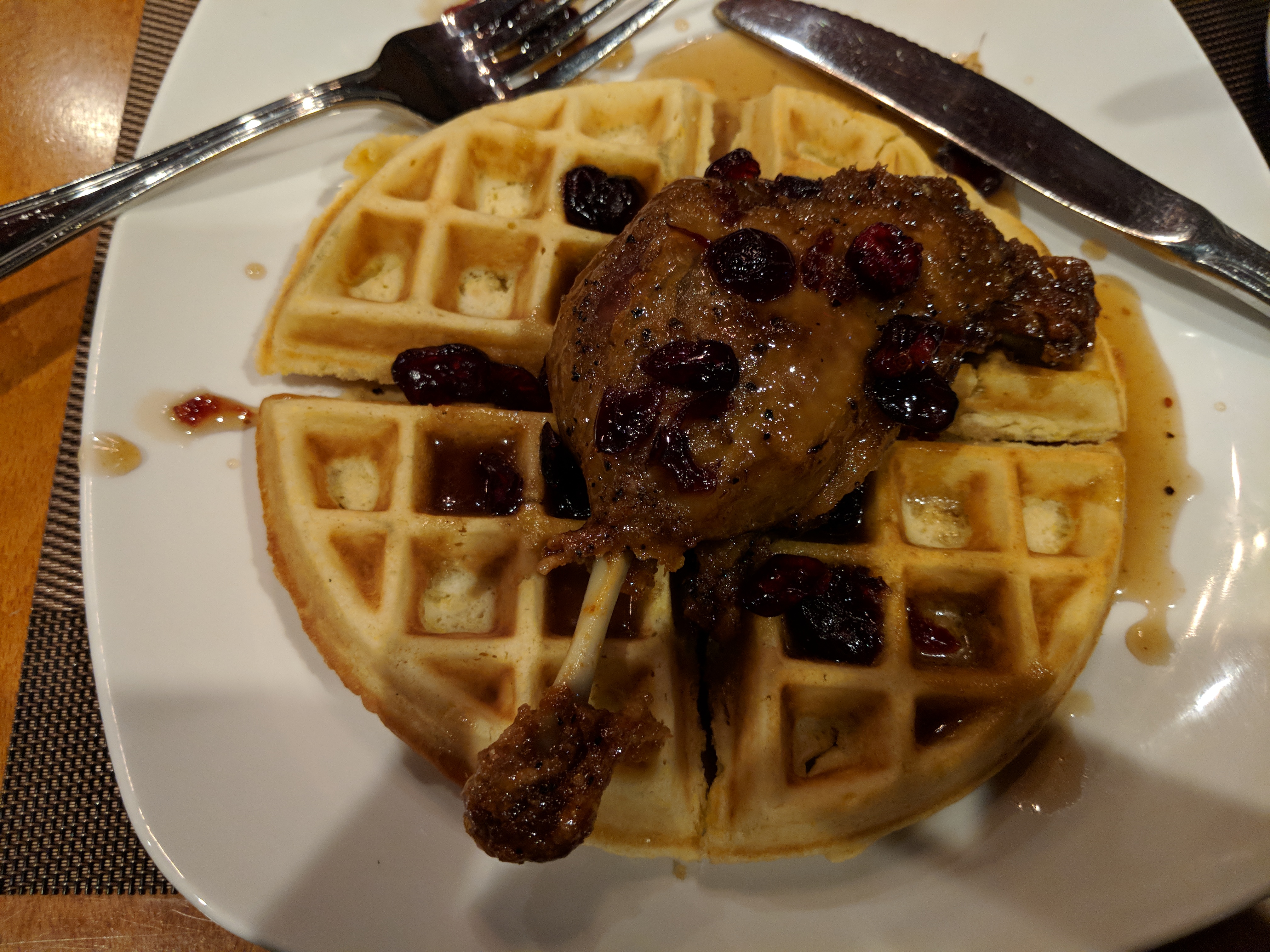
Duck Waffle & Fries
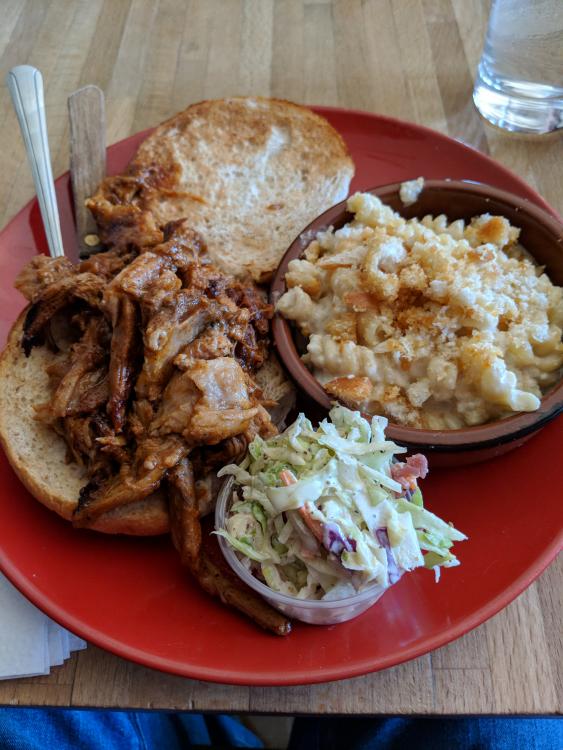
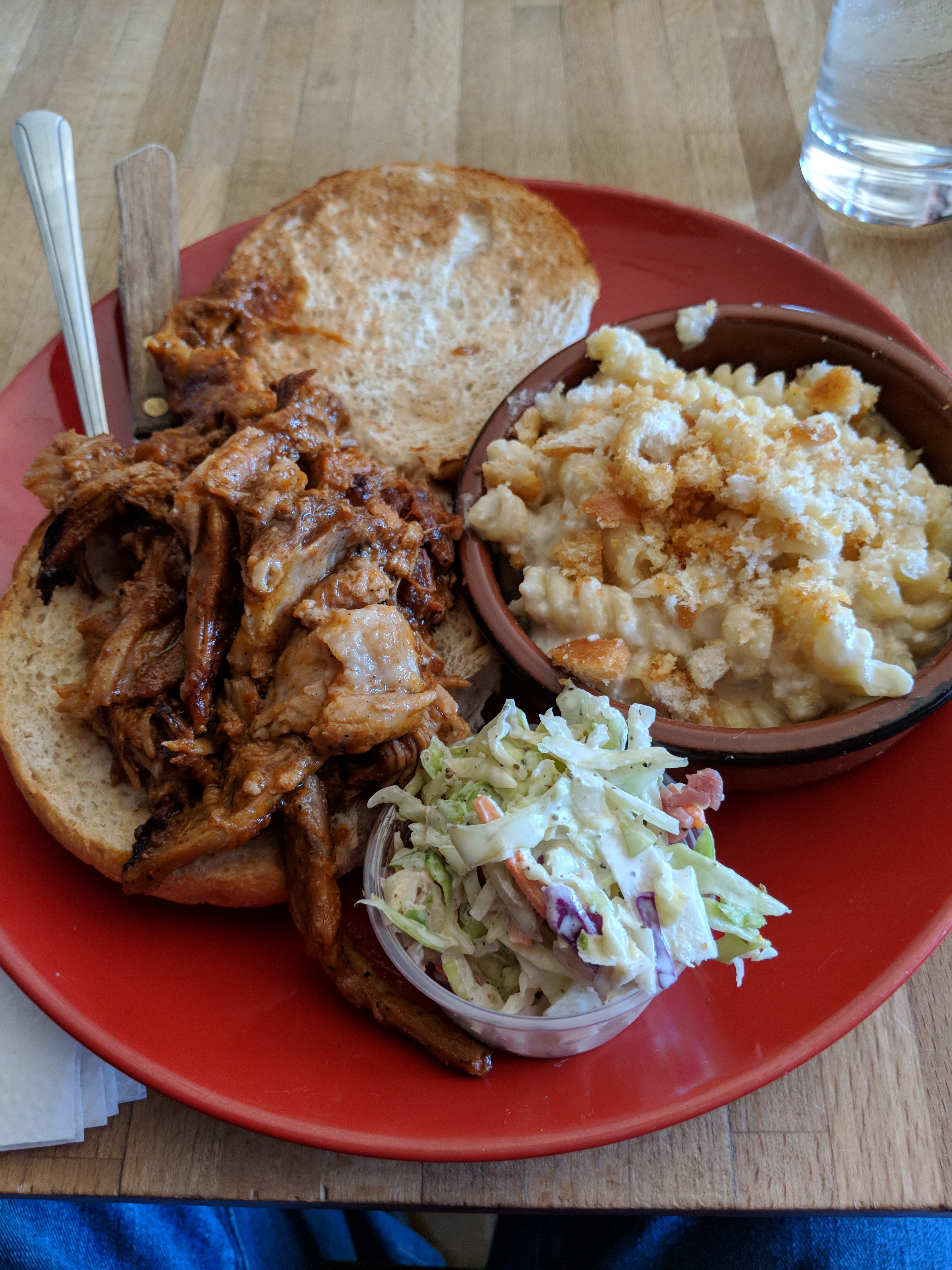
 Pulled pork sandwich and 3 cheese Mac and cheese
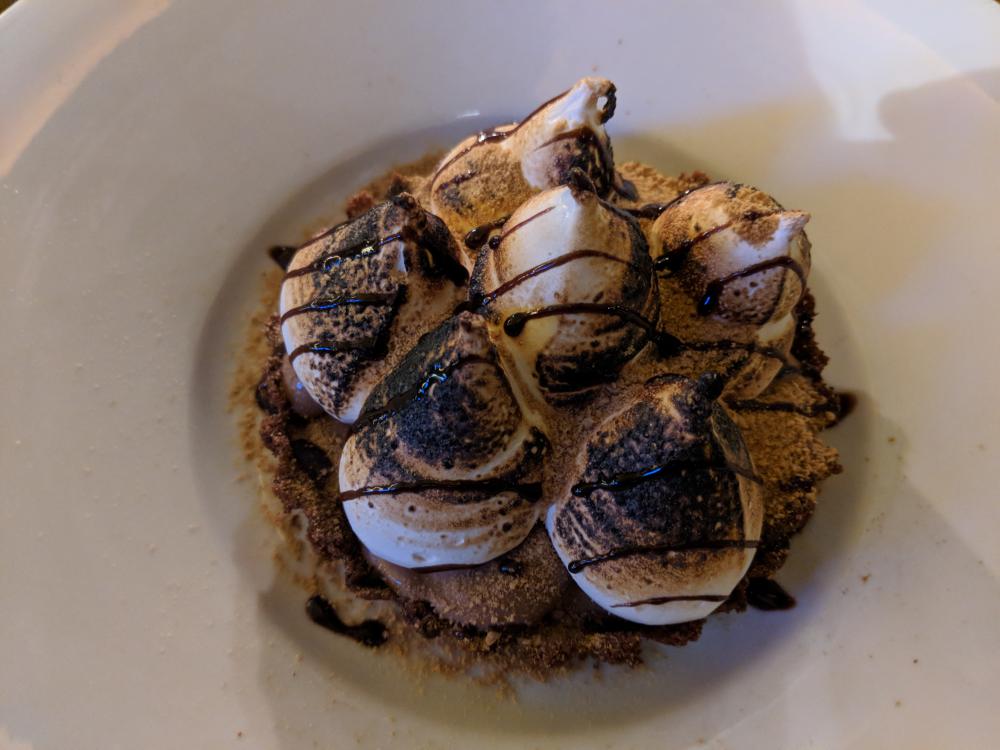
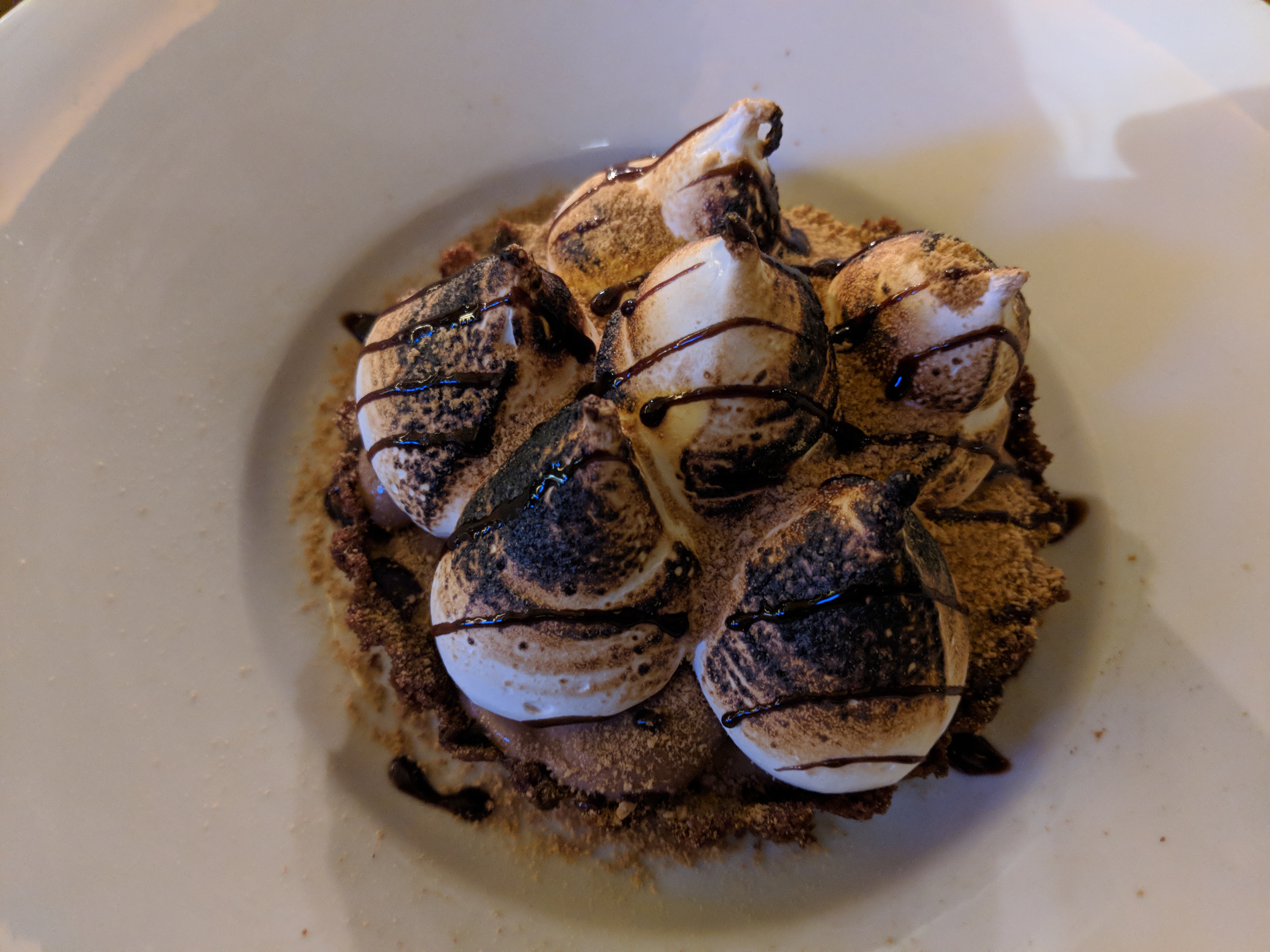
 Completely forgot to take a picture of the rainbow trout entree, but here's the S'mores tart dessert. It was crazy, crazy good.
 Starting book 3 in the broken earth seriesNope.Elk burger with smoked Gouda, arugula and bourbon BBQ sauce with a chocolate covered donut + sprinkles shake.
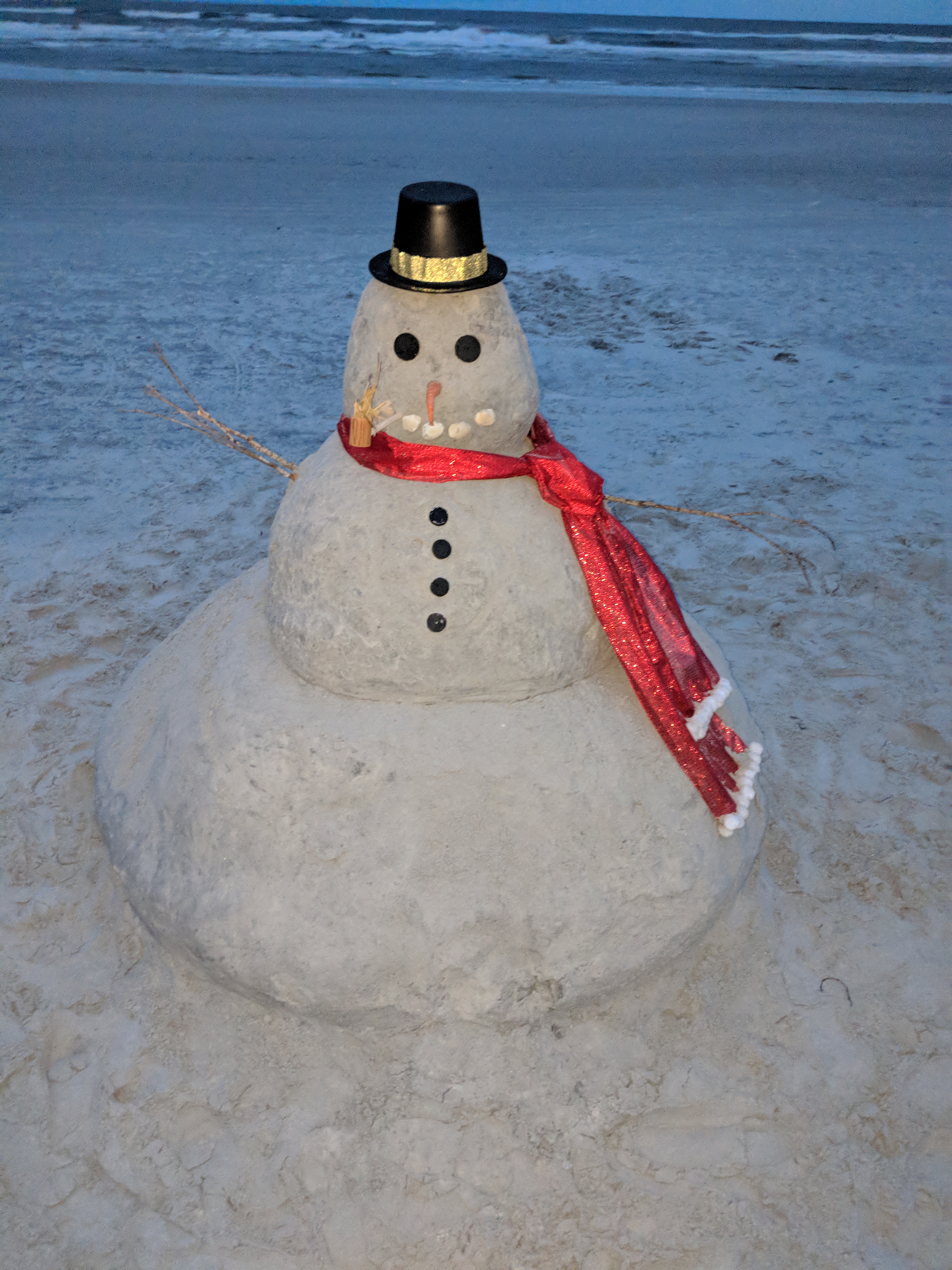
 Went for an evening walk on the beach and saw this:
 Liege waffle with maple syrup, candied pecans, candied bacon & bourbon whipped cream Butter pecan shake with maple syrup, candied pecans and bourbon whipped cream.
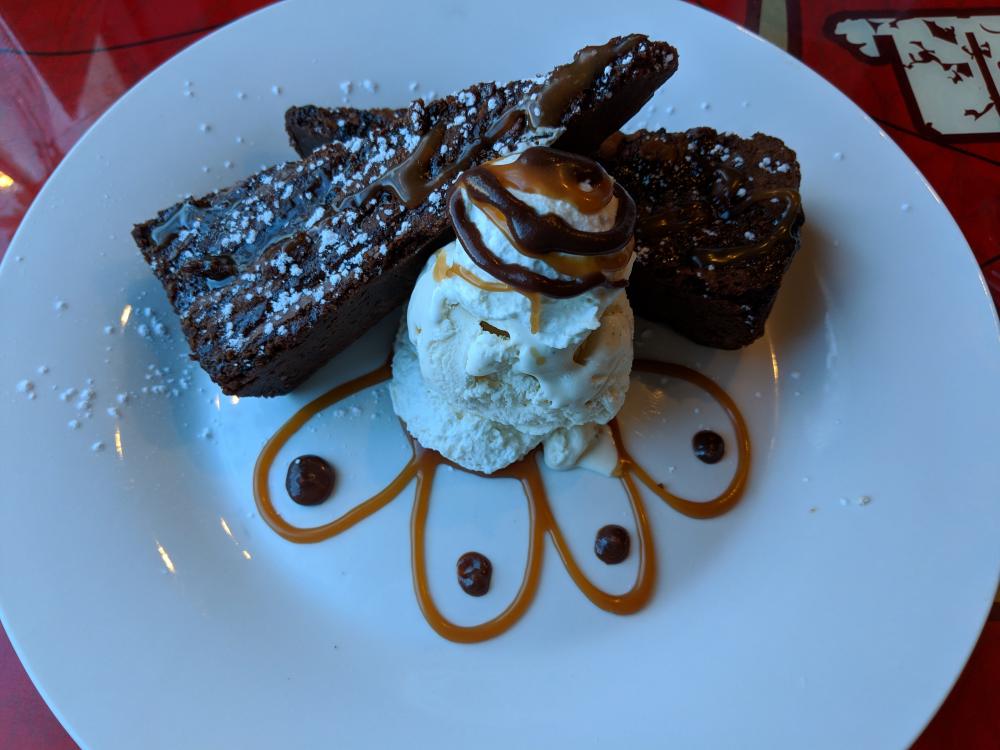
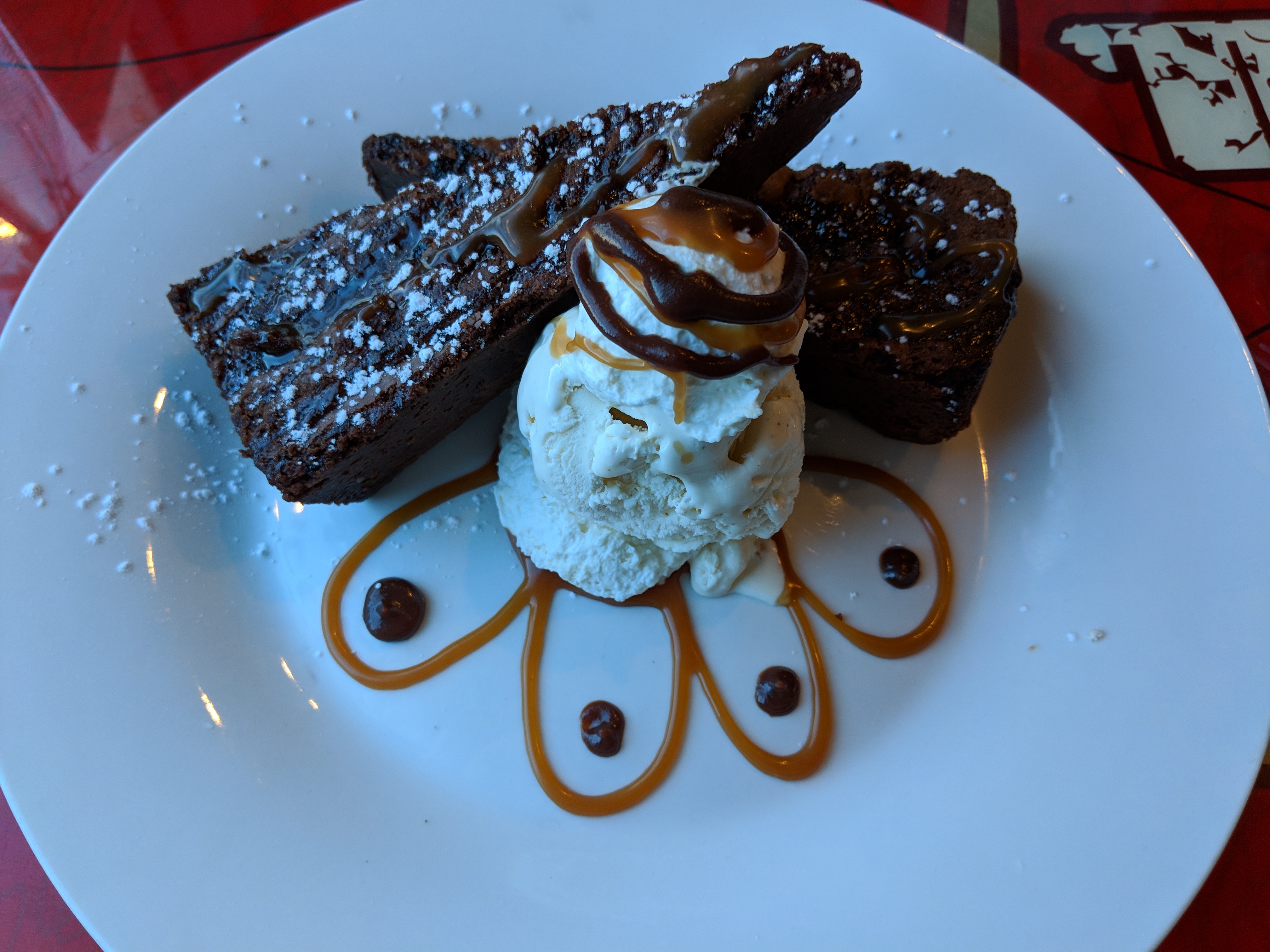
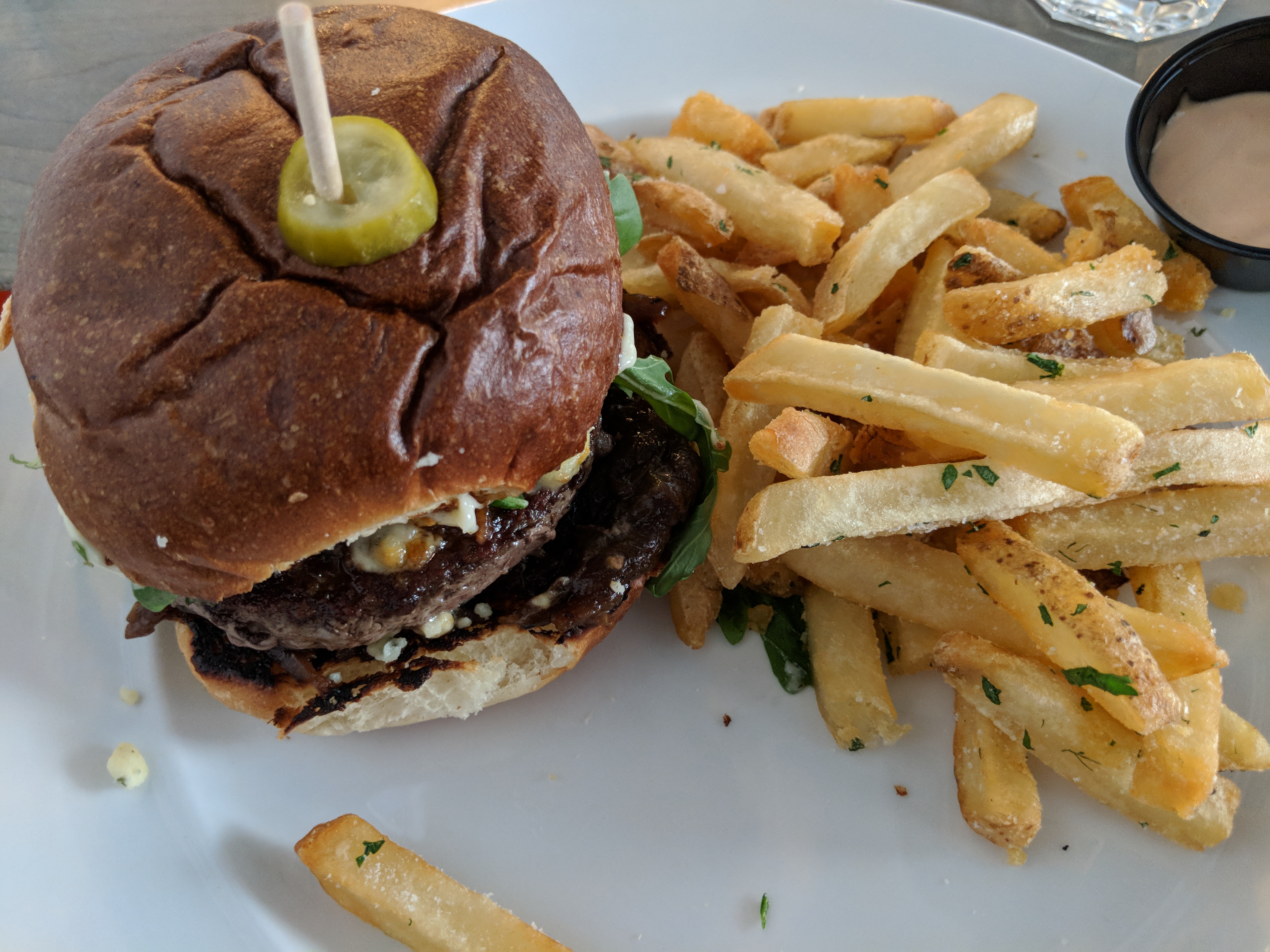
 Double bacon cheeseburger and sweet potato fries Caramel chocolate brownie with vanilla ice cream.

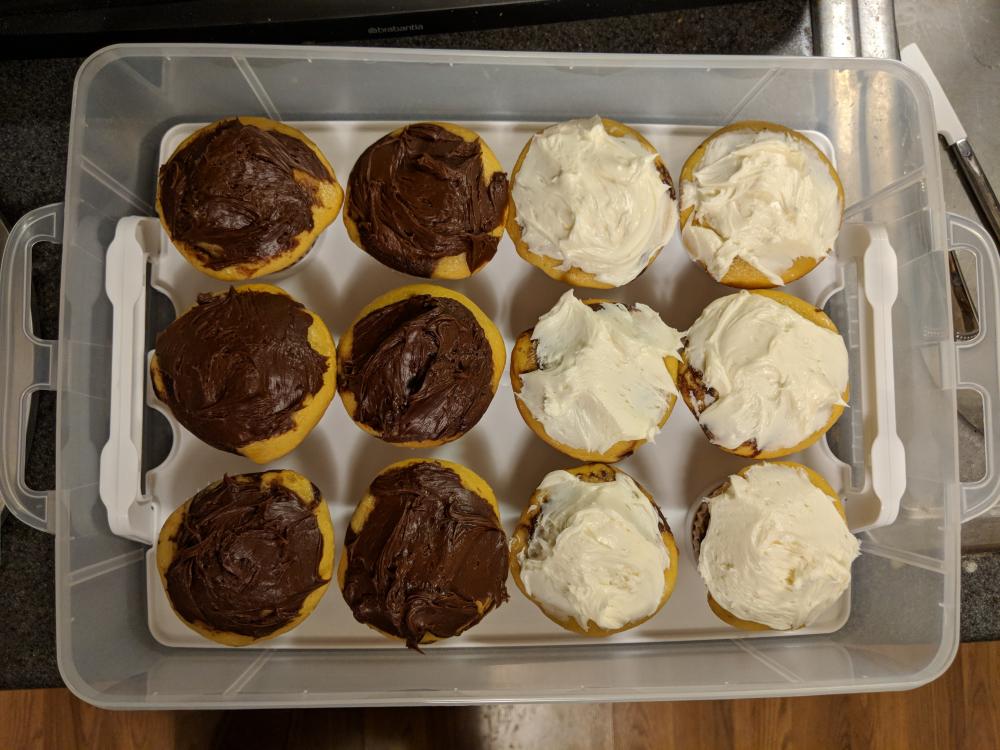
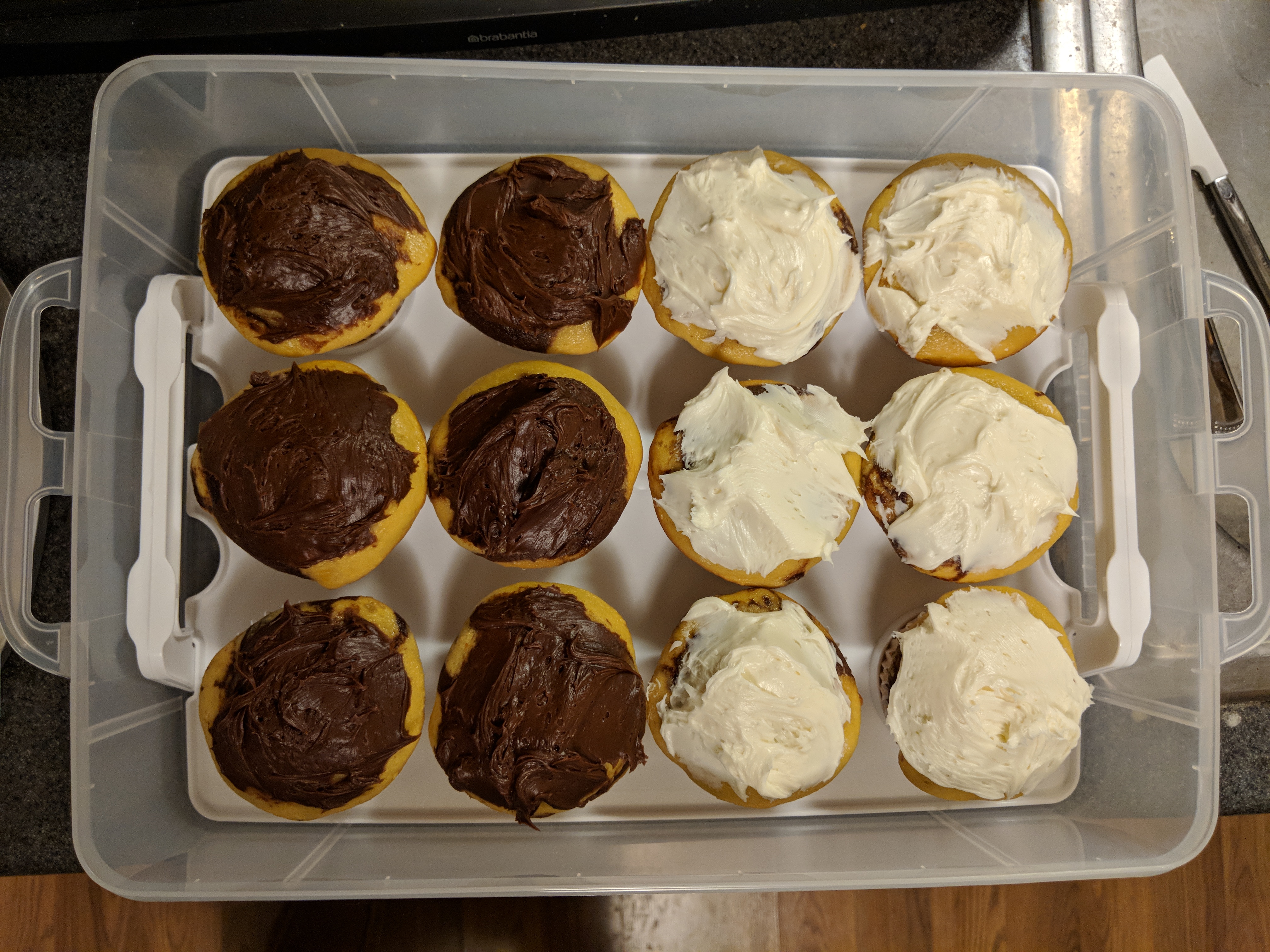
 Happy Holidays everyone!!Made some cupcakes this evening for the office Christmas party tomorrow
 Banana Foster's Waffle
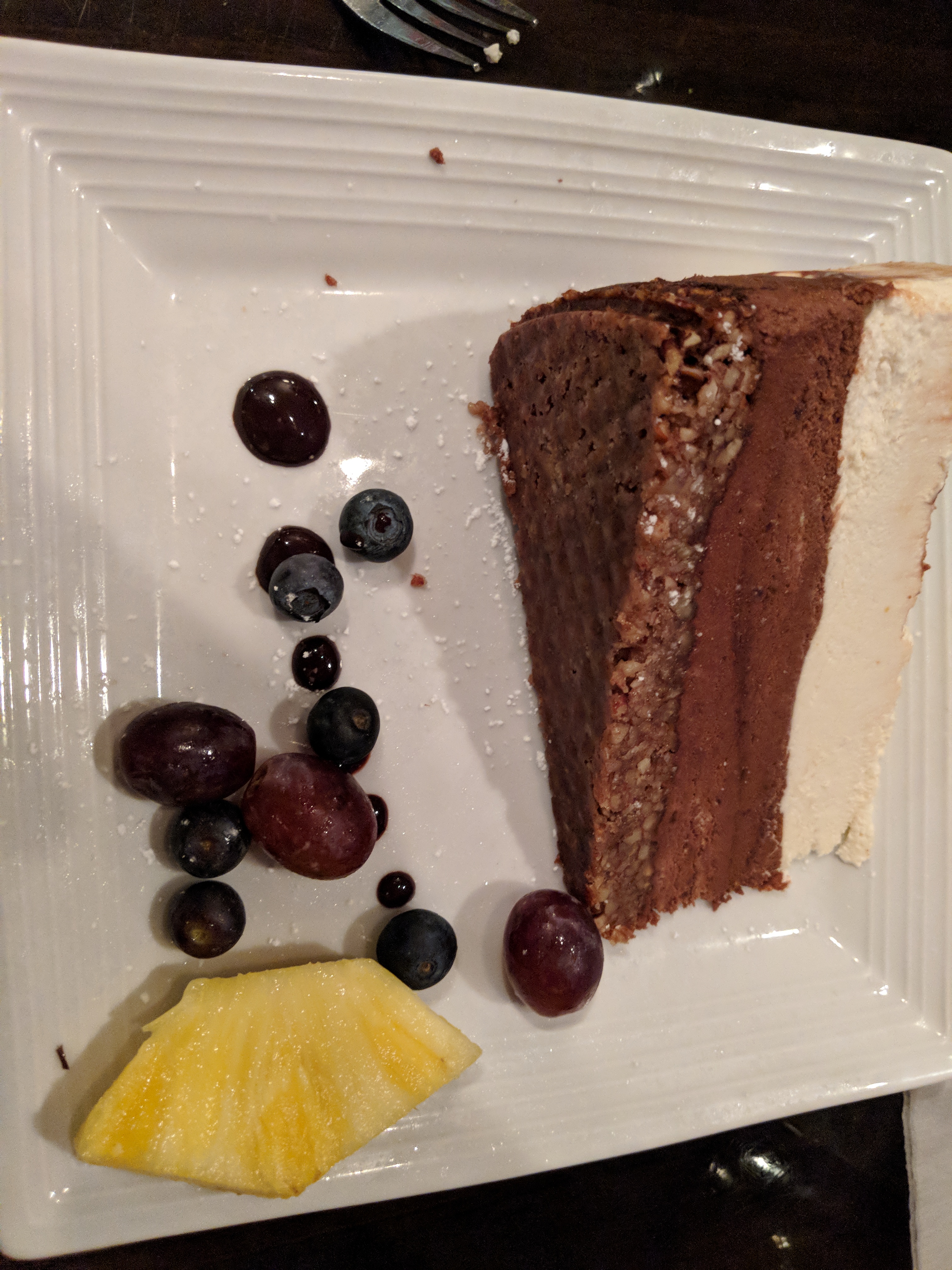
 Pretzel Sticks with beer cheese sauce Alabama slammer - brown sugar glaze, bacon, provolone, cheddar & onion straws plus a side of sweet potato tots with cinnamon butter This might be my new favorite burger Chocolate mousse cake

 Apple cinnamon roll cake
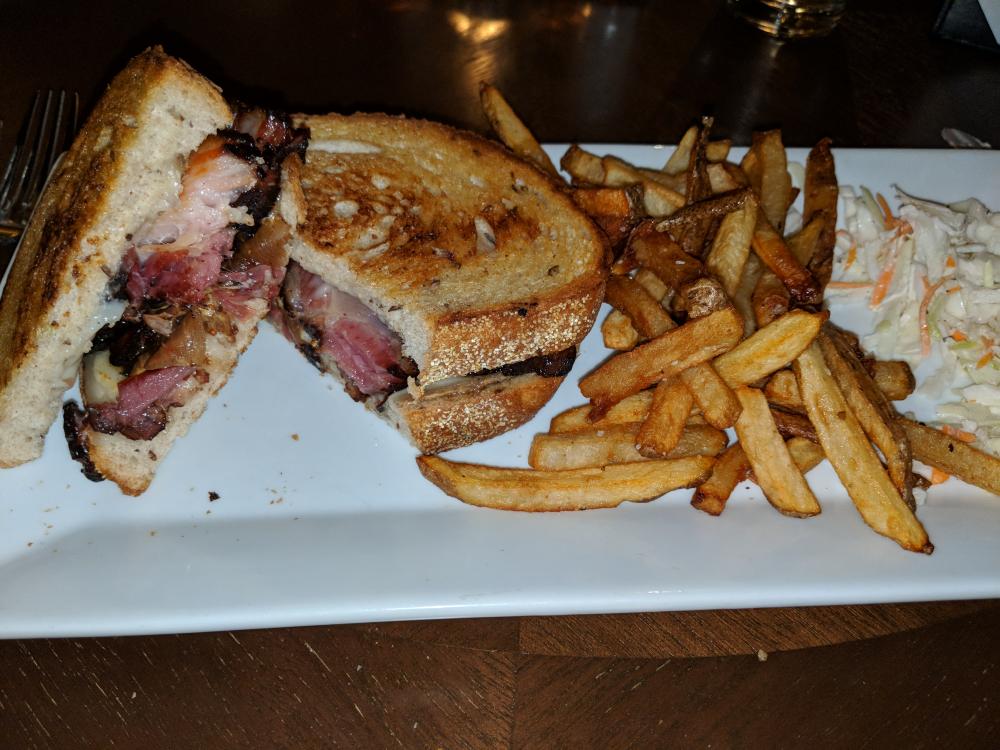
 Pork belly grilled cheese
 Peppermint Oreo & Streusel w/ Caramel Drizzle

























Important Information
By using this site, you agree to our Terms of Use.
Account
Navigation
Search
Configure browser push notifications
Chrome (Android)
- Tap the lock icon next to the address bar.
- Tap Permissions → Notifications.
- Adjust your preference.
Chrome (Desktop)
- Click the padlock icon in the address bar.
- Select Site settings.
- Find Notifications and adjust your preference.
Safari (iOS 16.4+)
- Ensure the site is installed via Add to Home Screen.
- Open Settings App → Notifications.
- Find your app name and adjust your preference.
Safari (macOS)
- Go to Safari → Preferences.
- Click the Websites tab.
- Select Notifications in the sidebar.
- Find this website and adjust your preference.
Edge (Android)
- Tap the lock icon next to the address bar.
- Tap Permissions.
- Find Notifications and adjust your preference.
Edge (Desktop)
- Click the padlock icon in the address bar.
- Click Permissions for this site.
- Find Notifications and adjust your preference.
Firefox (Android)
- Go to Settings → Site permissions.
- Tap Notifications.
- Find this site in the list and adjust your preference.
Firefox (Desktop)
- Open Firefox Settings.
- Search for Notifications.
- Find this site in the list and adjust your preference.