tkam
Administrators
-
Joined
-
Last visited
Everything posted by tkam
-
For those not aware AMC gave Frank Darabont the boot from The Walking Dead - this tweet pretty much puts the blame on AMC looking to cut costs after paying more than they really could afford for Mad Men. That's quite sad if it's true.
-
-
bought one of the new macbook air's
-
Tapatalk should be working now - though I know I'm not having any luck w/ unread posts part working it just shows 0 unread which isn't correct. Also I made some behind the scenes changes to a few things - if you notice anything odd w/ attachments/avatars/uploads please let me know.
-
I still haven't seen it once.
-
3.2.1 update is now installed - fixes 170 some bugs including some of the one folks here noticed.
-
You can always send it in to Senn for repair: http://www.sennheiserusa.com/serviceandsupport_repair
-
Good news the saving post issue should be fixed in the 3.2.1 release which I imagine is coming out fairly soon.
-
Photo galleries should be working now, finally - I believe most user levels outside of guests and basic registered users should have the ability to create their own albums. If not let me know.
-
Ok the search thing was my bad - I had to update the config file for the 3rd party search tool in use and forgot to restart the daemon for it
-
Three letters might be too short for the search to bother with it - I'll have to check on those settings.
-
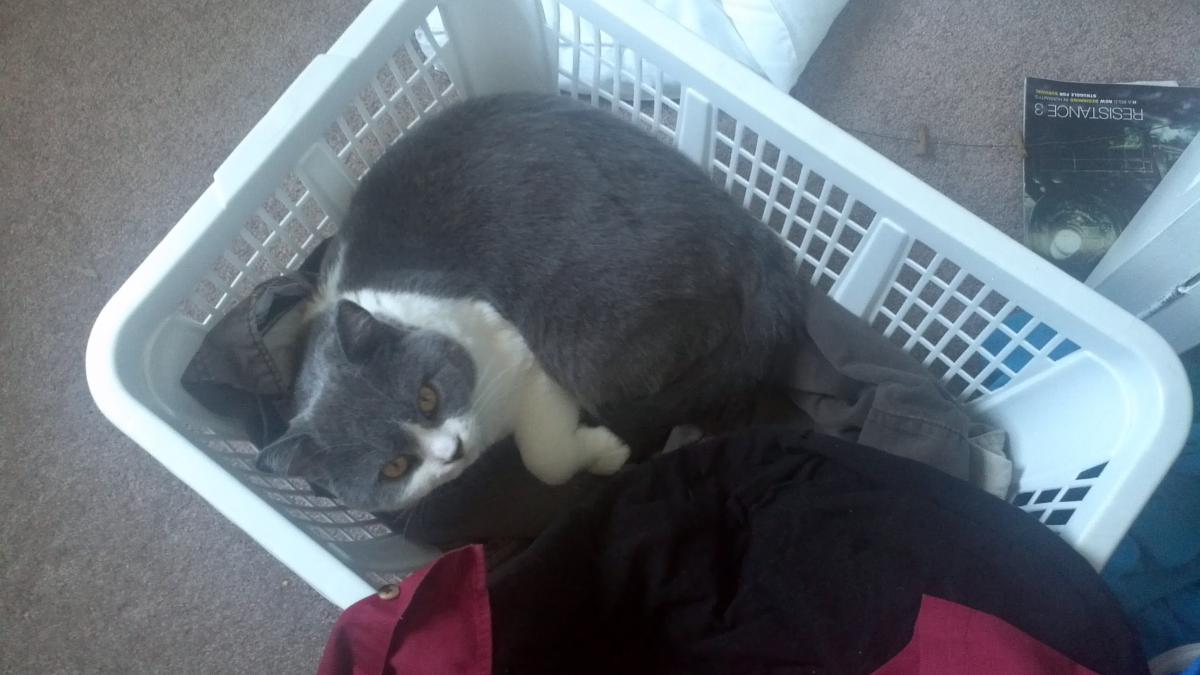
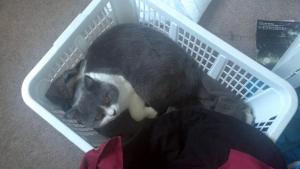
Re-doing laundry after Jax decided to make a bed out of the clean laundry basket. Thanks Jax.
-
Interesting - ok here's a question for those of you seeing this does it only happen on the larger threads with many thousands of replies?
-
I really wish I could see what the saving post bug looks like - can someone take a screenshot and send it to me next time it happens to them.
-
The birthdays not showing is a confirmed bug it's fixed in the upcoming 3.2.1 release.
-
Of course I still have to put the darn thing together - but it should look quite nice.
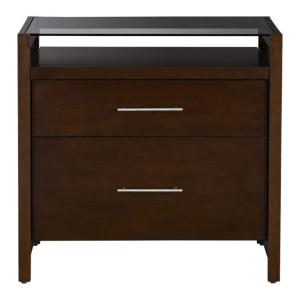
-
I think you might be right. I still haven't seen it happen once yet - I'm using Firefox 5.
-
Very bottom of the page "Mark Community Read" is the new "mark all as read".
-
the twitter box looks normal to me in chrome - the logo is a touch off colorwise - but it's closer than it was initially after the upgrade
-
I think so. Edit. It's back - right above the stats on the main forum page.
-
The HC logo is now updated to match the new style. I haven't seen the "saving post" thing sit there and not disappear yet - but based on how it works as soon you see it pop-up it's safe to assume that the post is already saved. Saving a post is really pretty much an instant thing.
-
Good catch - I checked with Tapatalk - it's a known issue and they are working on it. No ETA yet but knowing them it'll probably only be a few days. In the mean time the regular mobile version of the site works pretty well.
-
View New Content should work much better now and has several different options for how you can set it up.
-
still some work to be done - including re-doing the header logo so it matches the new background correctly now
-
Upgrade took much longer than I thought - ran into a snag with the upgrade script. The main upgrade has been completed - I still need to add some mods back in and turn some features back on.