


Hopstretch
High Rollers
-
Joined
-
Last visited
Everything posted by Hopstretch
-
Remember listening to them for the first time at 13 when the world was new and wonderful. Unfortunately getting a bit more aligned on the back end nowadays at 53 but still speaks to me.
-
Crap I'm late as usual. Happy Birthday!
-
Always a treat to come back to.
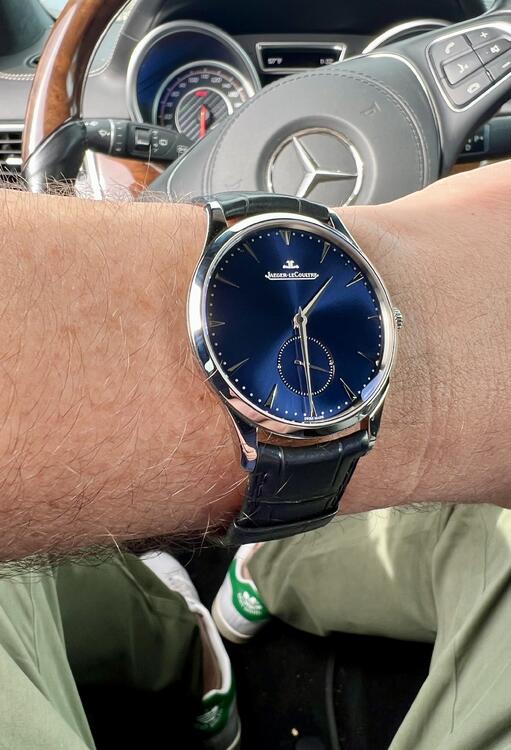
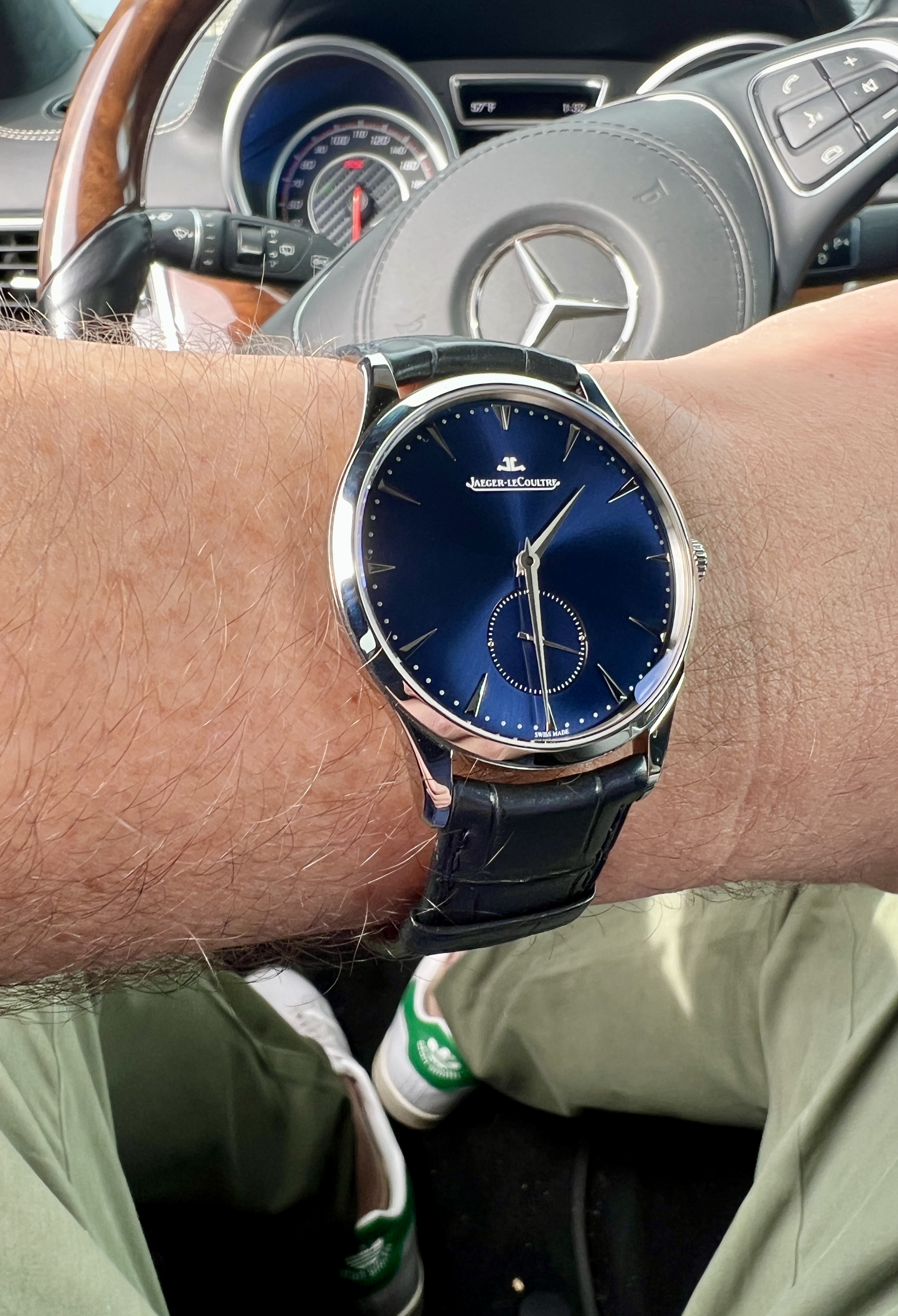
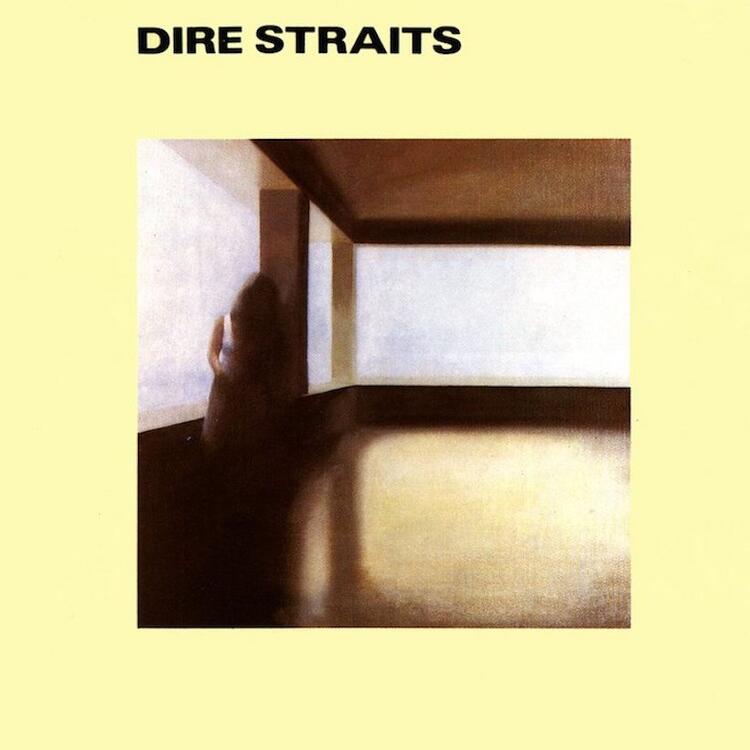 Haven't bought a new watch for a while. Enjoying this one.
 Likewise! Sorry, haven't been on HC much lately.Wow! Congrat!Been getting back into some 80s Texas (of Scotland.) If it was good enough for Alan Rickman ...I didn't like the last hey-i've-just-learned-to-play-the-piano-let's-do-lounge album but this one is quite good.
 Miss '80s clubs.The boogie woogie piano is the only regrettable thing on that album.This came out nearly 40 years ago. Good lord.
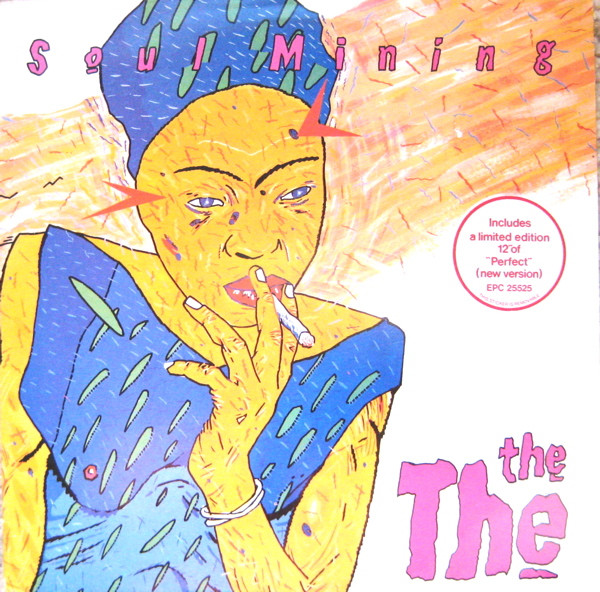 It's entirely possible that post rock has previously underutilized saxophones.He was a really good comic actor. His early sketch stuff in the 80s was pretty groundbreaking for the UK. RIP Robbie.Still on this particular train.I'm on complete Jonathan Richman kick and wish to submit the Andrew Bird interplay.
Important Information
By using this site, you agree to our Terms of Use.






Account
Navigation
Search
Configure browser push notifications
Chrome (Android)
- Tap the lock icon next to the address bar.
- Tap Permissions → Notifications.
- Adjust your preference.
Chrome (Desktop)
- Click the padlock icon in the address bar.
- Select Site settings.
- Find Notifications and adjust your preference.
Safari (iOS 16.4+)
- Ensure the site is installed via Add to Home Screen.
- Open Settings App → Notifications.
- Find your app name and adjust your preference.
Safari (macOS)
- Go to Safari → Preferences.
- Click the Websites tab.
- Select Notifications in the sidebar.
- Find this website and adjust your preference.
Edge (Android)
- Tap the lock icon next to the address bar.
- Tap Permissions.
- Find Notifications and adjust your preference.
Edge (Desktop)
- Click the padlock icon in the address bar.
- Click Permissions for this site.
- Find Notifications and adjust your preference.
Firefox (Android)
- Go to Settings → Site permissions.
- Tap Notifications.
- Find this site in the list and adjust your preference.
Firefox (Desktop)
- Open Firefox Settings.
- Search for Notifications.
- Find this site in the list and adjust your preference.