


Hopstretch
High Rollers
-
Joined
-
Last visited
Everything posted by Hopstretch
-
Their new album is out next week. And any of the Marin contingent will recognize these landscapes.
-
I need a 32" iMac with an M1 Max in it.
-
I remember wearing out their first album on cassette 30 years ago. It was very bright and bouncy. This one is more informed with the melancholy of middle (and beyond) age. But there's still a lot to admire. How it started: How it's going:

-
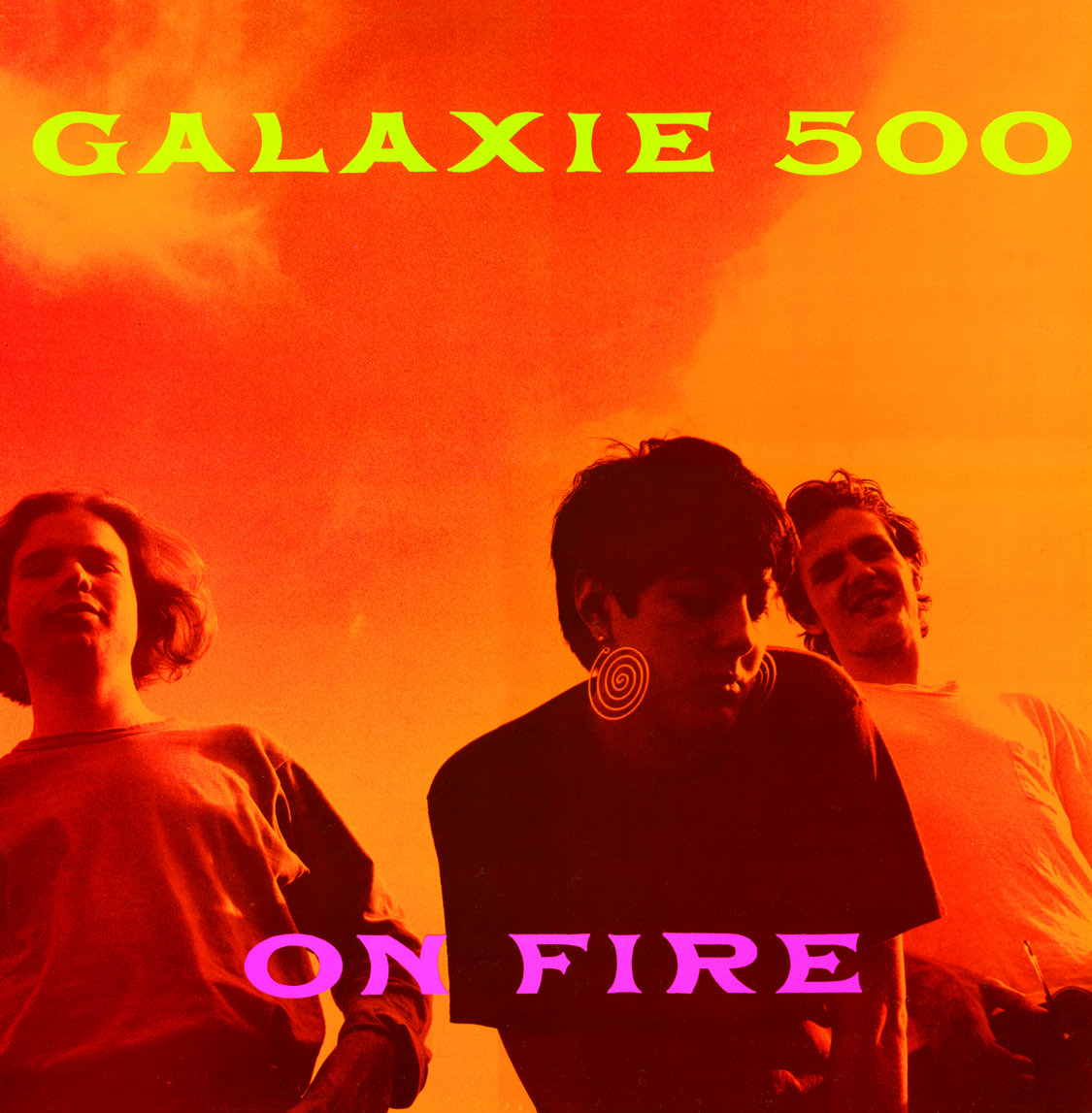
An album that was very ahead of its time in 1989 and still sounds great today.

-
^^^ I second this one! Always had a soft spot for them and was kinda worried it would suck, which it does not.
-
Happy birthday Jim!I got a tape of this album as a present for my birthday in 1984 right after it released and this is still one of my favorite soppy songs to this day. Also has the great Blasphemous Rumours. So I am listening to Some Great Reward.
 I'm thinking a full-power iPad mini is going to be a great fit for a lot of people. Going to upgrade the kids from XRs to 13s at Christmas and just deciding on color for my 13 Pro Max -- the new blue is a little too powder puff and the gold is OTT, so I guess we're back to the good old black or white?Bonus points for that is totally West Marin unless I miss my guess? @Voltron @TMoney @Grahame @swt61Love me some War On Drugs. New album!Didn't know I needed a synth-country cover of this one, but as it turns out ...Utterly insane. I couldn't average 4m35s pace for 100 meters. 🥵Paging Dr. Wood.
 Happy birthday, stranger.Congrats man!Happy belated birthday!Their big mistake is actually making money in the first place.And they are going public. https://www.marketwatch.com/story/grill-maker-traeger-files-for-ipo-11625607293





Important Information
By using this site, you agree to our Terms of Use.
Account
Navigation
Search
Configure browser push notifications
Chrome (Android)
- Tap the lock icon next to the address bar.
- Tap Permissions → Notifications.
- Adjust your preference.
Chrome (Desktop)
- Click the padlock icon in the address bar.
- Select Site settings.
- Find Notifications and adjust your preference.
Safari (iOS 16.4+)
- Ensure the site is installed via Add to Home Screen.
- Open Settings App → Notifications.
- Find your app name and adjust your preference.
Safari (macOS)
- Go to Safari → Preferences.
- Click the Websites tab.
- Select Notifications in the sidebar.
- Find this website and adjust your preference.
Edge (Android)
- Tap the lock icon next to the address bar.
- Tap Permissions.
- Find Notifications and adjust your preference.
Edge (Desktop)
- Click the padlock icon in the address bar.
- Click Permissions for this site.
- Find Notifications and adjust your preference.
Firefox (Android)
- Go to Settings → Site permissions.
- Tap Notifications.
- Find this site in the list and adjust your preference.
Firefox (Desktop)
- Open Firefox Settings.
- Search for Notifications.
- Find this site in the list and adjust your preference.