


Hopstretch
High Rollers
-
Joined
-
Last visited
Everything posted by Hopstretch
-
Really enjoying their new album. Good soothing lockdown music.Yes, so good. Bit further back.
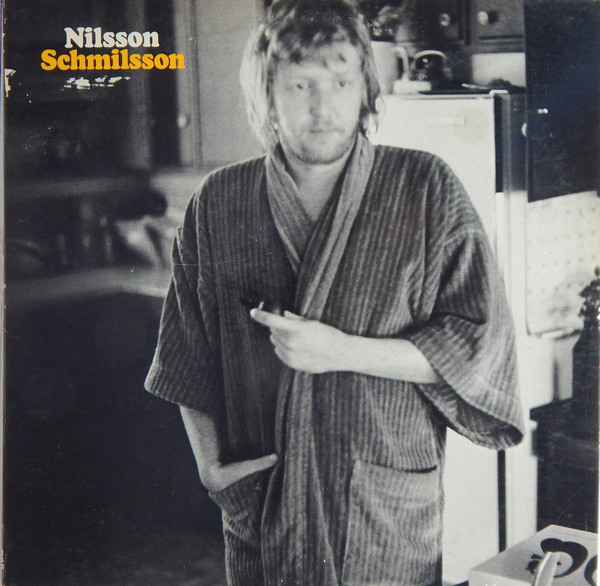 ^^^ Brilliant album. I went for this.
 This also feels appropriate.Miss "Extended 12" Versions". They often added something.I am a big fan of silver gearz, but that's going too far.Finally found a good link to the full two-hour Cure set at Glastonbury last year. Obviously highly recommended if you have the time. Imagine having this catalog to rip through?I've got a soft spot for Haim and the video is quality (directed by Paul Thomas Anderson). Also, um, nips.Happy Birthday Mr. DIWhy?Happy birthday!Even on YT, the production on this sounds off the charts good.Apple has some in stock at stores but they also show earliest delivery for online orders around March 20..Ooh. You can froth my milk anytime, big boy!
Important Information
By using this site, you agree to our Terms of Use.





Account
Navigation
Search
Configure browser push notifications
Chrome (Android)
- Tap the lock icon next to the address bar.
- Tap Permissions → Notifications.
- Adjust your preference.
Chrome (Desktop)
- Click the padlock icon in the address bar.
- Select Site settings.
- Find Notifications and adjust your preference.
Safari (iOS 16.4+)
- Ensure the site is installed via Add to Home Screen.
- Open Settings App → Notifications.
- Find your app name and adjust your preference.
Safari (macOS)
- Go to Safari → Preferences.
- Click the Websites tab.
- Select Notifications in the sidebar.
- Find this website and adjust your preference.
Edge (Android)
- Tap the lock icon next to the address bar.
- Tap Permissions.
- Find Notifications and adjust your preference.
Edge (Desktop)
- Click the padlock icon in the address bar.
- Click Permissions for this site.
- Find Notifications and adjust your preference.
Firefox (Android)
- Go to Settings → Site permissions.
- Tap Notifications.
- Find this site in the list and adjust your preference.
Firefox (Desktop)
- Open Firefox Settings.
- Search for Notifications.
- Find this site in the list and adjust your preference.