


Hopstretch
High Rollers
-
Joined
-
Last visited
Everything posted by Hopstretch
-
I'm confused. It's more PINK FLOYD but less worth a listen?
-
Hard to believe they're still squeezing cash out of it, but the less obviously 80s remixes of the Gilmour-era stuff are actually worth a listen.
-
Wonder if I could make a case for them as objets d'art and dip into the decor budget?
-
I do not need a Mac Pro and Pro Display XDR. I do not need a Mac Pro and Pro Display XDR. I do not need a Mac Pro and Pro Display XDR.
-
Happy Birthday Todd! Enjoy Florida.And now Jonathan Miller croaked too. Crap. Here’s the two of them shooting the shit in better days.Happy Bourbonday! [emoji1634] [emoji1634] [emoji1634]RIP Clive James. Better known in England and Australia than here, I think, but a great gadfly, writer and wit. https://www.bbc.com/news/entertainment-arts-50578512 One of my favorites of his. https://www.the-tls.co.uk/articles/clive-james-waking-up-in-europa/ And his last poem.Happy Birthday stranger!Down the rabbit hole we go.How about you make double and I pay for half the supplies? ?Not to be melodramatic but does anyone else remember a couple of years ago when Tyll was still running the late, lamented Inner Fidelity and wrote that, someday, the really big game changer would be wireless, fuss-free, DSP headphones that were "good enough" for anyone but the most hardcore enthusiasts. Well we're there Hertsens, you magnificent bastard.I sees this vidya and I says to myself: "Dusty Chalk will like this!" Durned if I din't.Yup,
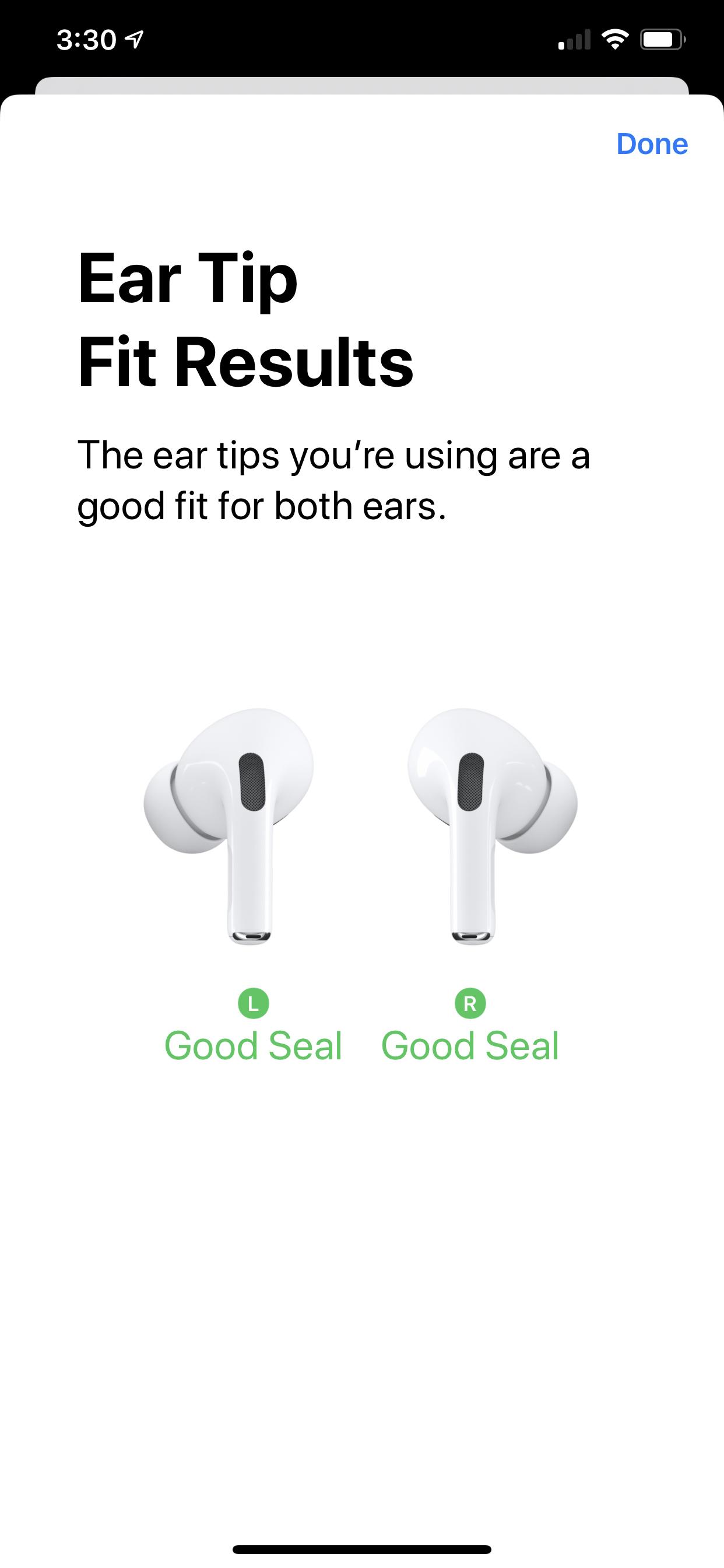
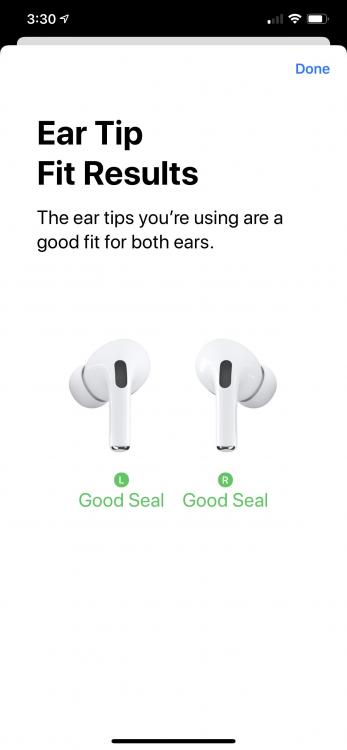 Medium tips fit me fine. Barely notice them in.Ordered AirPods Pro online at 1:48 pm today, paid $9 for same-day delivery, Postmates courier dropped them at my house at 2:51 pm. I am listening to them now and they are pretty damn good.Ugh. Fingers crossed Greg.Suspect Tesla is going to sell a few of those in our neck of the woods in coming months. I remember that after the big ice storm on the East Coast a couple of years back, every new build or renovation in the nicer Connecticut suburbs included an emergency generator. It just became a must-have for buyers. (Incidentally, Marin being Marin, the county sheriff had to send out an emergency bulletin the other day asking people to stop calling 911 to register generator noise complaints.) [emoji849]





Important Information
By using this site, you agree to our Terms of Use.
Account
Navigation
Search
Configure browser push notifications
Chrome (Android)
- Tap the lock icon next to the address bar.
- Tap Permissions → Notifications.
- Adjust your preference.
Chrome (Desktop)
- Click the padlock icon in the address bar.
- Select Site settings.
- Find Notifications and adjust your preference.
Safari (iOS 16.4+)
- Ensure the site is installed via Add to Home Screen.
- Open Settings App → Notifications.
- Find your app name and adjust your preference.
Safari (macOS)
- Go to Safari → Preferences.
- Click the Websites tab.
- Select Notifications in the sidebar.
- Find this website and adjust your preference.
Edge (Android)
- Tap the lock icon next to the address bar.
- Tap Permissions.
- Find Notifications and adjust your preference.
Edge (Desktop)
- Click the padlock icon in the address bar.
- Click Permissions for this site.
- Find Notifications and adjust your preference.
Firefox (Android)
- Go to Settings → Site permissions.
- Tap Notifications.
- Find this site in the list and adjust your preference.
Firefox (Desktop)
- Open Firefox Settings.
- Search for Notifications.
- Find this site in the list and adjust your preference.