Skip to content
View in the app

A better way to browse. Learn more.

www.Head-Case.org

A full-screen app on your home screen with push notifications, badges and more.

To install this app on iOS and iPadOS
  1. Tap the Share icon in Safari
  2. Scroll the menu and tap Add to Home Screen.
  3. Tap Add in the top-right corner.
To install this app on Android
  1. Tap the 3-dot menu (⋮) in the top-right corner of the browser.
  2. Tap Add to Home screen or Install app.
  3. Confirm by tapping Install.

Leaderboard

Popular Content

Showing content with the highest reputation on 08/26/12 in all areas

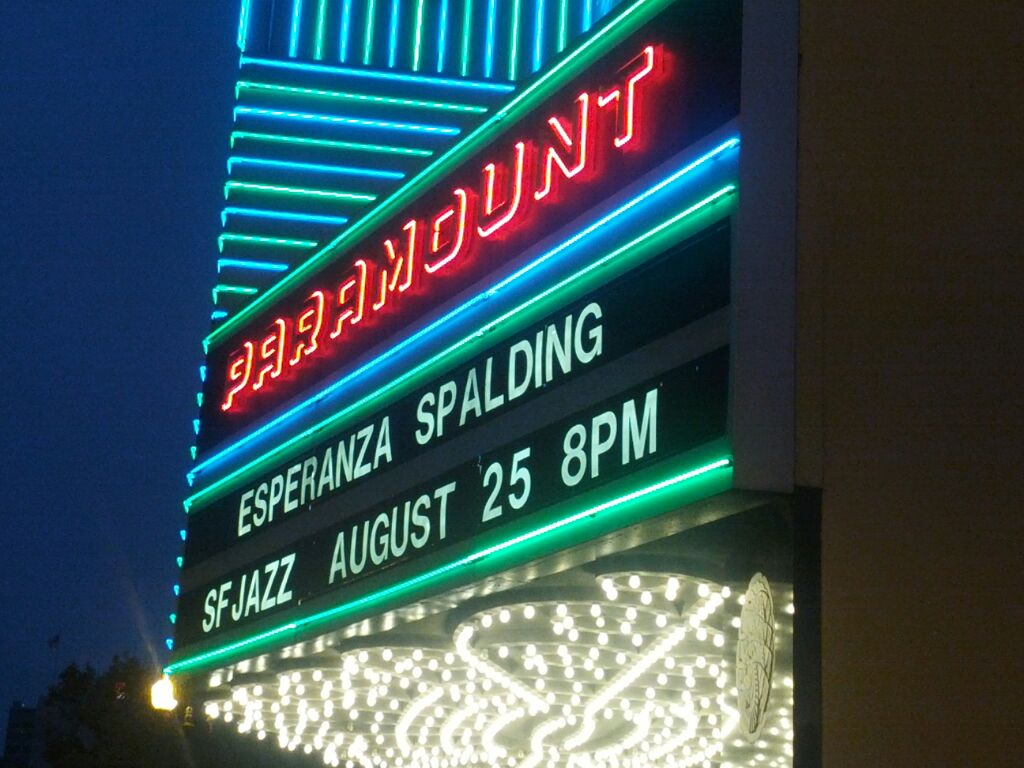
  1. It was a fun time even though I was 0 for bacon at dinner and Grahame only shared his with Joanne. Esperanza was gorgeous and sounded pretty good too.
  2. Joanne and I met up with Al and Claire For a meal, then this Nice ceiling! EDIT: Al seemed to enjoy his time back in the real world, and the meal included the consumption and discussion of Bacon

  3. Ask her if I can play proxy flipper offer again.
  4. Debbie says thanks for all of the birthday wishes. Except for Jim's mom comment. She asked me to politely flip you off for that.
  5. Happy Birthday Debbie mom!

Important Information

By using this site, you agree to our Terms of Use.

Account

Navigation

Search

Search

Configure browser push notifications

Chrome (Android)
  1. Tap the lock icon next to the address bar.
  2. Tap Permissions → Notifications.
  3. Adjust your preference.
Chrome (Desktop)
  1. Click the padlock icon in the address bar.
  2. Select Site settings.
  3. Find Notifications and adjust your preference.