Leaderboard
-
skullguise
High Rollers3Points8915Posts -
cutestory
High Rollers2Points1644Posts -
grawk
Administrators1Points29546Posts -
MexicanDragon
High Rollers1Points8373Posts




Popular Content
Showing content with the highest reputation on 04/15/13 in all areas
-
2 pointsYesterday, for lunch, as part of my birthday celebration, we went to Yountville, CA (I can see Al's house from here!—not really) to go to The French Laundry. First time there, a lot of hype, etc. If you've ever thought about it, just do it—you won't regret it. I took no pics at the meal so that I could be completely present. It was an excellent decision. Happy Birthday to me.2 points
-
^^^^ need to listen to his stuff, after seeing "Searching For Sugar Man"1 point
-
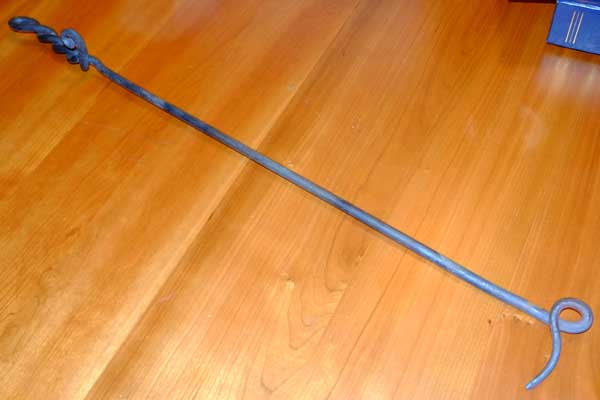
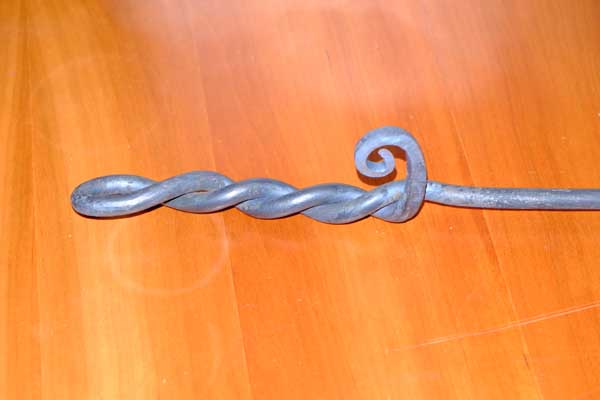
1 pointI took a blacksmithing class and made a fire pokey. Now I need to get a fireplace.
 1 point