Leaderboard




Popular Content
Showing content with the highest reputation on 06/20/13 in all areas
-
1 pointYou can prove it because the car went from smashed windshield to the shop and the damage was discovered by the shop when they cleaned the window. You should be able to convince them of that one.1 point
-
1 pointWent out for bumper boat, mini golf, fried seafood, and ice cream. Fantastic time was had by all.1 point
-
1 point
-
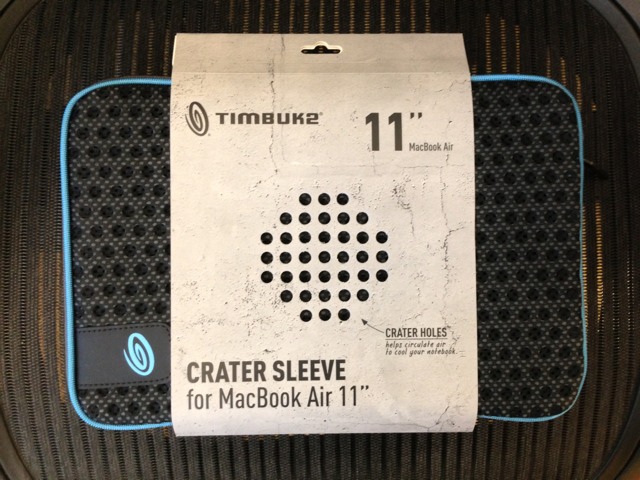
1 pointVery nice. Good choice. A Timbuk2 case arrived today. Now just need something for inside.
 1 point
 -
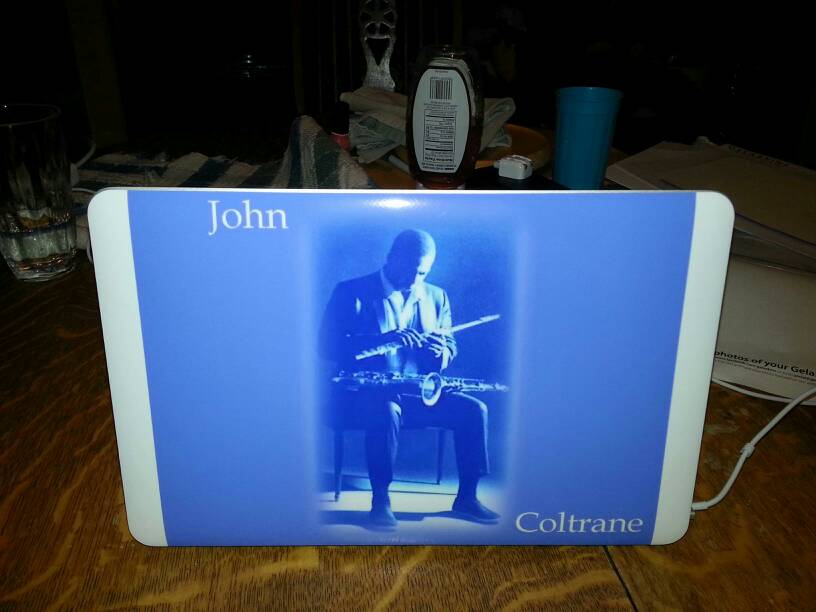
1 pointGot a custom Gelaskin. I think the keyboard is fine. I have small hands, but I can't imagine it would be a problem. I'm going to love not hauling around that full size laptop any more!
 1 point
 -
1 point
-
1 point
-
1 pointI know what you mean, Nate. The more I ride I find that not only could I dig deeper but I could sustain those deep efforts for longer periods of time. In douchebag cyclist terms, I think I'm expanding my "hurt locker" Doesn't matter Mike, you're a lifetime endurance athlete which give you a definite edge over us.1 point
-
1 point
-
1 pointOr perhaps it is the same as someone who can see colour, scoffing at someone who think they can see IR and UV.1 point