Leaderboard
-
cutestory
High Rollers3Points1644Posts -

tyrion
Moderators3Points10806Posts -
en480c4
High Rollers2Points4679Posts -
aardvark baguette
High Rollers2Points11296Posts




Popular Content
Showing content with the highest reputation on 12/24/13 in all areas
-
russian circles - memorial this owns. i think they're my favorite modern day band.2 points
-
2 points
-
1 pointVisiting the in-laws in ocala. Today did 2hrs on the withlacoochee state trail! Brought both the road and mountain bike. I want to hit the santos single track next.1 point
-
Well, I have had the loaner for a week and called Todd yesterday to buy one. The amp is a great match with the HD800. It also sounds shockingly good as a preamp considering the price, easily beating my Aesthetix Calypso. If they removed the headphone jack and just called it a preamp, they would probably sell a lot more units. Kudos to Pete and Todd.1 point
-
1 pointDoes it matter how the original was laid down? Can't LFF just fix it?1 point
-
1 point
-
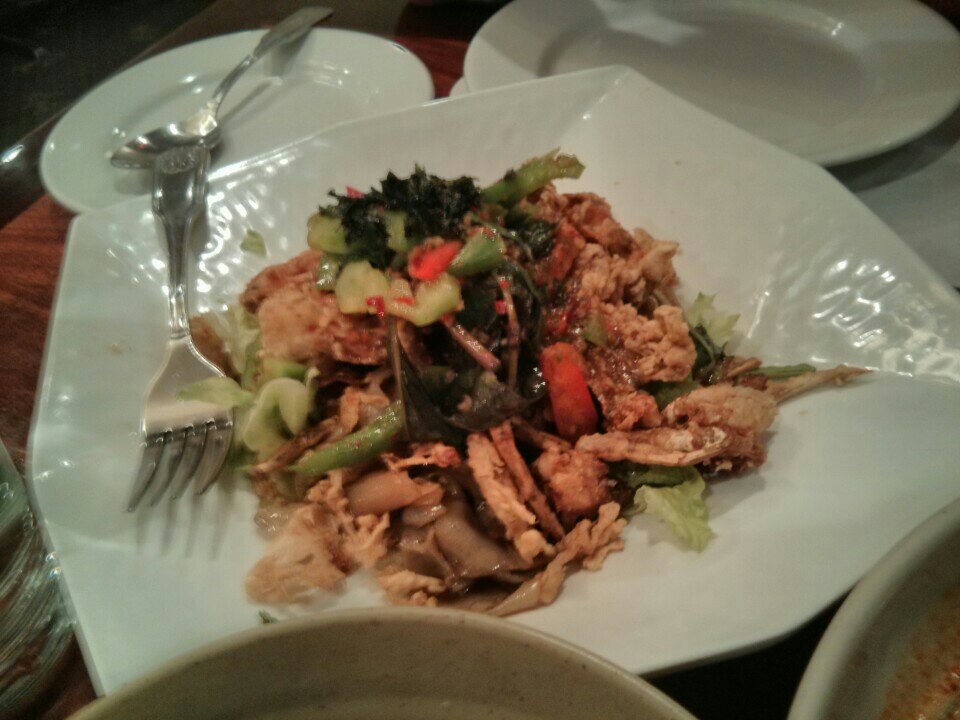
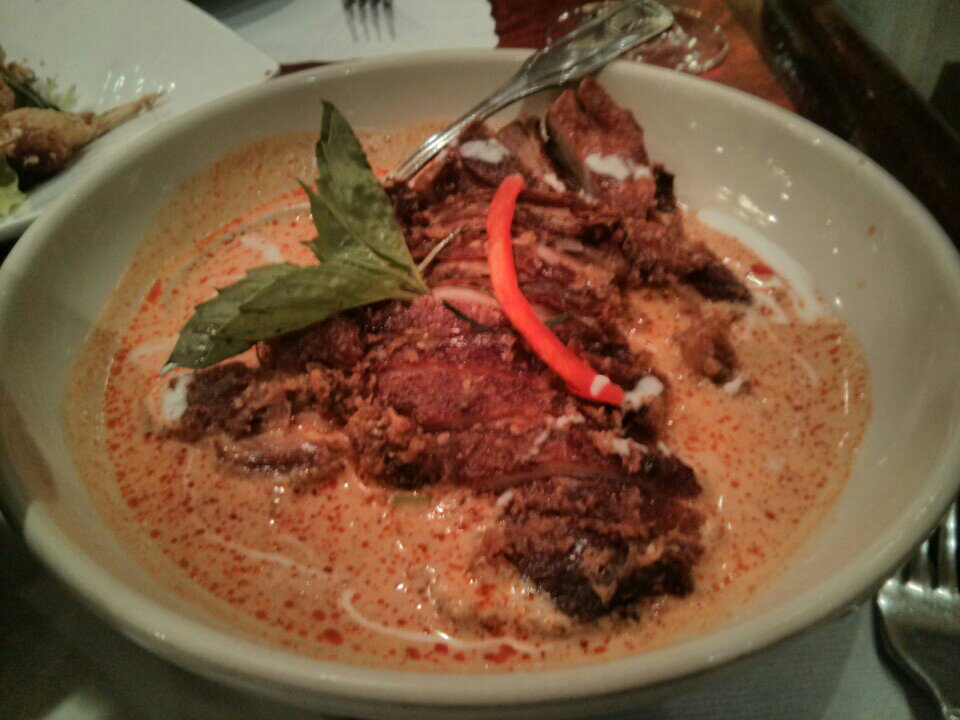
1 pointIn addition to quaffing the usual, there was a very tasty drunken noodles with soft shelled crab And crispy fried duck with panang sauce
 1 point