

Leaderboard
-
swt61
High Rollers7Points22272Posts -
Augsburger
High Rollers7Points13165Posts -
JoaMat
High Rollers5Points1558Posts -
mikeymad
High Rollers5Points13850Posts




Popular Content
Showing content with the highest reputation on 03/23/19 in Posts
-
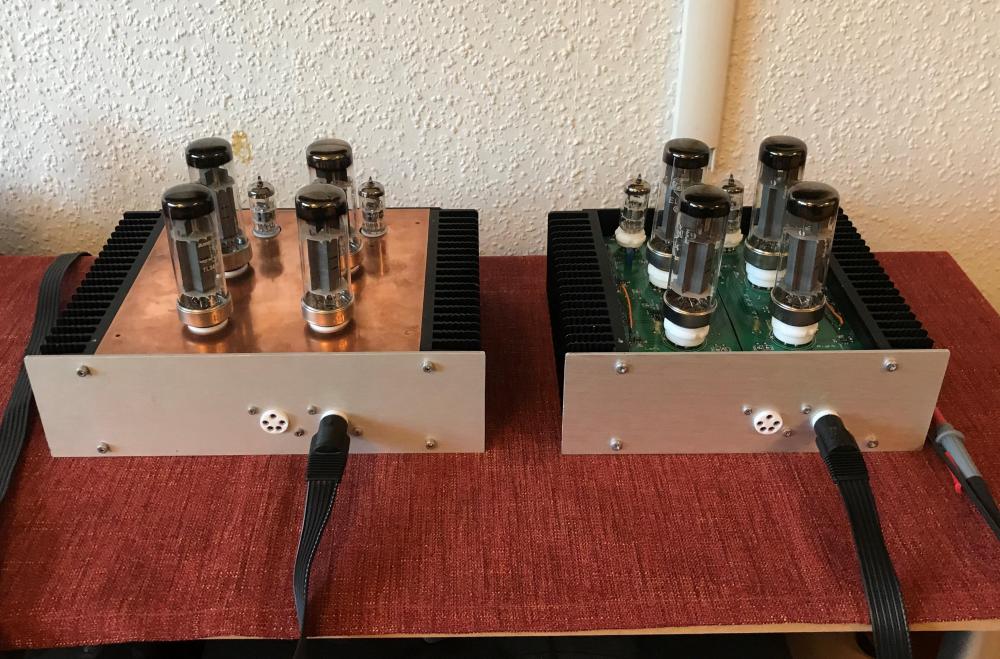
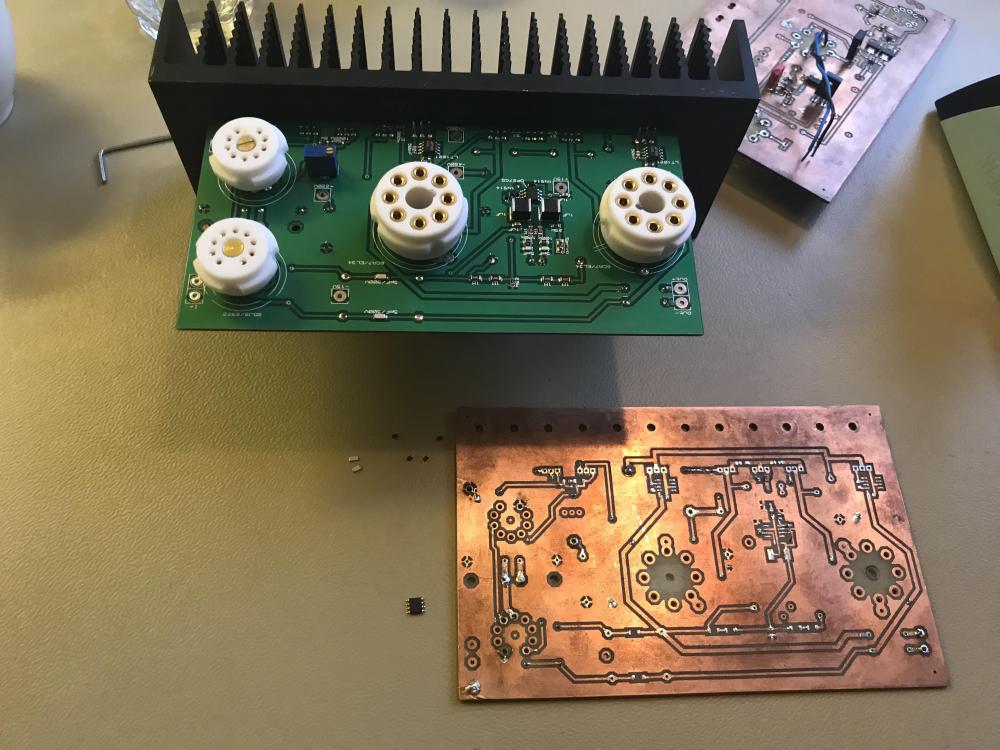
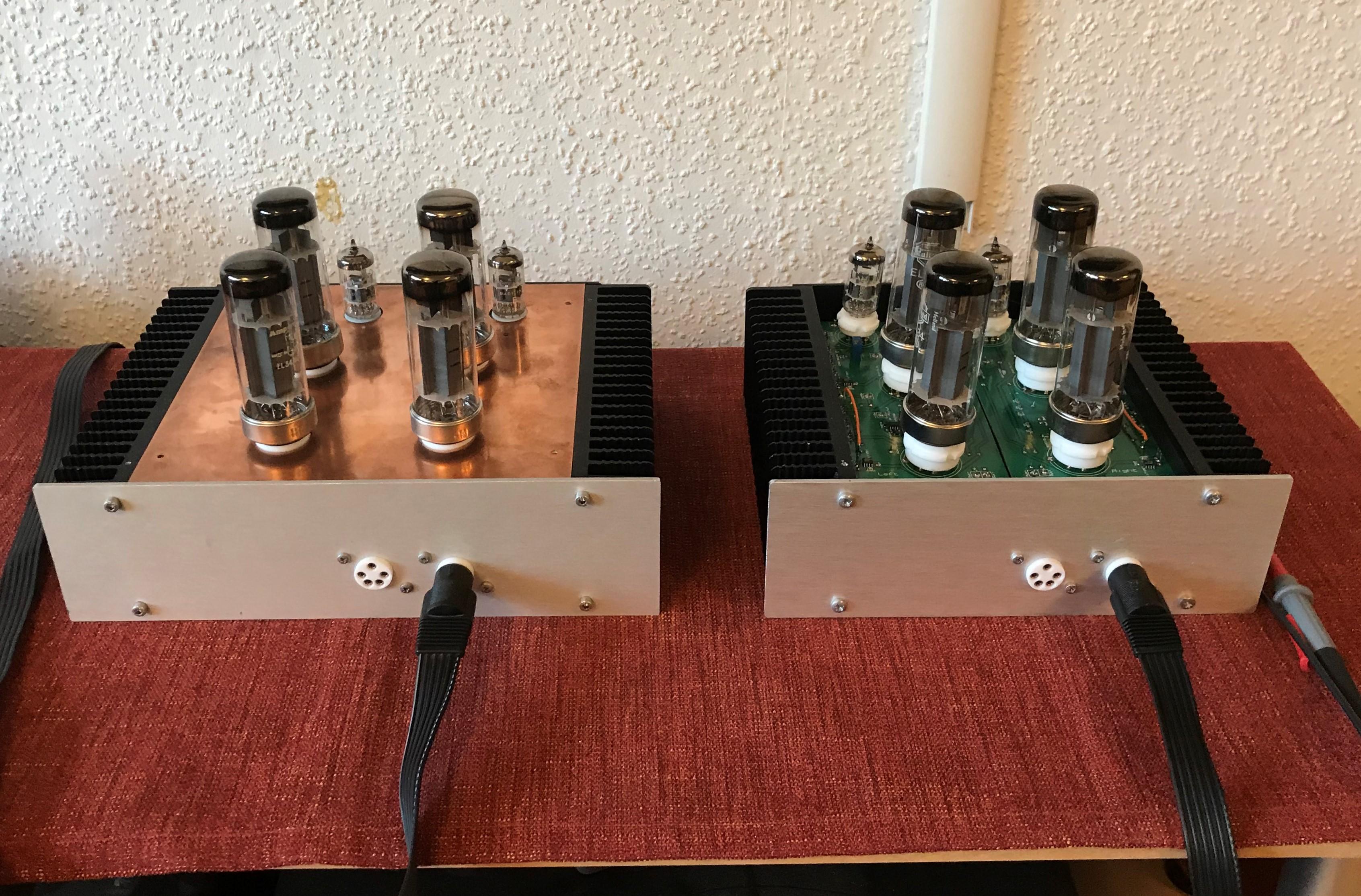
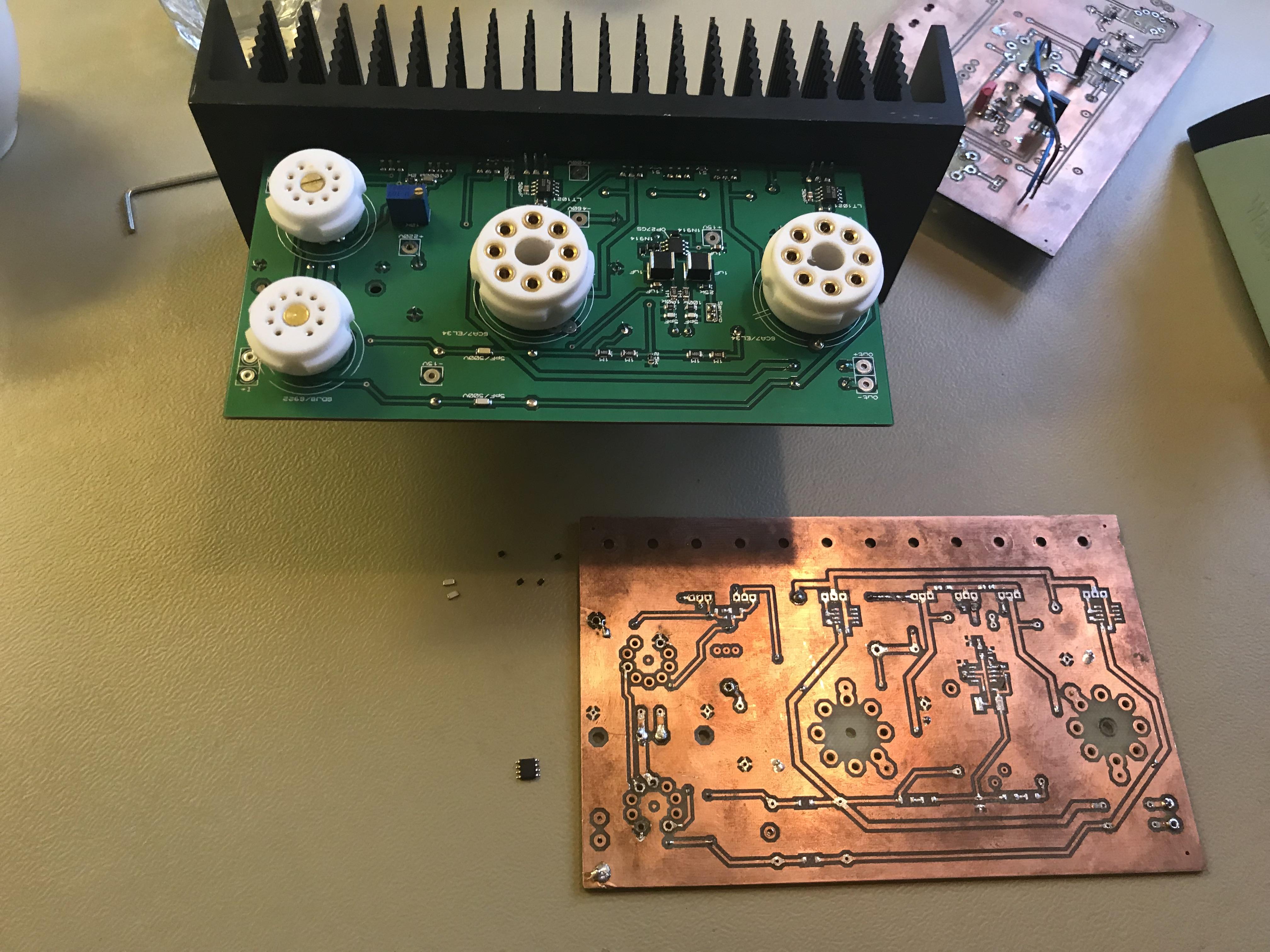
5 pointsTo the right is a just finished mini T2. Transistors mounted direct onto heat sinks. Inner width is 159 mm (6.26 in). Most of the components are moved from my first amplifier with in kitchen made boards, including the small LEDs and diodes. Heat sinks, all connectors (STAX, Neutrik, Amphenol) are from one of my full size DIY T2 (RIP – I’ll build a new one with all original parts) This is my third mini T2. The building process has been straight forward. The only thing is that left channels of all the three amplifiers have a bloody annoying hum during the first minutes after start up. I’ve no idea what causes it.
 5 points
 -
1 point
-
1 point
-
New Jenny Lewis album. Thumbs up. Appreciate the cover art, too.
 1 point
 -
1 pointWachara, Total area is 80 x 70mm, well...79.90 x 69.90mm to be exact. Diaphragm is a in-house sub-2 Micron PET. We tried 600Nm but due to the poor Young's Modulus, it was almost impossible to tension and/or get any decent bass. To successfully use a Nanometer film, I personally think the Matrix requires better filler geometry to improve the Young's Modulus but, with current Polymer technology it is difficult to produce such filler based thin-films at such thicknesses. Diaphragms are manufactured by our other family owned Polymer company.1 point
-
1 point
-
1 point1 point






Important Information
By using this site, you agree to our Terms of Use.