

Leaderboard
-
naamanf
High Rollers9Points6661Posts -
Hopstretch
High Rollers9Points16822Posts -
Grahame
High Rollers8Points16861Posts -
Aimless1
High Rollers6Points3749Posts




Popular Content
Showing content with the highest reputation on 08/16/19 in Posts
-
^^ enjoy I was lucky that Sonja brought a Breville to the relationship.. (larger style with grinder, etc.) After several months of Costco coffee living out of the airbnb - we unpacked the roaster last night after our move - and immediately roasted a batch of : BRAZIL QUEIXADA ILICINEA - EDNEI HENRRIQUE - GREEN https://www.bodhileafcoffee.com/products/brazil-queixada-lliciniea-green Roasted just to full city (maybe city+) So nice to be sipping on our own roast again. (no pictures - just savoring)3 points
-
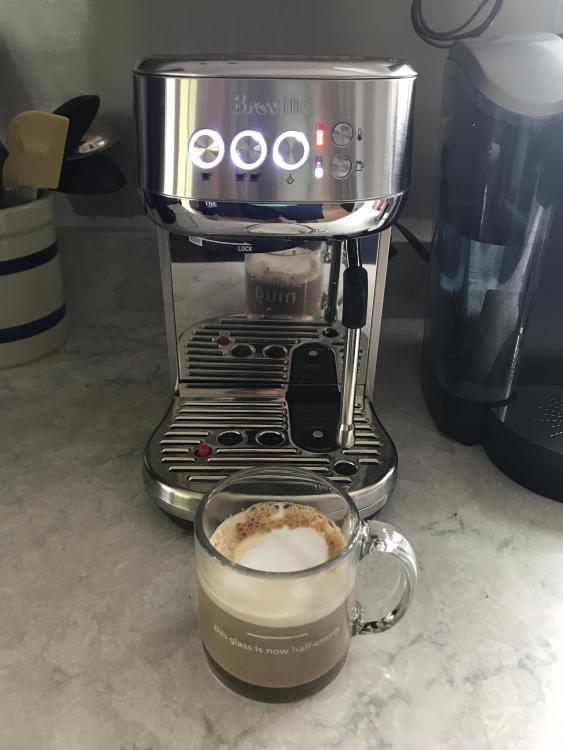
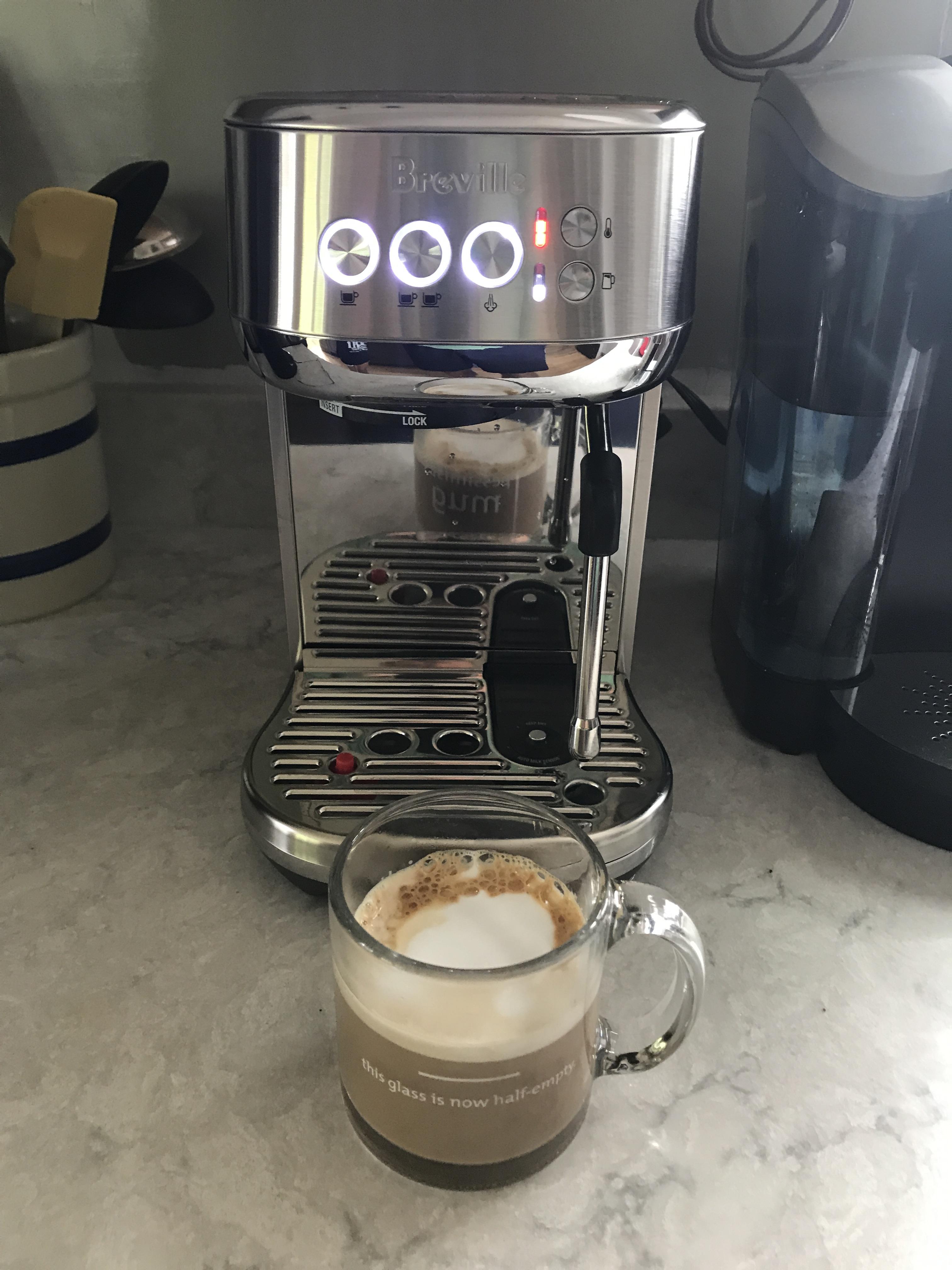
2 pointsTangerine Dream Classic Extensions—very subtly remixed Tangerine Dream—it’s quaffably delicious! I’m already on my second.1 point1 point1 pointThis could be trouble. First results were very promising, if not entirely drinkable. I'll toy with grind just a big more to get a full extraction but tomorrow morning should be fun and interestingly enough, I liked the flavor of the straight latte enough that I don't think I'd add sugar. That's a big change from how I drink straight coffee.
 1 point




Important Information
By using this site, you agree to our Terms of Use.