Leaderboard
-
Absorbine_Sr
High Rollers12Points8097Posts -
Grahame
High Rollers10Points16861Posts -
acidbasement
High Rollers10Points2988Posts -
Hopstretch
High Rollers8Points16822Posts




Popular Content
Showing content with the highest reputation on 10/03/19 in Posts
-
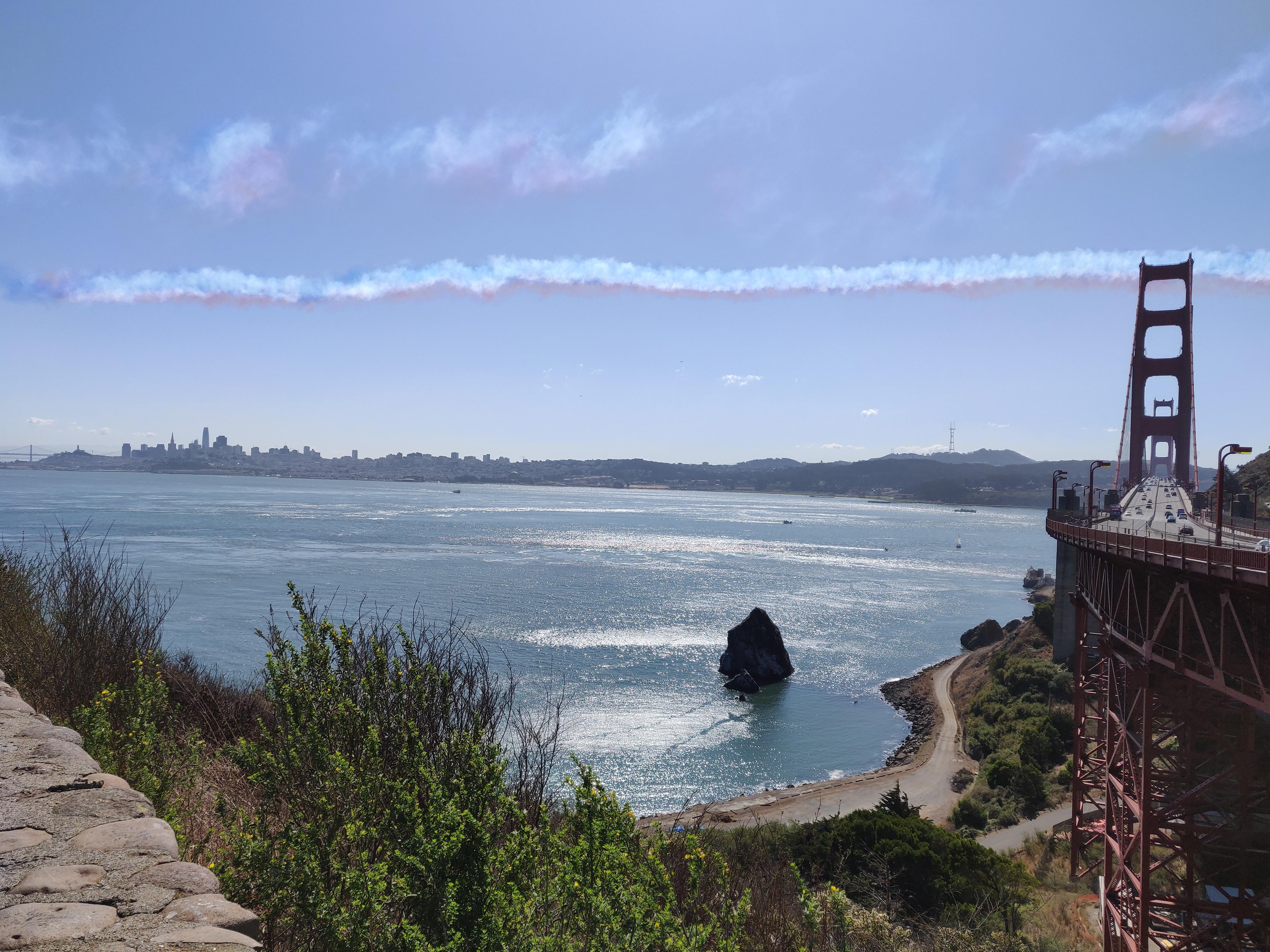
8 pointsMore imagery of yesterday's flypast from different vantage points ( and the camera plane) https://www.instagram.com/rafredarrows/?hl=en via: https://www.thesun.co.uk/news/10051621/red-arrows-golden-gate-bridge-san-francisco/8 points
-
2 pointsYesterday I flew a MIG 21 (assisted by a friend) at DCS World ... I think I'm starting to get hooked on that.2 points
-
2 points
-
1 pointThanks for the recommendation! I listened to the Audible version during a long road trip and I couldn't stop until it was done. It helped a tad to know all the streets and places mentioned and the extreme ambitions that run the valley.1 point
-
Synth nerd humor. Greenland. Arctic twilight by Paul Nicklen.1 point
-
"In the white room with black curtains near the station …" Oh guys. I love that fucking song. The drums of Baker, the SG with Wah of Clapton, the bass of Bruce and that crazy letter.1 point
-
1 point
-
1 point
-
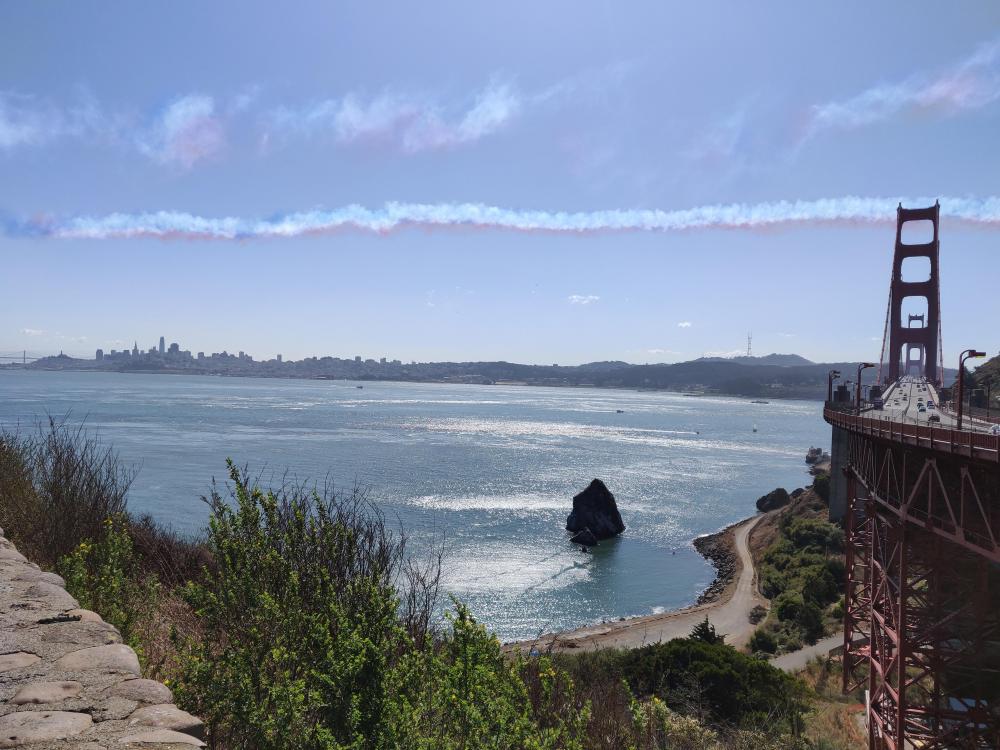
1 pointTook an early lunch to watch The Red Arrows fly over The Golden Gate as part of their North American Tour, 2019 Nice day!
 1 point
 -
1 point
-
1 point