

Leaderboard
-
dsavitsk
High Rollers8Points4972Posts -
skullguise
High Rollers8Points8927Posts -
Hopstretch
High Rollers7Points16821Posts -
Augsburger
High Rollers6Points13165Posts




Popular Content
Showing content with the highest reputation on 11/10/23 in Posts
-
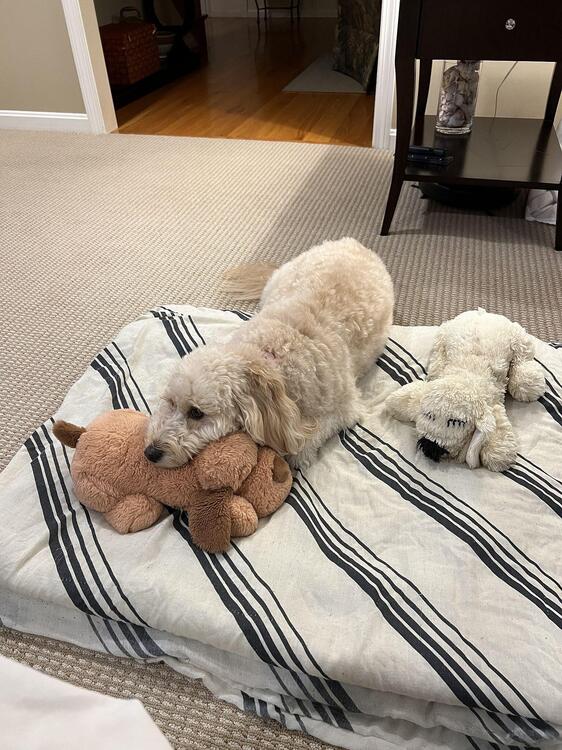
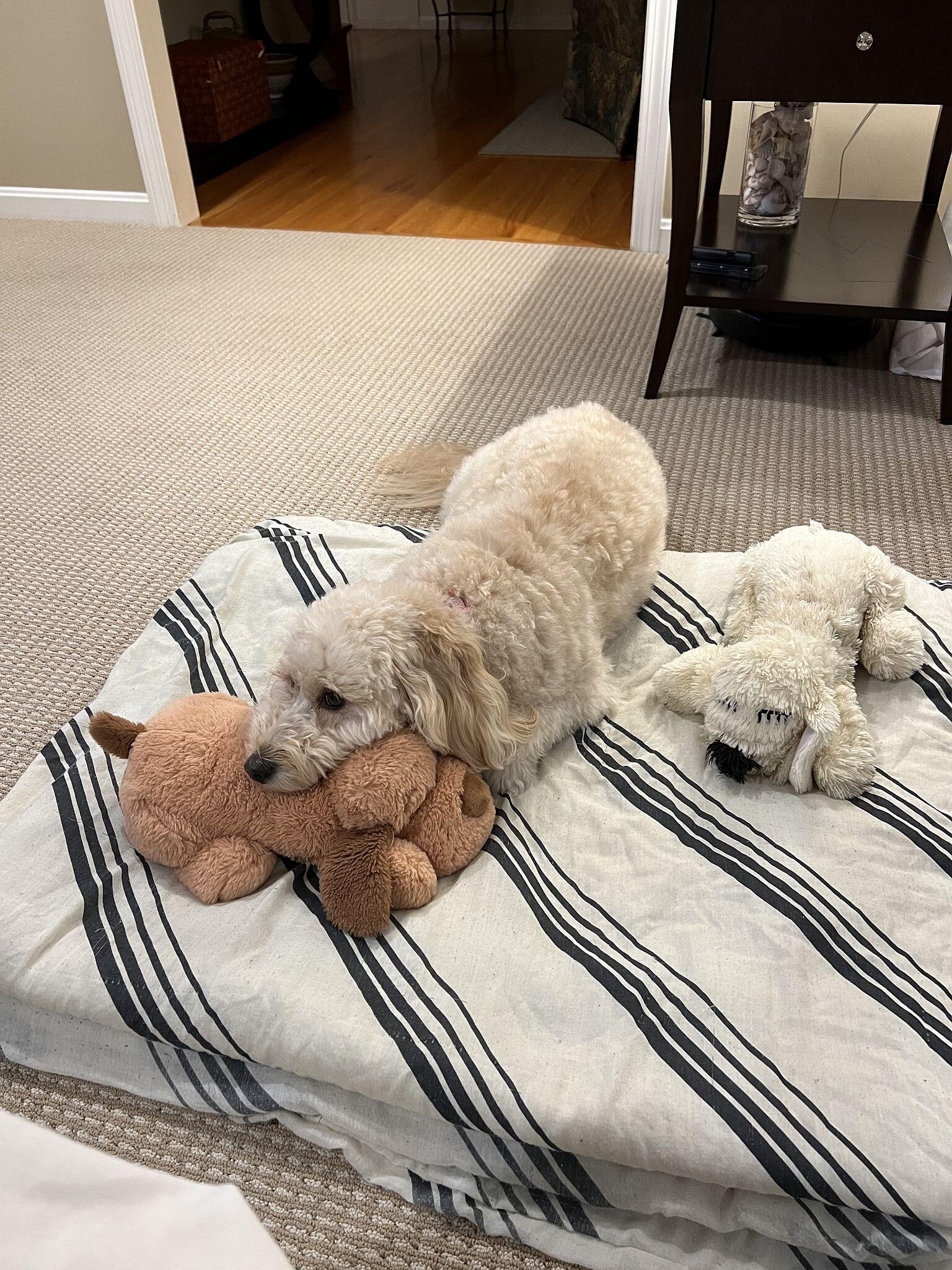
7 pointsWhile my wife's sister and her husband are up helping their daughter (she just had her second child, a boy!), we are dog-sitting for their dog Mia. Super cute and sweet Mini Goldendoodle. She loves her own "pets." Also posting a pic here for amusement....it's like DOTU moved to Maine 😄
 7 points
 -
3 pointsAlright, I'll bite on the Millet(t) since it was the amp that I reviewed years and years ago and actually owned for a little while after I bought it from Tyll. Full disclosure, I'd hope to repair it and return it to you Knucks.3 points
-
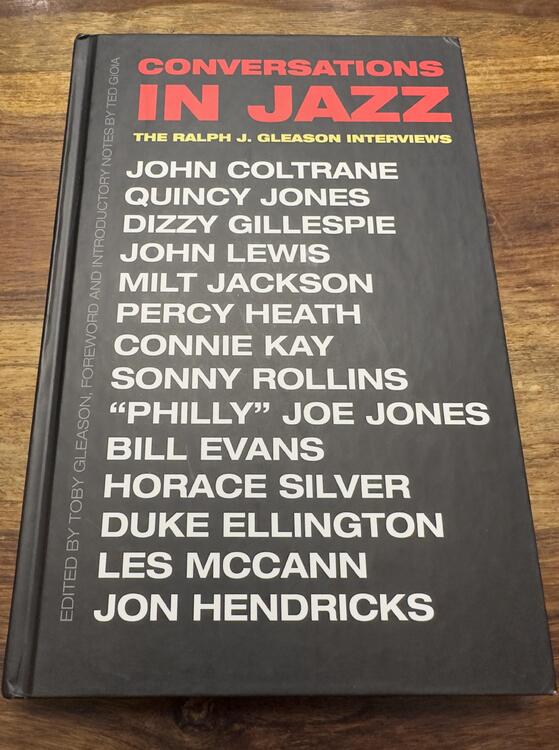
2 points1 point1 pointhttps://9to5mac.com/2023/11/06/apple-says-it-is-not-making-a-new-27-inch-imac/1 point1 pointBased on the recent @mikeymad Casual Jazz/Gleason post in the music thread.
 1 point






Important Information
By using this site, you agree to our Terms of Use.