Leaderboard
-
kevin gilmore
High Rollers11Points7219Posts -
Grahame
High Rollers9Points16859Posts -
swt61
High Rollers9Points22273Posts -
dsavitsk
High Rollers6Points4972Posts




Popular Content
Showing content with the highest reputation on 02/10/25 in Posts
-
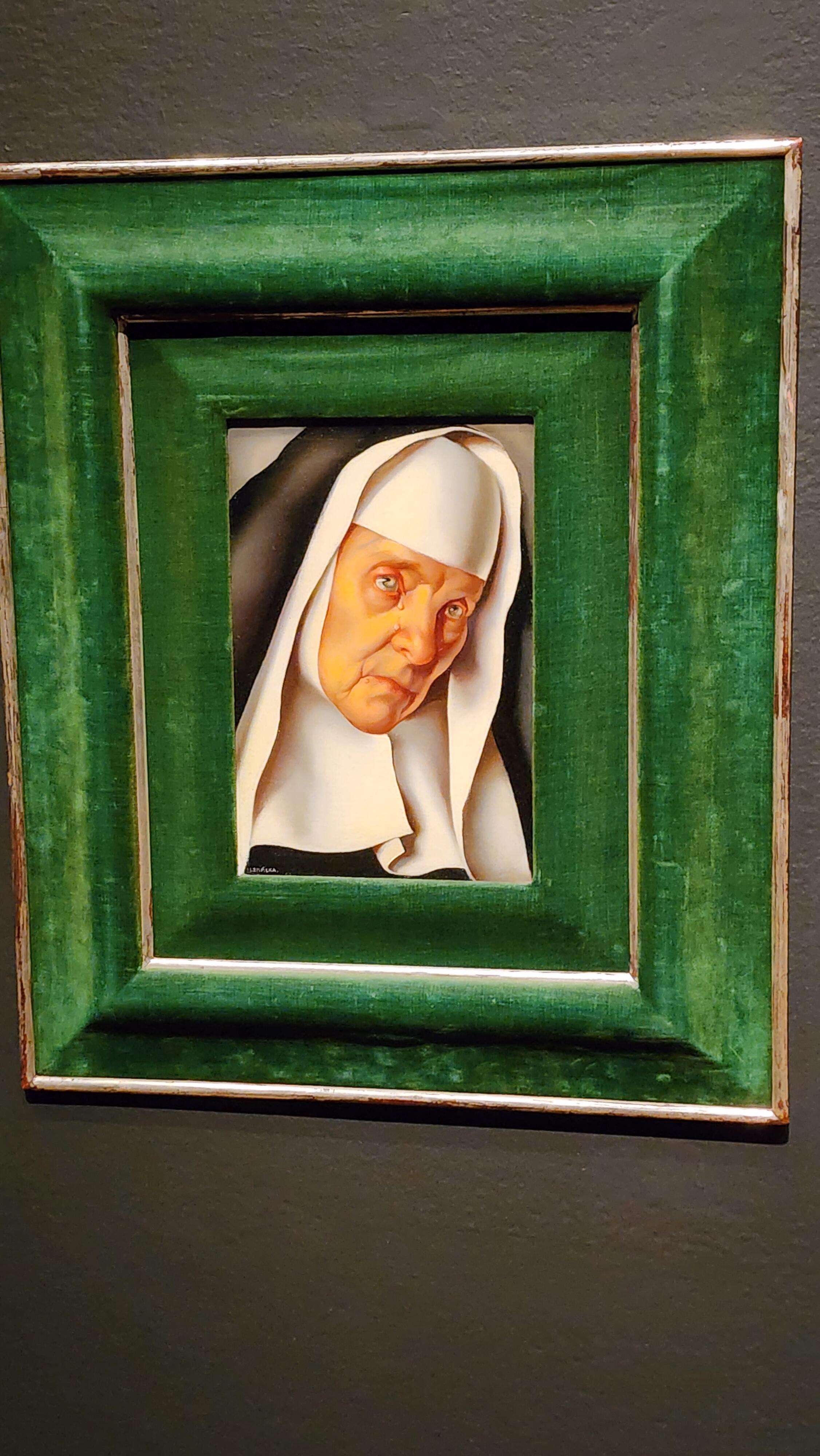
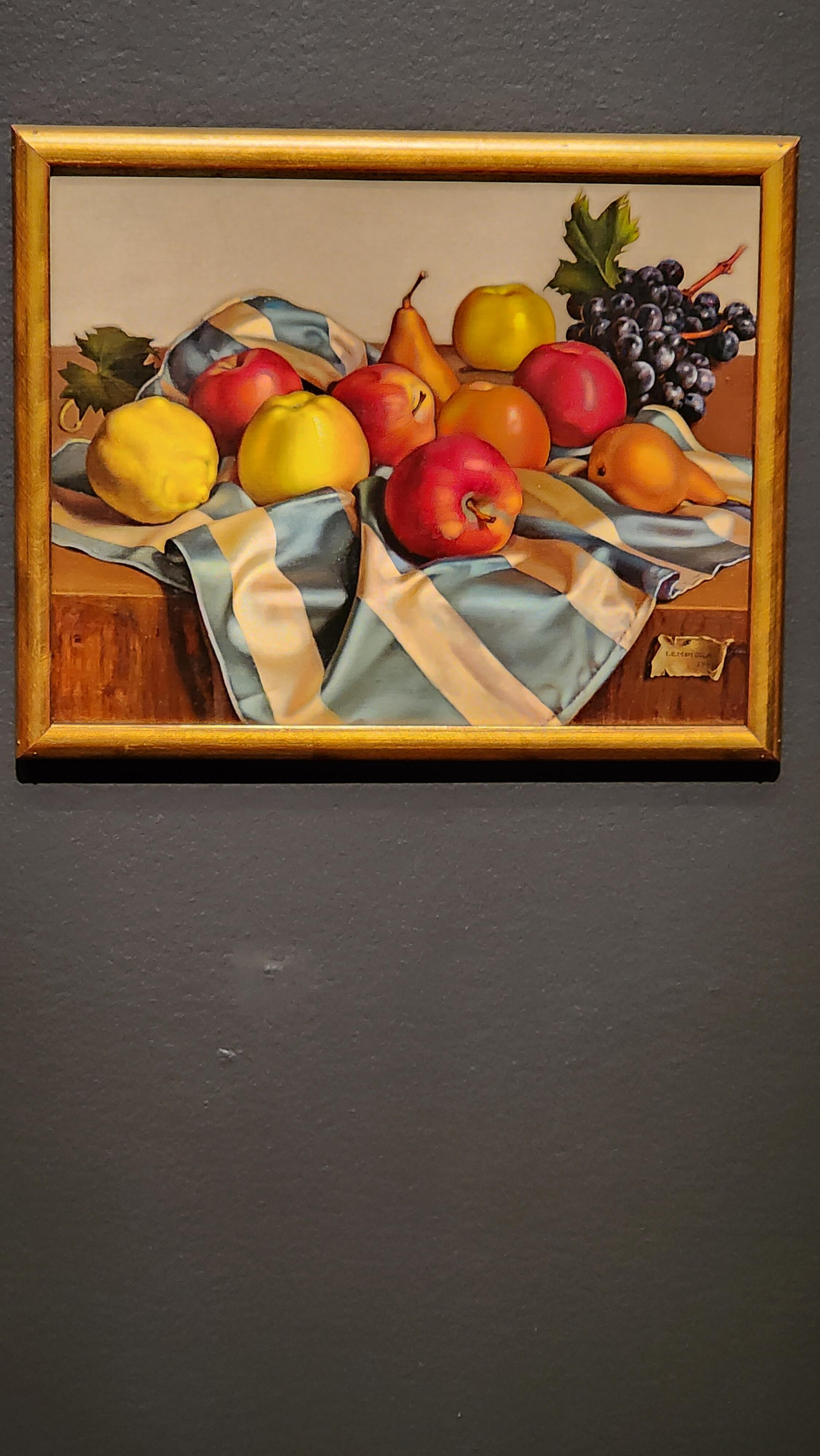
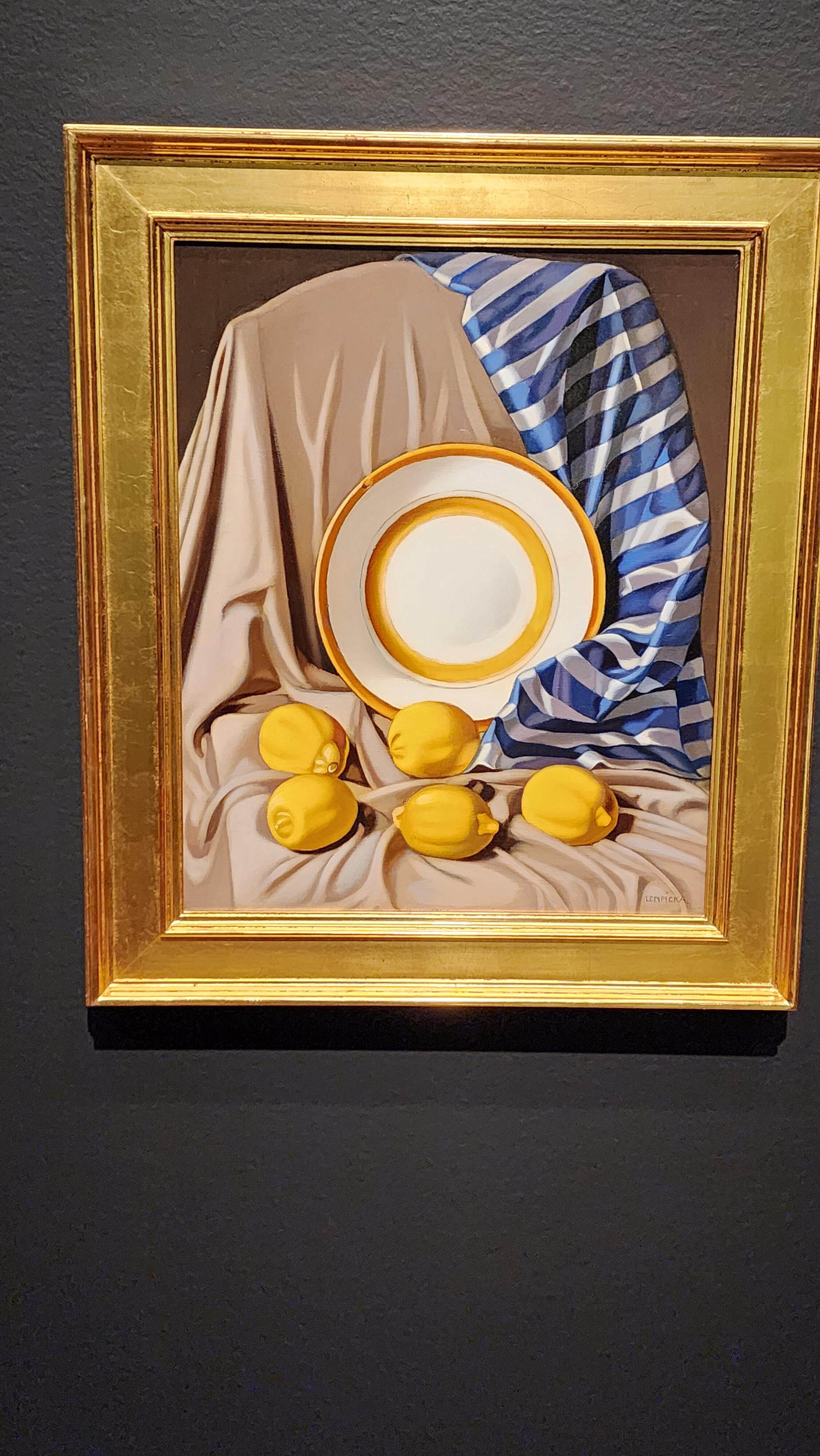
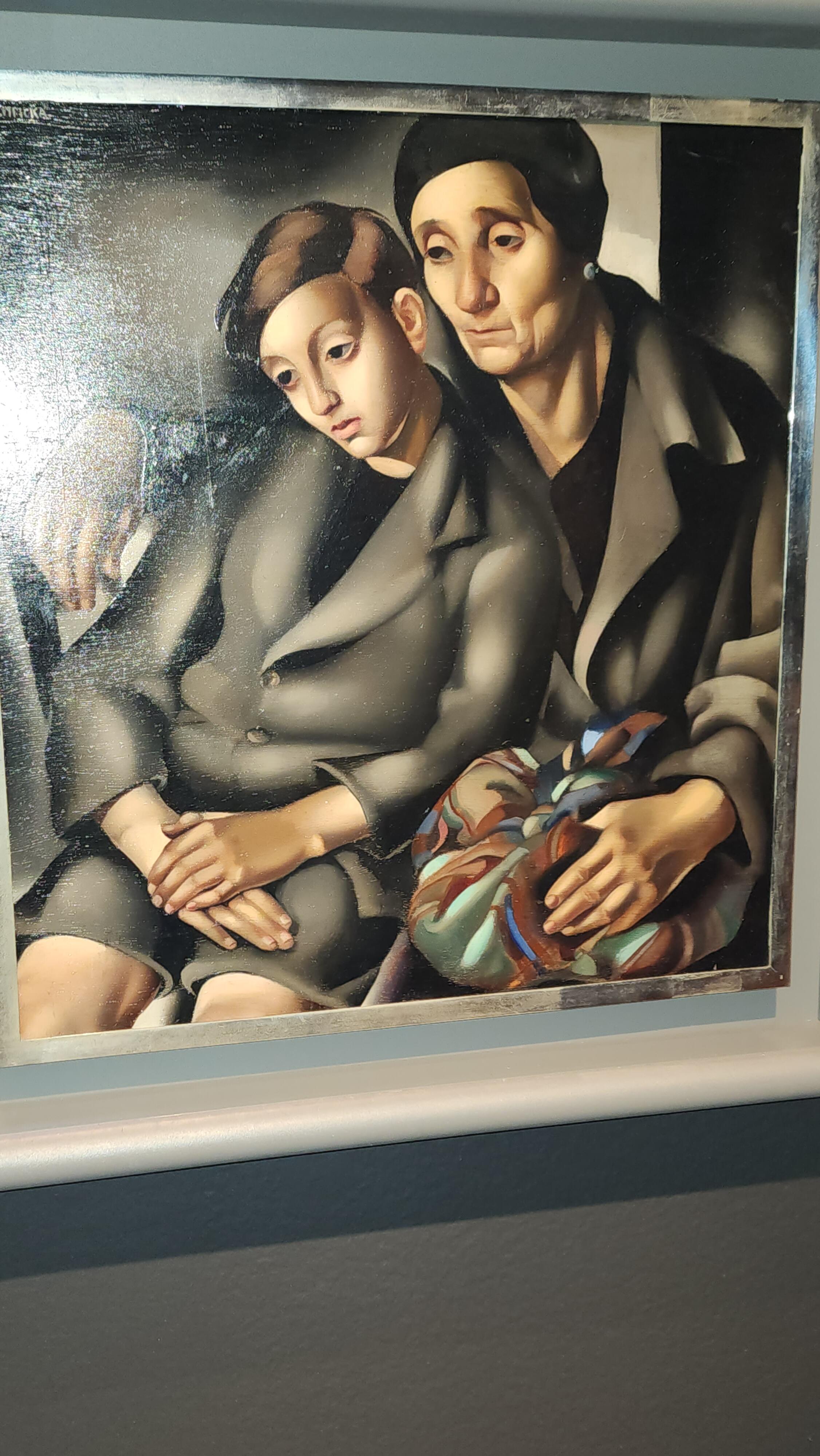
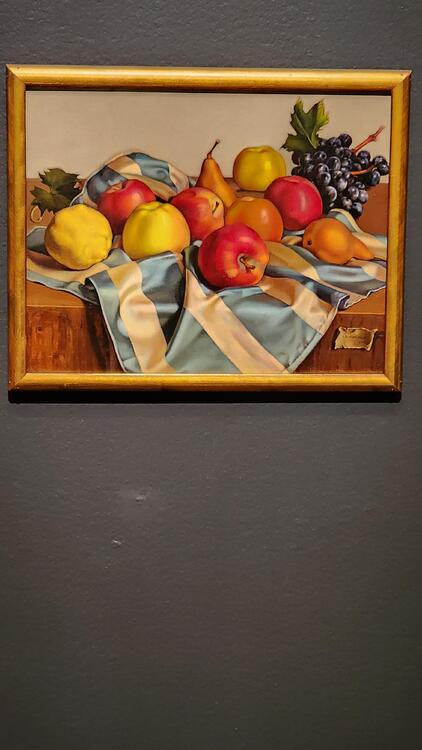
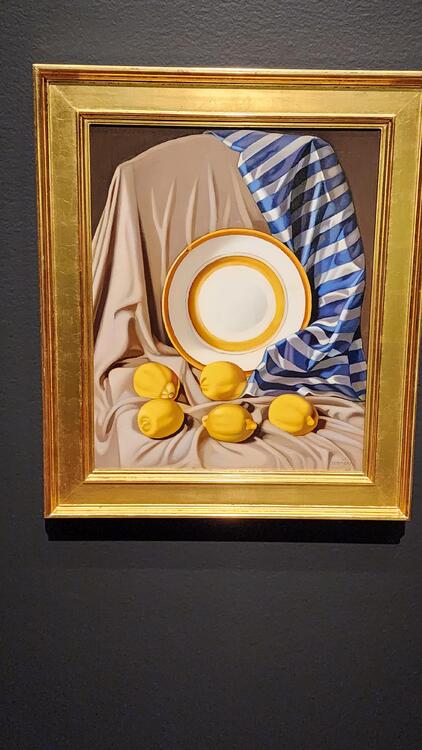
5 pointsActually yesterday, but visited the DeYoung Museum for the last day of the Tamara de Lempicka exhibit. Amazing work. These are just a few of the paintings exhibited...




 5 points
 -
3 points
-
2 points
-
2 points
-
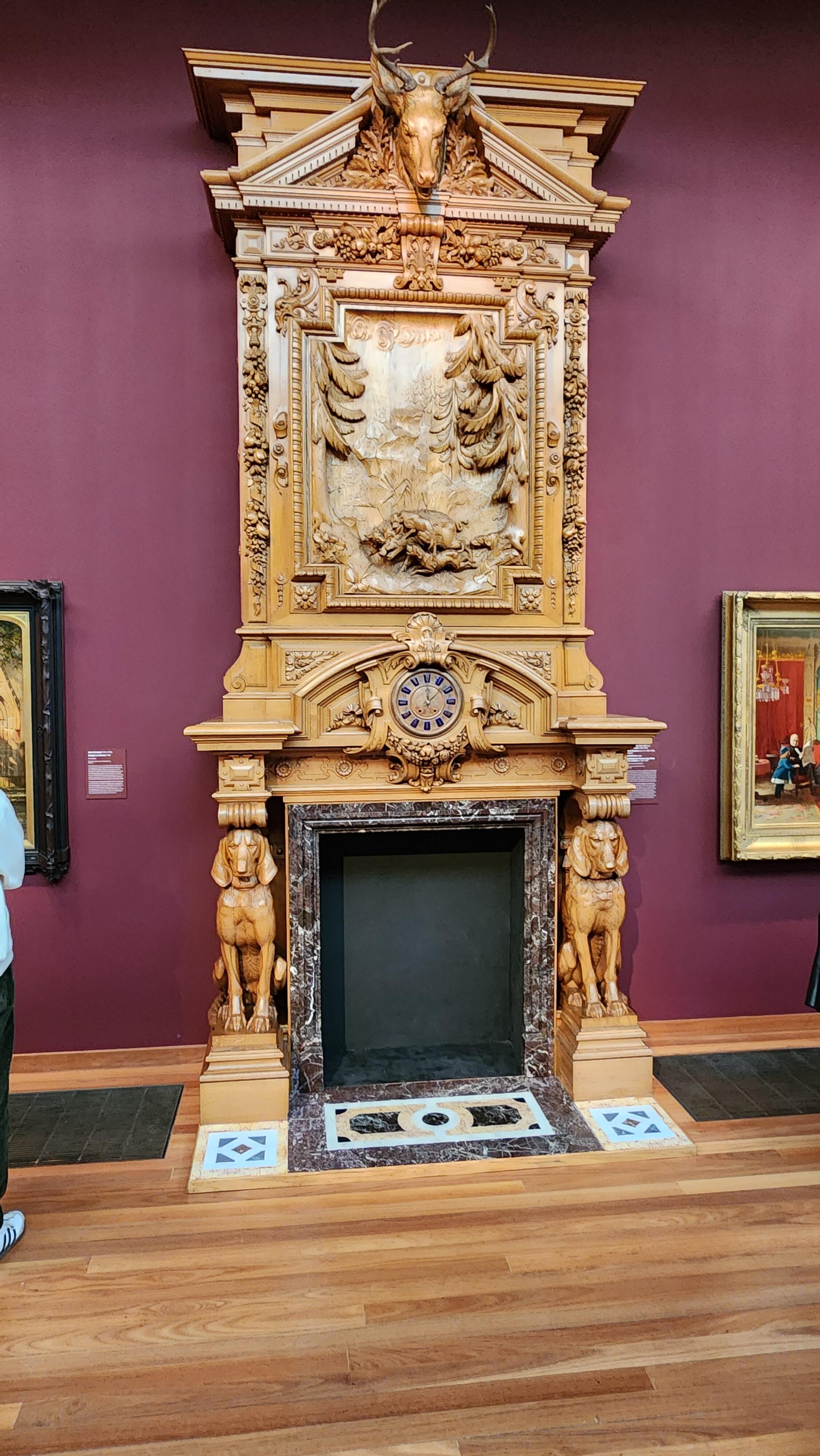
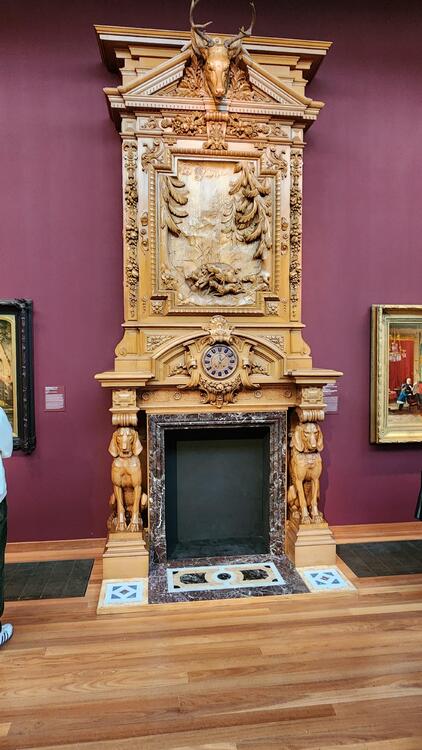
2 pointsI've been thinking about teaching myself to carve wood. Yesterday I decided to give it a go on an old cabinet. I do tend to get over ambitious. Did I go overboard?
 2 points
 -
Was suggested this by a friend, but he couldn't give me much info due to giving too much away. I'll do you the same courtesy and just say "it's worth the watch." Hour long episodes, 4 have dropped so far with 4 more coming. Next one on Tuesday. Looking forward to it.1 point
-
Everyone's favorite painfully polite British retro tech tuber investigates a premium boombox from the late 80s.1 point
-
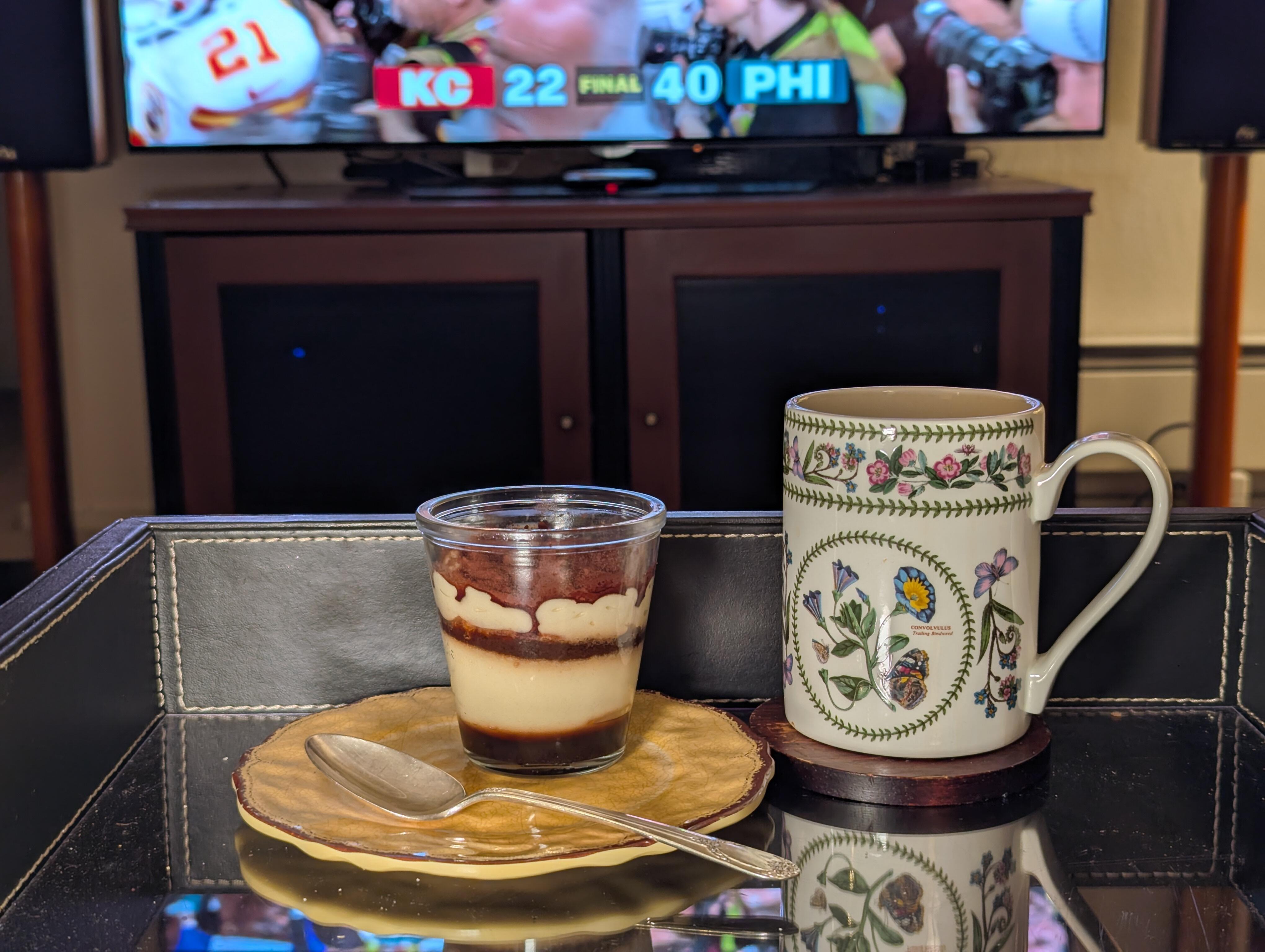
This may or may not be in in the background tomorrow But at least it will be in 4K / HDR! Superbowl for Free in 4K / HDR , thanks TUBI! https://wapo.st/4jSPiZw And now you can see the other reason for watching https://www.nytimes.com/2025/02/07/arts/television/super-bowl-commercials-ads-best-worst.html?unlocked_article_code=1.vU4.FhPH.sVRrpBtdwSpm&smid=url-share (Notice any change in tone due to recent developments?) So now you don't have to.1 point
-
1 point
-
1 pointI am new to this thread, but wanted to comment that this is one of the nicest builds I have ever seen. It looks like a boutique Japanese high end amp, and thats a compliment. I hope that I can come close on the build I am contemplating.1 point