Leaderboard
-
VPI
High Rollers7Points9103Posts -
Grahame
High Rollers4Points16859Posts -
MexicanDragon
High Rollers3Points8378Posts -
Voltron
High Rollers3Points34627Posts




Popular Content
Showing content with the highest reputation on 02/13/25 in Posts
-
7 pointsThanks everyone. Have not been here in a while. Seems everyone is still drinking, complaining about politics and buying stuff so pretty much the same. 🙂7 points
-
The STN9360 has no problem in megatron build. Make sure to check the pin out as I remember that the adapter board needed to be rotated back.1 point
-
1 point@Augsburger thought of you the other day when I was contemplating what to get from a local H-mart. Delicious, can recommend.1 point
-
1 pointSaw this, made me think of you people: That speaker placement at the end, though. (cringe)1 point
-
1 point
-
1 point
-
1 point
-
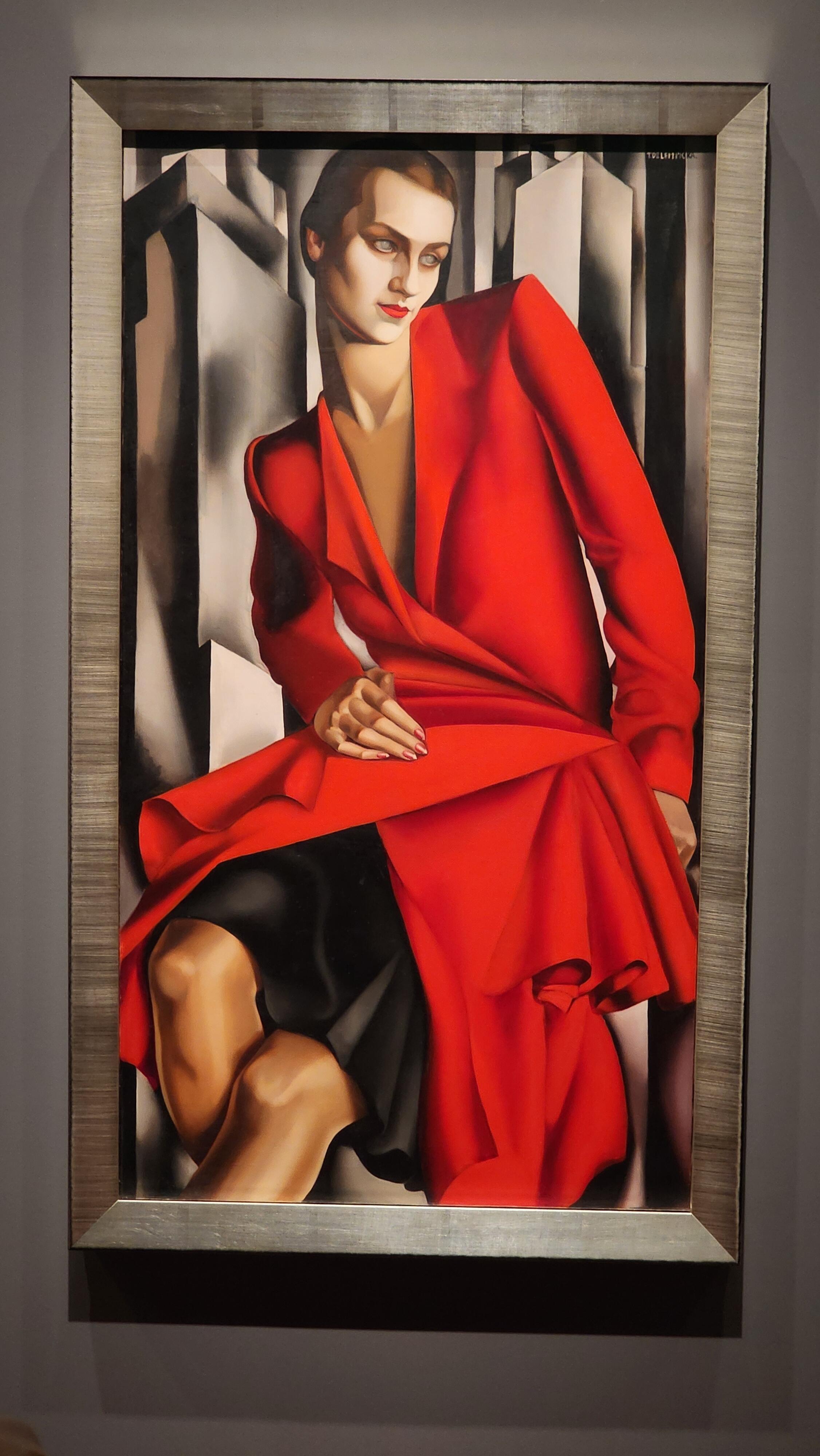
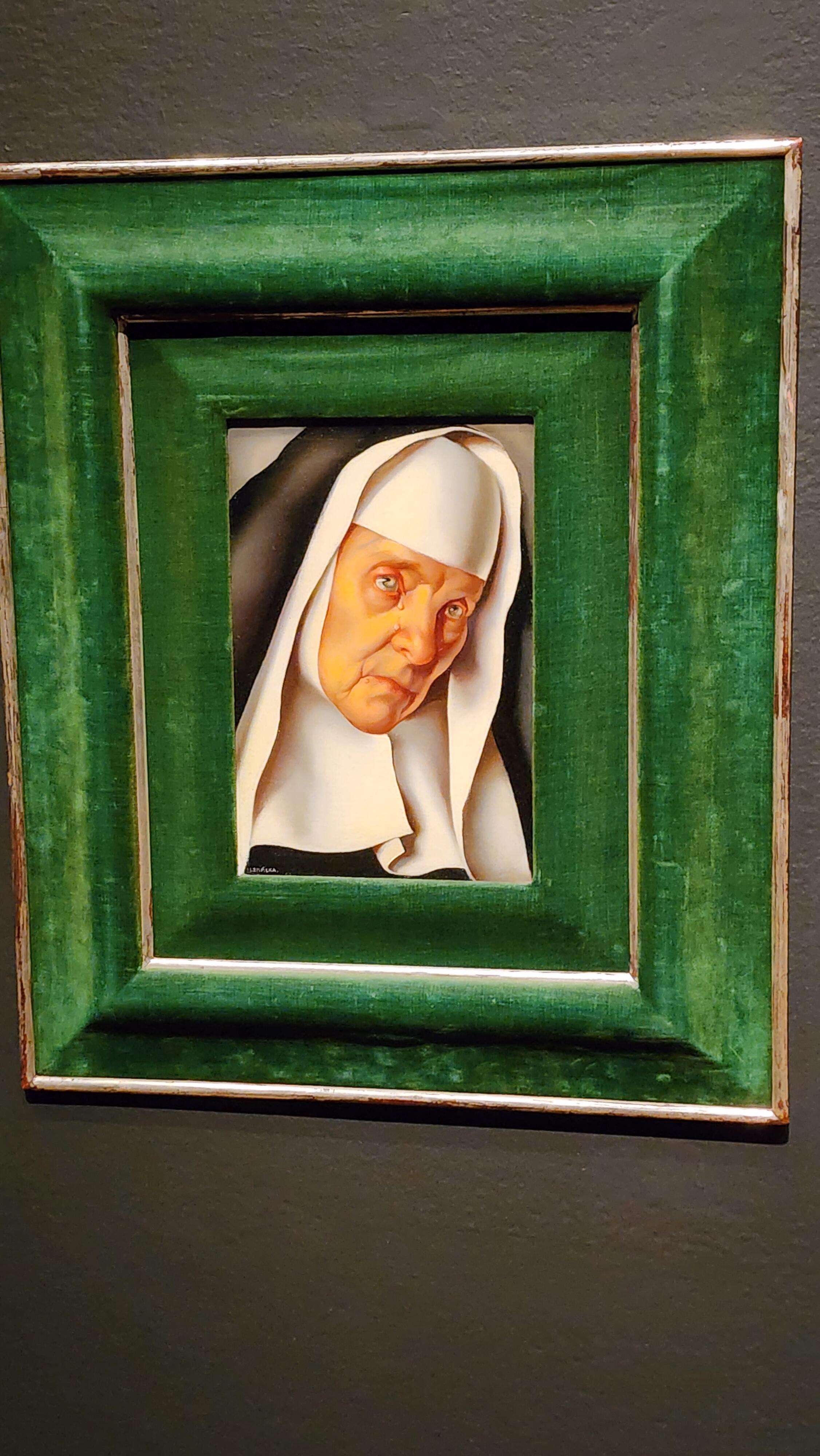
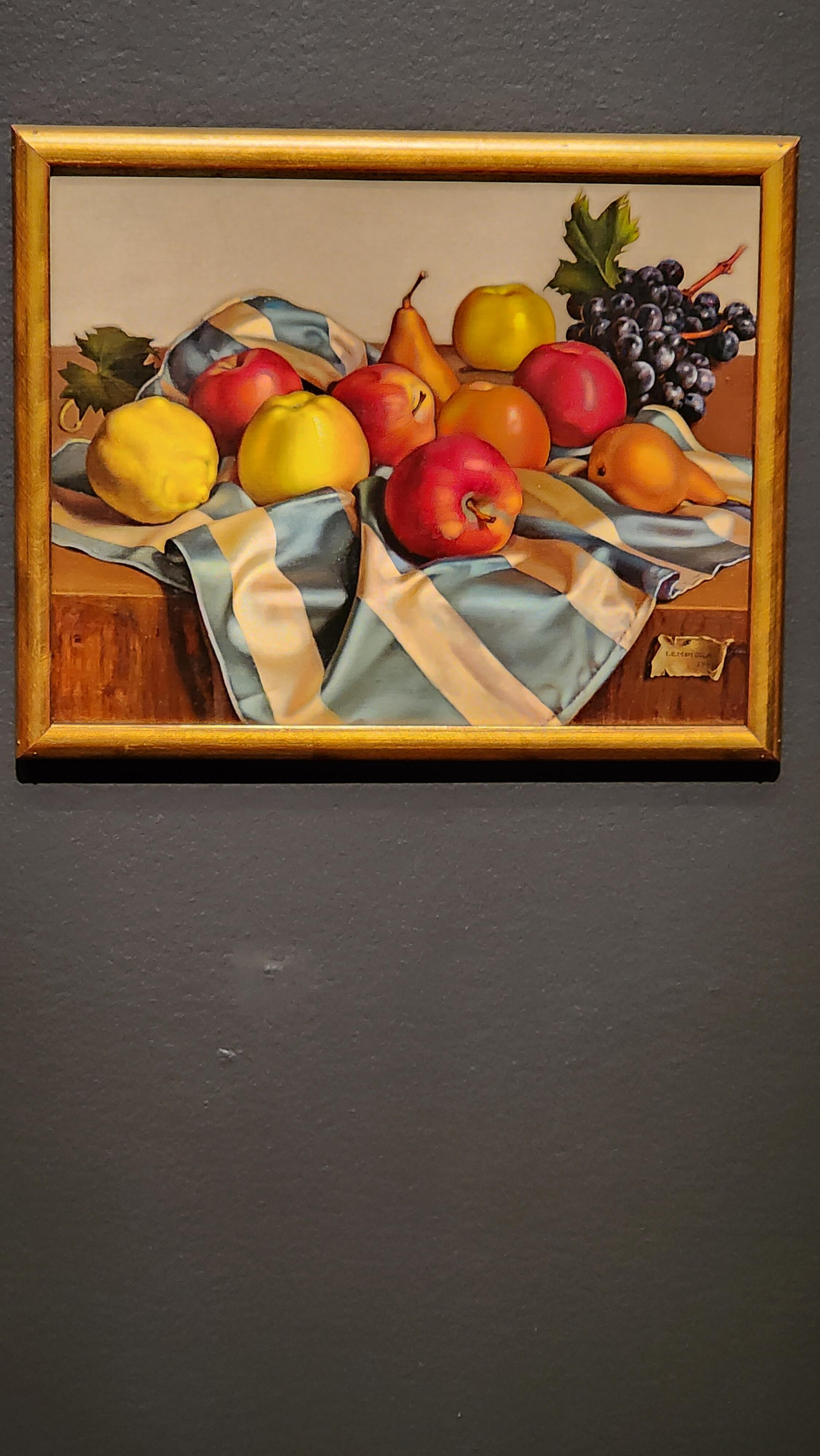
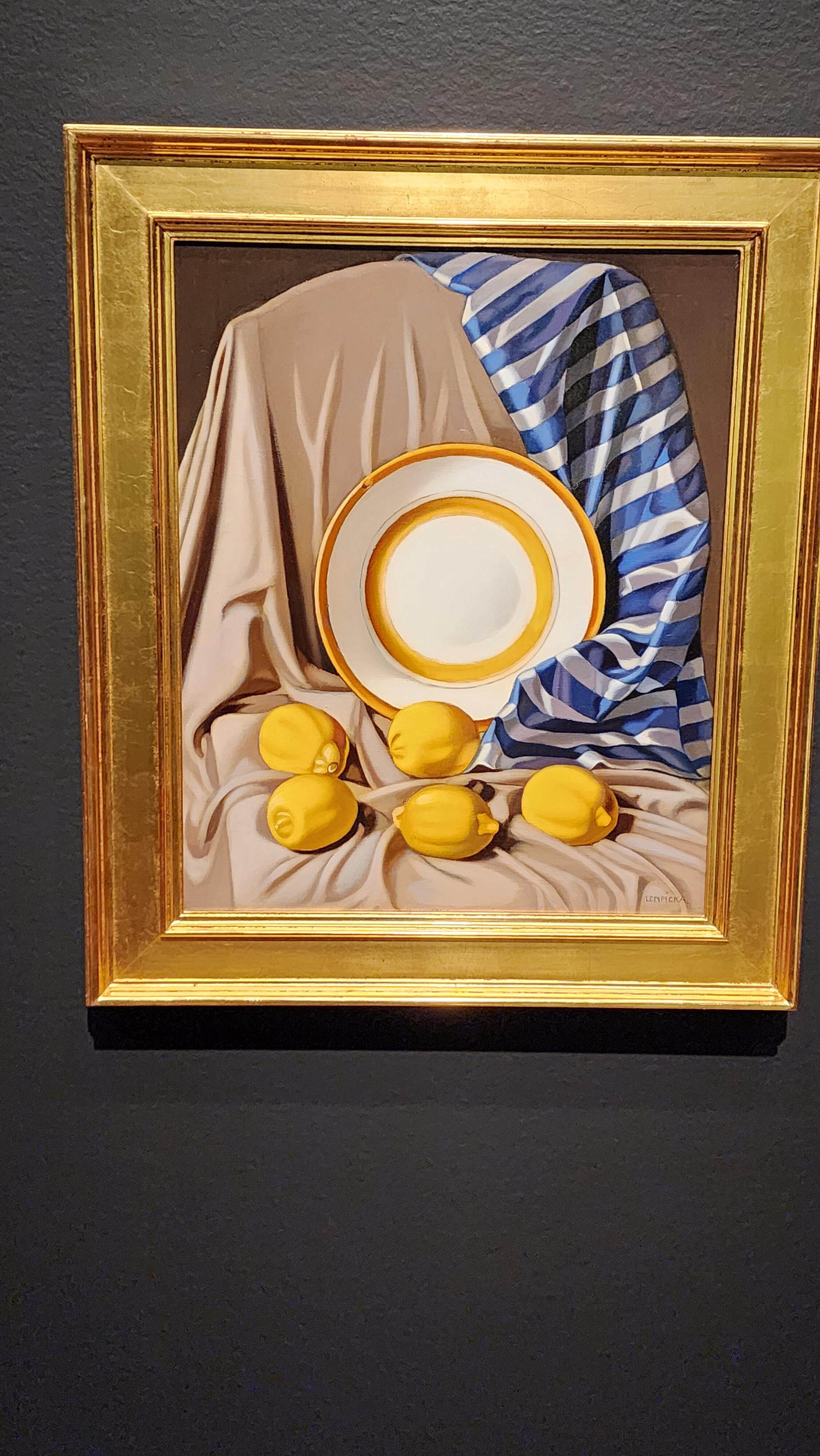
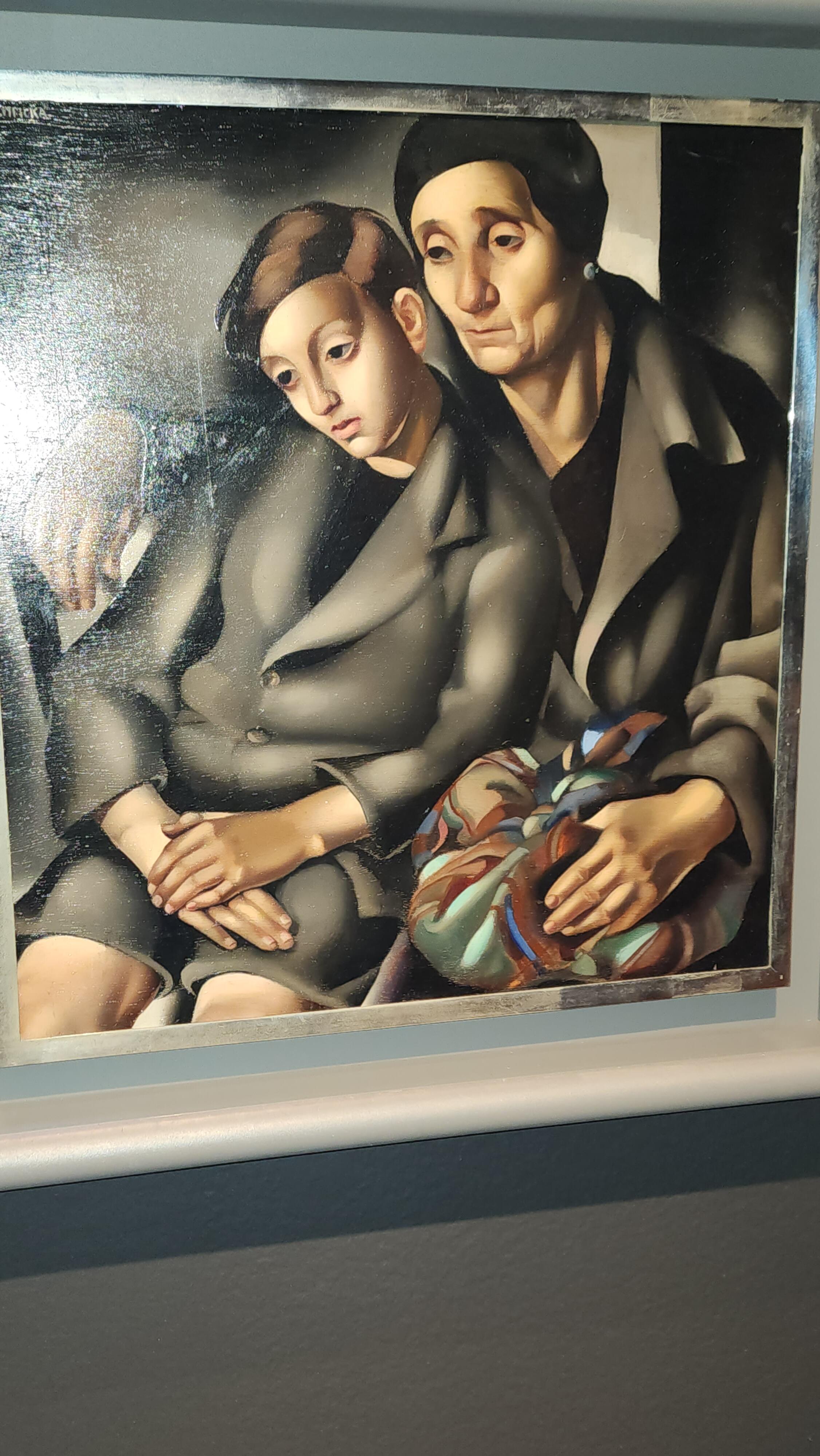
1 pointActually yesterday, but visited the DeYoung Museum for the last day of the Tamara de Lempicka exhibit. Amazing work. These are just a few of the paintings exhibited...






 1 point
 -
1 point
-
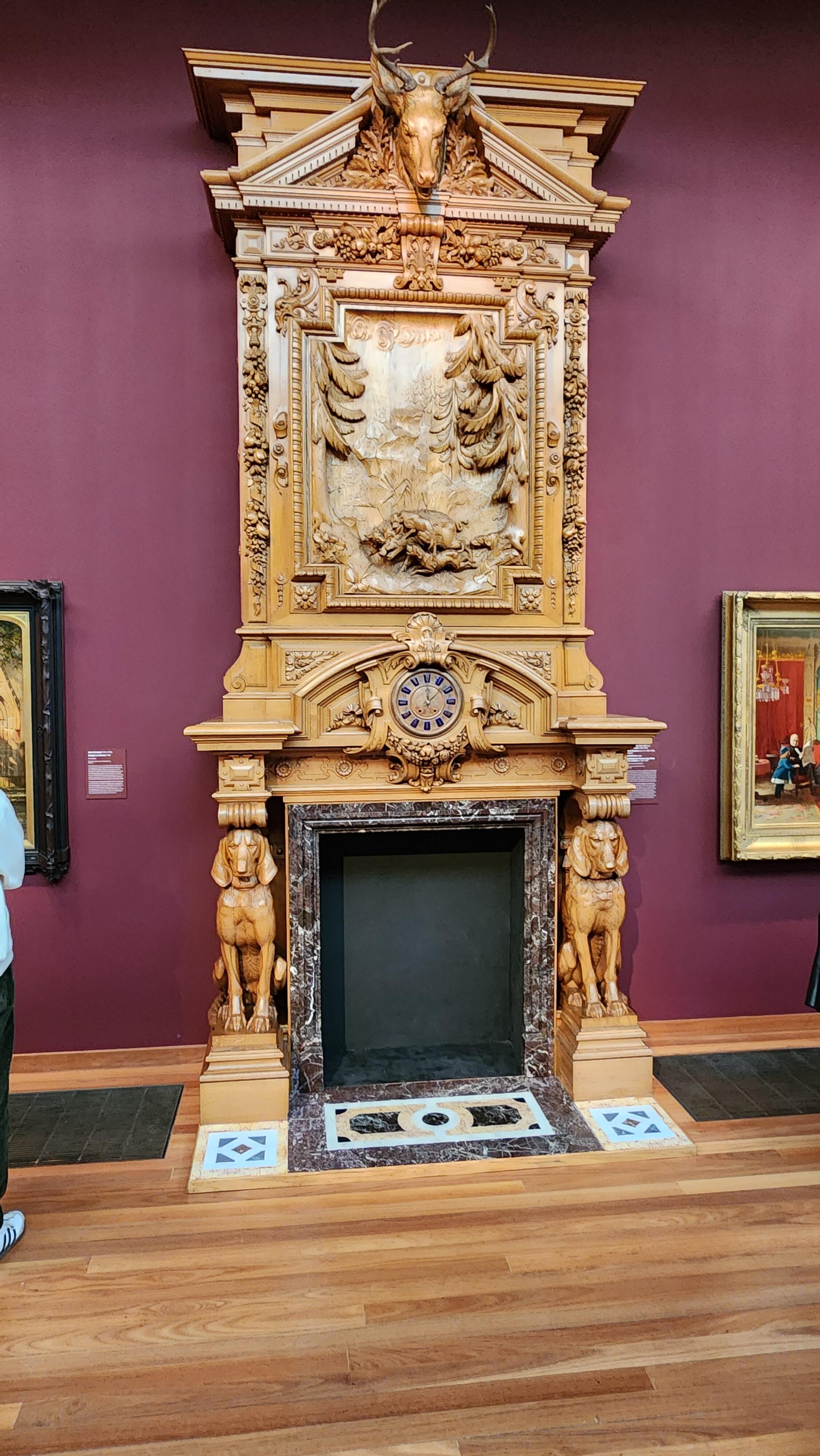
0 pointsI've been thinking about teaching myself to carve wood. Yesterday I decided to give it a go on an old cabinet. I do tend to get over ambitious. Did I go overboard?
 0 points