Leaderboard




Popular Content
Showing content with the highest reputation on 05/13/25 in Posts
-
5 points
-
2 pointshttps://archive.org/details/rwh-20250510-t-21-choctaw-bingo Ray Wylie Hubbard Saturday
 2 points
 -
2 pointsI got as far as buying a griddle plate to go on my gas grill a little while ago, but not as far as actually taking it out of the box yet. Keep posting!2 points
-
1 pointThanks for comment and link to ROHM document, @simmconn. Very much appreciated. That test had obviously no chance to be successful.1 point
-
1 pointA few years late, but RIP Cris Hassold, professor at New College of Florida A Professor’s Final Gift to Her Students: Her Life Savings https://www.nytimes.com/2025/05/11/us/cris-hassold-professor-new-college-will.html?unlocked_article_code=1.Gk8.lsgk.I-V-0Fygppww&smid=nytcore-ios-share&referringSource=articleShare (Gift article)1 point
-
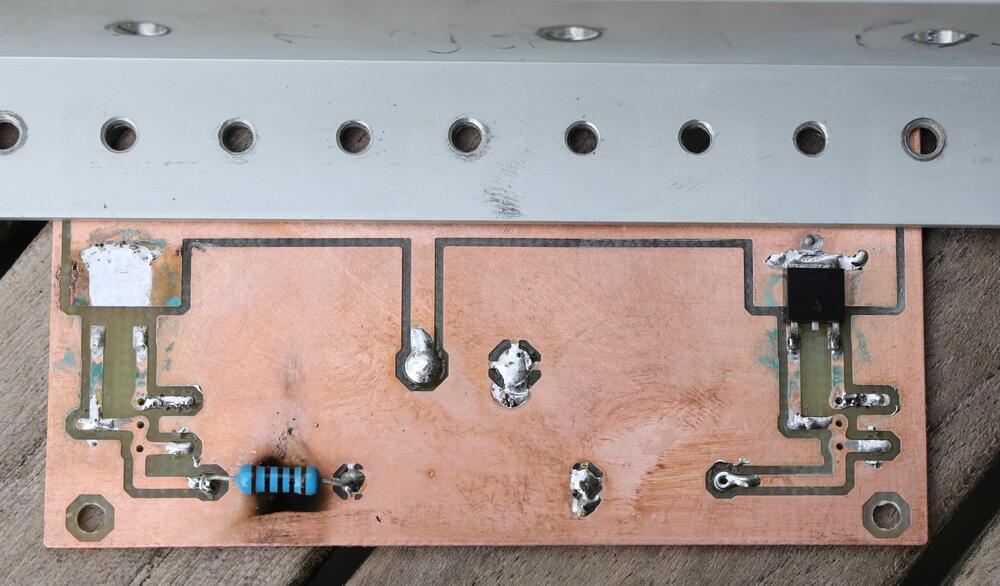
1 pointThanks for notifying. The more eyes the better and… No, I missed that damage. With L-bracket it looks like this. Clearence between +400V area and ground is 40 mil. So, I doubt that there has been an electric short. I suspect that, for a reason I don’t understand, the current rushed and 10m90 quickly over heated. At the same time the PSU gave up and all went silent. I guess it’s heat from 10m90s that caused the damage. But that is a 100% guess. Anyhow, I think I stick to to220 version of 10m90s and forget this mishap.
 1 point
 -
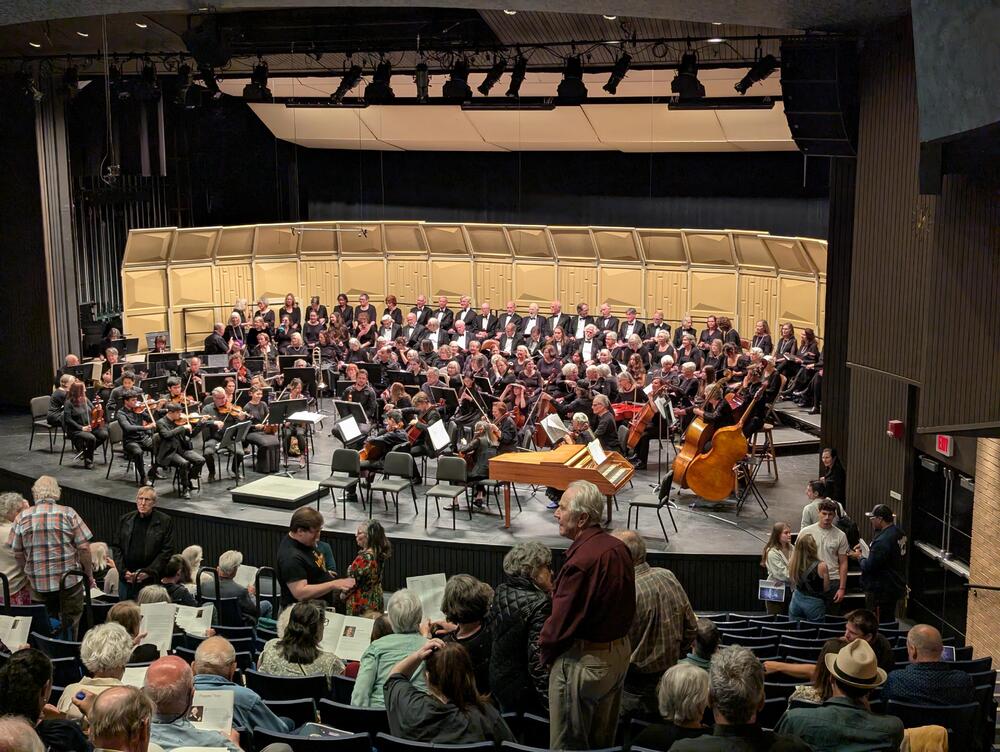
1 pointTonight's Culture This one goes to 11 It's a lot easier to follow in English. Quite the performance.
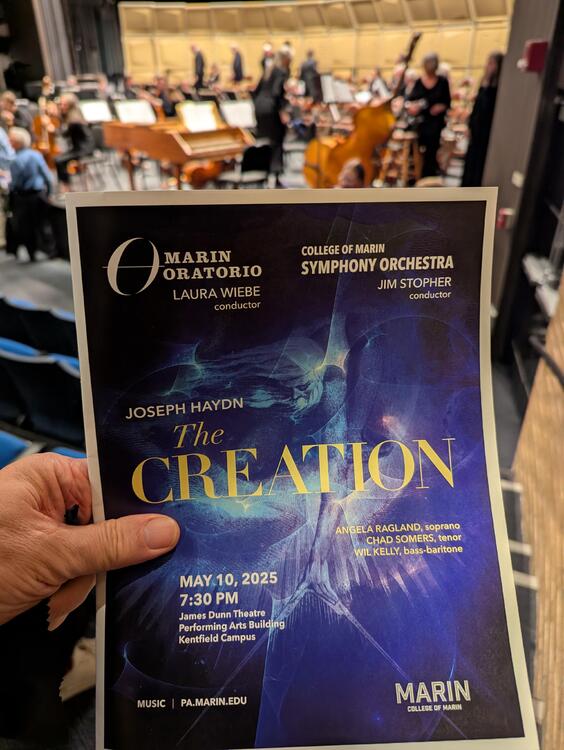
 1 point