Leaderboard
-
spritzer
High Rollers7Points14712Posts -
Absorbine_Sr
High Rollers4Points8097Posts -
Hopstretch
High Rollers4Points16821Posts -
guzziguy
High Rollers2Points10879Posts




Popular Content
Showing content with the highest reputation on 07/02/25 in Posts
-
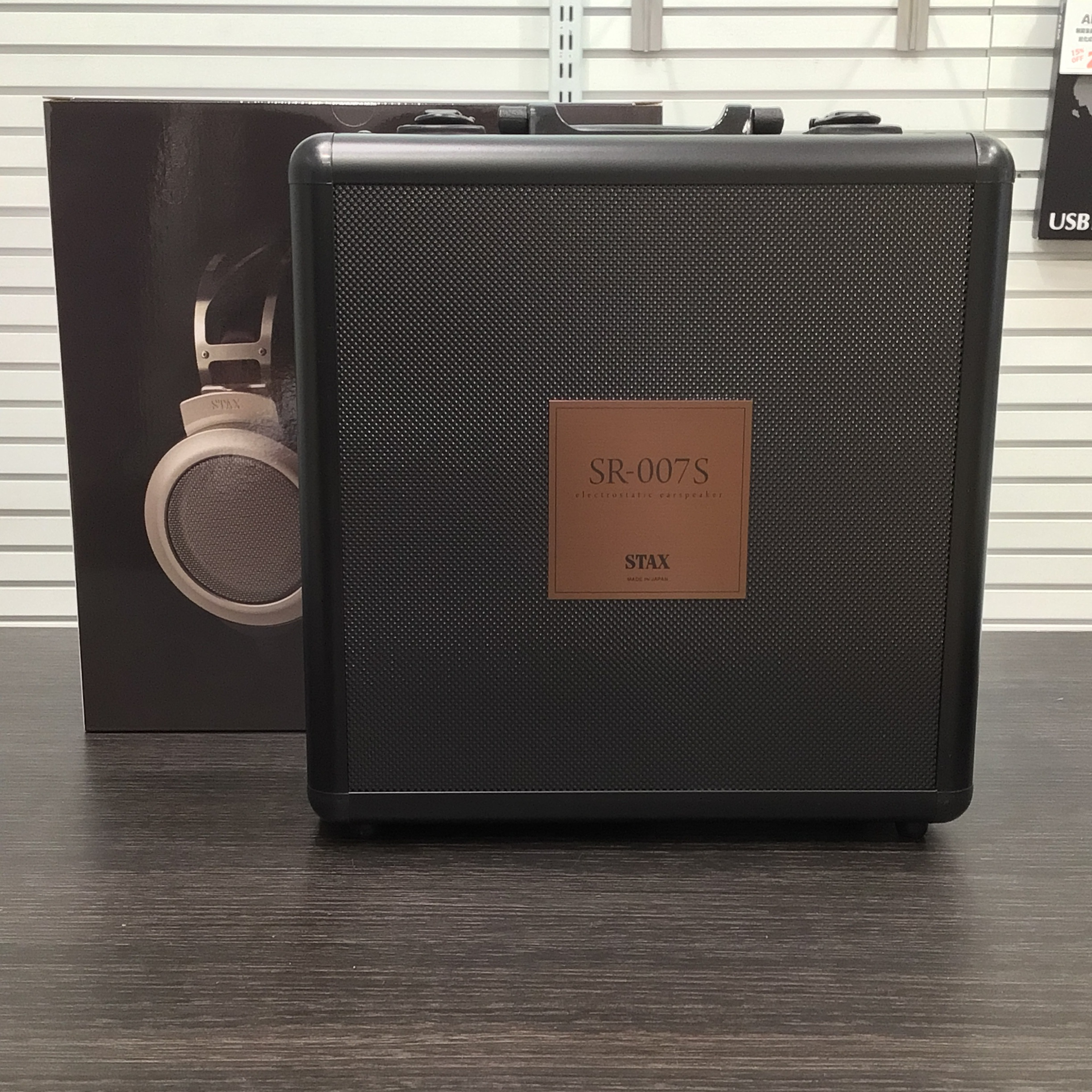
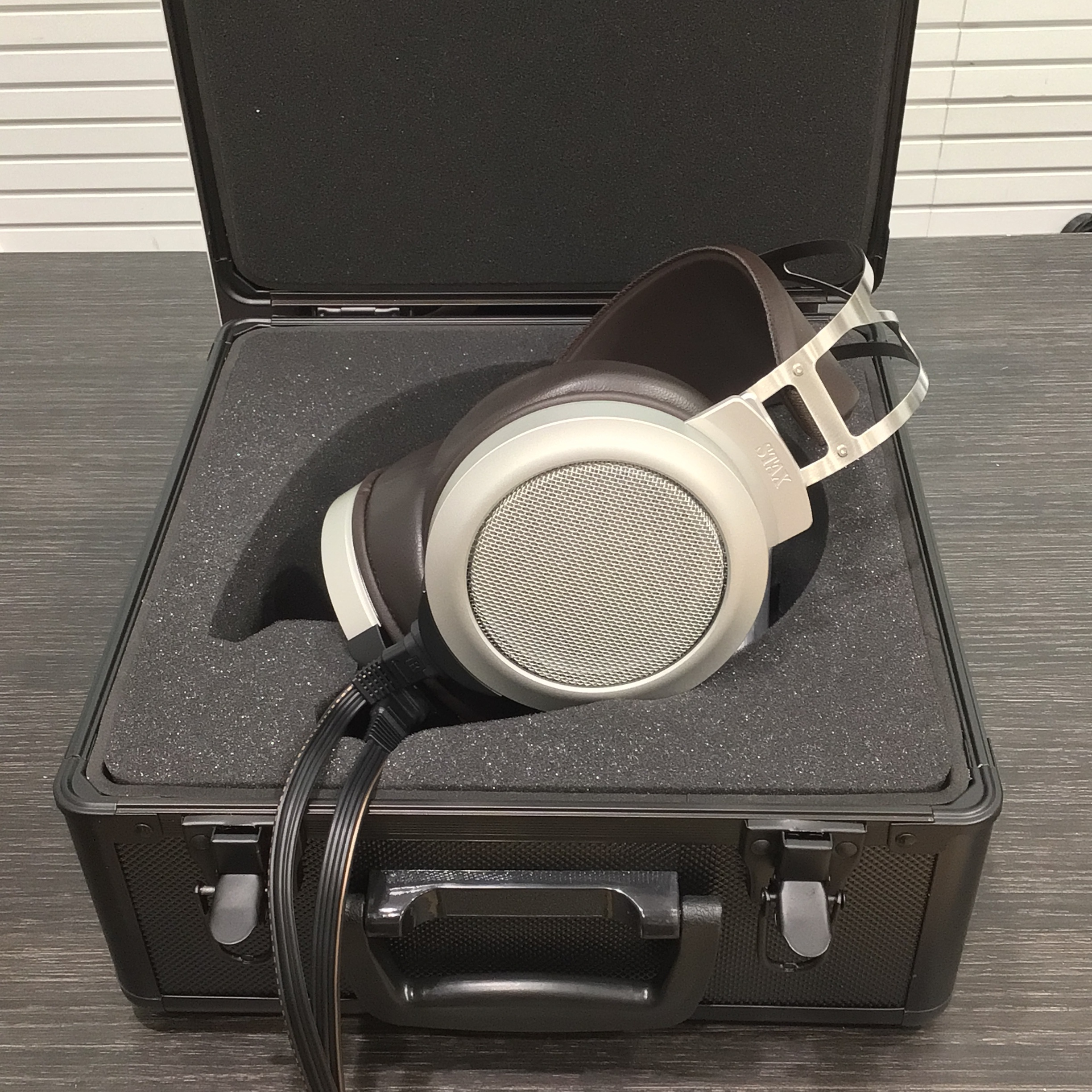
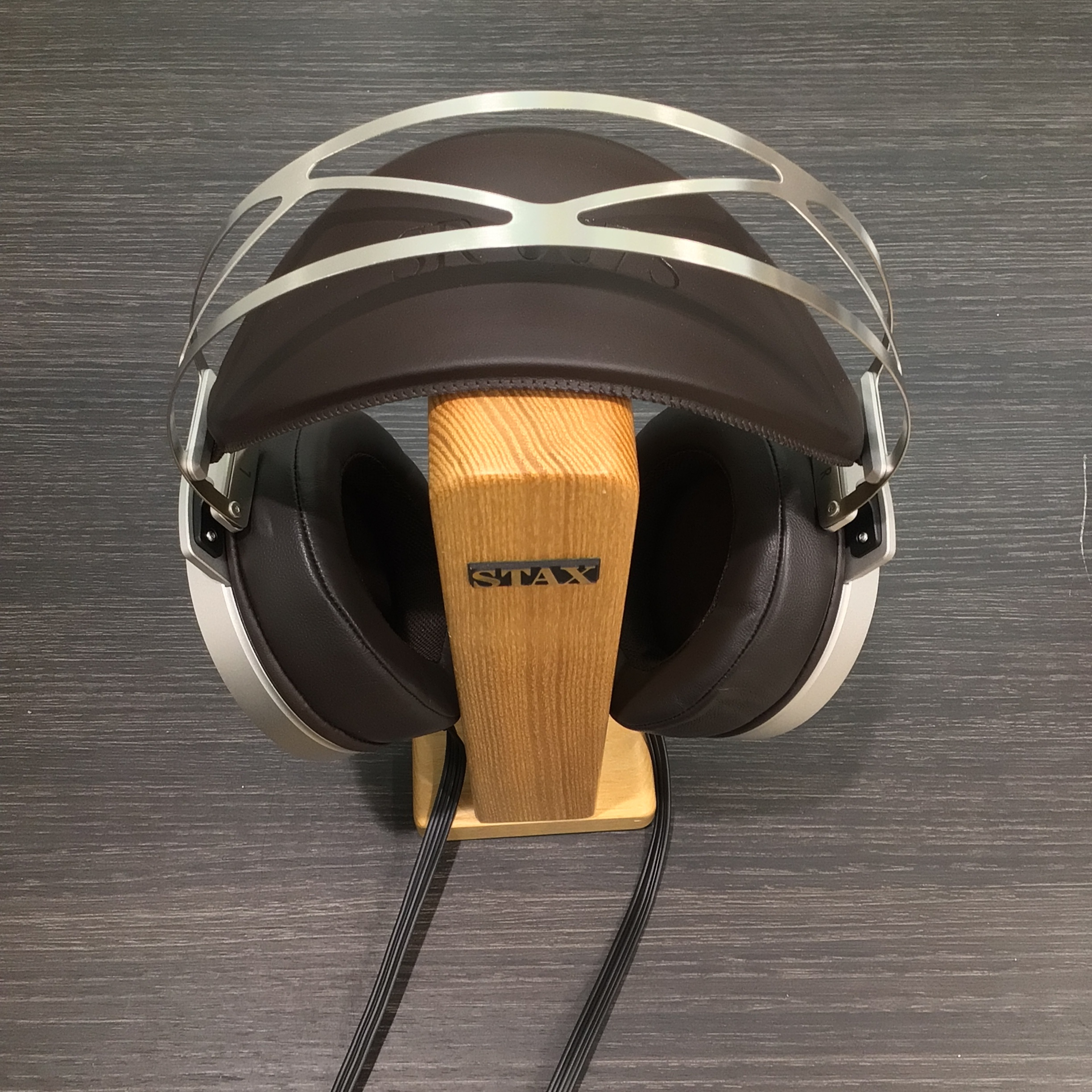
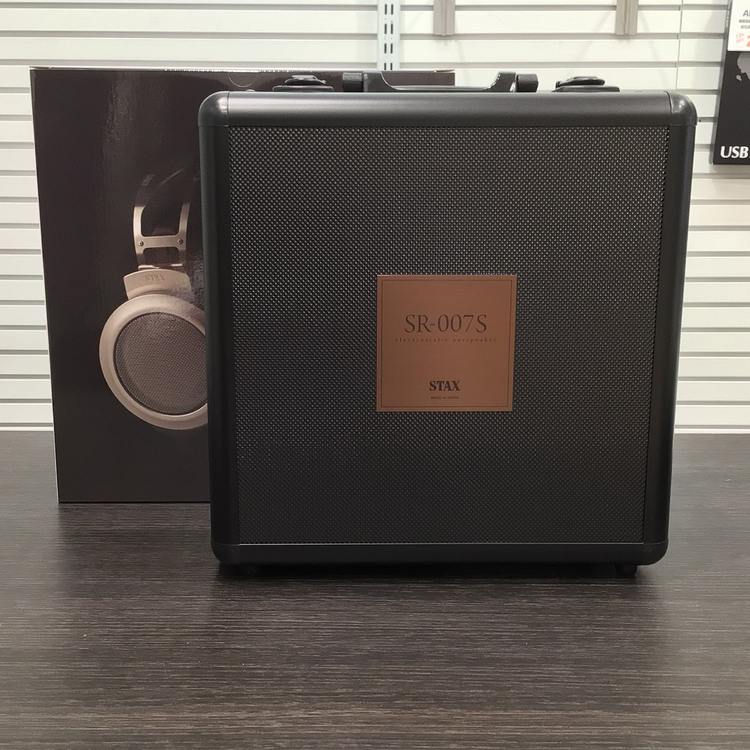
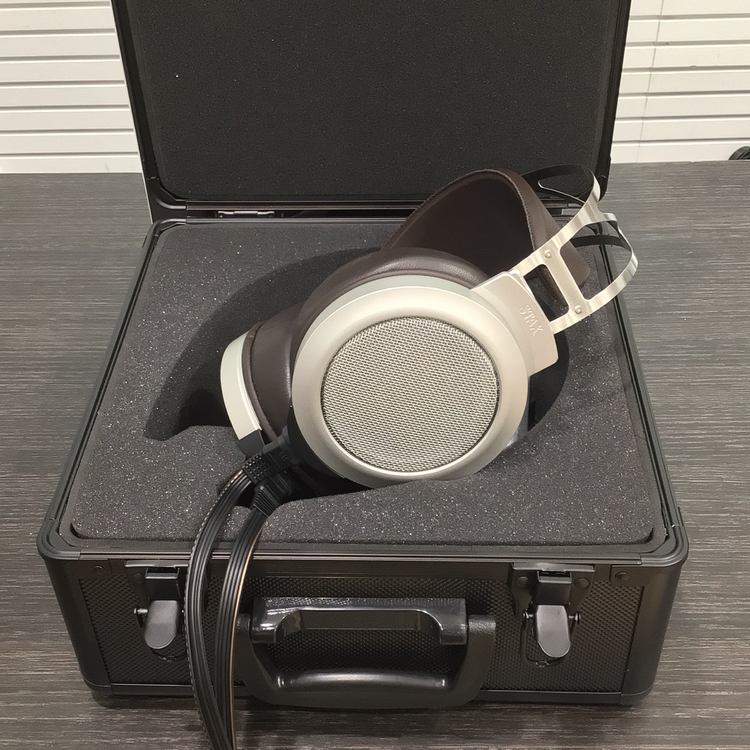
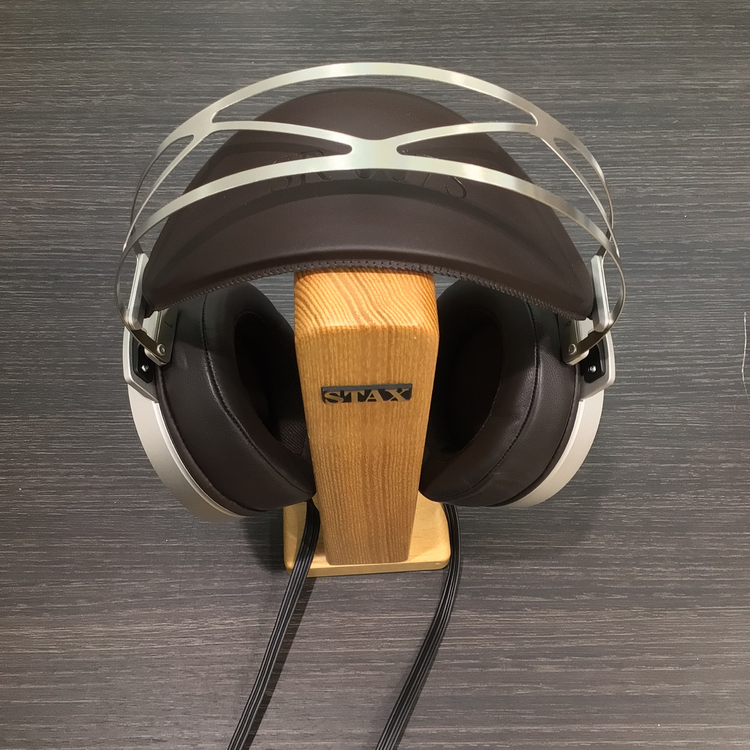
4 pointsMy 007's might be here by Thursday but in the meantime I found these pics: Same cable as the SR-X1 and I really like the all black flight case...
 4 points
 -
2 points
-
1 pointI sold both of my X9000's (there is no reason to keep them when they are already plummeting in price so I'll pick up a cheap one in 5 years) and the L500 and L700Mk2's are also gone. I might pickup either of the other two if they show up at a nice price but the cables have never changed much for me1 point
-
1 point
-
1 point
-
1 pointThe flight case is cool indeed, and the shock of the Frankenstein impression seems to have faded. But who cares. Now how about those drivers...1 point
-
1 point
-
This is lovely. And even I can hear what a clear recording this is.1 point
-
1 pointIn the parlance of our times, RIP Bozo. Televangelist Jimmy Swaggart, whose ministry was toppled by prostitution scandals, dies at 90.1 point
-
1 point
-
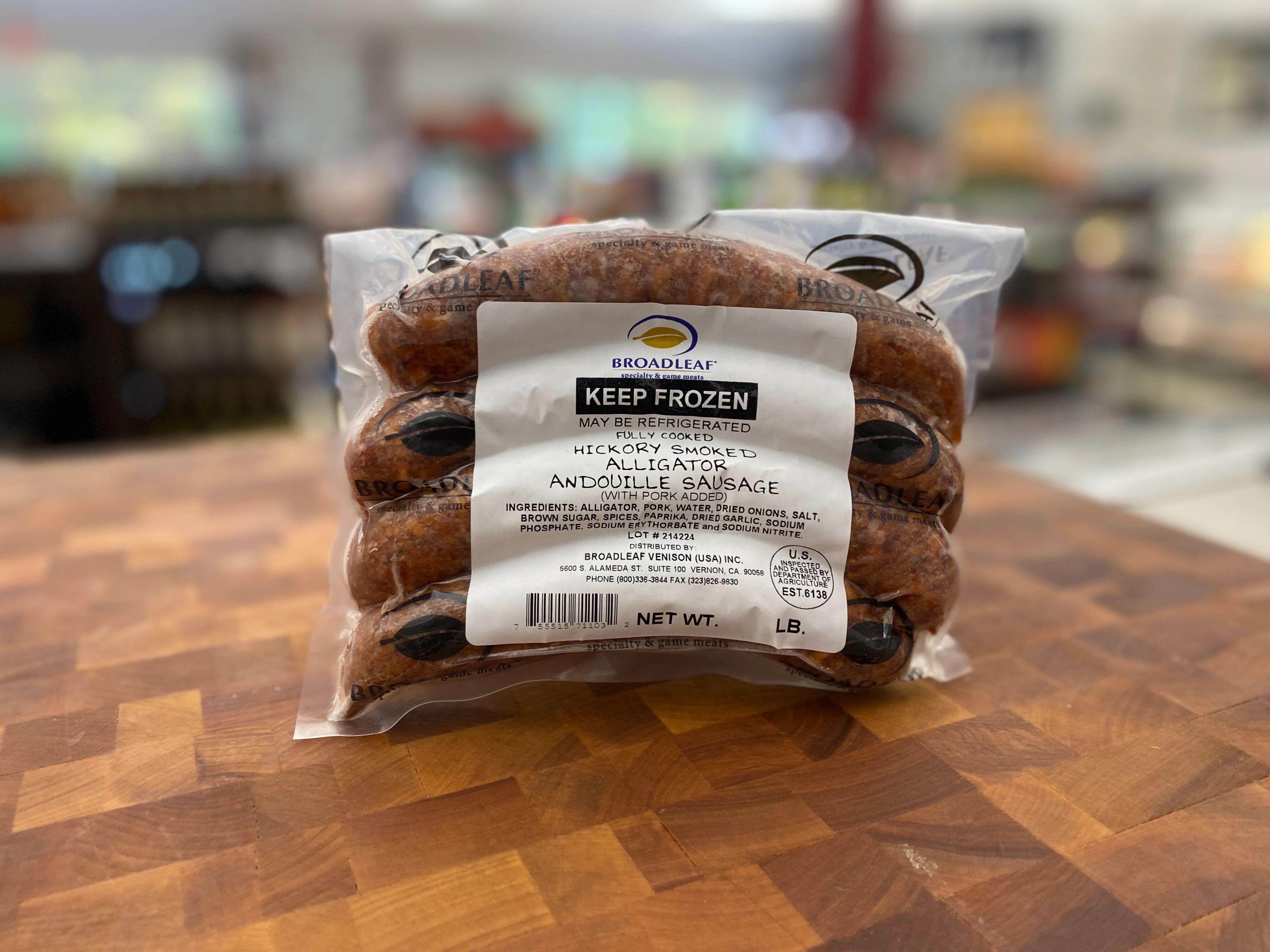
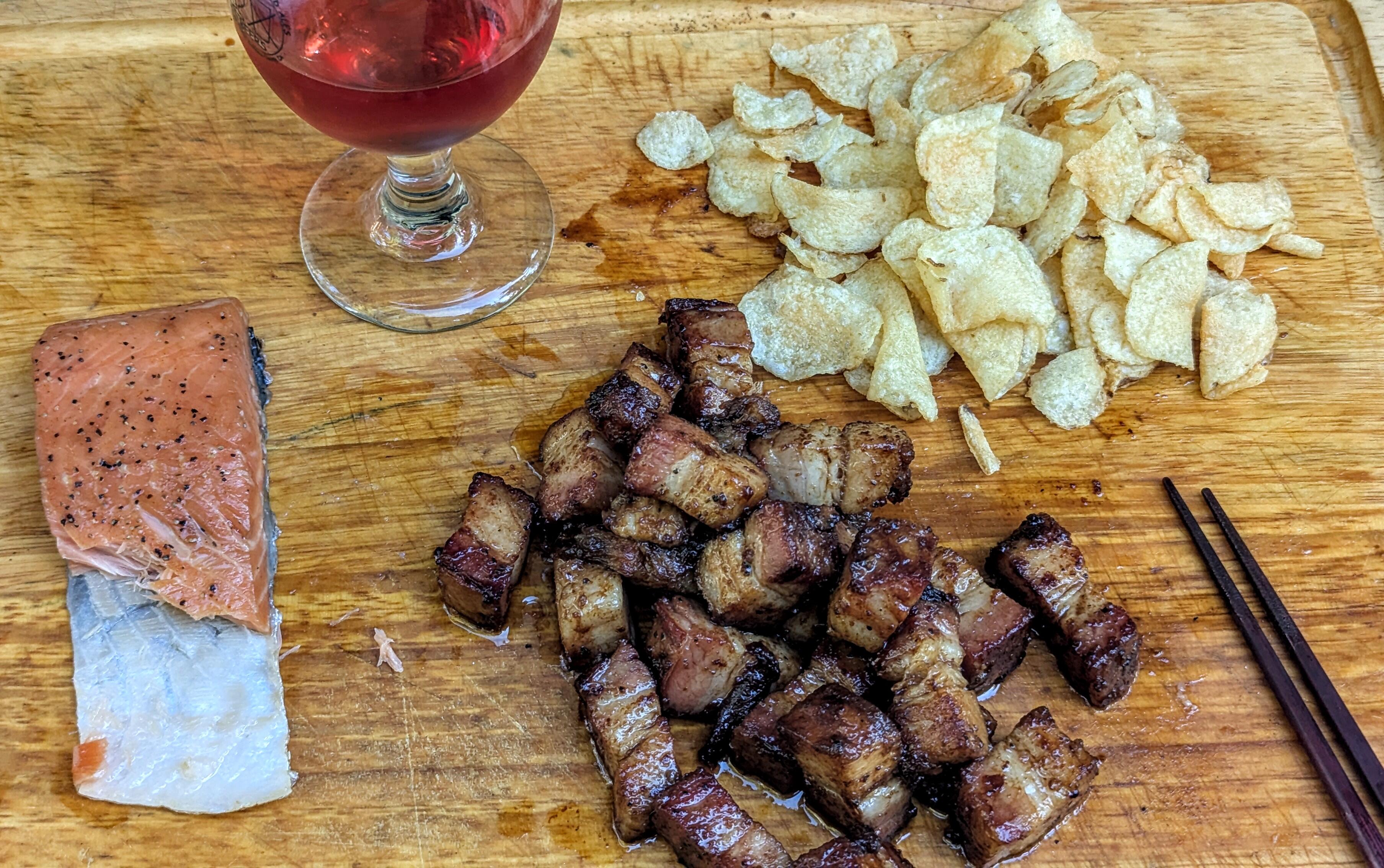
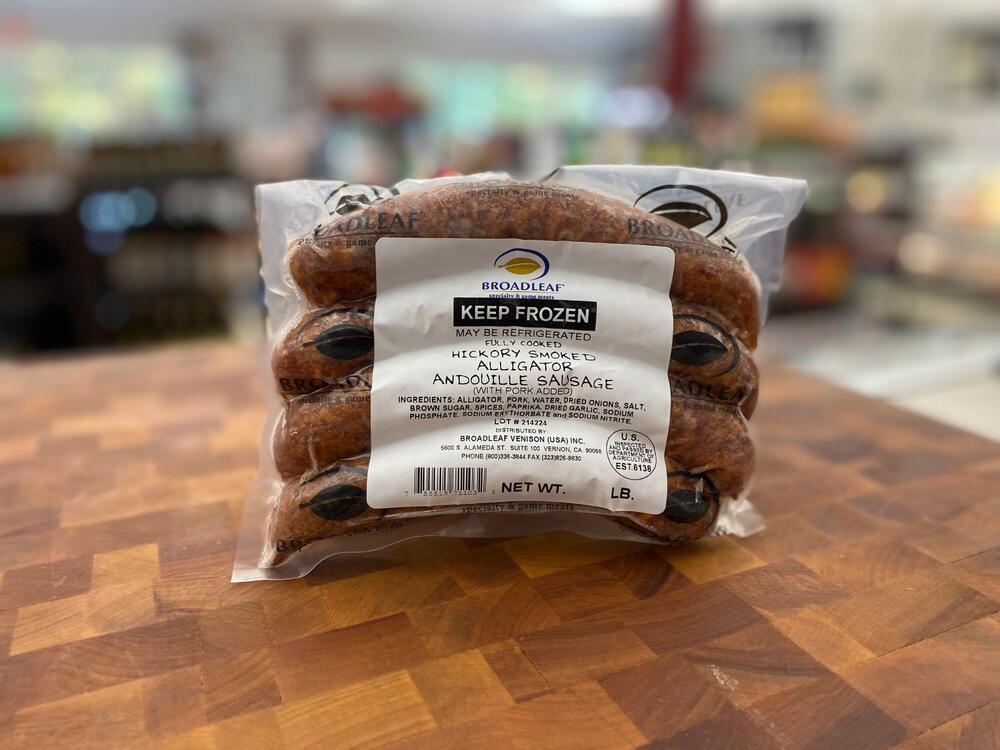
1 pointNo pics of the actual dinner (last night) and lunch (today), but had some very yummy sausage. Standalone last night, and in a wrap with apple BBQ sauce today for lunch.
 1 point
 -
1 point
-
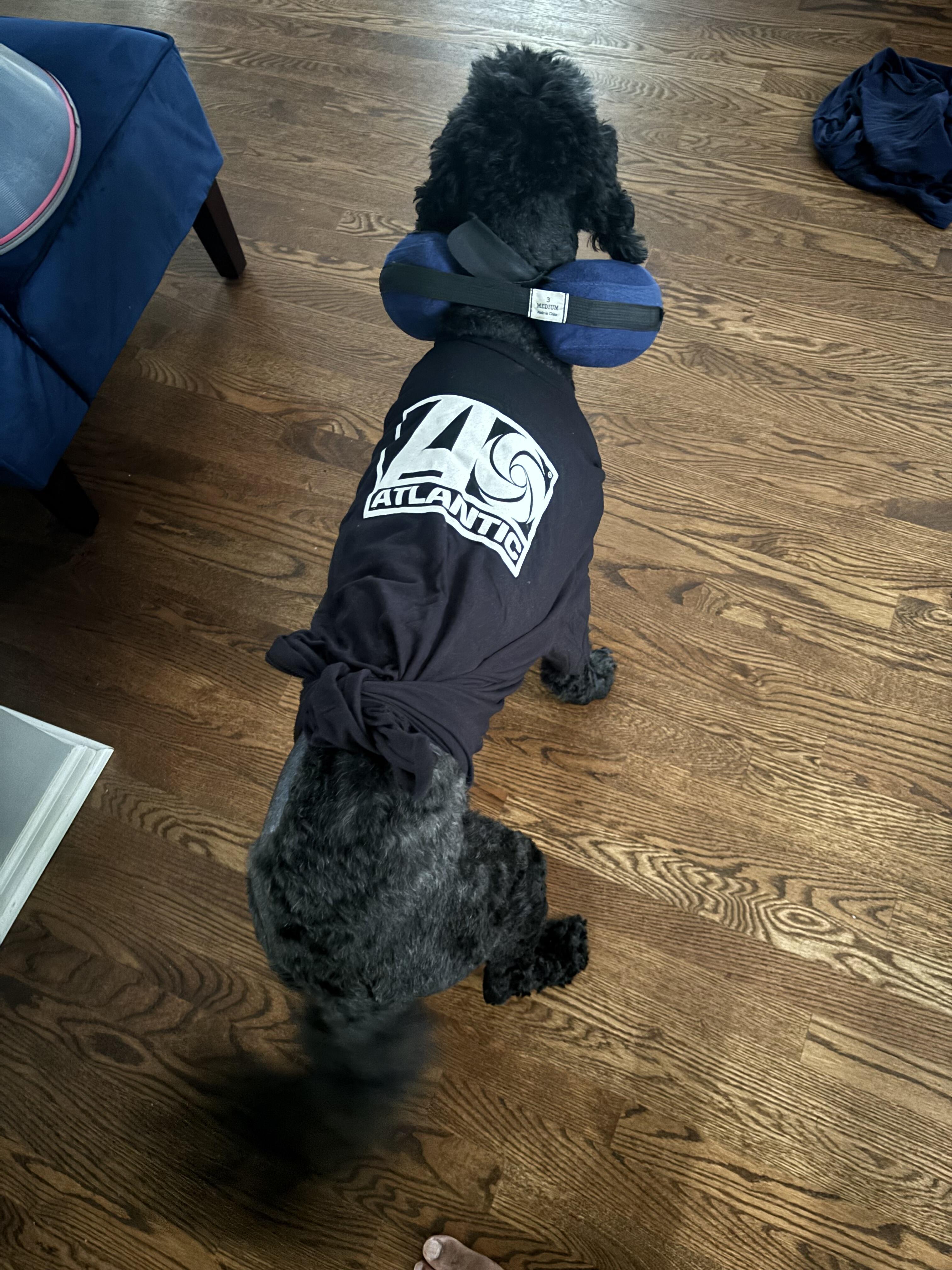
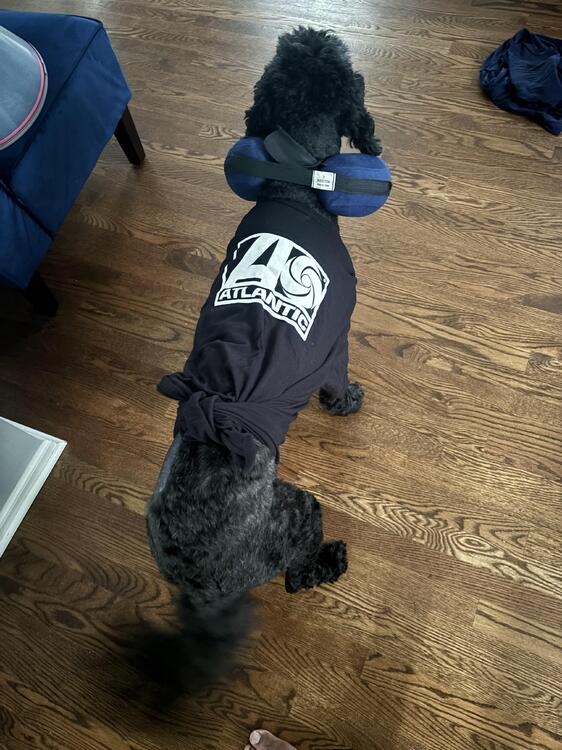
1 pointMore the weekend, but we got a fatty mass surgically removed from the doggo, but 2 nights in of course she rips out the stitches AND her drain tube (and most likely ate it lol) requiring her to go back in and get stapled but as you can see she is doing well 🤣

 1 point