Skip to content
View in the app

A better way to browse. Learn more.

www.Head-Case.org

A full-screen app on your home screen with push notifications, badges and more.

To install this app on iOS and iPadOS
  1. Tap the Share icon in Safari
  2. Scroll the menu and tap Add to Home Screen.
  3. Tap Add in the top-right corner.
To install this app on Android
  1. Tap the 3-dot menu (⋮) in the top-right corner of the browser.
  2. Tap Add to Home screen or Install app.
  3. Confirm by tapping Install.

Leaderboard

Popular Content

Showing content with the highest reputation on 06/22/26 in Posts

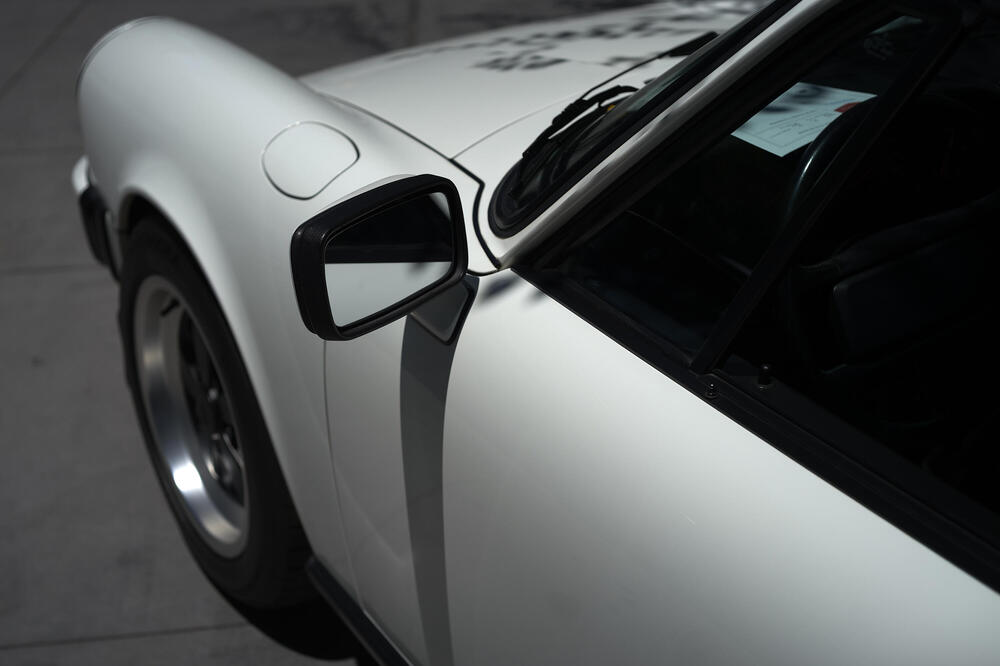
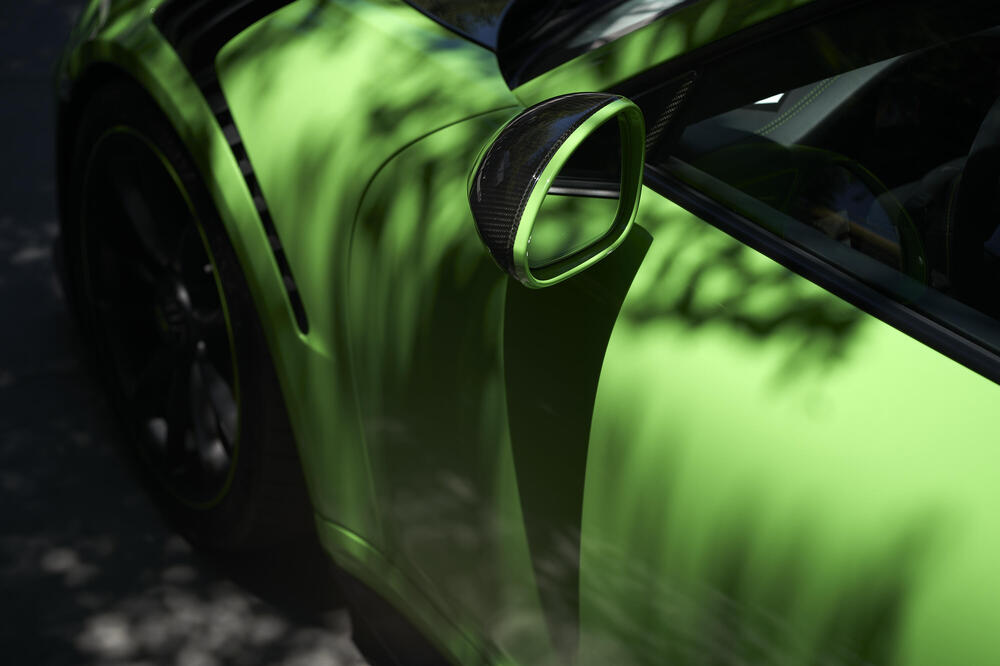
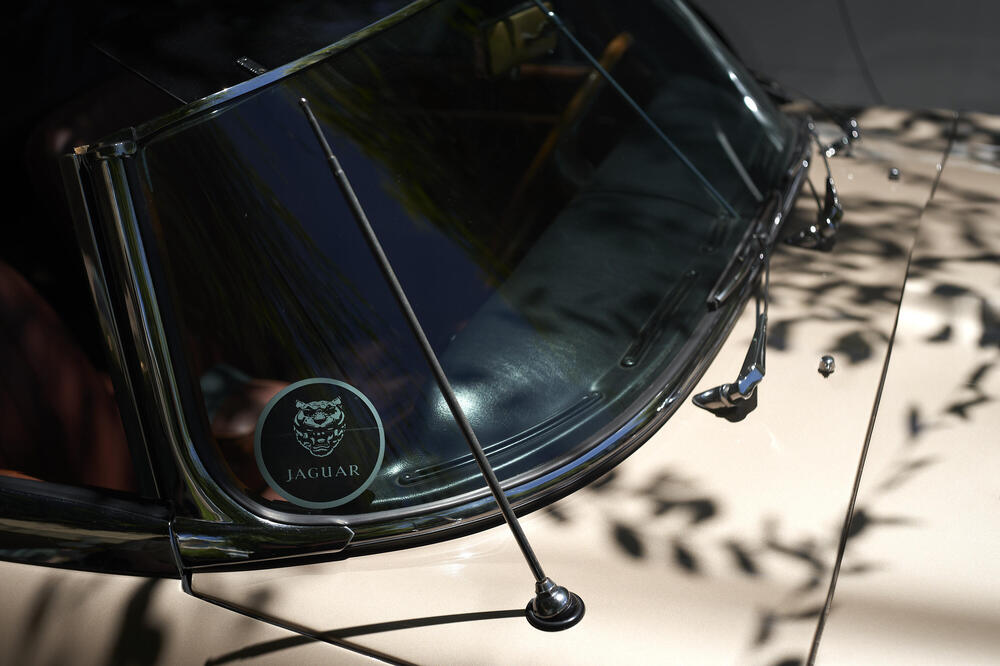
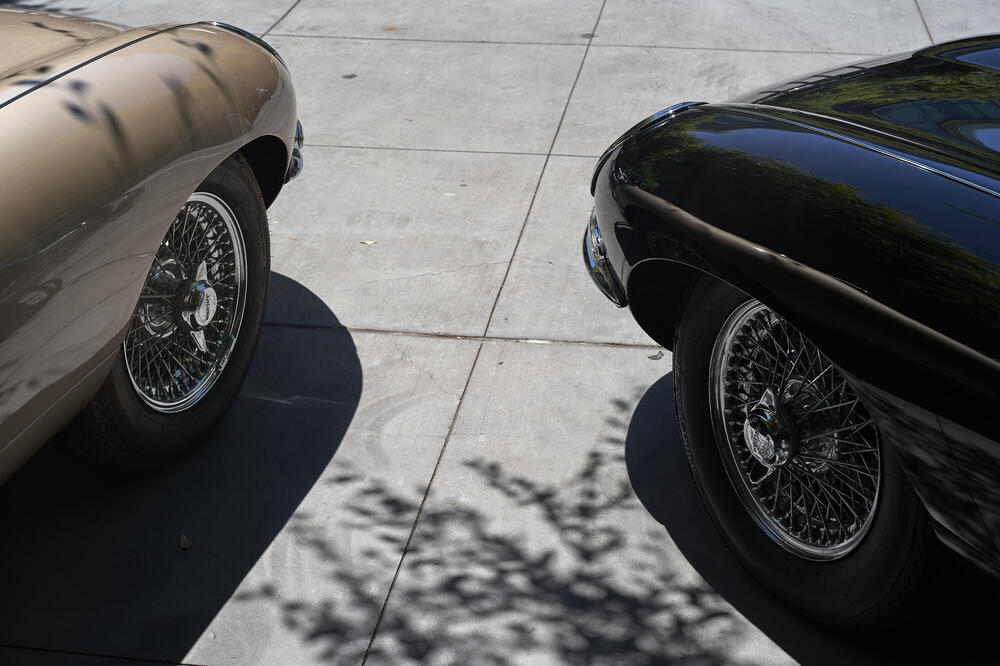
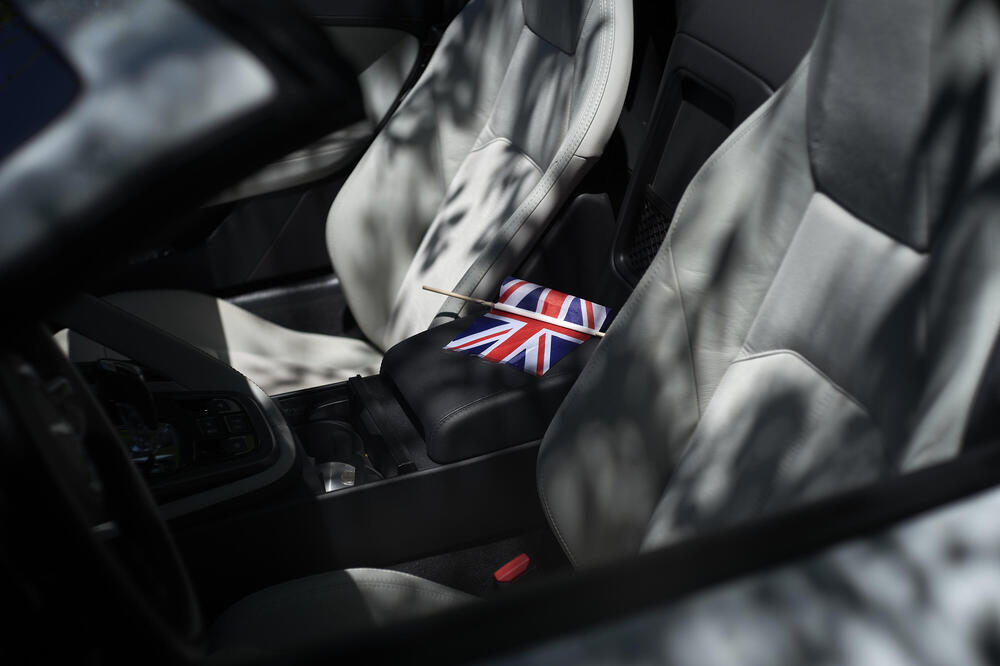
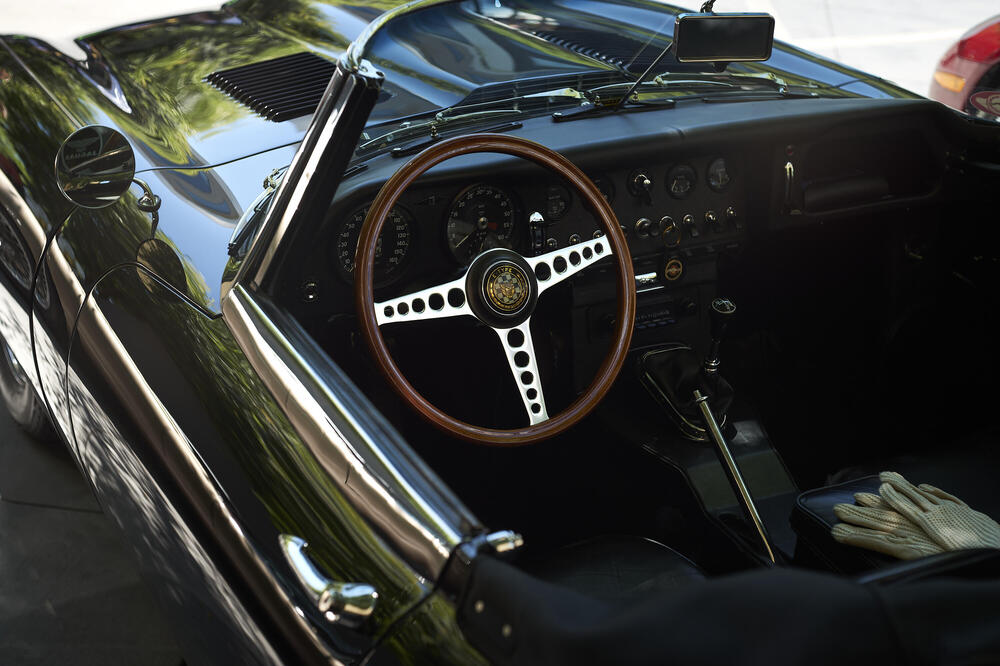
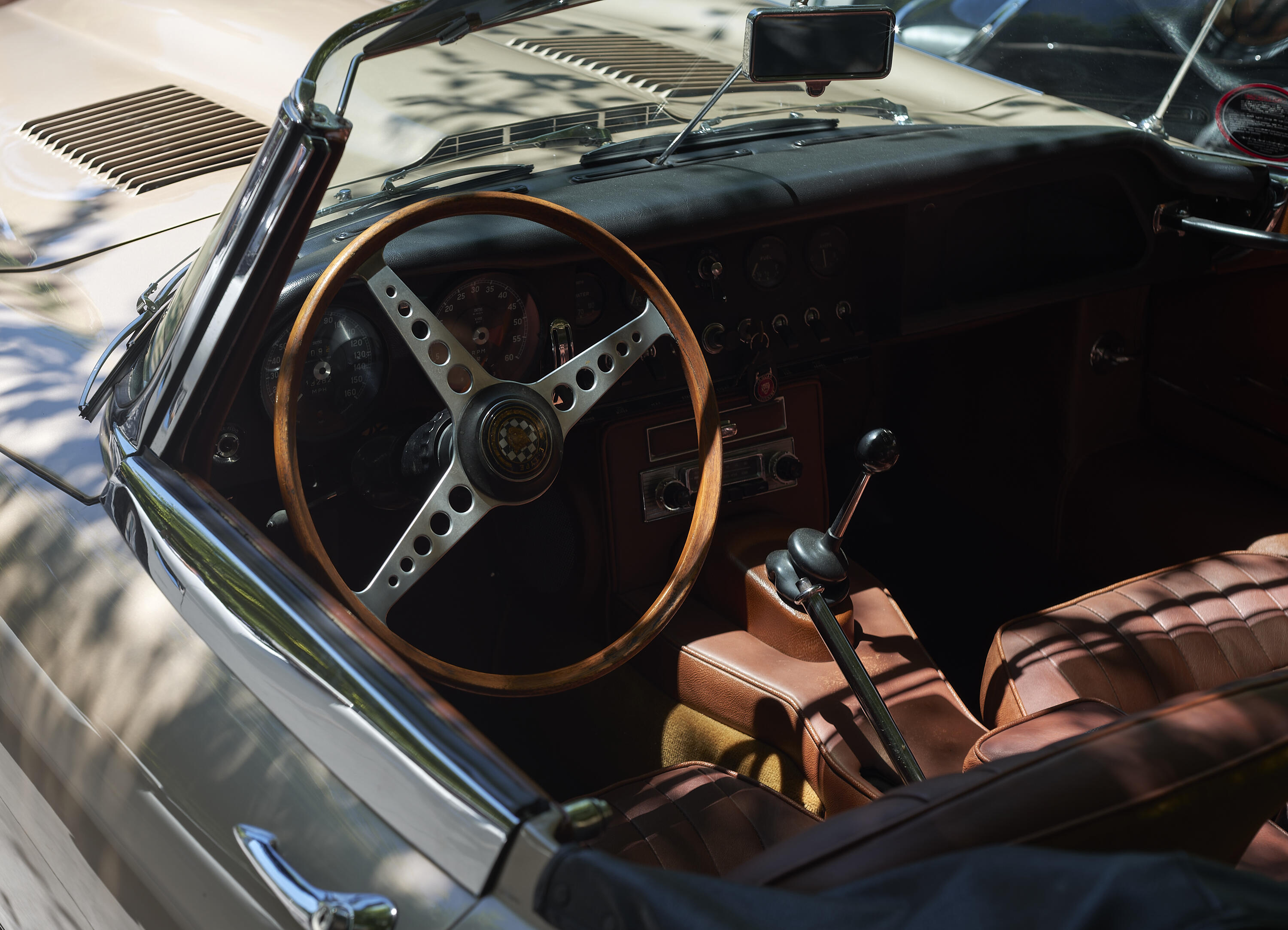
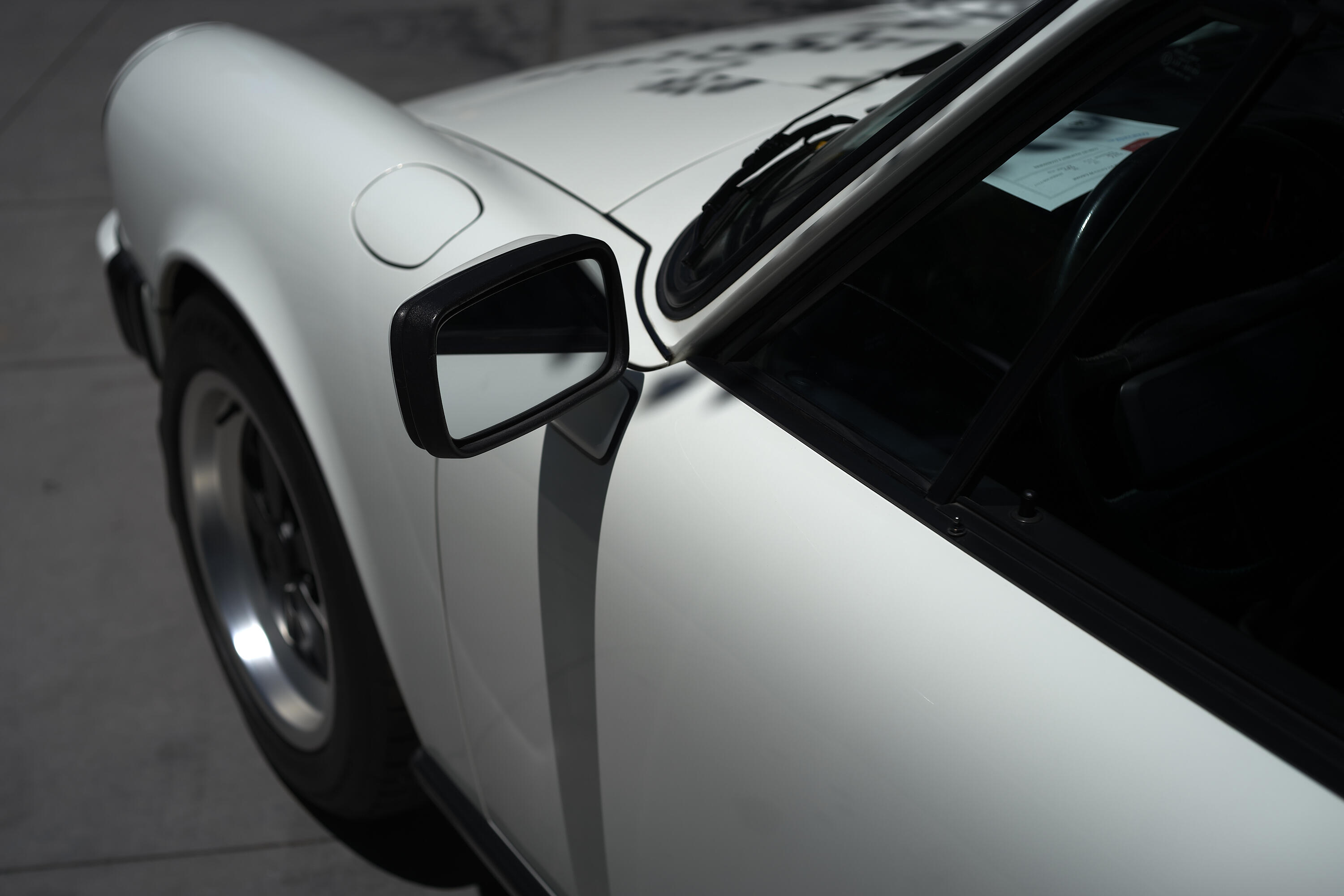
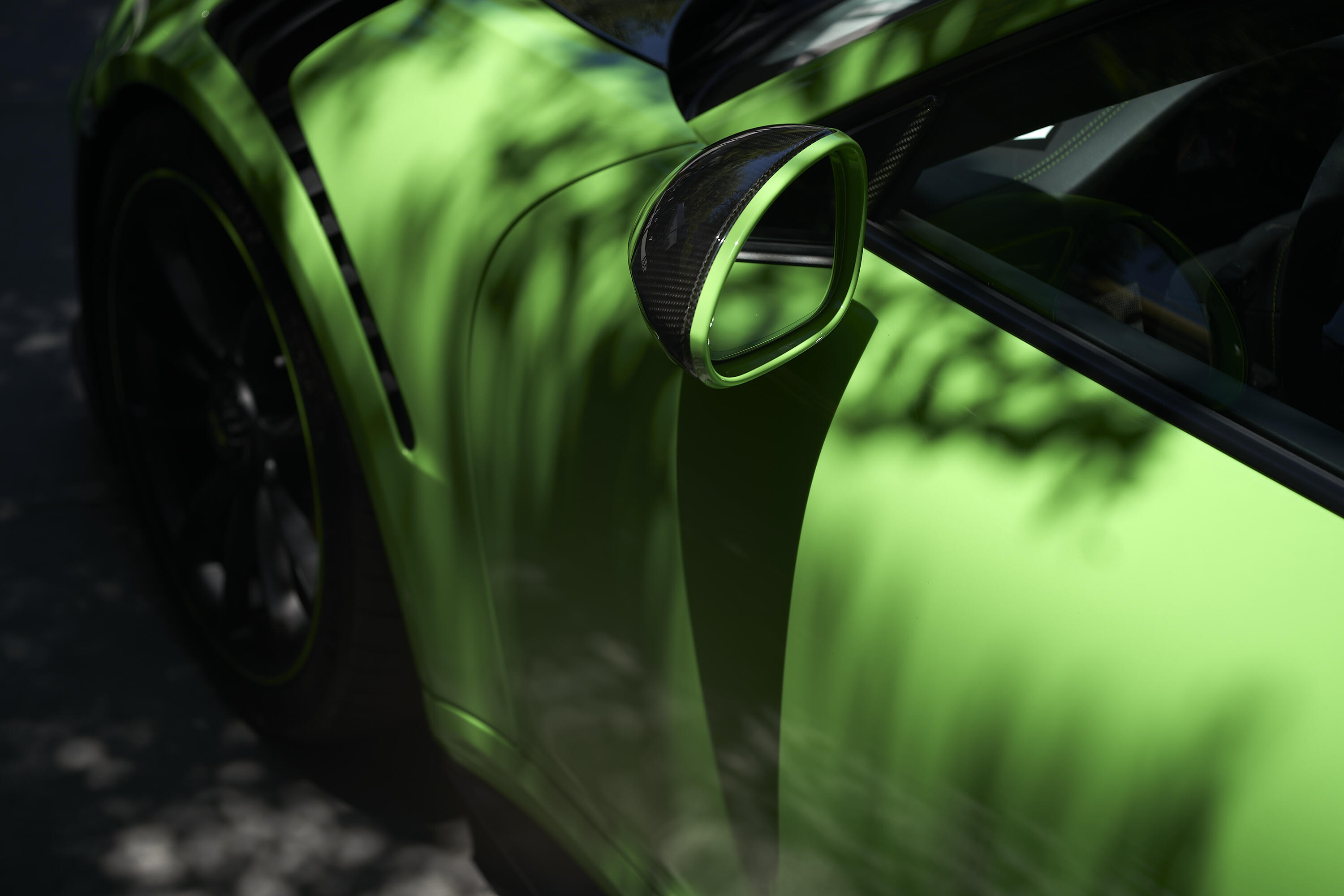
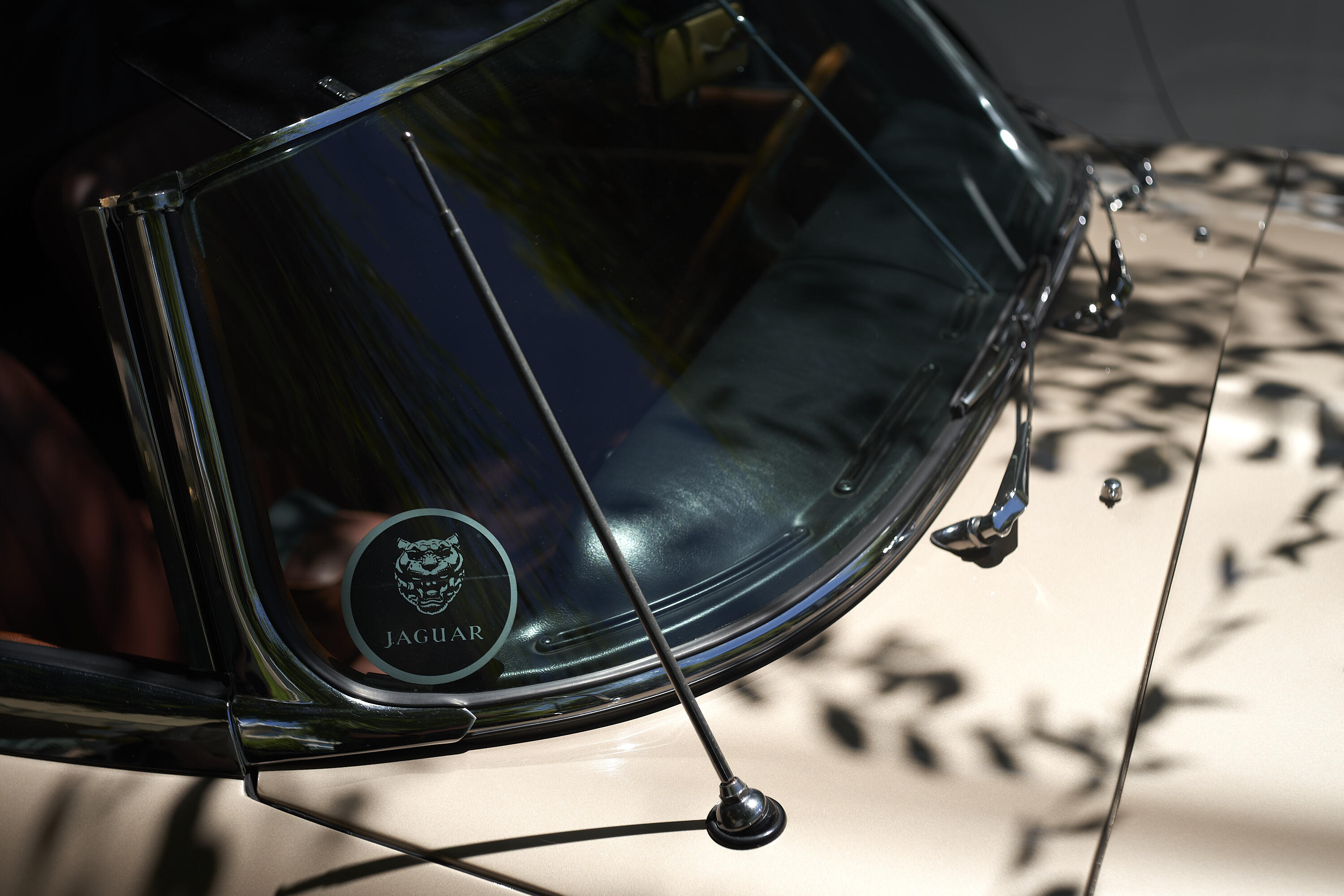
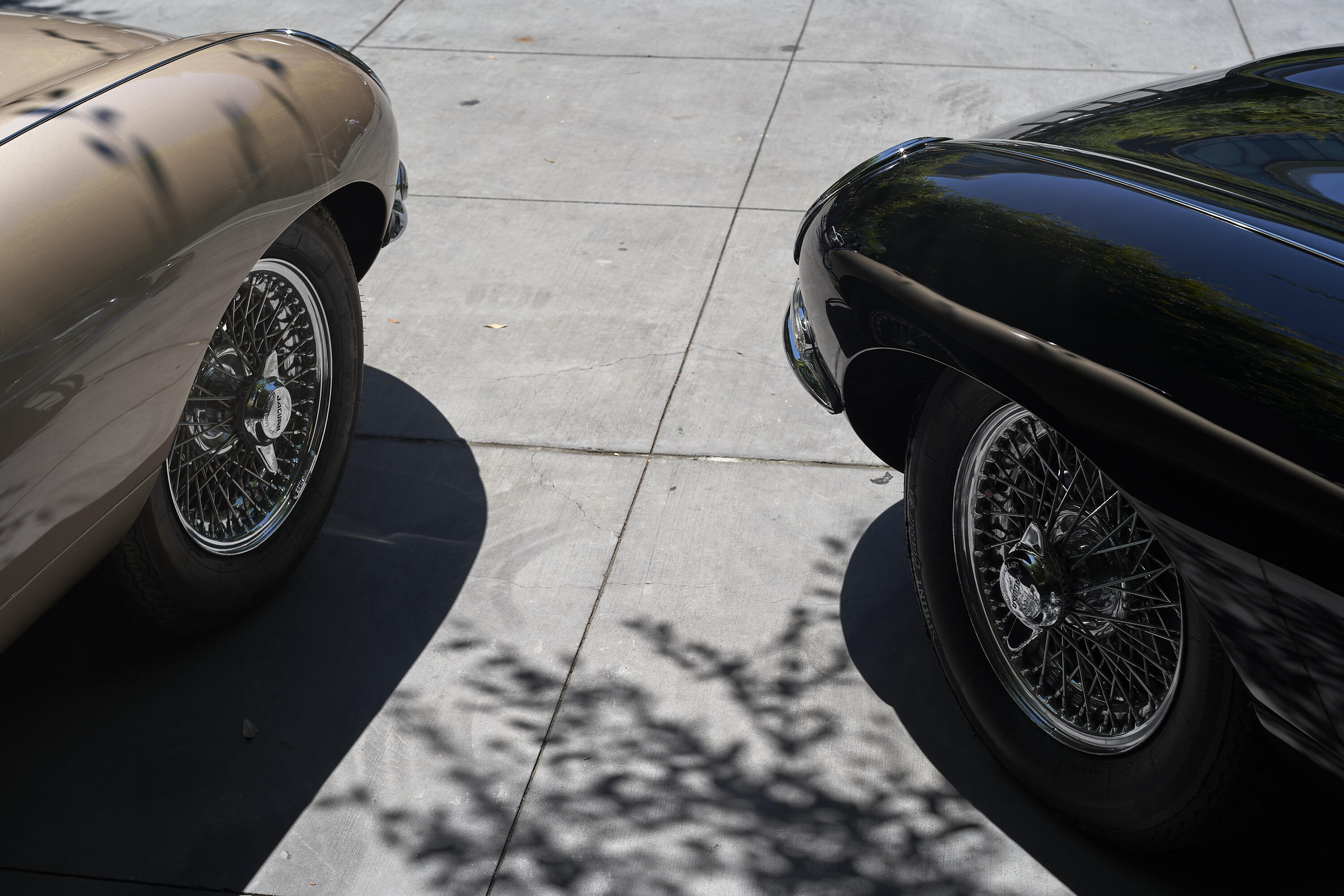
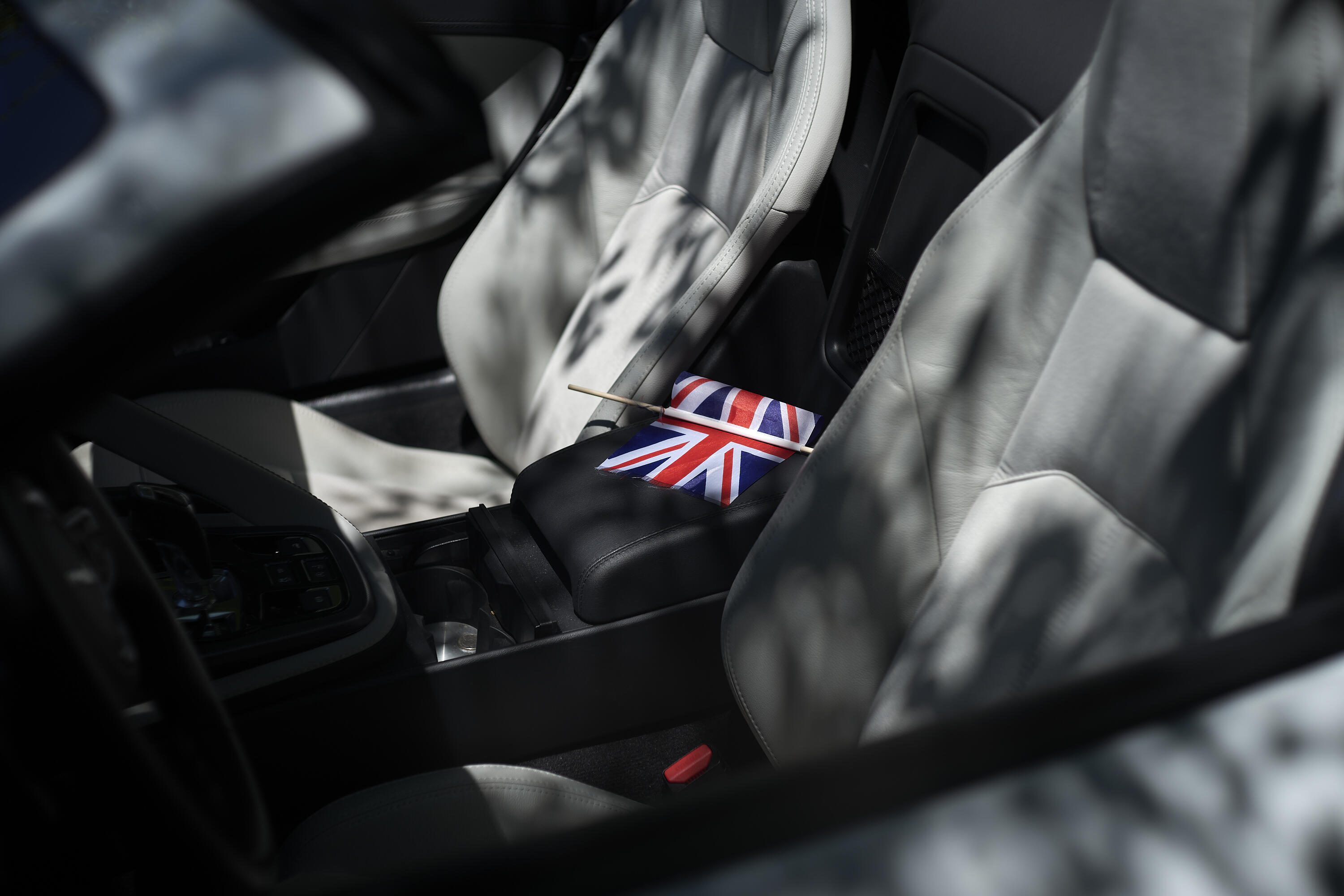
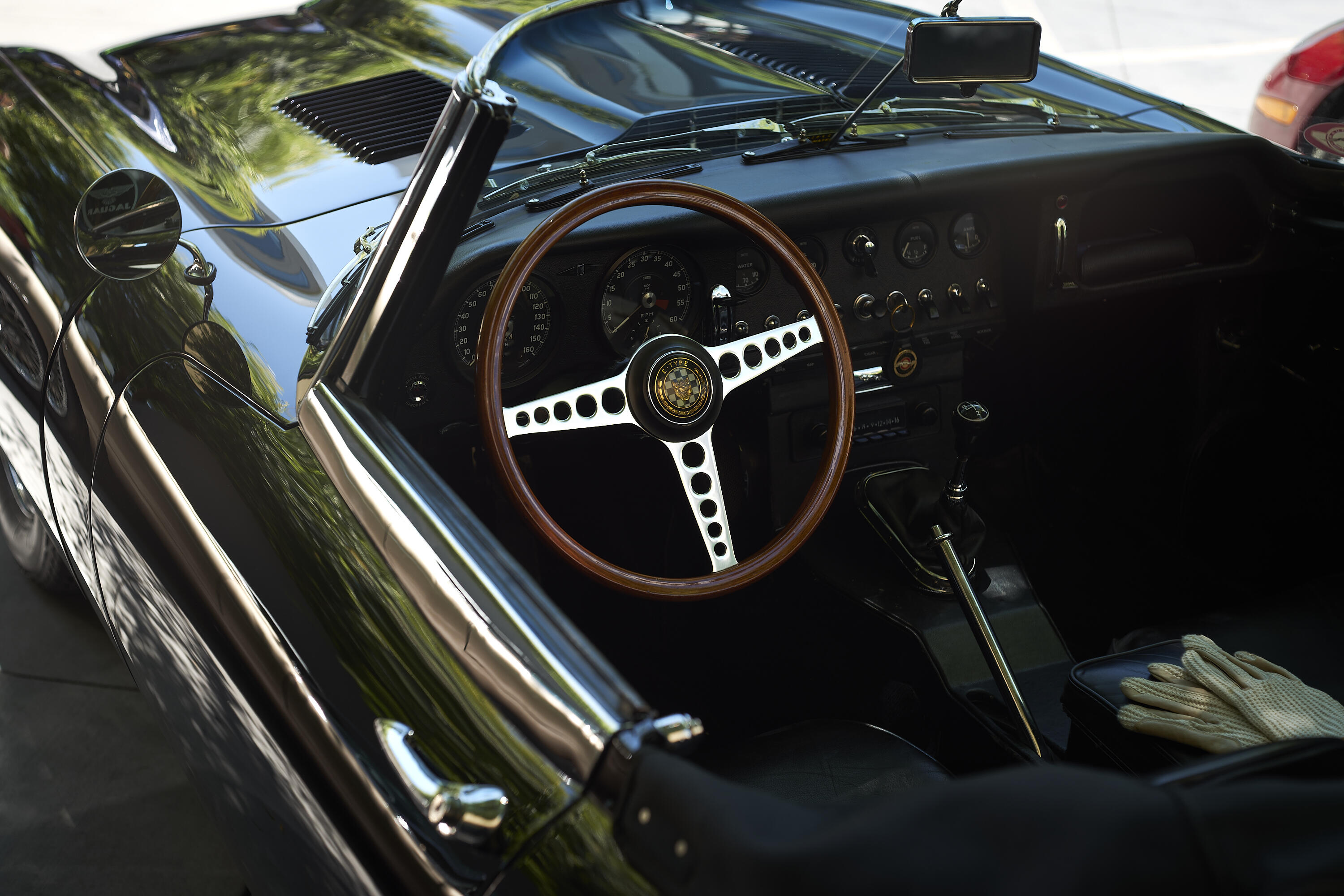
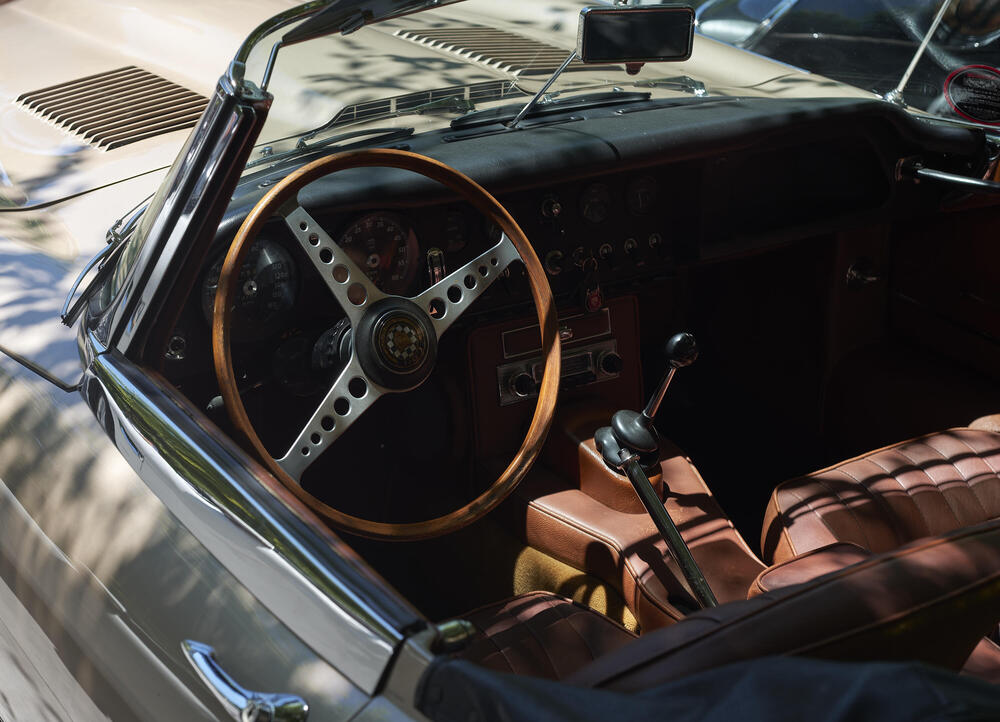
  1. It being Father's Day a nearby hotel celebrated with $38 burgers, whiskey tastings, and a local Jaquar club showing off a few cars (mostly non-Jaquars). Thus more testing to try to figure out this confusing Light Lens Lab 50mm f/1.5 Z21 (Angenieux S21 clone). Paired with the SL (typ 601). Makes one more appreciative of modern flat field lenses. Still old lenses for old cars.
  2. I snapped this photo without tripod. It has a fairly high ISO, but nothing the R6II can´t handle.
  3. GabeCube is live. Starting price is $1050.
  4. Jane Siberry, No Borders Here
  5. ^^ all the flaccid and stiff nose action that you would want. {I came to post the same things} 🤘
  6. Happy Father's Day Belvedere! With Surreal Neil And Super Diamond
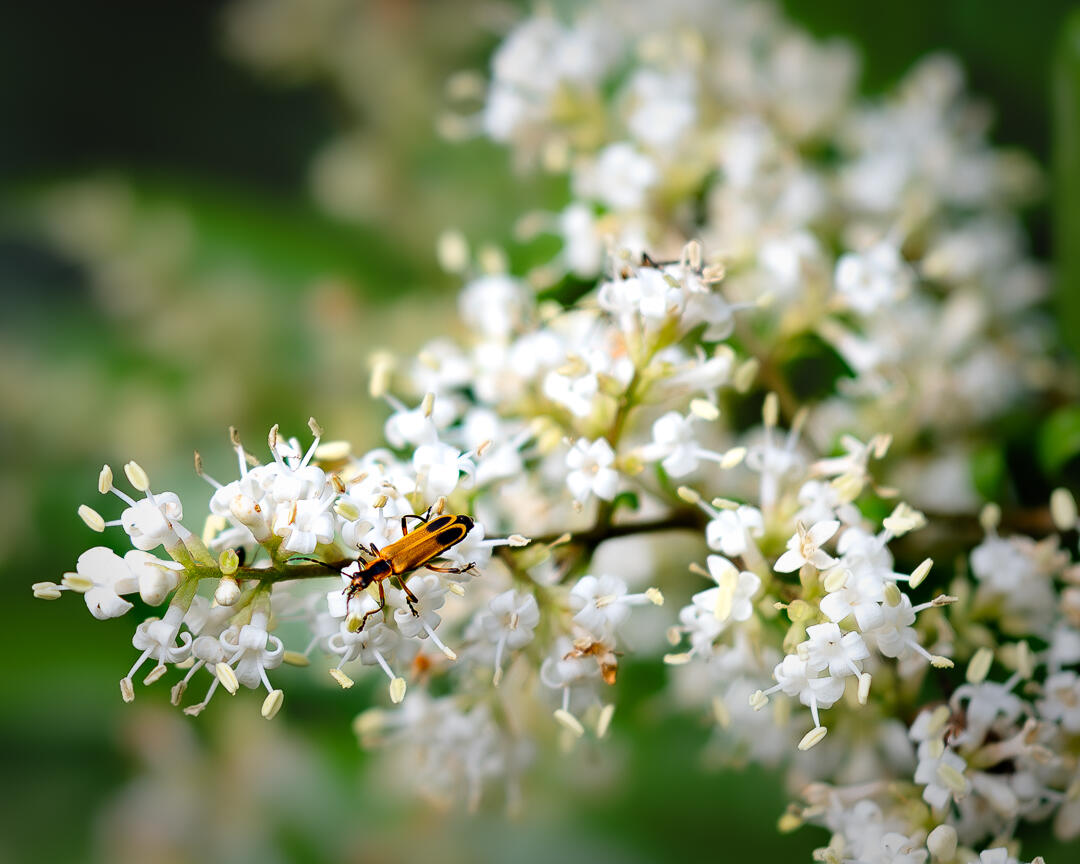
  7. Margined leatherwing beetle from this morning.

Important Information

By using this site, you agree to our Terms of Use.

Account

Navigation

Search

Search

Configure browser push notifications

Chrome (Android)
  1. Tap the lock icon next to the address bar.
  2. Tap Permissions → Notifications.
  3. Adjust your preference.
Chrome (Desktop)
  1. Click the padlock icon in the address bar.
  2. Select Site settings.
  3. Find Notifications and adjust your preference.