


sbelyo
Returning Member
-
Joined
-
Last visited
Everything posted by sbelyo
-
You could see if Zynsonix can recable them, it's at least worth an email https://www.zynsonix.com/Contact_ep_52.html I got a cable for my HE-560 from him and had no issues. He's known as HighFlyin9 or something like that on most of the diy audo forums There's also [email protected] but it looks like he's not taking orders until the summer.
-
I just boought a locky_z curve tracer https://www.ebay.com/itm/Locky-z-2019-Curve-tracer/114233327020?ssPageName=STRK%3AMEBIDX%3AIT&_trksid=p2057872.m2749.l2649 Has anyone here used one or have experience with one? I was reading on another forum that the ones he's built with used parts sometimes fail. They're also swapping out the relays, electrolitic caps, op amps, voltage ref, and some of the resistors for better accuracy. I'm waiting on a power supply so can't use it just yet.
-
Does anyone have 2 pairs of lsk389/lsj109 ?
-
kgdynalobal9 was the one I used for the group buy a few years back. As far as I know there were several built. Not sure what 9g and 9g2 are.
-
lol you got it. I'll watch that
-
got it a few days ago in Vegas There's a hidden joke in there
.thumb.jpg.3883bdbf7d5d44efe9a246f501907cc1.jpg)
-
Same here in Somerset county NJ. 18" and still falling. Snow blower is screaming for an overhaul but she blasted through it like a champ once warmed up
-
My wife constantly hounds me about moving somewhere warmer. I like the idea of not having to lift the windshield wipers every time it snows in winter. Basically we forget every time.
-
I only got 4-5" in central Jersey. But I managed to burry the snow blower in the back of the garage so I spent at least 30 min digging it out. Thankfully it fired right up
-
looks dead on to me at first glance. I'll measure twice this weekend
-
Thanks, I'll take another look at it tonight
-
I did some measurements and it seems the center mounting hole needs to be centered. Other than that it's good.
-
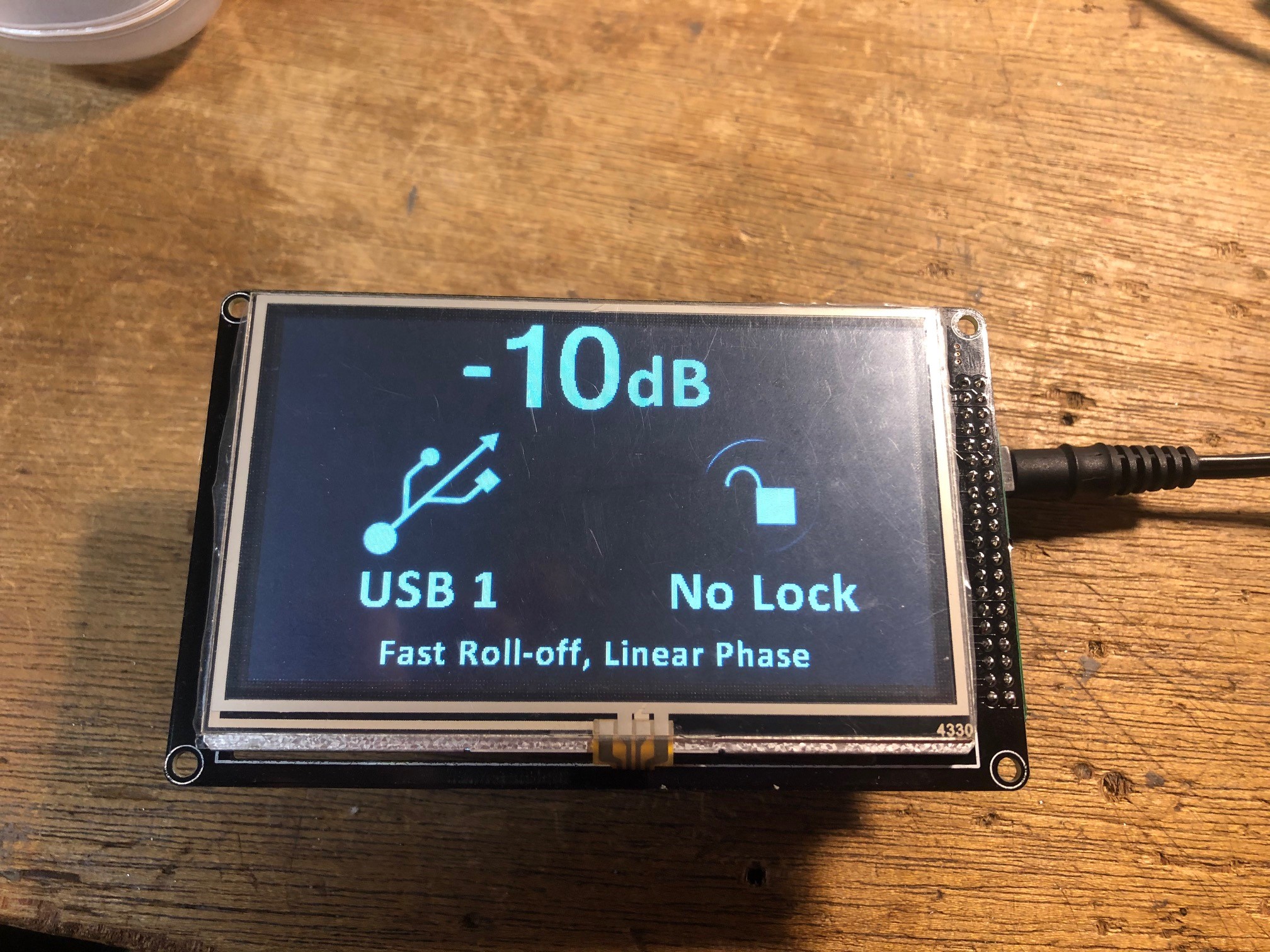
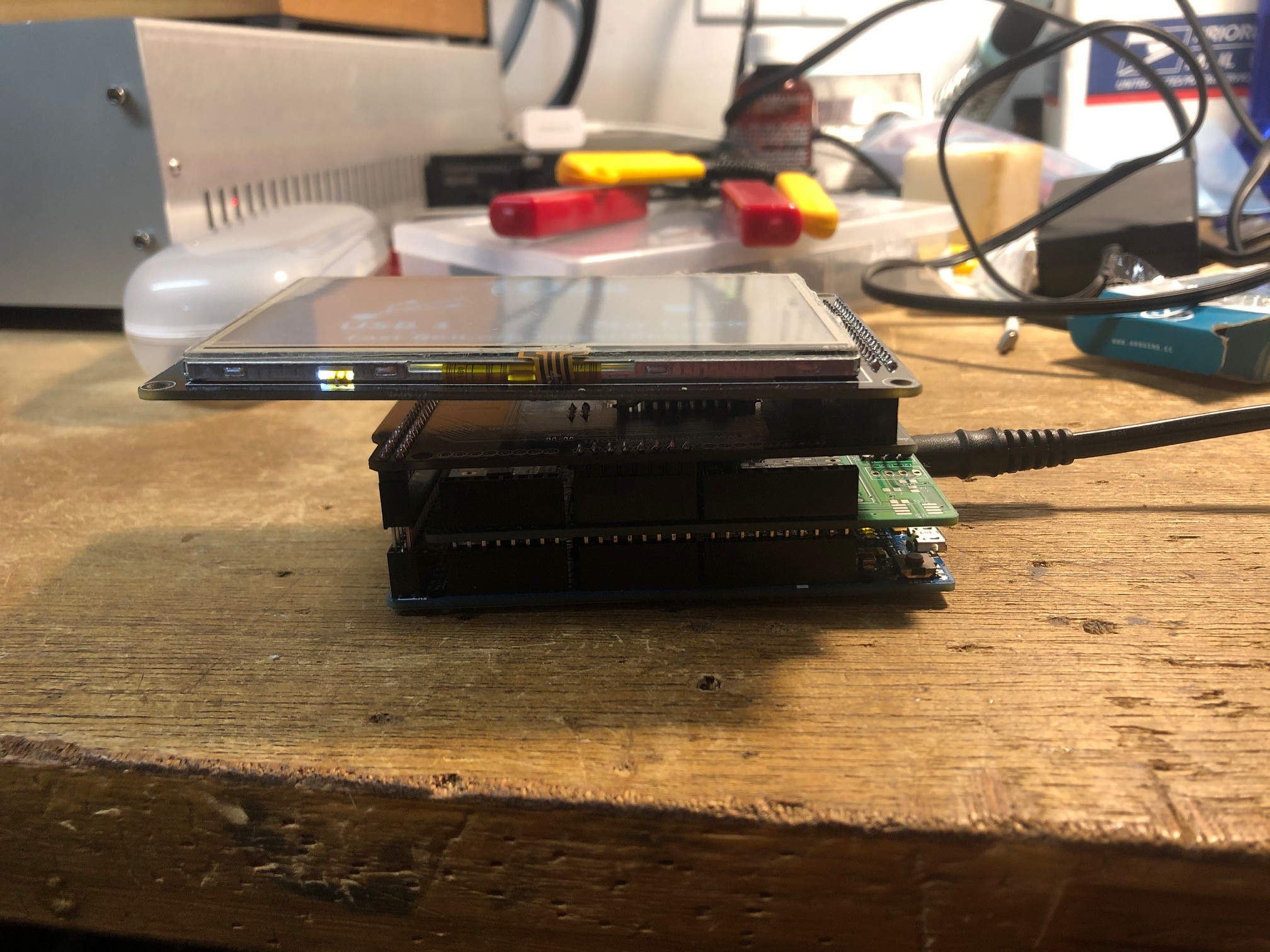
Finished my Arduino based DAC controller
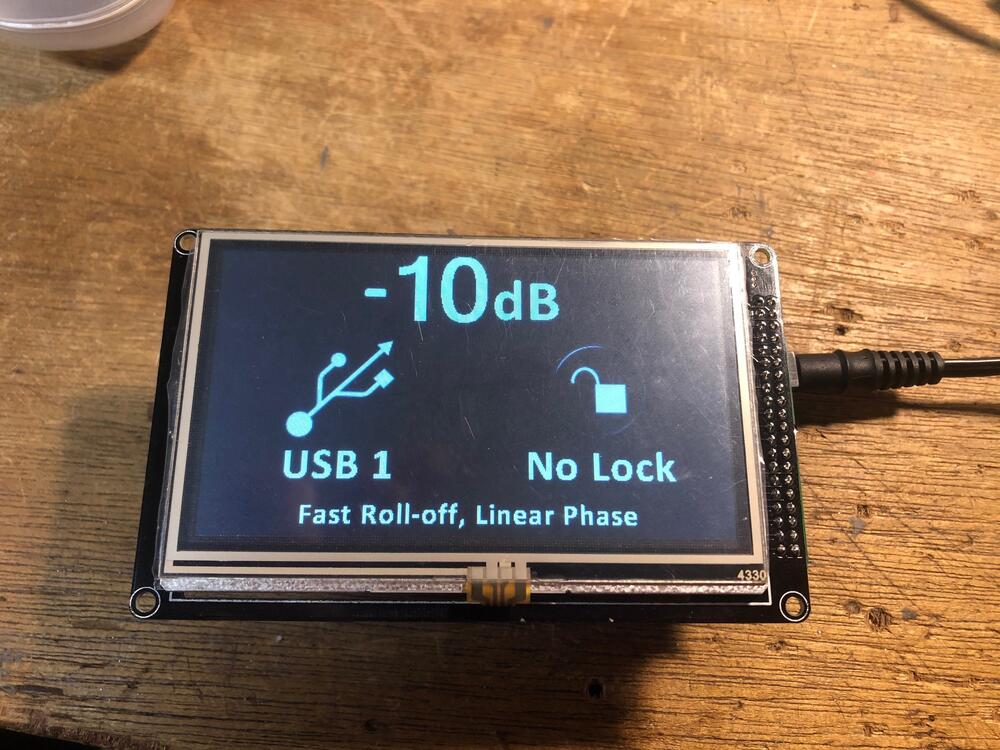
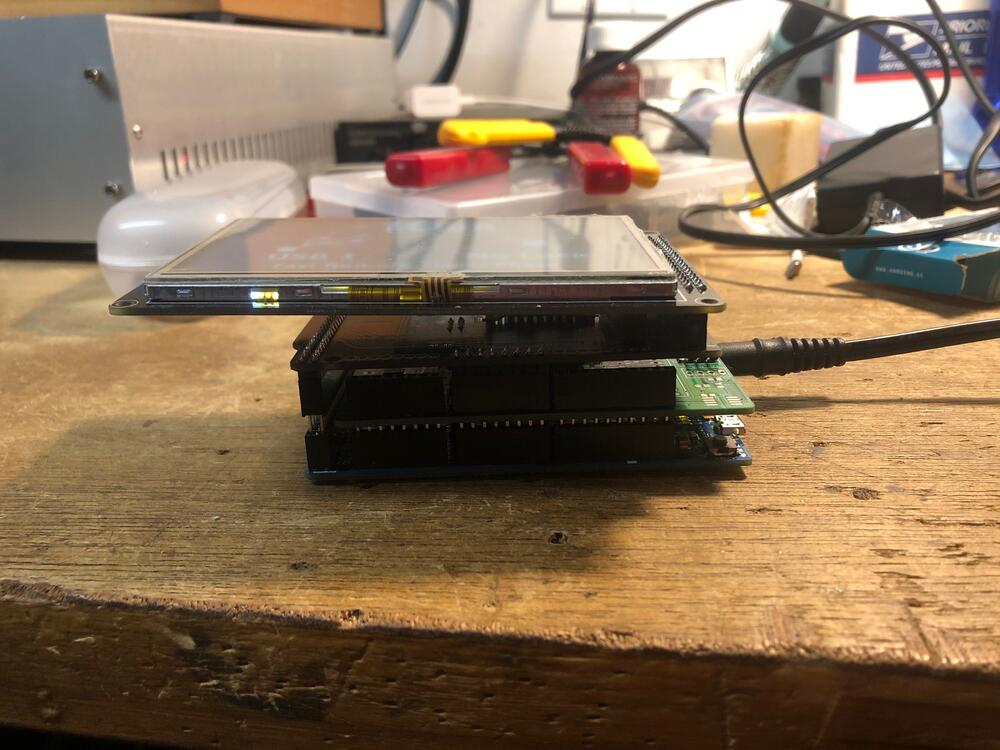
-
here it is complete
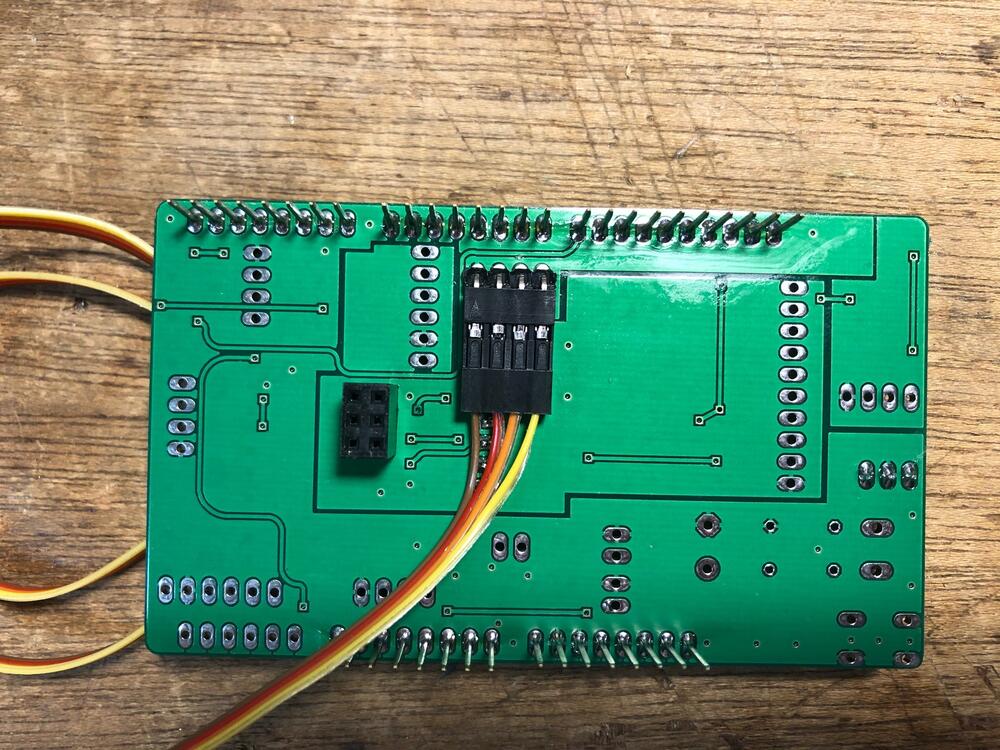
-
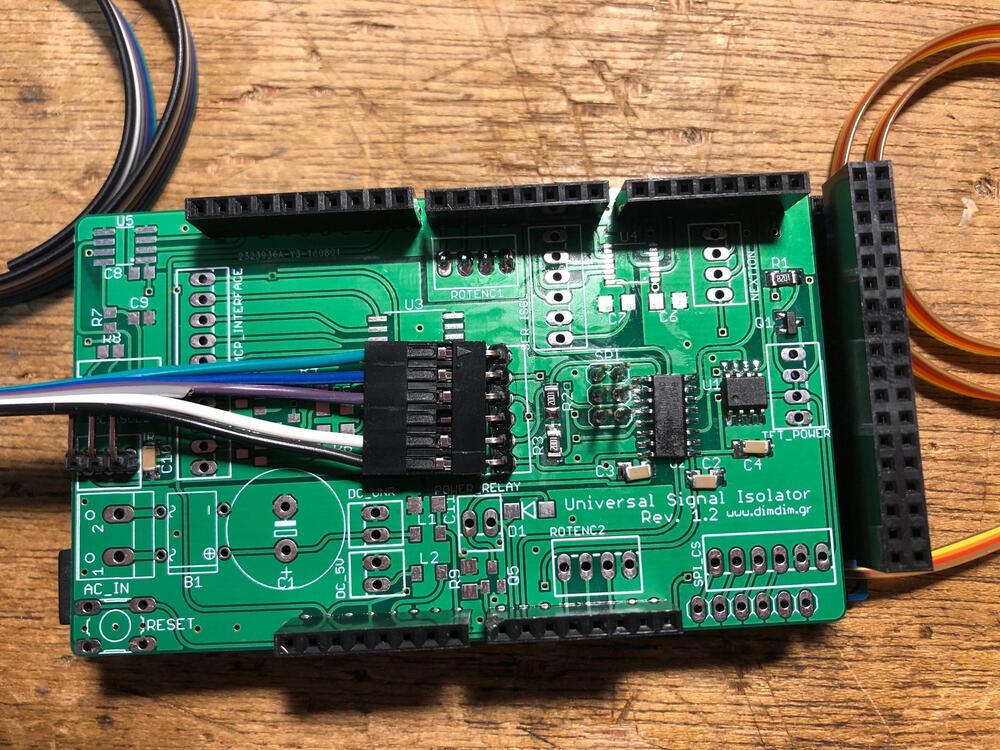
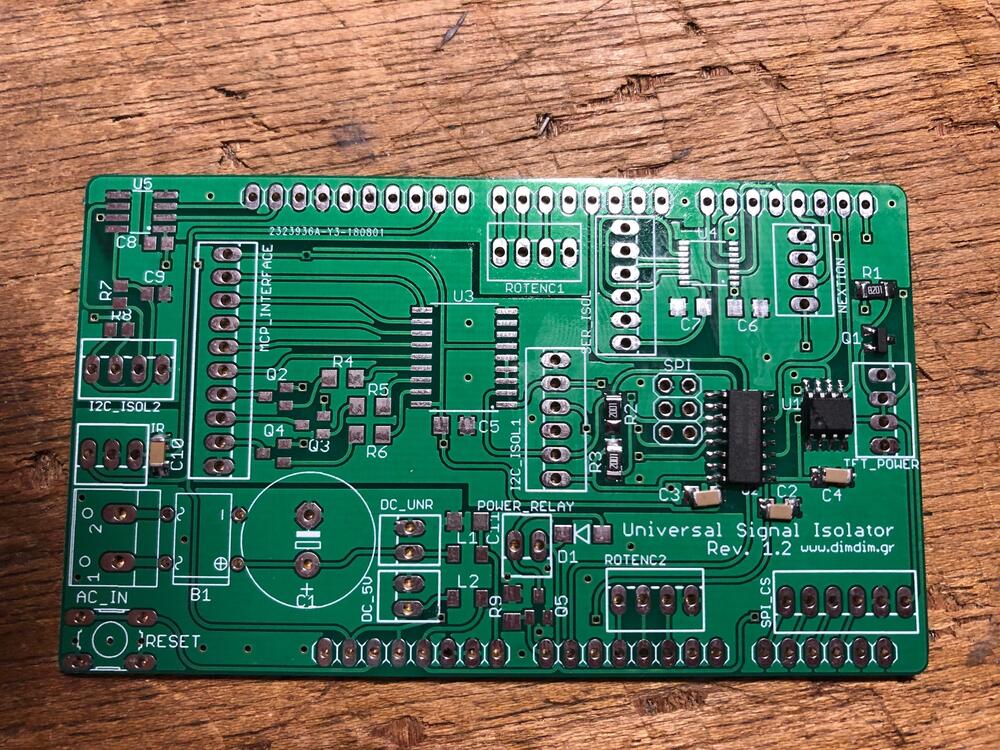
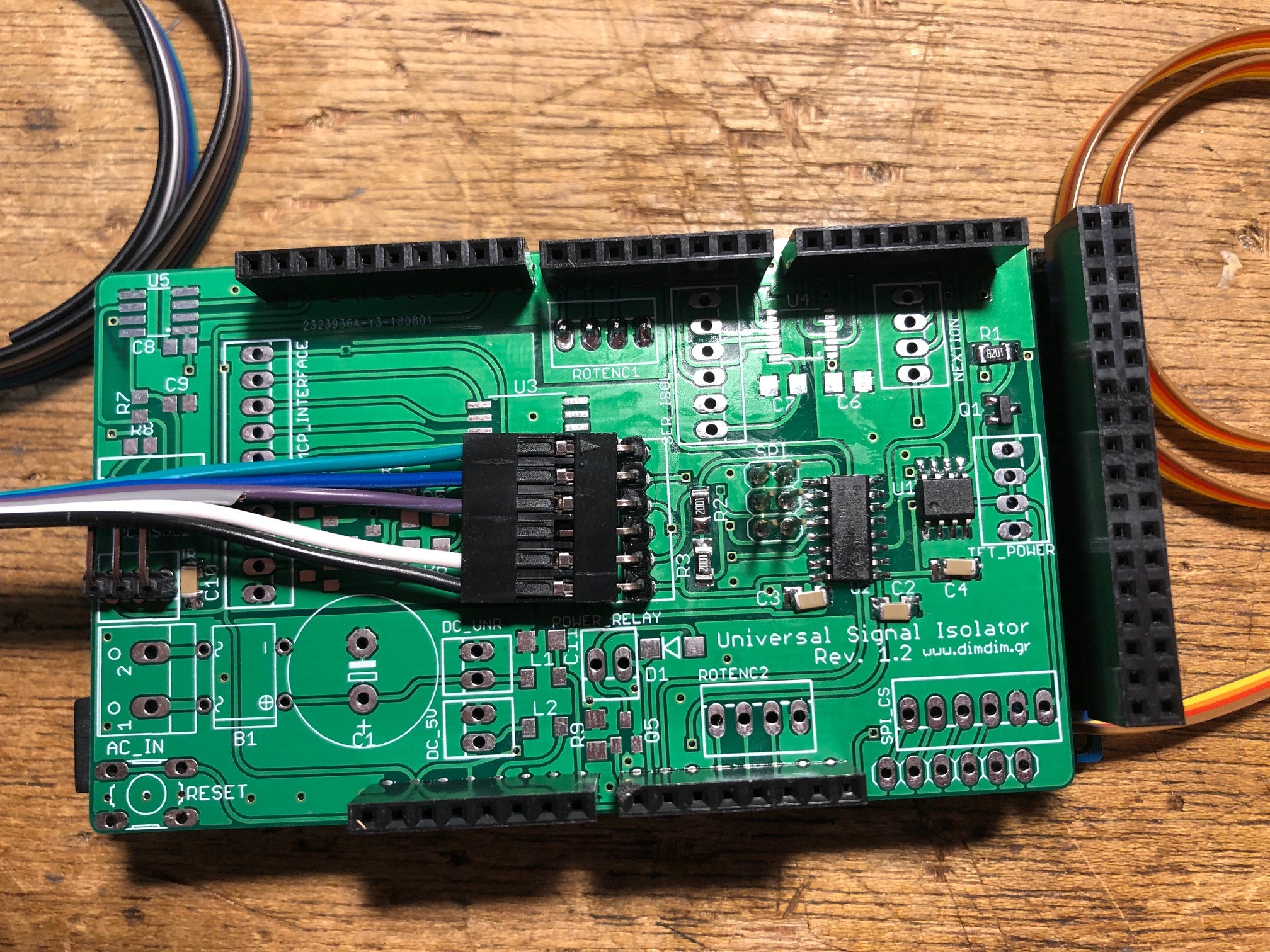
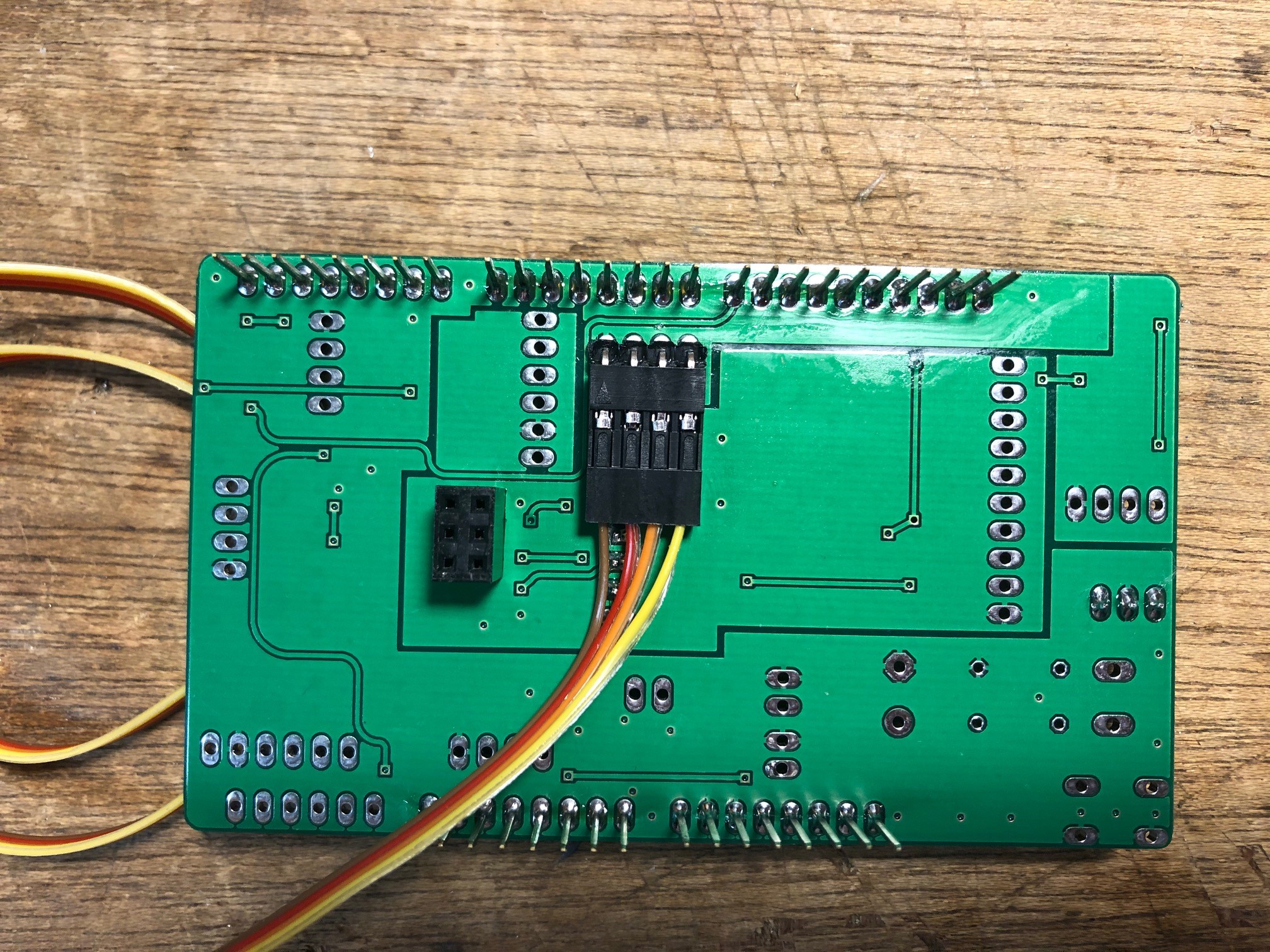
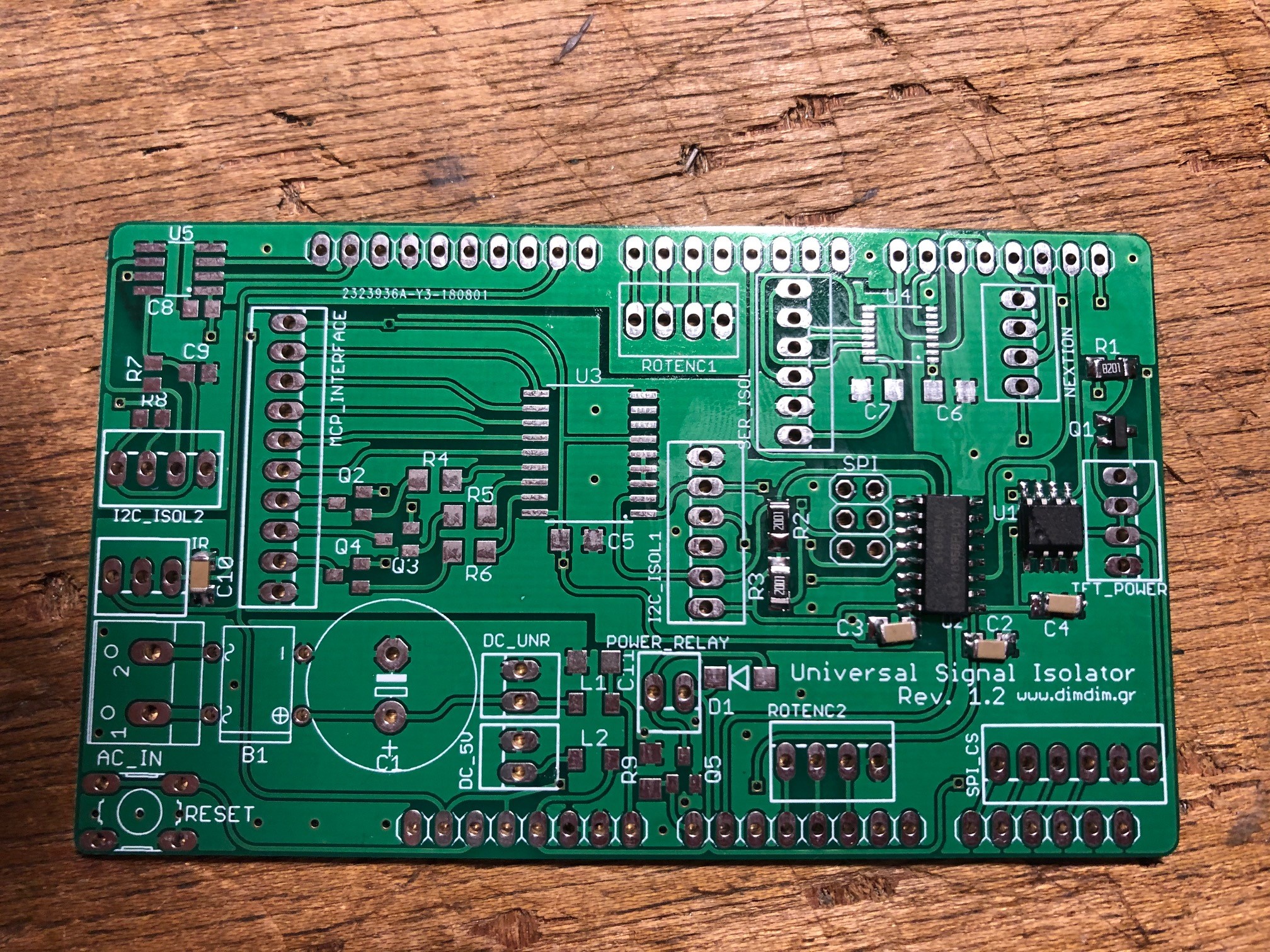
I soldered the surface mount components for a Universal Signal Isolator shield for the Arduino DUE. This will allow me to control my Buffalo DAC and add a TFT screen to it as well http://www.dimdim.gr/arduino/universal-signal-isolator-shield-for-the-arduino-due/
-
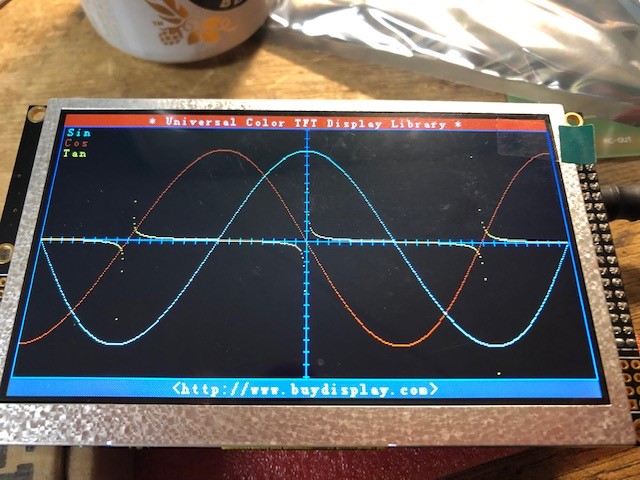
I got the no touch test pattern on the 5" display to work. For those that are new (myself included), here's what I did. Download the example file from buydisplay.com. Extract it and the copy the UTFT folder located in Libraries-Examples_ER-TFTM050-4\Libraries into the Libraries folder in the Arduino folder under My Documents (Windows). Open the .ino file located here Libraries-Examples_ER-TFTM050-4\Examples\No_Touch_GraphicTest compile and upload the code Remove the usb cable from the programming port Assemble the shield, screen, and arduino together Plug a 7-12 Vdc 1A or more power source into the power socket on the arduino board It should display the test
-
I'm looking to add an arduino to control my dac. I'm not worried so much about writing code as that's already done and proven to work for others. This whole platform is new to me. I can see that the initial scrpt or program is the .ino file and that will contain commands as well as references to libraries but I'm not sure how to put this altogether in Arduino IDE to upload it to the Arduino Due. I purchased this display for the project https://www.buydisplay.com/5-inch-tft-display-arduino-touch-shield-ssd1963-library-for-mega-due There is a download with examples in it here https://www.buydisplay.com/arduino/Libraries-Examples_ER-TFTM050-4.zip I want to test the 480x272 demo. I see the ino file and have downloaded the UTFT library and added it to Arduino IDE. Do I open the ino file in sketch then include the UTFT library and complile then upload? Or am I missing steps?
-
This was the best source for them for me https://www.amazon.com/gp/product/B0756KLNLX/ref=ppx_yo_dt_b_asin_title_o01_s01?ie=UTF8&psc=1
-
Thanks...
-
Can anyone recommend a free gerber viewer that lets you print the layers true to size? Or at lease view them on screen where they're accurate enough for measurement.
-
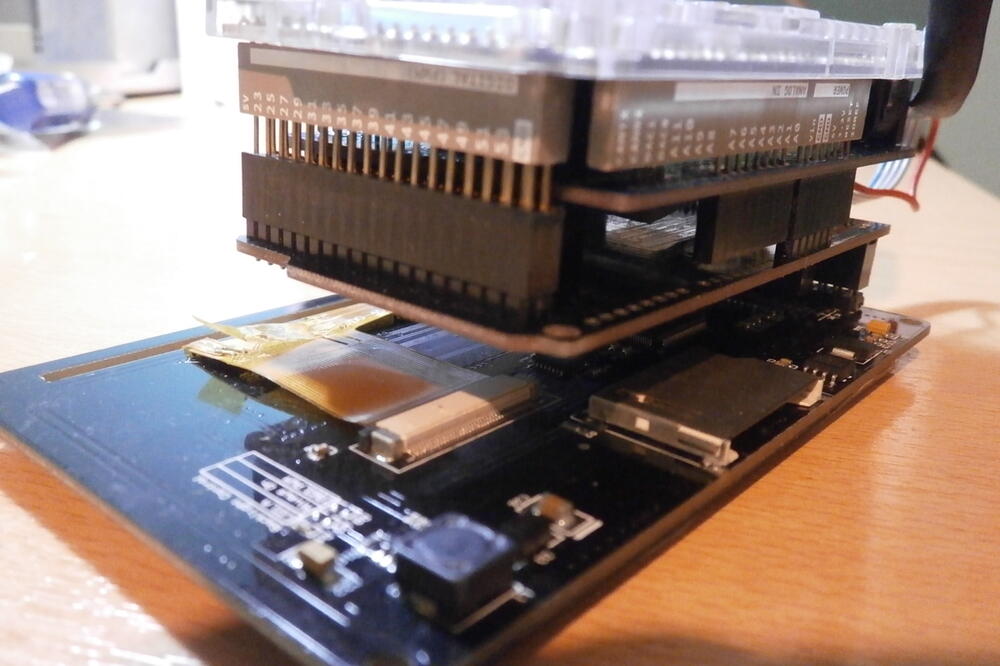
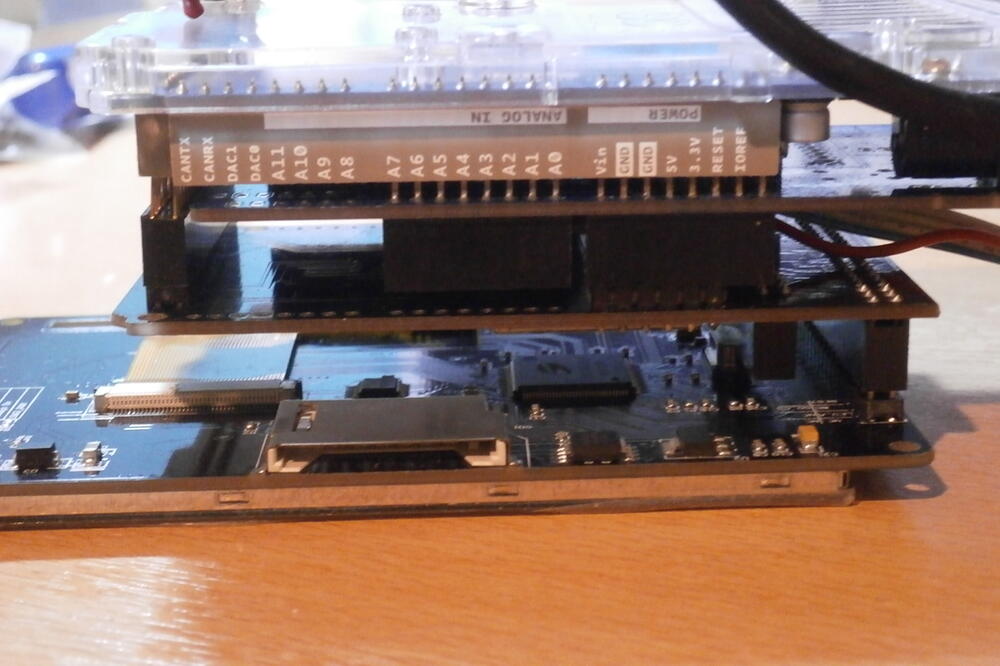
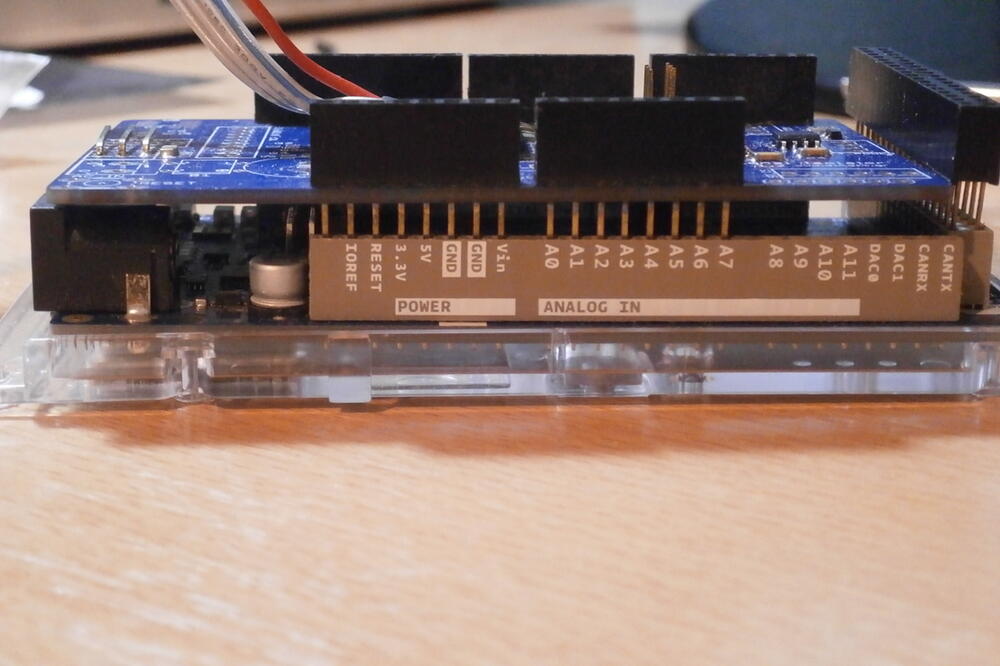
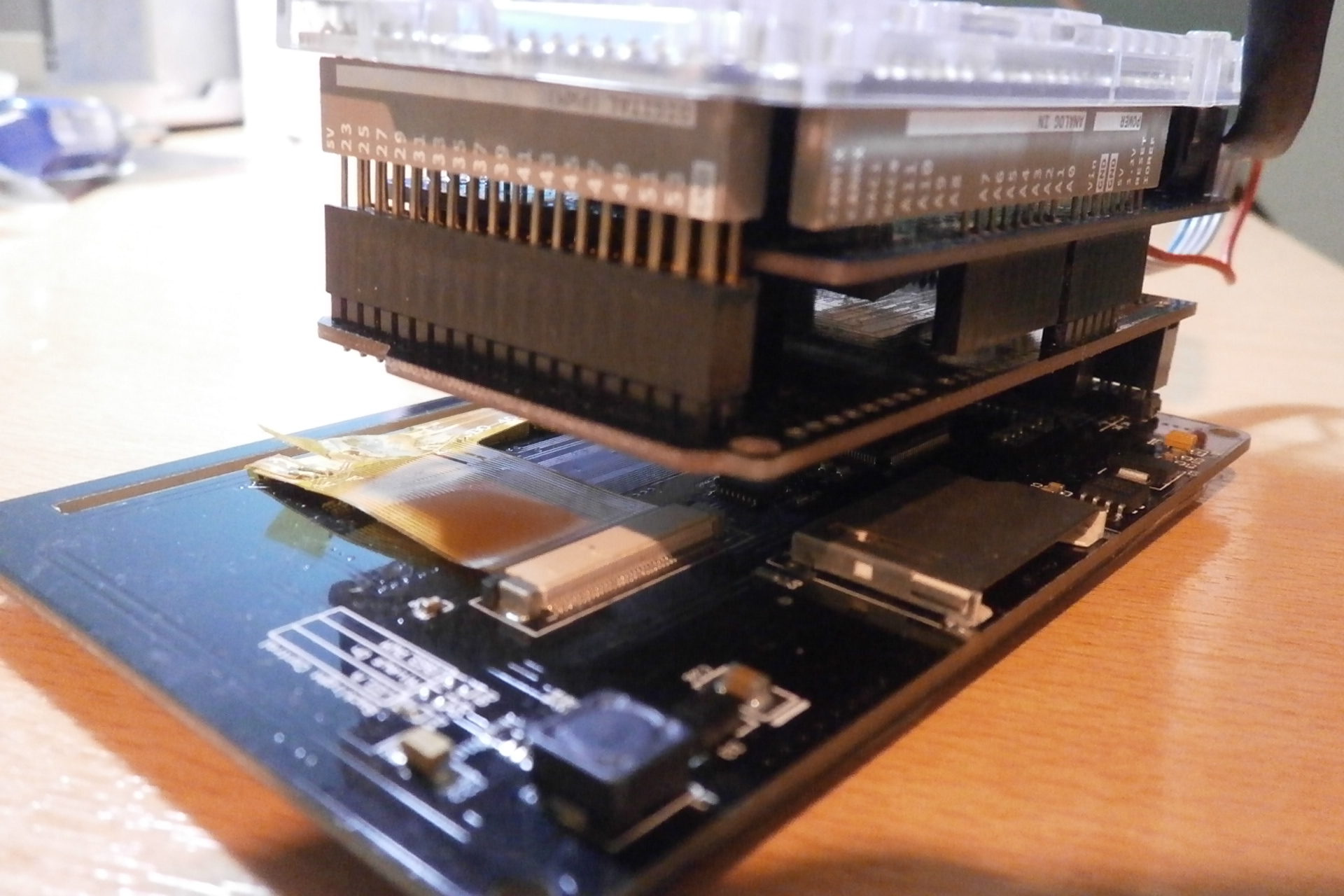
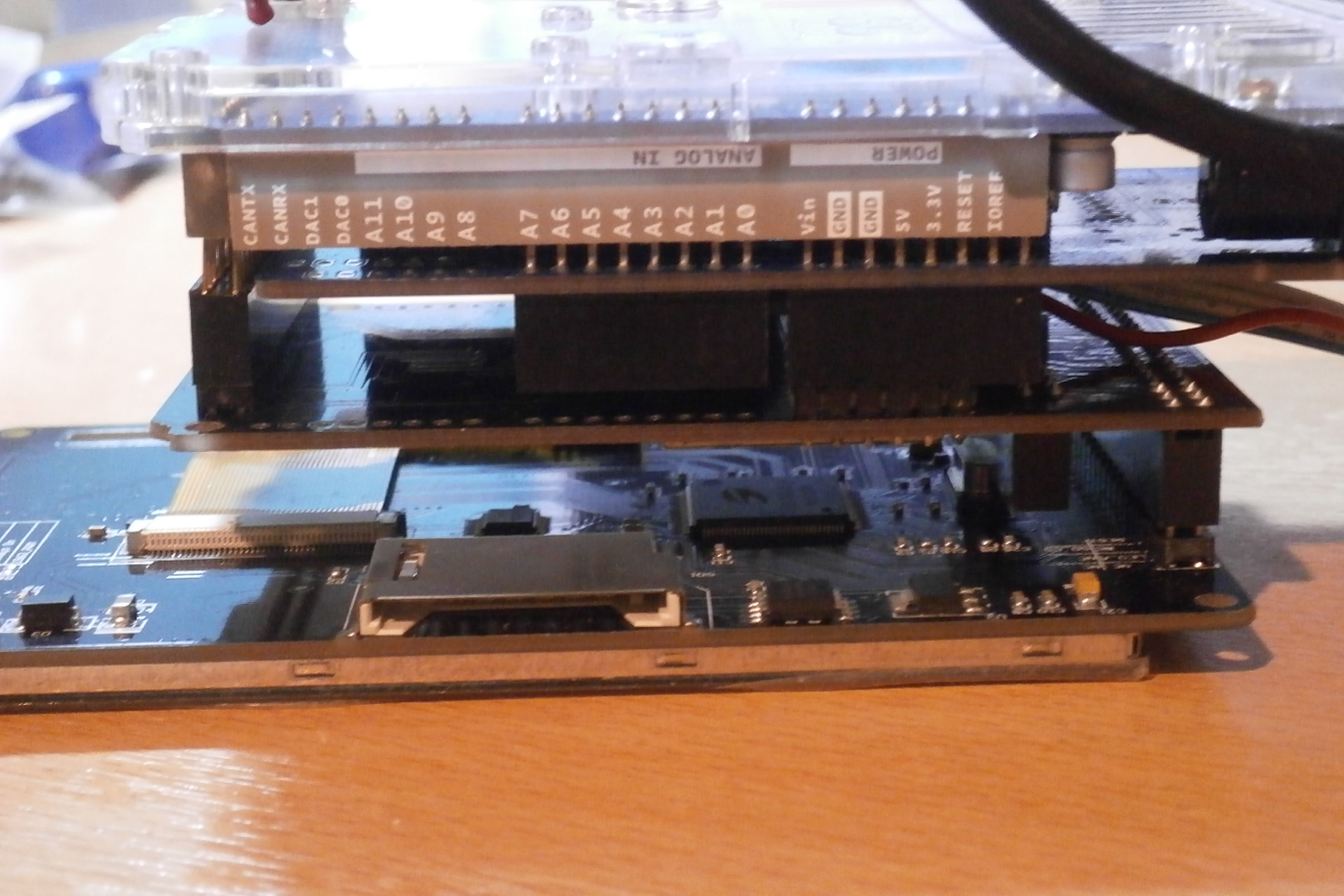
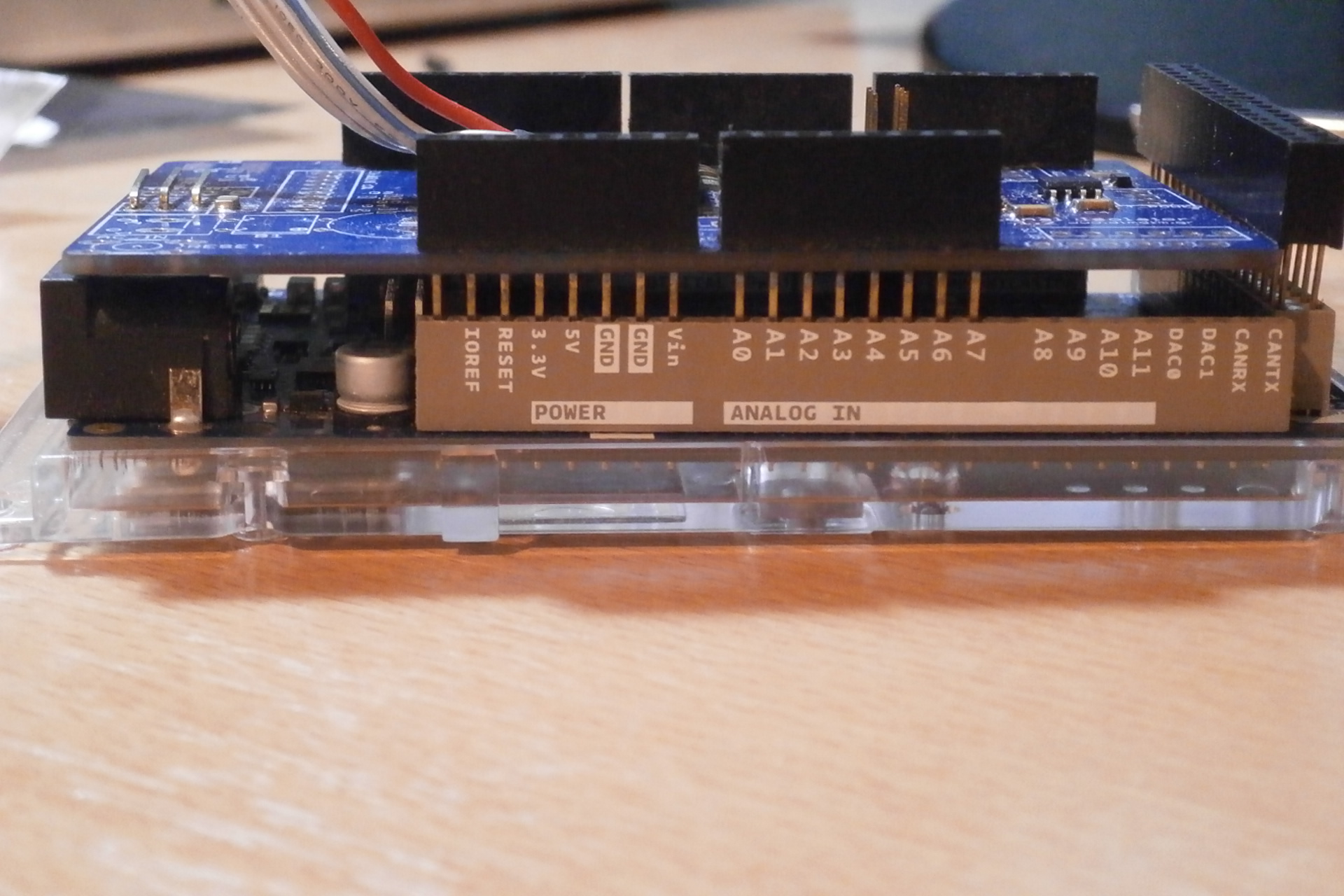
I need help finding board stacking headers like these. I need to stack a bunch of Arduino shields and a screen together. I can't seem to find them on mouser or digikey but thats probably me not putting in the right info
-
At first glance and a quick measurement from the bottom, the hole seems to be dead center. I will print out the outlines this weekend and see where it matches up
.thumb.jpg.d19a638462bfcb09f523770a992d2620.jpg)
-
I've done the same. But I totally get where purk is coming from.
-
All of my headphone's have been terminated or re-terminated with a 4 pin xlr for years now
-
transformers should be here tomorrow

.jpg.89e7661260996725742f49f793377800.jpg)

.jpg.515df83c8298d69867188424743a2a7d.jpg)