Leaderboard
-
swt61
High Rollers4Points22272Posts -
The Monkey
Moderators2Points13456Posts -
Absorbine_Sr
High Rollers1Points8097Posts -
spritzer
High Rollers1Points14709Posts




Popular Content
Showing content with the highest reputation on 01/08/13 in all areas
-
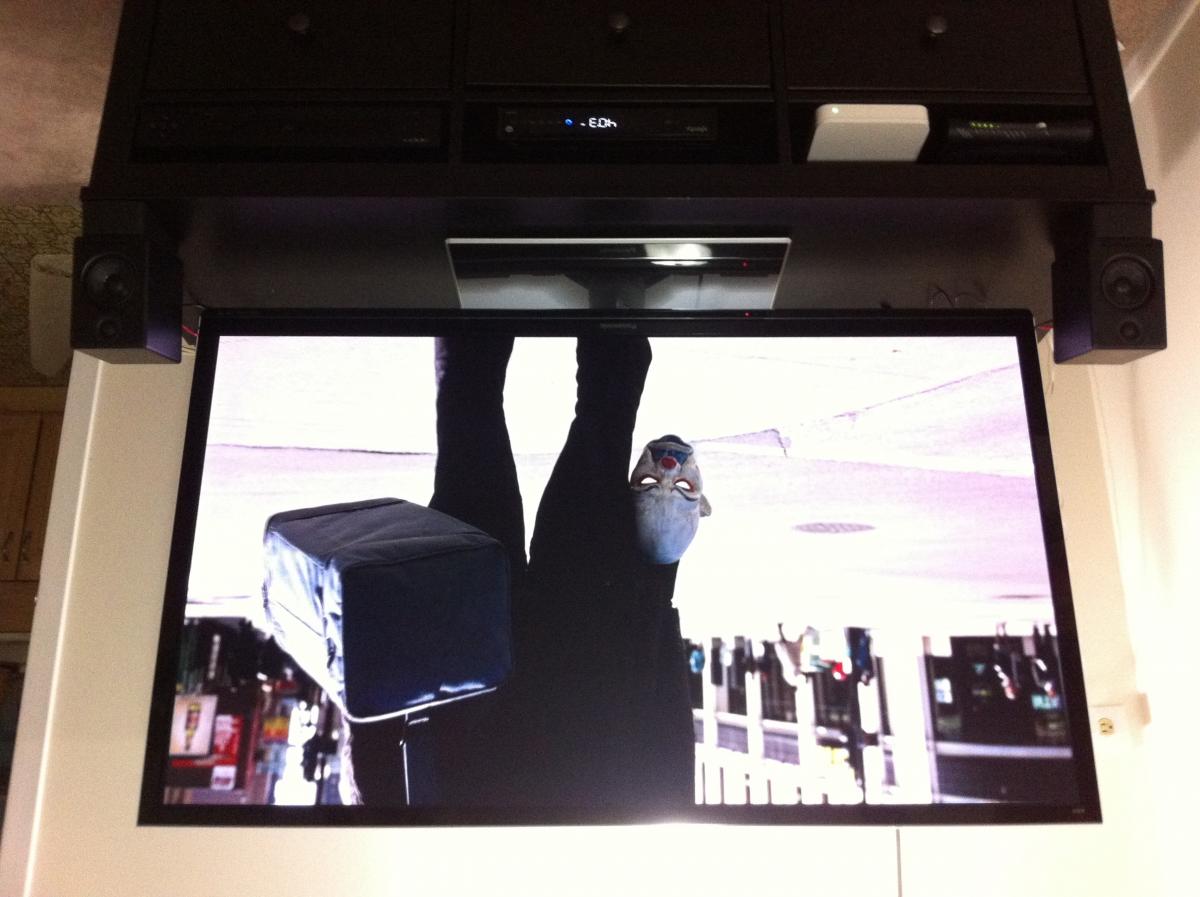
The a2's came in and I have them installed with the stands. Watching some dark knight and the audio is a clear improvement. Plenty of movie bass and impact with plenty of volume. The oppo down mixing is excellent, great stereo surround effects and the imaging is nice with a straight placement no toe in. The improvement in clarity in dialog and overall is ridiculous, but the quality of my free panny soundbar with 10% thd that was on the ground was suspect Happy camper! Thanks guys. Edit: have no idea why my pics are being rotated, but they are attaching normally I swear.
 1 point
 -
1 pointi hope their announcement isn't limited to displaying that their best sound quality came 20 years ago1 point
-
There are several top notch beer bars in the little 5 points area1 point
-
1 point^ Awkward! I'm in Winnipeg for most of this week, staying in a hotel in the cultural wasteland between a shopping mall and the airport. I'm taking a short course on fire safety provisions in the national building code. Dry, dry, dry.1 point
-
1 point