Skip to content
View in the app

A better way to browse. Learn more.

www.Head-Case.org

A full-screen app on your home screen with push notifications, badges and more.

To install this app on iOS and iPadOS
  1. Tap the Share icon in Safari
  2. Scroll the menu and tap Add to Home Screen.
  3. Tap Add in the top-right corner.
To install this app on Android
  1. Tap the 3-dot menu (⋮) in the top-right corner of the browser.
  2. Tap Add to Home screen or Install app.
  3. Confirm by tapping Install.

Leaderboard

Popular Content

Showing content with the highest reputation on 05/13/13 in all areas

  1. Daft Punk - Random Access Memories Enjoying it a fair bit.
  2. ^Yes, that was quite the ass-kicking we were given through the 7th - Lyles was not doing well at all. Luckily, the Rangers were kind enough to put in Lowe in the 8th.
  3. Thai red curry chicken w/saffron rice
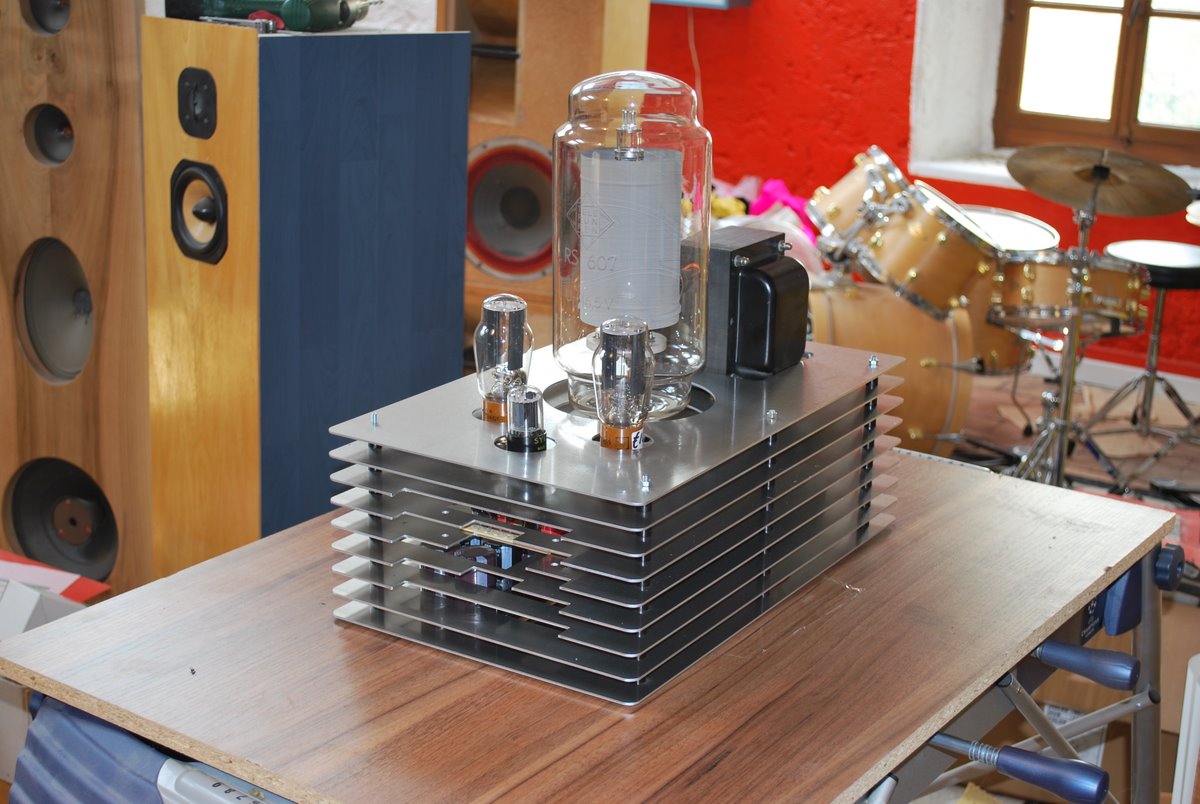
  4. This has been in the back of my head -- this build reminds me of one of my favorite builds I've seen. http://www.diyaudio.com/forums/attachments/tubes-valves/144849d1256750797-photo-gallery-dsc_0617.jpg

Important Information

By using this site, you agree to our Terms of Use.

Account

Navigation

Search

Search

Configure browser push notifications

Chrome (Android)
  1. Tap the lock icon next to the address bar.
  2. Tap Permissions → Notifications.
  3. Adjust your preference.
Chrome (Desktop)
  1. Click the padlock icon in the address bar.
  2. Select Site settings.
  3. Find Notifications and adjust your preference.