

Leaderboard
-
Voltron
High Rollers9Points34606Posts -
The Monkey
Moderators4Points13456Posts -
boomana
Moderators4Points8606Posts -
cutestory
High Rollers4Points1644Posts




Popular Content
Showing content with the highest reputation on 07/19/13 in all areas
-
I broke down and completed the Nikon "Holy Trinity."2 points
-
2 pointsThe loonies in the crowd on today's stage were downright scary. http://assets.sbnation.com/assets/2929539/outofmywayimonabike.gif2 points
-
1 pointThe comparison is against a Rudistor... I'd think severe brain trauma could be a factor here.1 point
-
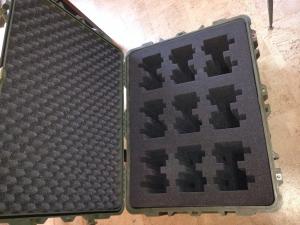
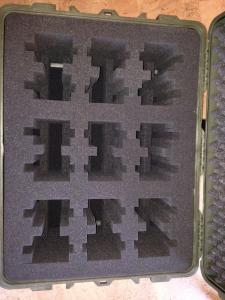
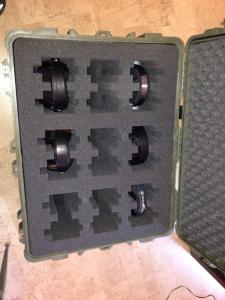
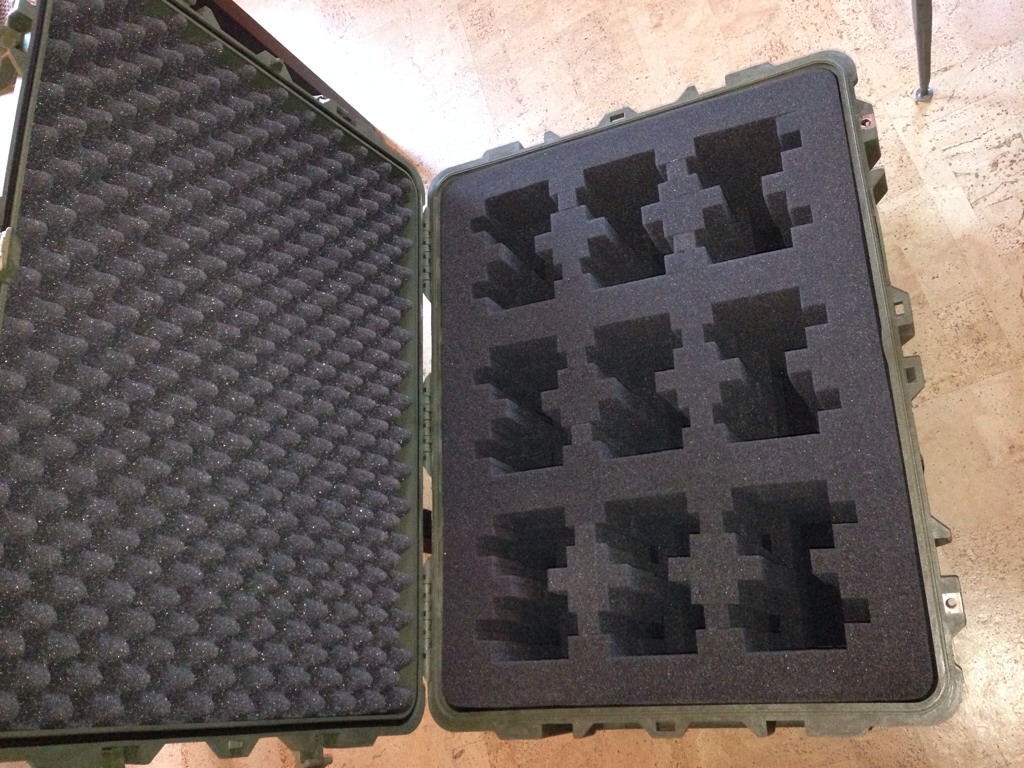
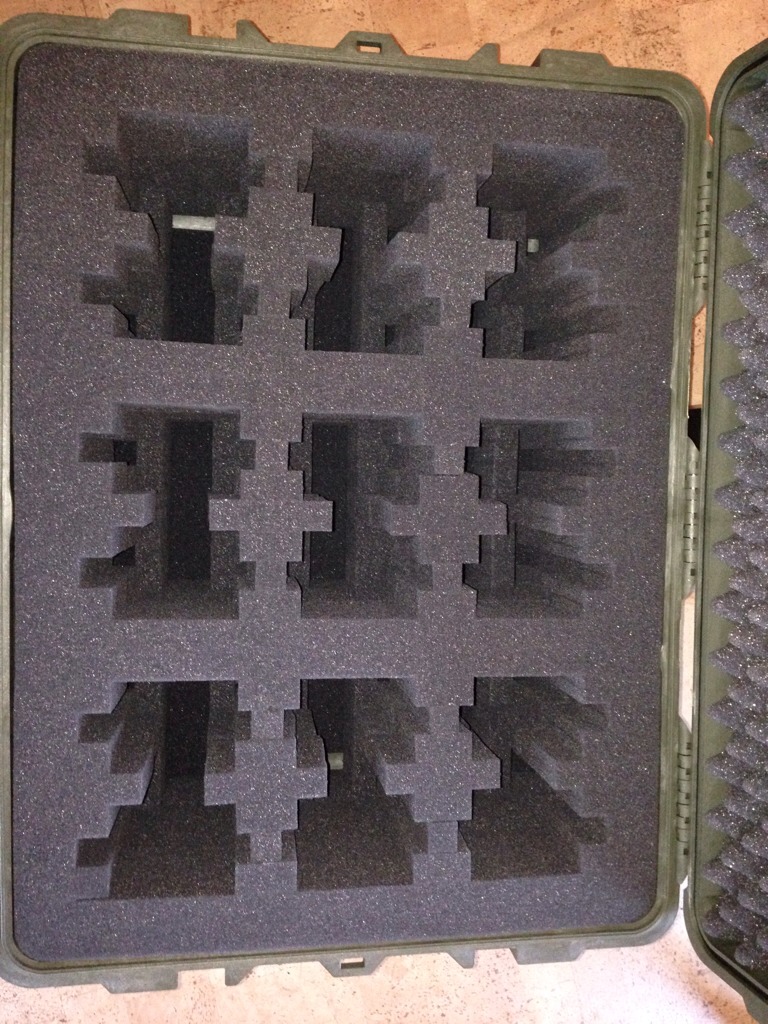
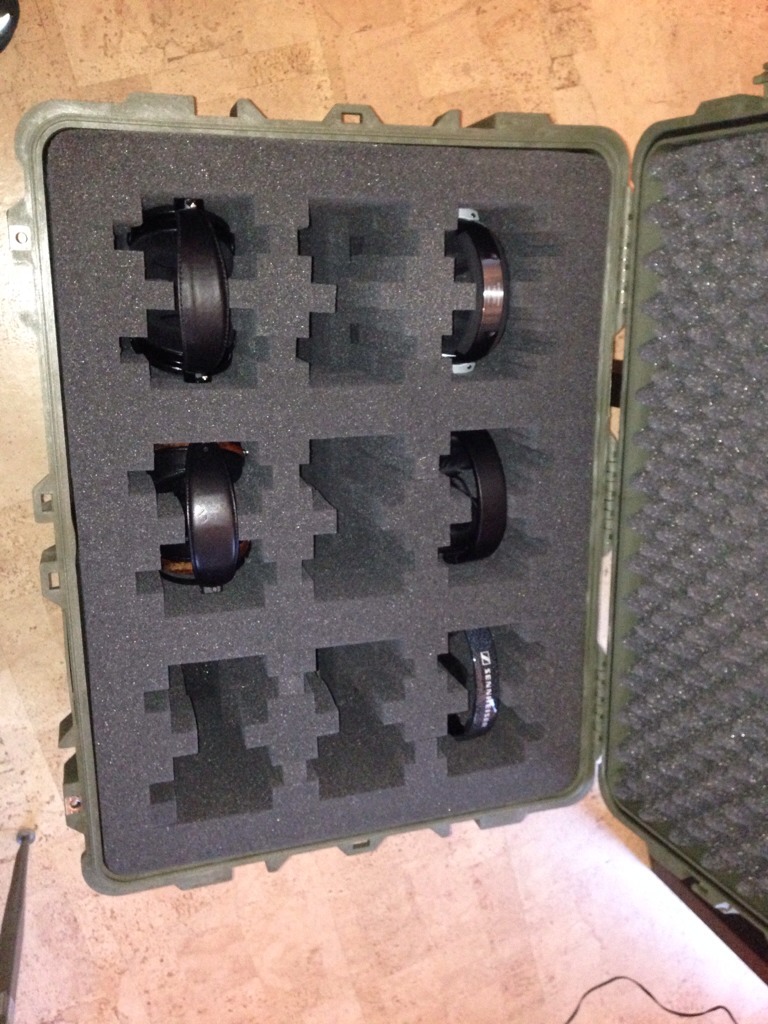
1 point1 point1 point1 pointAgreed, it looks great! Got notice earlier that Susie is in the the air! She'll be in Sacramento at 11:10.1 point1 point1 pointGot pelican case for headphones finished, then discovered it was over the max 62 linear inches for checked bags, carrying a $100 or $200 fee each way. Got it thru this time though with no measurement Sent from my iPhone using Tapatalk
 1 point1 pointToday I finally bought that pump foam hand soap for the first time. Take a ride on the wild side.1 pointIt was the Grand Opening Gala and Claire and I were there. Here is the link for the entire show: http://www.npr.org/event/music/169066093/live-from-sfjazz-center-opening Claire looked fantastic, by the way (even with the weird angle in the photo):1 point1 pointGetting ready to leave for the airport, and become a Californian!1 point






Important Information
By using this site, you agree to our Terms of Use.