

Leaderboard
-
Voltron
High Rollers3Points34606Posts -

tyrion
Moderators2Points10806Posts -
blessingx
High Rollers1Points17803Posts -
Tyll Hertsens
High Rollers1Points3403Posts




Popular Content
Showing content with the highest reputation on 11/26/13 in all areas
-
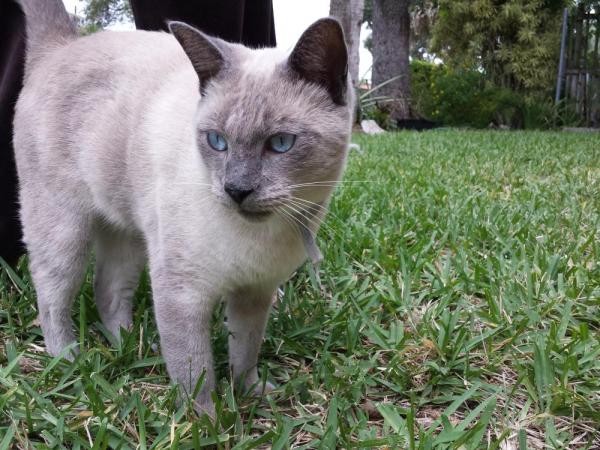
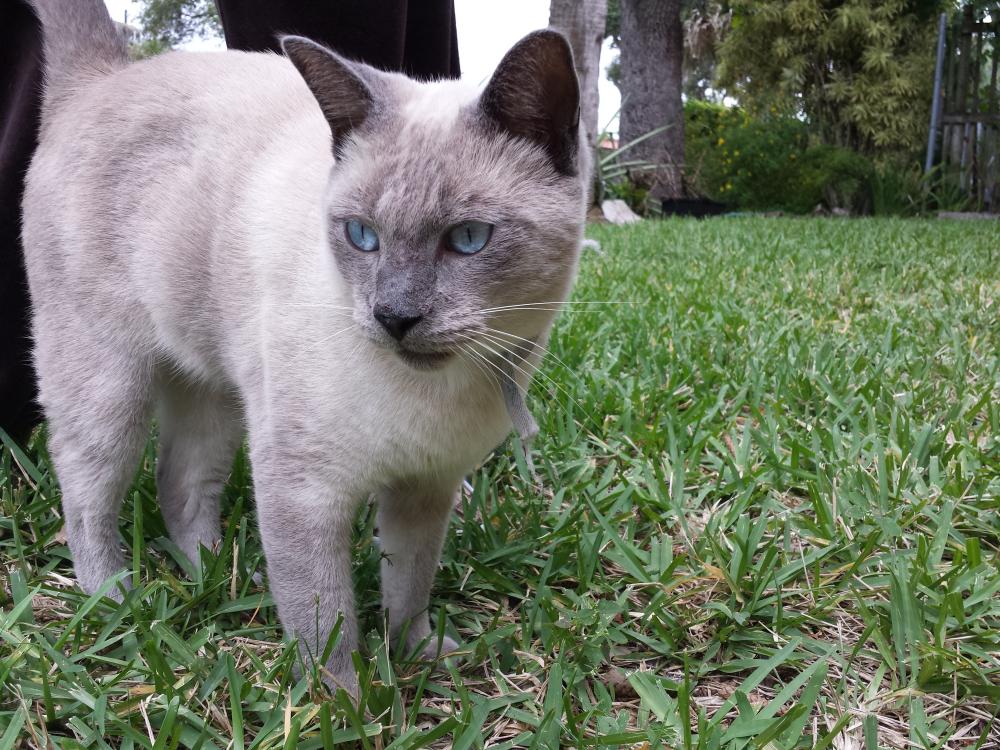
1 point1 point1 pointWe have been adopted. This is Donut. He walked into our yard out of the clear blue whatever about three weeks ago, just like Enigma did fourteen years ago. We asked around, posted found cat posters, checked the internet, had him checked for a microchip, put a collar with a note on him - all the things we did with Enigma - and nobody stepped up to take responsibility for him. Apparently, the poor guy was just dumped at the end of our street. He's moved into a guest kitty suite in the garage now and we took our second trip to the vet today. He passed all his blood tests and is cleared to move into the house when he is ready. So I guess now he's officially family.
 1 point1 point


Important Information
By using this site, you agree to our Terms of Use.