

Leaderboard
-
aardvark baguette
High Rollers3Points11296Posts -
grawk
Administrators3Points29546Posts -
Voltron
High Rollers2Points34595Posts -
blessingx
High Rollers2Points17783Posts




Popular Content
Showing content with the highest reputation on 01/13/14 in all areas
-
1 point
-
1 pointThe GS Mini sounded nice but it wasn't really small enough to bother with as it would still be a pain to commute with. I did manage to pick up another Martin, this time a Dreadnaught.1 point
-
1 point
-
1 pointIf it's gay code, it means that he's sworn off women (after getting stood up), and discovered dic...uhm, let's just leave that as "chili dog", and now he's searching for dudes on Grinder.1 point
-
1 point
-
1 pointHey that looks like me... I saw these guys... (angelic) And had some meat balls. and soft shell cracked crab All yummy1 point
-
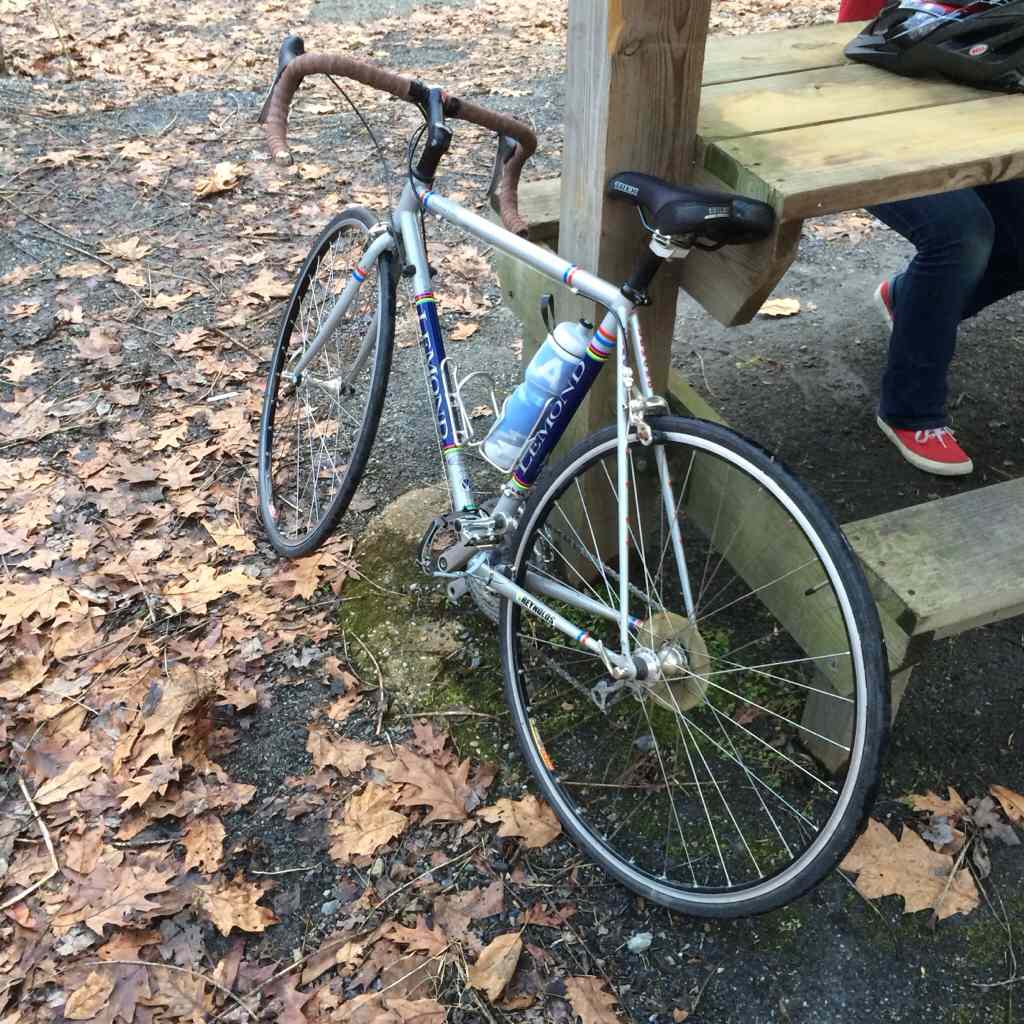
1 pointJust got back from a short ride with my daughter. First ride on our new bikes.

 1 point
 -
1 pointI'll file this under 'another' - the last 303 Blockbuster stores today. In between the original owner censorship early and missed streaming opportunities late many may cheer the death of a chain that put a lot of great urban indie vid stores out of business. But like a few other chains it for a while was a possible window to the outside for a lot of smaller places in America. I've lived in the middle of nowhere and Blockbuster was often the only option for many indie and foreign films. I bitched and wanted it to be more, but in the end the list of films discovered there is long.1 point
-
1 point
-




Important Information
By using this site, you agree to our Terms of Use.