Leaderboard
-
Absorbine_Sr
High Rollers7Points8097Posts -
Voltron
High Rollers5Points34606Posts -
shellylh
High Rollers5Points18863Posts -
boomana
Moderators3Points8606Posts




Popular Content
Showing content with the highest reputation on 06/01/14 in Posts
-
5 pointsSince I'm tired and irritable after waiting in a long at customs... sich verpissen5 points
-
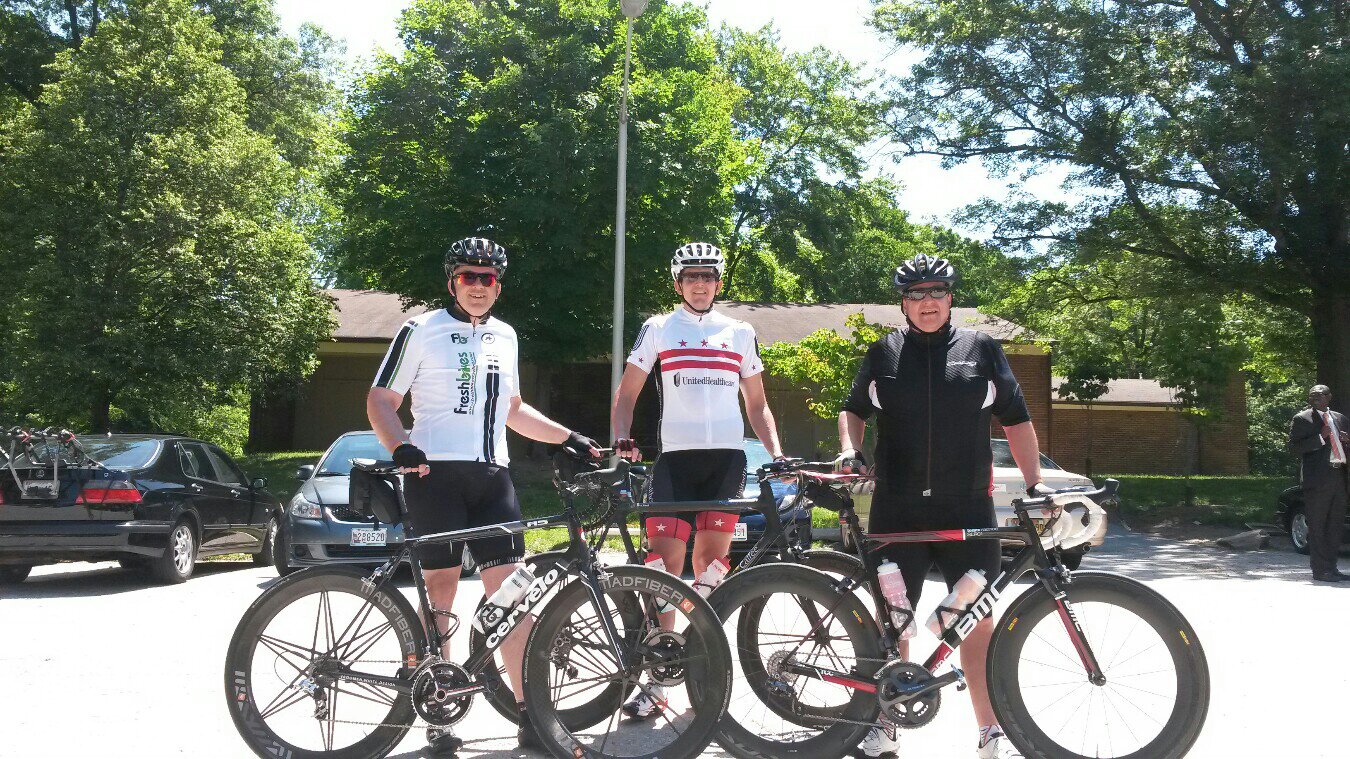
3 pointsNice pic! I didn't recognize Jeff. Seriously. You look great! Stopped by the ocean for a little break on today's ride. It was a perfect day to be out with friends.3 points
-
2 pointsReally was a great ride at a pretty good pace. I set 77 PRs this trip. Chris went and put on heavier wheels since we last rode and has mad cow disease or something and I still could not keep up with him.2 points
-
2 points
-
1 point
-
1 pointSales must be truly terrible if they try to shill here. I'd say Zeitung but it's not 100% accurate...1 point
-
1 pointBugs and Daffy both look awesome. Bruschetta, arugula and heirloom tomato salad and grilled salmon. Random Vidalia onions just because.1 point
-
1 point
-
1 point
-
1 pointTook our daughter to a Field Day even at a local farm for picnic. They had bunch of different things for kids - pony ride, ice cream, local soda/juice, flower planting (to take home), etc. Much to our surprise, everything was free.1 point
-
1 point"In Bruges", for the manyth time. Always a pleasure. https://www.youtube.com/watch?v=UOXaBV8mD-I Oh, I give up trying to embed it. Cunts.1 point
-
1 point
-
1 pointThat's a "fast-feedback iterative design process", if you don't mind.1 point
-
This is the most helpful headcase has been to a newbie all year.1 point