Leaderboard
-
shellylh
High Rollers4Points18863Posts -
agile_one
High Rollers4Points3996Posts -
grawk
Administrators3Points29546Posts -
Dusty Chalk
Moderators2Points49160Posts




Popular Content
Showing content with the highest reputation on 07/08/14 in all areas
-
2 pointsJust finished OITNBS2!!! So good but so sad I have to wait another year for S3.2 points
-
i don't buy a lot of mandolin music. good change of pace.1 point
-
1 pointIt's been too long. Daddy's home not thrilled with the new shm sacd package size - wtf1 point
-
1 point
-
1 point
-
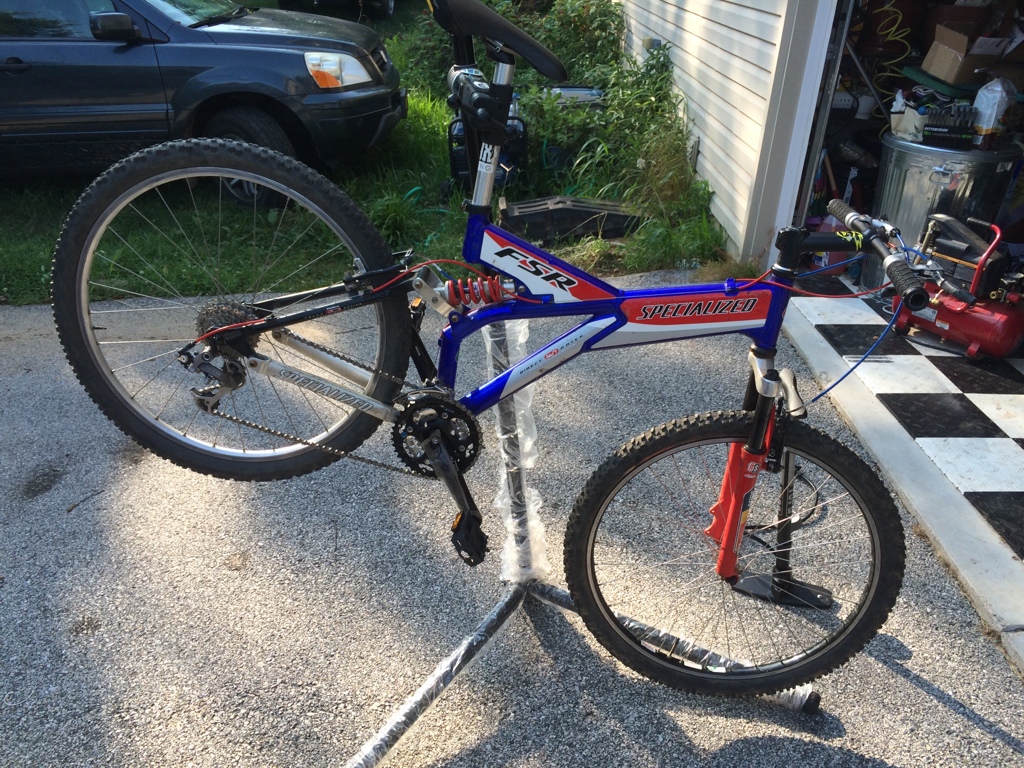
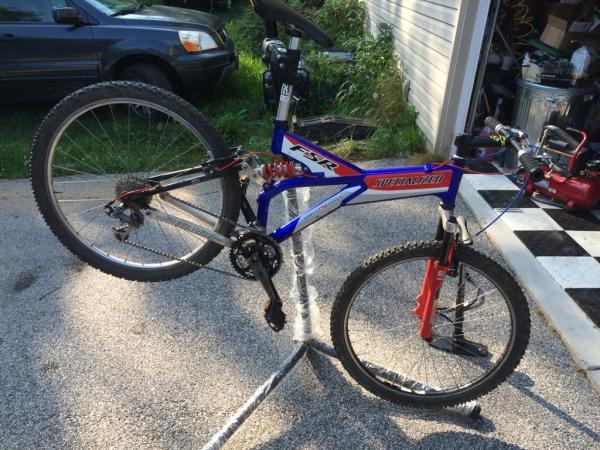
1 pointHoly crap. Who put those wheels on that bike? I finished building up my 99 fsr today. XTR rear XT front and shifters. I still need to rebuild the rockshox Judy fork, but it's rideable:
 1 point
 -
1 pointNot only the worlds best headphones, but also the best headphones for giving head.1 point
-
1 pointMelody and I have gotten into The Good Wife the past couple of weeks. It's good stuff. A standard but well done legal show, but with what is so far a great character arc for our protagonist Alicia. Its well written and well acted. In a lot of ways it reminds me of Scandal if Scandal wasn't terrible.1 point
-
1 pointAmerican Experience: Silicon Valley http://www.pbs.org/wgbh/americanexperience/films/silicon/player1 point
-
this should handle the power angle bracket to big heatsink and 3 x fet per side http://gilmore.chem.northwestern.edu/kgsshvpsminiexternal.jpg1 point