
Skip to content
View in the app

A better way to browse. Learn more.

www.Head-Case.org

A full-screen app on your home screen with push notifications, badges and more.

To install this app on iOS and iPadOS
  1. Tap the Share icon in Safari
  2. Scroll the menu and tap Add to Home Screen.
  3. Tap Add in the top-right corner.
To install this app on Android
  1. Tap the 3-dot menu (⋮) in the top-right corner of the browser.
  2. Tap Add to Home screen or Install app.
  3. Confirm by tapping Install.

Leaderboard

Popular Content

Showing content with the highest reputation on 10/13/14 in Posts

  1. I'm picking up a set of dura ace tubular wheels tonight. I doubt I'll have the glue and tires in time for this weekend, tho.
  2. 3 points
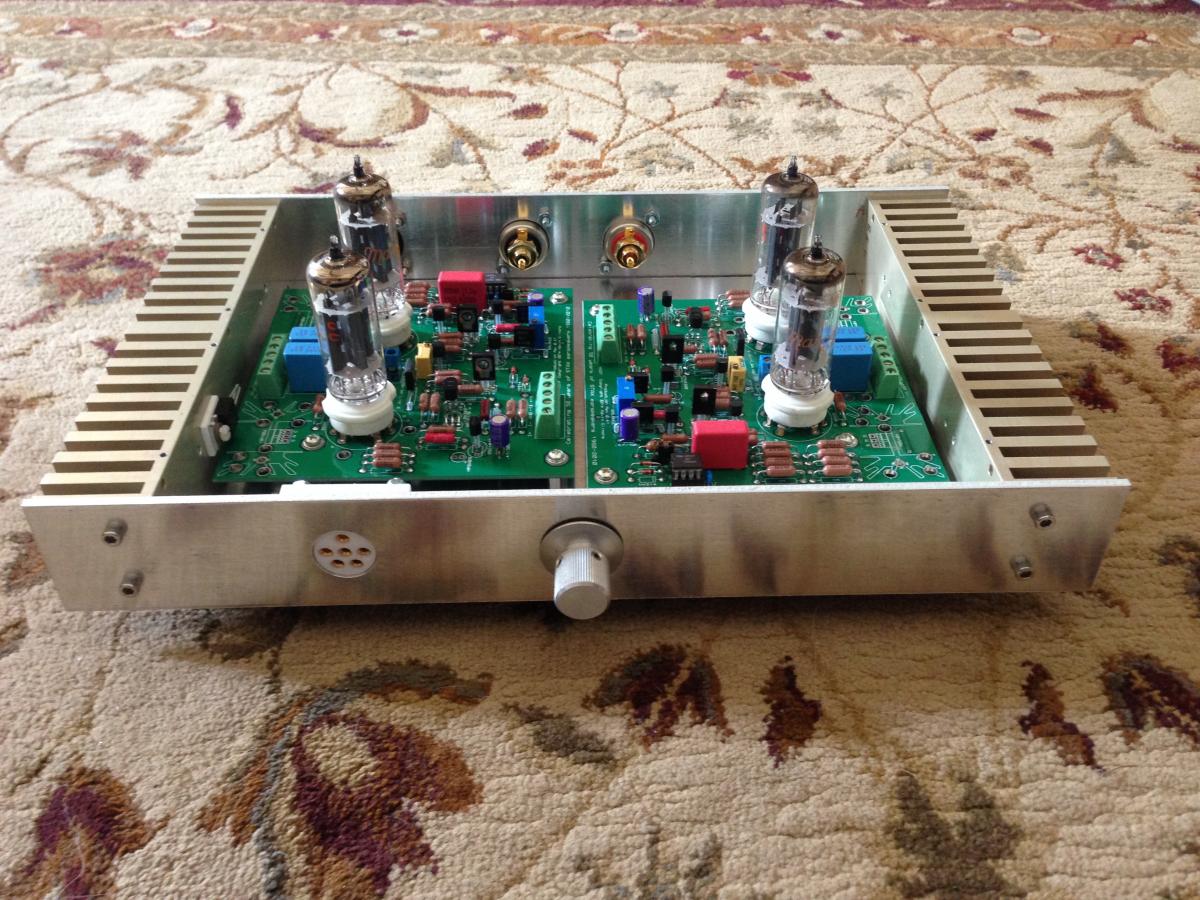
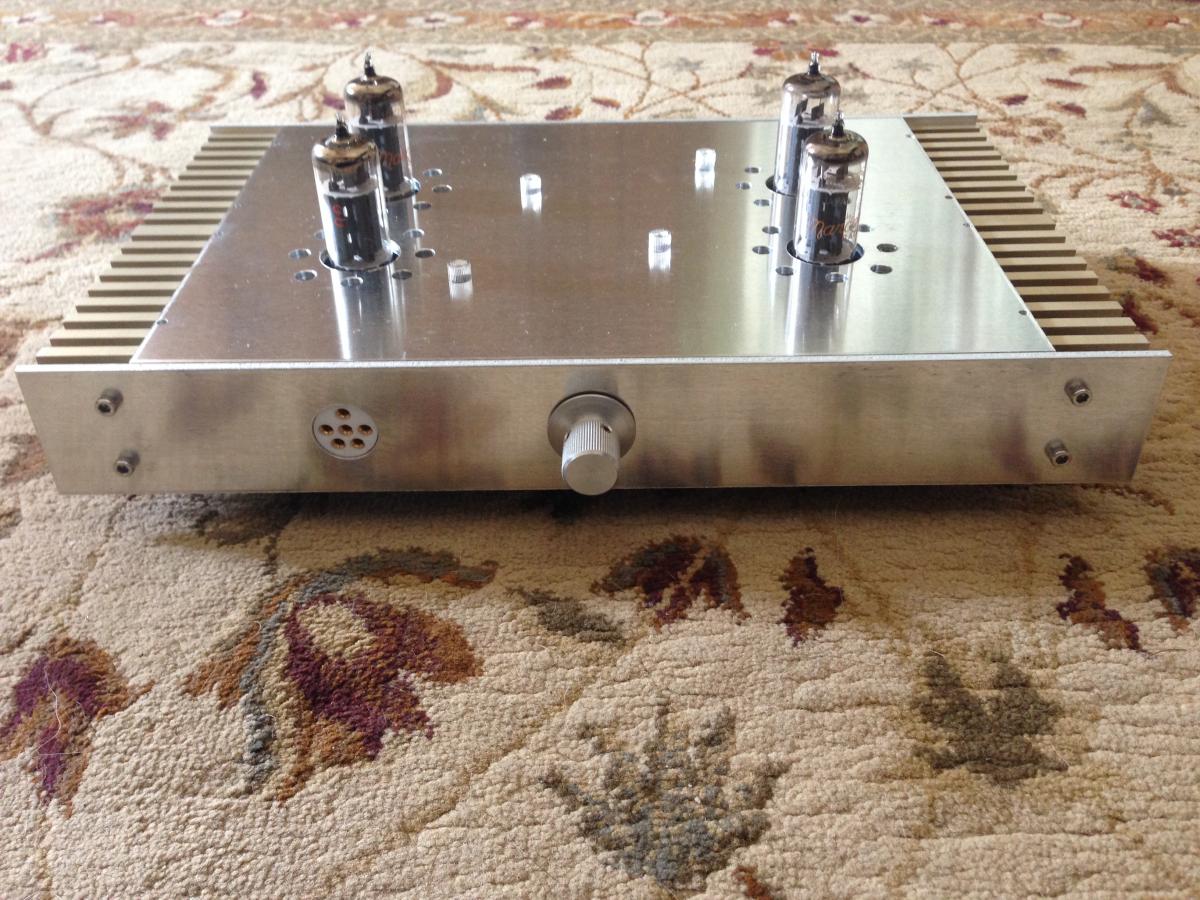
    in progress... tubes are 9RA6 not 6S4A.
  3. Video from the fastest descent of the day yesterday:
  4. 2 points
    My son just went cruising down the driveway in his toy car screaming, "POWER!!!" I think my job as a parent may be complete.
  5. 18.5mm or so for the larger style plug.
  6. I forgot to turn my computer off, so I had the fastest ride back home ever. Total average speed of around 45mph. Should load this to strava. I had fun, thanks for hosting Chris!
  7. What the hell was I doing in that first pic?
  8. My Flaca: BH Quartz 105.... (and yes, I use a Shimano XT pedal )
  9. Waiting for daughter, son in law and James

Important Information

By using this site, you agree to our Terms of Use.

Account

Navigation

Search

Search

Configure browser push notifications

Chrome (Android)
  1. Tap the lock icon next to the address bar.
  2. Tap Permissions → Notifications.
  3. Adjust your preference.
Chrome (Desktop)
  1. Click the padlock icon in the address bar.
  2. Select Site settings.
  3. Find Notifications and adjust your preference.