Skip to content
View in the app

A better way to browse. Learn more.

www.Head-Case.org

A full-screen app on your home screen with push notifications, badges and more.

To install this app on iOS and iPadOS
  1. Tap the Share icon in Safari
  2. Scroll the menu and tap Add to Home Screen.
  3. Tap Add in the top-right corner.
To install this app on Android
  1. Tap the 3-dot menu (⋮) in the top-right corner of the browser.
  2. Tap Add to Home screen or Install app.
  3. Confirm by tapping Install.

Inu

High Rollers
  • Joined

  • Last visited

  1. Can you send me a PM?
  2. I also searched for the LT8365 but couldn't find a way to buy it as a part. I can't wait until next year, so It's expensive, but I bought modules (boards). This is up to + or -280V, so I need to make few changes. https://strawberry-linux.com/catalog/items?code=18365 This shop doesn't have an option to ship to the US, so I got help from a friend in JPN.
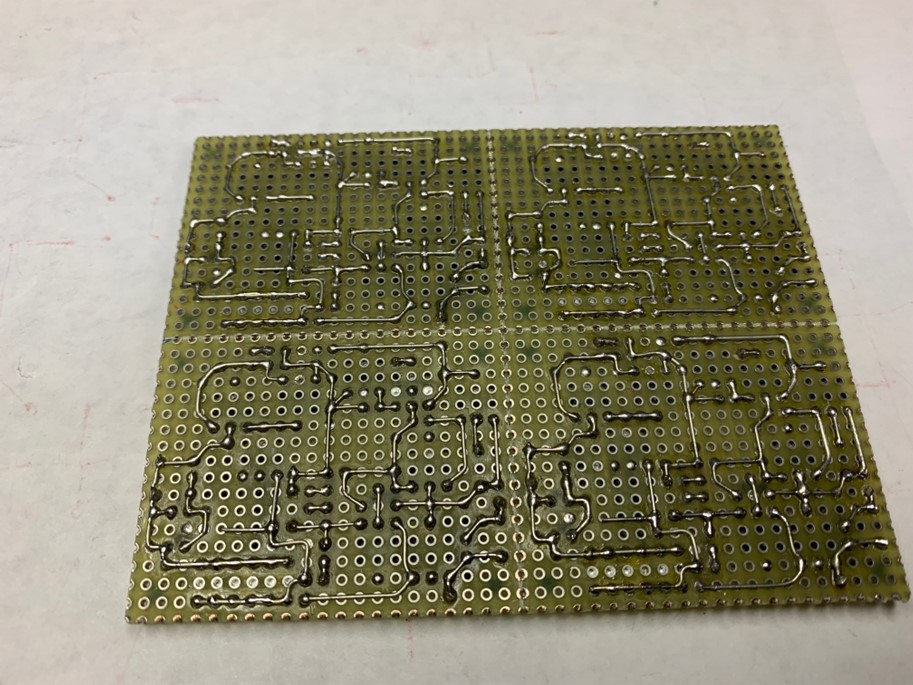
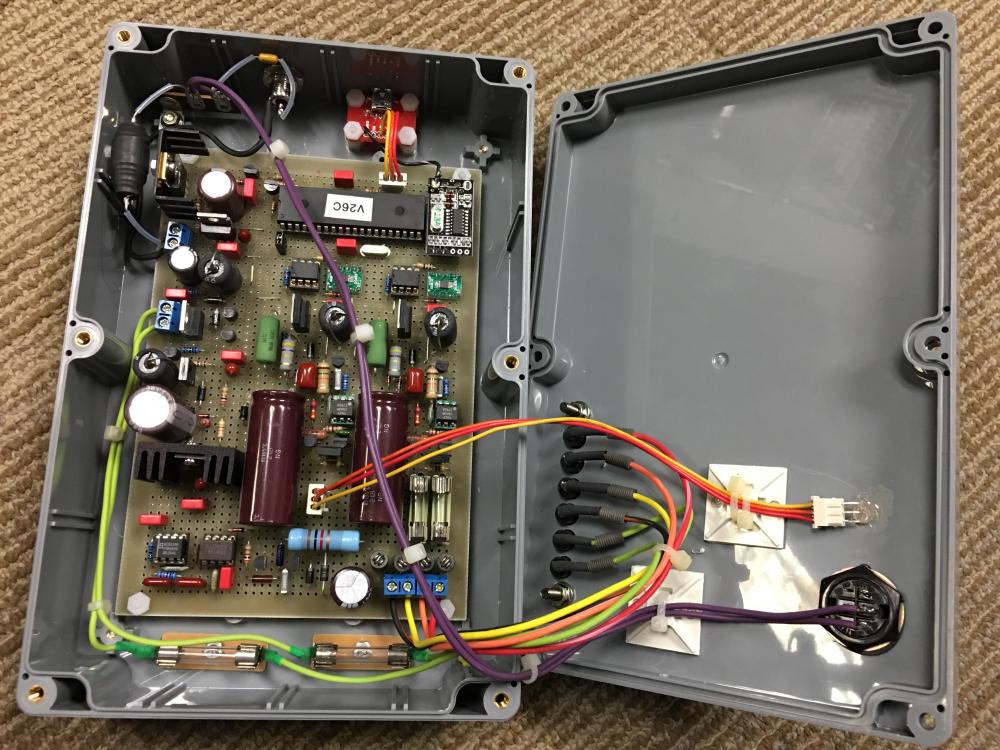
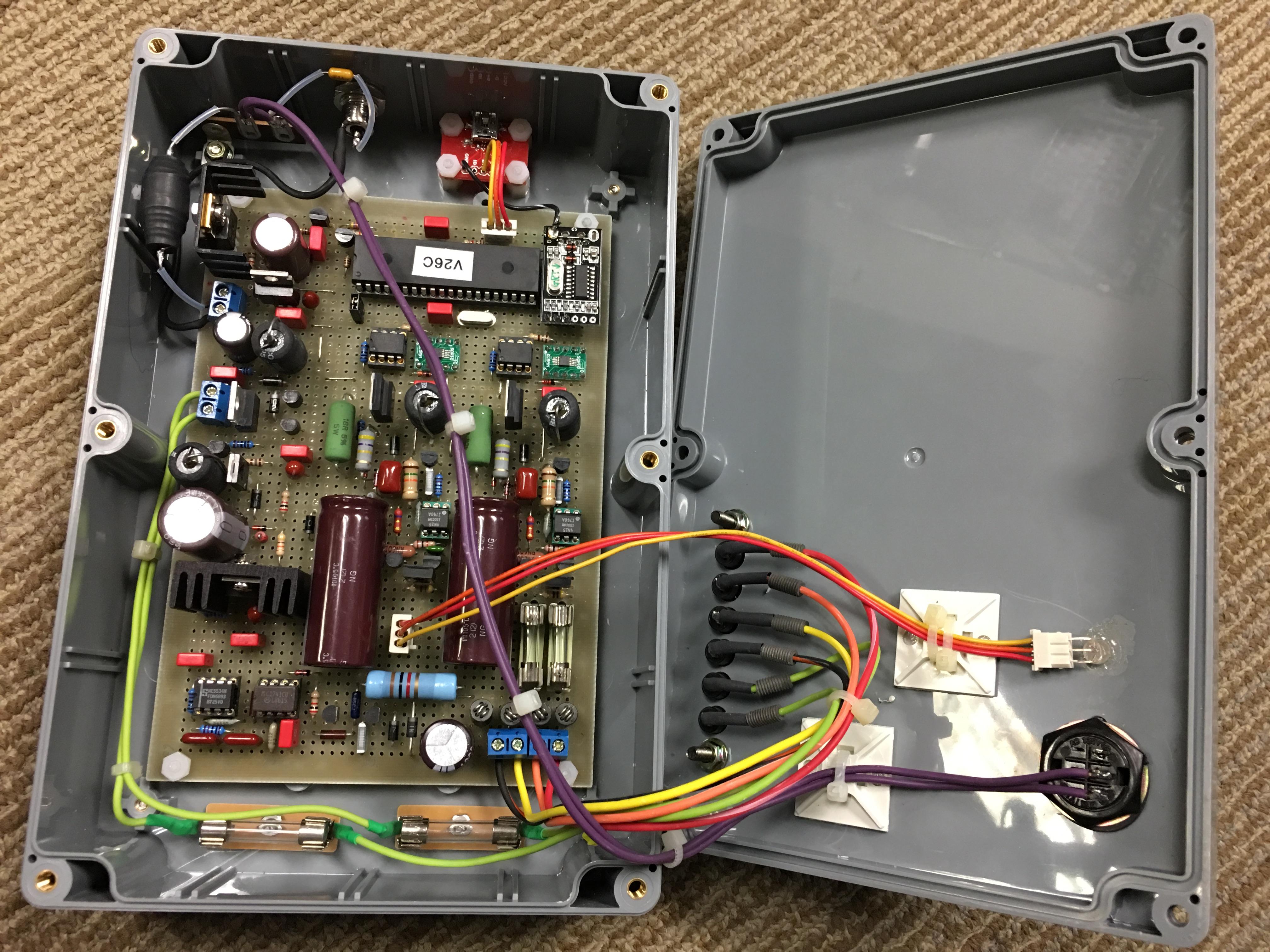
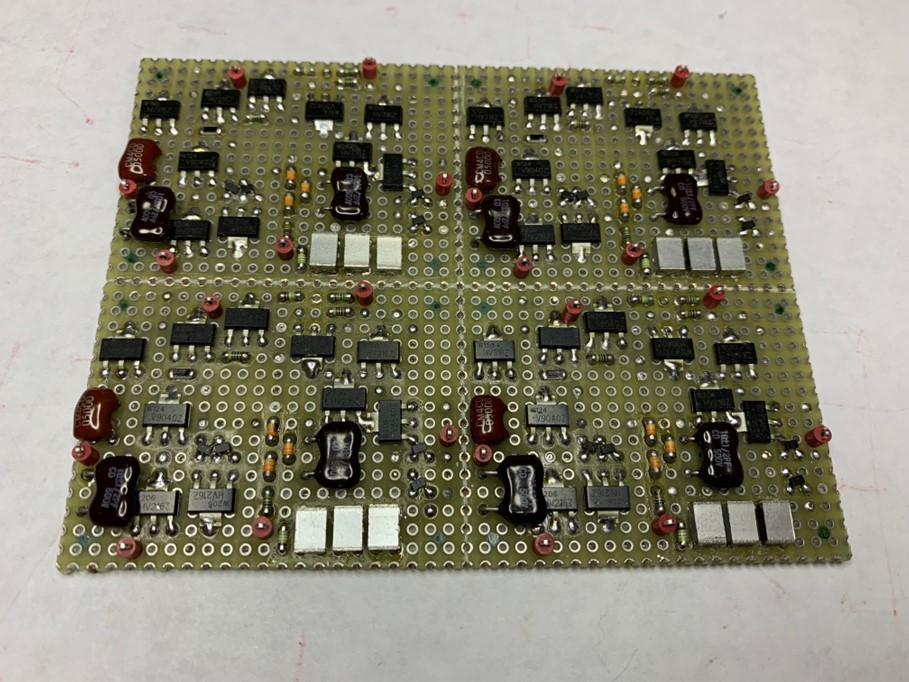
  3. Made with double sided bread board. HVPS (LT8365) are on the way from JPN. I planning to divide it into four and stack these in 2 or 4 layers, but I don't think it will be a size that can be called "portable" but I will try...
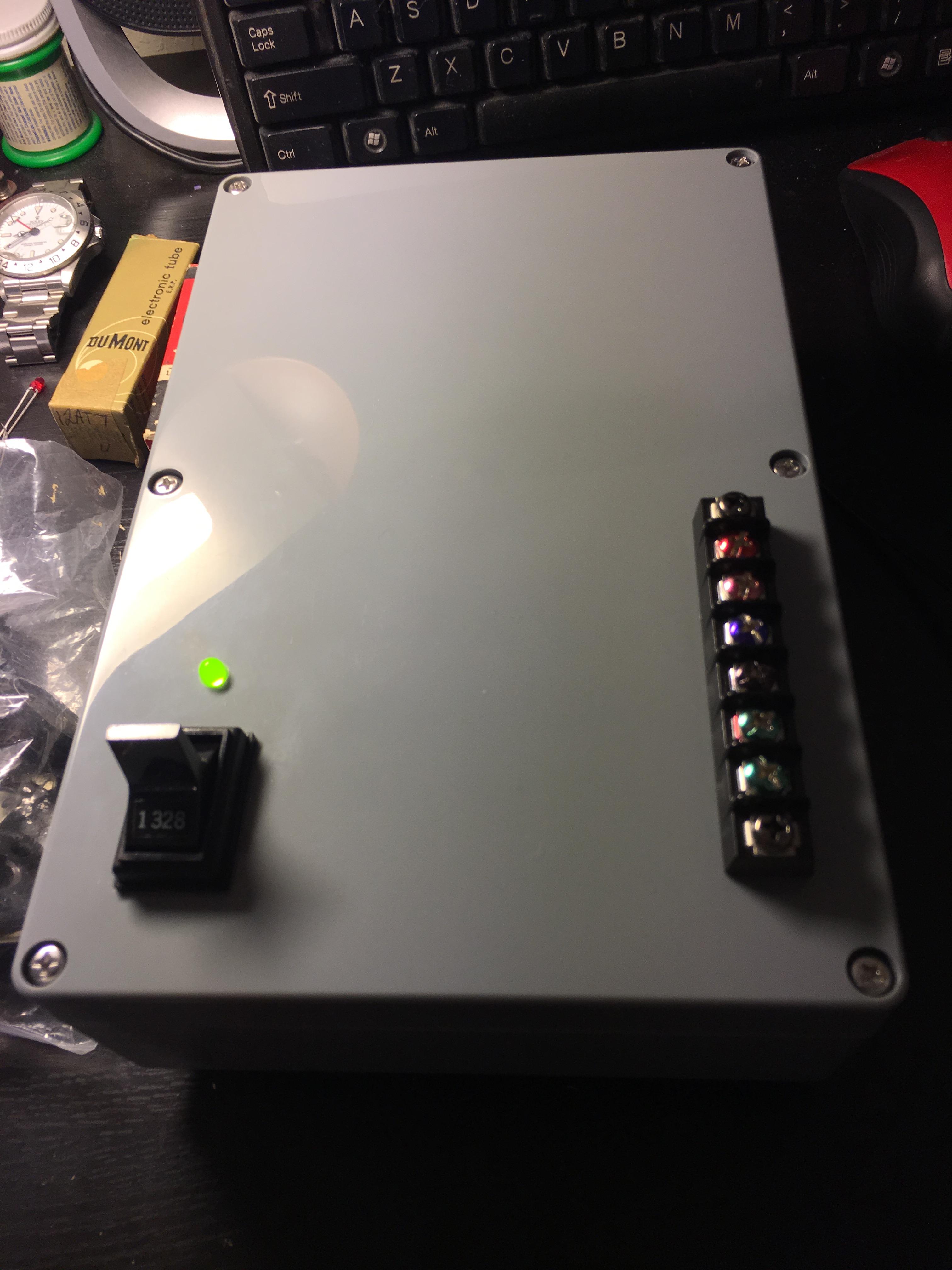
  4. My u Tracer.
  5. Please add 1x main board. Thank you.
  6. i'm in for; 2x GRHV78xxx 2x GRLV78xx (mini or micro) 2x GRLV79xx (mini or micro)
  7. How about LT1021-7 with 510 - 560 ohm?
  8. I am planing to use Toshiba TTC004B instead of KSC2690A. Cob is lower than KSC2690A (12PF - 19PF) and better hfe linearity.... and I prefer Toshiba rather than KSC/KSA .
  9. Small board is for +/-15V. Small one on the right is 5/20/30 sec timer board (PIC). For the electrostatic headphone, please refer the following forum. https://www.head-fi.org/f/threads/my-diy-electrostatic-headphones.498292/
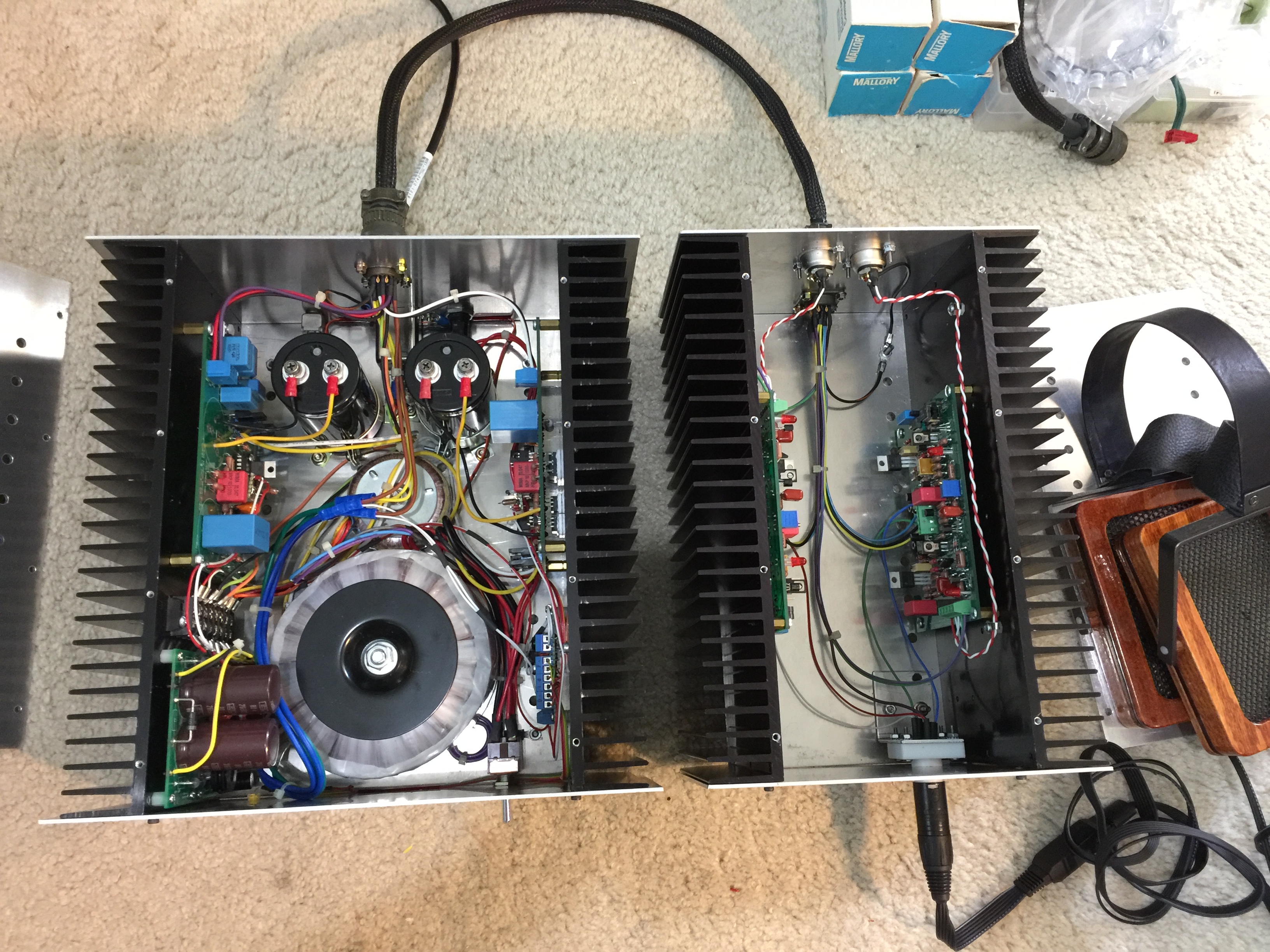
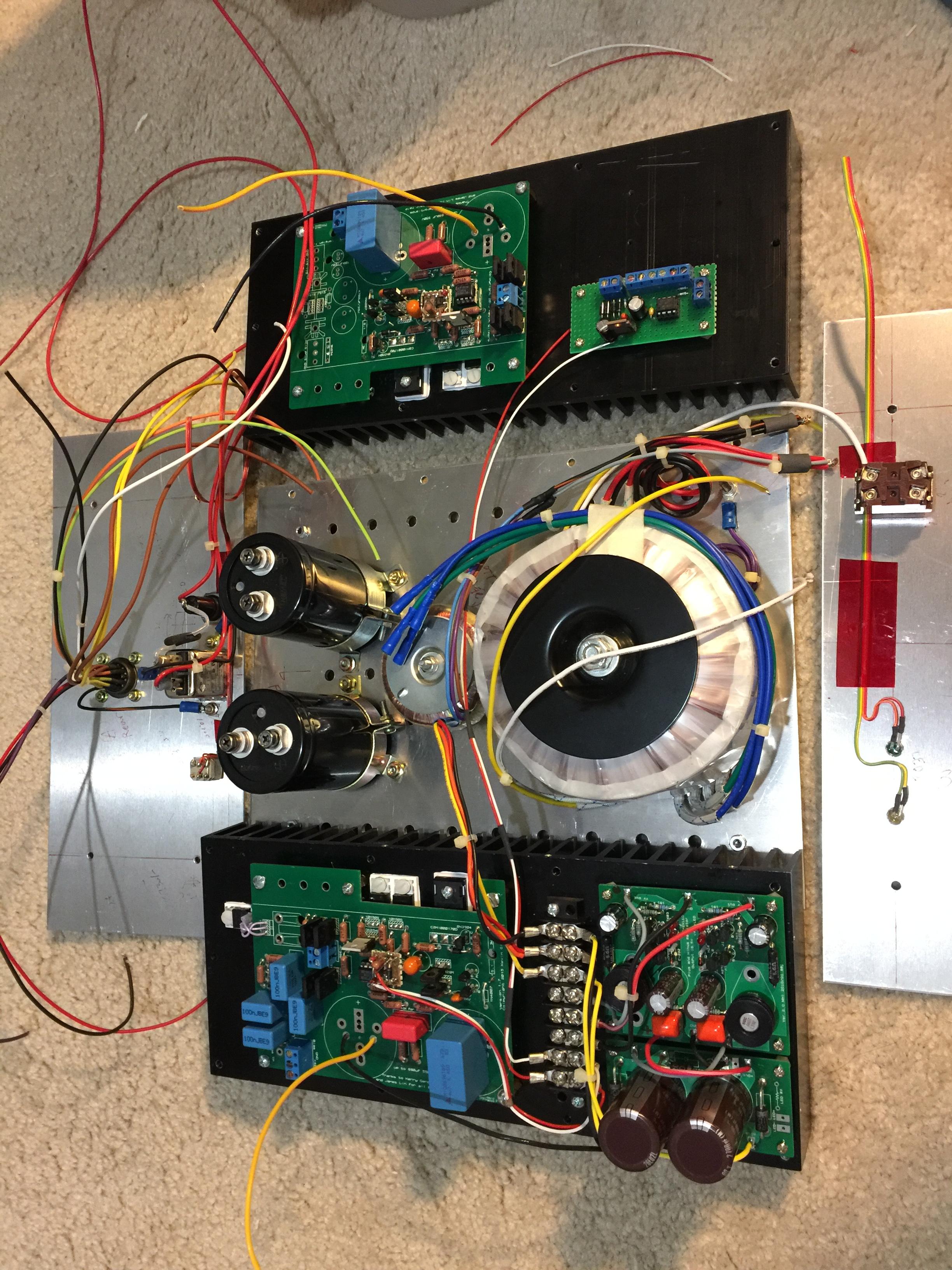
  10. Ugliest build.... Aluminum sheets from e-bay.
  11. How about 2SC5171 / 2SA1930? 180V, Lower Cob(16PF), Flat hfe-Ic In Japan, popular than 2SC2690(A).
  12. > G600 : Congratulations.
  13. NEGATIVE BLACK... Where???

Important Information

By using this site, you agree to our Terms of Use.

Account

Navigation

Search

Search

Configure browser push notifications

Chrome (Android)
  1. Tap the lock icon next to the address bar.
  2. Tap Permissions → Notifications.
  3. Adjust your preference.
Chrome (Desktop)
  1. Click the padlock icon in the address bar.
  2. Select Site settings.
  3. Find Notifications and adjust your preference.