Skip to content
View in the app

A better way to browse. Learn more.

www.Head-Case.org

A full-screen app on your home screen with push notifications, badges and more.

To install this app on iOS and iPadOS
  1. Tap the Share icon in Safari
  2. Scroll the menu and tap Add to Home Screen.
  3. Tap Add in the top-right corner.
To install this app on Android
  1. Tap the 3-dot menu (⋮) in the top-right corner of the browser.
  2. Tap Add to Home screen or Install app.
  3. Confirm by tapping Install.

Leaderboard

Popular Content

Showing content with the highest reputation on 02/22/16 in Posts

  1. bow bow bow bow bah bow, bow bow bow bow bah bow, bow bow bow bow bow, bow, bow, do dah dodo da doo.
  2. That's been on the bucket list for a while. It'll happen, someday. I really want to take their winter driving school.
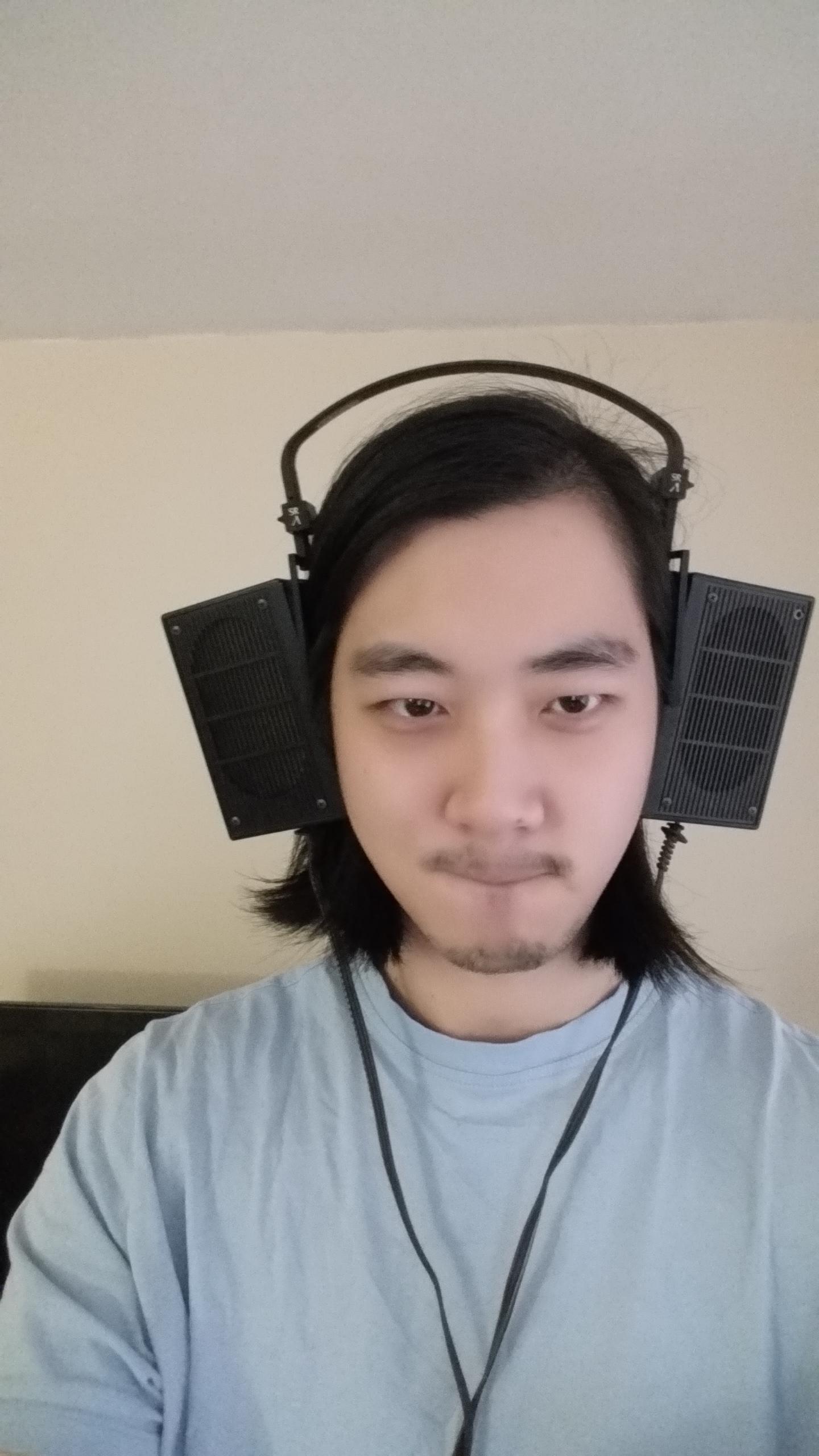
  3. Nothin' says sexy like big, dorky headphones on your head.
  4. HF have all the night and day reviews you could ever want. Yippee!
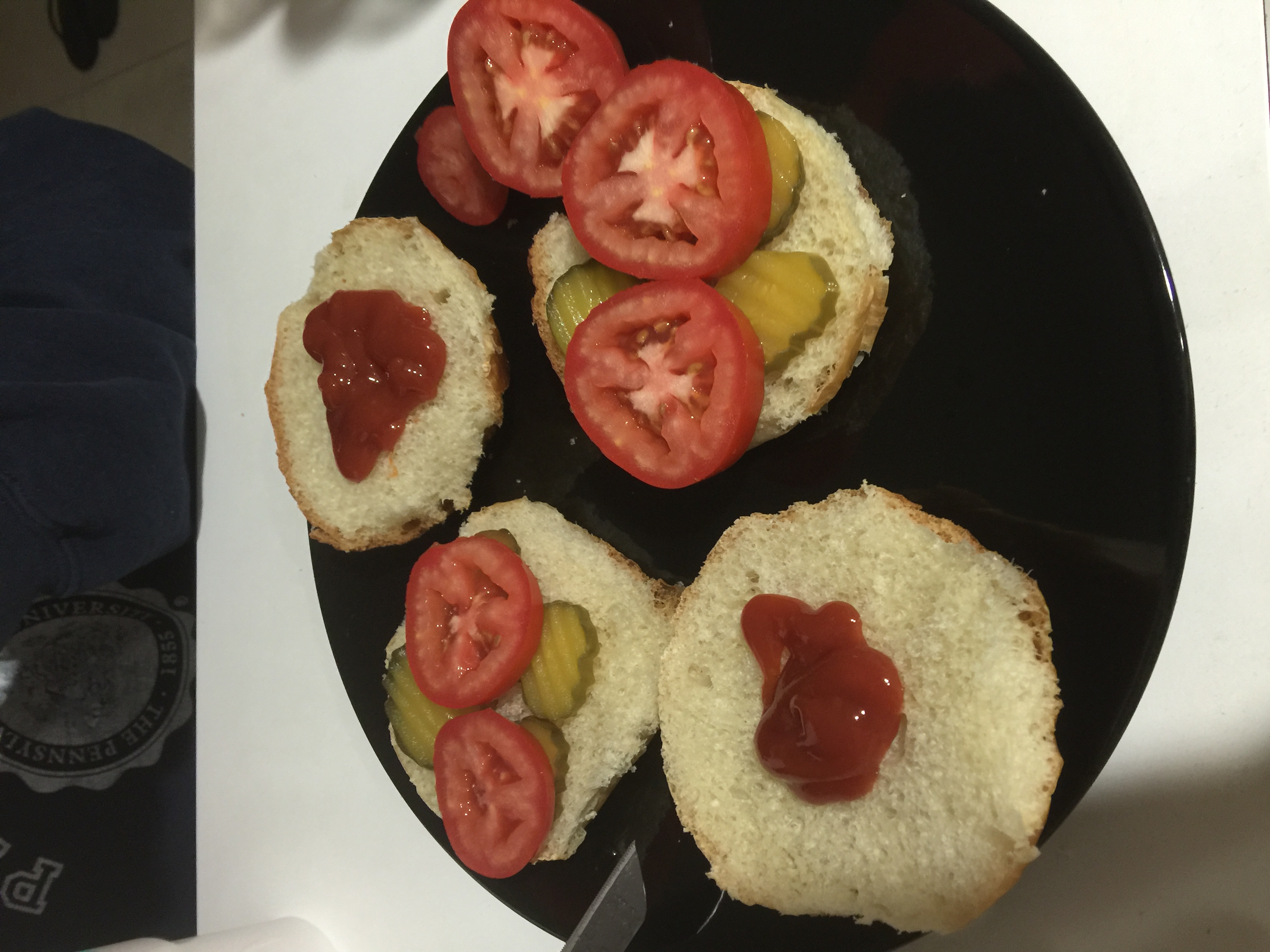
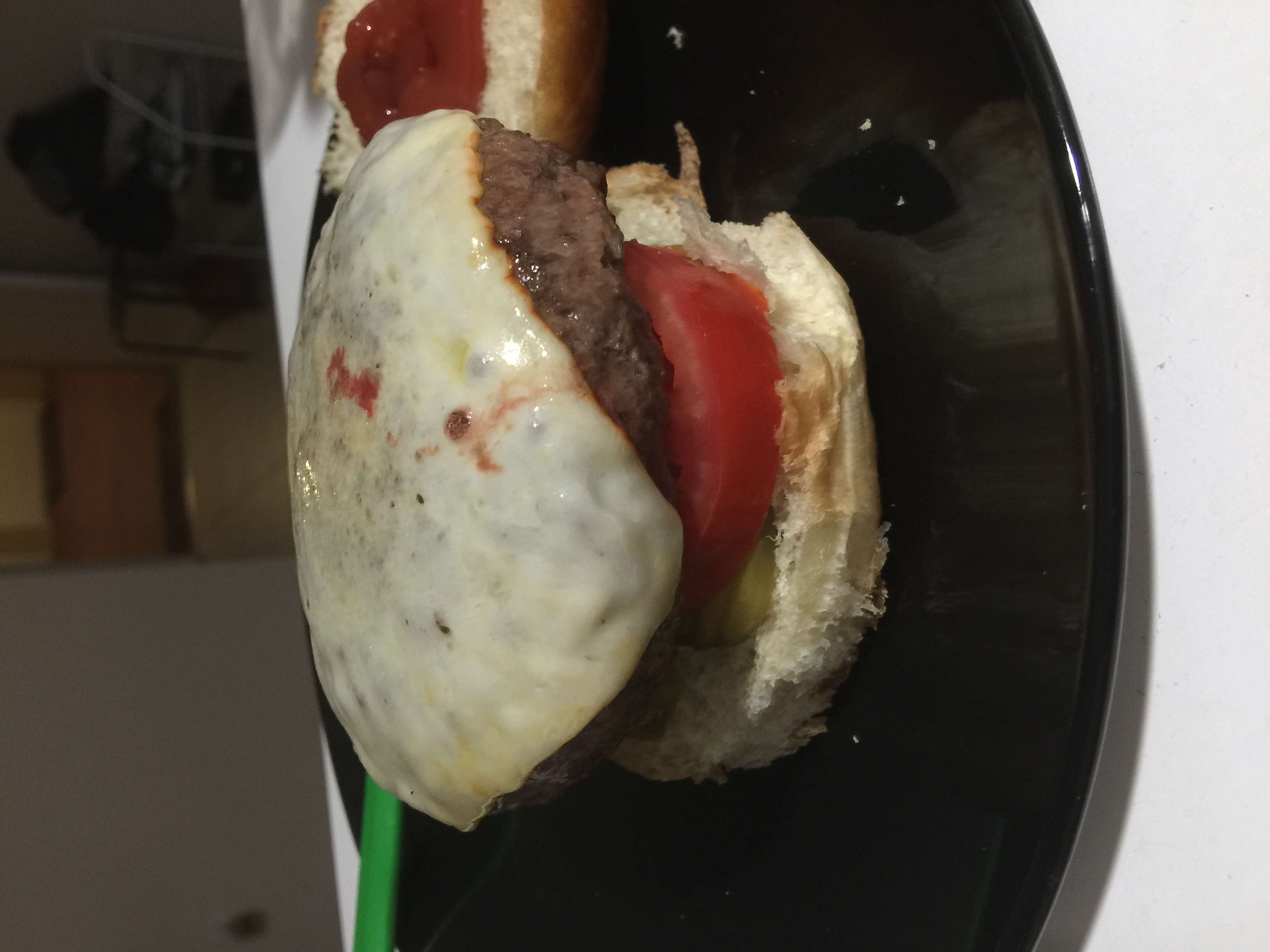
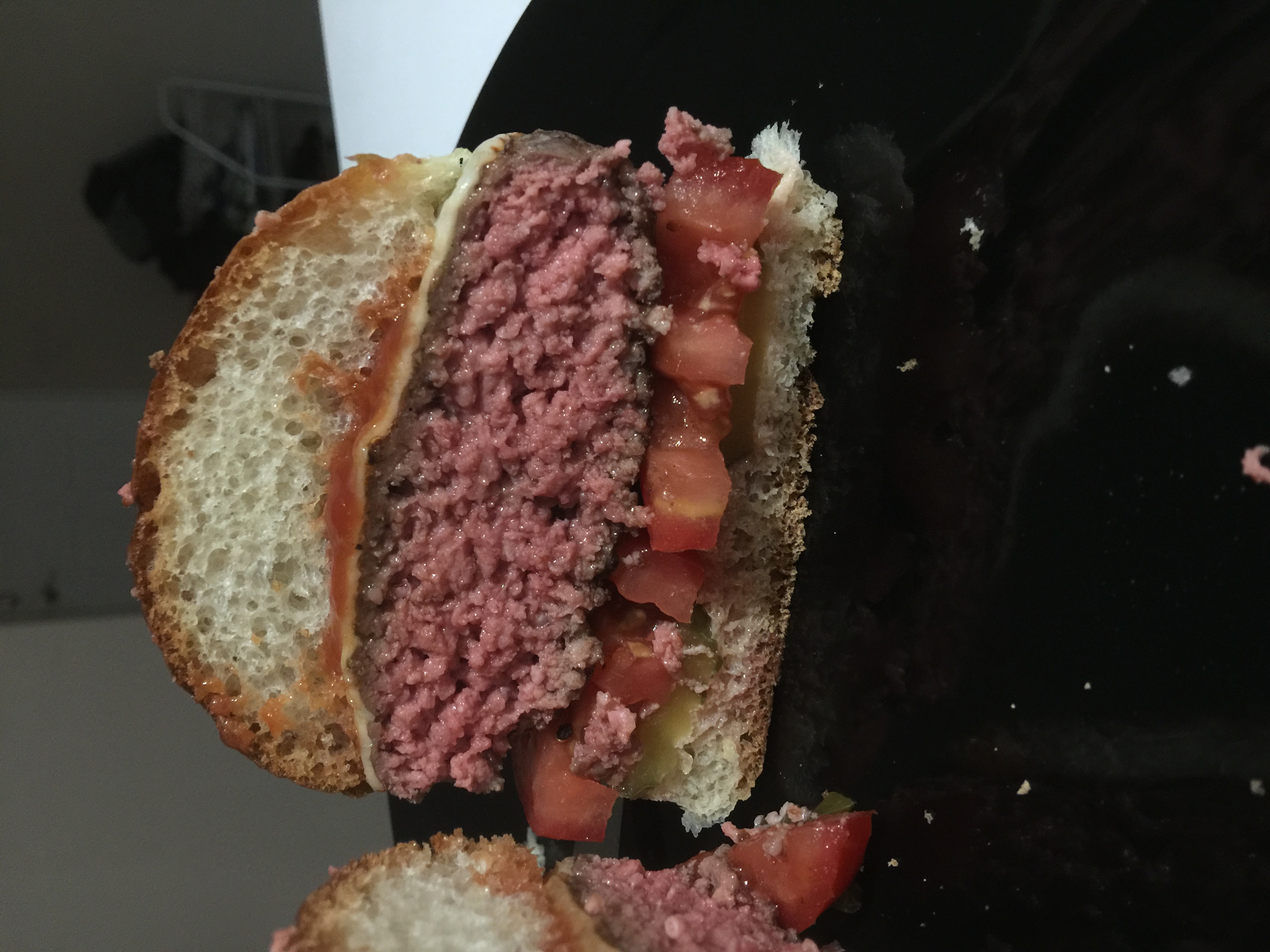
  5. The damn thing even makes burgers! Sous vide ftw.
  6. I hope that becomes the new tapatalk image for this thread

Important Information

By using this site, you agree to our Terms of Use.

Account

Navigation

Search

Search

Configure browser push notifications

Chrome (Android)
  1. Tap the lock icon next to the address bar.
  2. Tap Permissions → Notifications.
  3. Adjust your preference.
Chrome (Desktop)
  1. Click the padlock icon in the address bar.
  2. Select Site settings.
  3. Find Notifications and adjust your preference.