

Leaderboard
-
Augsburger
High Rollers11Points13165Posts -
morphsci
High Rollers6Points13355Posts -
n_maher
Administrators5Points27522Posts -
909
High Rollers4Points5360Posts




Popular Content
Showing content with the highest reputation on 03/11/24 in Posts
-
4 points
-
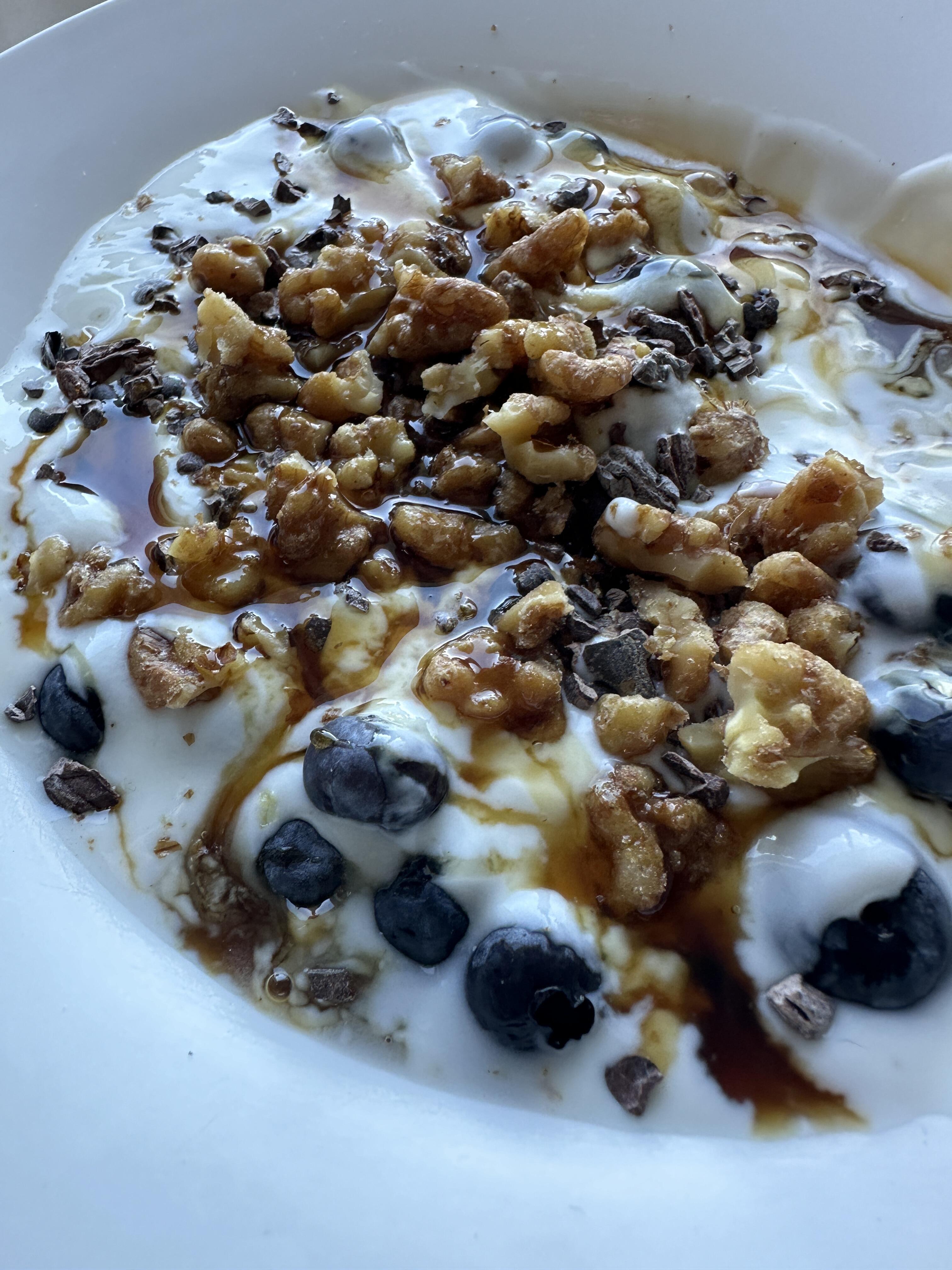
3 pointsBulgarian yogurt, blueberries, candied walnuts, cacao nibs and maple syrup
 3 points
 -
If you go back more years there were Cord Cameras all over Ohio and a chance my smiling face was on the other side of the counter.
 1 point
 -
All your points are correct and hence the center to center offset has been acknowledged by me instead of the opposite. I'm just putting forward my argument against your scrutiny. The melting point of the Acrylic retainer is a non-issue as the pins are secured in a jig during soldering. Your scrutiny will definitely be addressed in the machining of the retainer (As you said, back to the drawing board) to cancel the offset and we'll start paying further attention in measuring each connector we make. Of course not, Sir! The same sentiment can be put forward without the undertones.1 point
-
I don’t have any personal recommendations except places to stay away from, but the word is below is good and decently priced https://thedarkroom.com/1 point
-
1 pointzoomers are old enough to get married and have kids. The youngest millennials are in their mid 20s also
 1 point
 -
1 pointWork event this week, with one of the better parties they've thrown (and they're all pretty good, this one at Reggie's Chicago). '80s theme party (though most of the crowd wasn't born then), with a co-worker's Tom Petty cover band, who were very good!
 1 point
 -
1 point
-
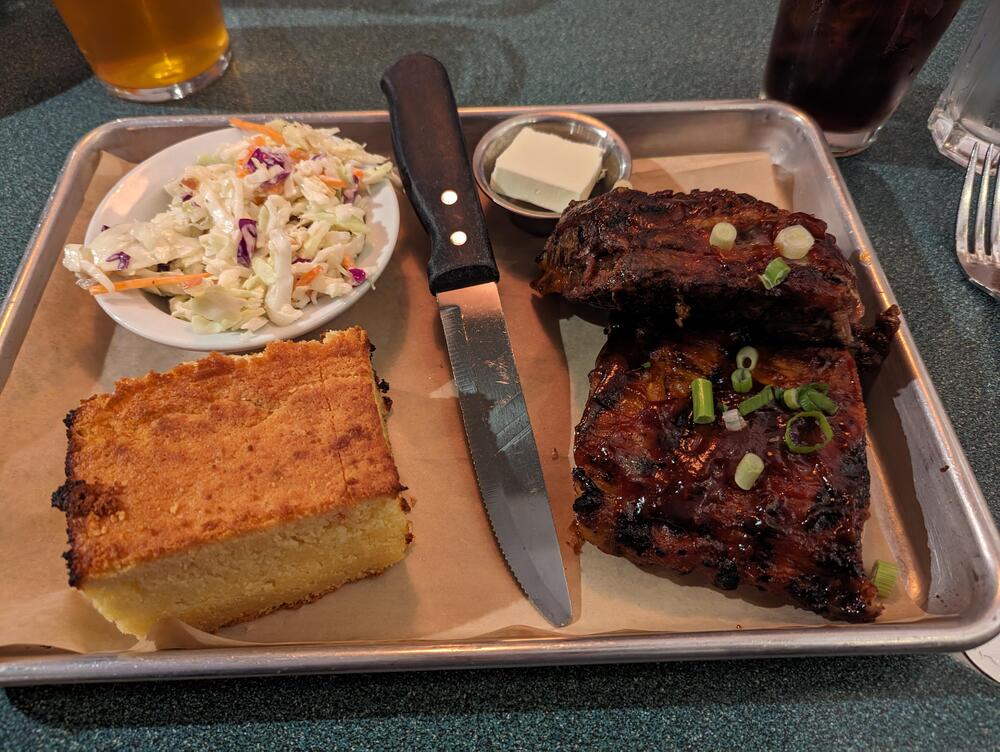
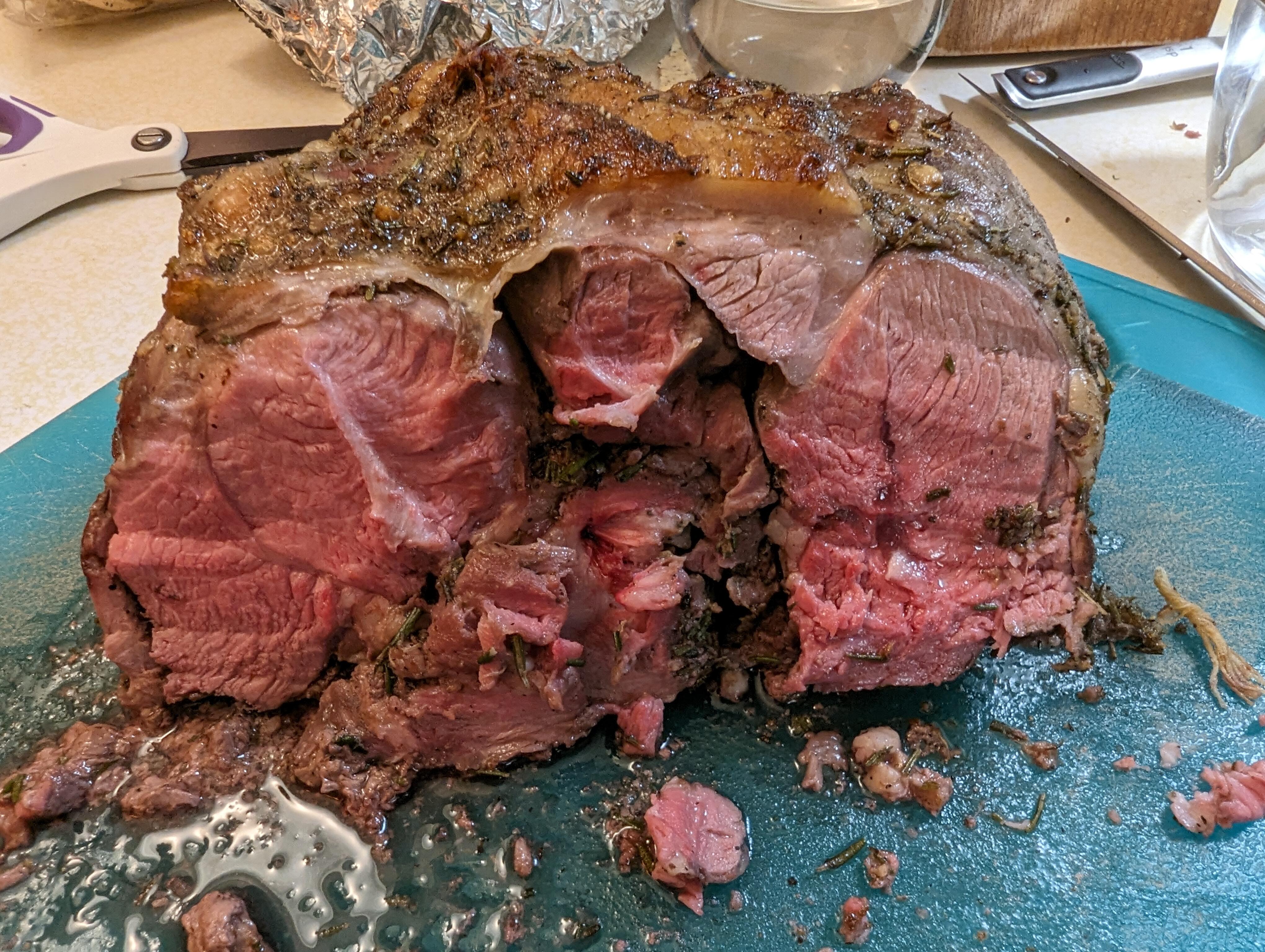
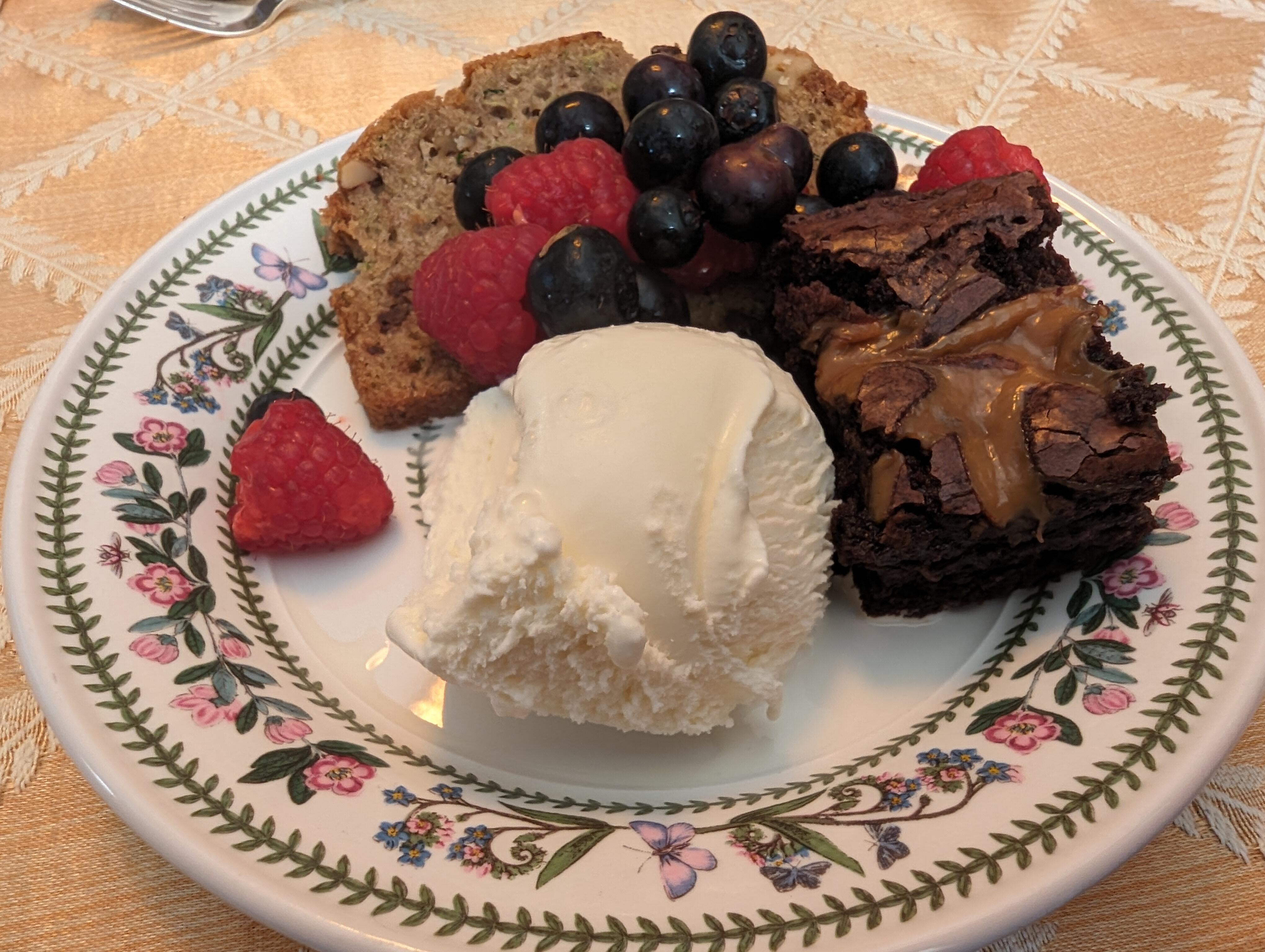
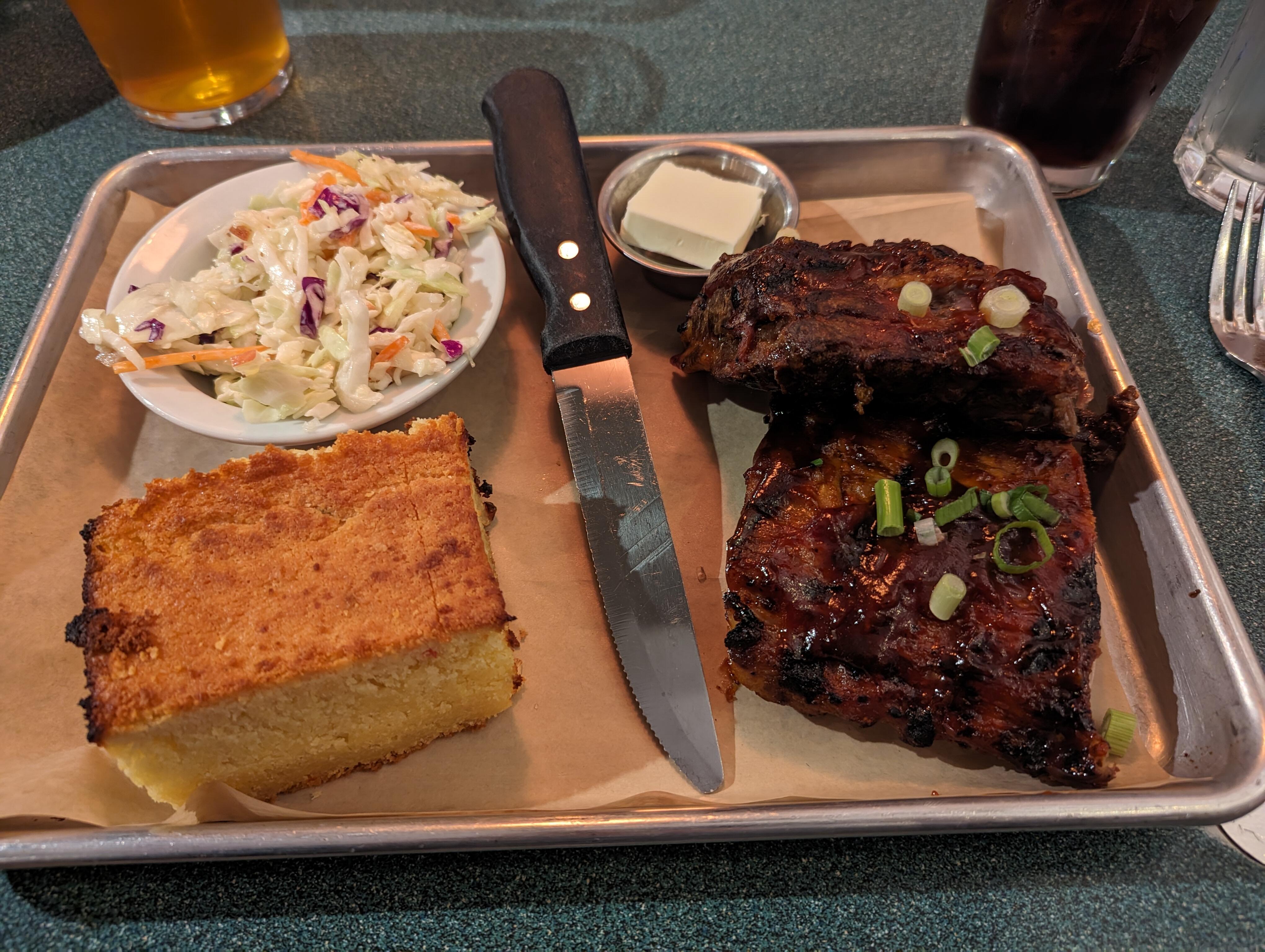
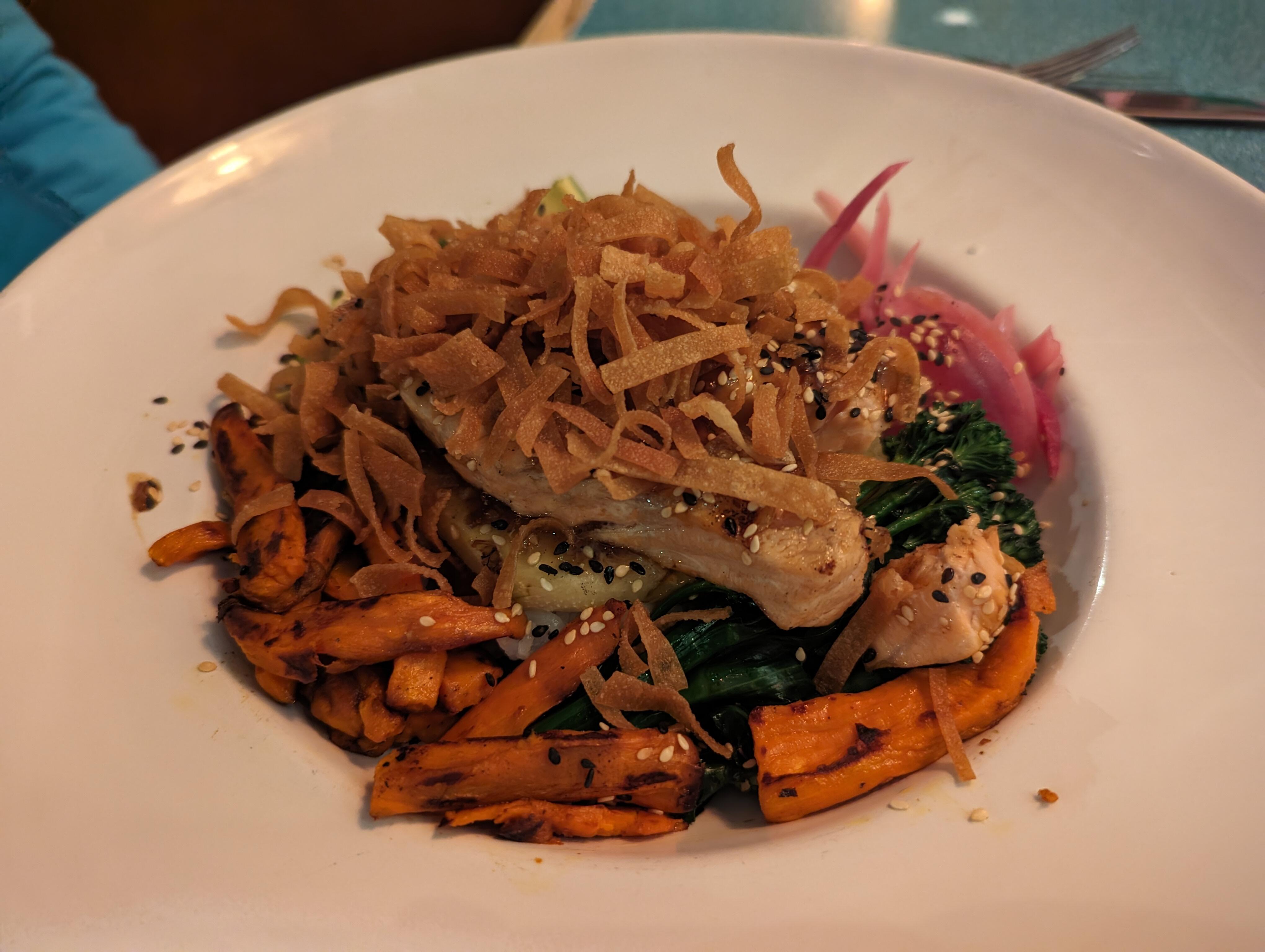
1 point1 point1 point1 pointSunday night. Baby back pork ribs. Farro & Roast Veggie bowl with Salmon. @ http://buckswoodside.com/
 1 point








Important Information
By using this site, you agree to our Terms of Use.