Leaderboard
-
Voltron
High Rollers15Points34628Posts -
swt61
High Rollers8Points22273Posts -
skullguise
High Rollers5Points8927Posts -
Torpedo
High Rollers3Points10915Posts




Popular Content
Showing content with the highest reputation on 05/02/24 in all areas
-
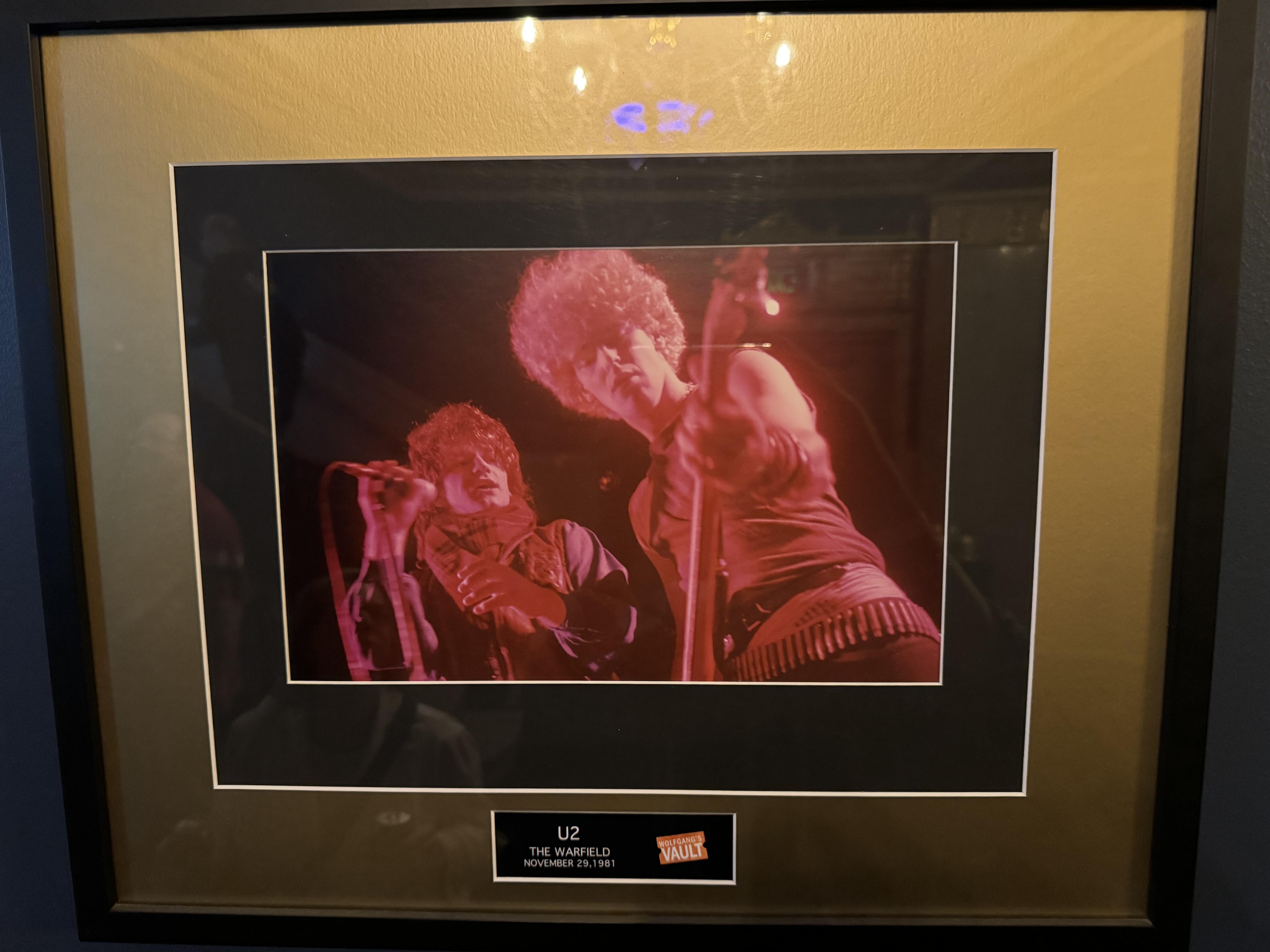
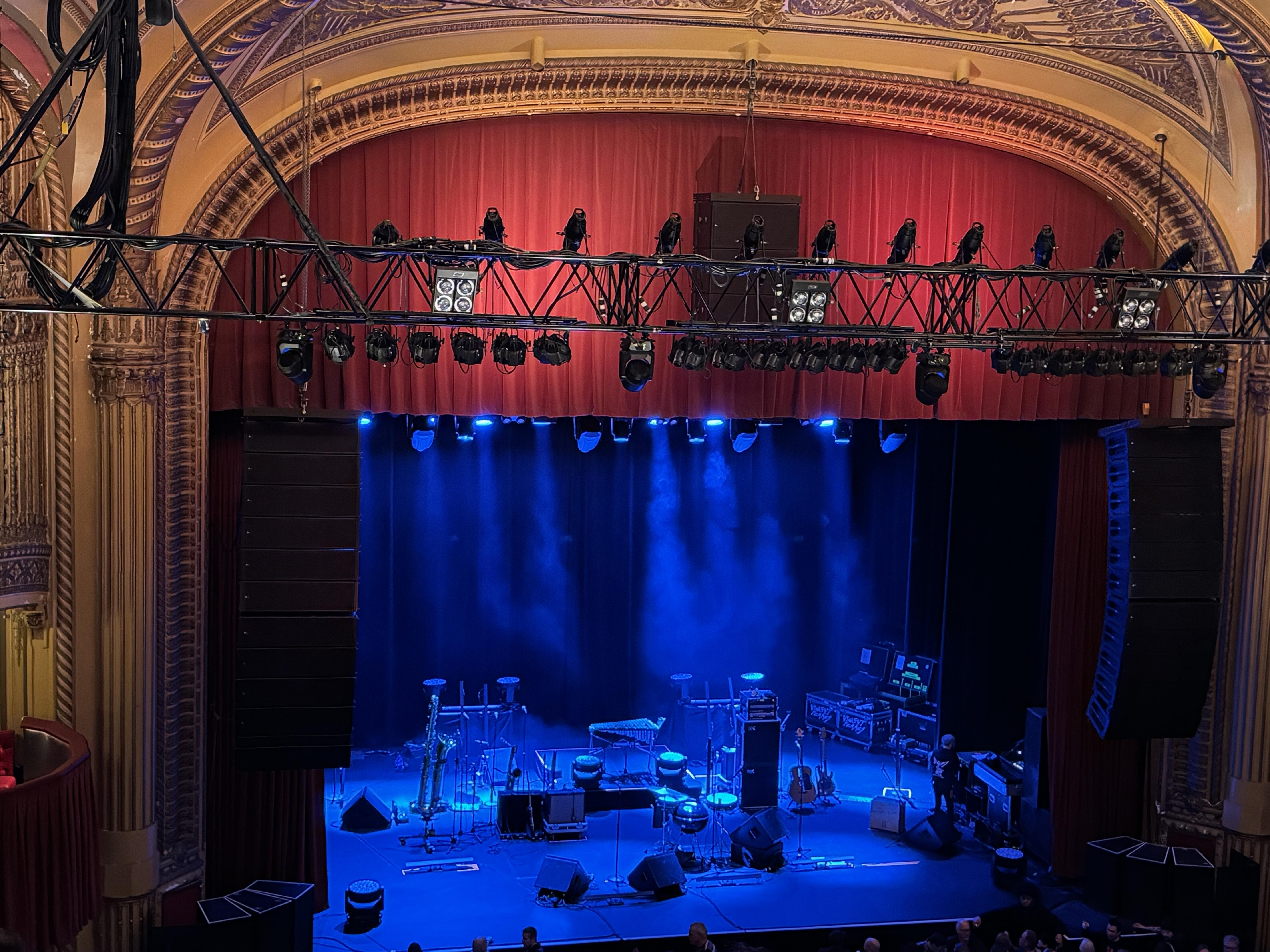
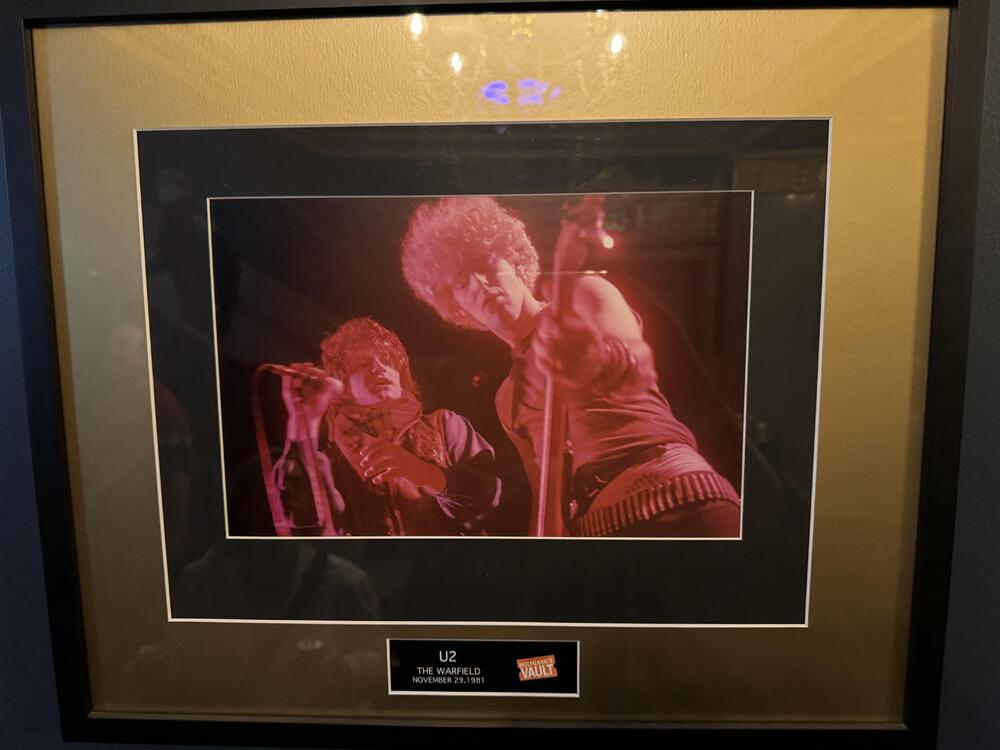
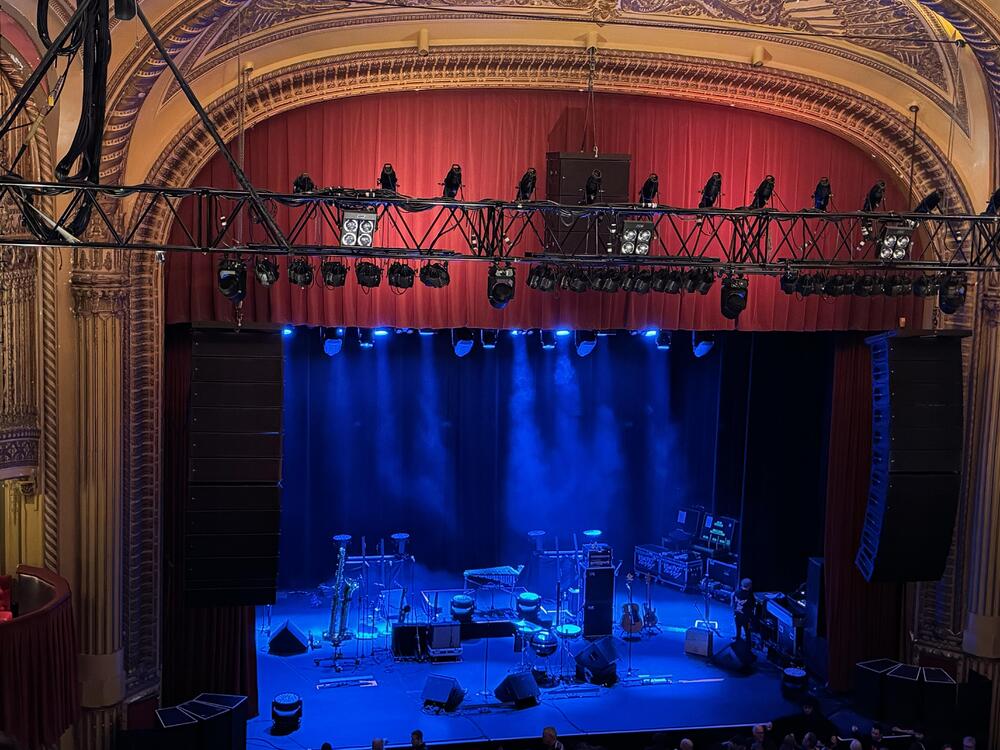
7 pointsFirst night of the Violent Femmes tour. Waiting and admiring a very large sax on stage. On the wall we found a photo of the u2 concert I saw here. Definitely one day my top five rock concerts. So funny to see those fro's on Bono and Adam Clayton.
 7 points
 -
4 points
-
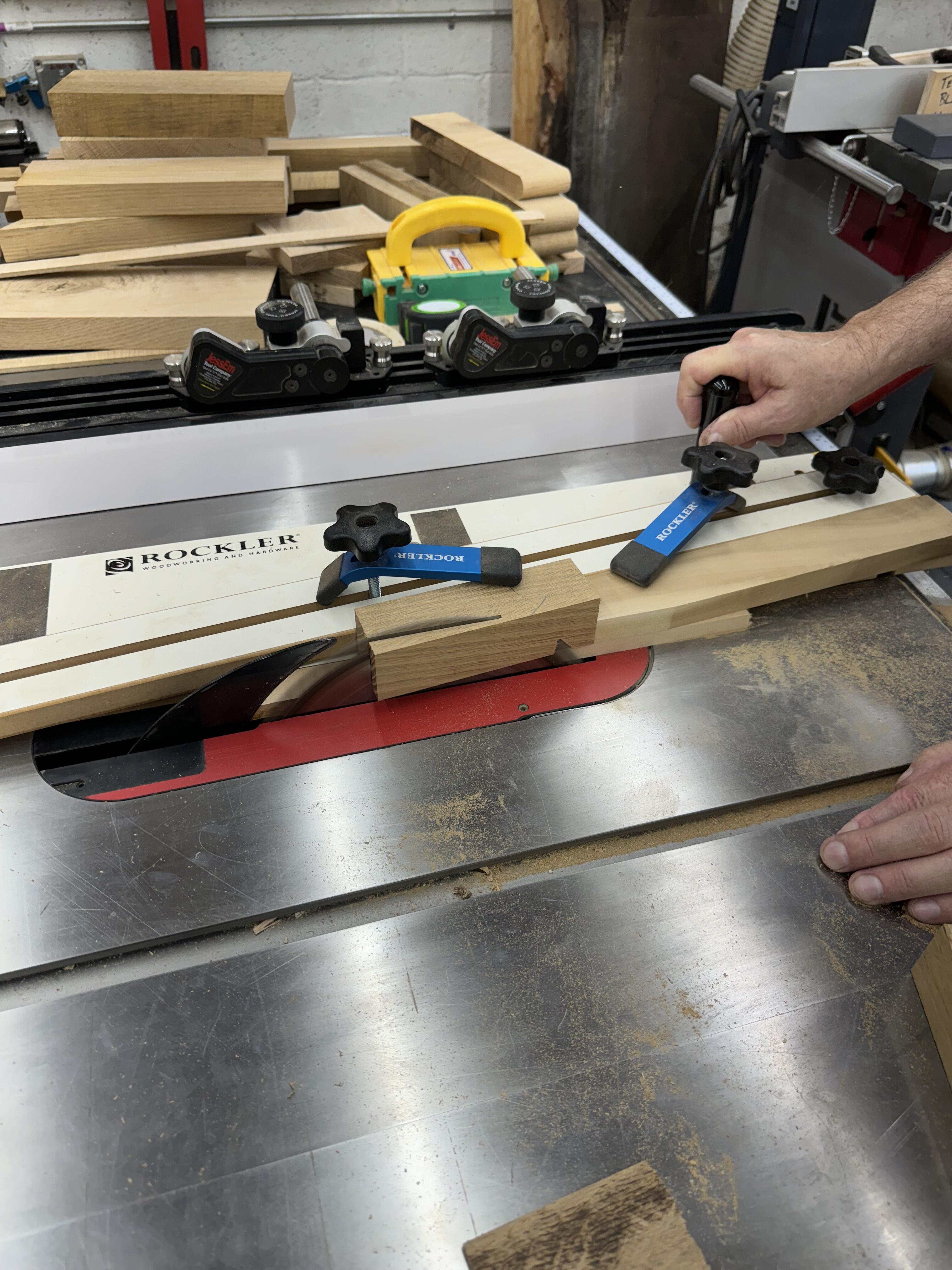
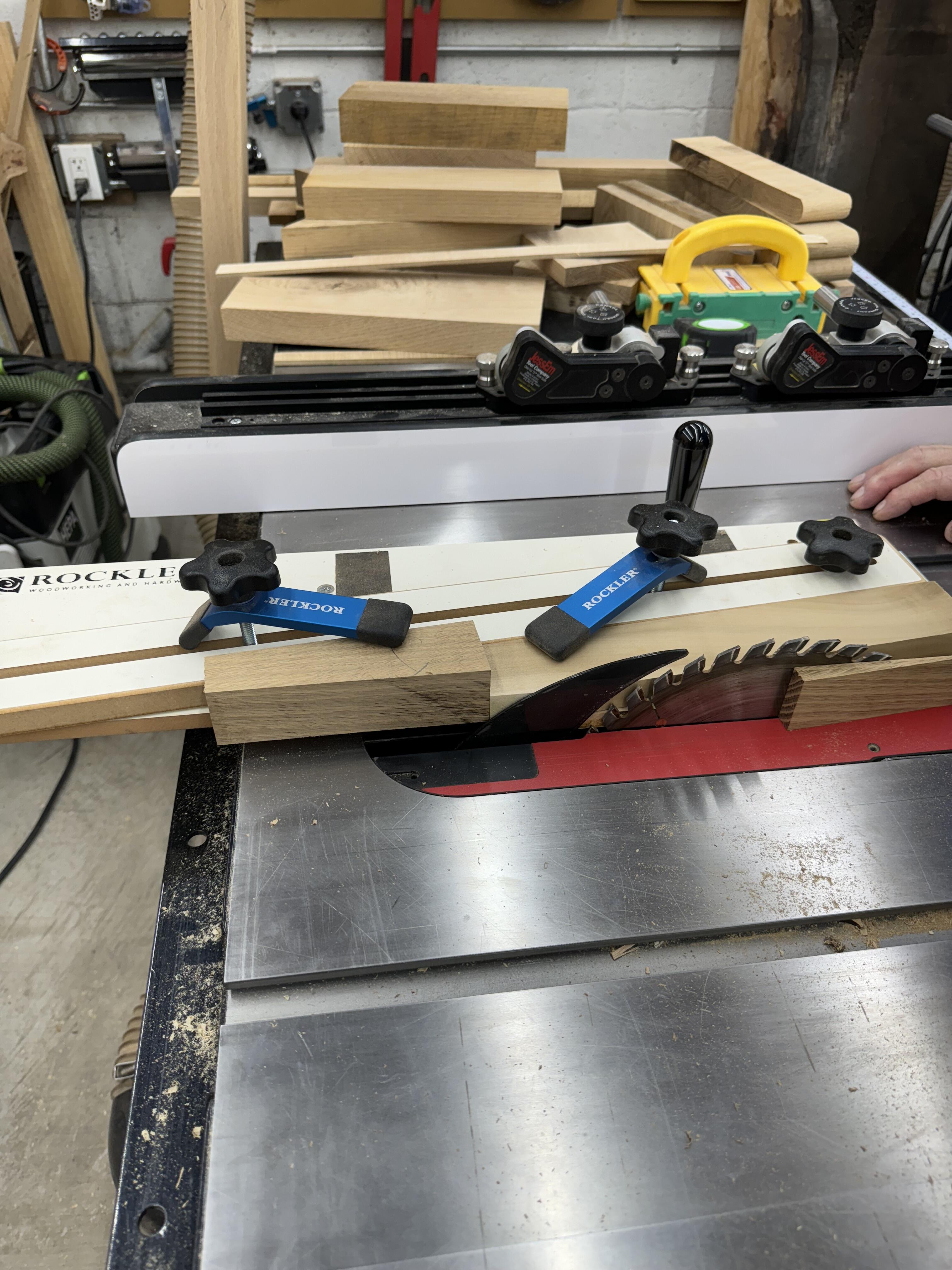
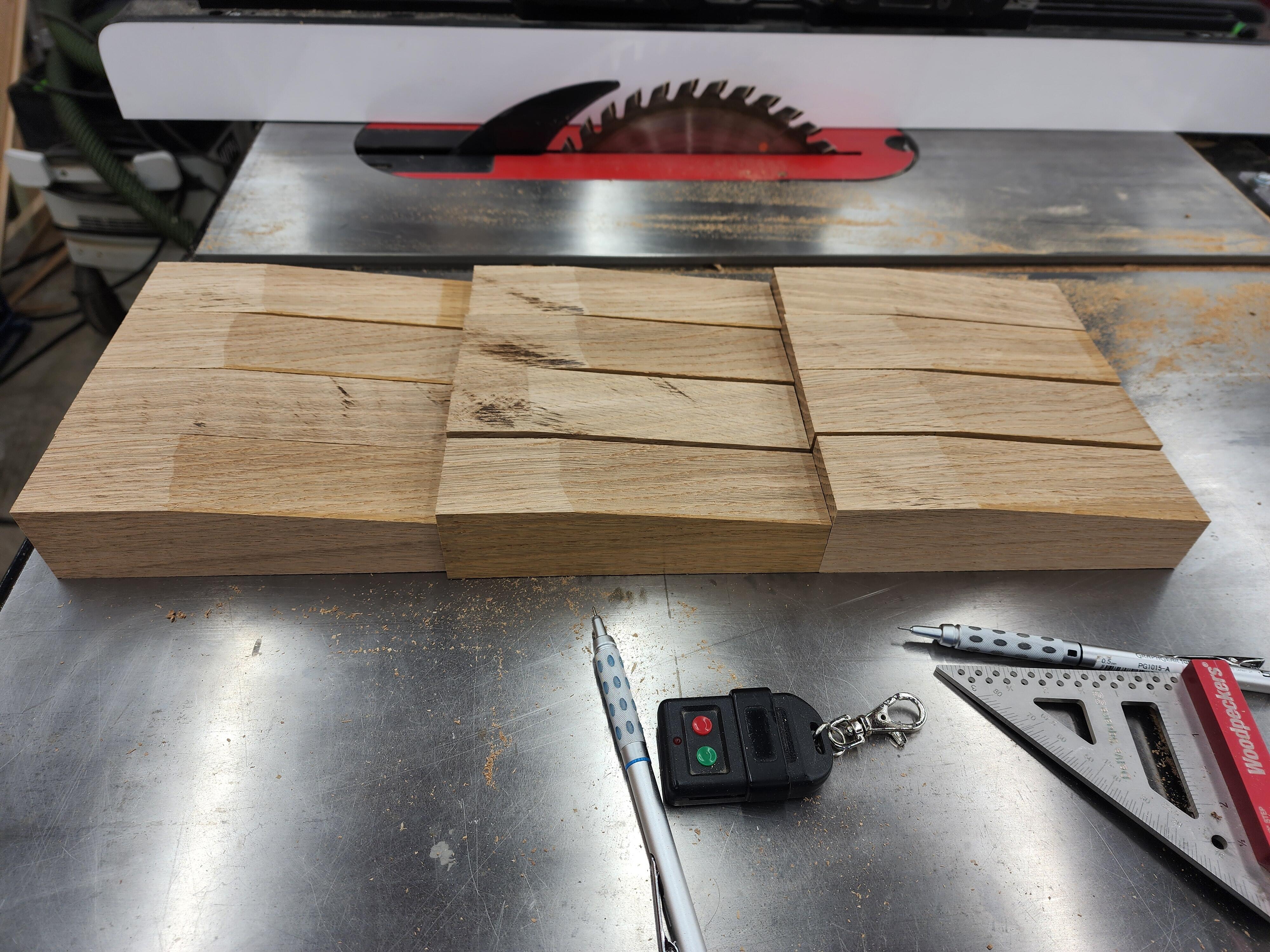
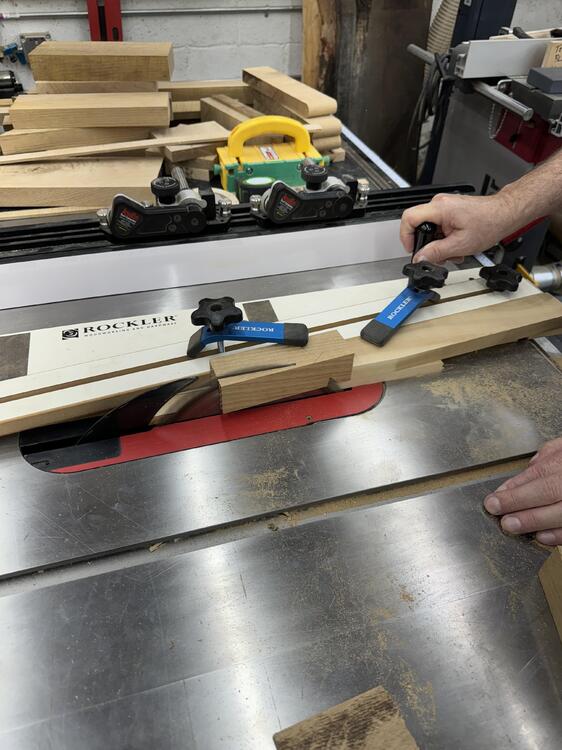
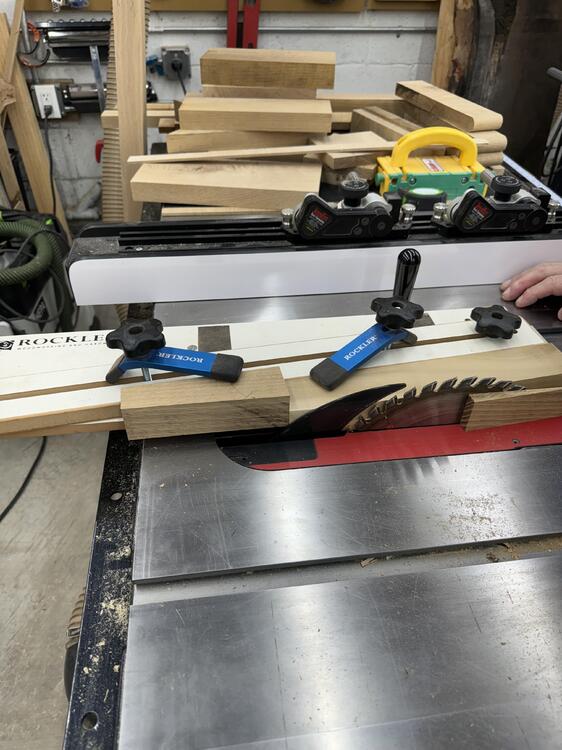
3 pointsHere are the action shots with our tapering jig not suited for this table saw.
 3 points
 -
3 points
-
2 points
-
I have not - but I am sure I have tasted it... way too sure...2 points
-
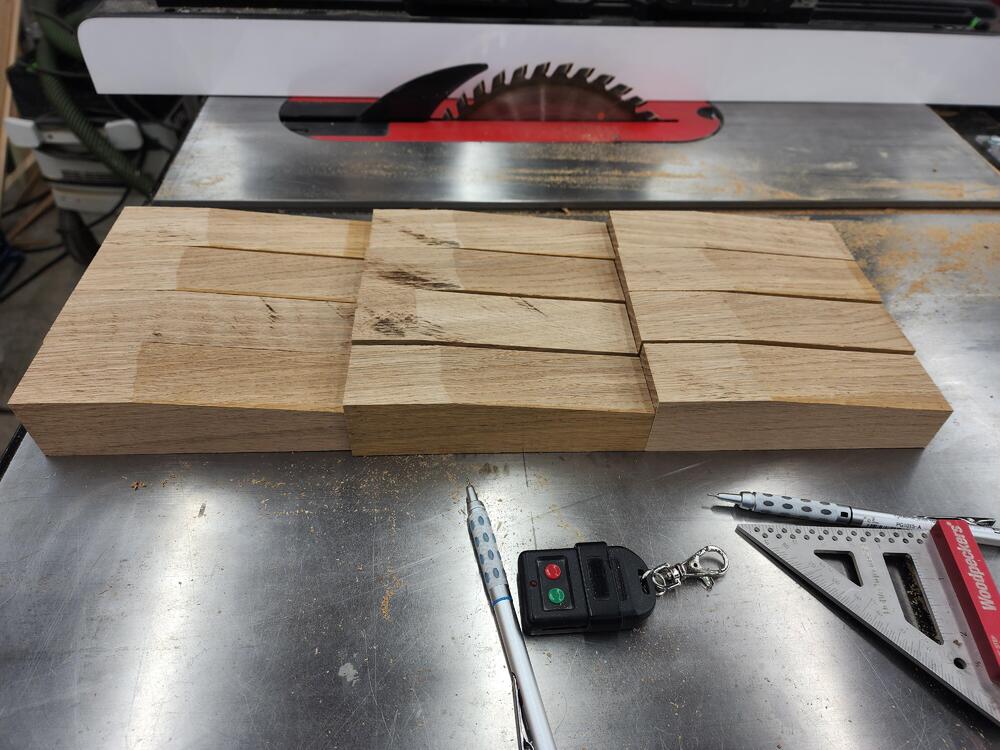
2 pointsAl and I are making 3 bookcases for his Sister from White Oak. They're mid century modern, with a separate base. The base will be 2" stretchers with 6" tapered legs. Here are the legs after tapering with the tapering jig. The cases are roughly 5' long by 28" tall, before the leg assembly goes on. They have one horizontal divider and one vertical divider. They are done except for finish sanding and a Rubio mono-coat finish. We still need to assemble the bases.
 2 points
 -
1 point