Leaderboard




Popular Content
Showing content with the highest reputation on 06/07/25 in all areas
-
Personal History by Mary Chapin Carpenter (2025) https://album.link/gtnmzvcxr3szp Example: Warm and sometimes brooding. A set of tunes from one that seems to know who they are and where they are in their life.4 points
-
The Blue Nile - A Walk Across the Rooftops Shpongle - Codex VI3 points
-
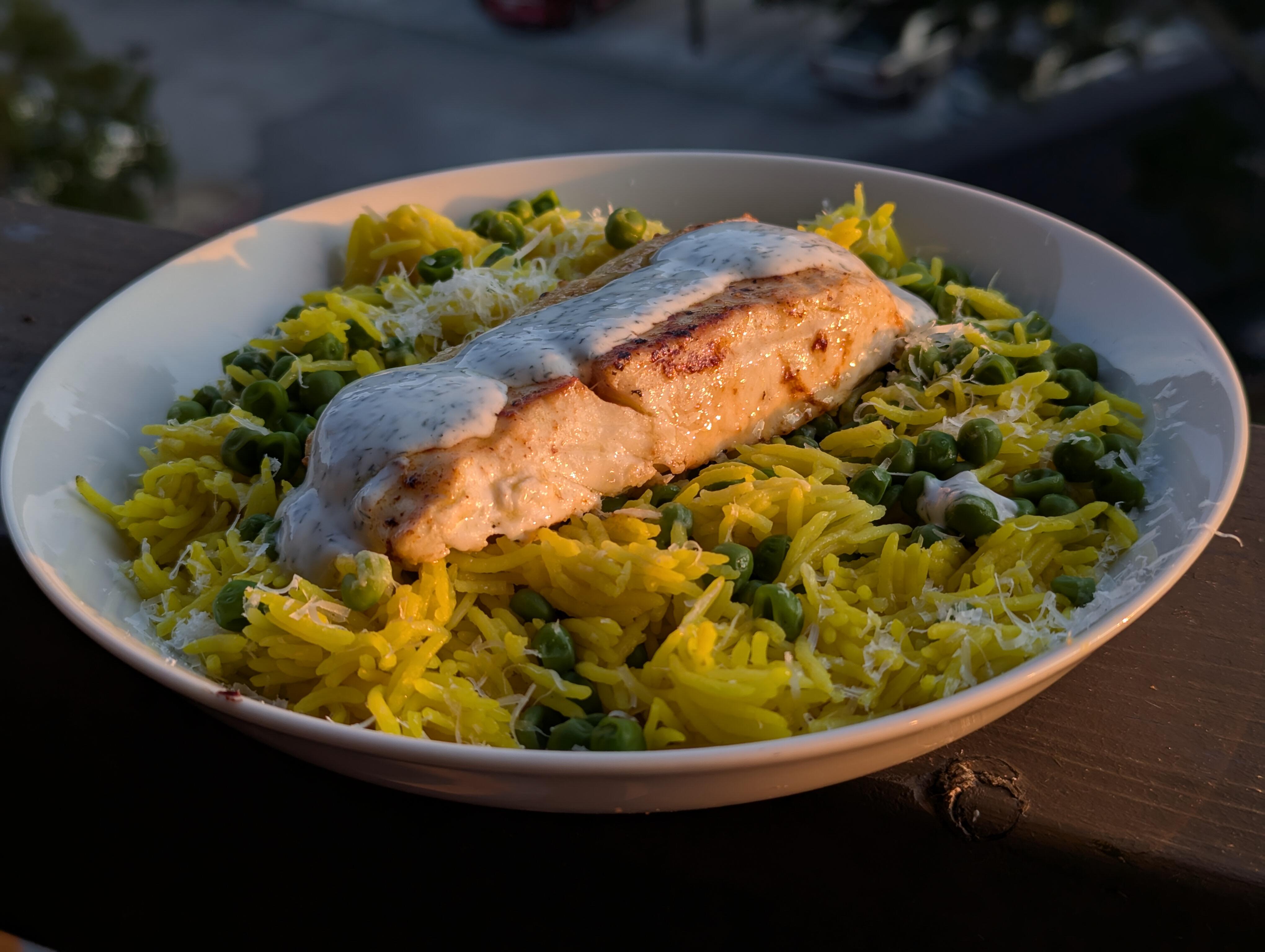
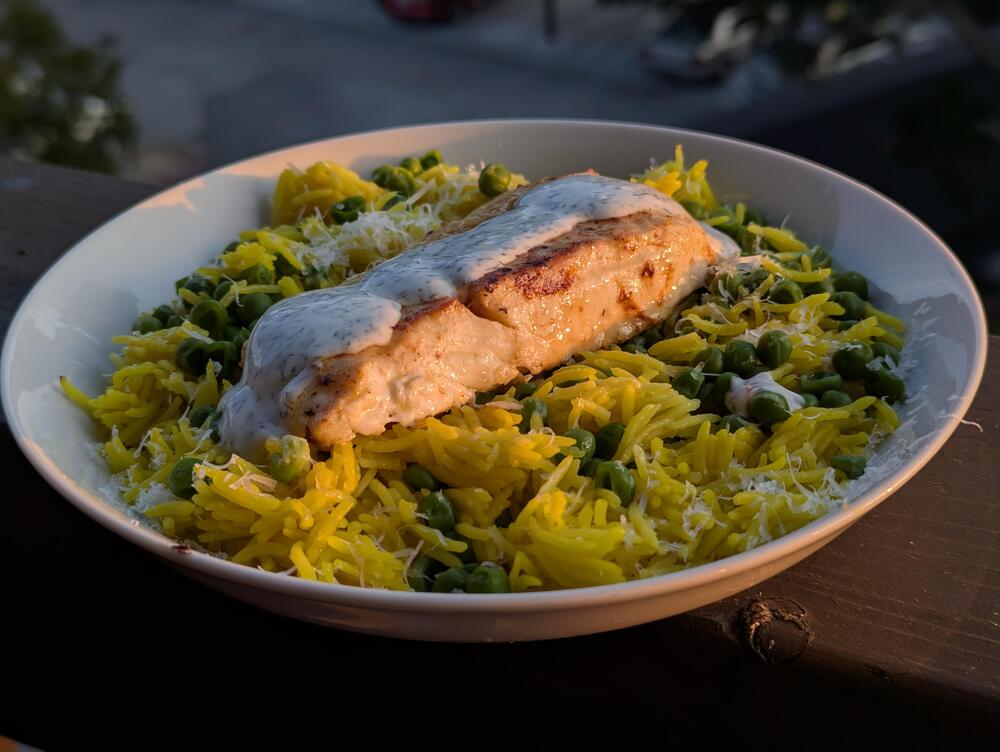
1 pointPan Seared Halibut, Lemon Rice, minted peas, lemon / dill / yoghurt dressing.
 1 point
 -
1 pointYeah Yeah another Rick Video - but I had never heard the isolated tracks before - pretty darn cool.1 point
-
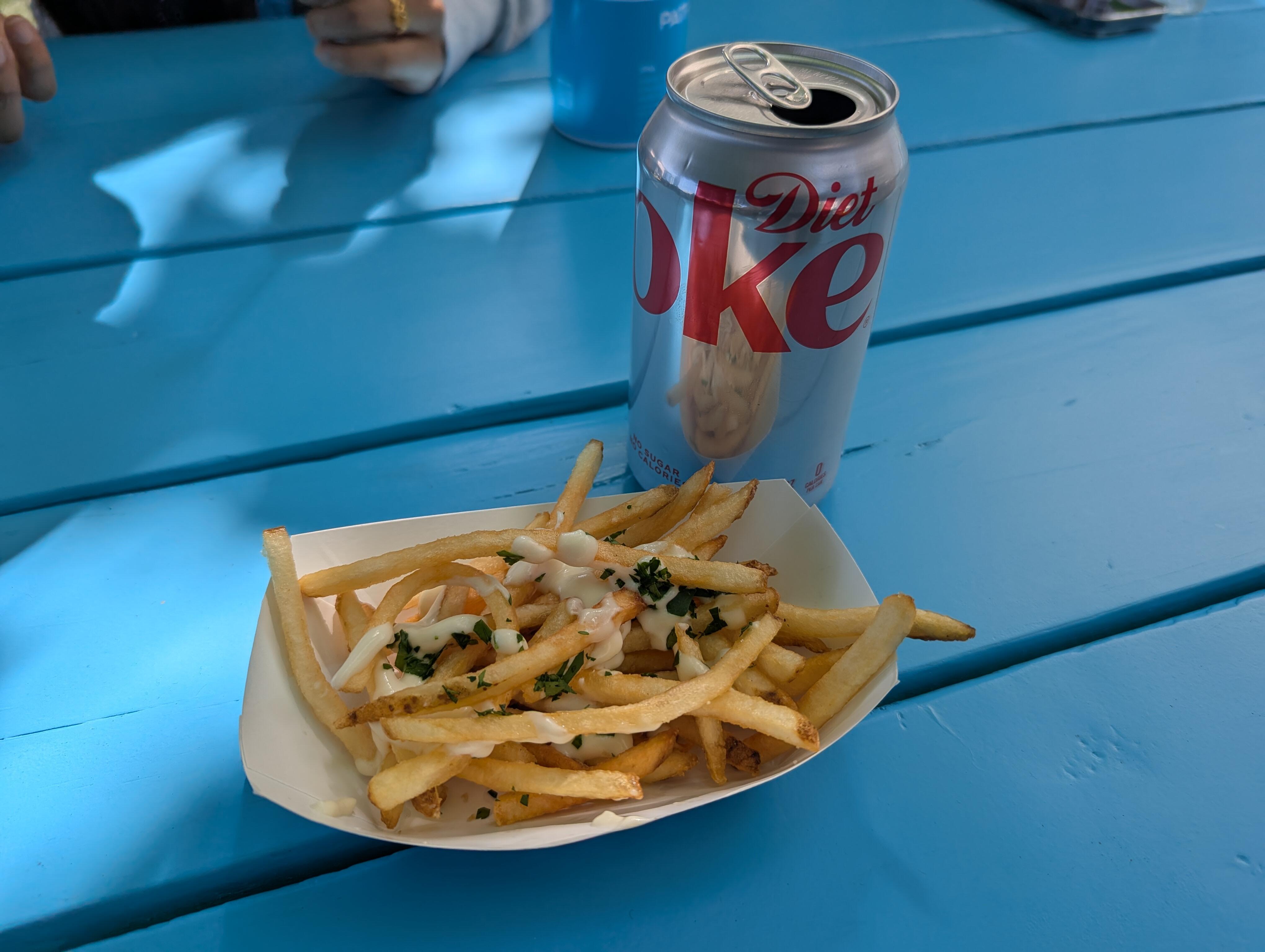
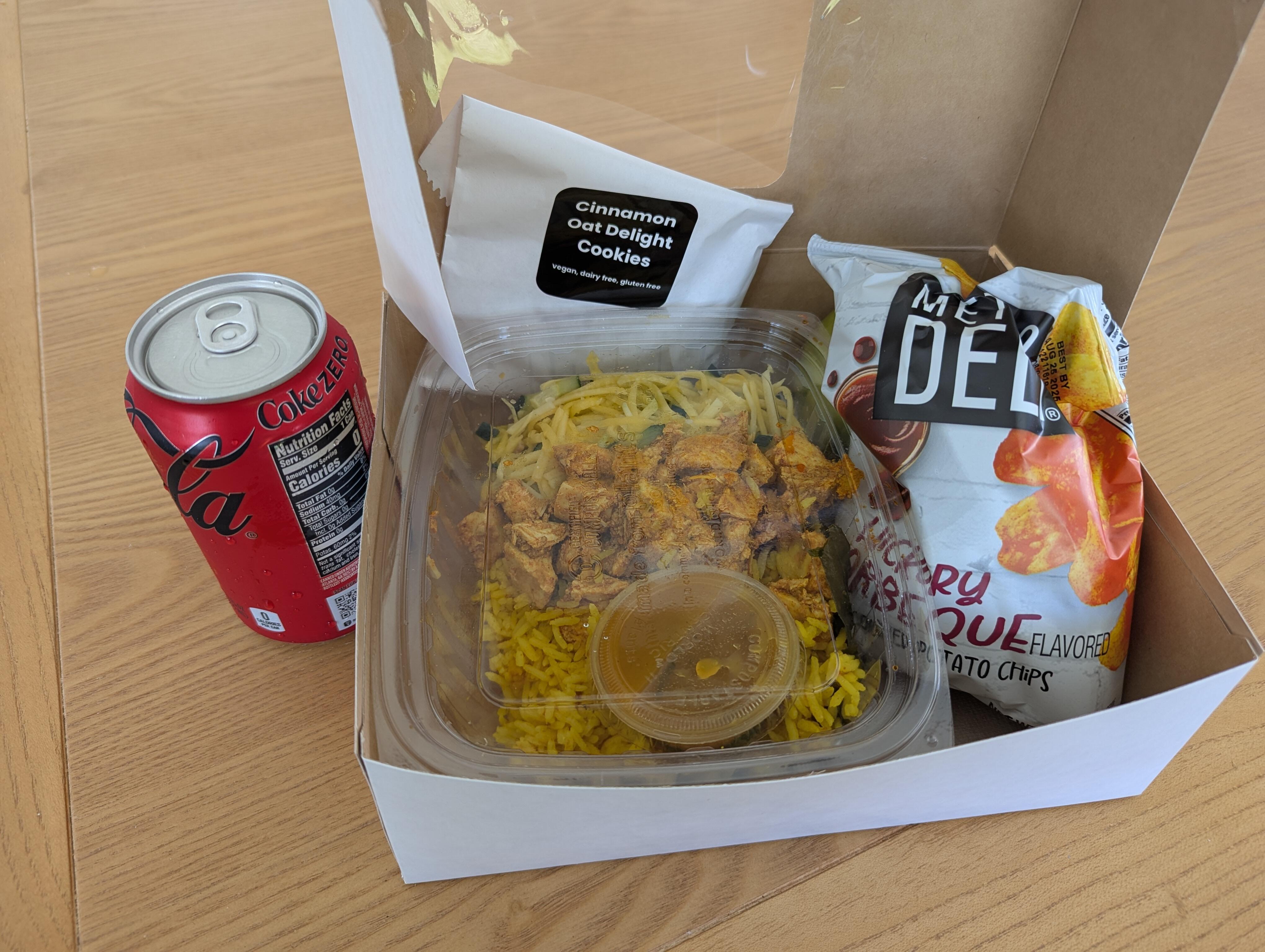
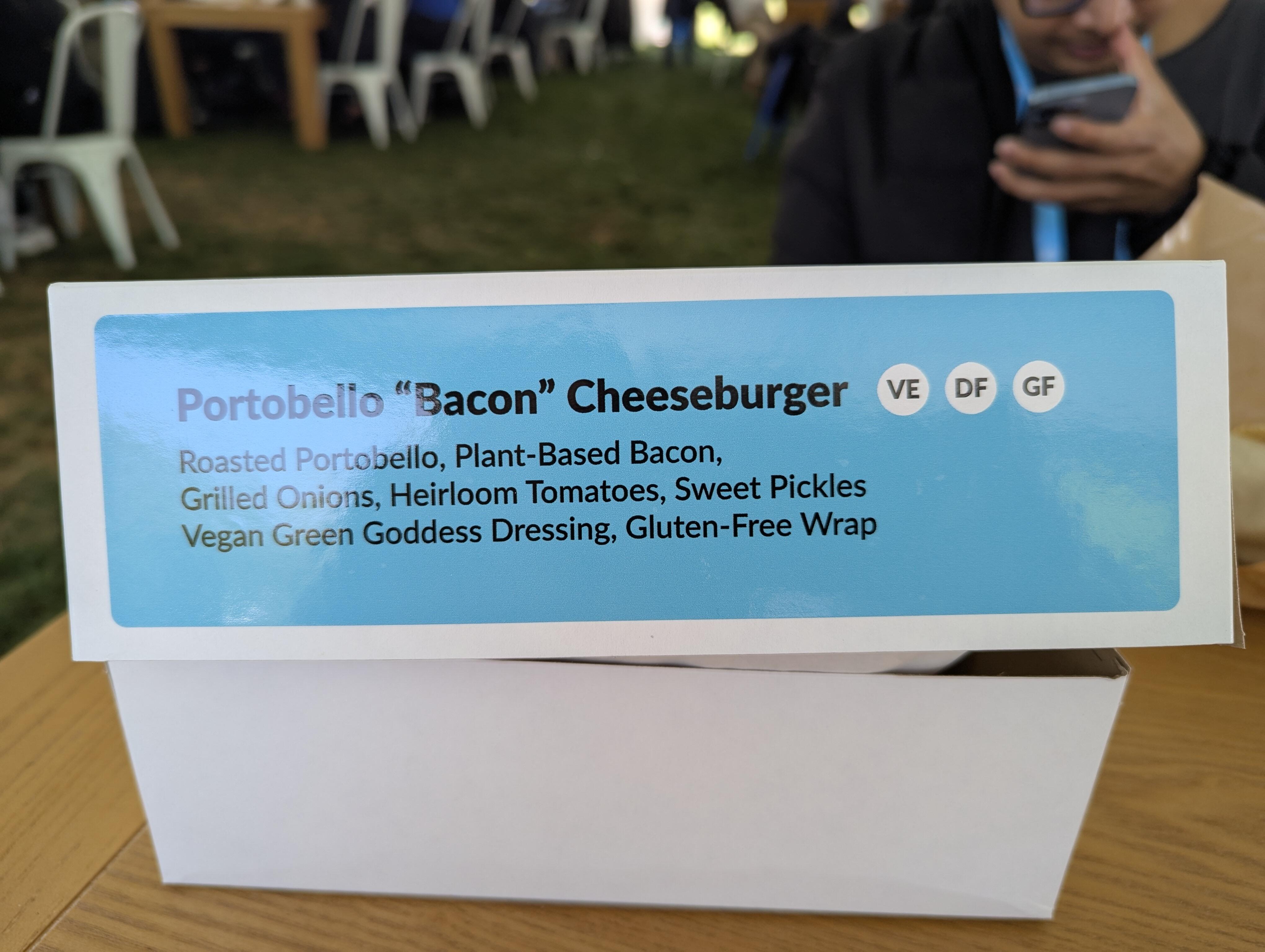
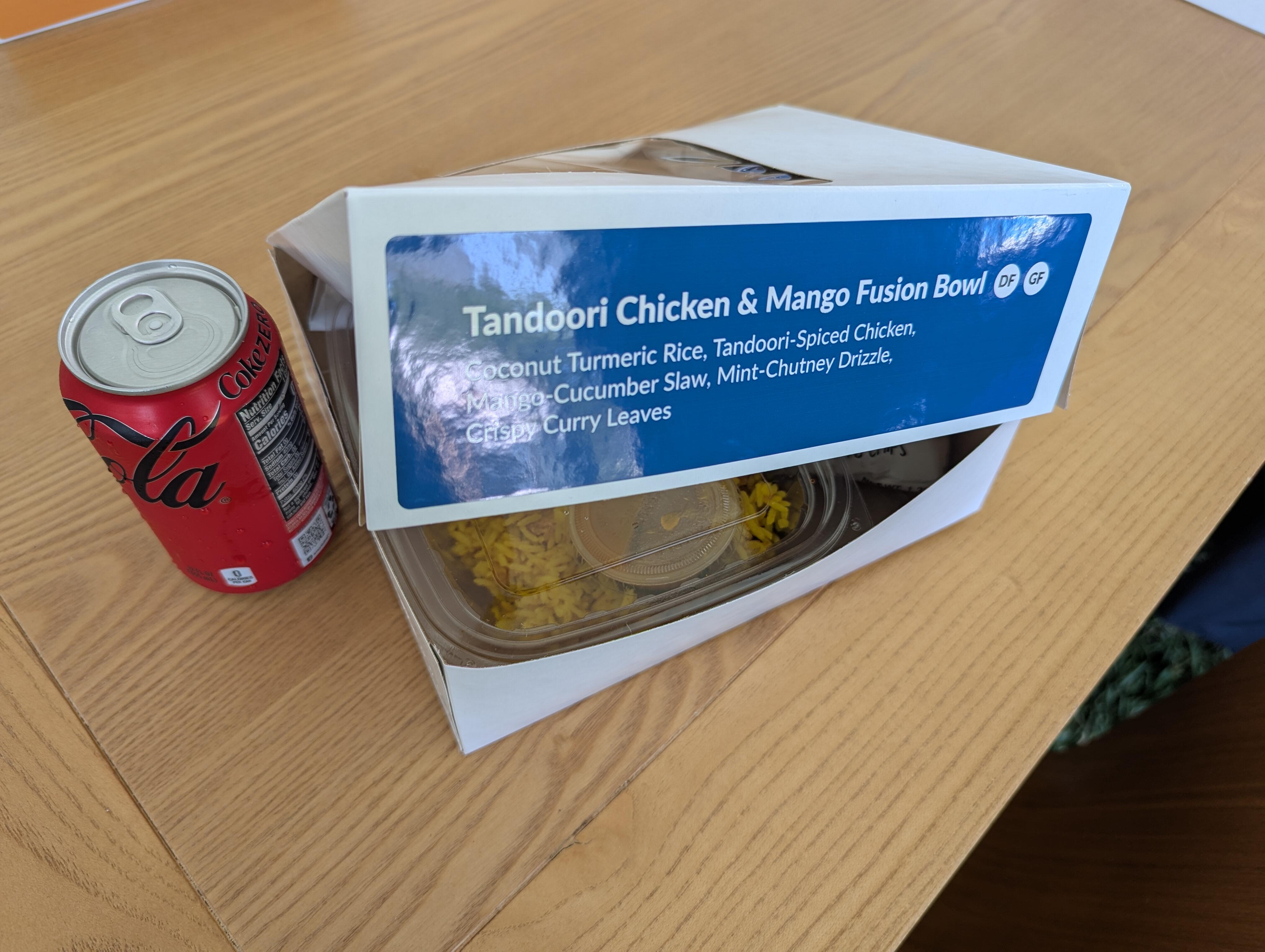
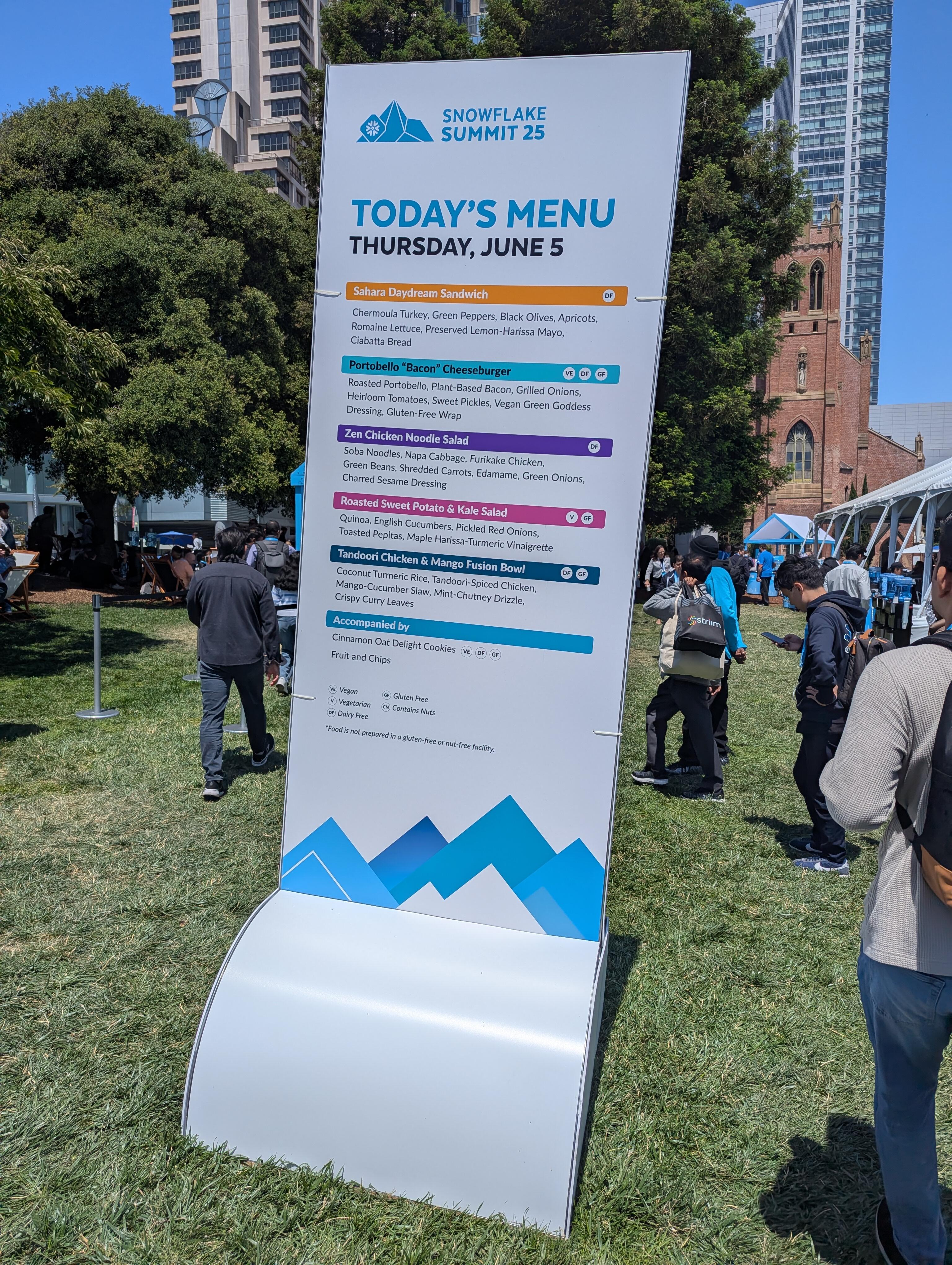
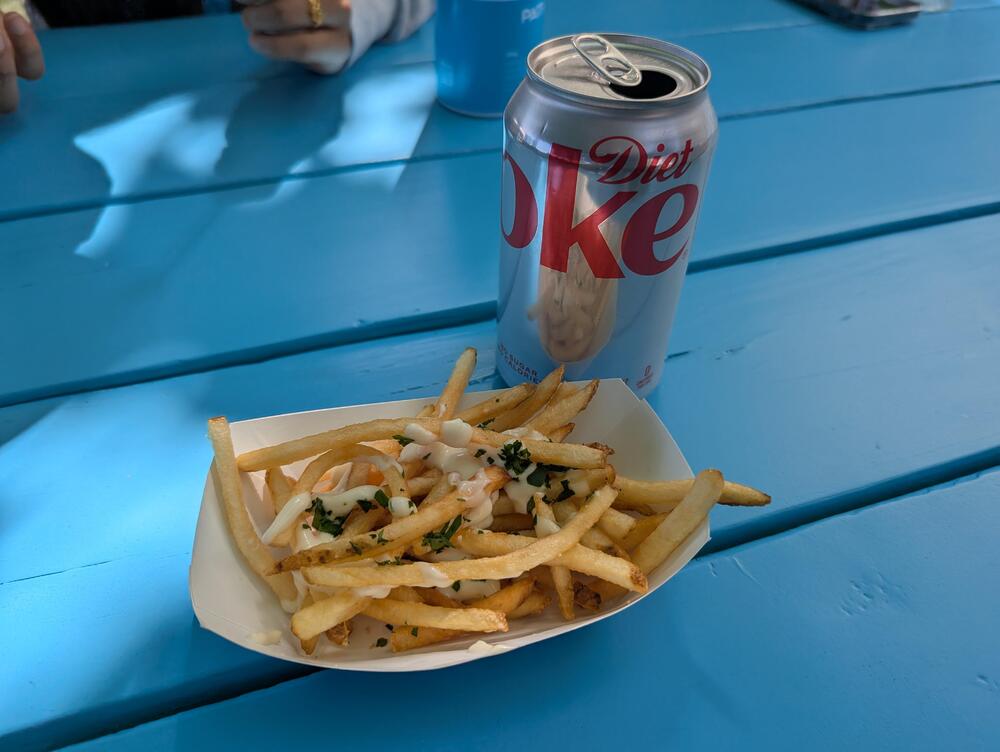
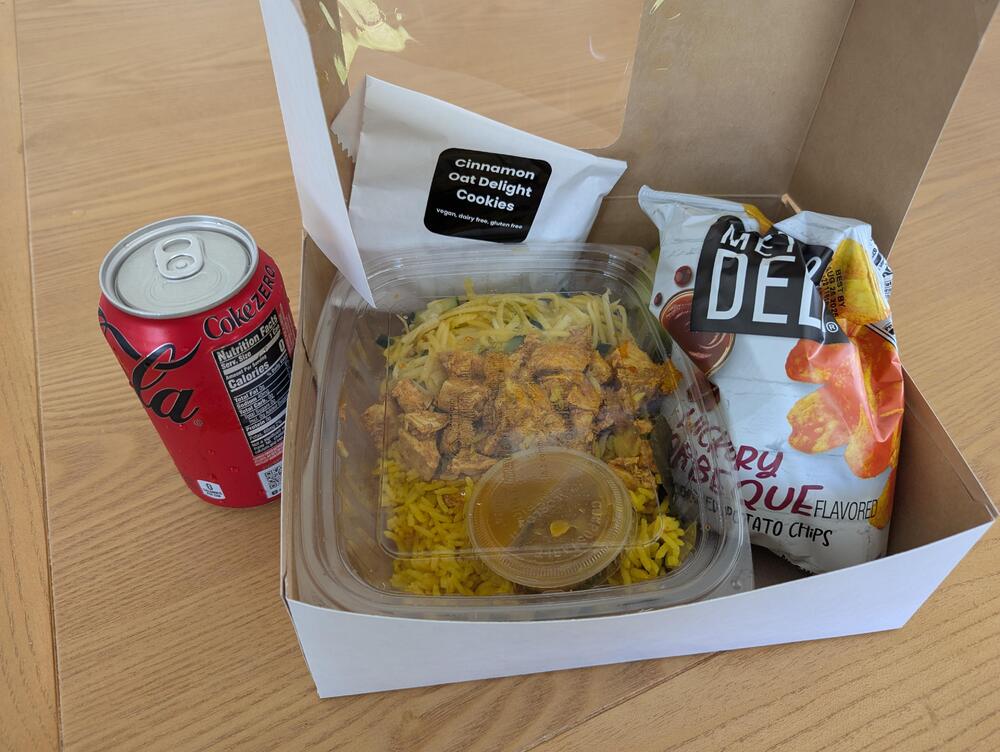
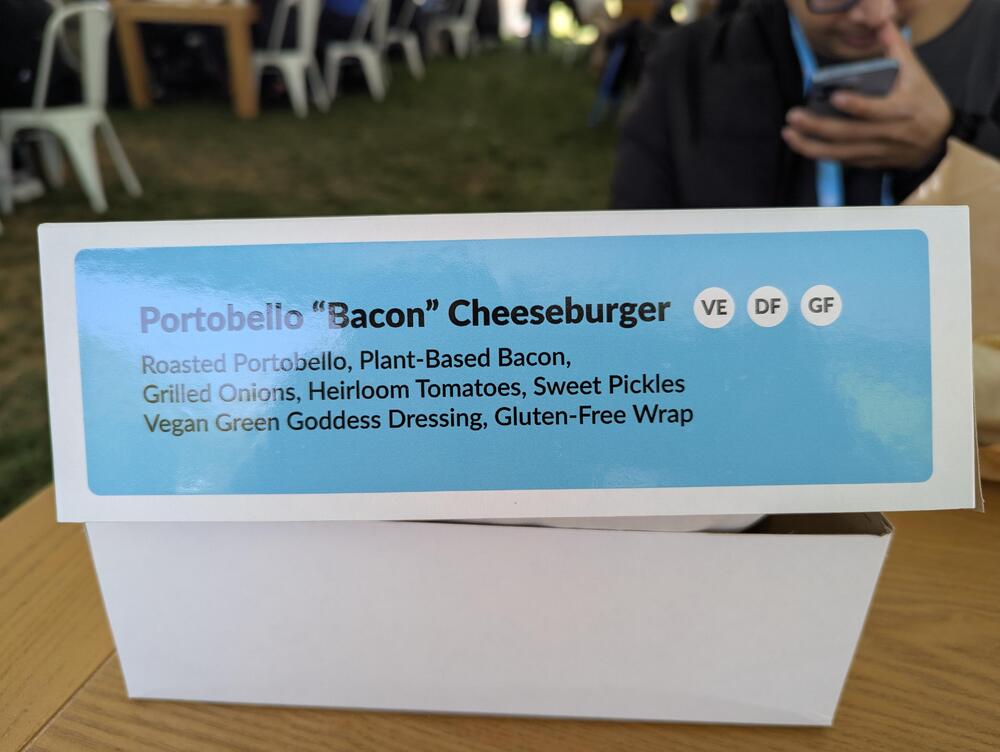
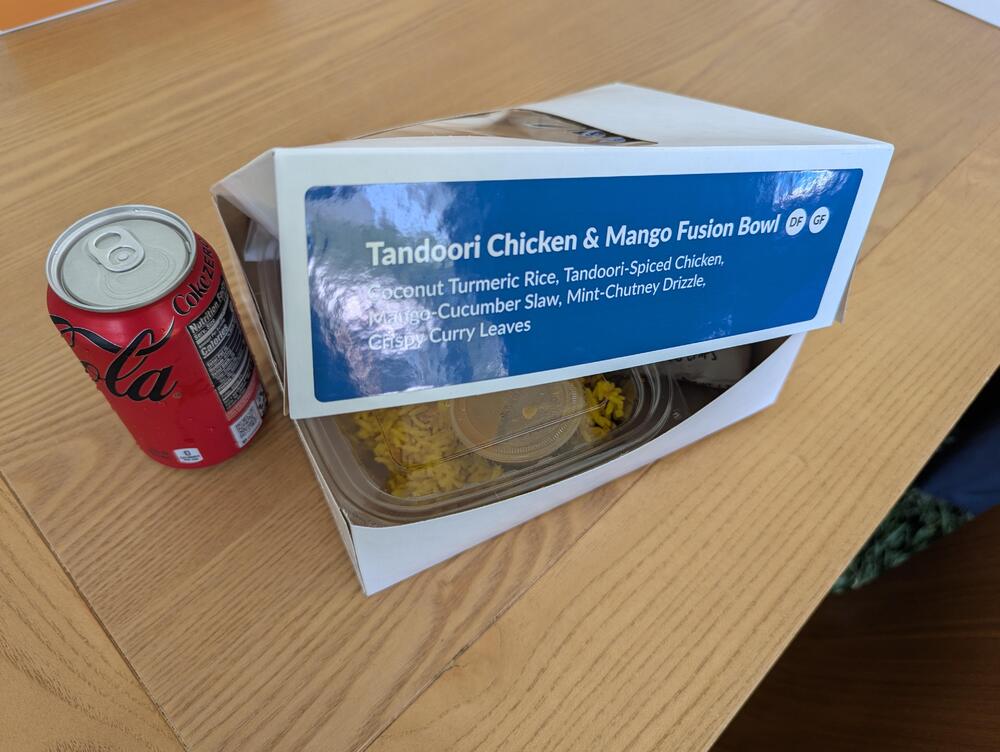
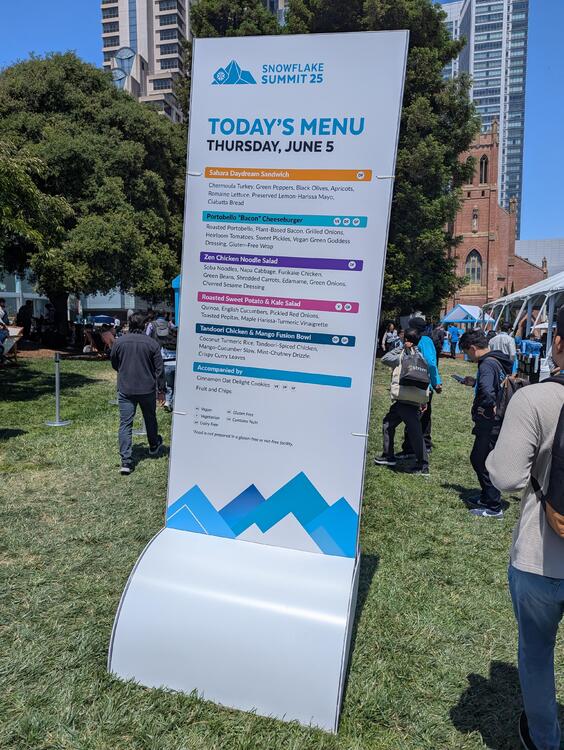
1 pointCorporate Marketing Budget Depletion by eating in San Francisco today. There was quite the selection. But choose wisely! I think I did. But a reminder to always read the small print to avoid failure of expectations. A neighbor at my table thought they were getting a Bacon Cheeseburger, But instead got a "Bacon" Cheeseburger. Plant based Bacon sounds like an oxymoron, and was described as "an abomination". Avoid. However, later that day there were cheese truffle fries. Not bad. Where's the duck fat, though?
 1 point
 -
Sonny Meets Hawk! by Sonny Rollins (1963) https://album.link/s94wfwvvrgh6z Example: Sonny, Hawk. Hawk, Sonny. Nice to meet you. Good colab. They play with themes and sounds back and forth the entire album. With some experimental things going on as well.1 point