Leaderboard
-
Hopstretch
High Rollers6Points16821Posts -
blessingx
High Rollers5Points17838Posts -
Grahame
High Rollers4Points16859Posts -
Dusty Chalk
Moderators3Points49203Posts




Popular Content
Showing content with the highest reputation on 12/18/25 in Posts
-
3 pointsA certain 8TB drive was full, so I got a new 12TB drive, mounted it in a trusty external hard drive dock, connected by esata Ran This robocopy H:\ L:\ /E /COPYALL /DCOPY:T /R:0 /W:0 /MT:12 /XJ /LOG:C:\robocopy_H_to_L_full.log And walked away (without an explosion in the background) To get this Total Copied Skipped Mismatch FAILED Extras Dirs : 1966 1966 2 0 0 0 Files : 7172 7169 0 0 3 0 Bytes : 7.270 t 7.266 t 0 0 4.370 g 0 Times : 309:01:27 21:57:50 0:00:00 1:49:56 Speed : 101043866 Bytes/sec. Speed : 5781.776 MegaBytes/min. Ended : Wednesday, December 17, 2025 6:02:03 PM Some 22 Hours later. Swapped the drives, and now I have to play with, Matey.🏴☠️🏴☠️🏴☠️ EDIT: Of course, if the AI Bubble hadn't made cheap storage and ECC DDR5 unobtanium, I'd be expanding a ZFS storage pool on a NAS by just adding a drive, but here we are.
 3 points
 -
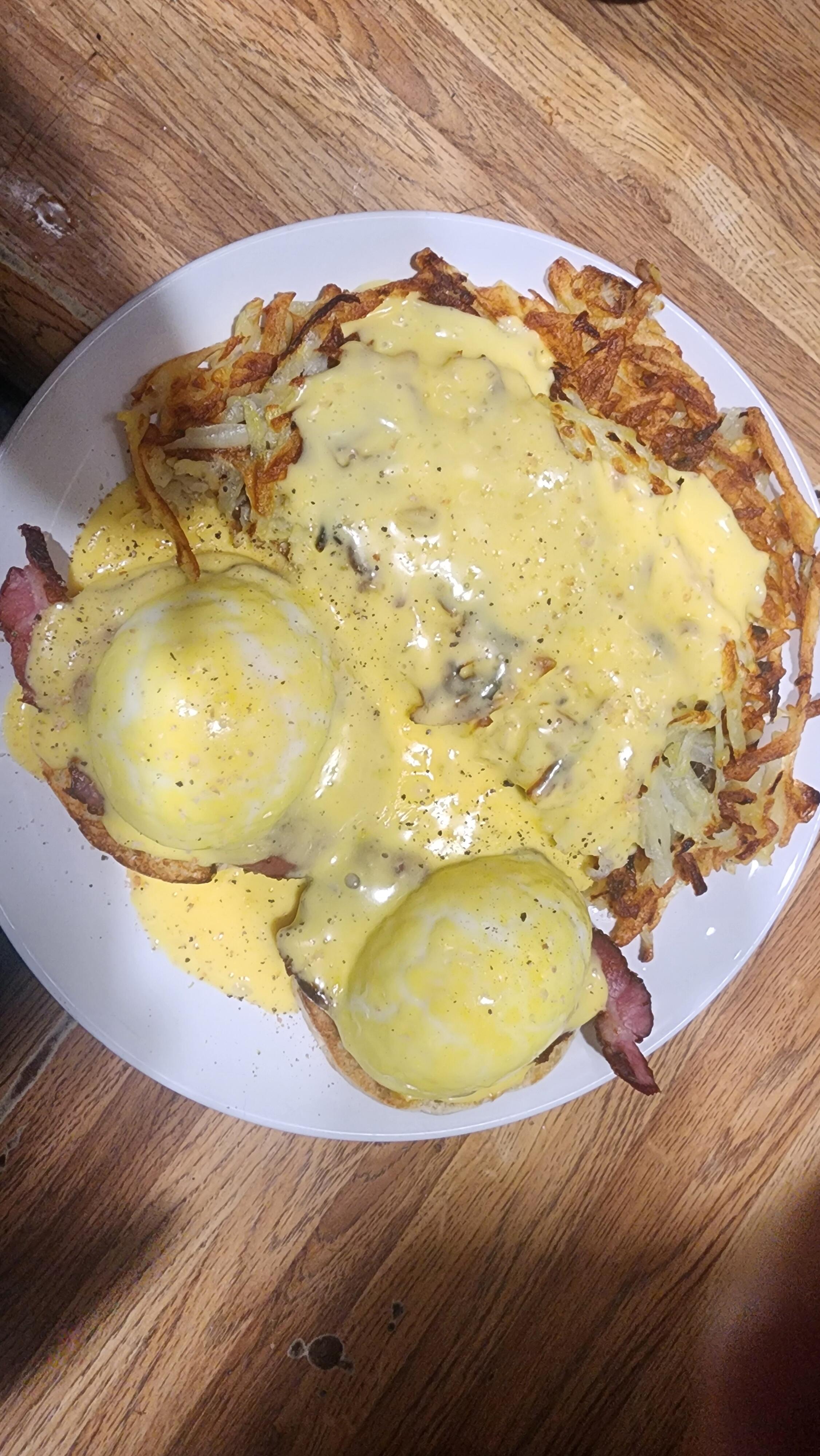
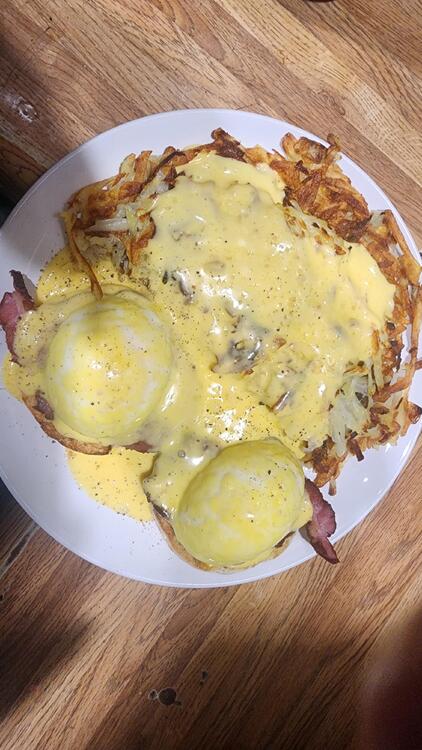
2 pointsI had to do it! I had extra shoulder bacon, English muffins, eggs and so on. I did cook more hash browns than intended.
 2 points
 -
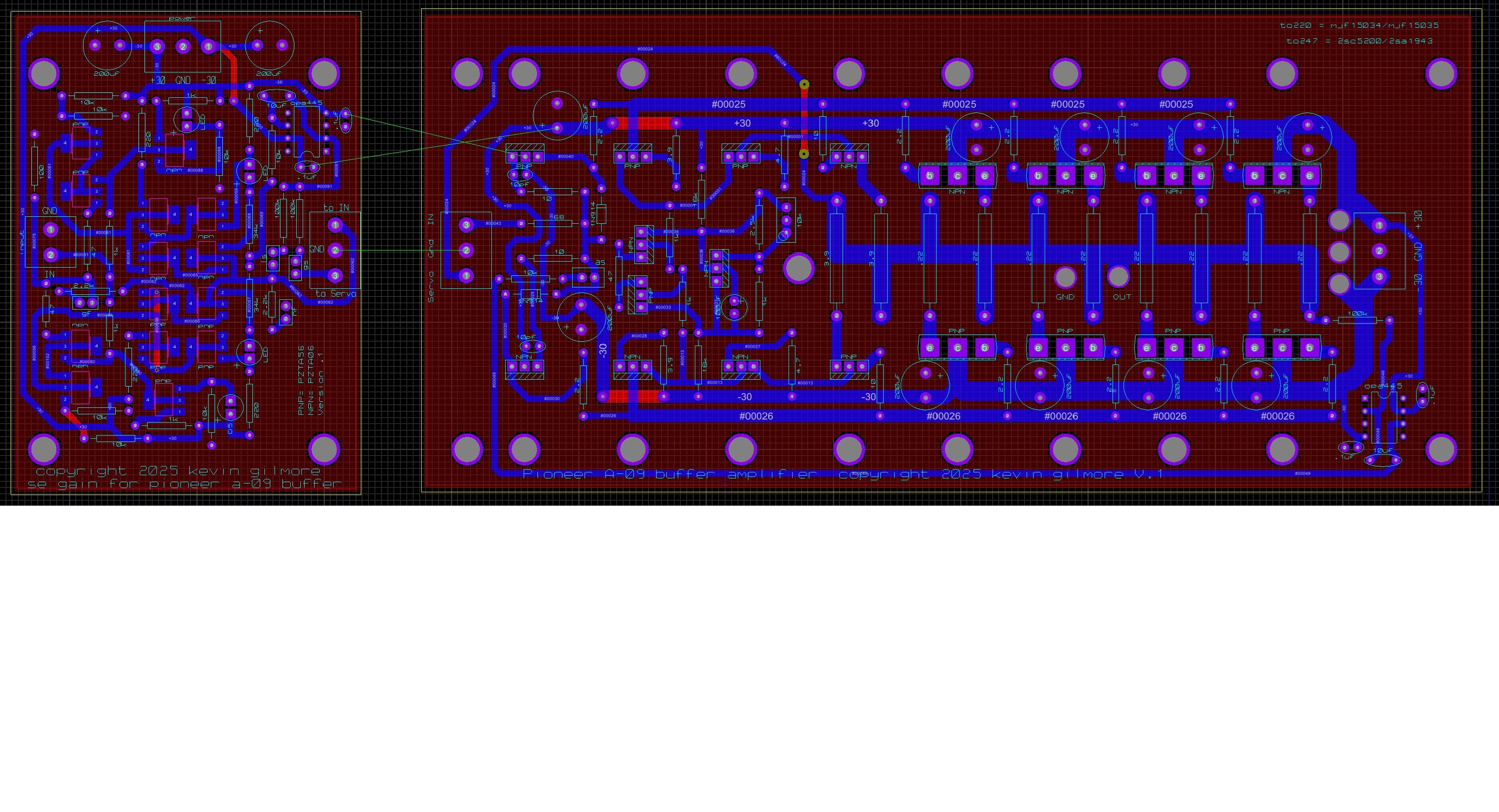
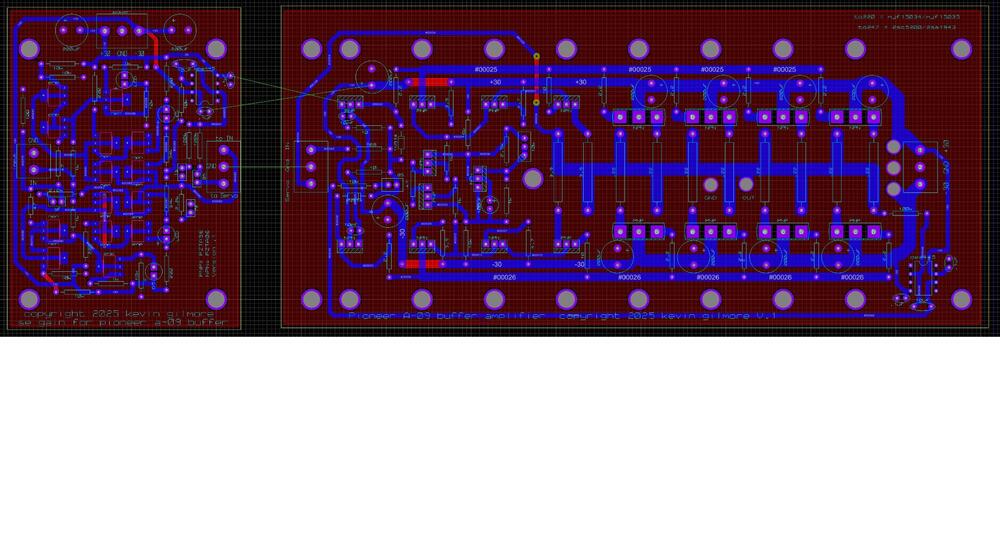
amp board for single ended. you can run this as low as +/-24v and as high as +/-40v pioneera09amp - CADCAM.ZIP pioneera09pre2gain - CADCAM.ZIP
 1 point
 -
1 point^^^ Glad I got my first NAS updated to 40+TB (!) before the AI component craze......1 point
-
1 point
-
1 point
-
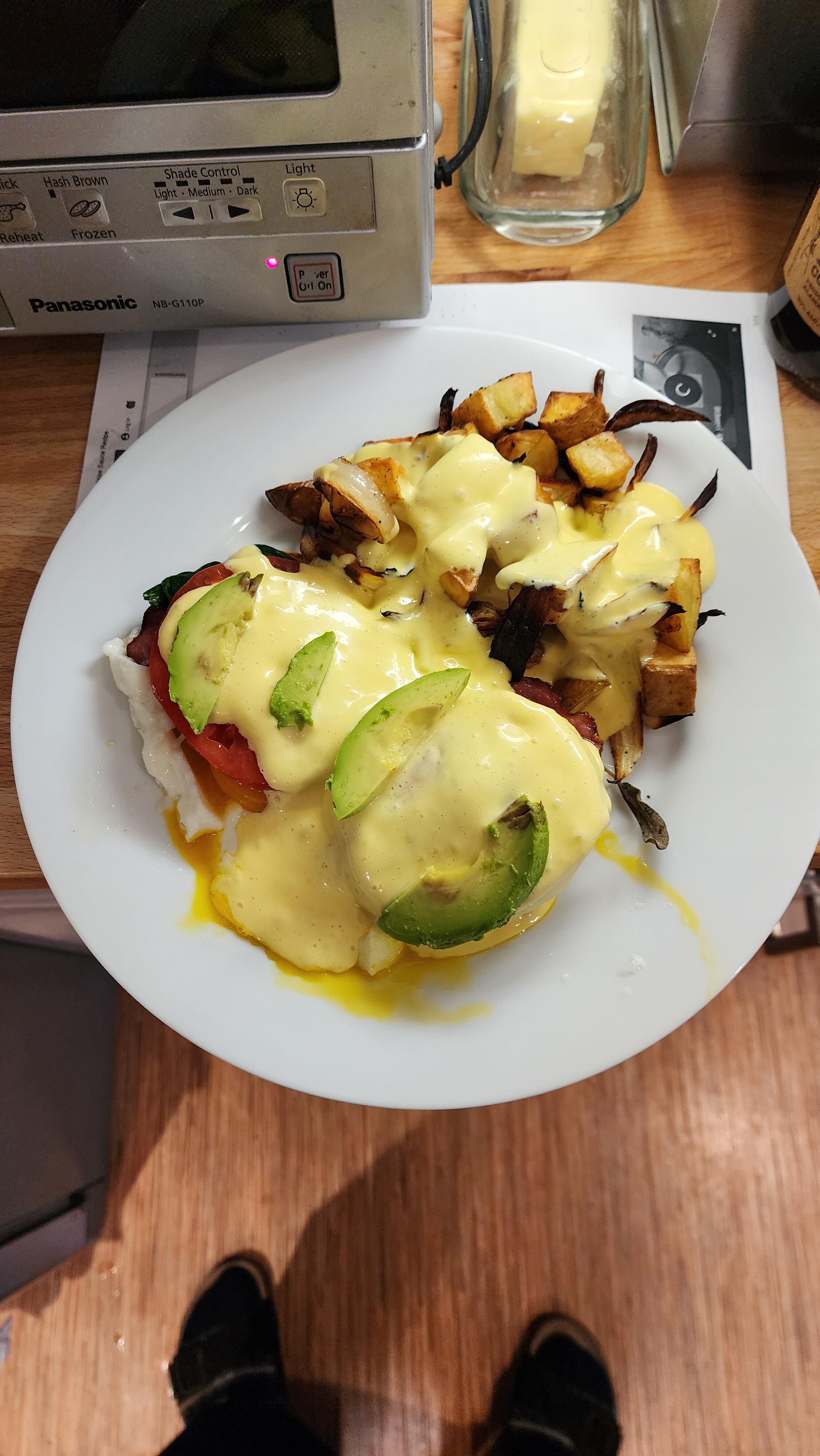
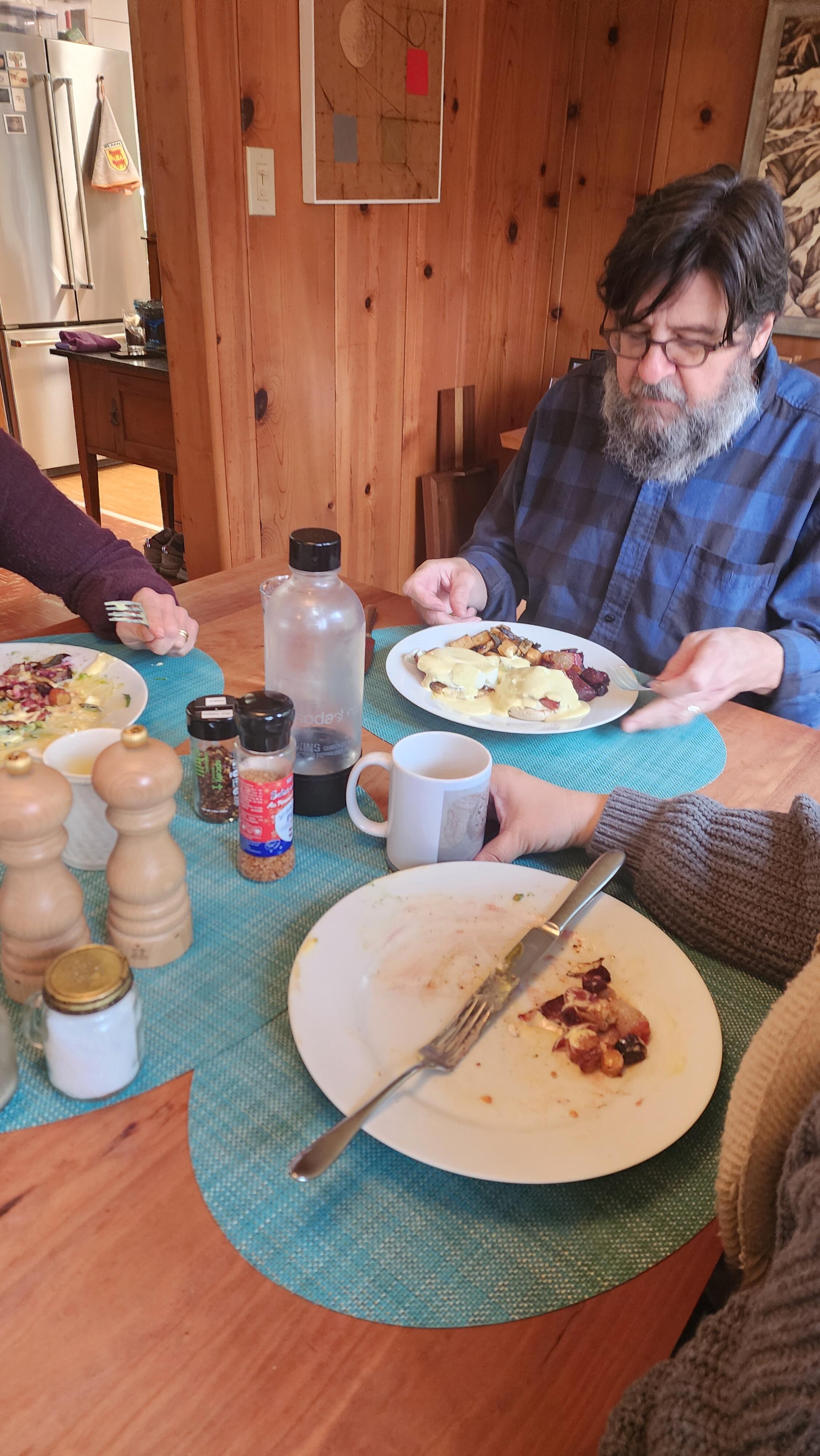
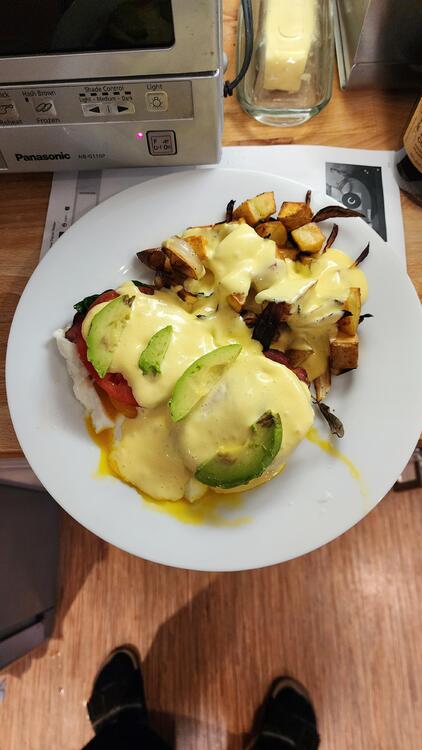
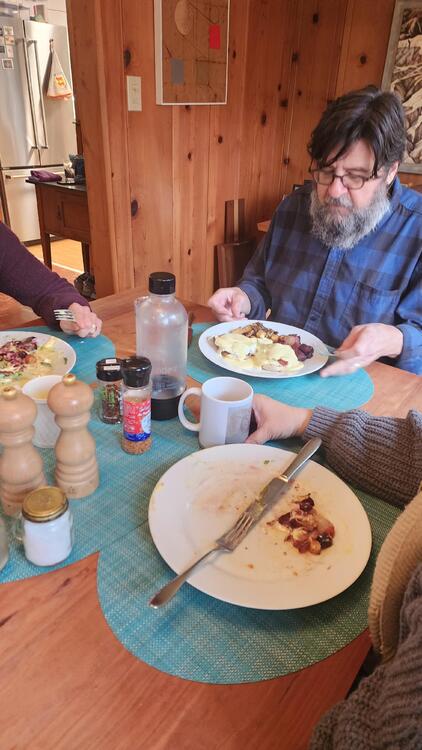
1 pointAl and I just prepared Eggs Benedict for the Mayberry compound. I may have overdone it. See you all after a brief food coma.
 1 point
 -
0 points