

Leaderboard
-
Voltron
High Rollers10Points34626Posts -
Grahame
High Rollers6Points16859Posts -
morphsci
High Rollers4Points13355Posts -
Hopstretch
High Rollers3Points16821Posts




Popular Content
Showing content with the highest reputation on 03/26/26 in Posts
-
Watching 21-year-olds get their brains rearranged by amazing old songs is extremely rewarding. Actual quote: "Fucking hell that might be the best intro ever?" 🤷♂️2 points
-
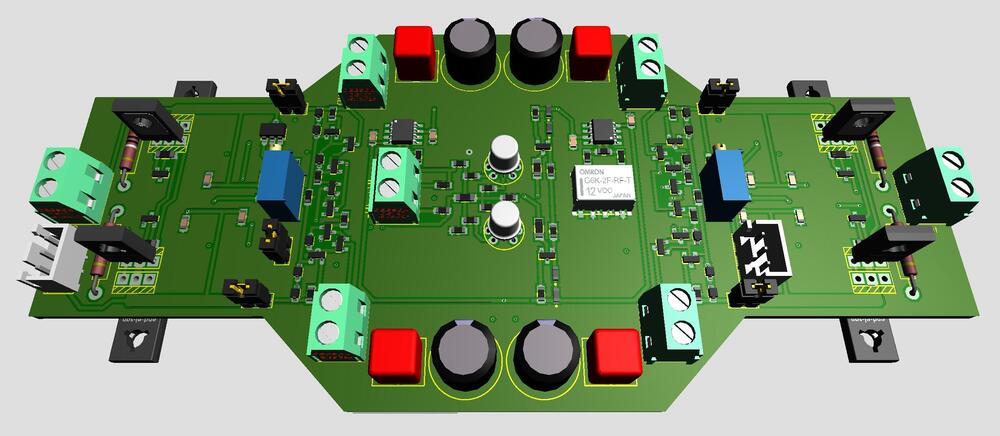
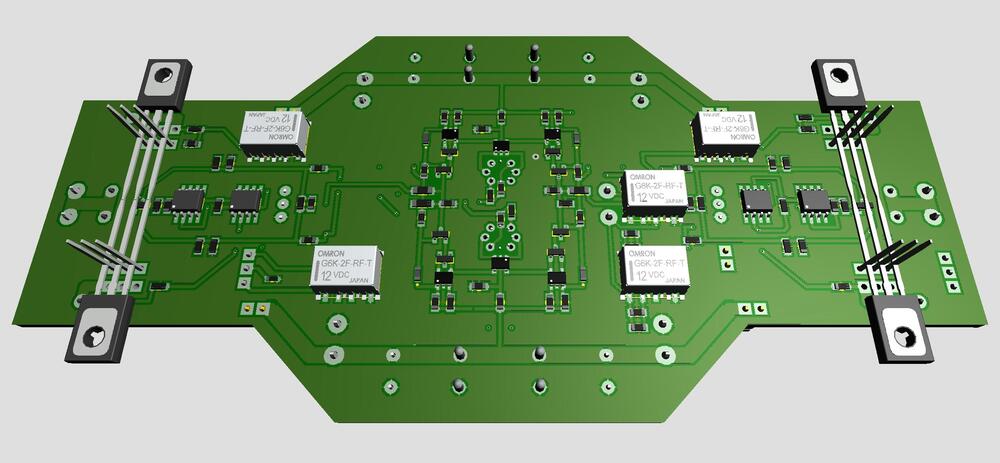
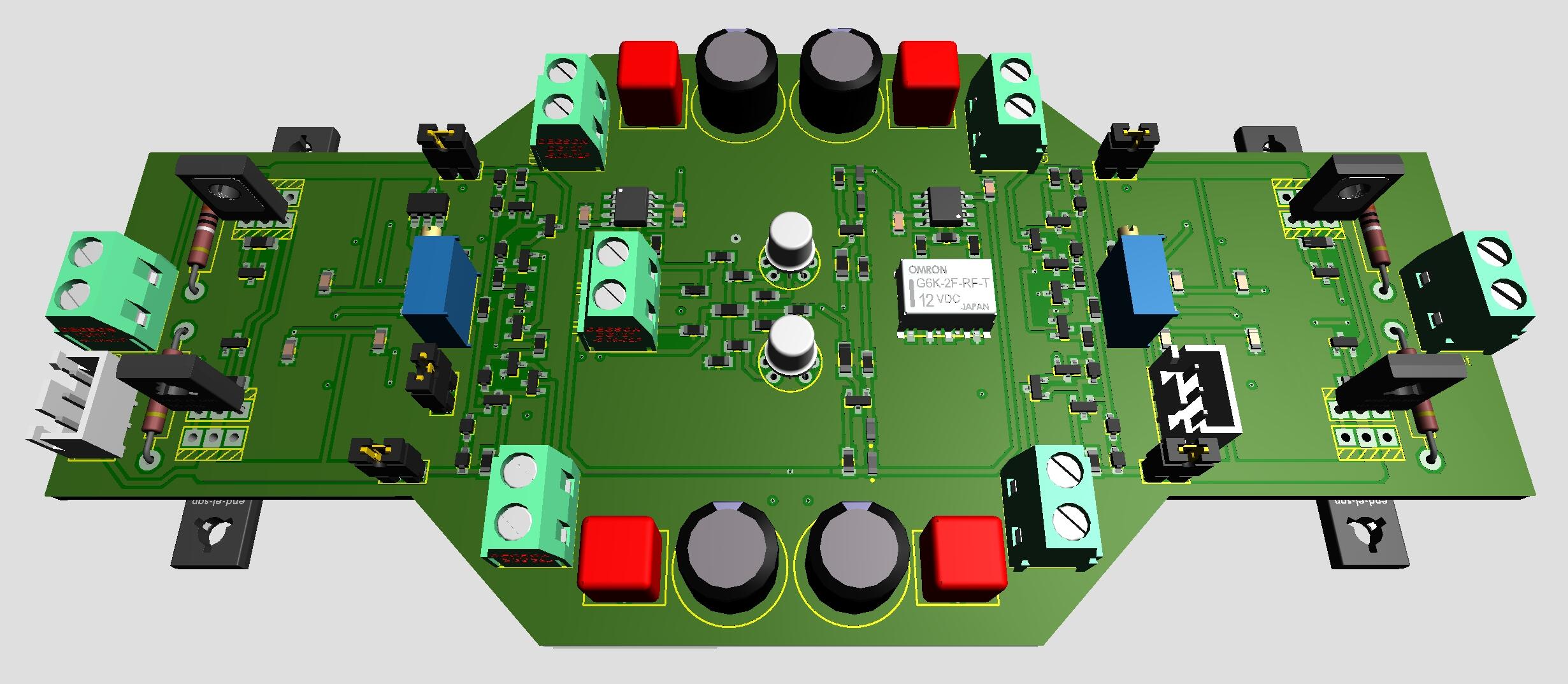
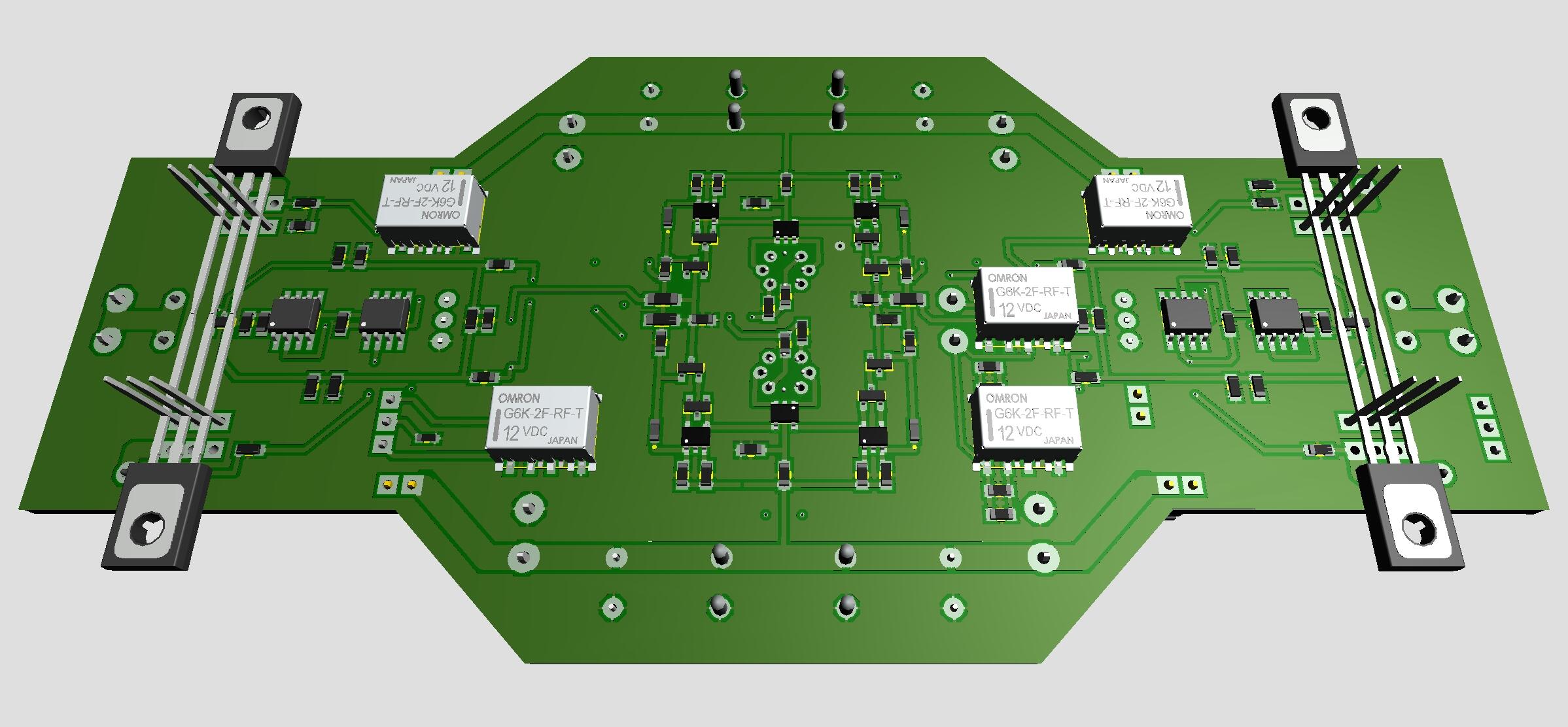
After another week of testing I like the outcome of the latest CFA3smd something with the dual opamp bias servos. Thanks a lot Kevin. My version is a Zero Feedback version of CFA3. I’ve heard, read, that some people favor the Super Symmetrical version. So, here is a drawing drafting of a ZF/SS version of CFA3smd something with… … six small Omron latching relays. Five for ZF/SS switching and the sixth for LED identification of mode in progress. Two JST XH3 connectors for a momentary toggle switch and LEDs to control the ZF/SS modes.
 2 points
 -
2 points1 pointRest in Soft Rockin Peace "& Crofts" https://www.tmz.com/2026/03/26/dash-crofts-dead/#1 pointI got a little obsessed when I heard this song for the first time yesterday:
 1 point1 point1 point1 pointWhich president would you respect more? What a fucking cunt. The second one, to be clear. Note: Brent's image won't load for me, so this may be partly repetitive.
 1 point0 points0 points









Important Information
By using this site, you agree to our Terms of Use.