


GrindingThud
Returning Member
-
Joined
-
Last visited
Everything posted by GrindingThud
-
Cool!I should play TF2 again....it's been years. I was ElectricCheezeExcellent final hour...Phew, but more on the way:
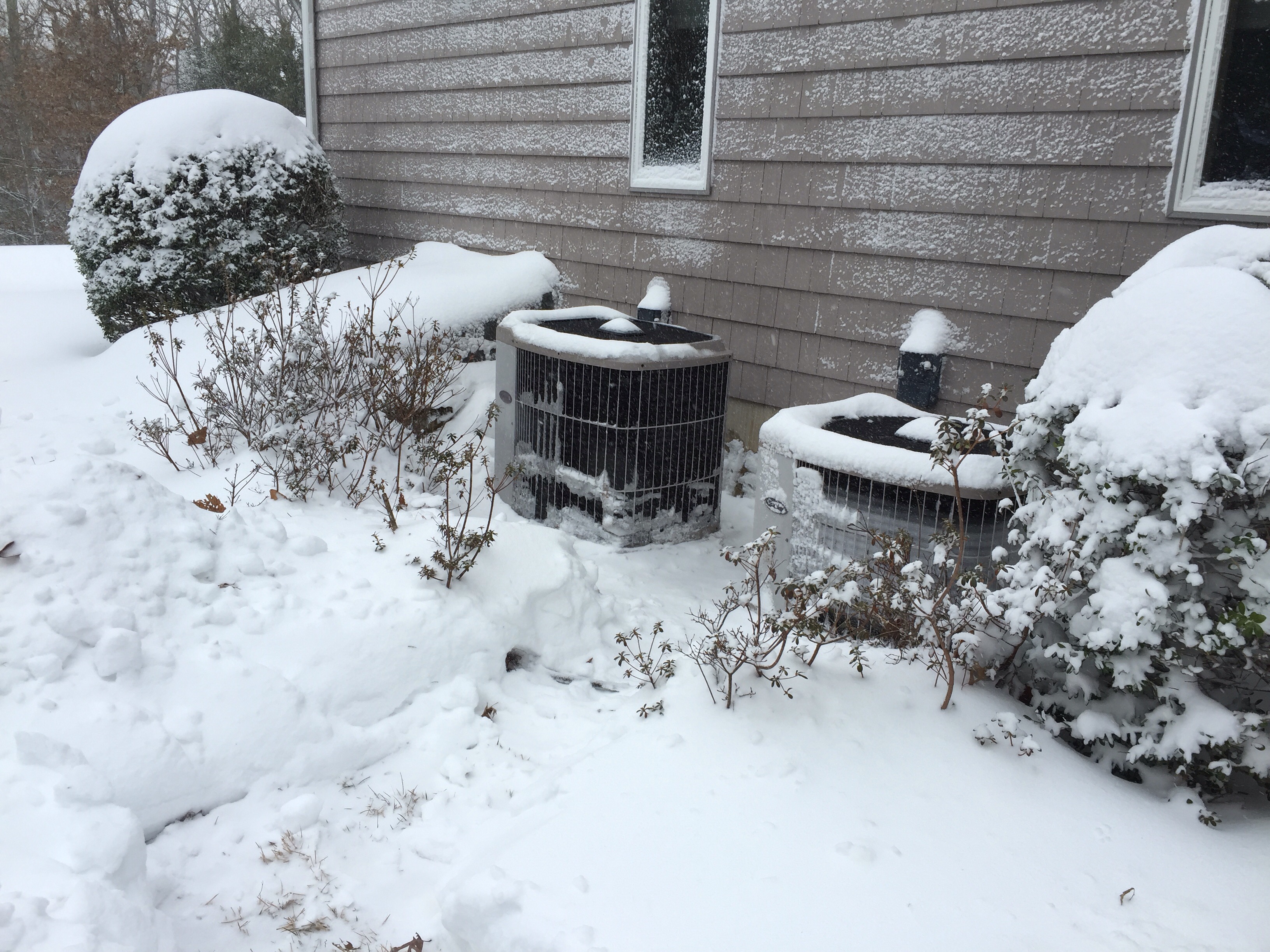
 Heat pumps whirring away...ready for round 2!
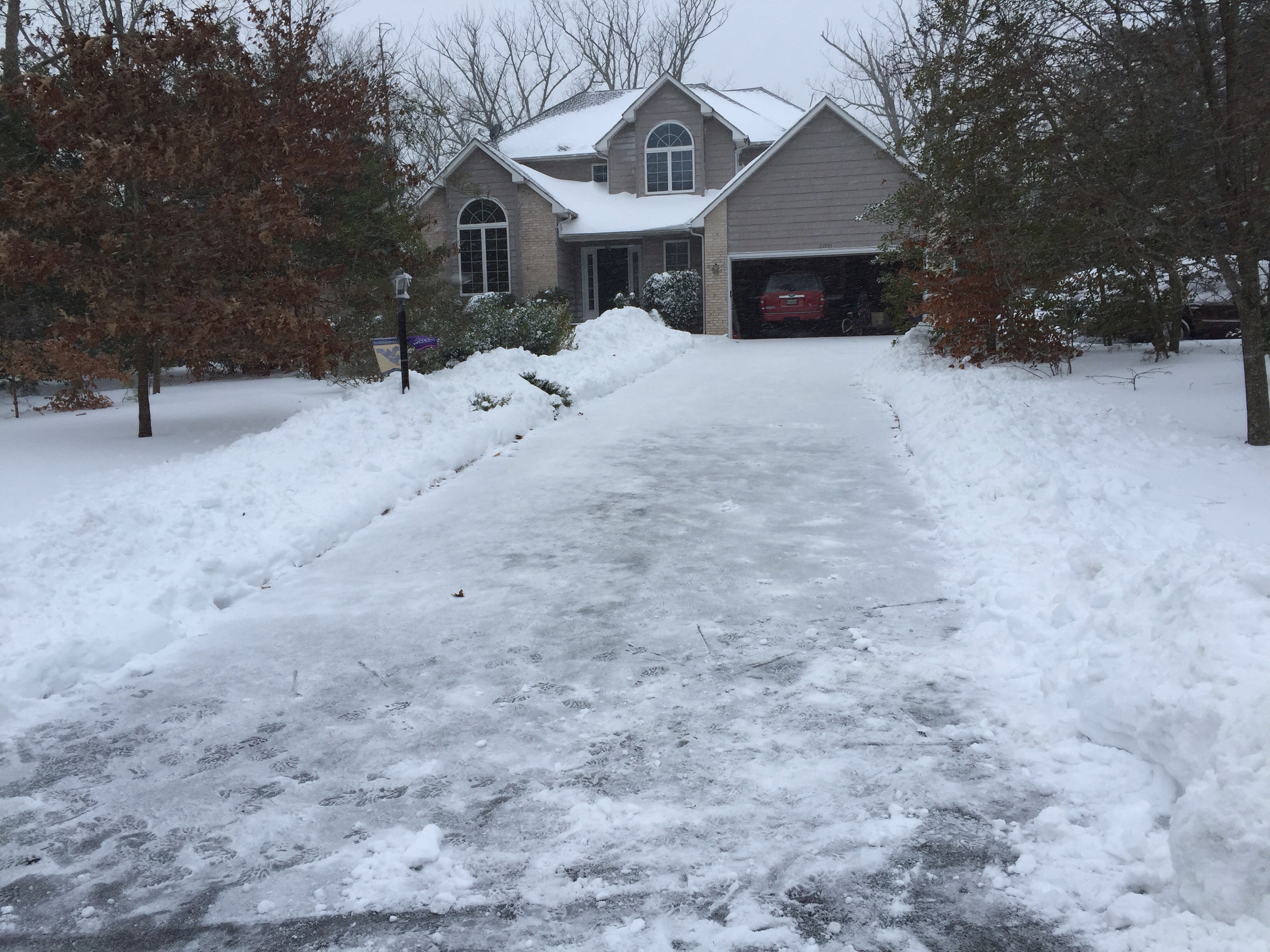
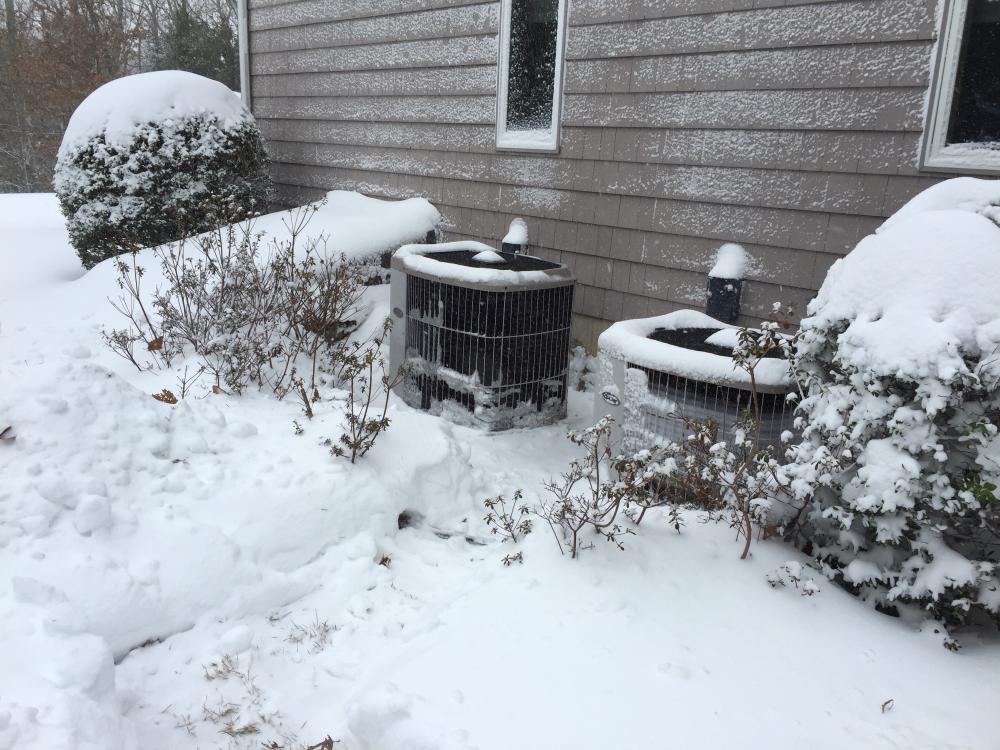 5.5in here already (southern maryland)....coming down heavy. Good night for tunes. Tried shoveling and wind put it back.Schweet!wow, super nice job!Now that sounds like a much better project!I've got no suggestions yet for Pennsylvania, as I've not been there yet. If I come up with any, I'll drop my ideas here. I do like this website http://www.cnyhiking.com/ATinPennsylvania.htm for information, as well as the whiteblaze forum. You can do all of Maryland in 3 days (some do it in 24 hours). Harpers Ferry is fun and moving north, the terrain is very easy and the shelters are closely spaced along the way....parking is easy too.Cool, I've got MD almost done, catching Devils racetrack and working north into PA next. Probably mid Jan.Doing a thru? I've started doing sections and trying to drive my base weight down.Ooo, looks like a great winer project.I'm going to need to do much much better next week....
Important Information
By using this site, you agree to our Terms of Use.


Account
Navigation
Search
Configure browser push notifications
Chrome (Android)
- Tap the lock icon next to the address bar.
- Tap Permissions → Notifications.
- Adjust your preference.
Chrome (Desktop)
- Click the padlock icon in the address bar.
- Select Site settings.
- Find Notifications and adjust your preference.
Safari (iOS 16.4+)
- Ensure the site is installed via Add to Home Screen.
- Open Settings App → Notifications.
- Find your app name and adjust your preference.
Safari (macOS)
- Go to Safari → Preferences.
- Click the Websites tab.
- Select Notifications in the sidebar.
- Find this website and adjust your preference.
Edge (Android)
- Tap the lock icon next to the address bar.
- Tap Permissions.
- Find Notifications and adjust your preference.
Edge (Desktop)
- Click the padlock icon in the address bar.
- Click Permissions for this site.
- Find Notifications and adjust your preference.
Firefox (Android)
- Go to Settings → Site permissions.
- Tap Notifications.
- Find this site in the list and adjust your preference.
Firefox (Desktop)
- Open Firefox Settings.
- Search for Notifications.
- Find this site in the list and adjust your preference.