GrindingThud
Returning Member
-
Joined
-
Last visited
Everything posted by GrindingThud
-
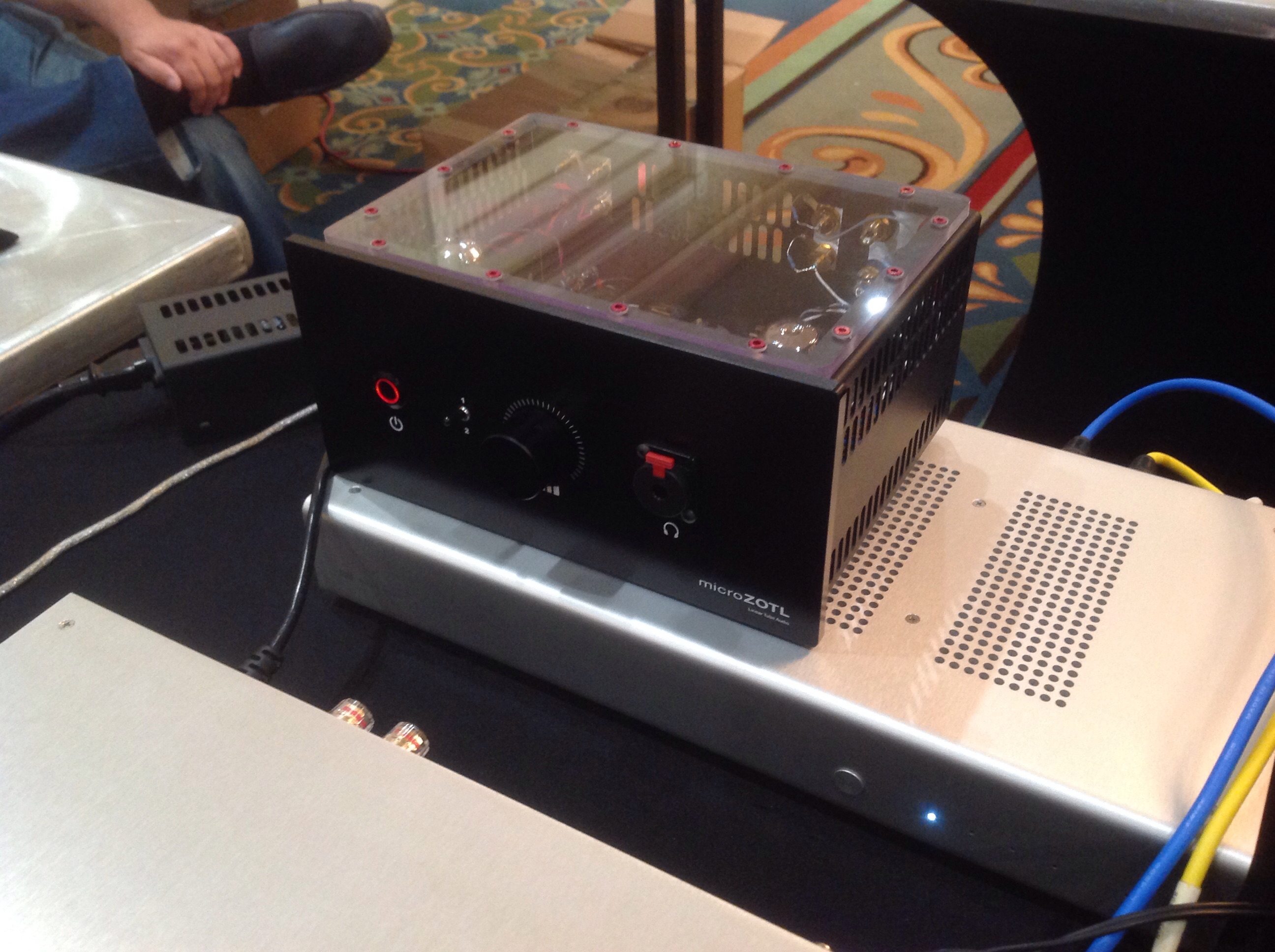
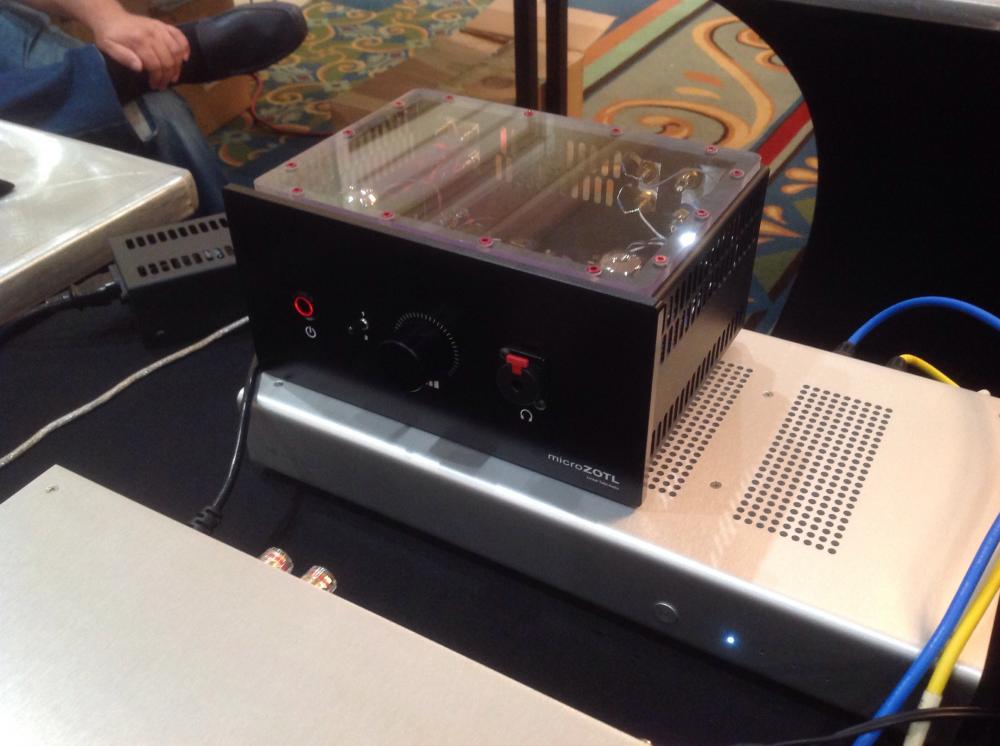
Totally not weird...KewlI like TF2 :)Nice!My brother keeps trying to get us out to Colorado to hike. Looks like a great place to be outdoors. :)Hiked up Mount Washington for our 25th wedding anniversary , finally got around to posting the vid:The ZOTL amp I found interesting...wonder what makes it tick. :):
 Thinking about bringing the KSA5 clone, balanced Dynalo, and the single ended version of the current feedback amp...still trying to work schedule. I've got a date with the summit of Mount Washington right after I need to pack for.Tron...http://www.amazon.com/Sizzling-Bacon-Novelty-Exploding-Candy-2/dp/B00FHNFOJ2 Sizzling Bacon Candy:
 WordWhy would I take them out, they still work...
Important Information
By using this site, you agree to our Terms of Use.
Account
Navigation
Search
Configure browser push notifications
Chrome (Android)
- Tap the lock icon next to the address bar.
- Tap Permissions → Notifications.
- Adjust your preference.
Chrome (Desktop)
- Click the padlock icon in the address bar.
- Select Site settings.
- Find Notifications and adjust your preference.
Safari (iOS 16.4+)
- Ensure the site is installed via Add to Home Screen.
- Open Settings App → Notifications.
- Find your app name and adjust your preference.
Safari (macOS)
- Go to Safari → Preferences.
- Click the Websites tab.
- Select Notifications in the sidebar.
- Find this website and adjust your preference.
Edge (Android)
- Tap the lock icon next to the address bar.
- Tap Permissions.
- Find Notifications and adjust your preference.
Edge (Desktop)
- Click the padlock icon in the address bar.
- Click Permissions for this site.
- Find Notifications and adjust your preference.
Firefox (Android)
- Go to Settings → Site permissions.
- Tap Notifications.
- Find this site in the list and adjust your preference.
Firefox (Desktop)
- Open Firefox Settings.
- Search for Notifications.
- Find this site in the list and adjust your preference.