


Grahame
High Rollers
-
Joined
-
Last visited
Everything posted by Grahame
-
You'd better hurry, as Sunday is the last day, and this weekend is the Marathon which will make things interesting. I'll have to see if we can fit in a visit to see Boom and Bust before it's last day on August 2nd!
-
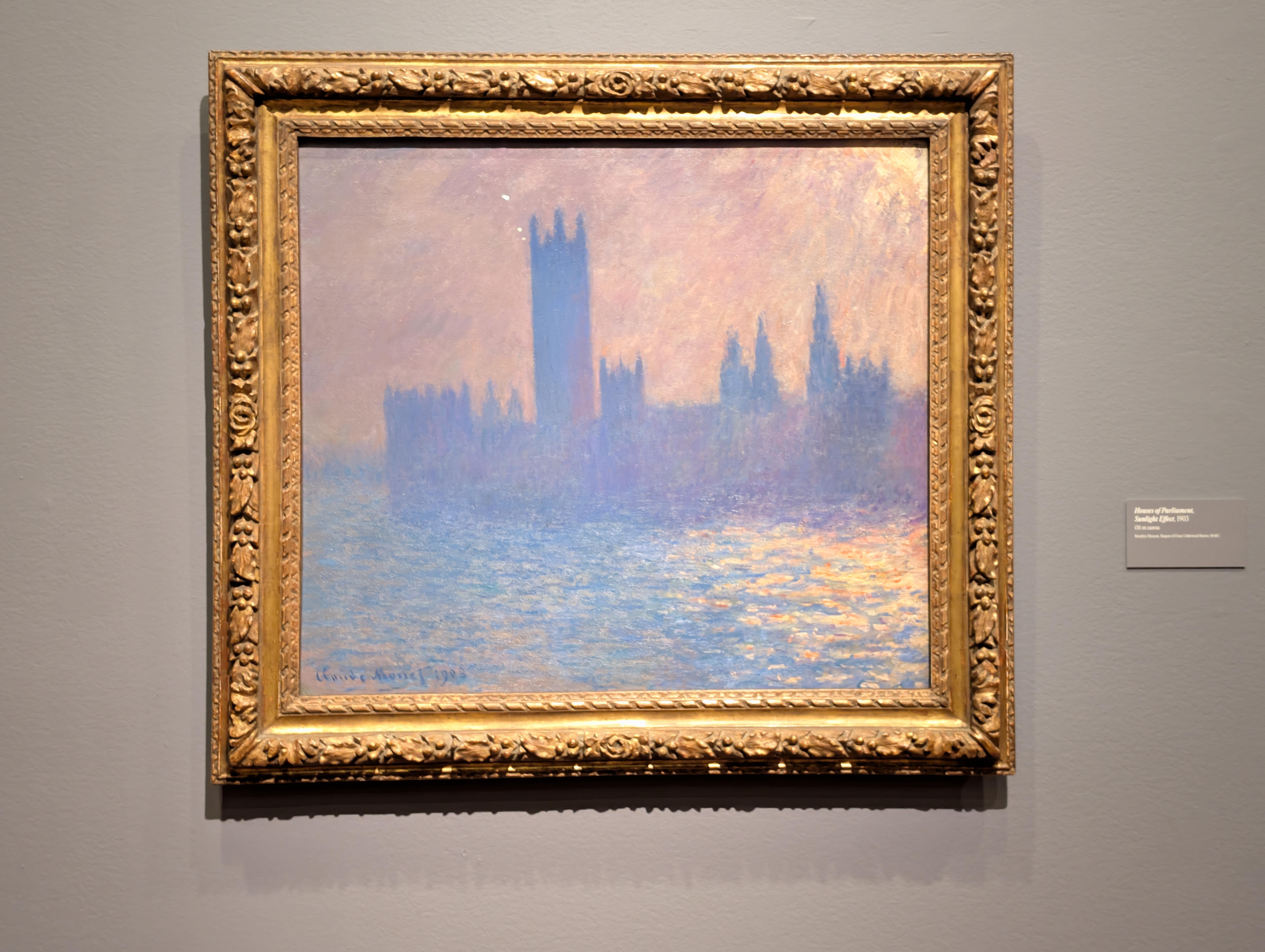
Joined the "crowds" at Did what it said. Also: (Bonus Points) London And (Water) Lilies. Not shown: People taking selfies with the (Celebrity?) Artwork.





-
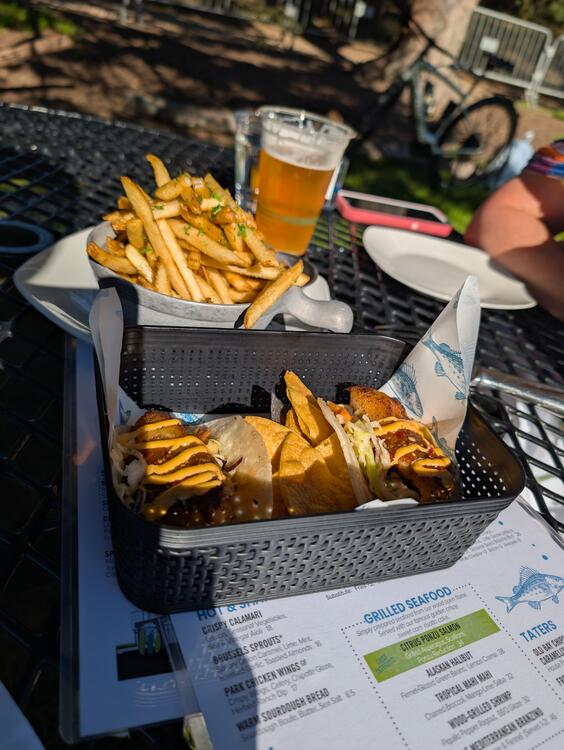
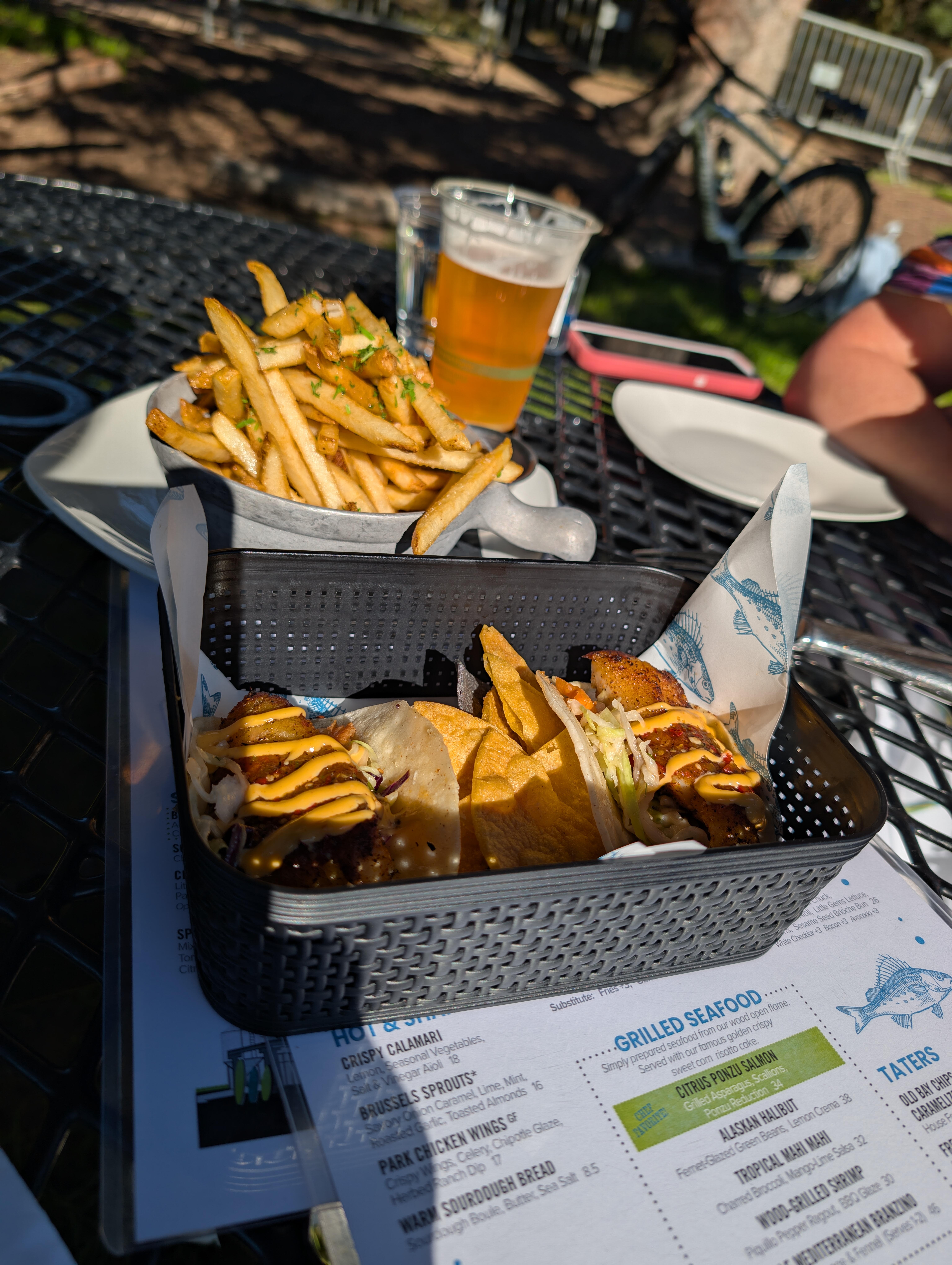
Fish (Taco's) & Chips
-
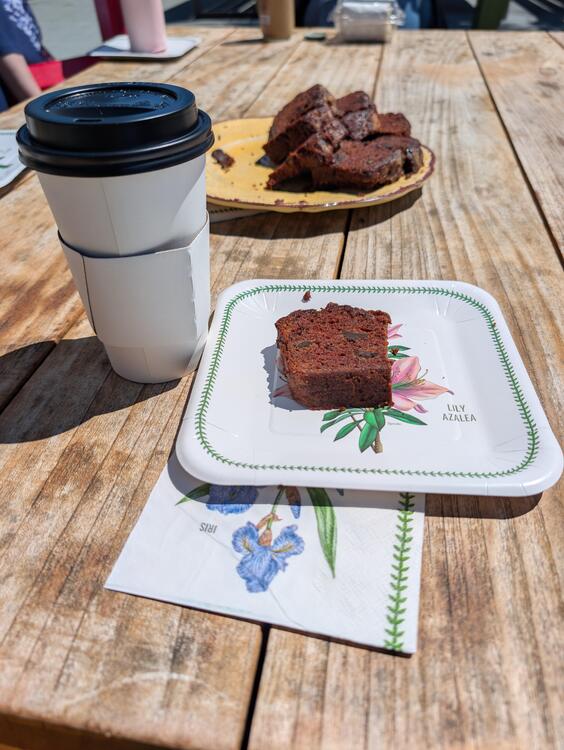
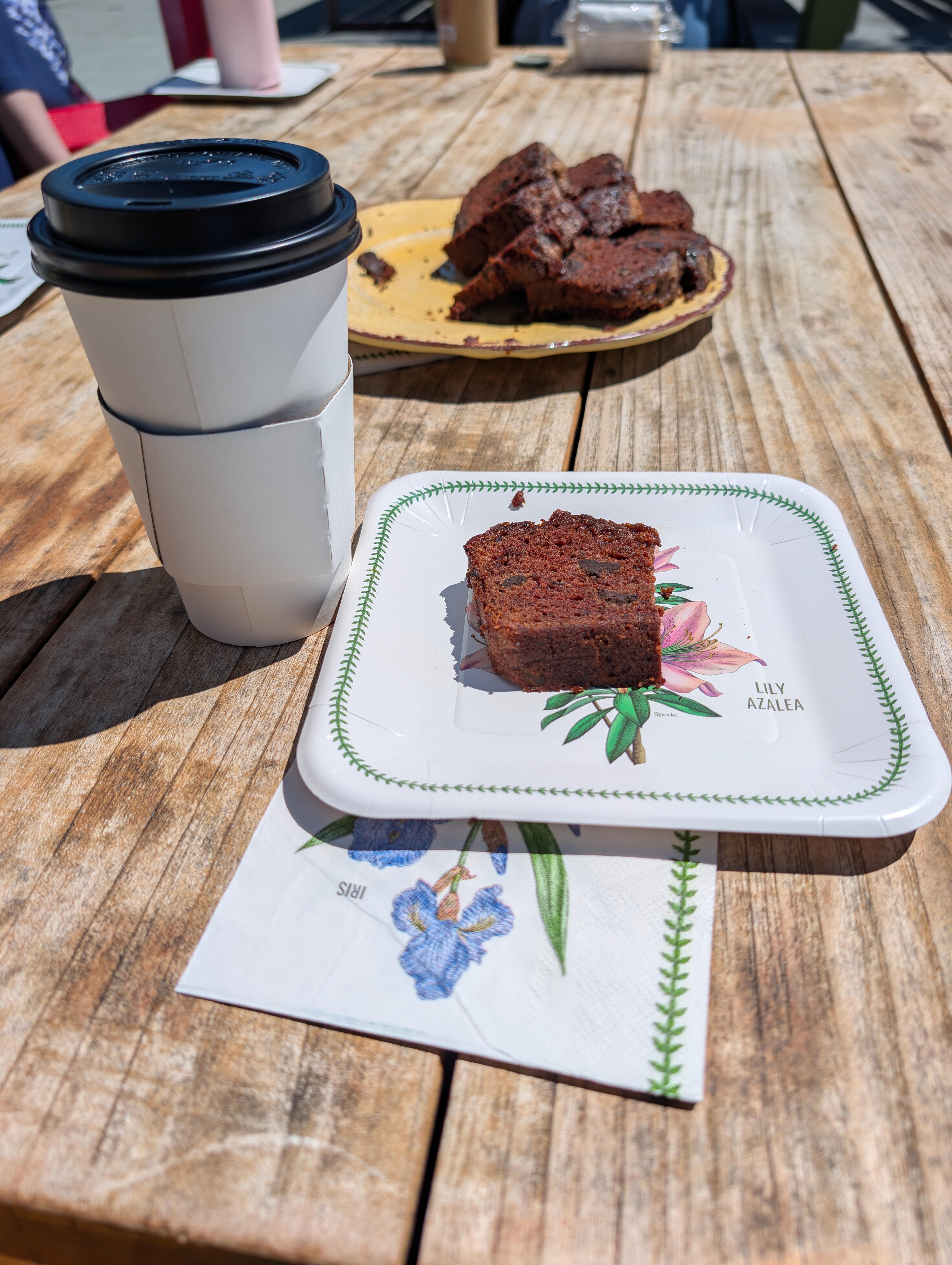
Double Chocolate Banana Bread with the Brits.
 🐓🍛 4 BDF
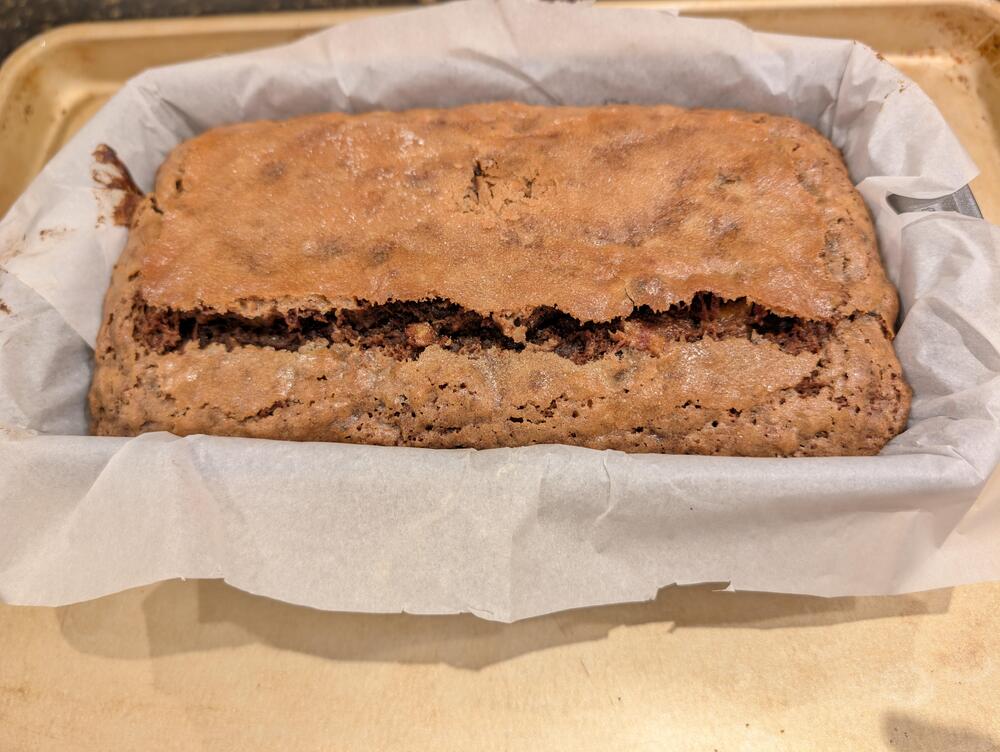
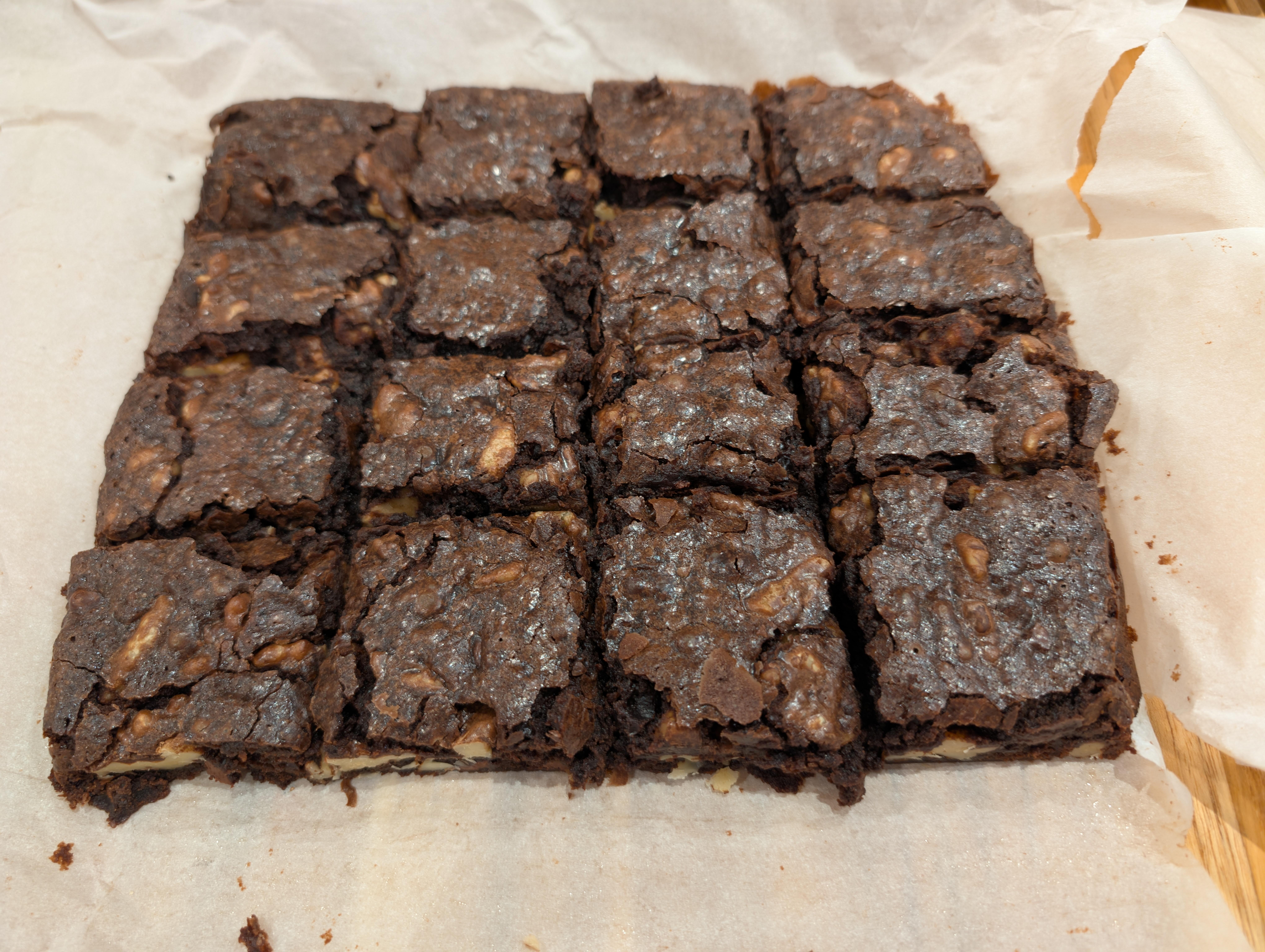
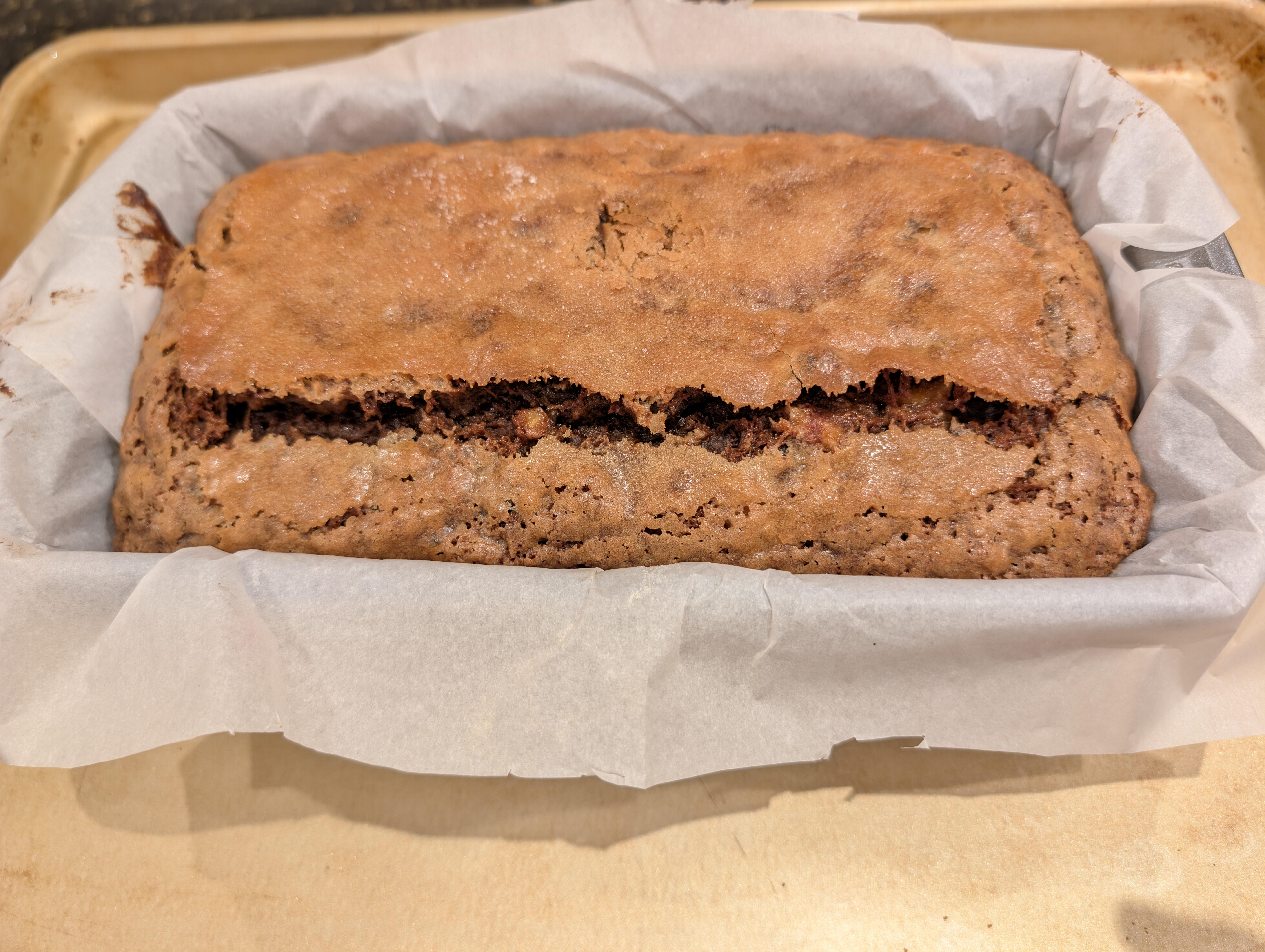
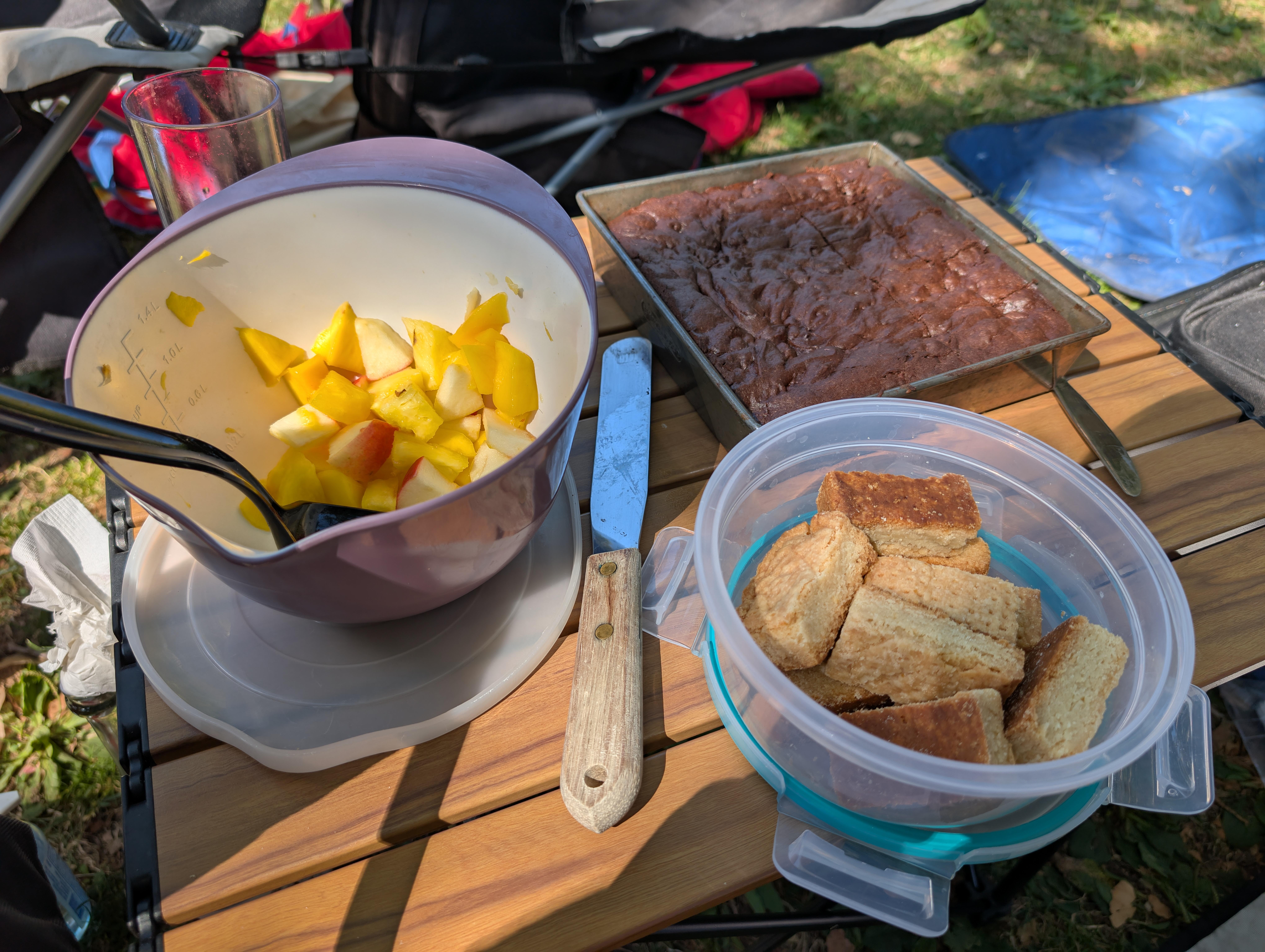
 A.I. Enhanced Costco Brownies ATK Enhanced Banana Bread.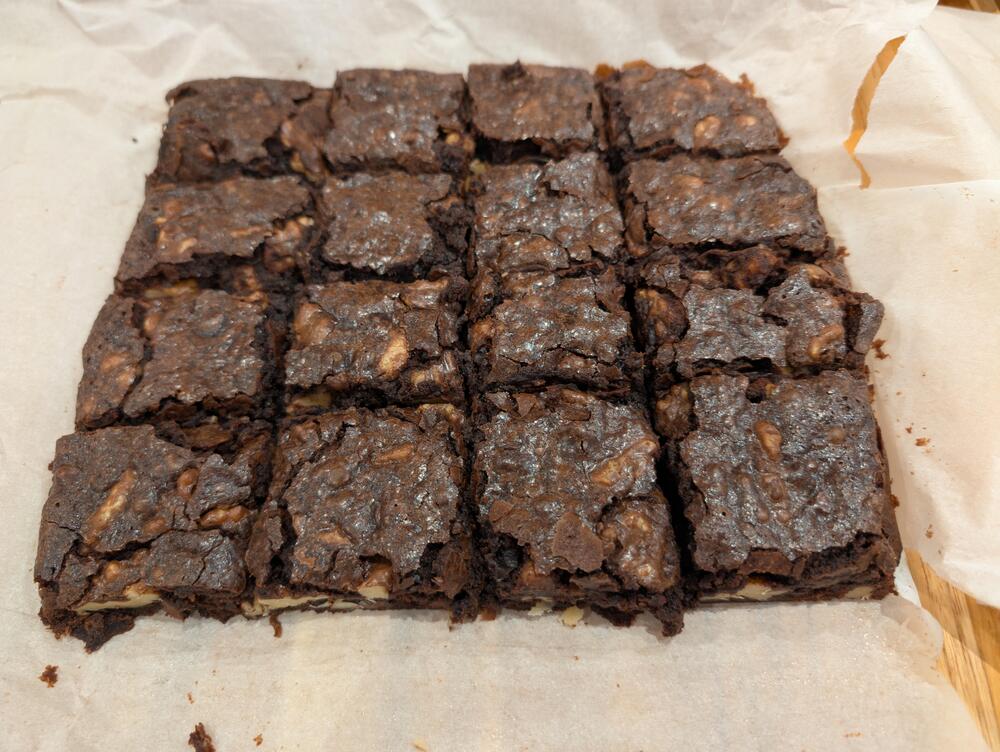
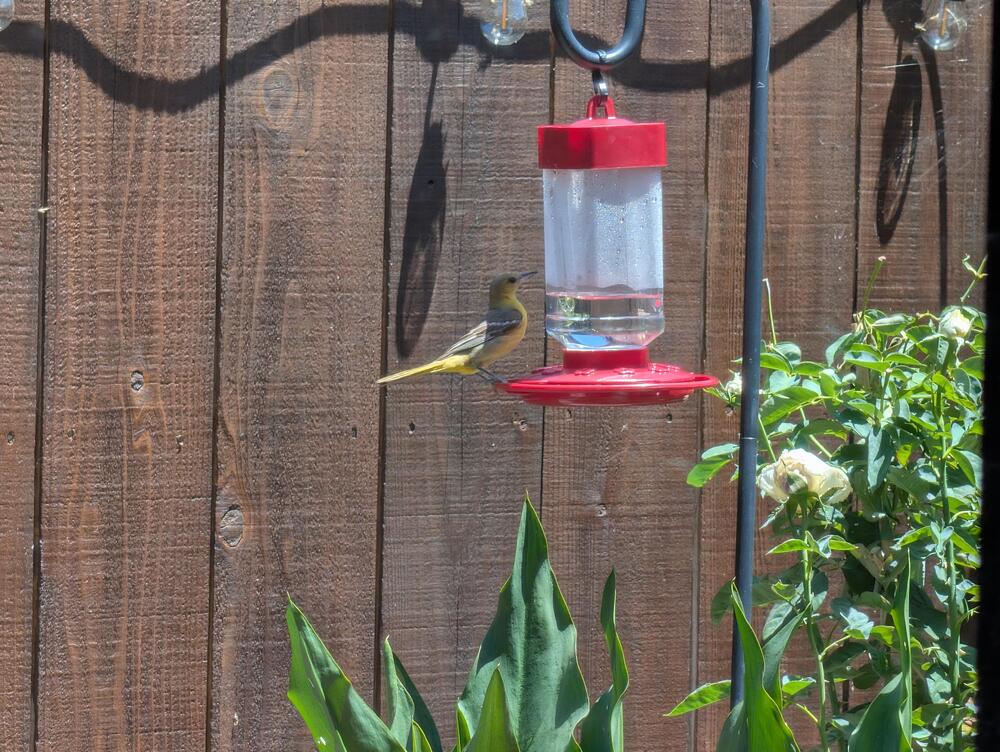
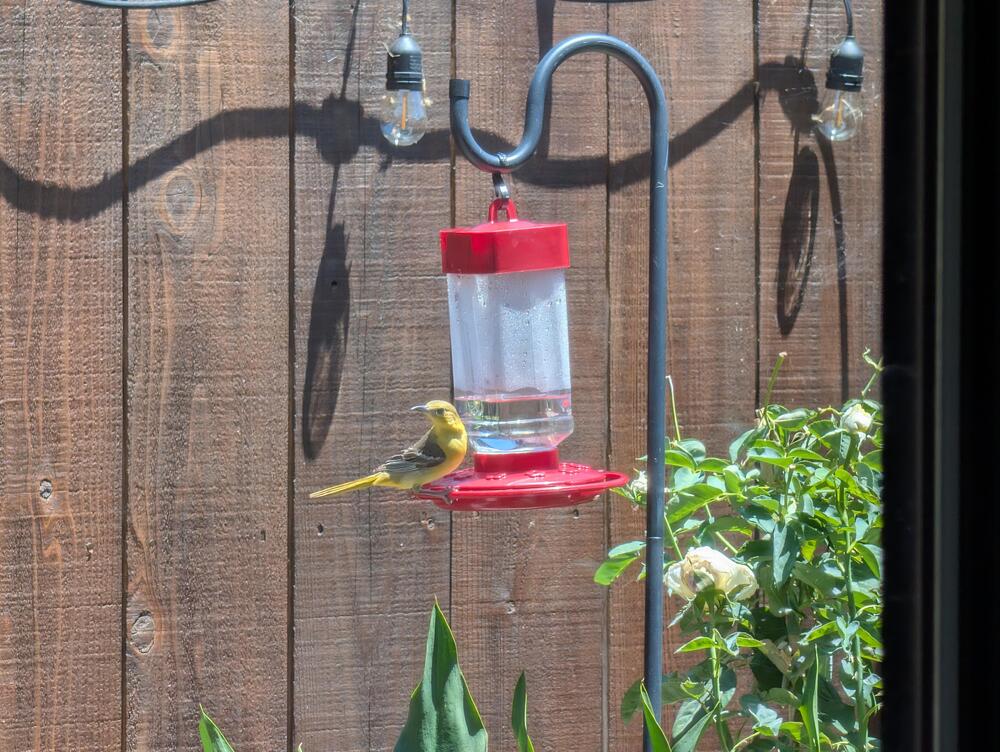
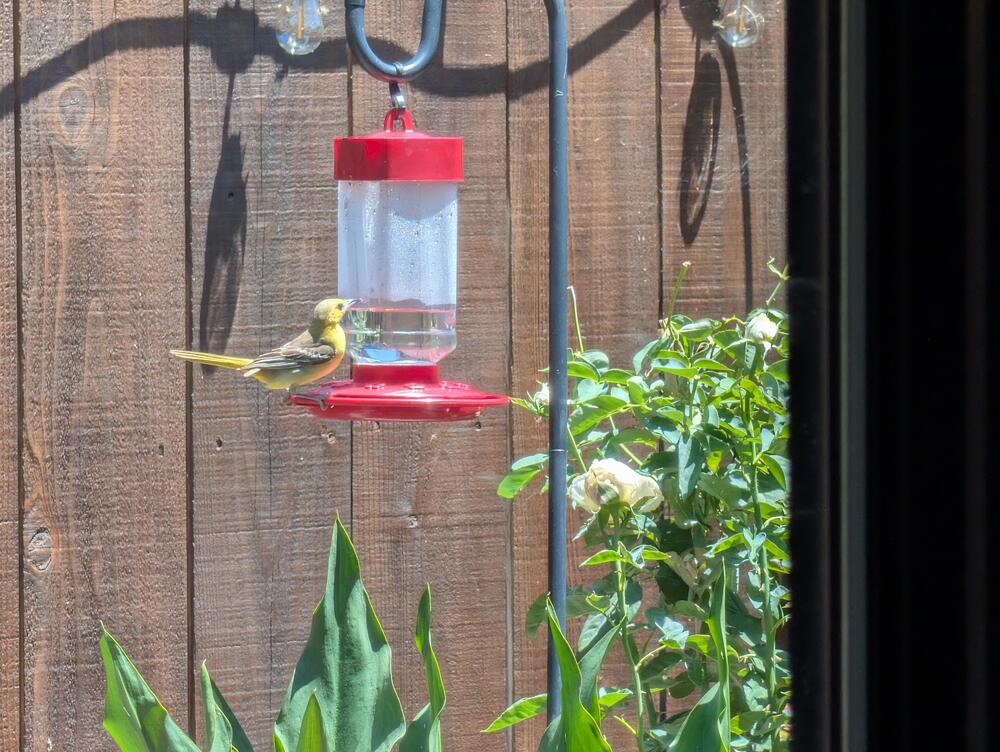
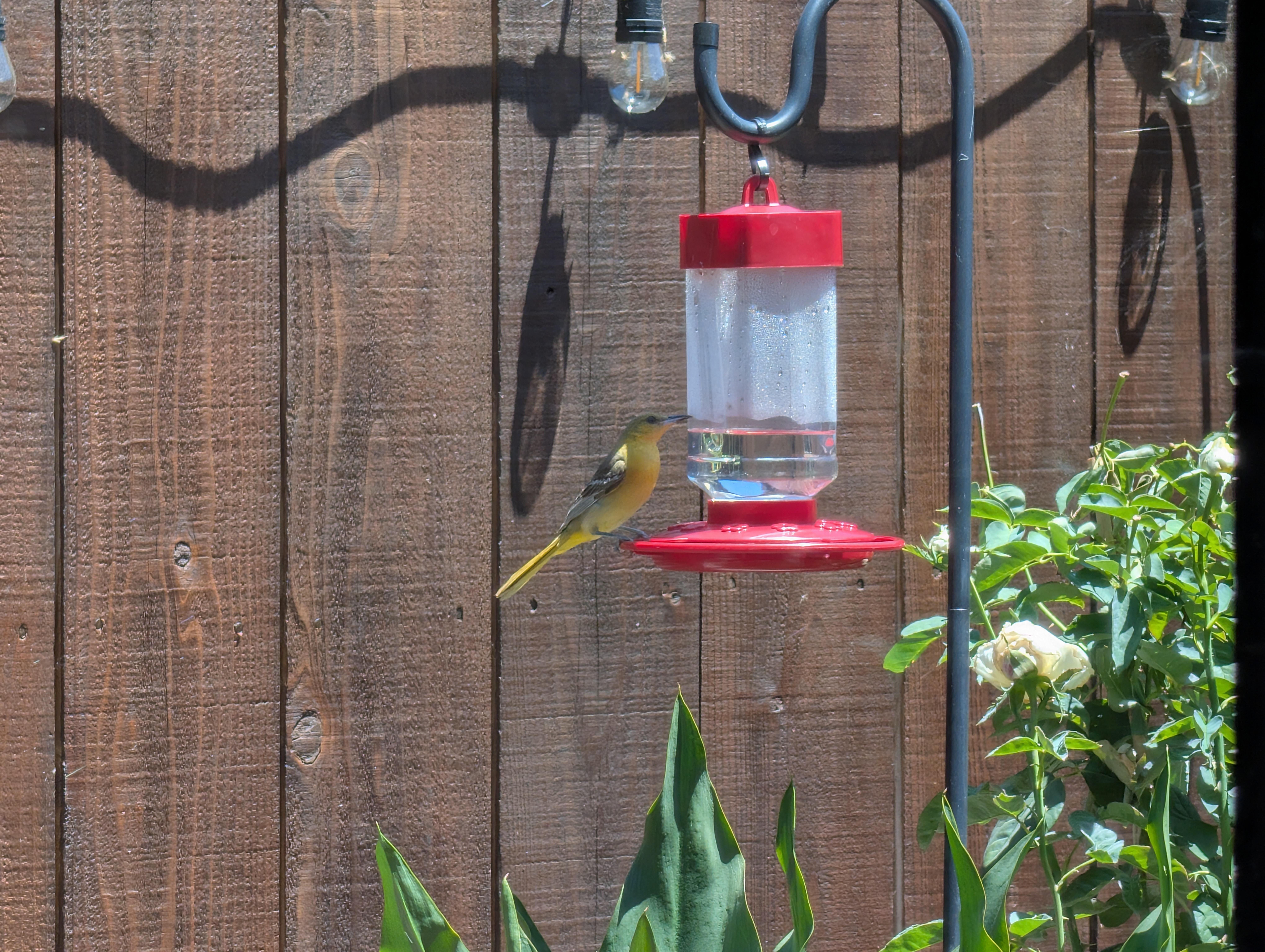
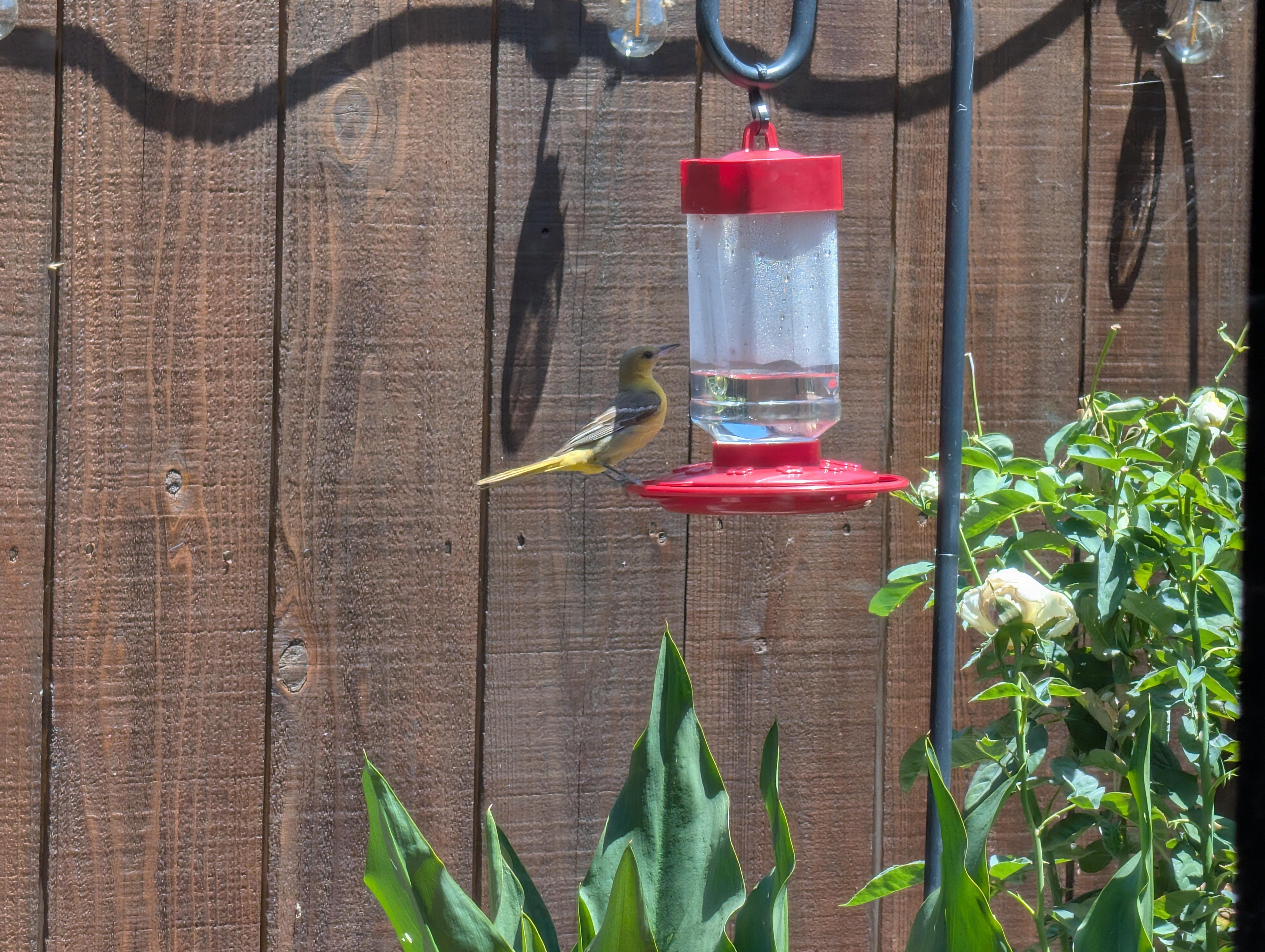
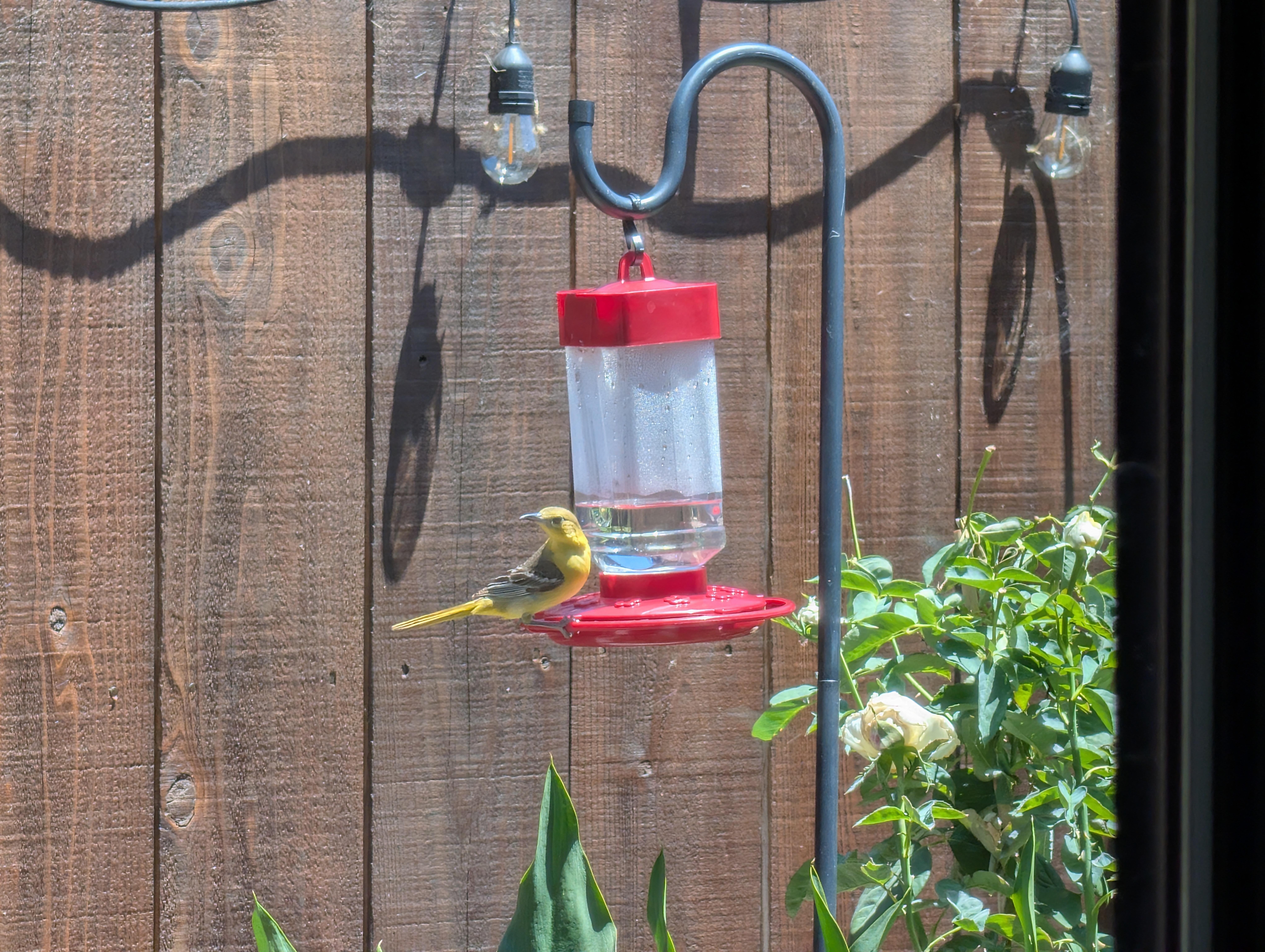
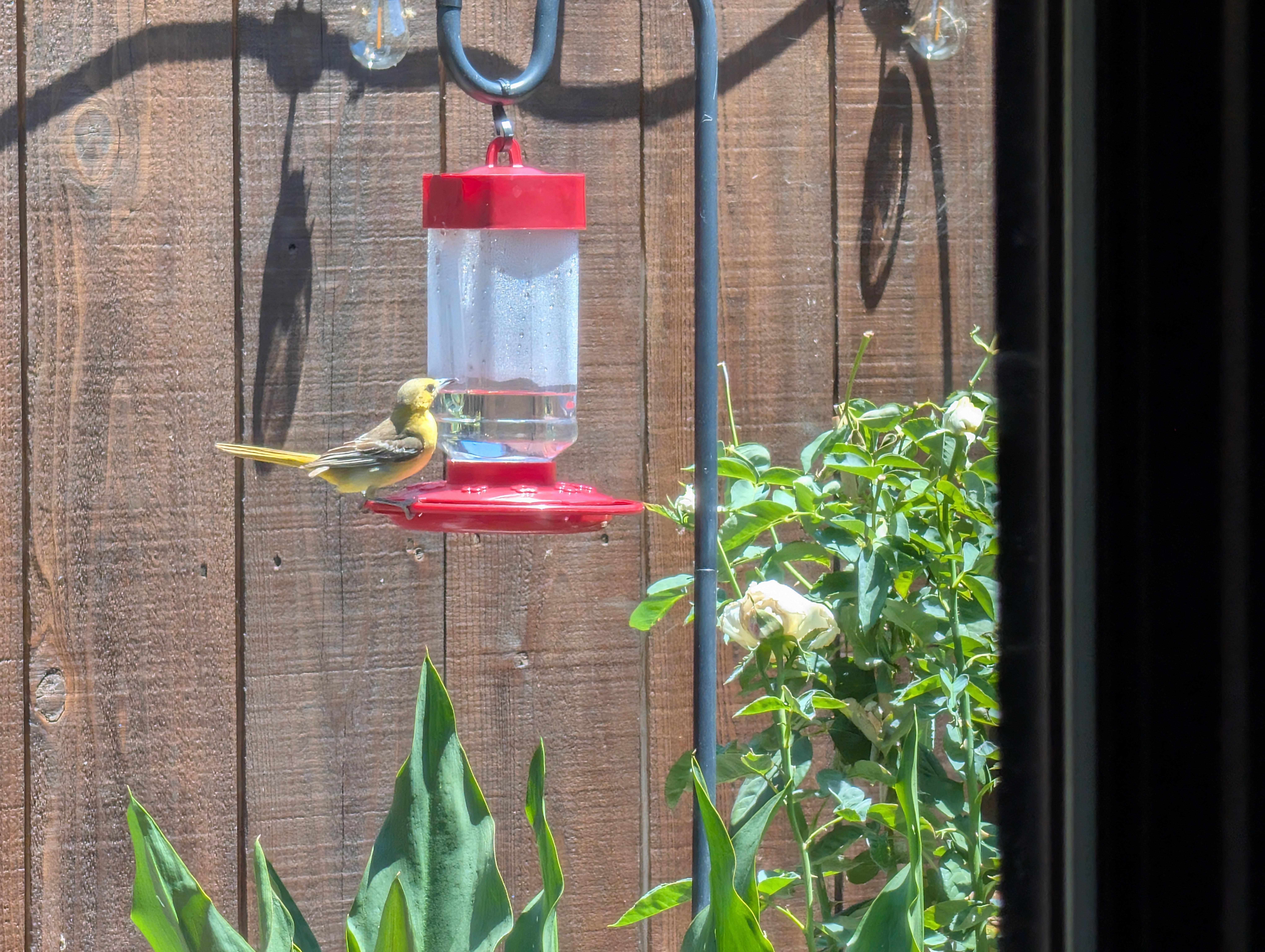
 "Senator Lindsey Graham, Republican of South Carolina, Dies at 71 Mr. Graham died of a “brief and sudden” illness on Saturday evening, his office said". https://www.nytimes.com/2026/07/12/us/politics/lindsey-graham-dead.html?unlocked_article_code=1.xFA.JhOs.28lT6RPd5YNm&smid=url-share Also: Mitch McConnell mystery deepens as health questions remain unanswered https://www.theguardian.com/us-news/2026/jul/11/mitch-mcconnell-senator-health?CMP=share_btn_urlCaught some Hooded Orioles masquerading as Hummingbirds They're not fooling me .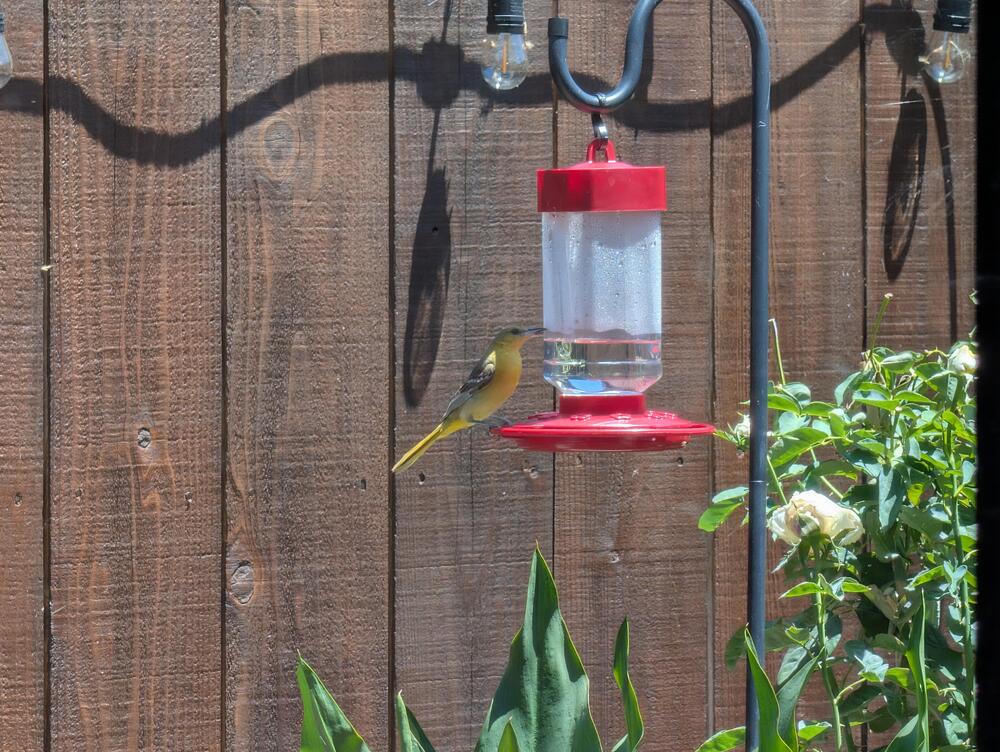
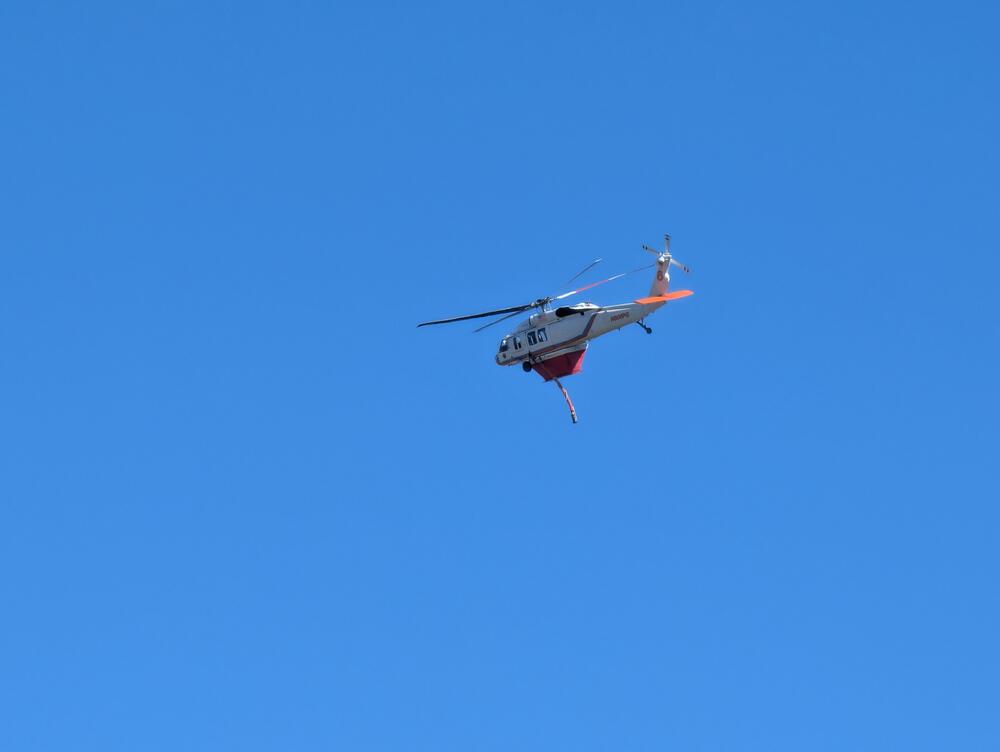
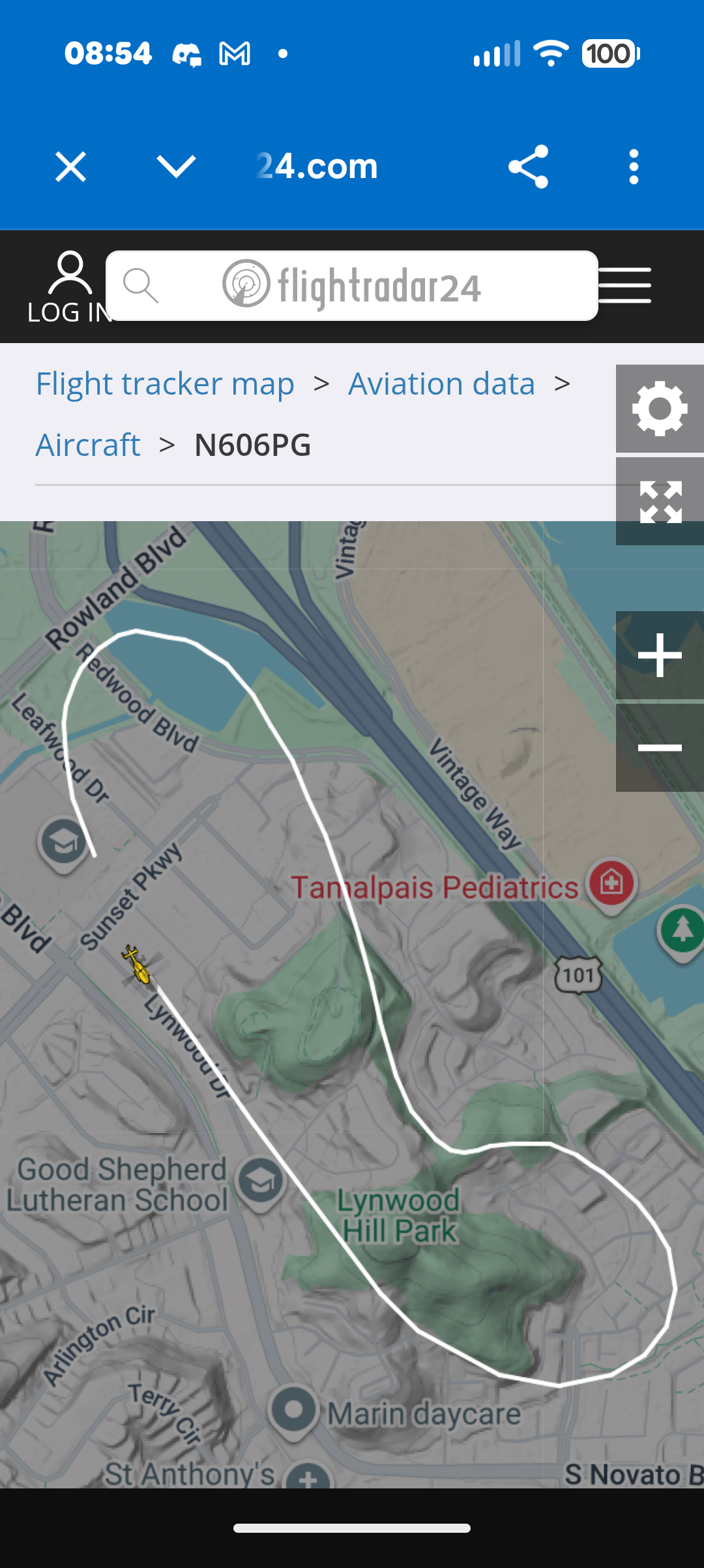
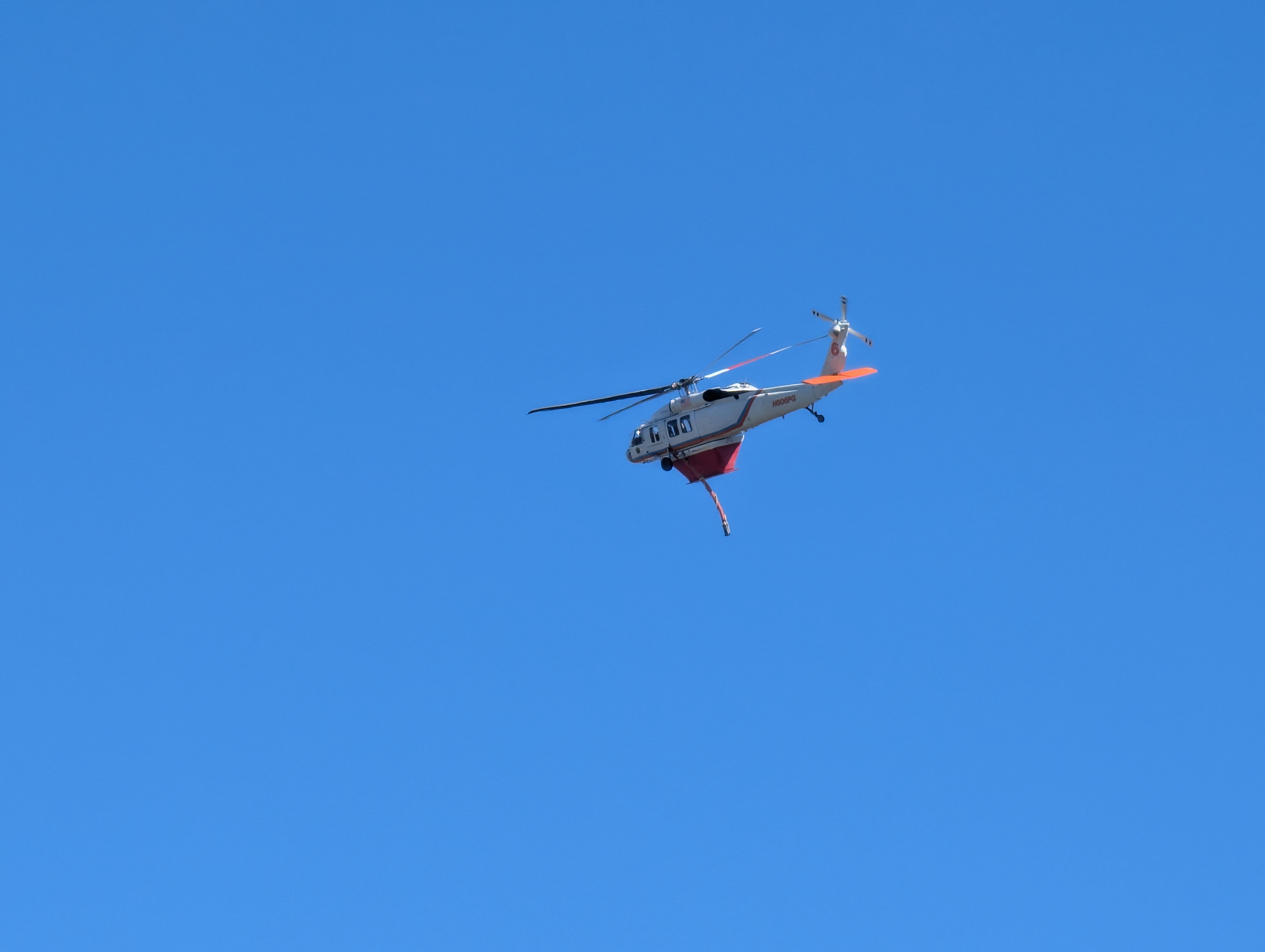
 ^ Some video from Novato Fire District. nextdoor.comOn Tuesday, July 7, at approximately 3:49 p.Join Nextdoor, an app for neighborhoods where you can get local tips, buy and sell items, and more From reddit re: The Chopper "There was smoke at the start but it was quickly put out by the firefighting helicopter that is a joint effort between PG&E and the county of Marin. I was watching it on FR24 and it was fortunate they had the pond so close, as they were able to quickly refill their tank and dump, then repeat, over and over until it was out. [https://www.flightradar24.com/data/aircraft/n606pg#408ddcd7](https://www.flightradar24.com/data/aircraft/n606pg#408ddcd7) From two years ago: >Marin Fire will have use and control of a wildfire-fighting Blackhawk helicopter from today until October 31, and it will be based at Gnoss Field. N606PG is on loan (with flight and support crews) from PG&E under a trial agreement to provide immediate assistance to the county and keep wildfires small. This UH-60A has been modified to carry (and drop!) 850 gallons of water with a 15-minute response to a wildfire anywhere in Marin County. Marin Fire and PG&E have since formalized the agreement beyond that trial. It looks like PG&E bears the cost of the aircraft." Handy to have a useable water source so close by. https://www.flightradar24.com/data/aircraft/n606pg#408ddcd7
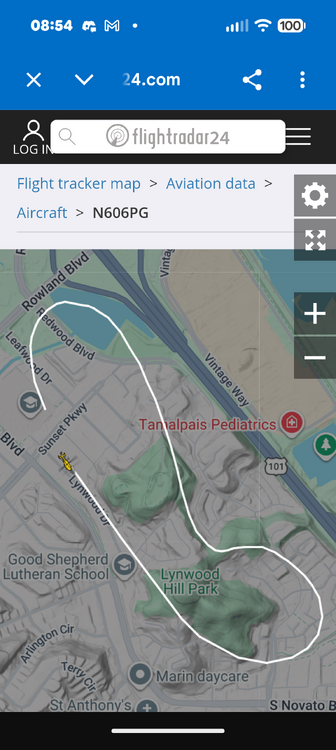 A bit of excitement, and met more neighbors, thanks to this. Due to this Watch DutyWatch Duty - Wildfire Maps & AlertsReal-time information about wildfire and firefighting efforts nearby https://web.pulsepoint.org/?agencies=21105&incident=2513876157&tab=3 Watch DutyWatch Duty - Wildfire Maps & AlertsReal-time information about wildfire and firefighting efforts nearby
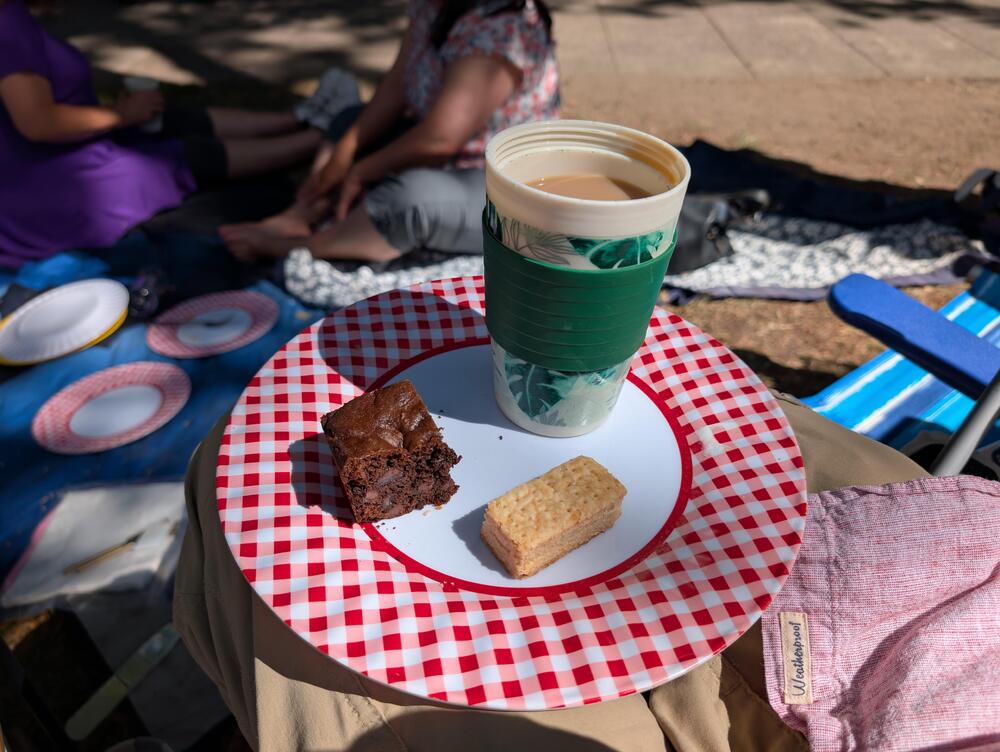
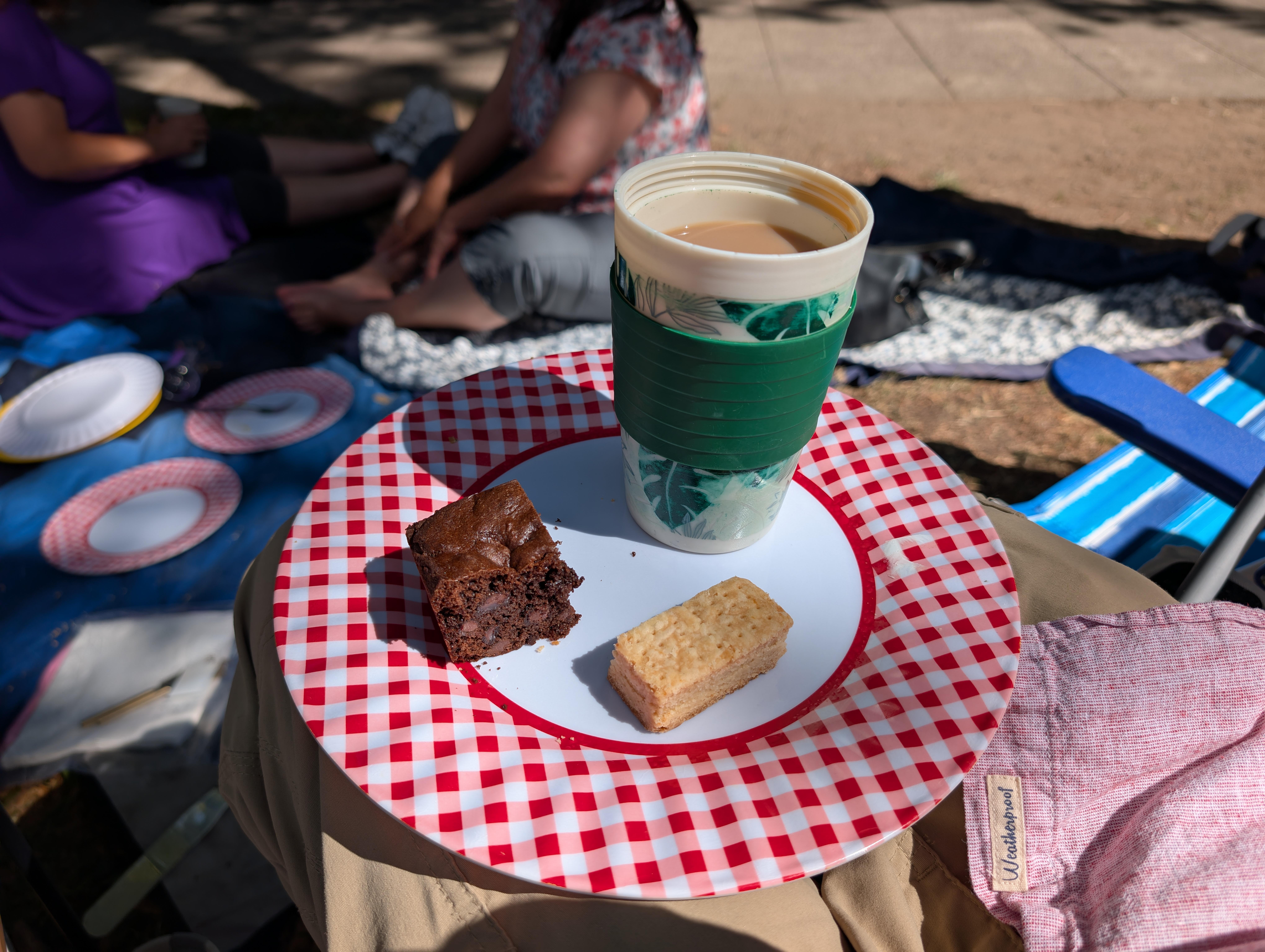
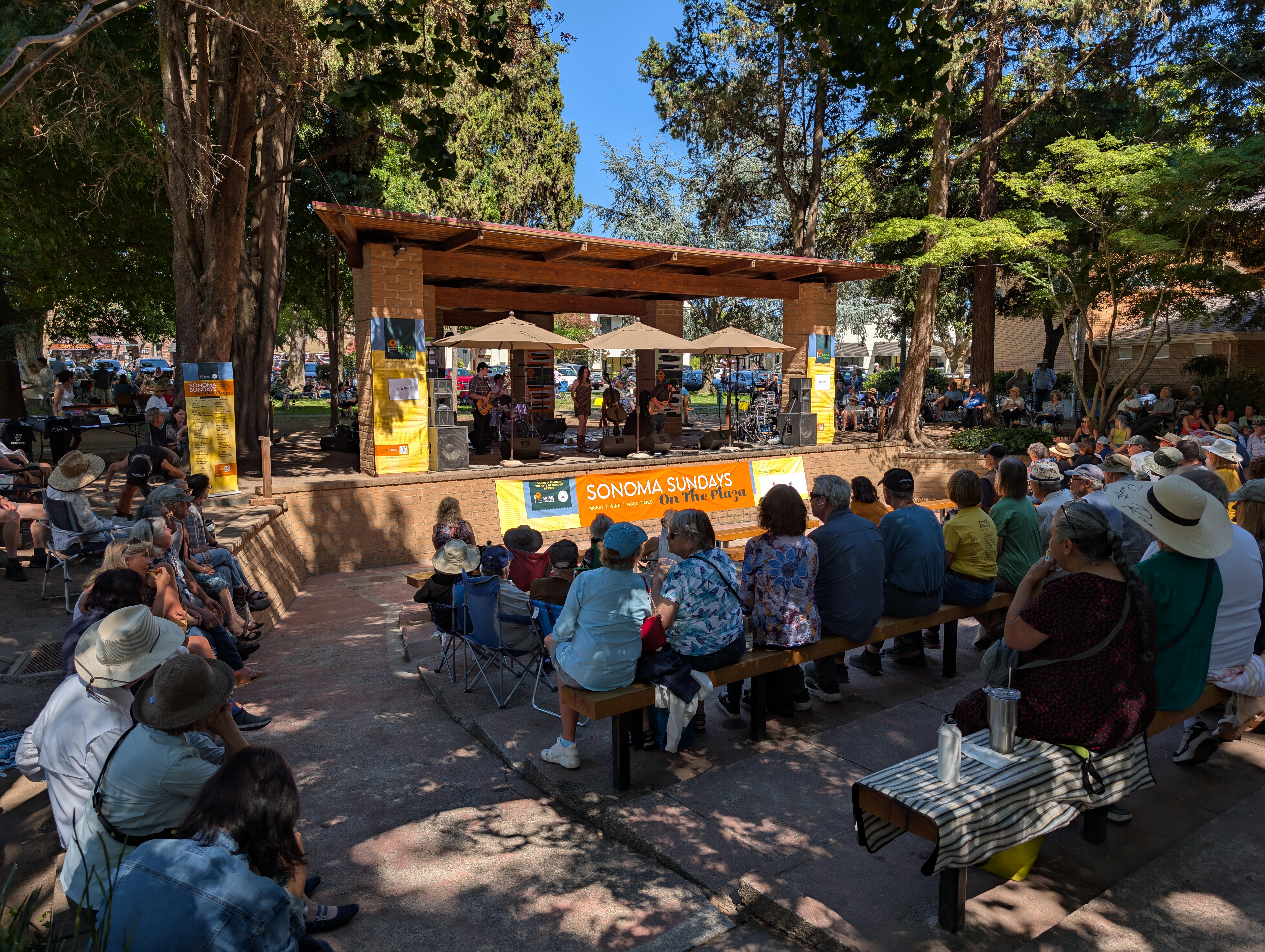
 Because:Sonoma Plaza dessert With a nice cup of Tea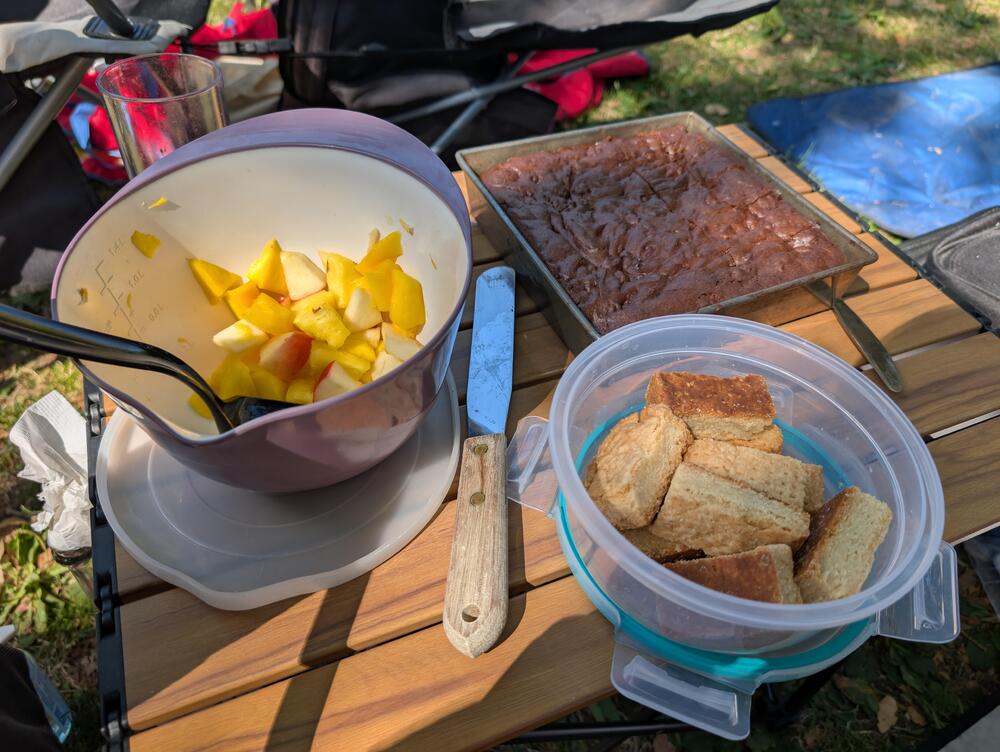
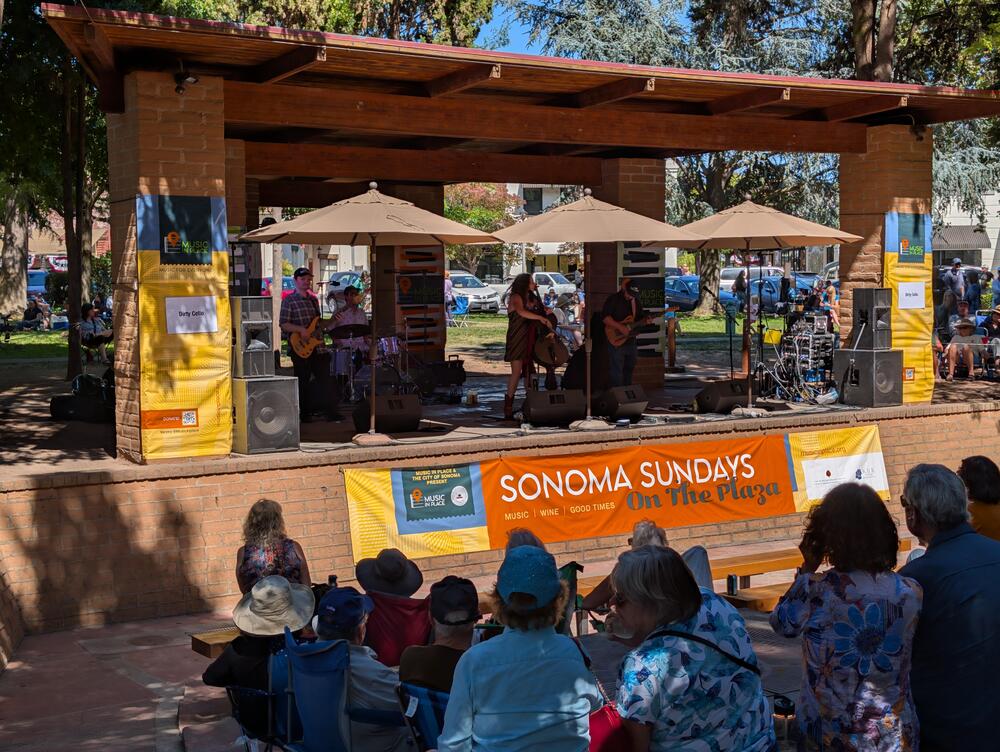
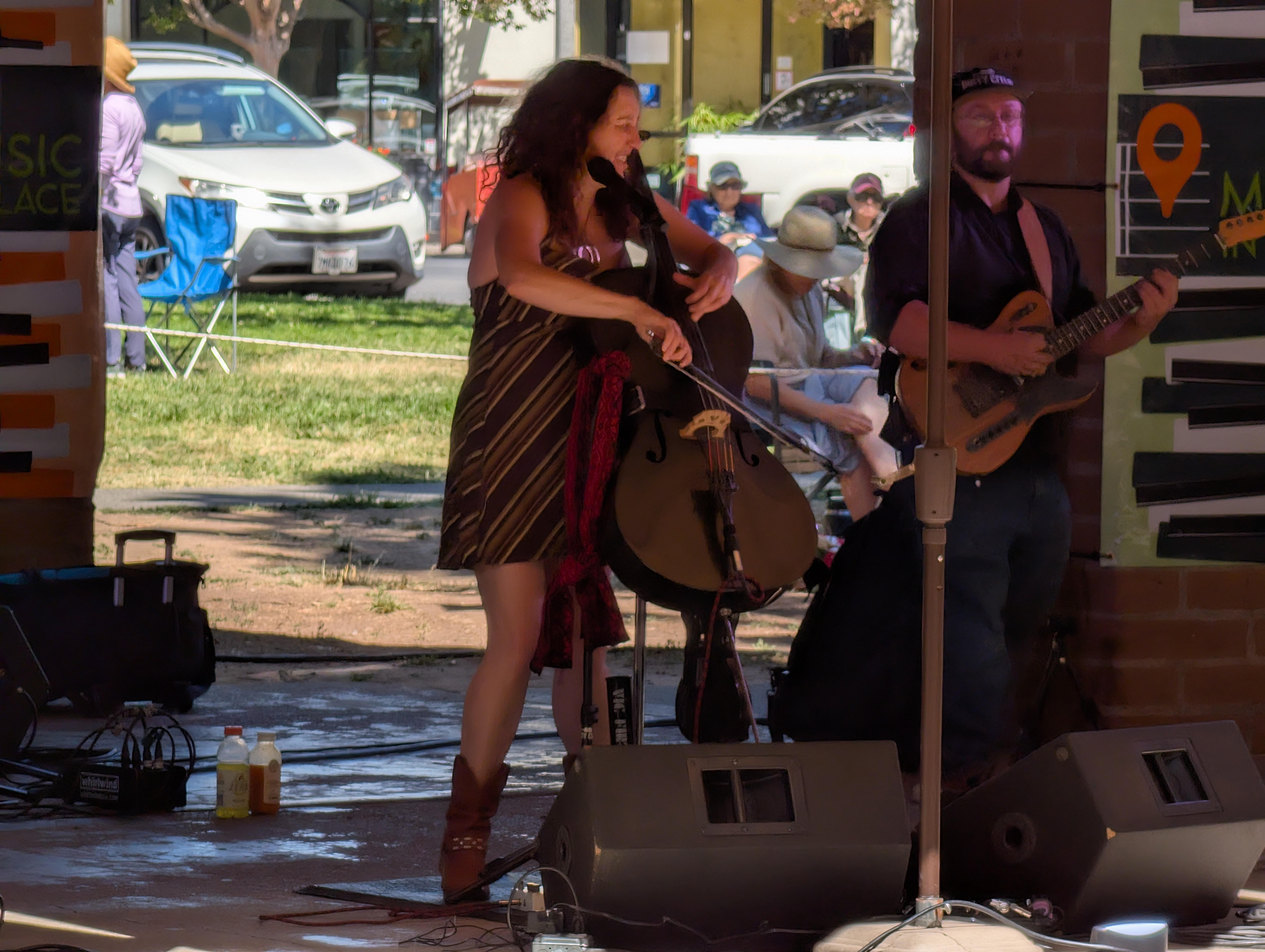
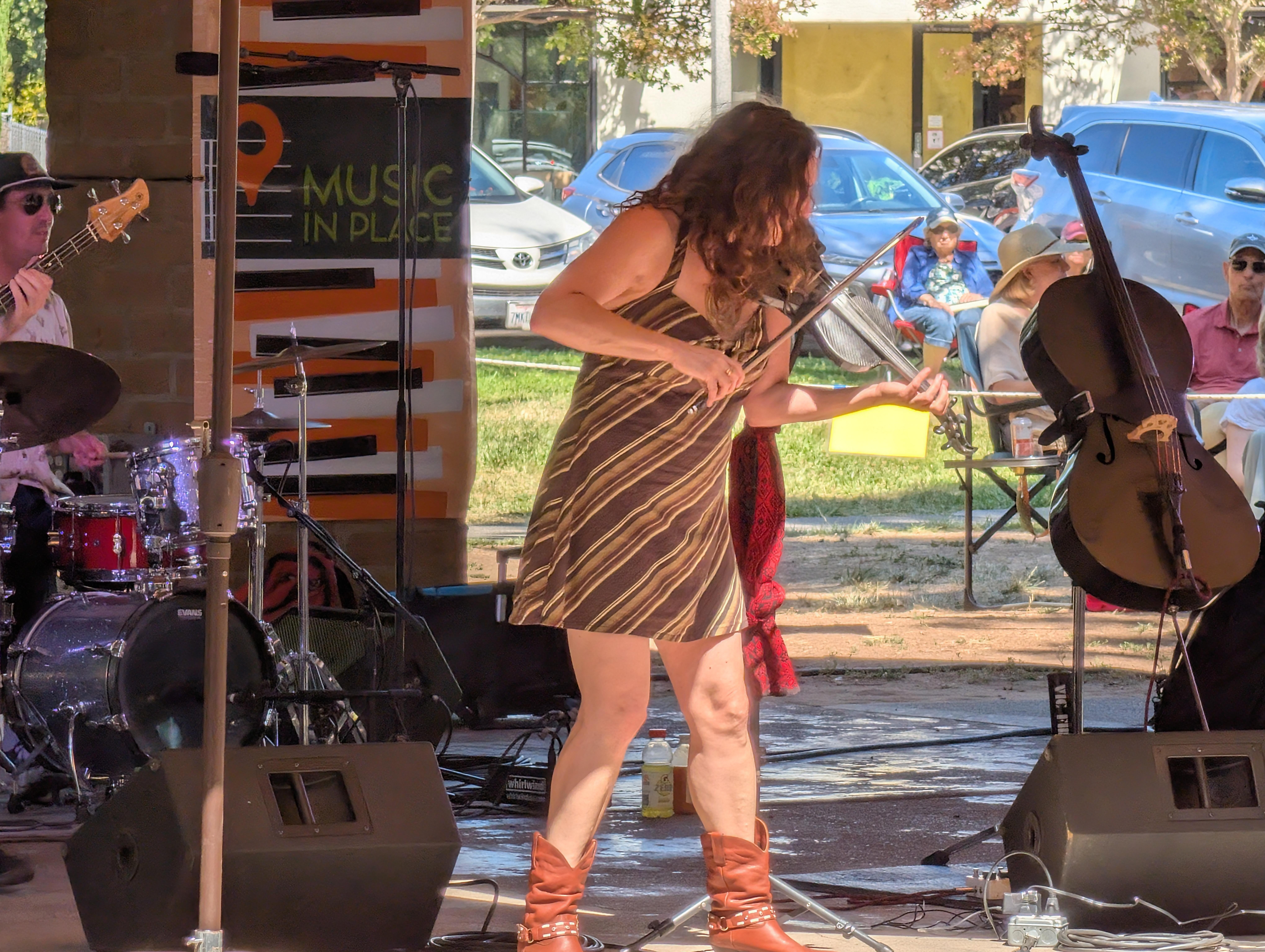
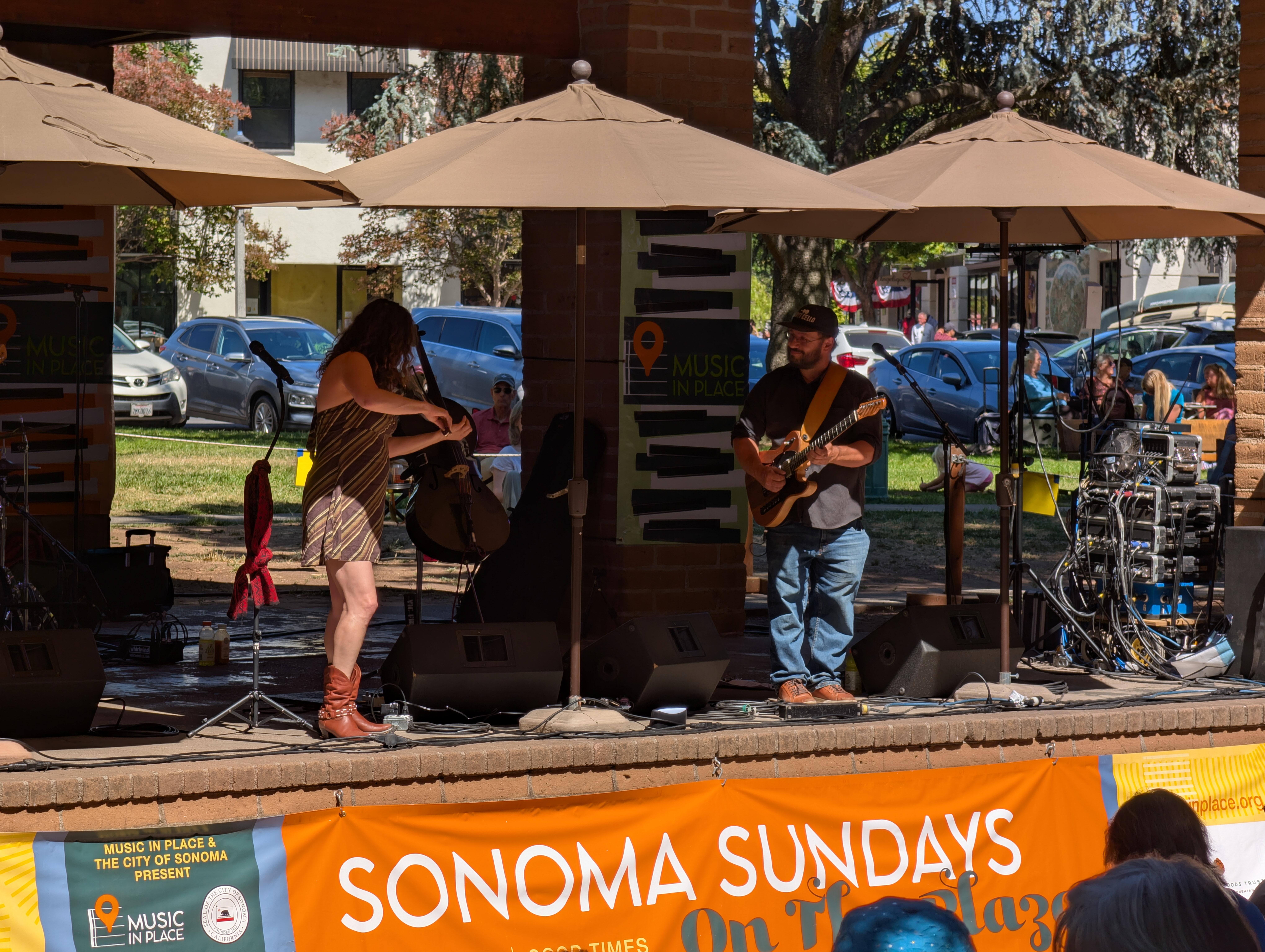
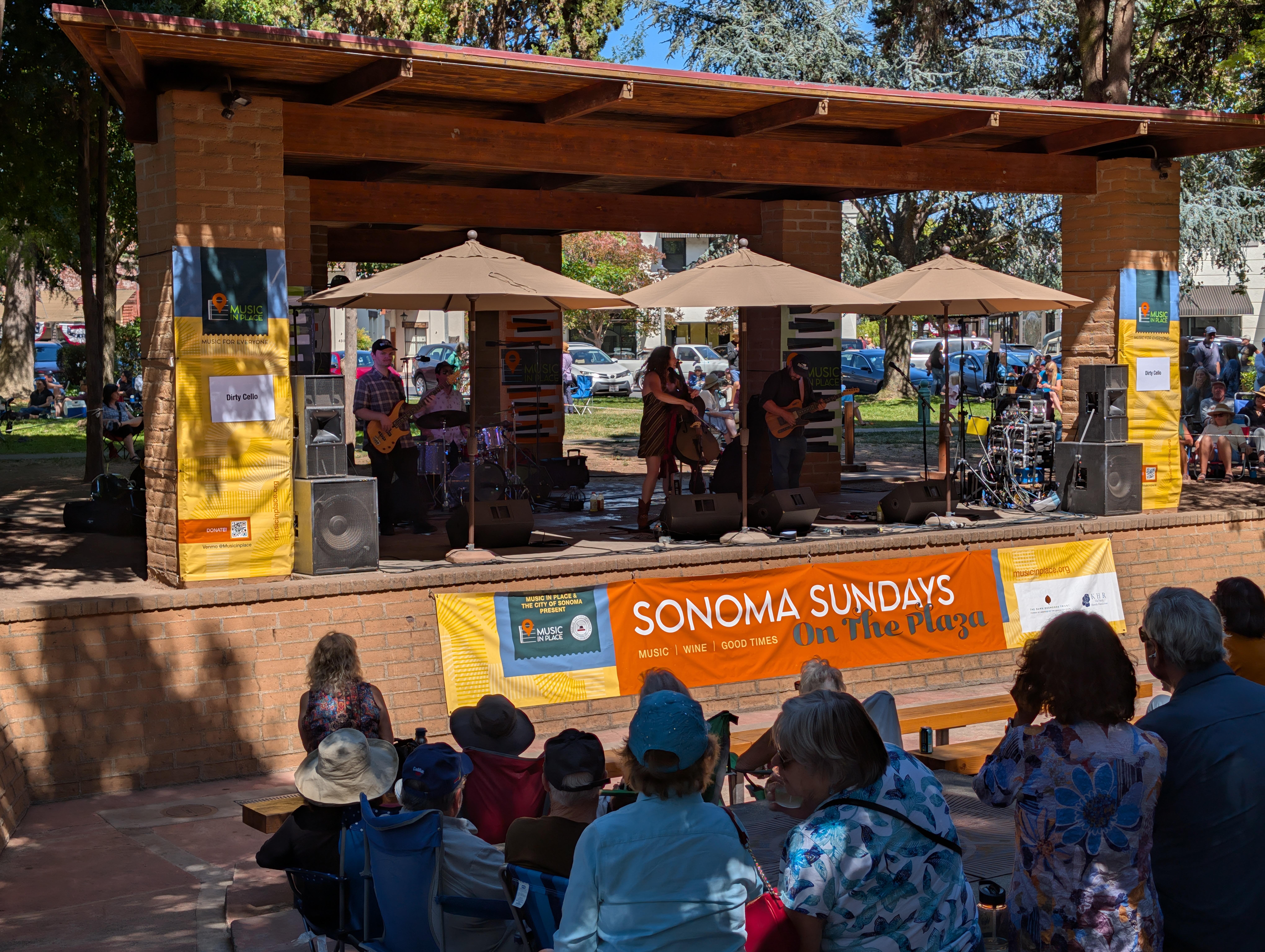
 Dirty Cello @ Music in Place,Sonoma Plaza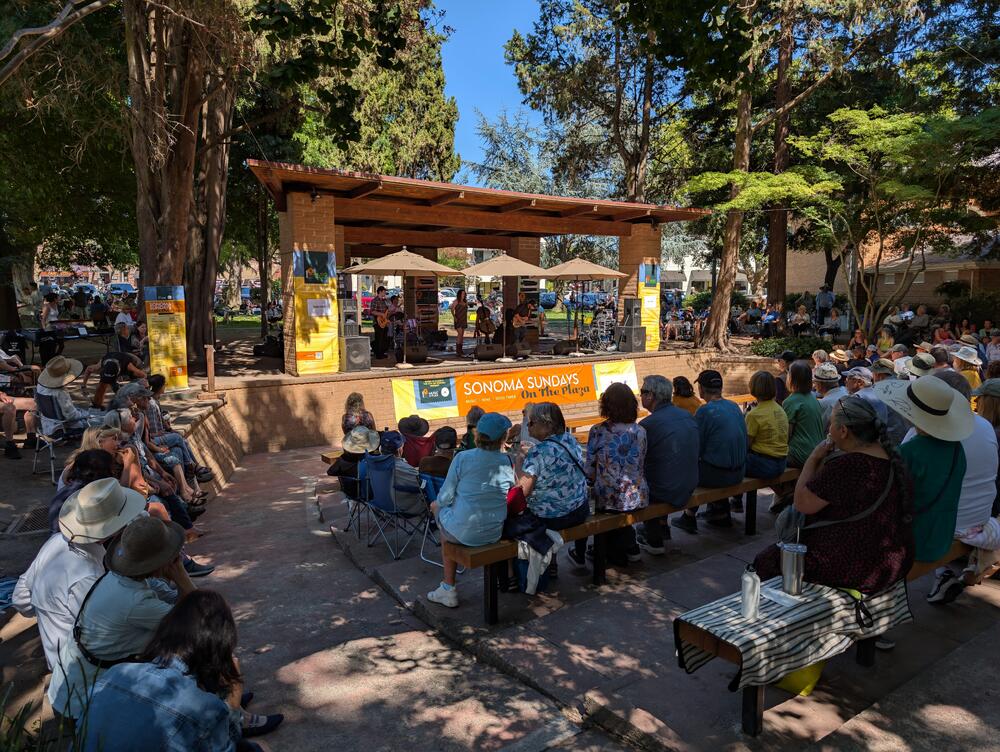
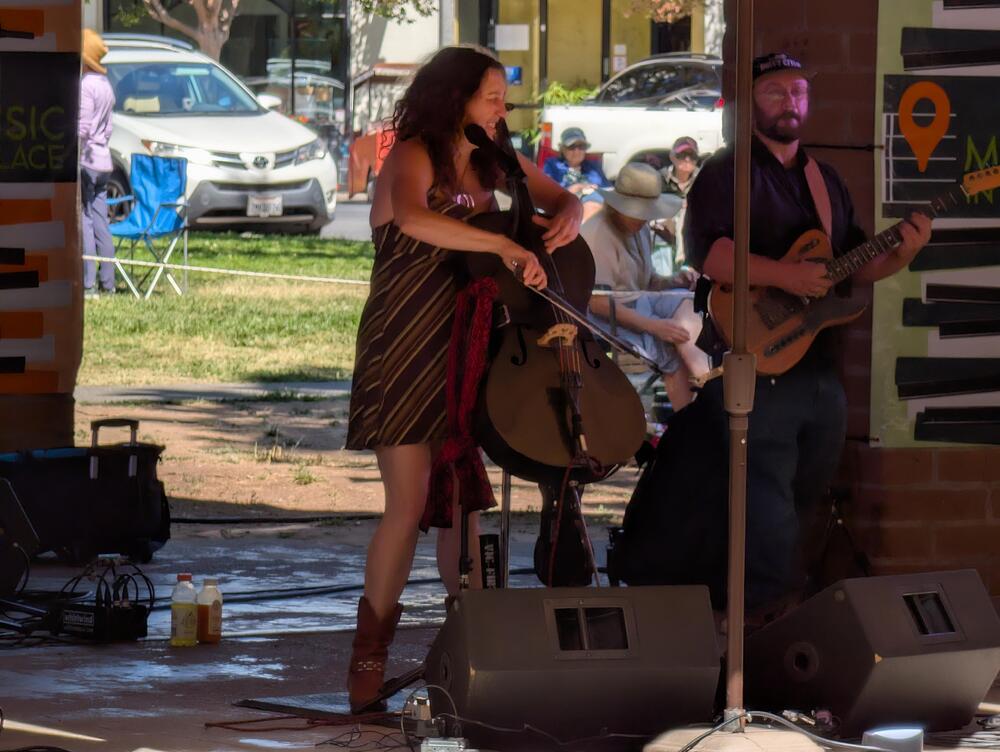
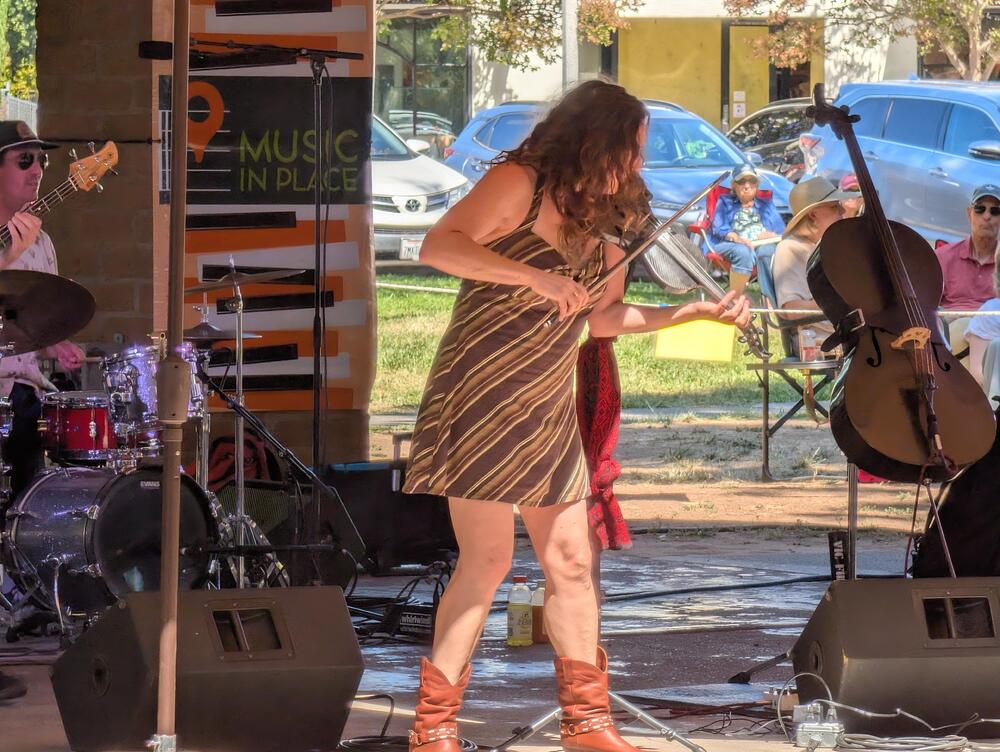
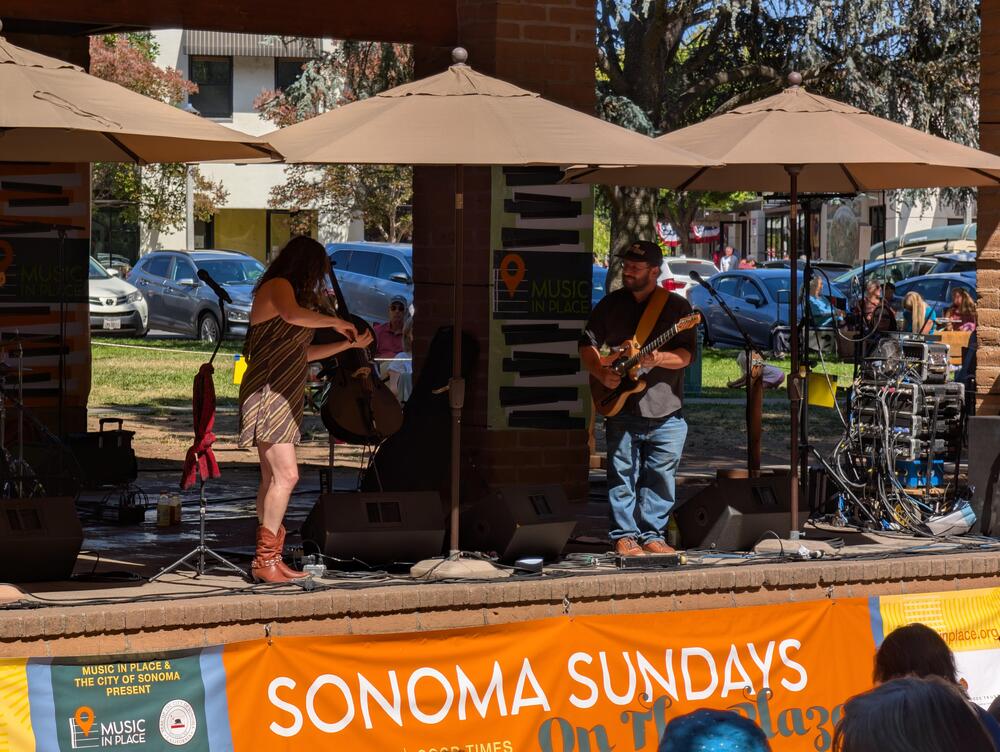
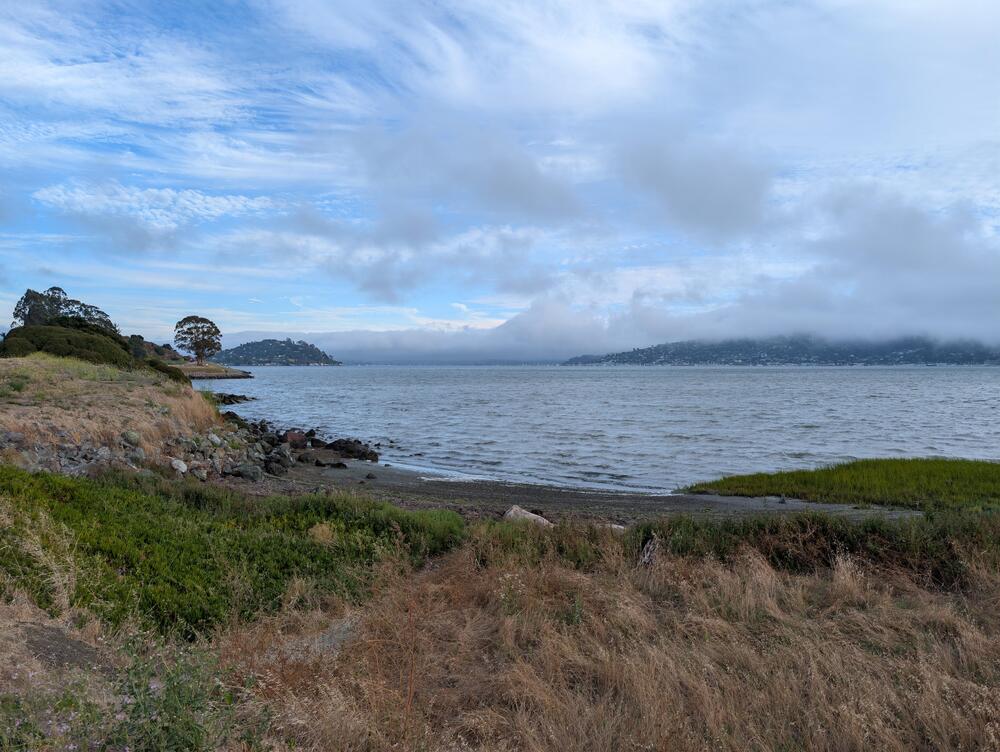
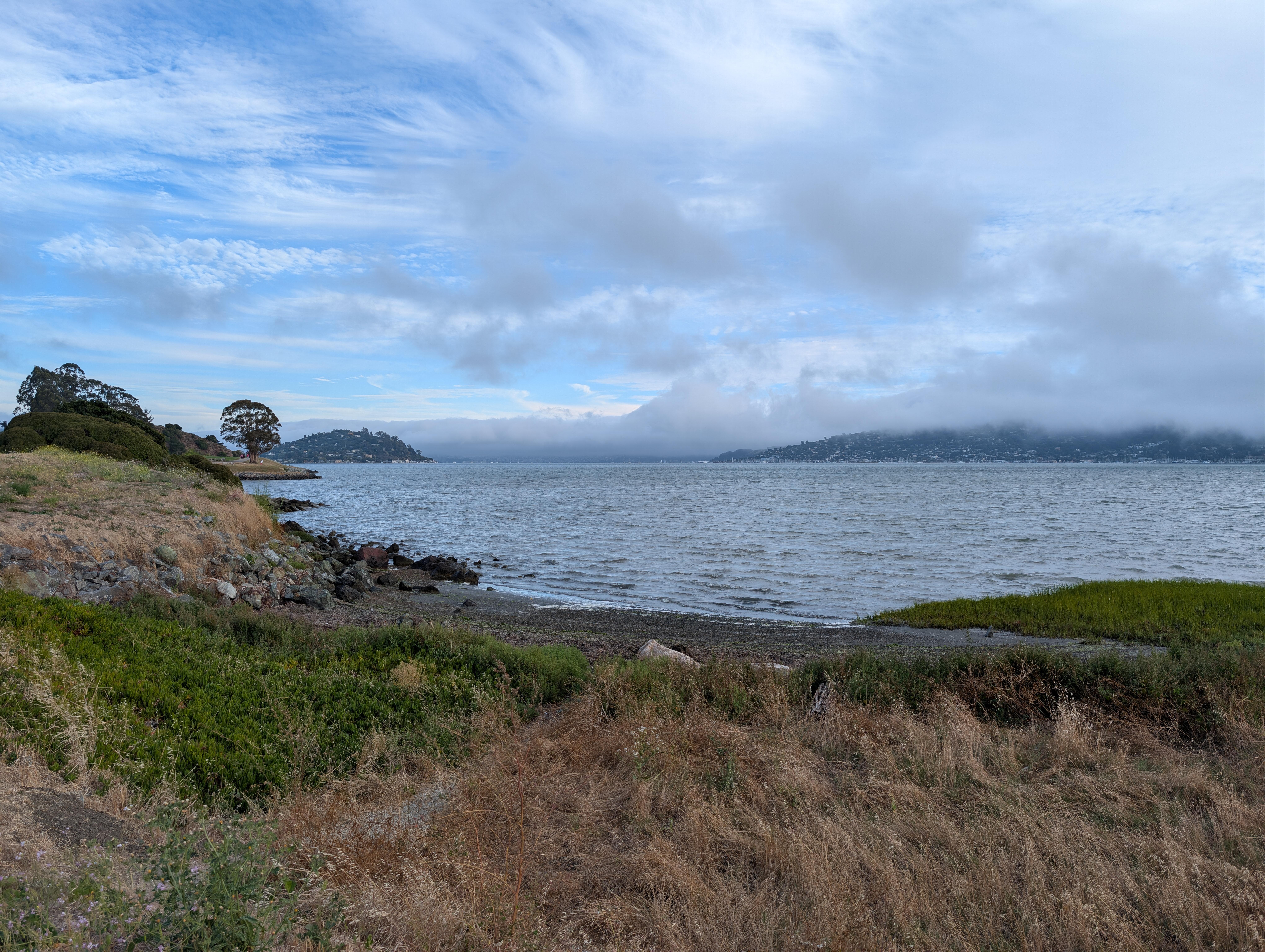
 Went all the way to Tiburon in an abortive attempt to see the 4th July Fireworks on The Golden Gate Bridge. Abandoned the attempt, due to the Bridge being enveloped in fog. So we came home. To watch YouTube Happy Birthday America
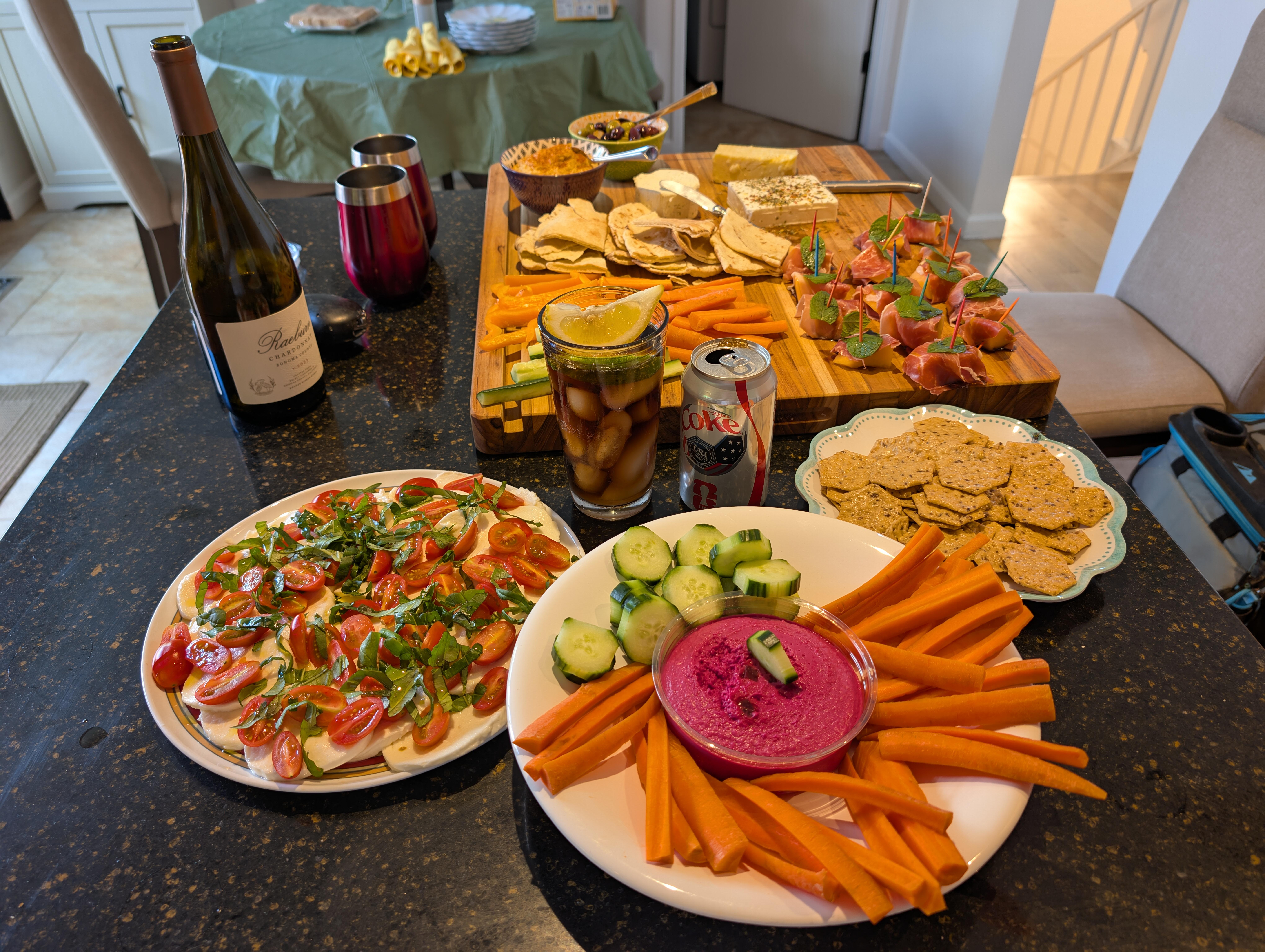
 The first 3 were that good?IndeedNibbles for / with the neighbors
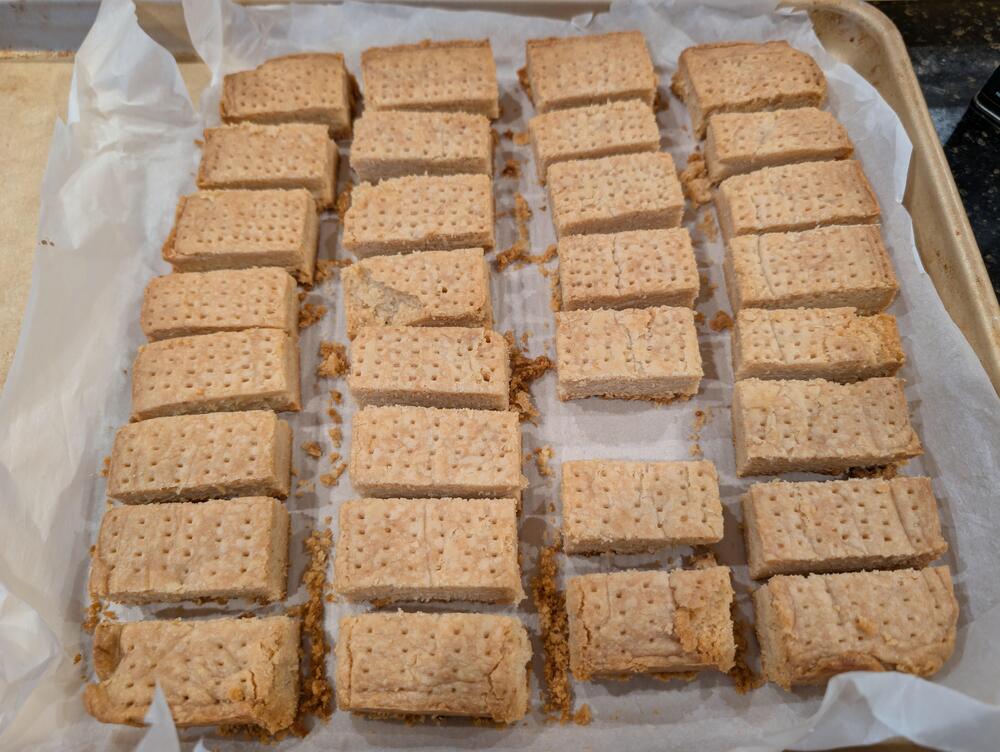
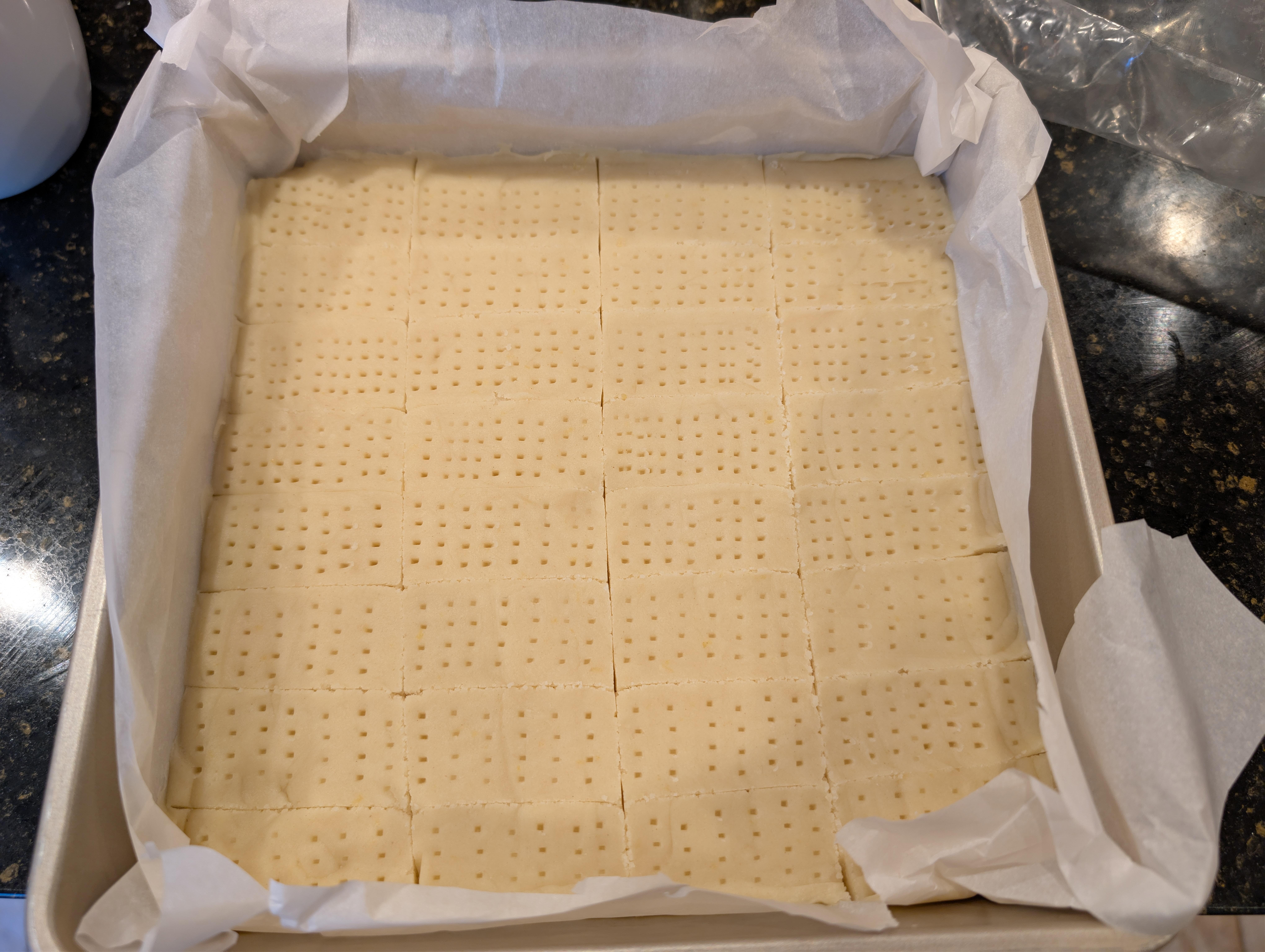
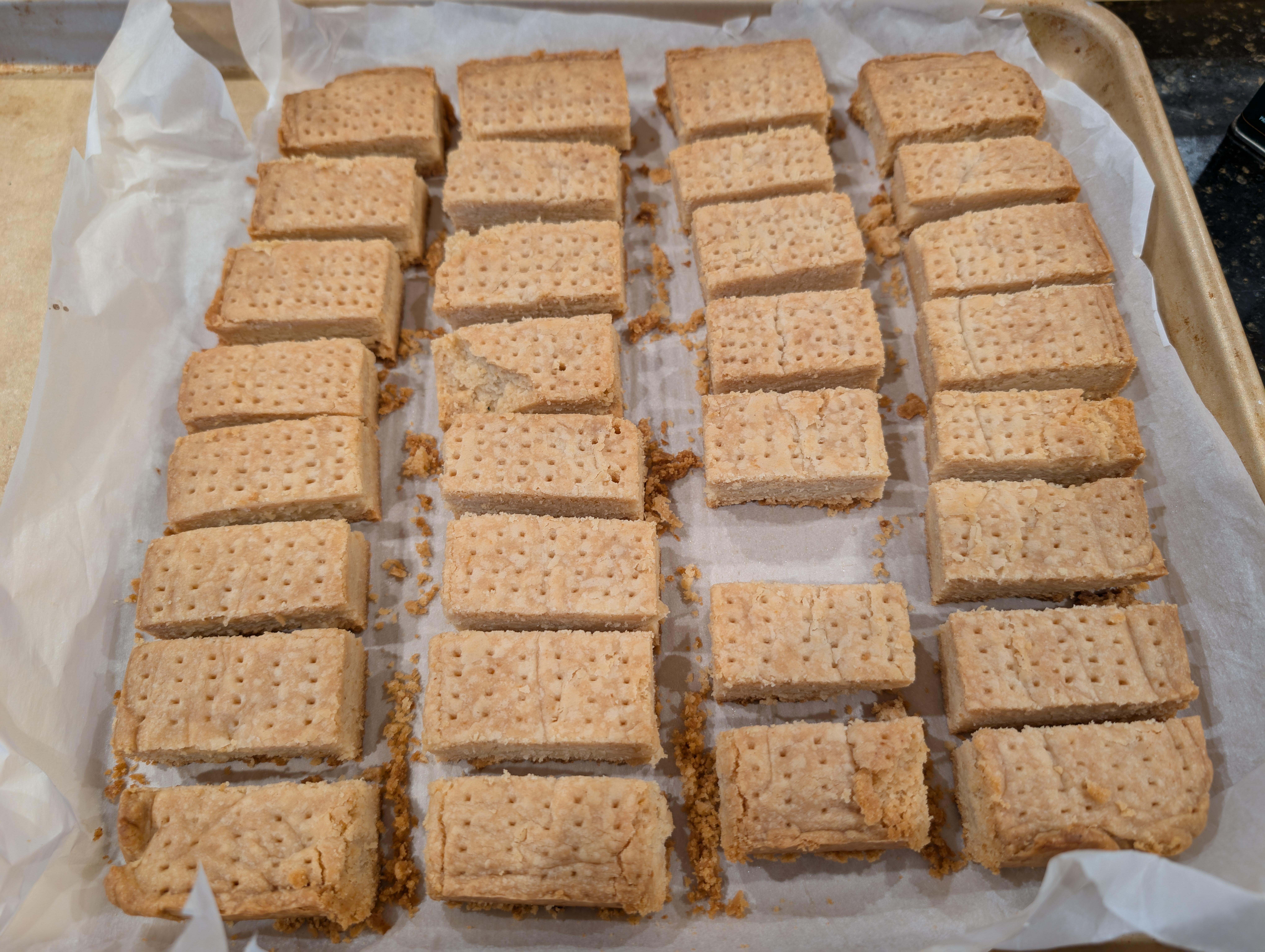
 Lemon shortbread. Joanne on sampling it, said it goes well with Sauvignon Blanc.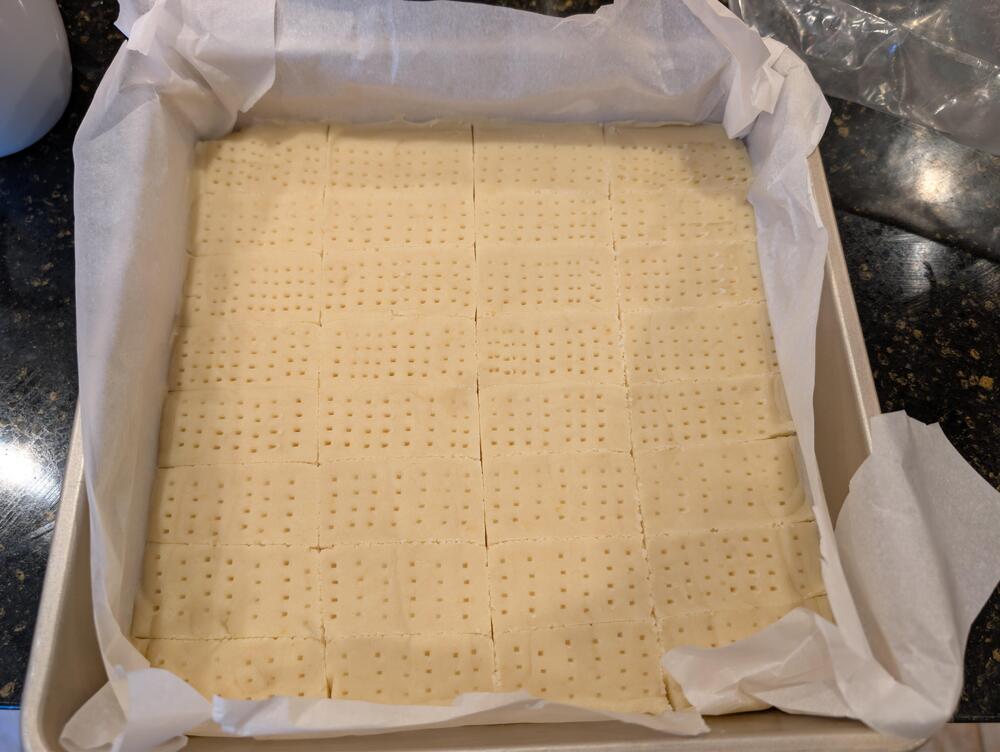
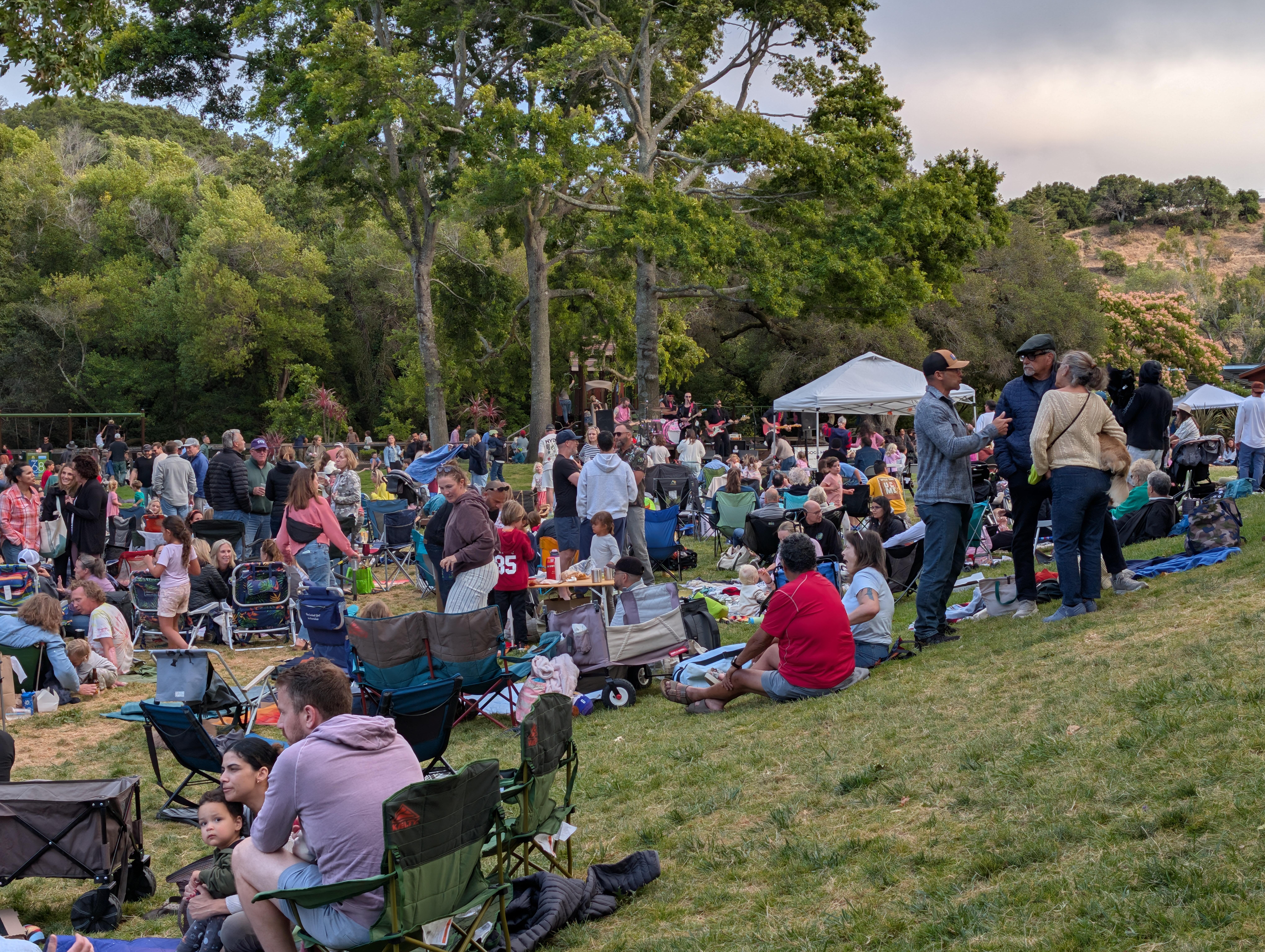
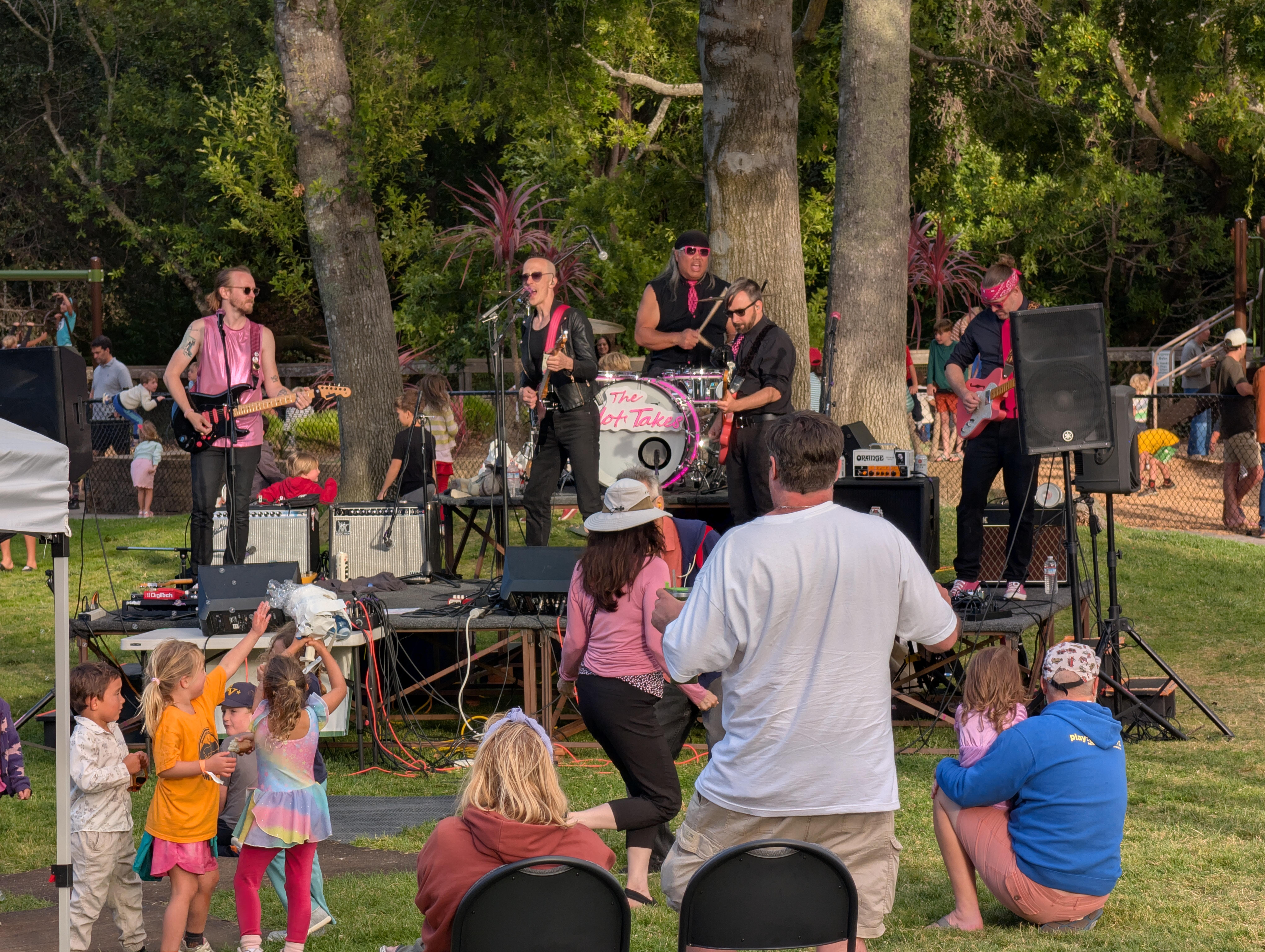
 Is Marinwood Ready for The Hot Takes? Well, the younglings enjoyed the mosh pit!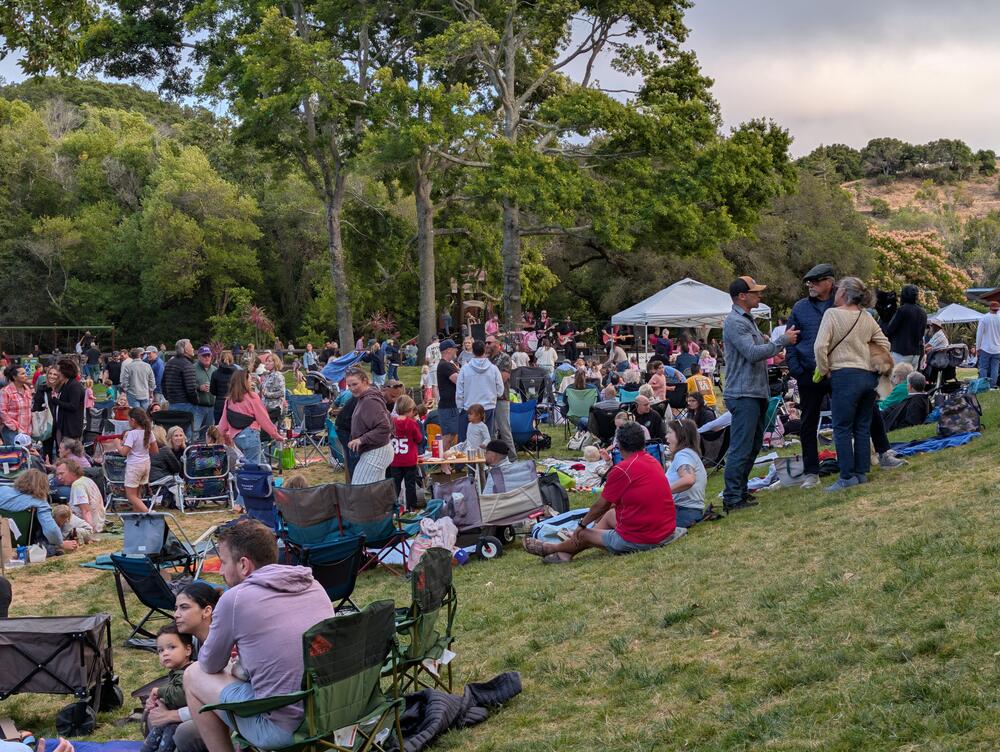
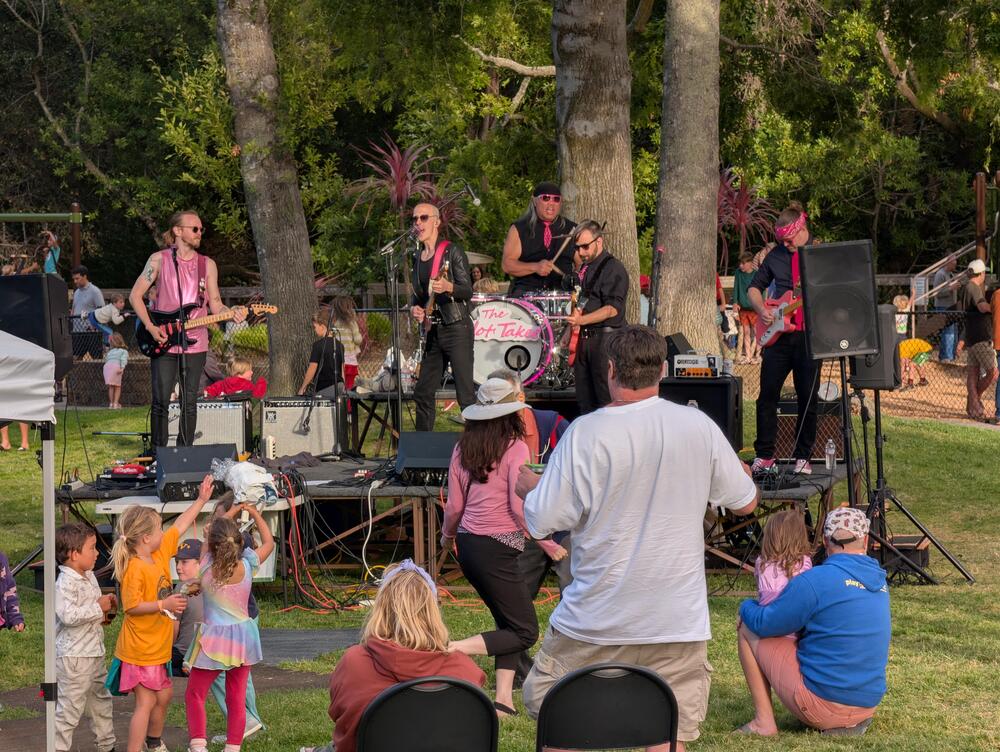 And @MexicanDragon your avatar has gone.Sometimes the algorithm is just weird ... Considering she is Weird Al's extra guitarist, and plays Bass / Geddy in a Rush Tribute BandThanks for the update and all you do. new change is new. My avatar seemed to have disappeared, so I uploaded a close enough replacement












Important Information
By using this site, you agree to our Terms of Use.