


Grahame
High Rollers
-
Joined
-
Last visited
Everything posted by Grahame
-
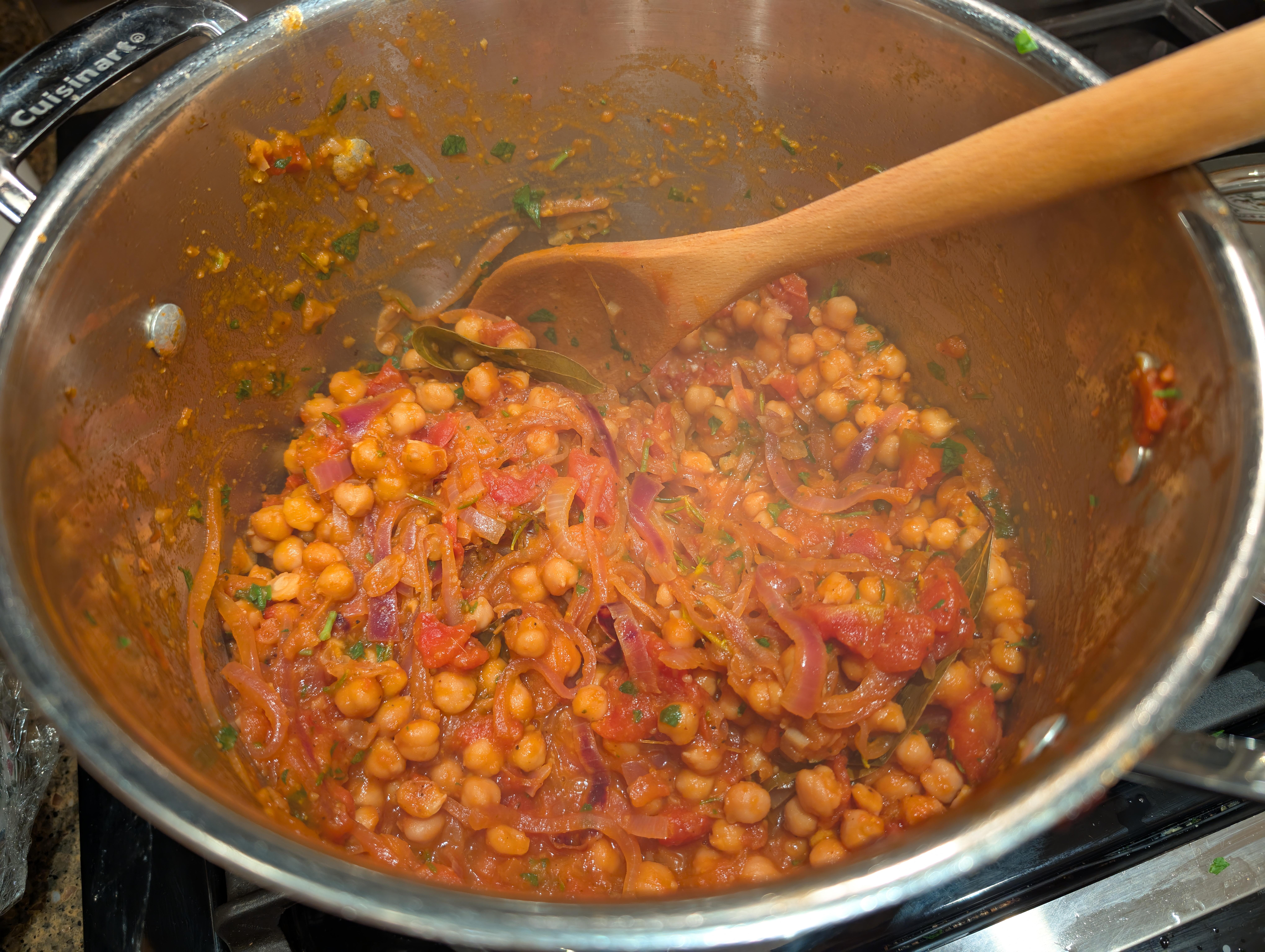
Earth Day Chicken Curry
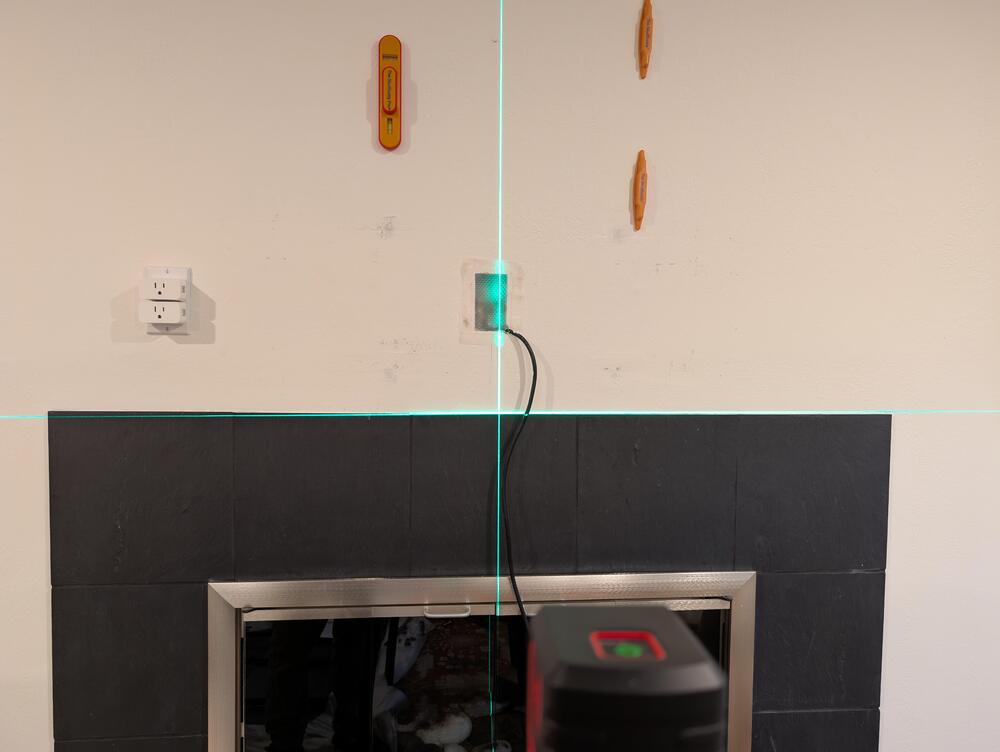
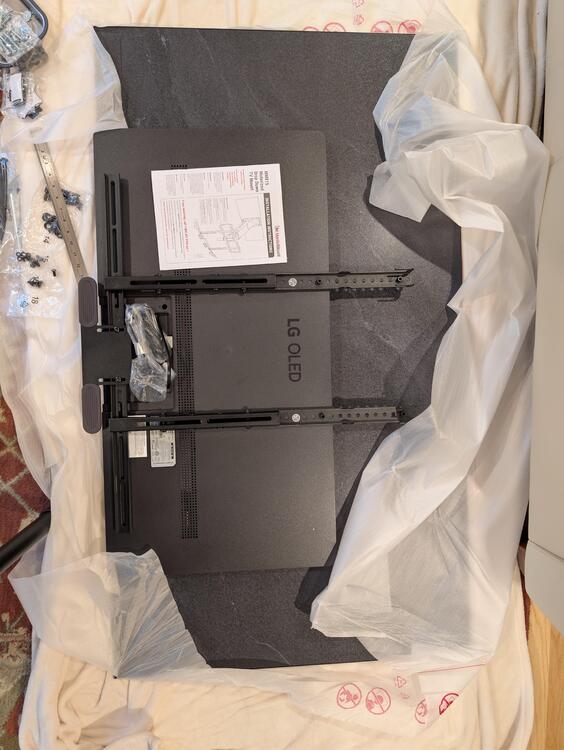
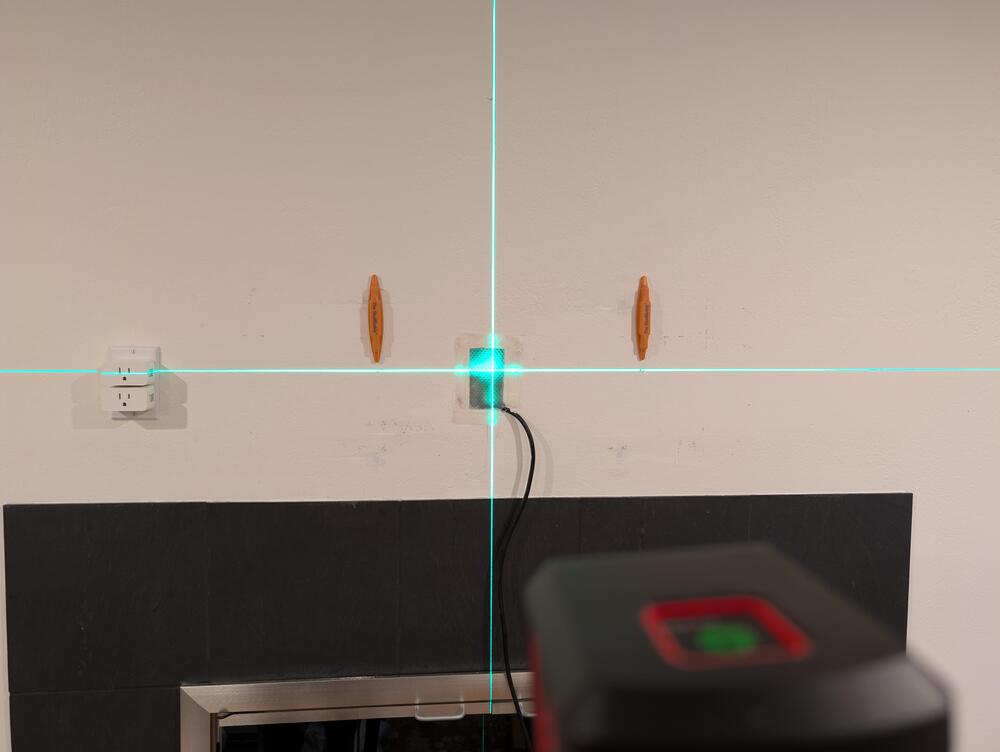
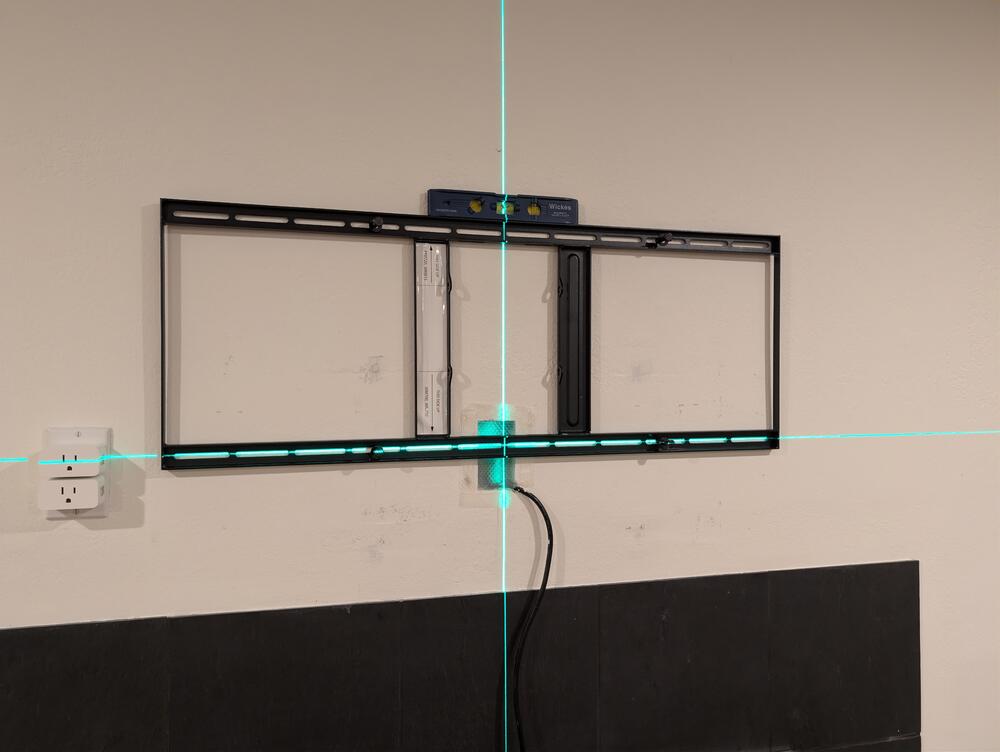
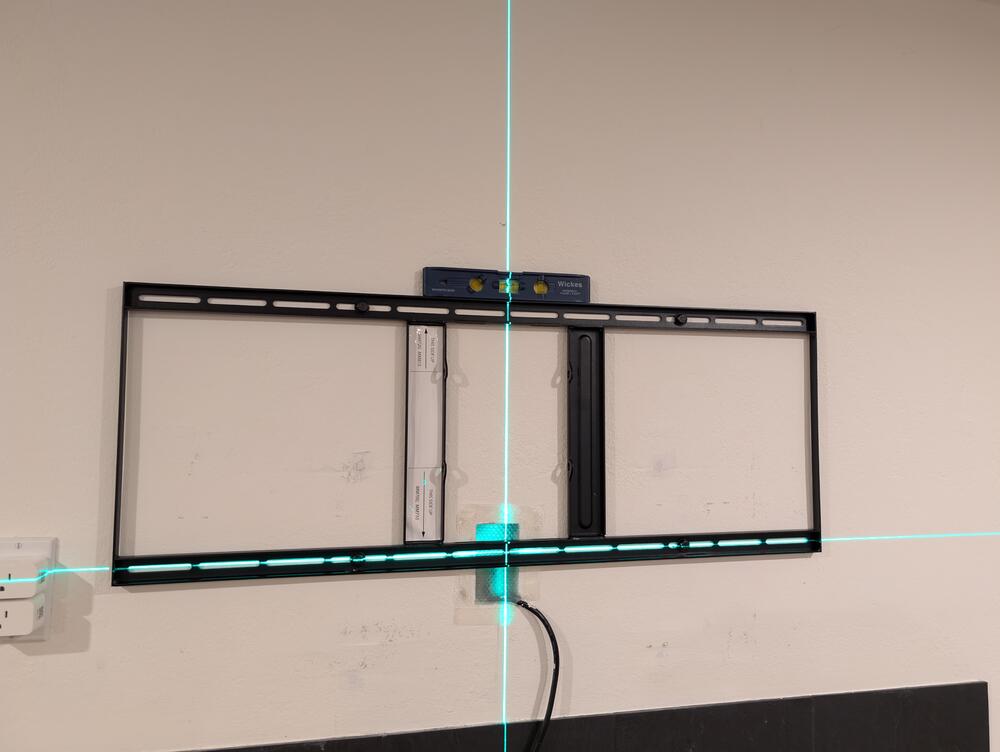
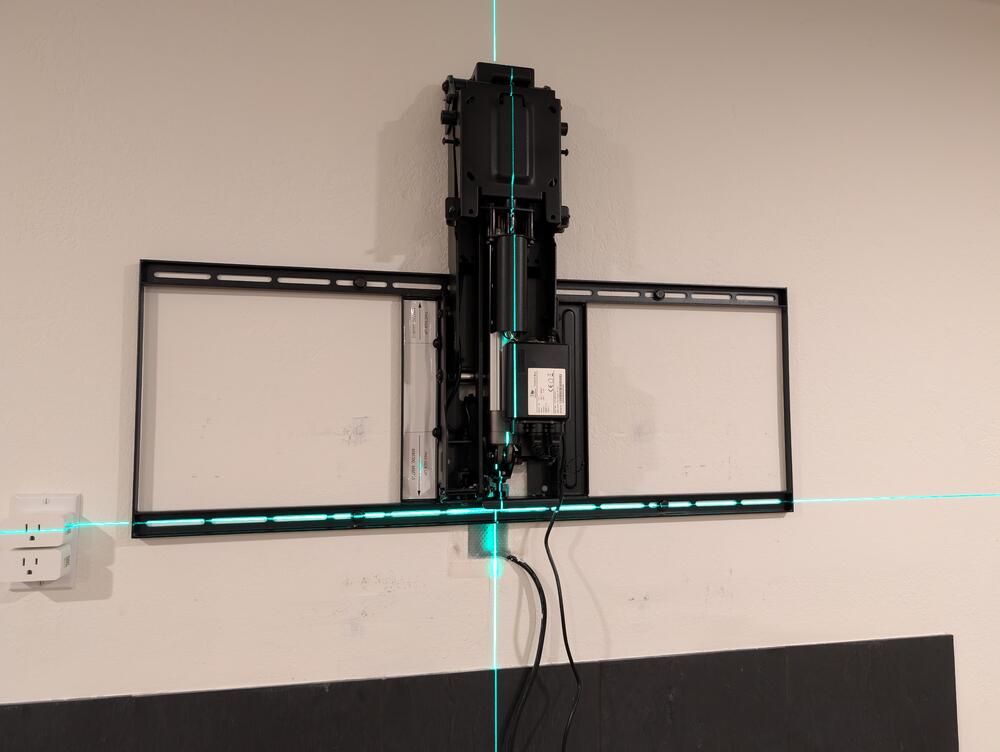
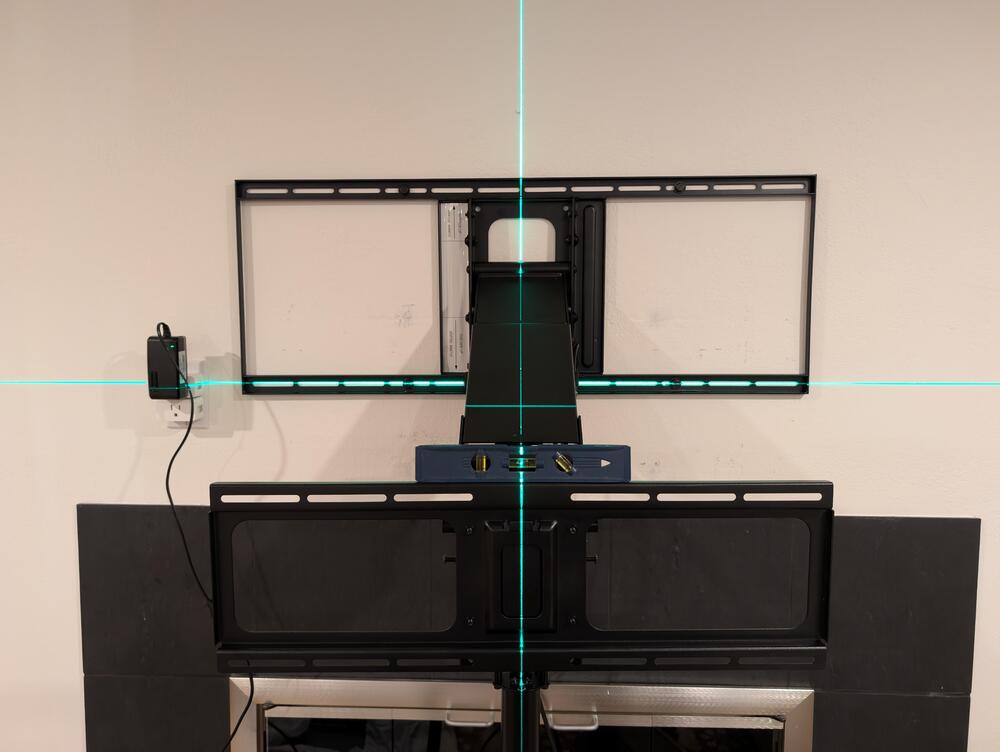
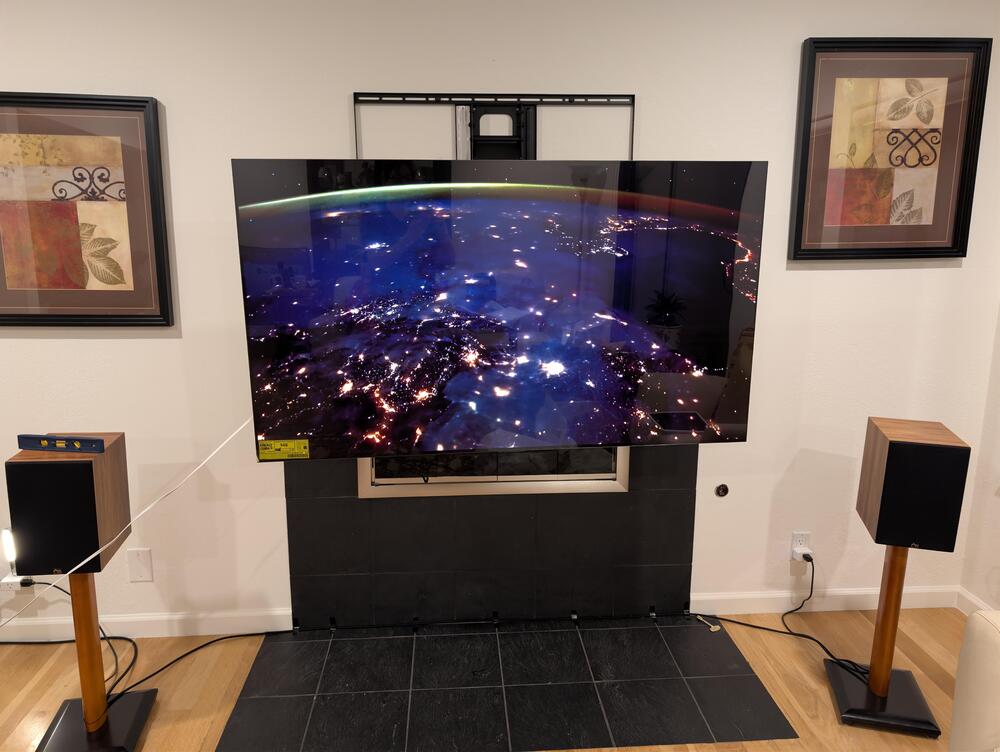
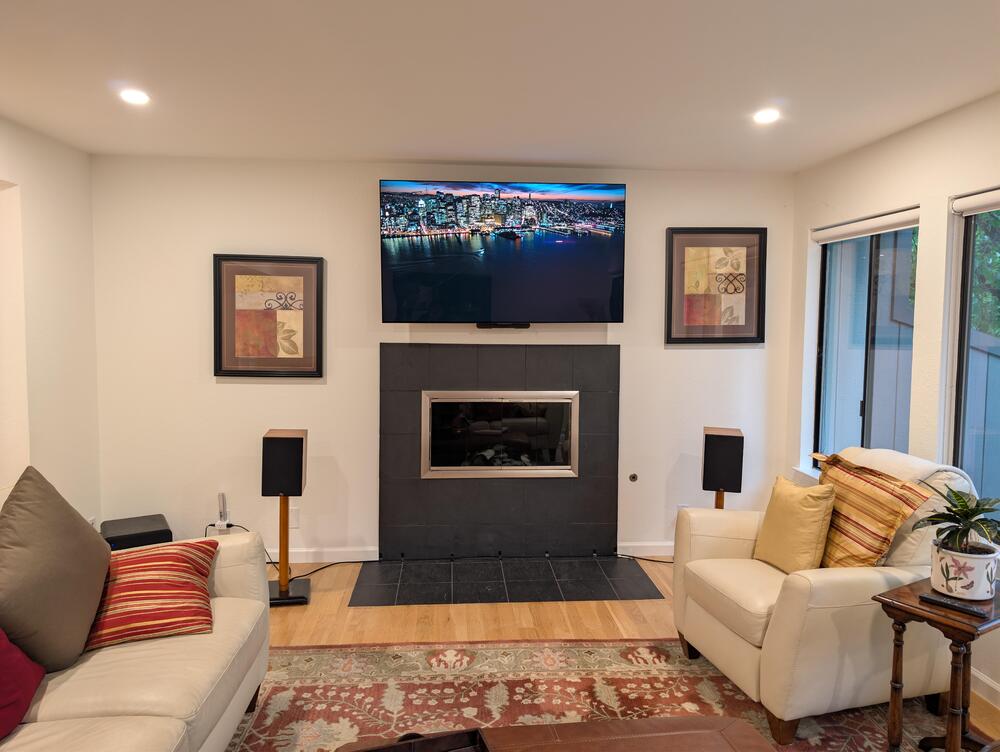
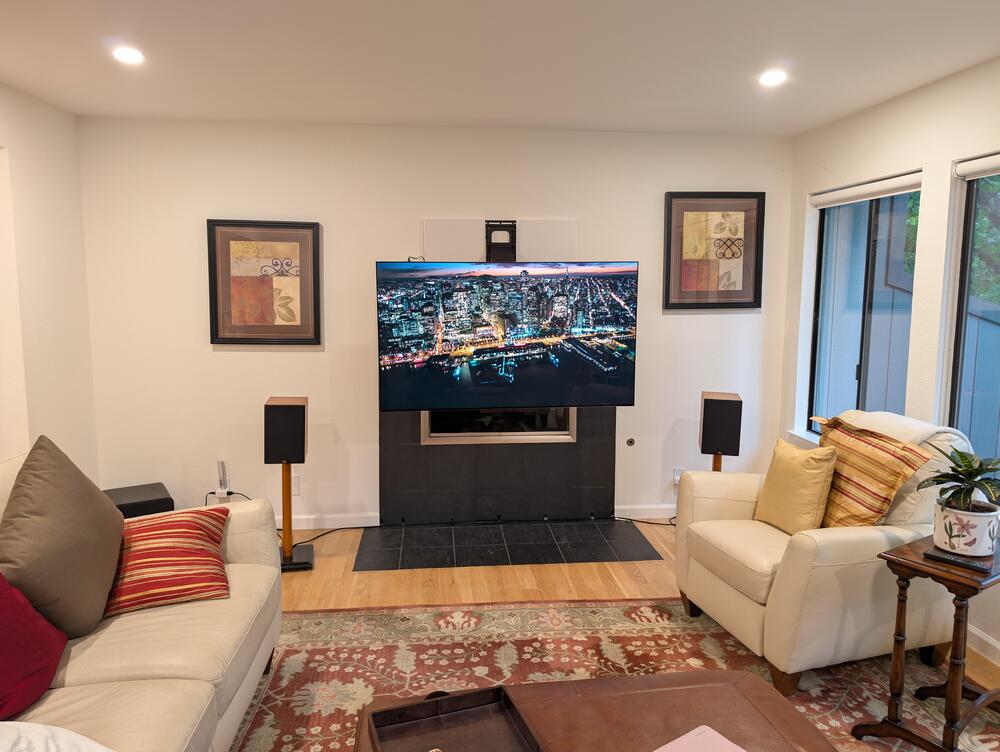
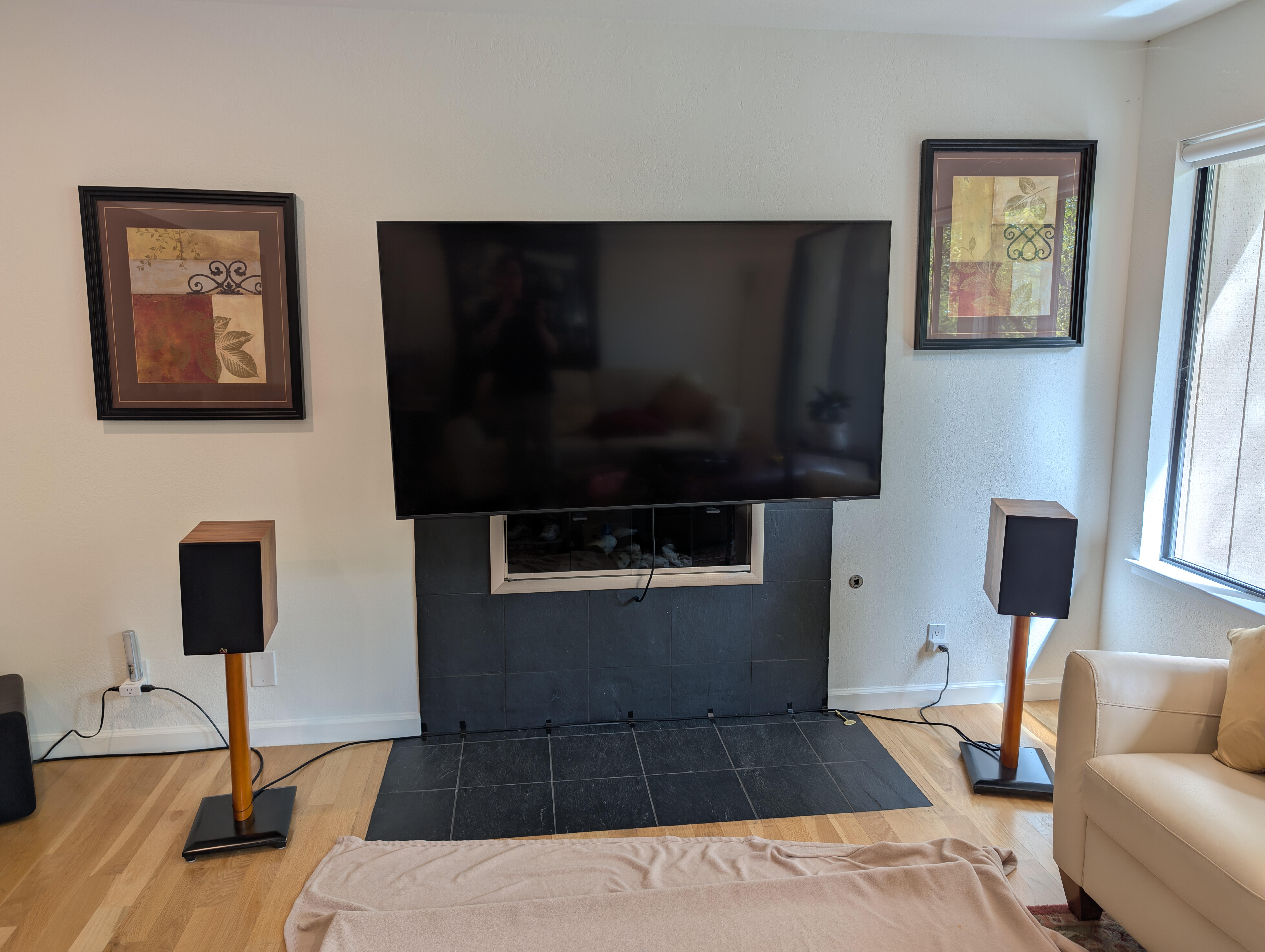
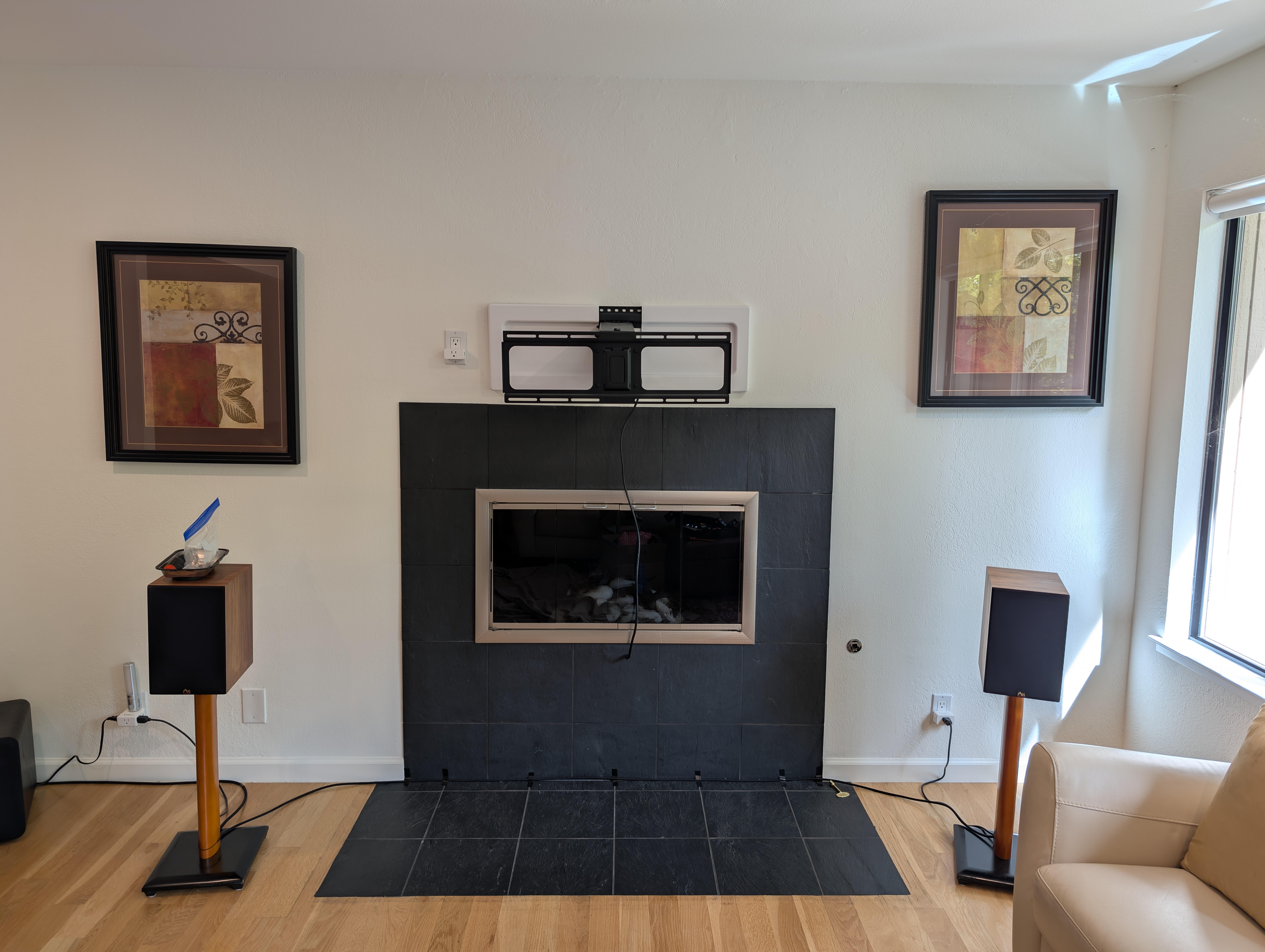
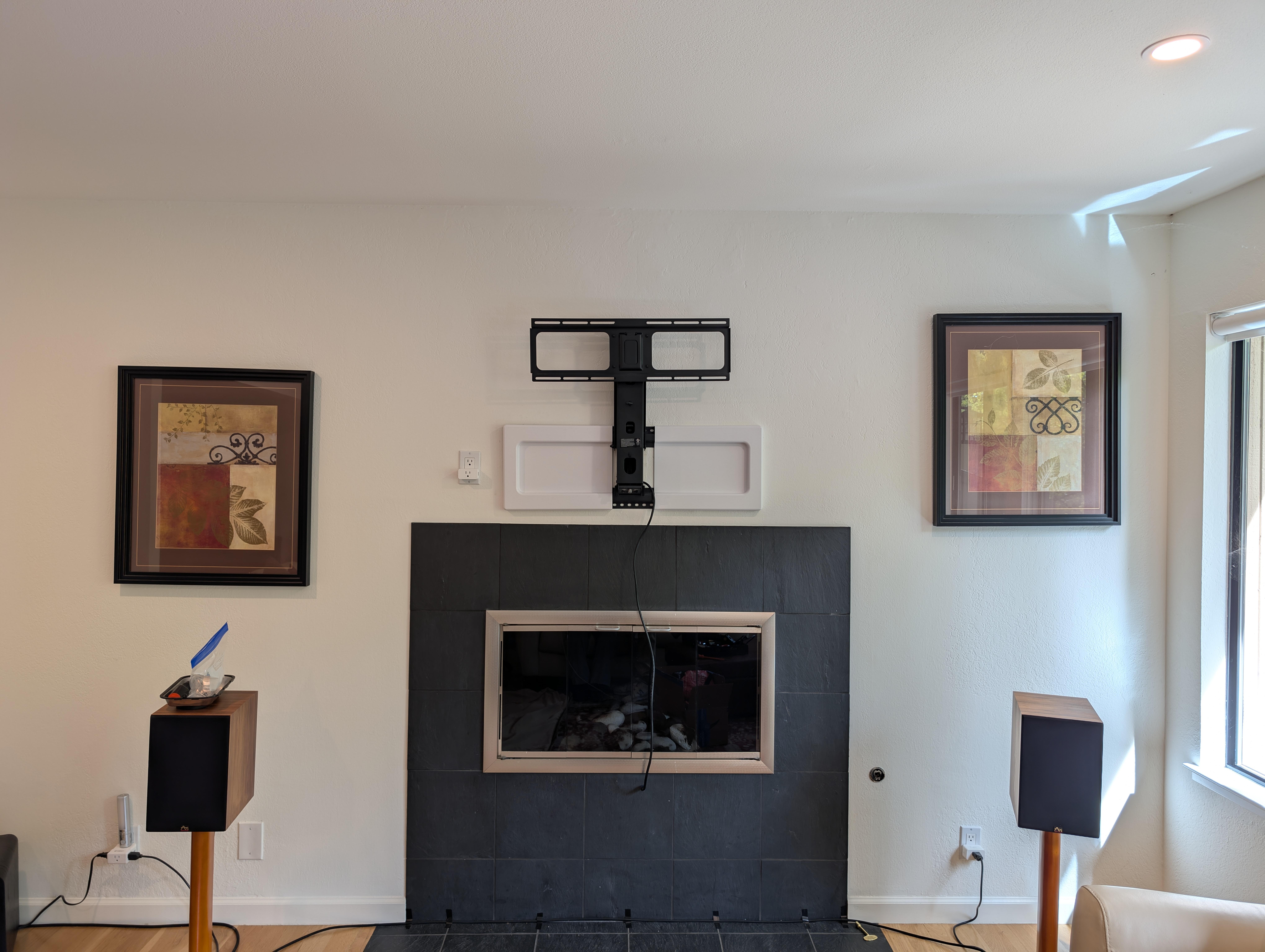
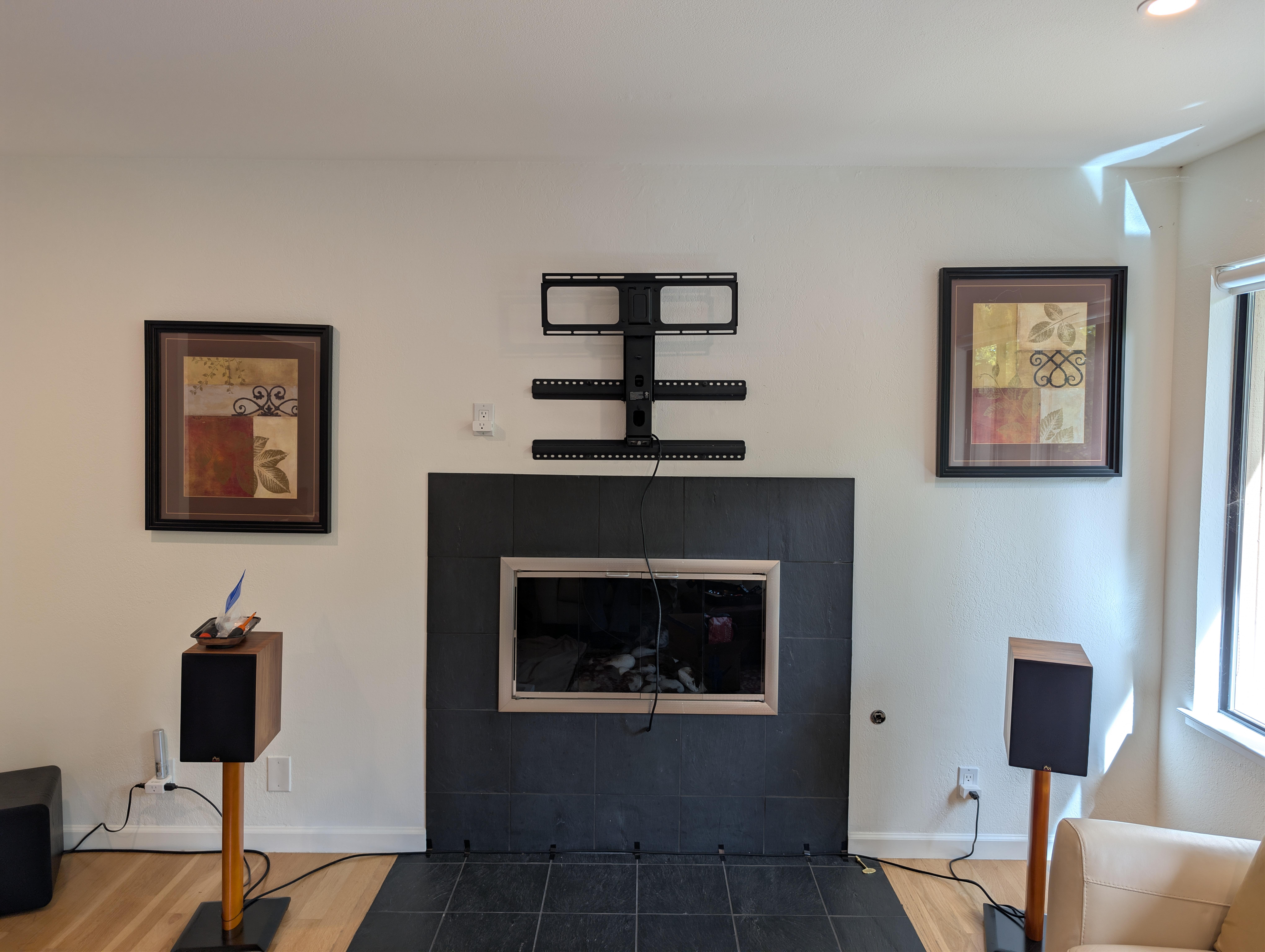
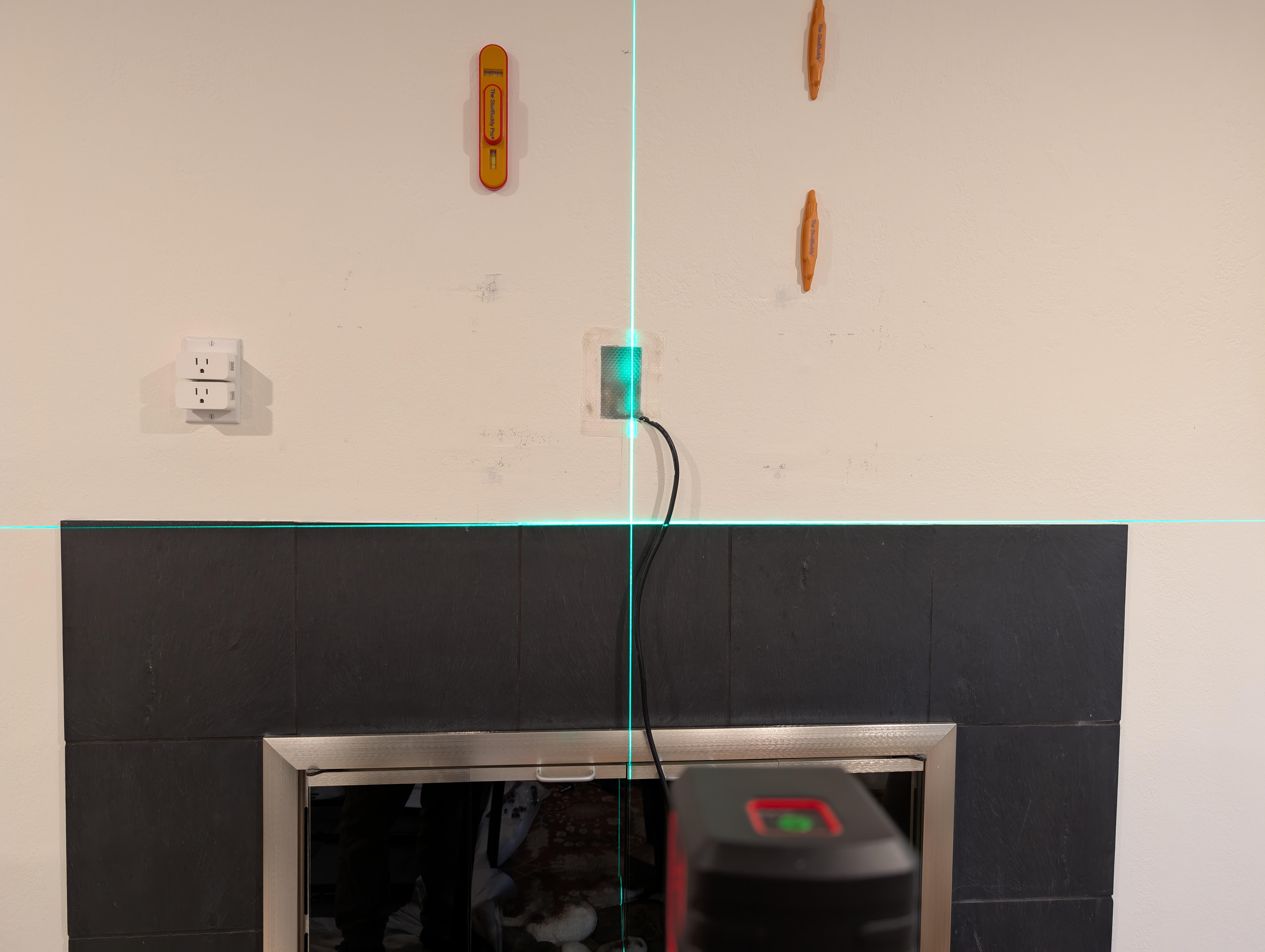
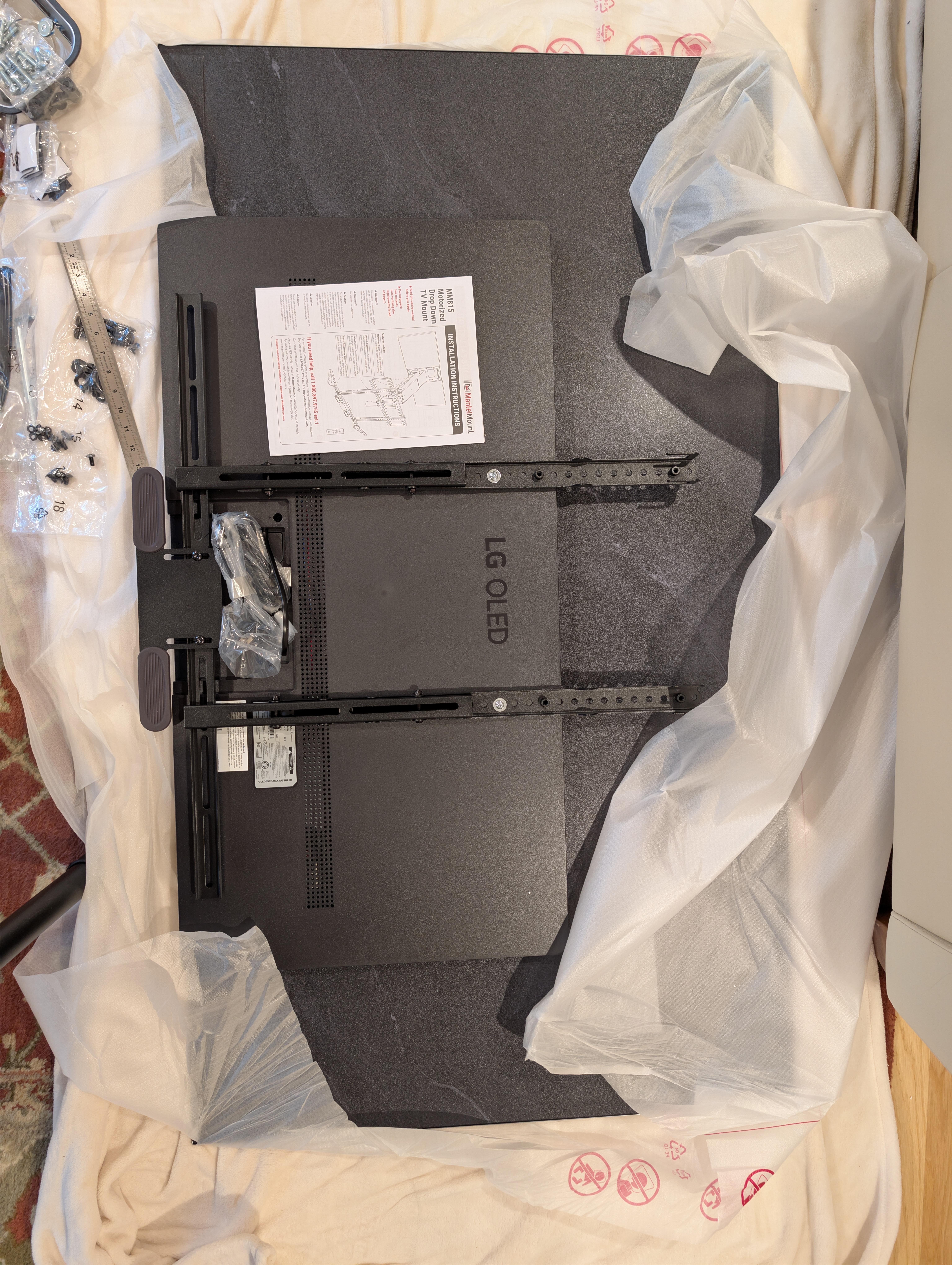
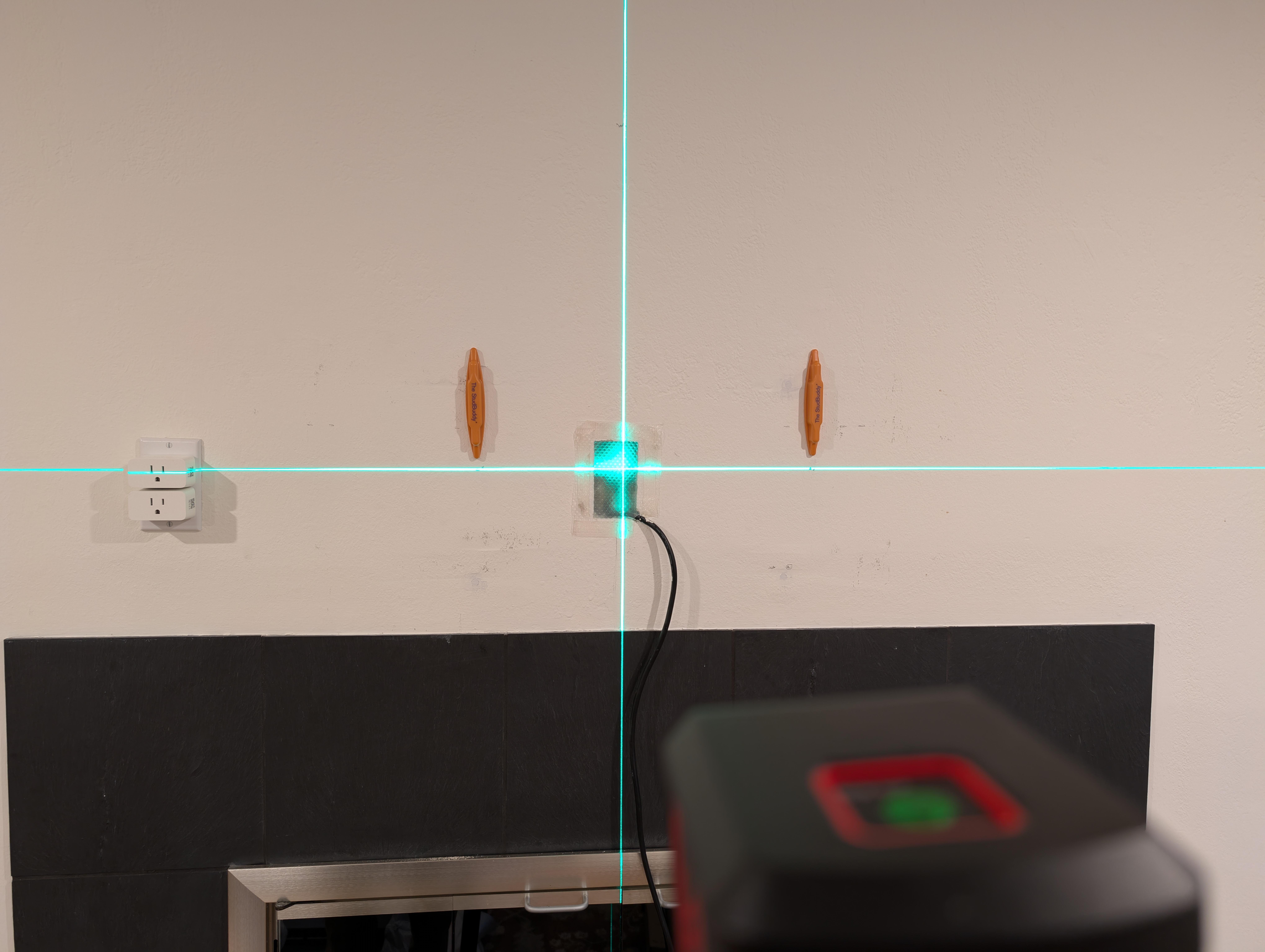
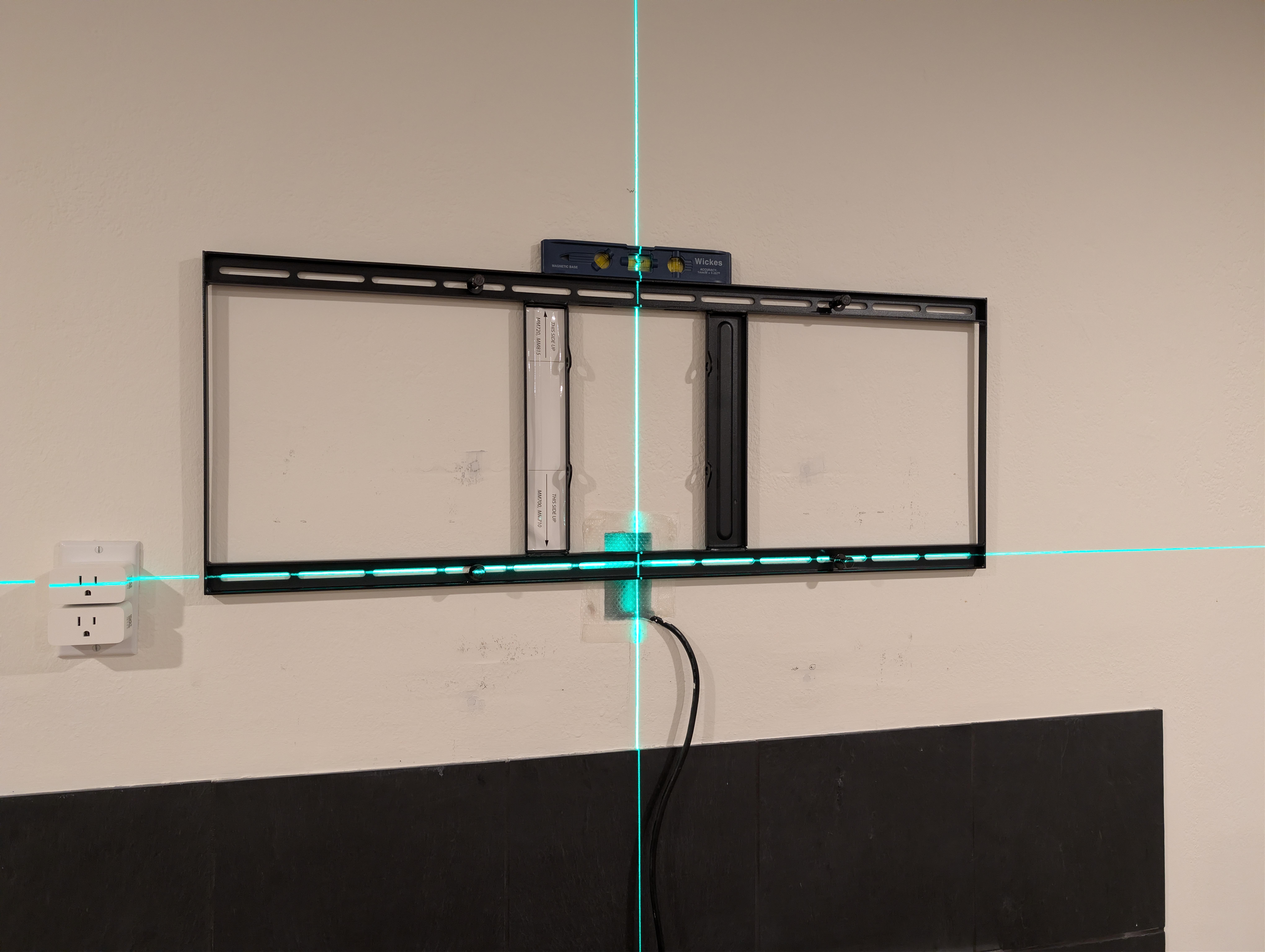
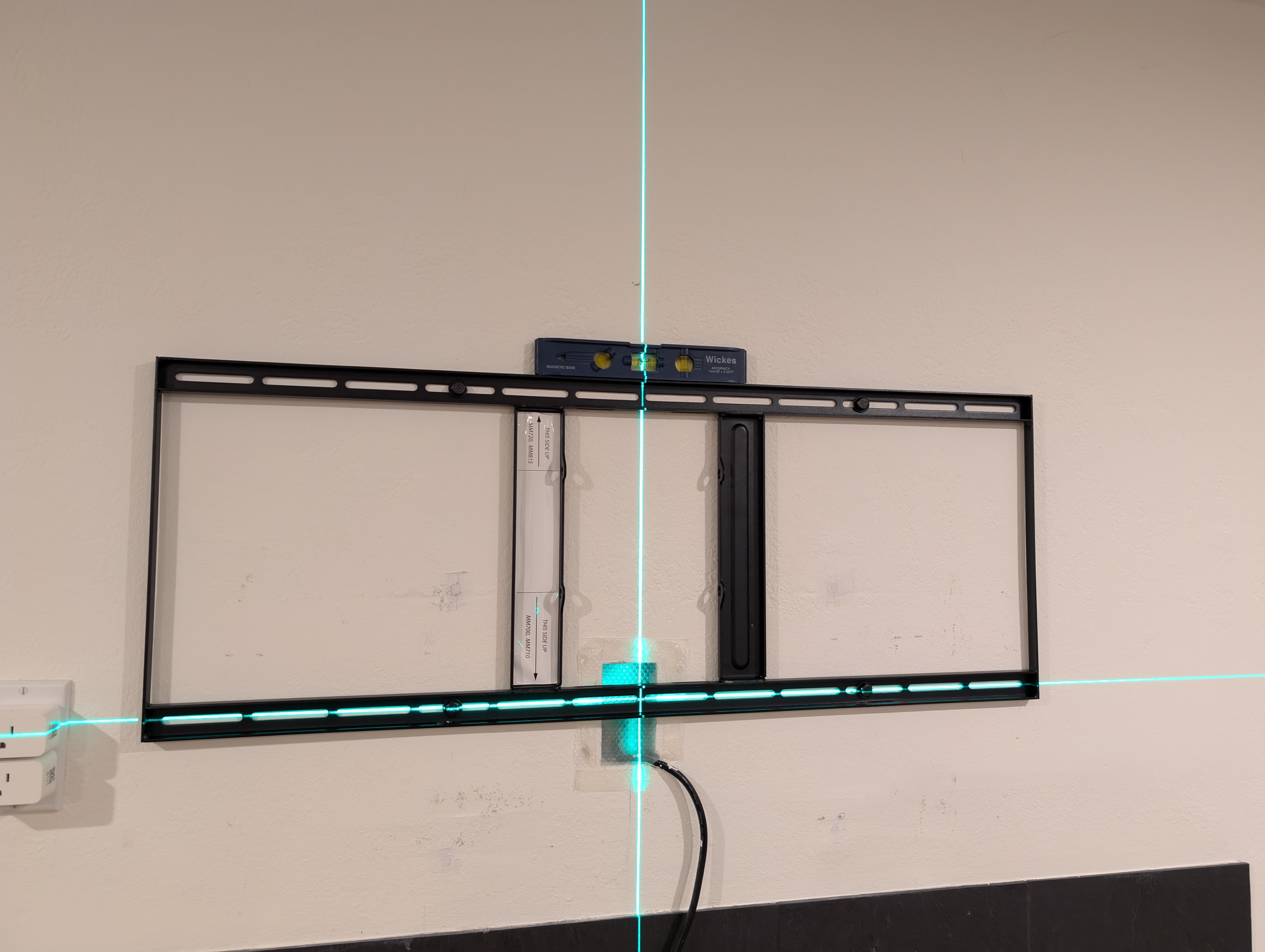
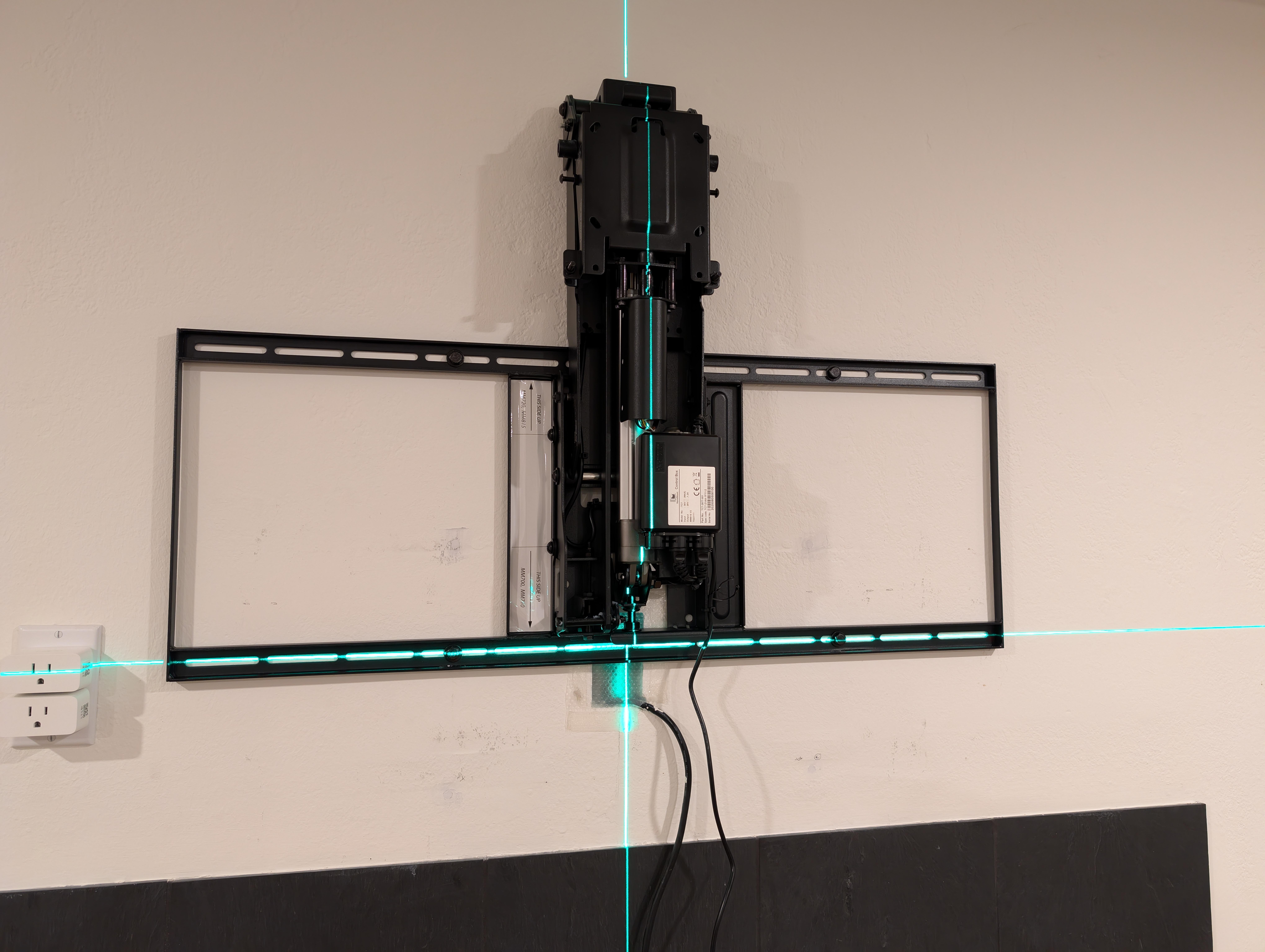
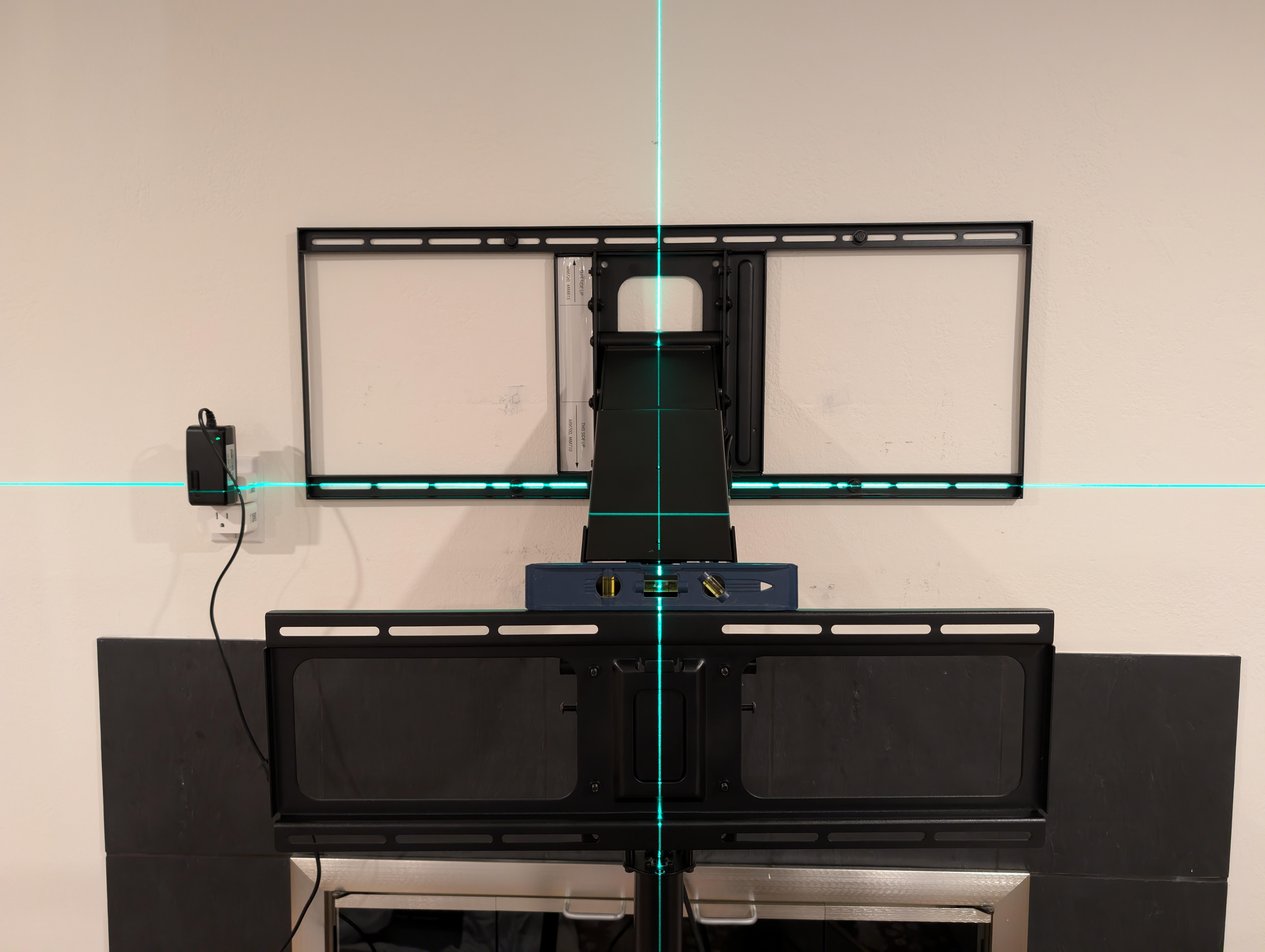
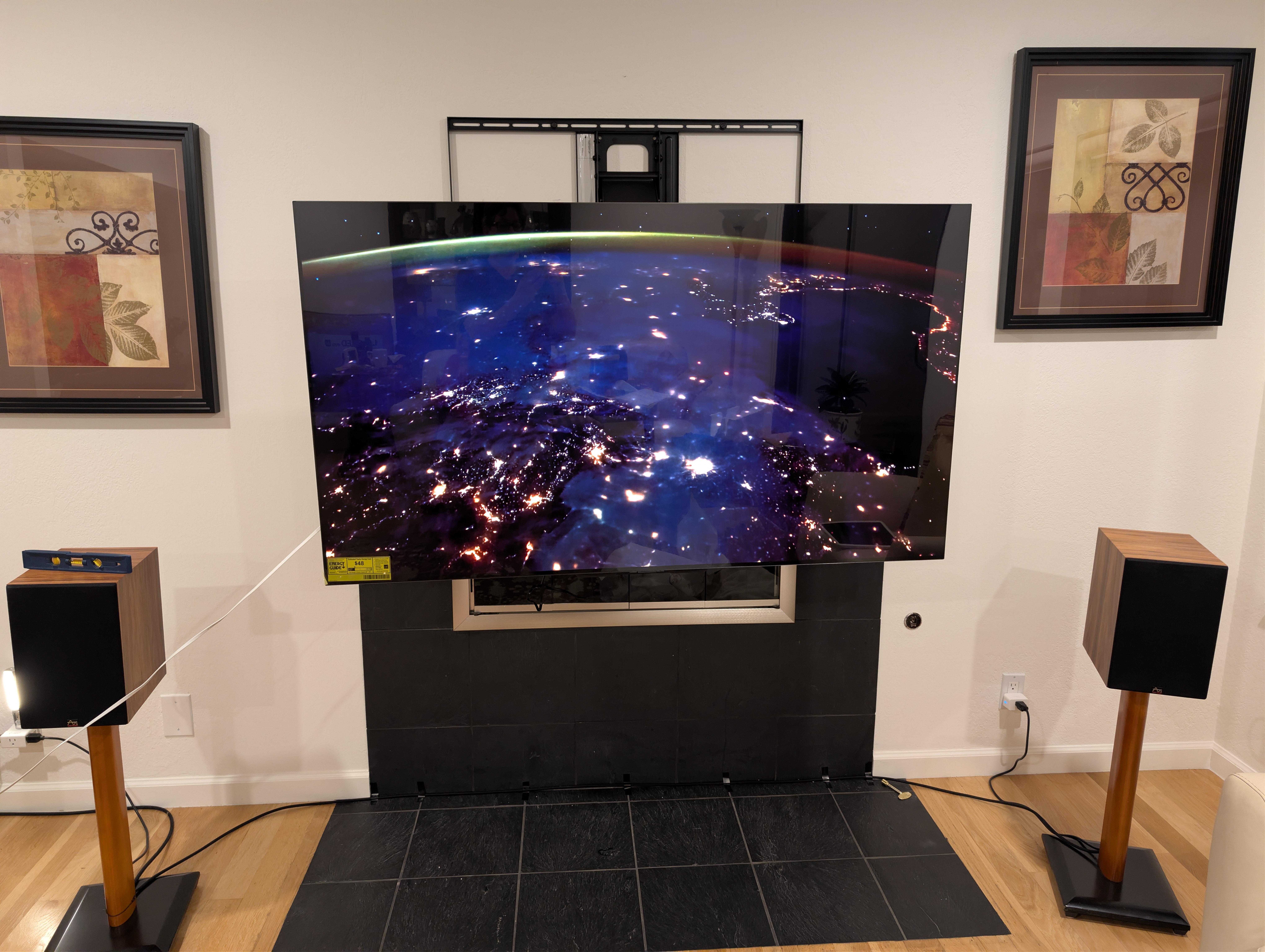
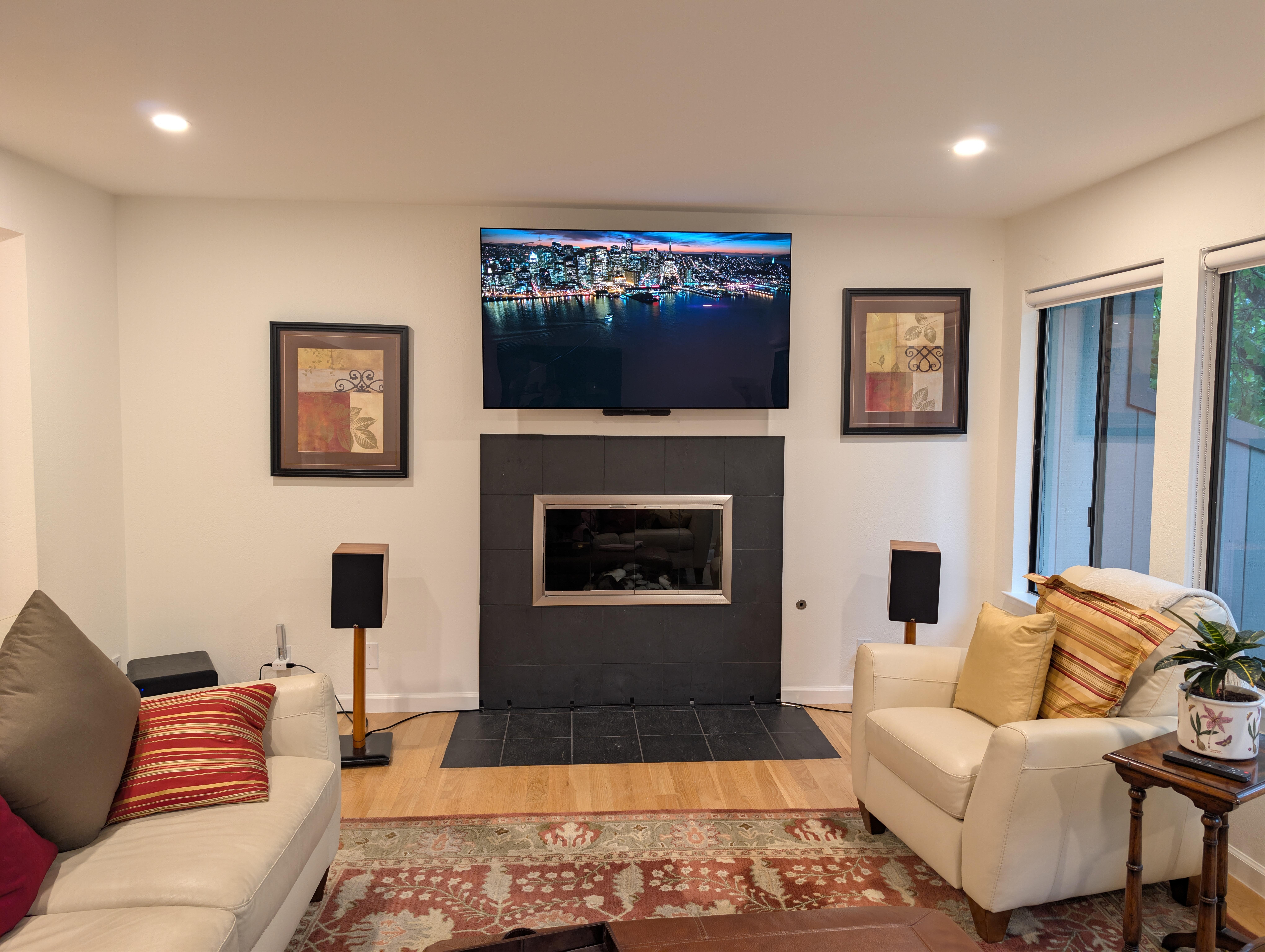
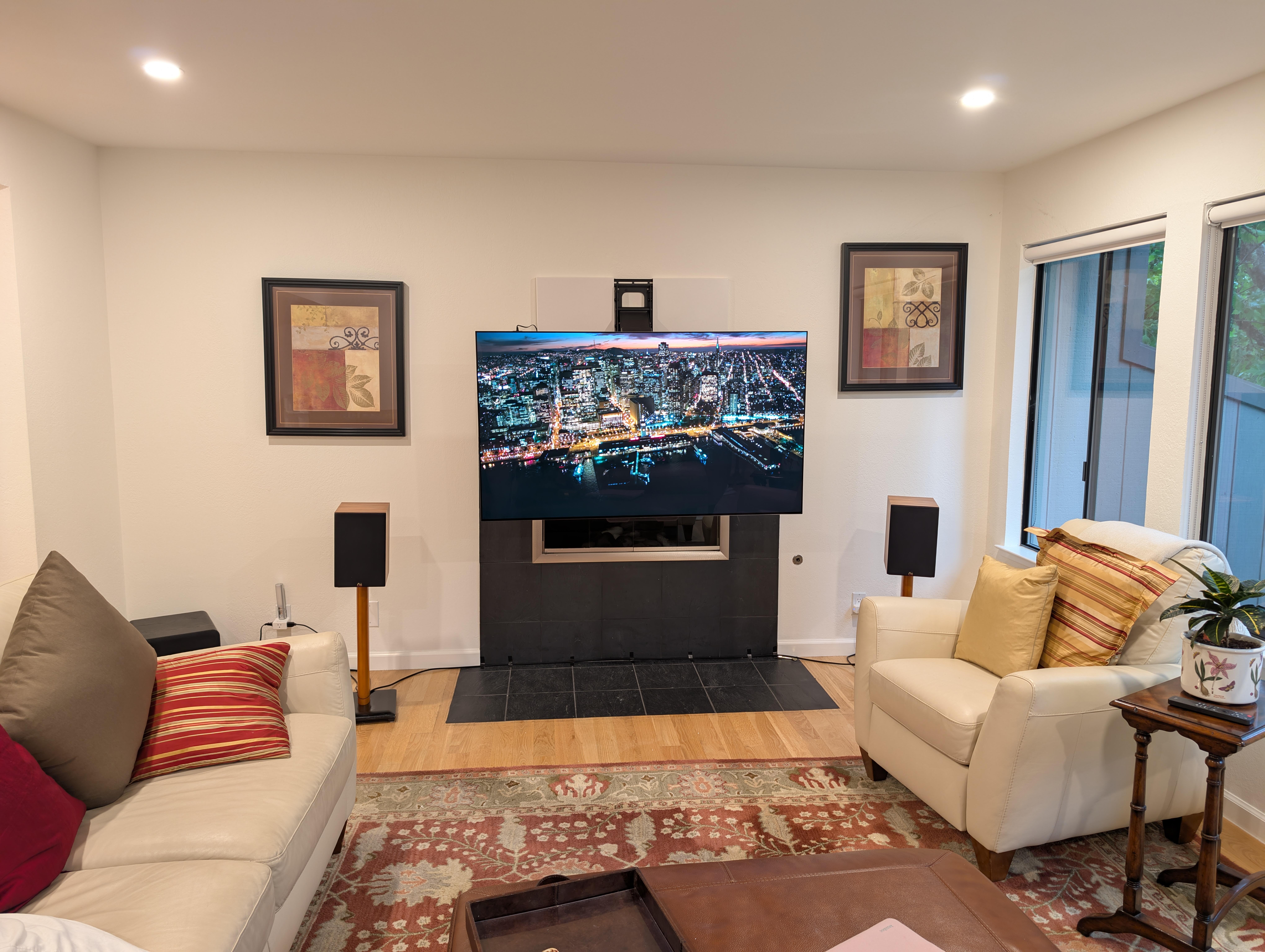
 Yesterday: Finally had a clear "two person" day, so Out with the Old. Well 💩, that explains a lot. No time to tilt the the house, so In with the New: Good enough for one day. I must say using a laser level is a game changer ensuring that things are level and line up, even if the building is out of true. Just remember: And then today, some finishing touches, and cable management. And then finally voice automation. Because: Of course. Some non ideal / contrived syntax commands because: reasons, but that's balkanized home automation. Looks nice though (Marin OLED 2 time club)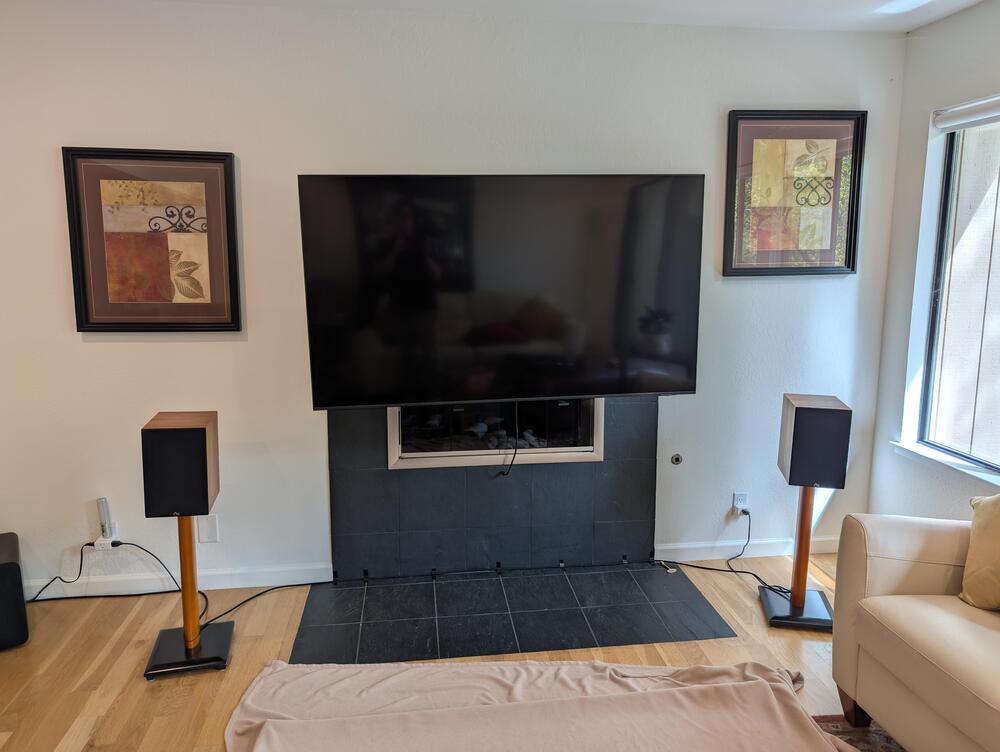
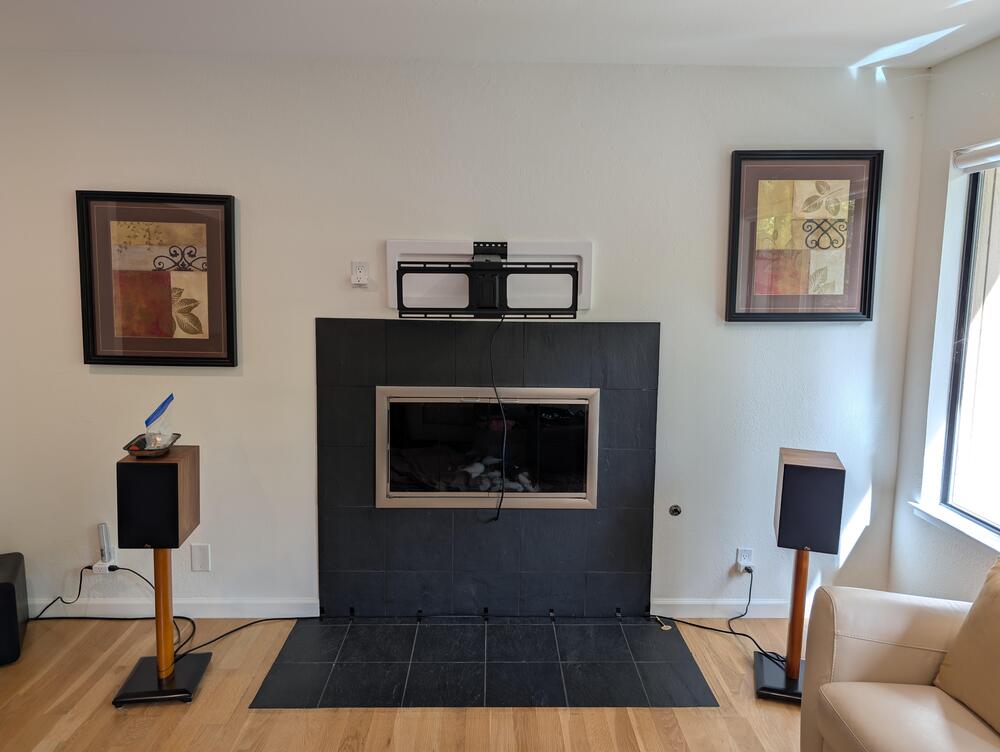
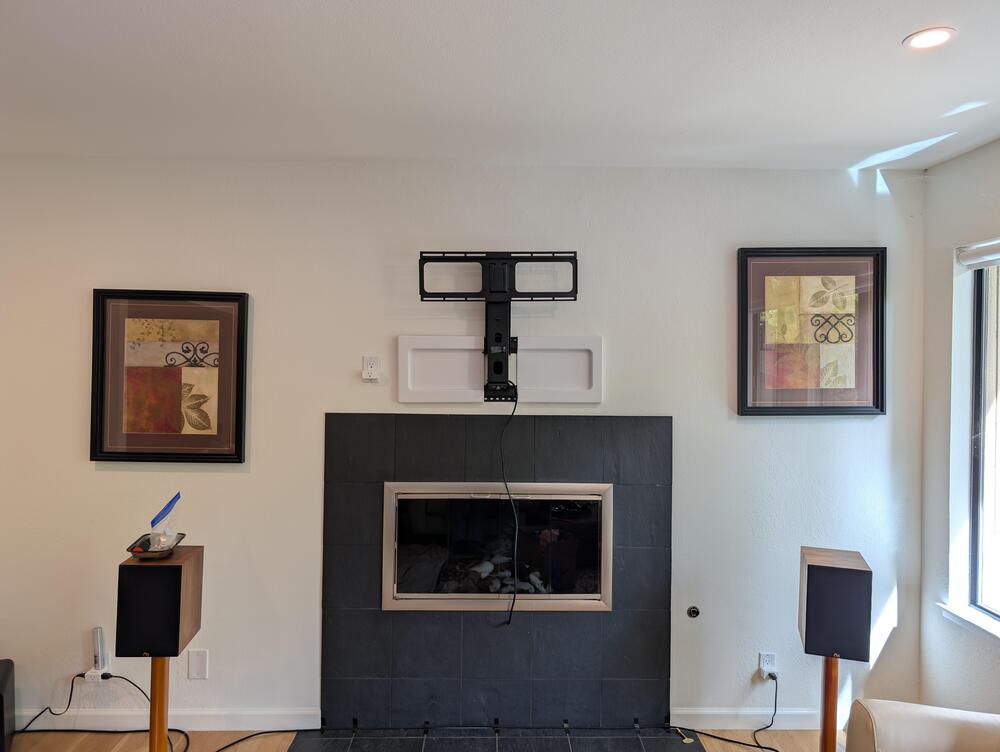
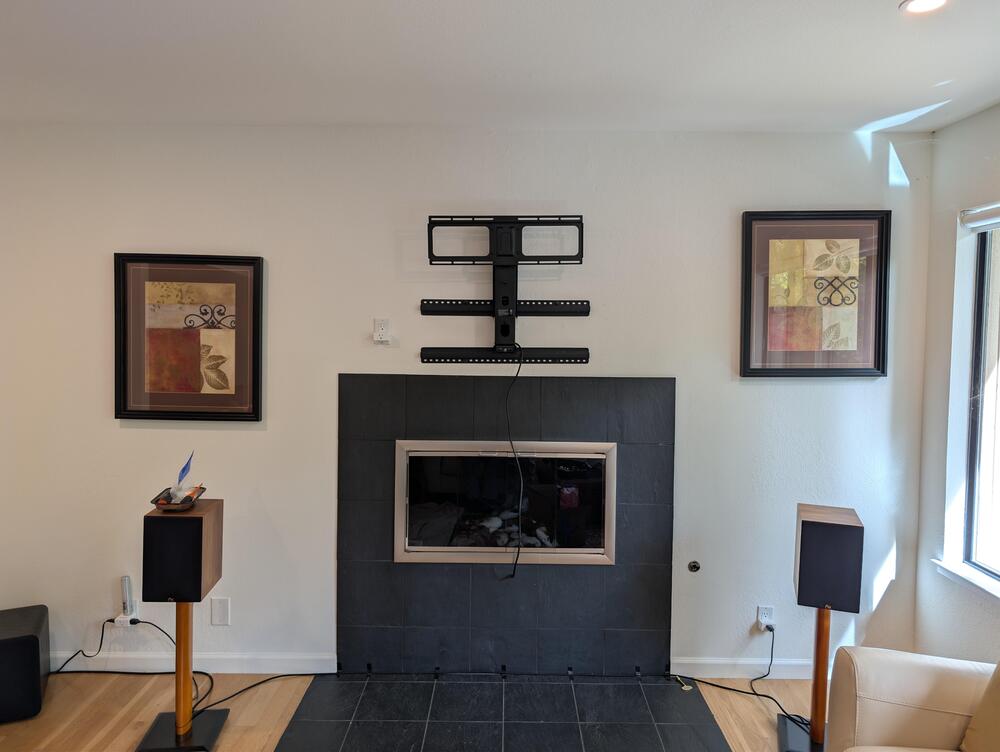

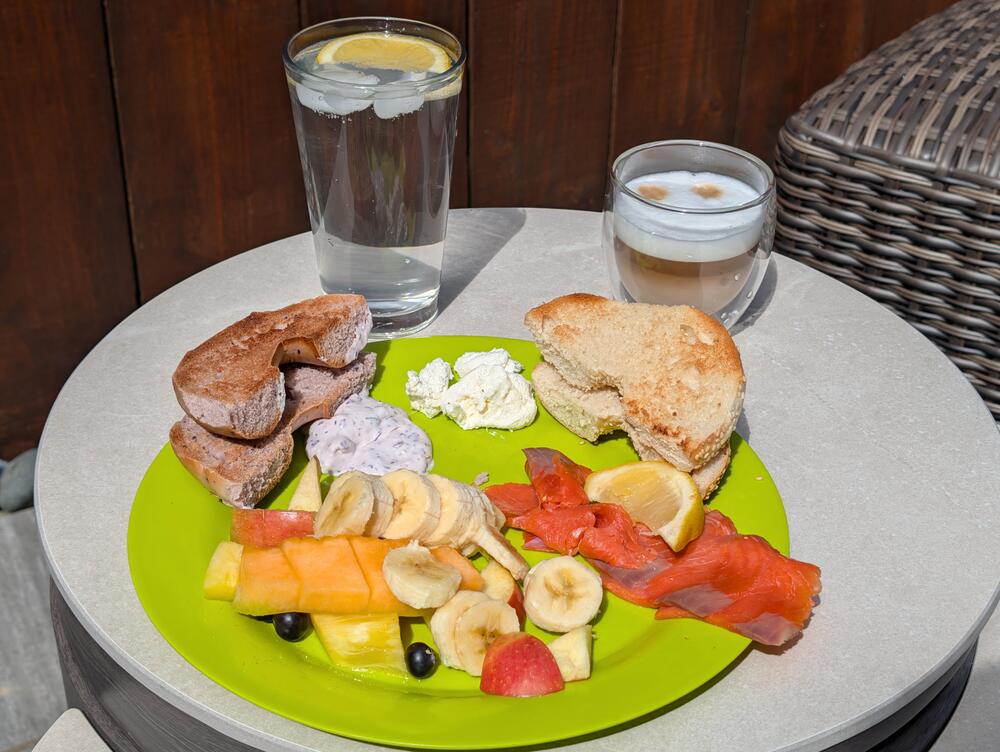
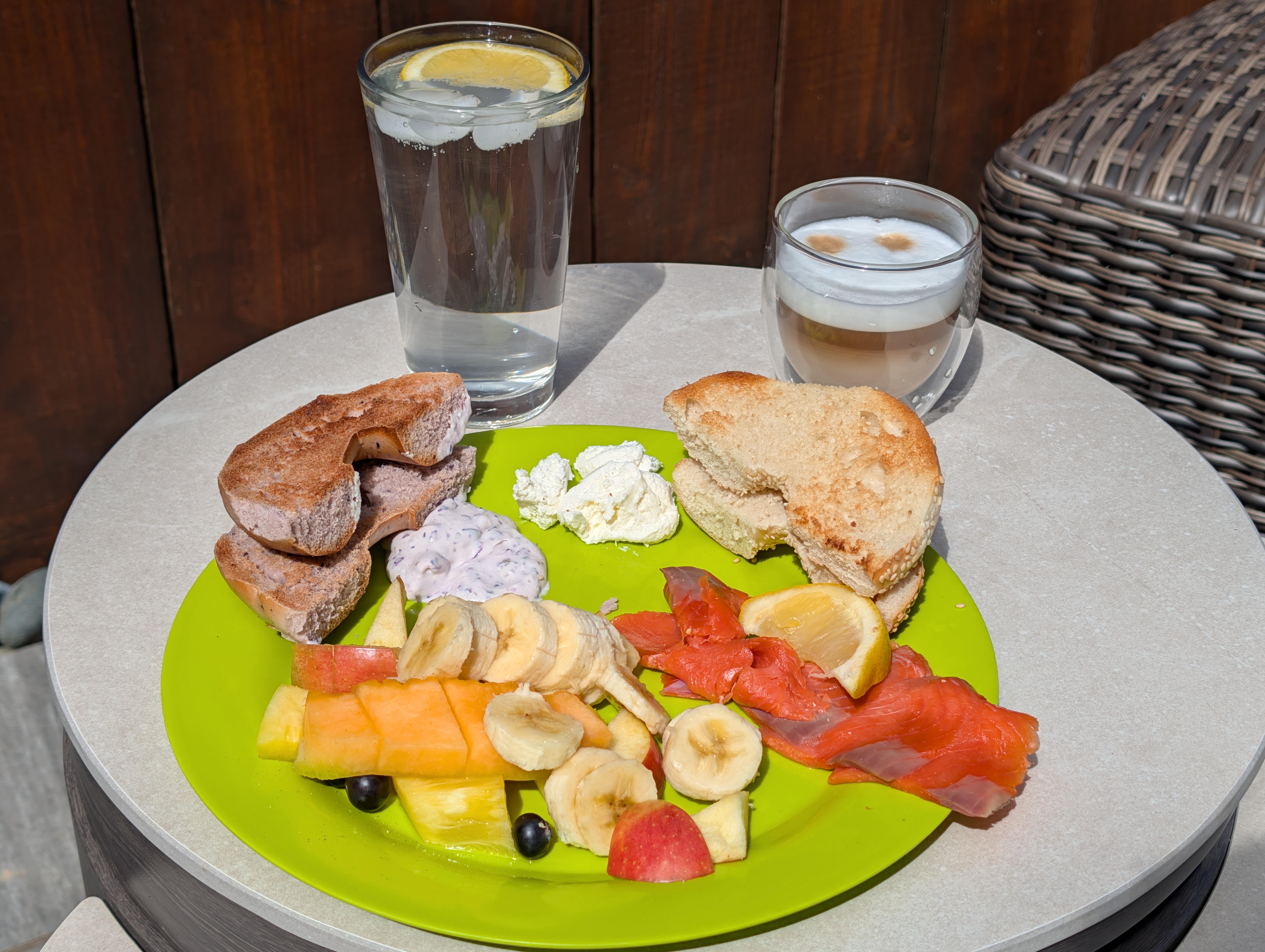
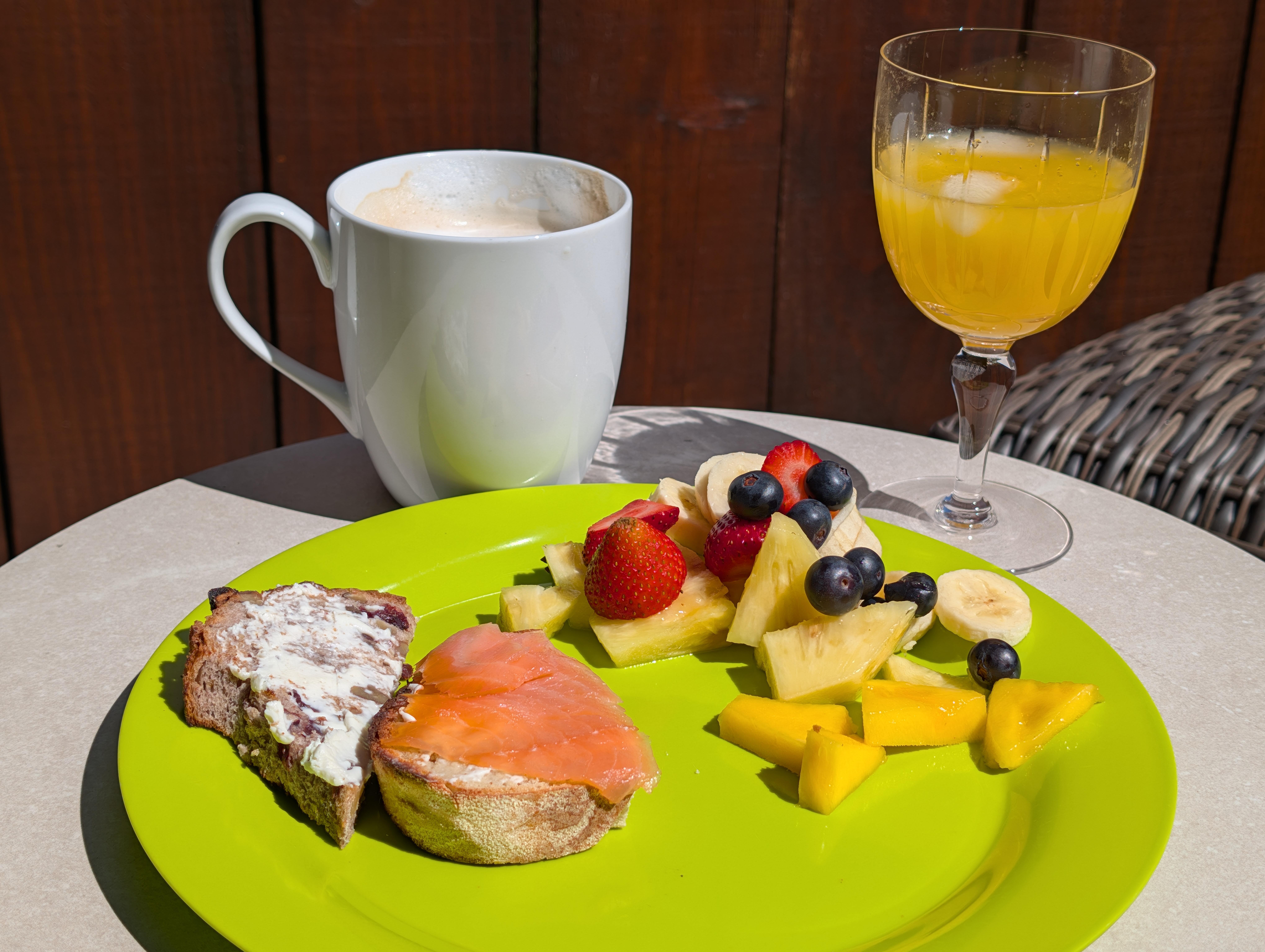
 Patio Brunch
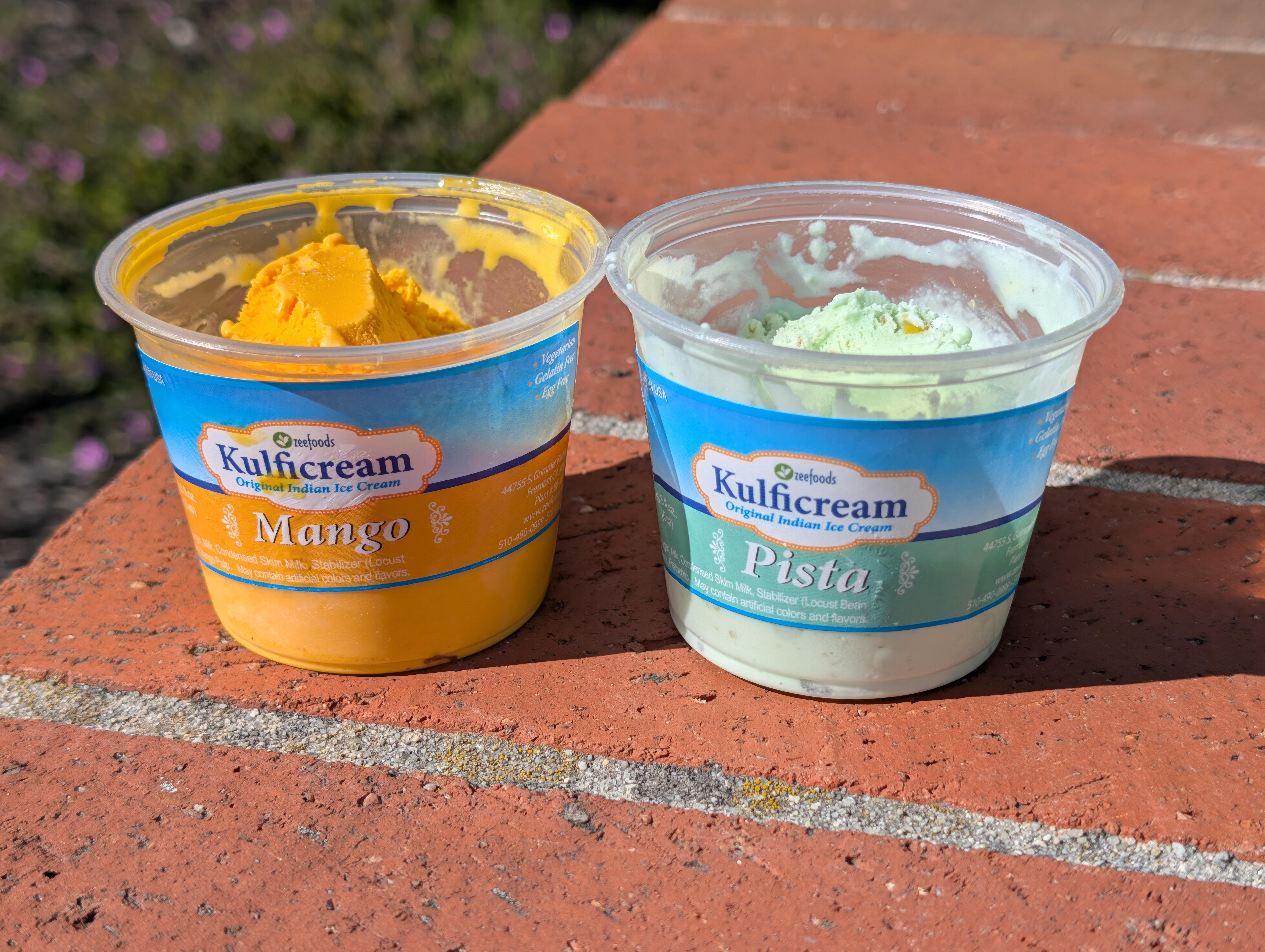
 His 'n' Hers Indian ice creams
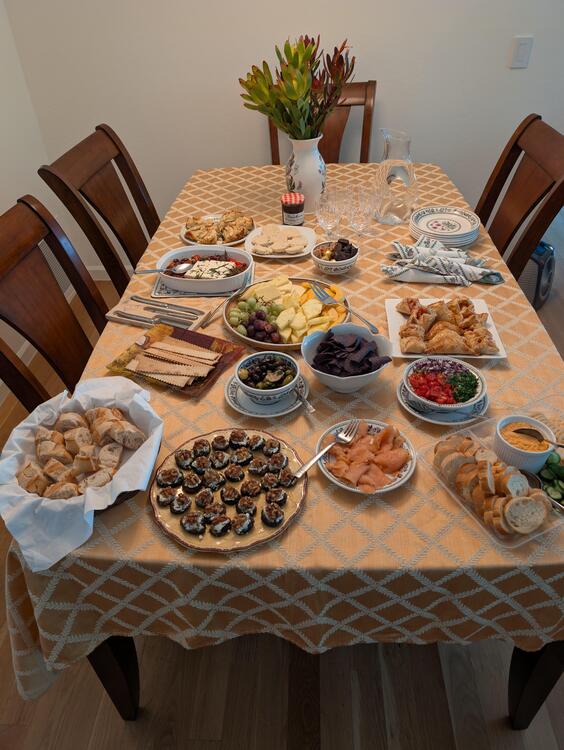
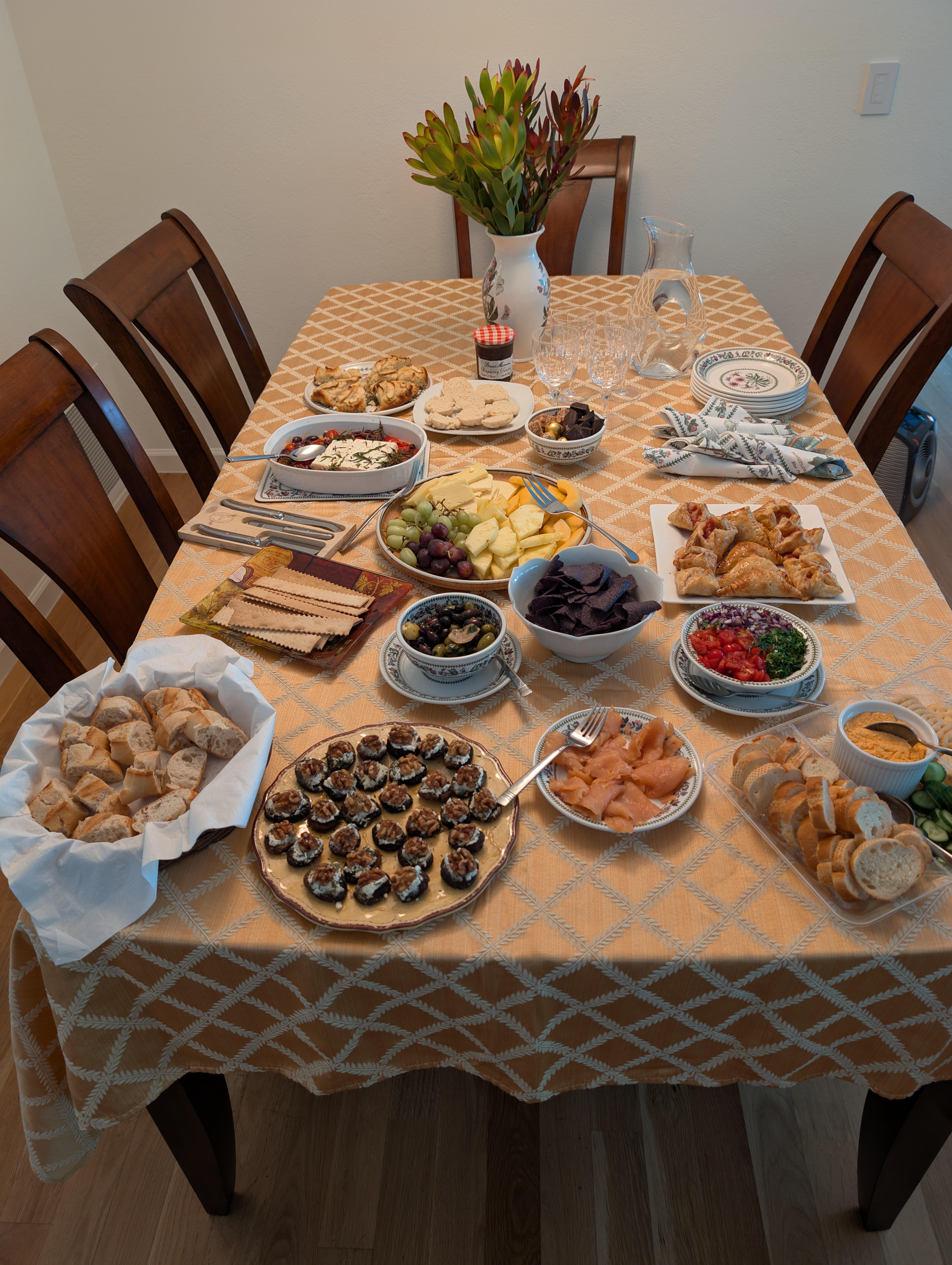
 Belated Happy (non AI) Birthday Wishes, Jeffy!Ex Skylark gathering nibbles.
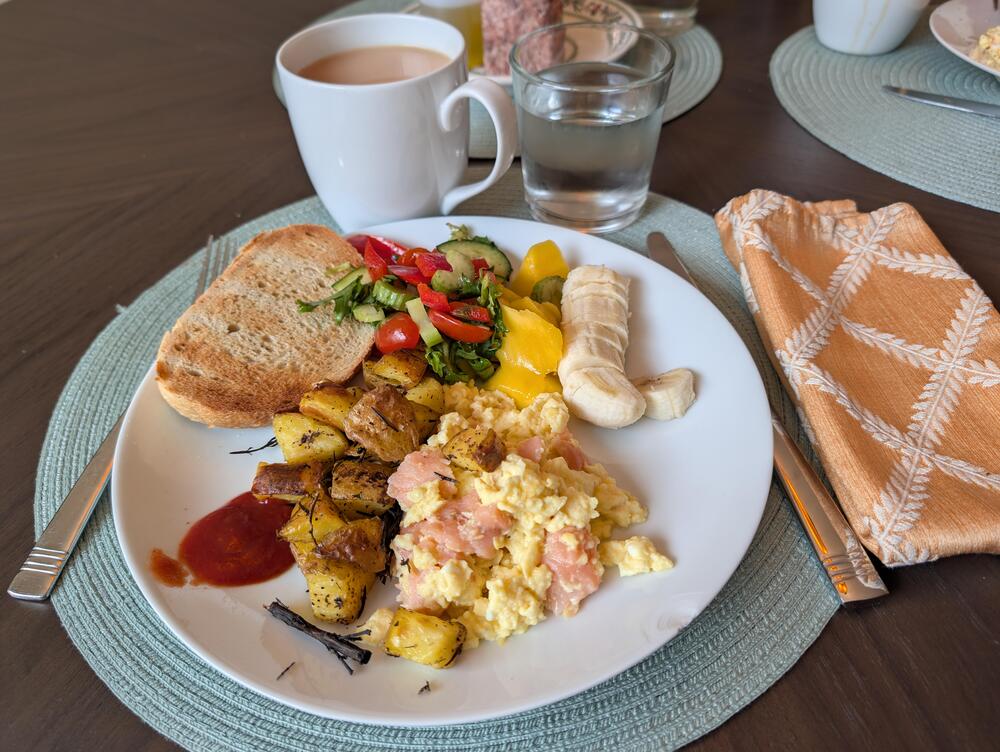
 Rainy Day Brunch
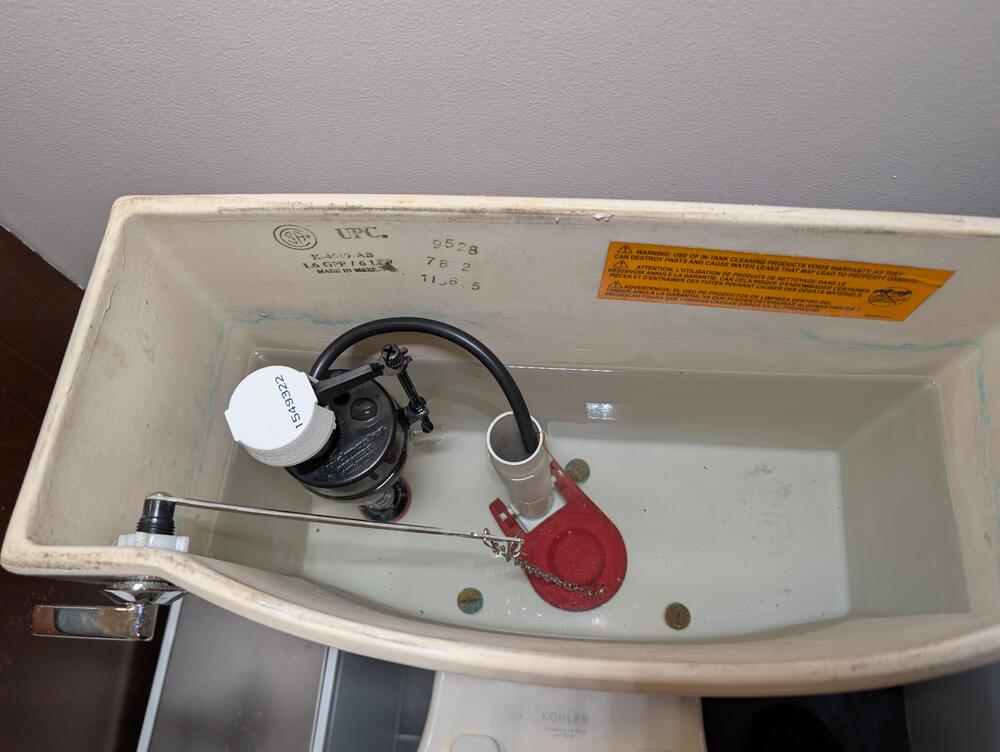
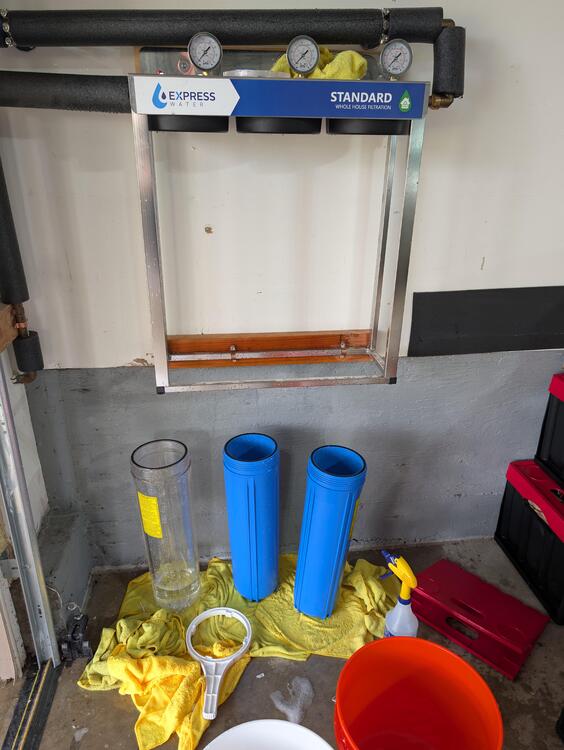
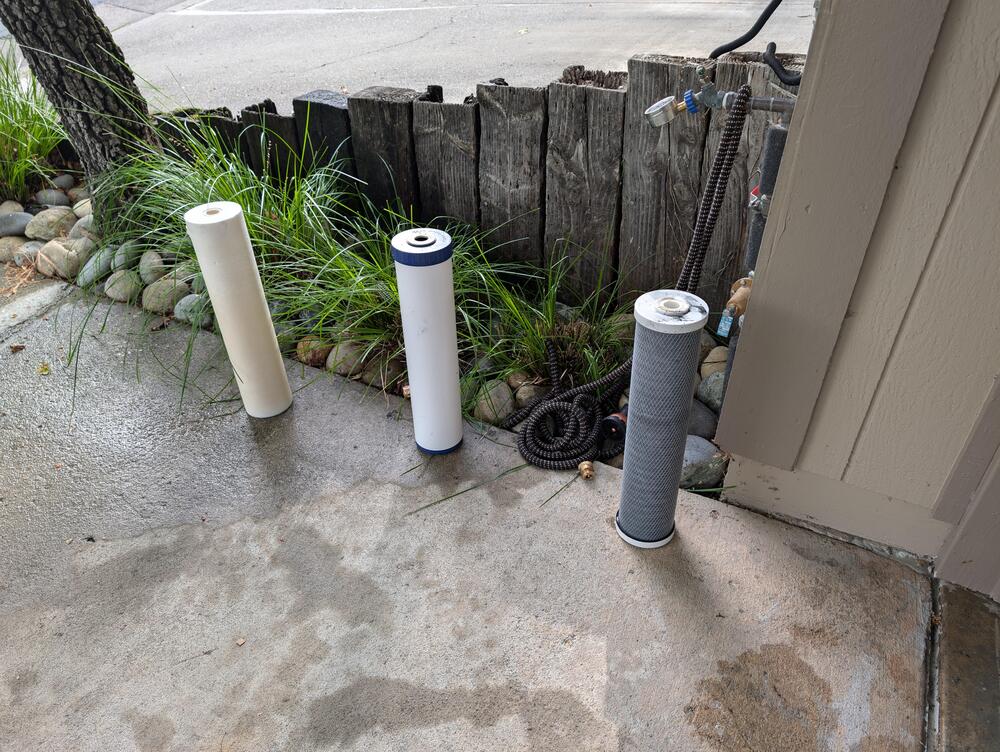
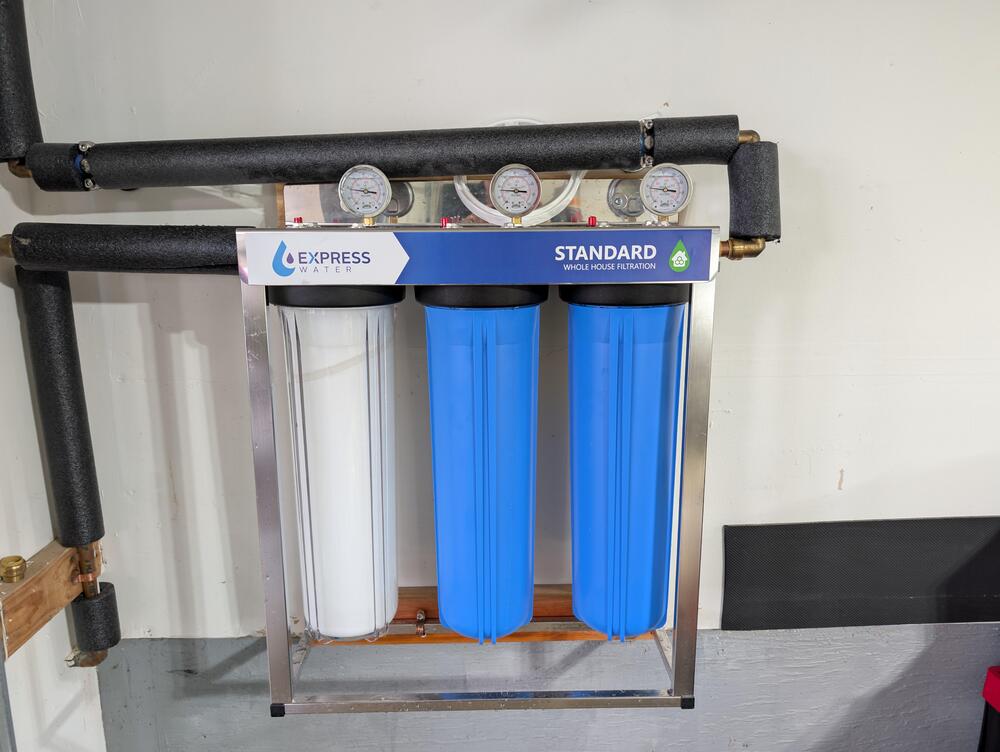
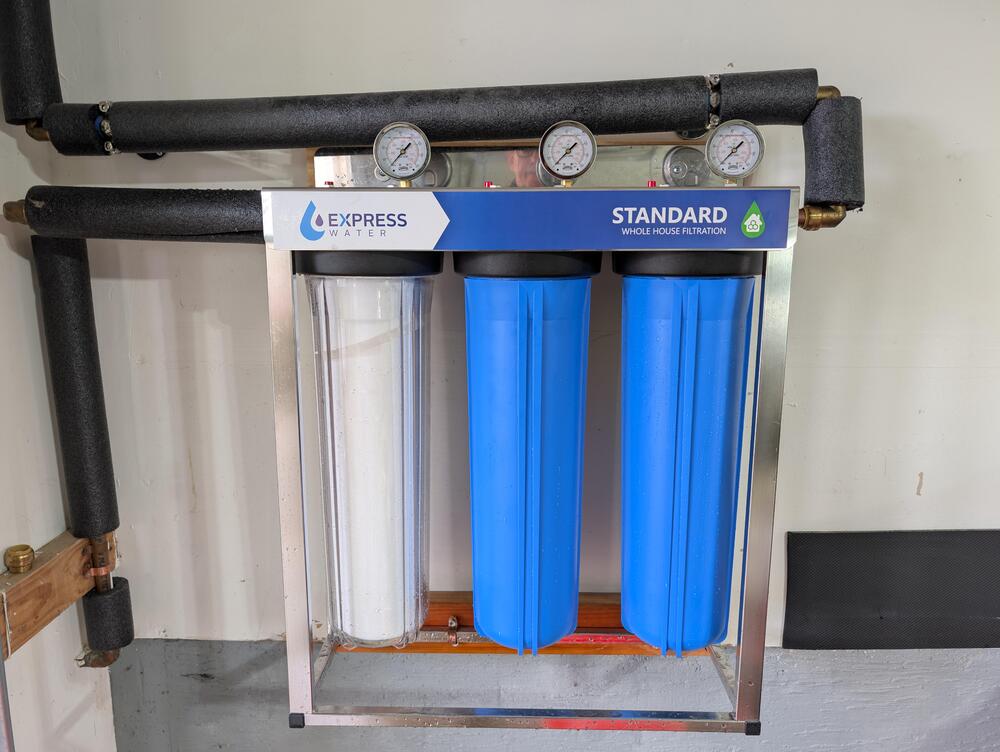
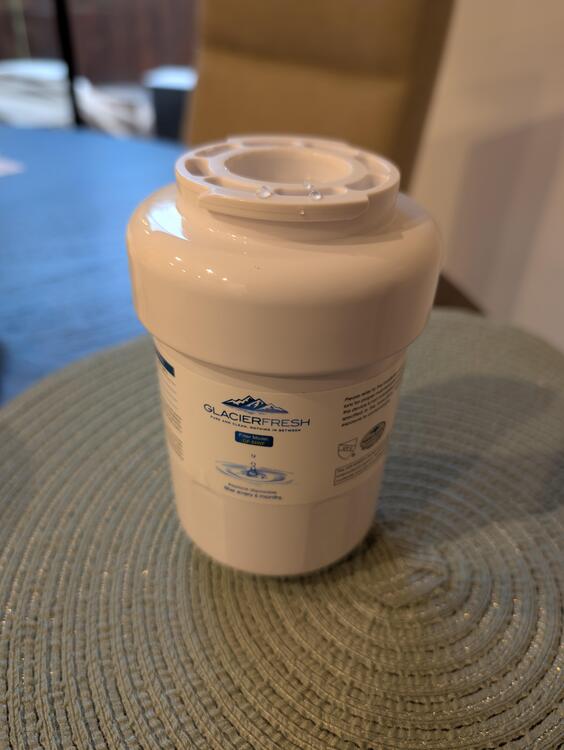
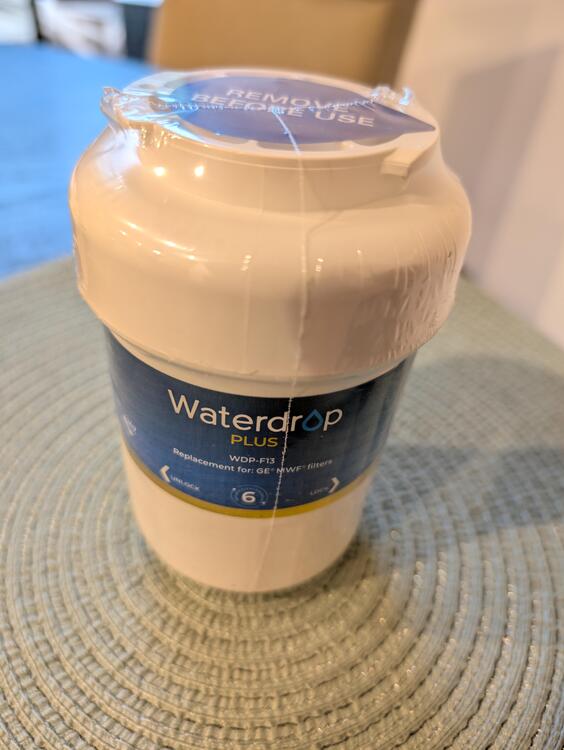
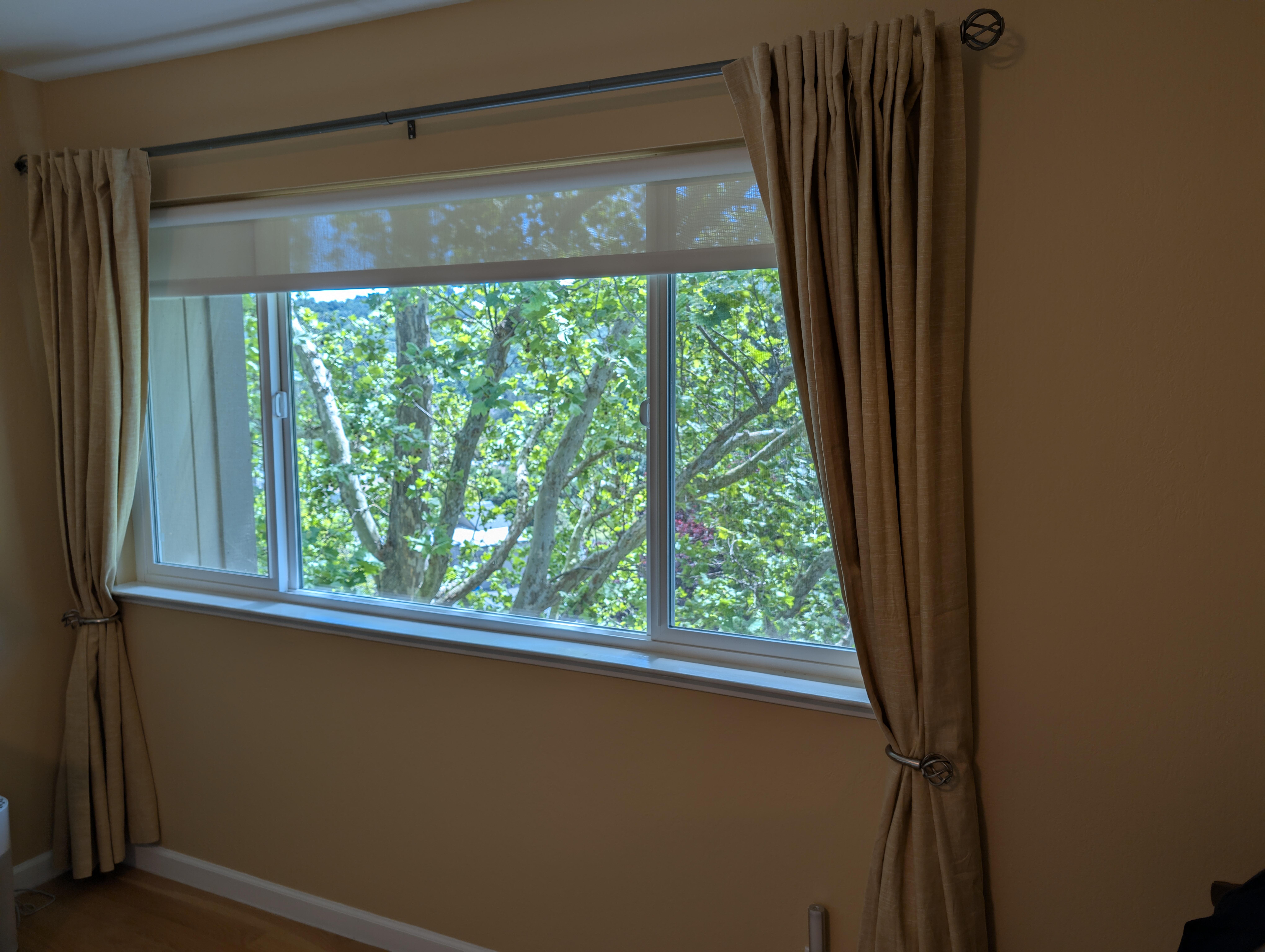
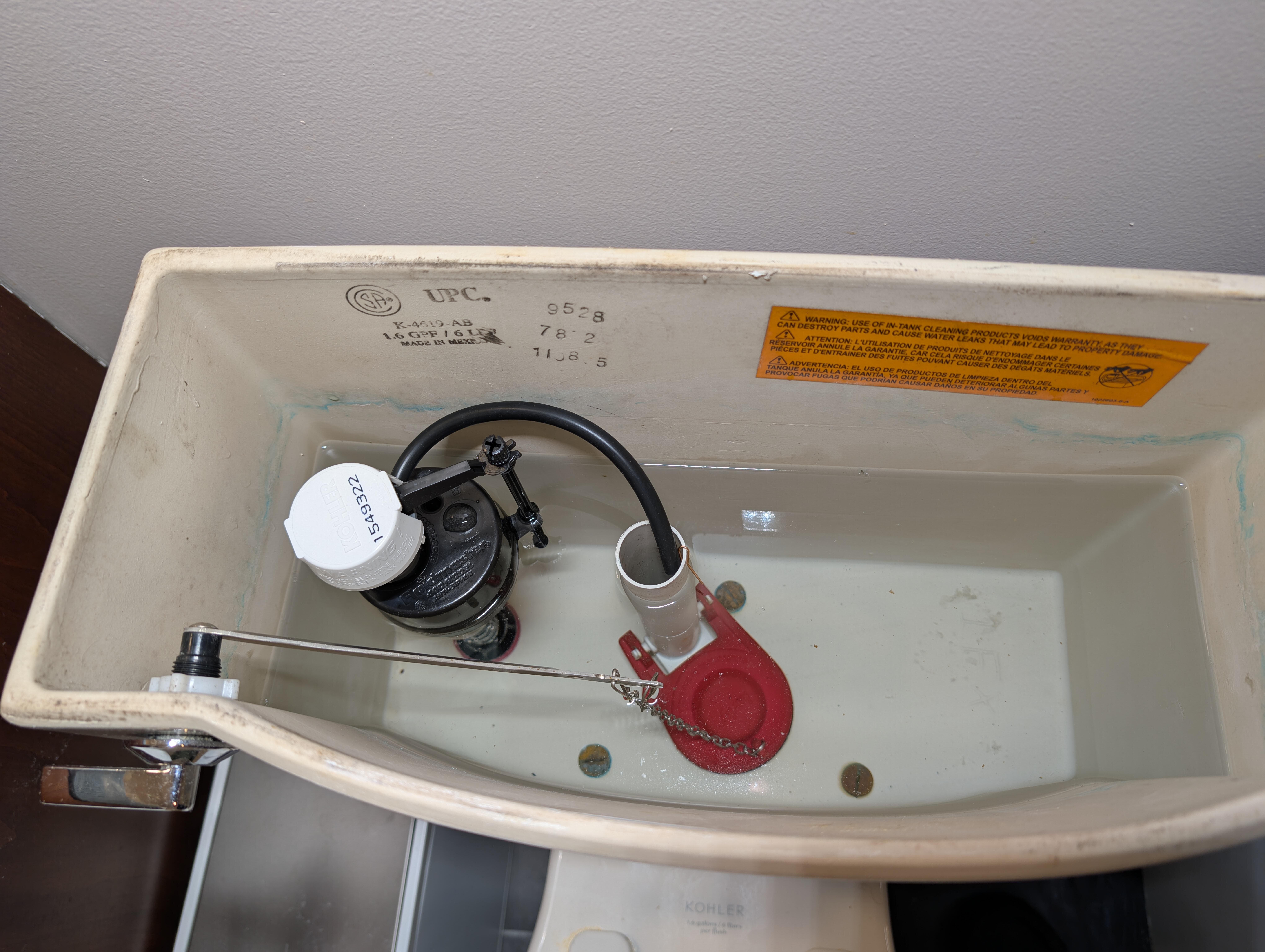
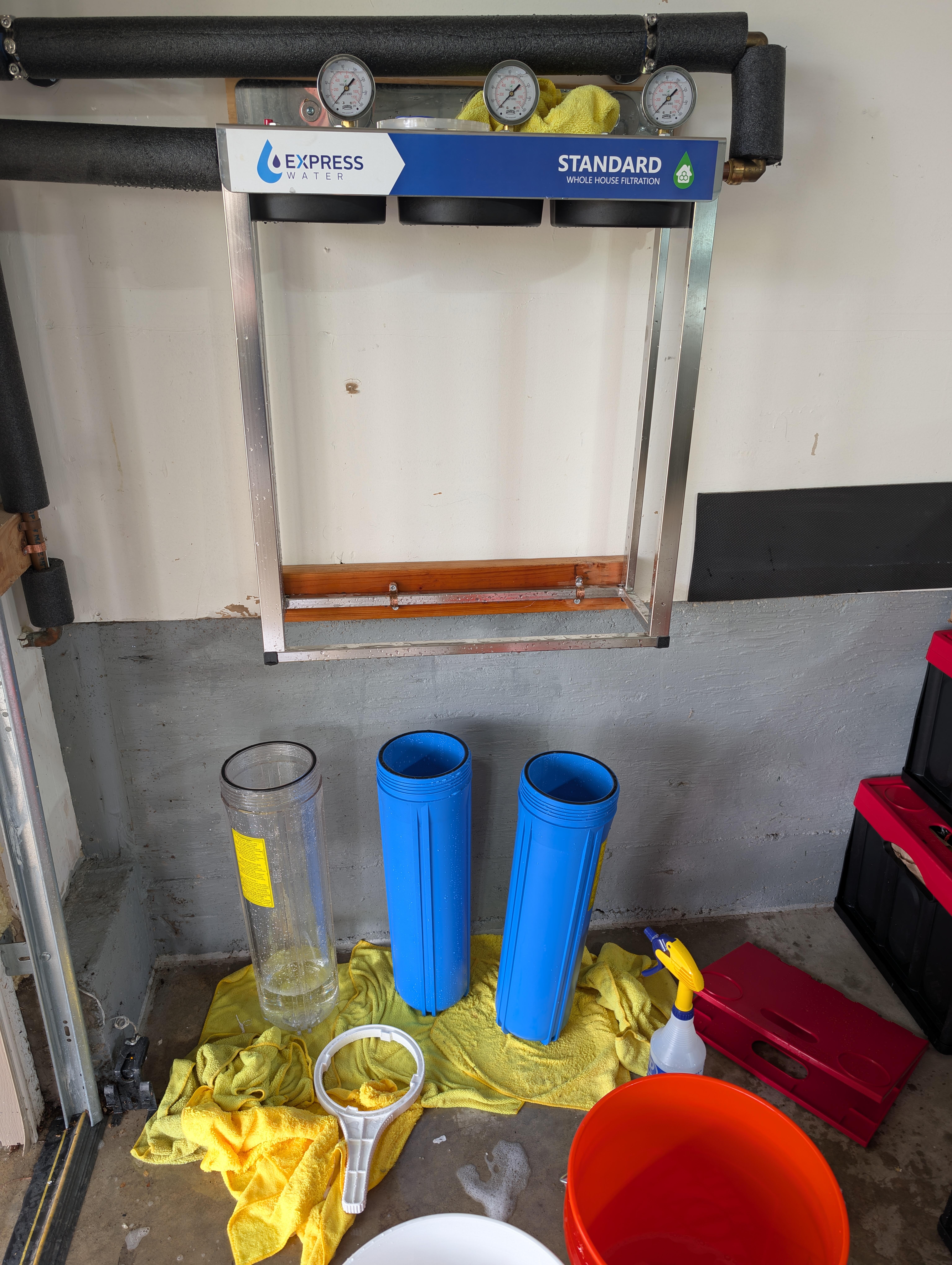
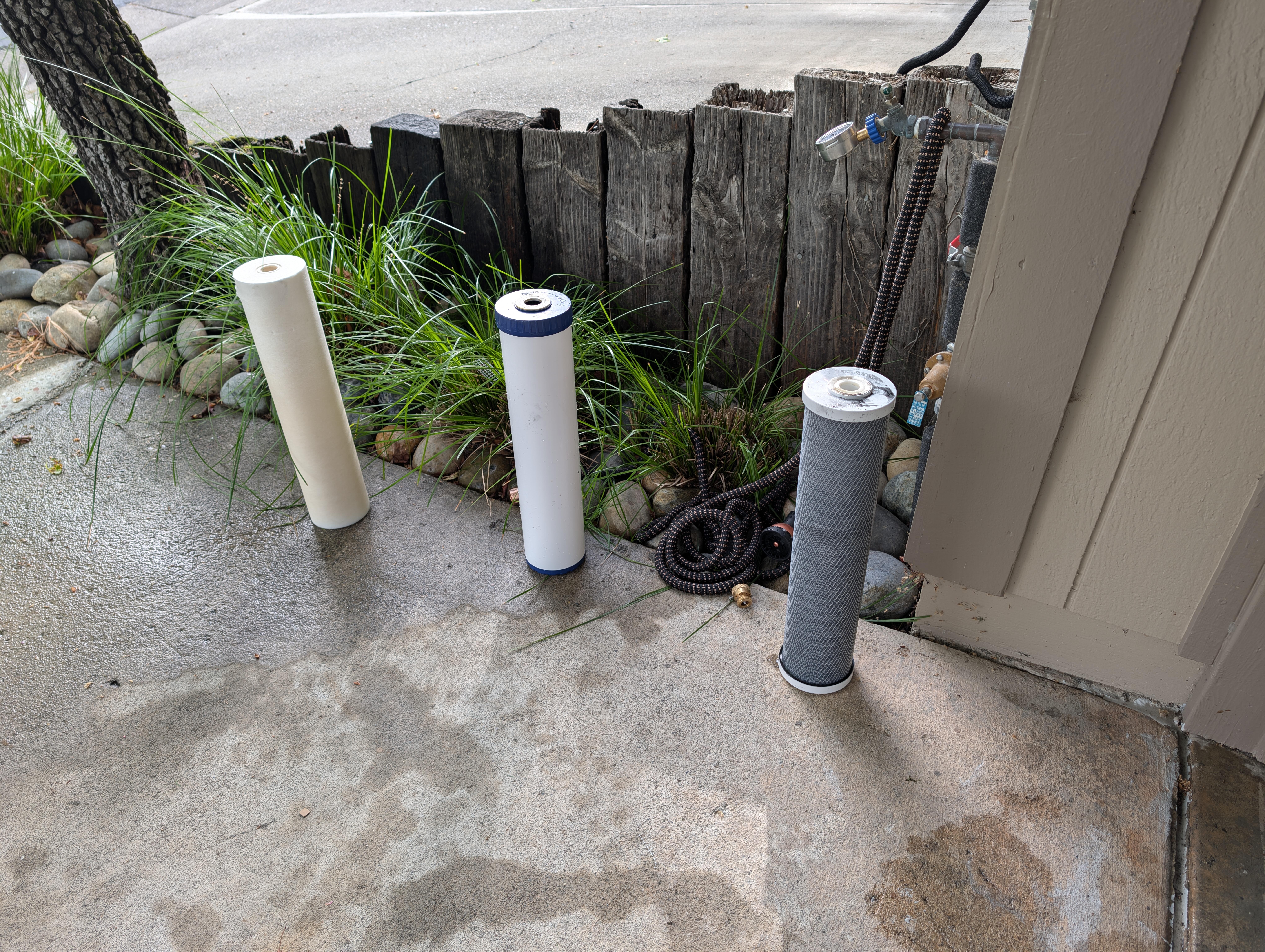
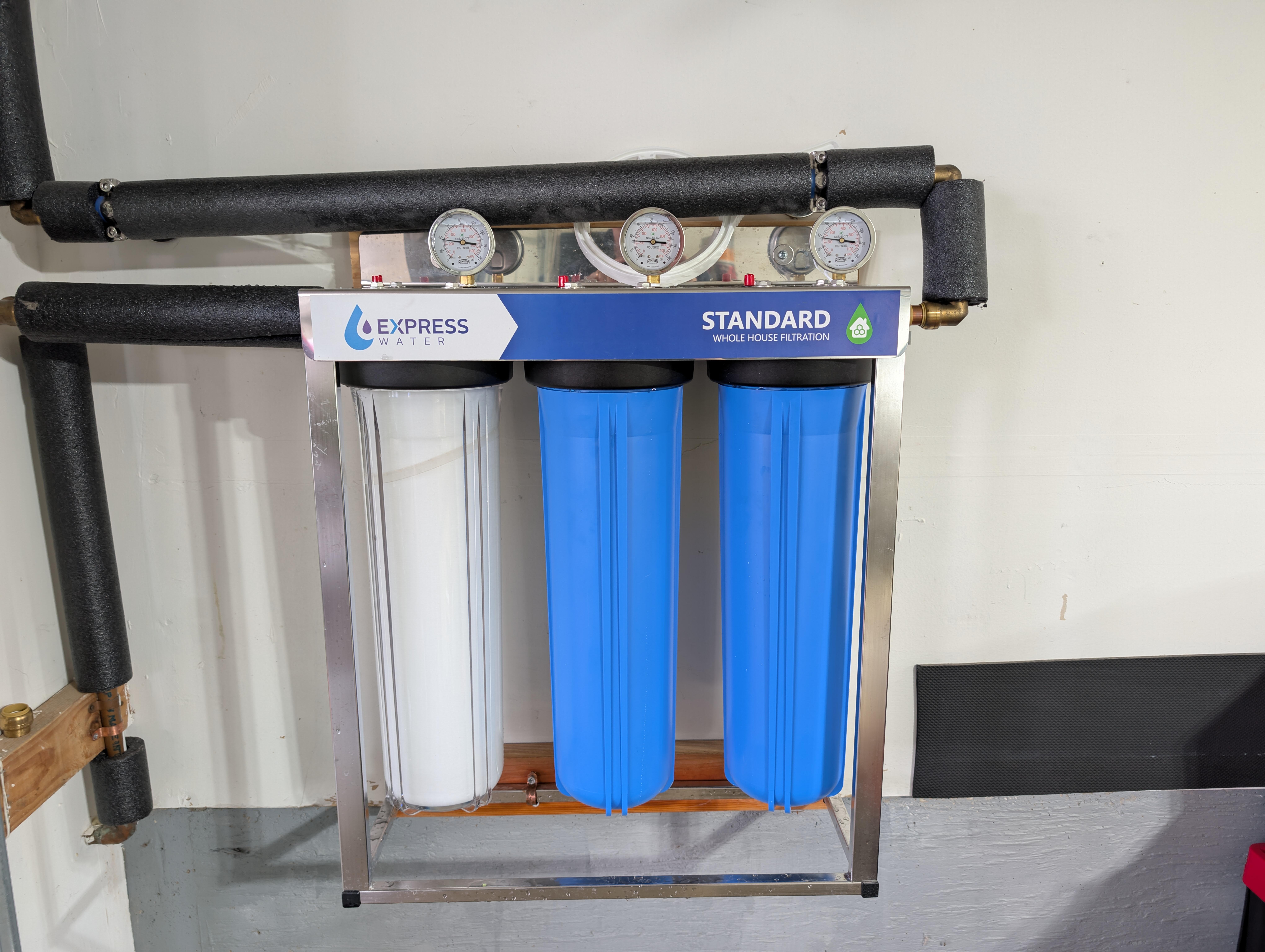
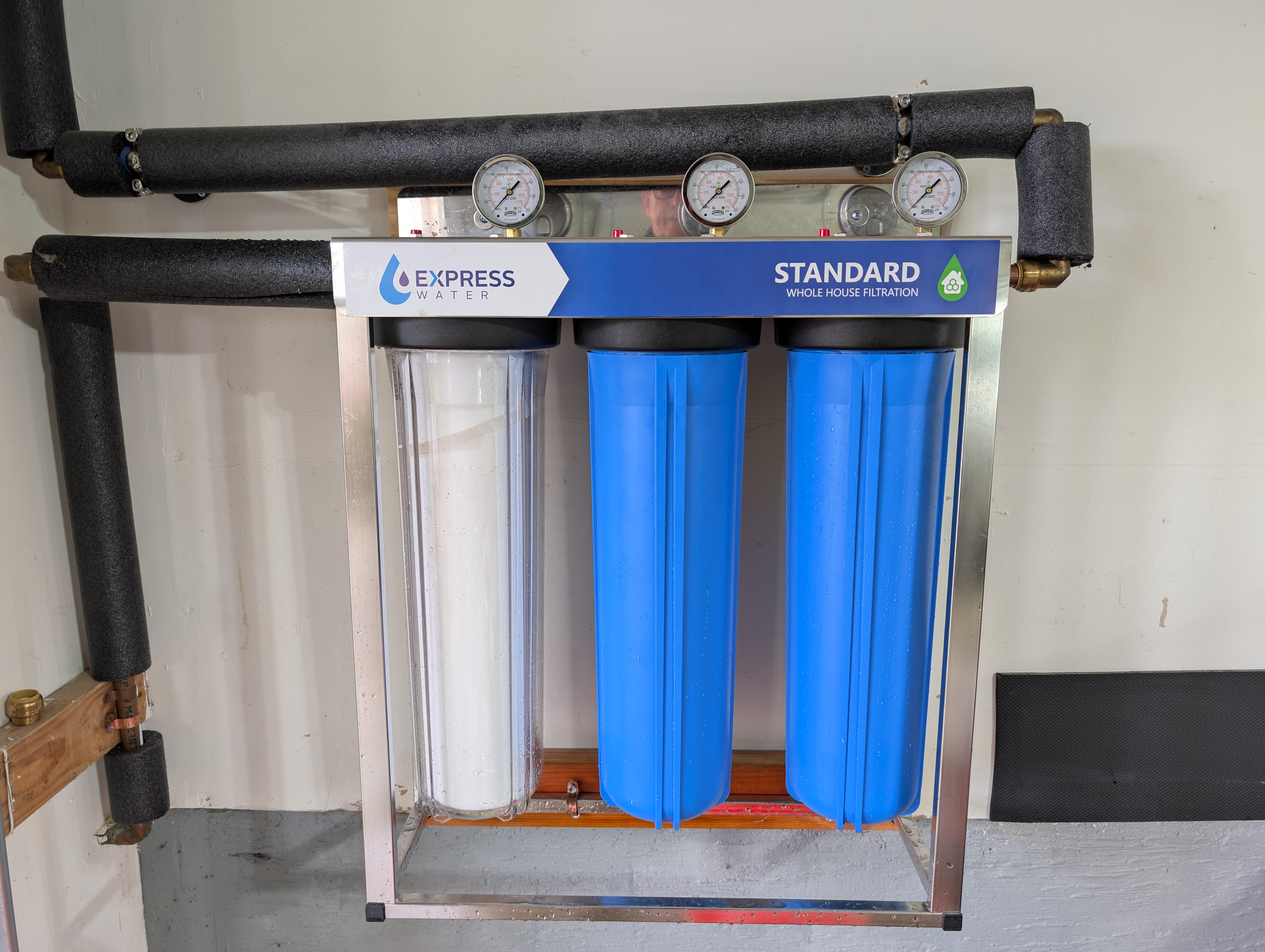
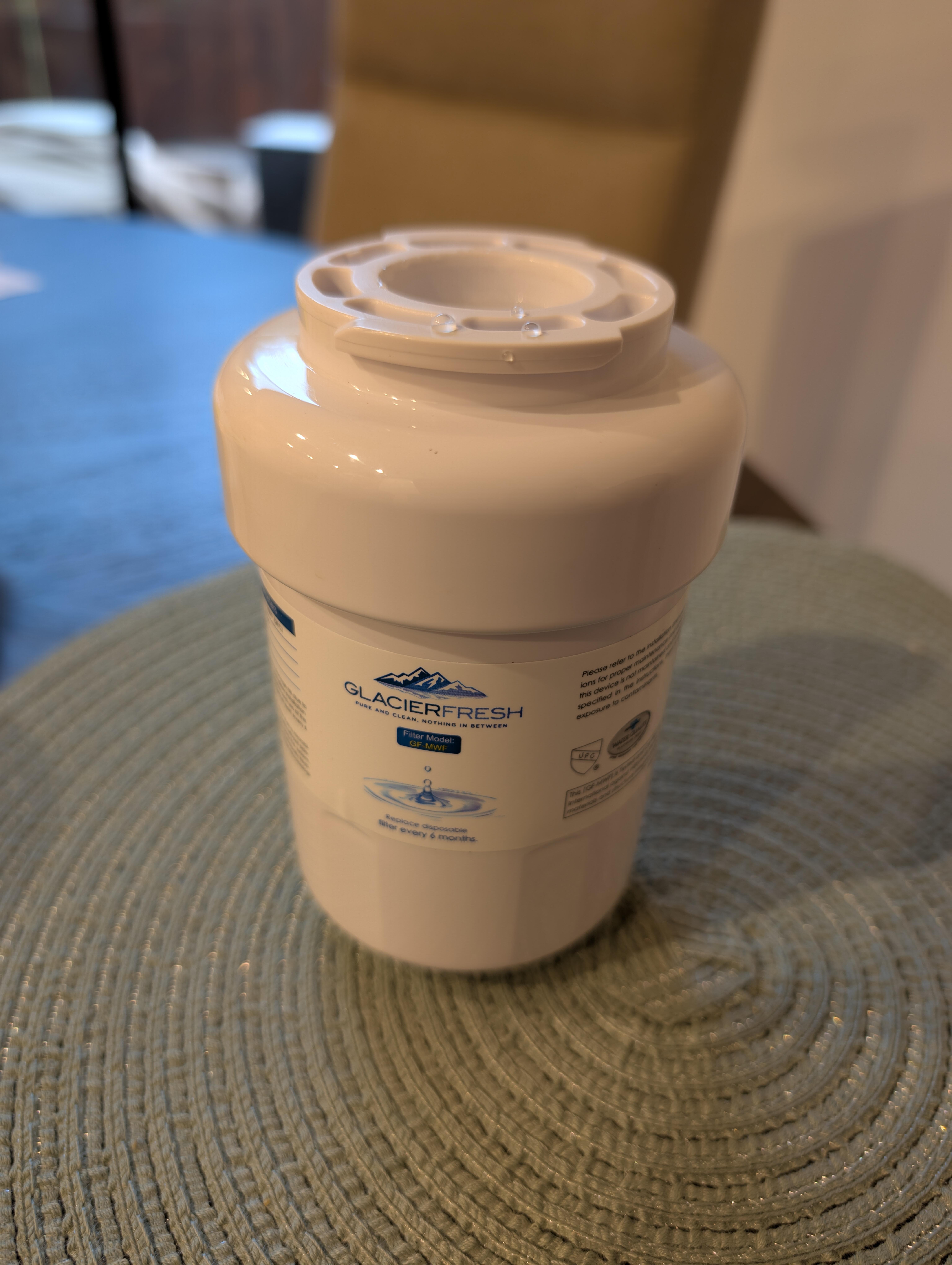
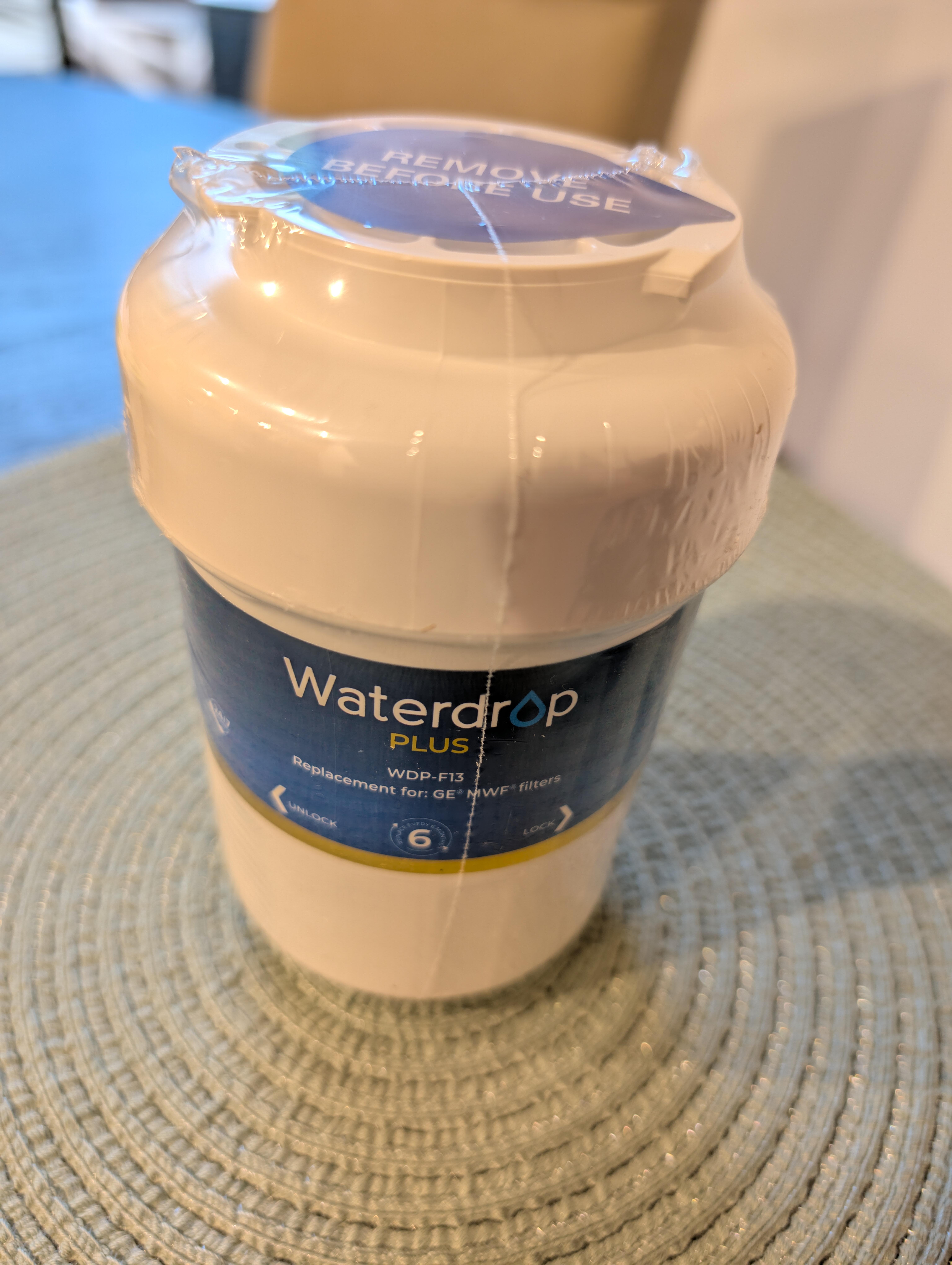
 But that's not what the previous owners installed. Besides. https://nmwd.com/your-water/water-quality/Yesterday: Installed (functional) matching tie backs. Fixed hissing / pinprick leak in valve that caused rise from set point to edge of overflow by replacing entire valve assembly after replacing and lubricating just the washer valve failed to improve the situation. Now stays silently at set point. Today: Then: For the house. Replaced With one of For the 'fridge. I think I may deserve a Usual after all that.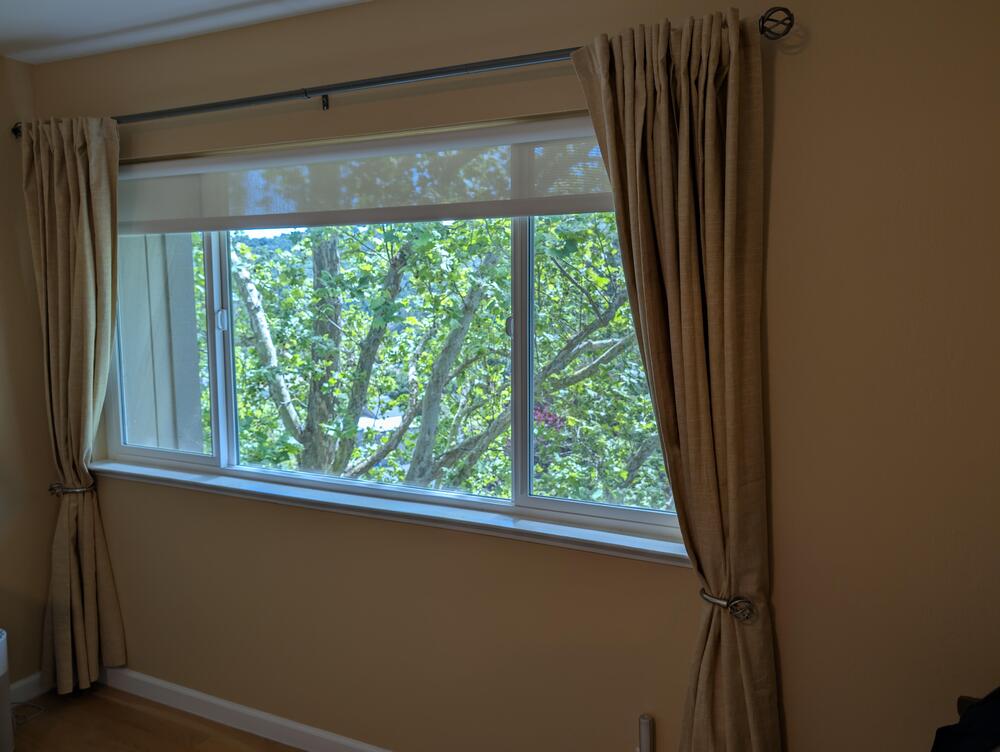
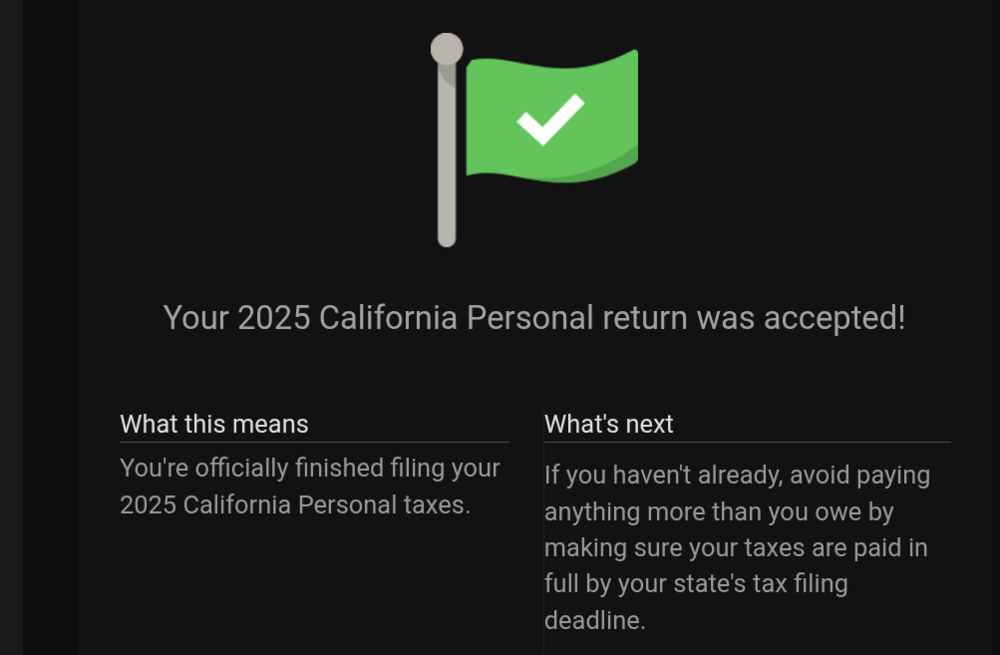
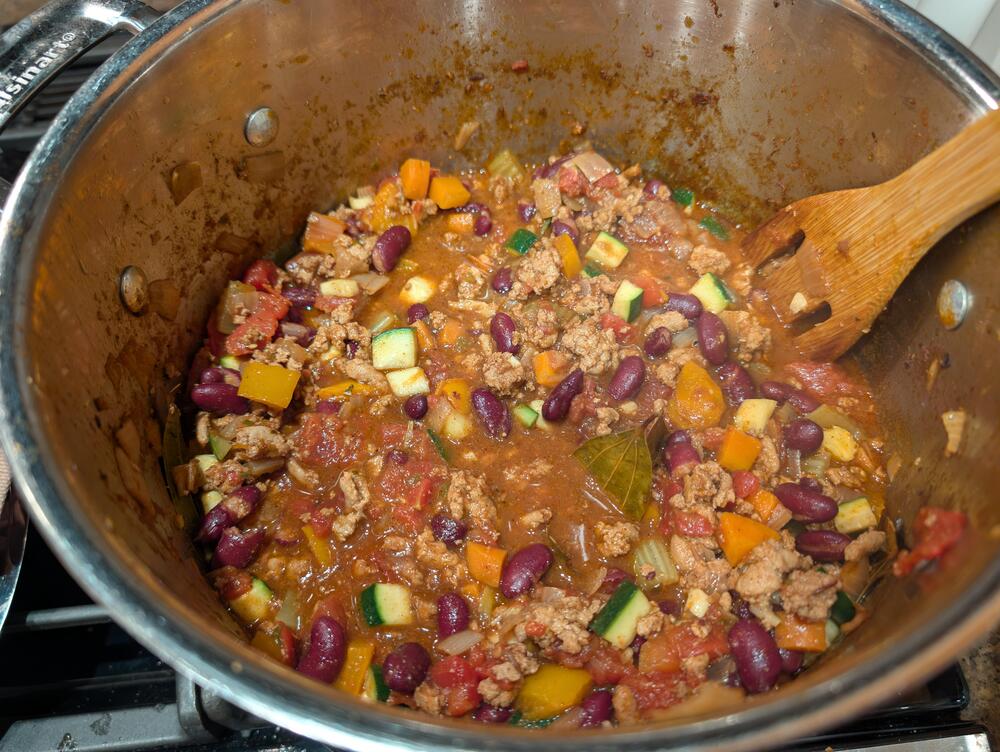
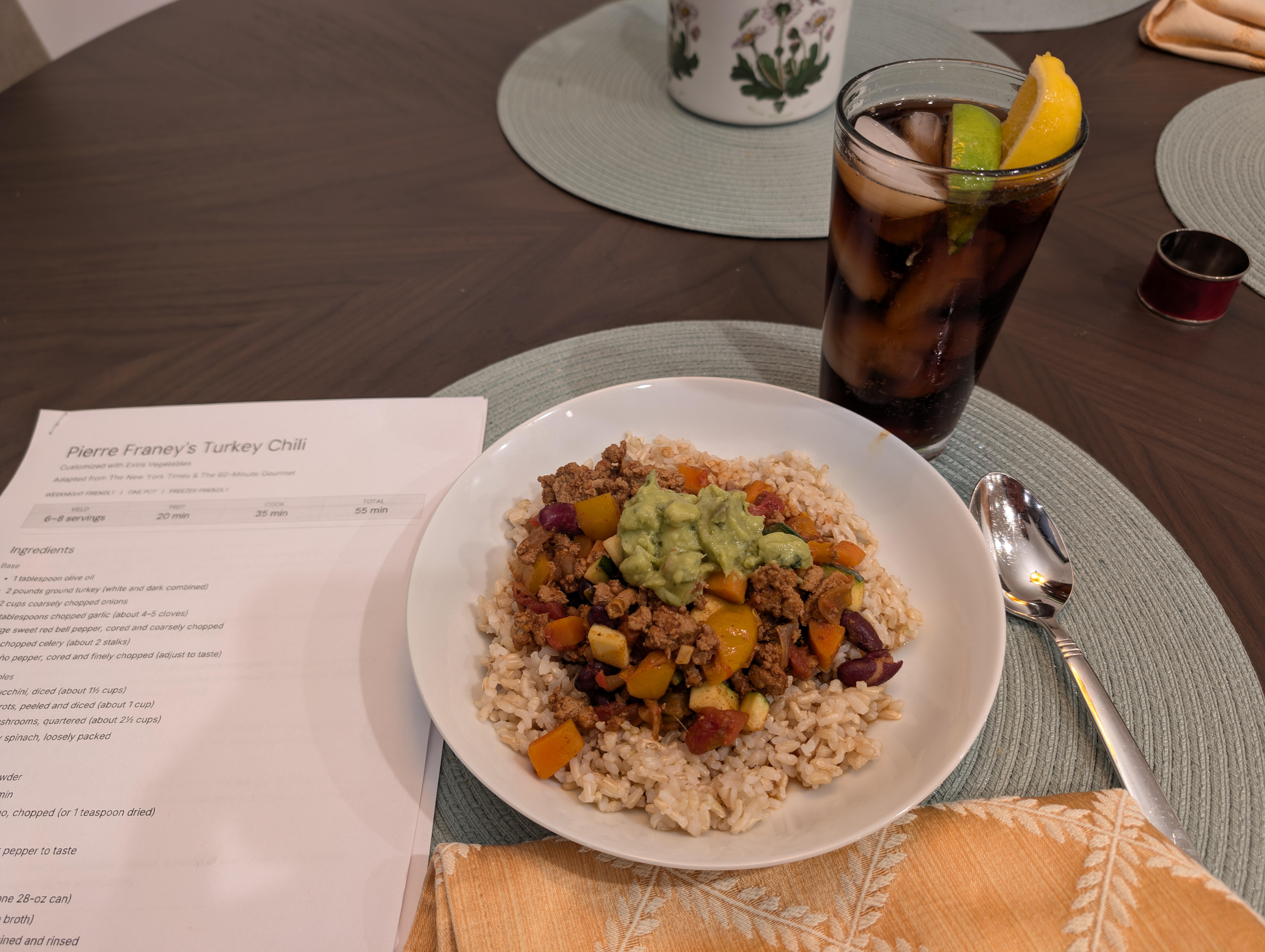
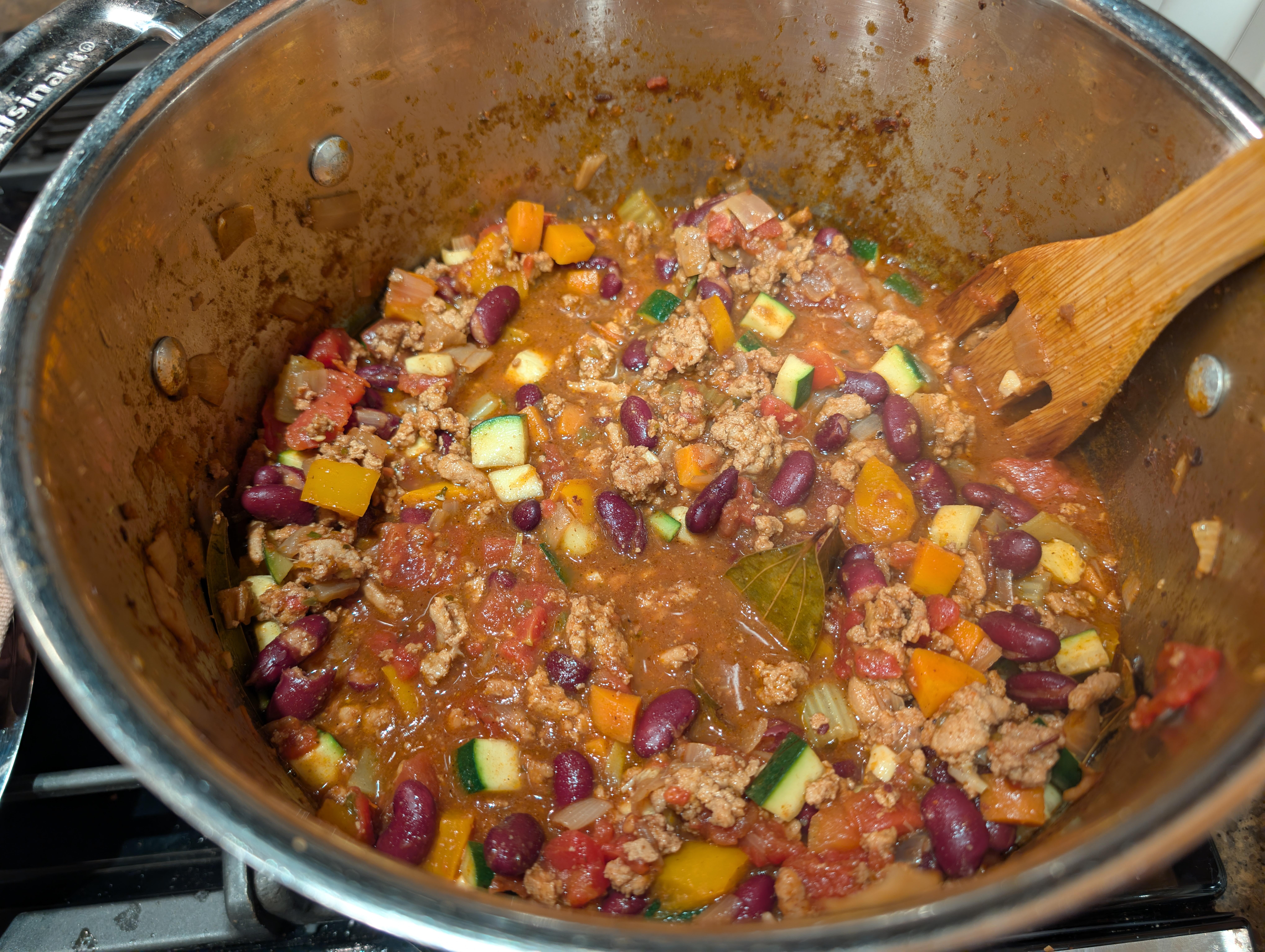
 🦃 🌶️ 🤖 🥒 🍆
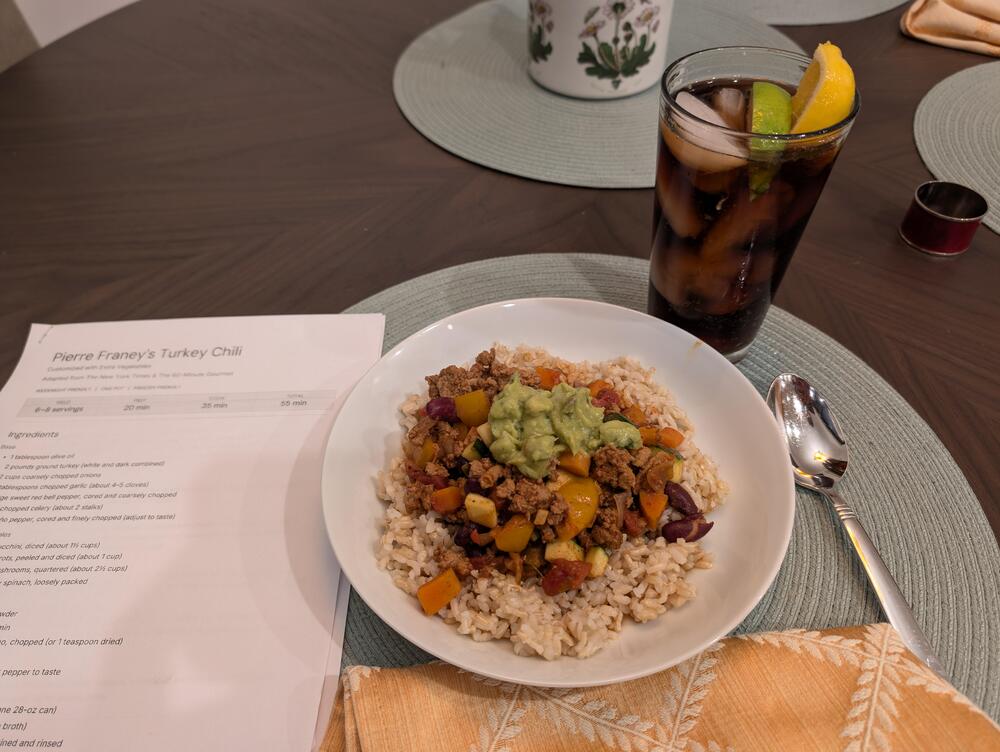 Turkey Chilli with AI extra veggies PDF please? Turkey_Chili_Pierre_Franey_Customized.pdf
 No work on the turbo encabulator, or the Rockwell retro encabulator? Dissapoint.Clafoutis, Katharine Hepburn's Brownies, Ice Cream, Nice Cup Of Tea, and Scrabble!
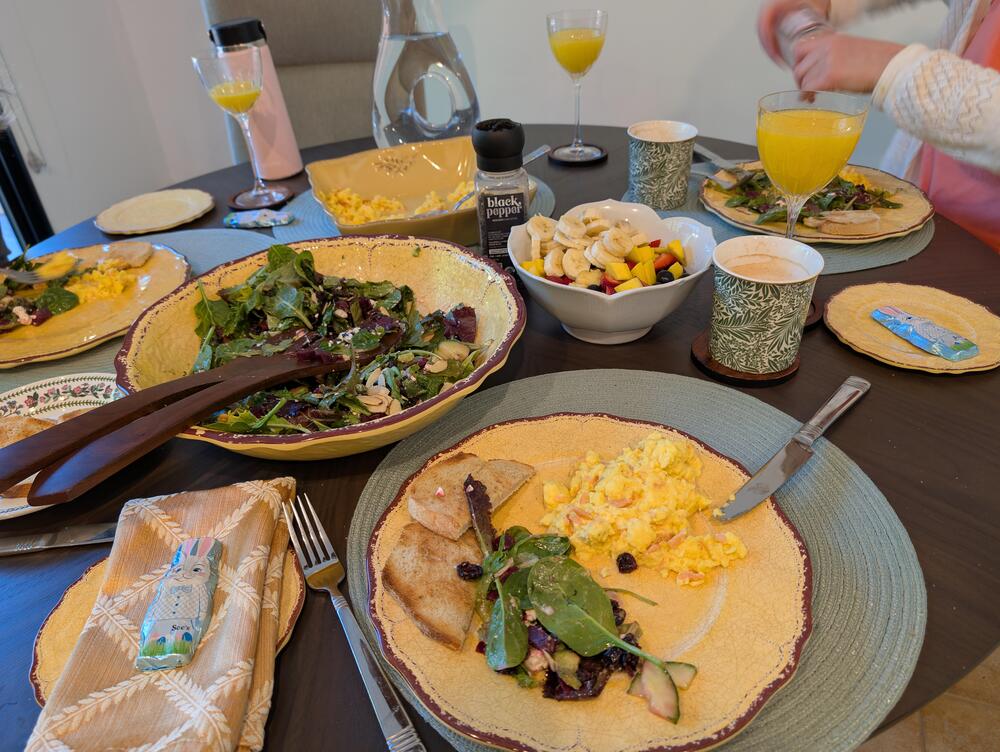
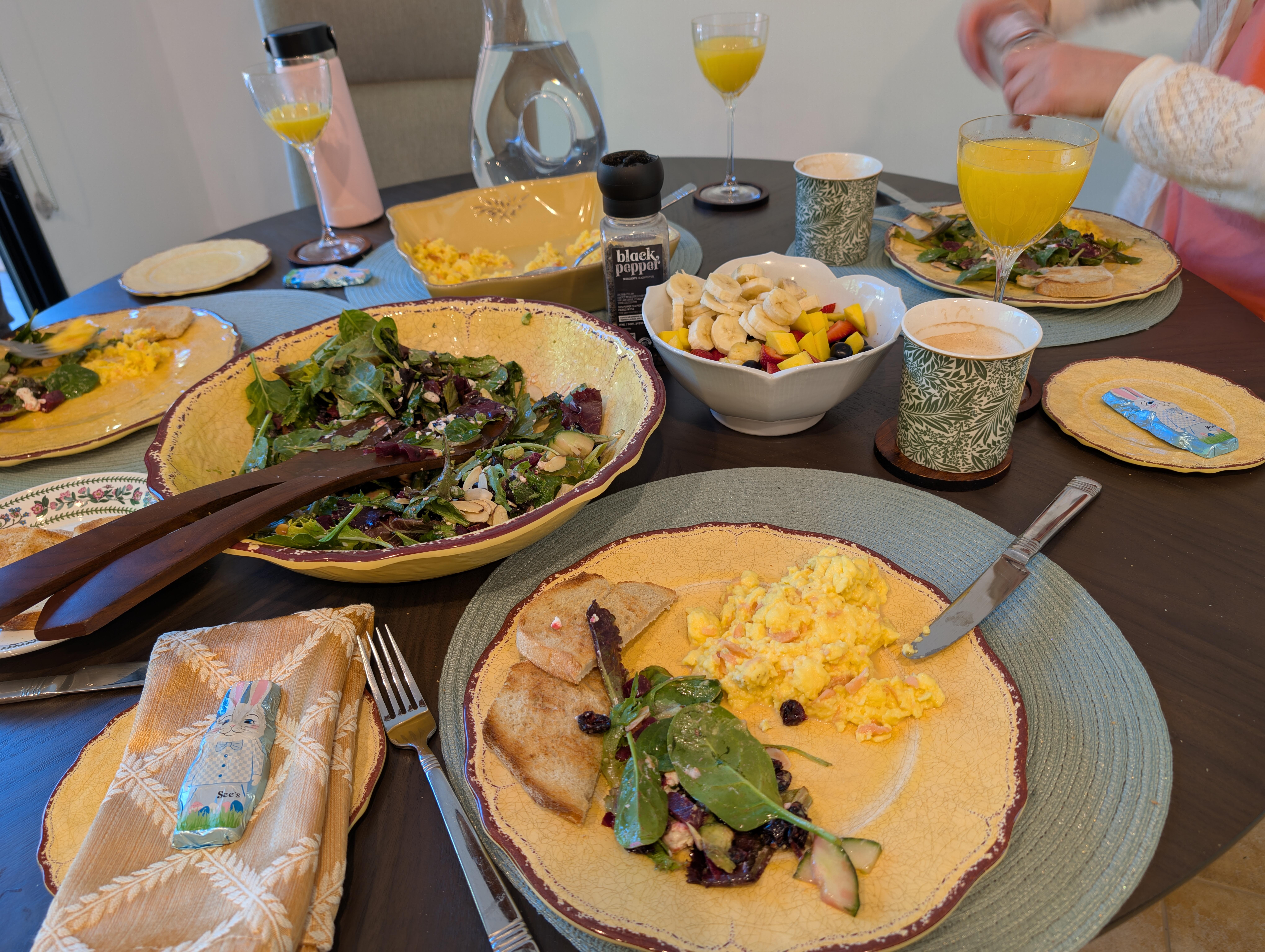
 Easter Brunch, Al Fresco
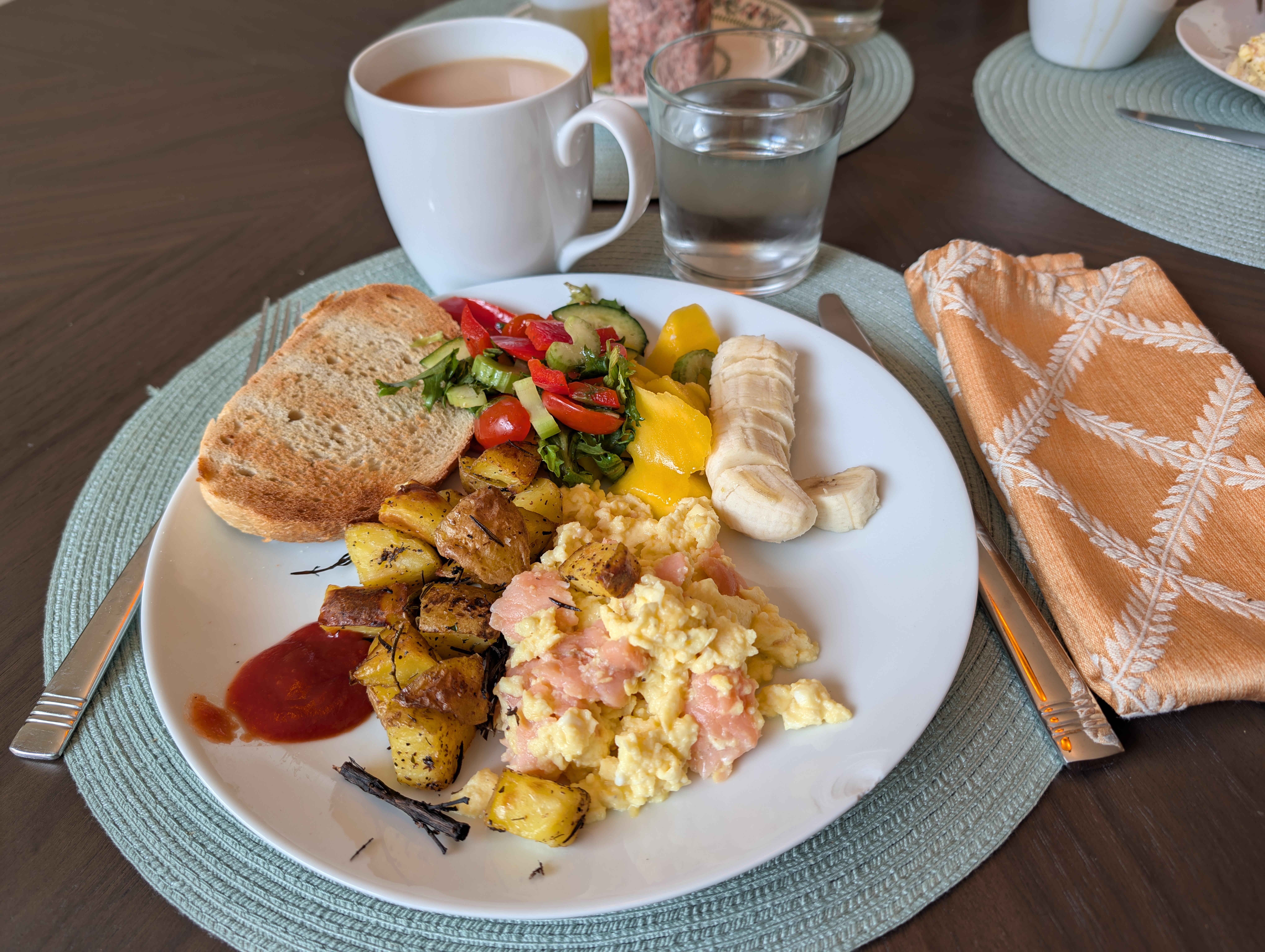
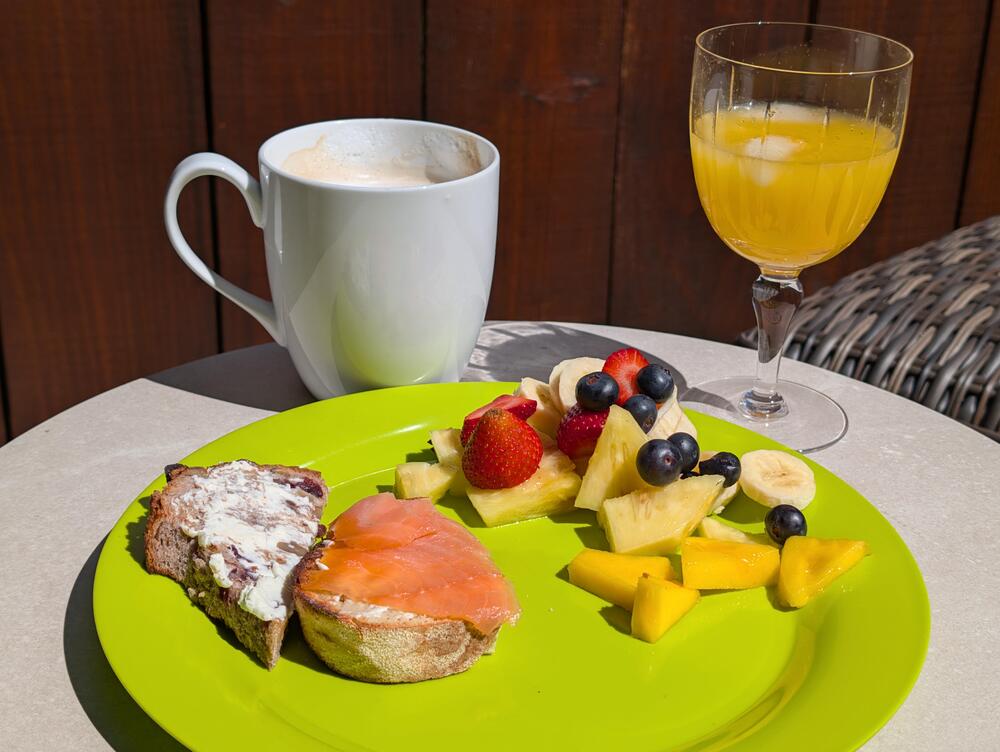 Brit Brunch
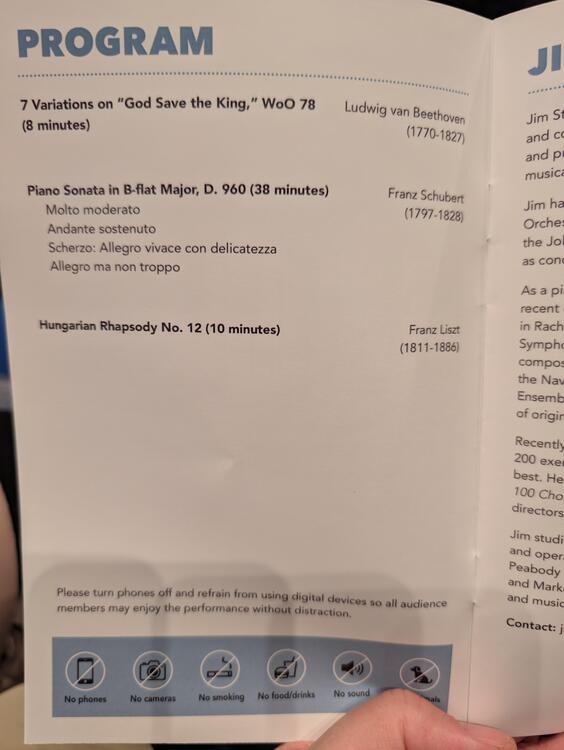
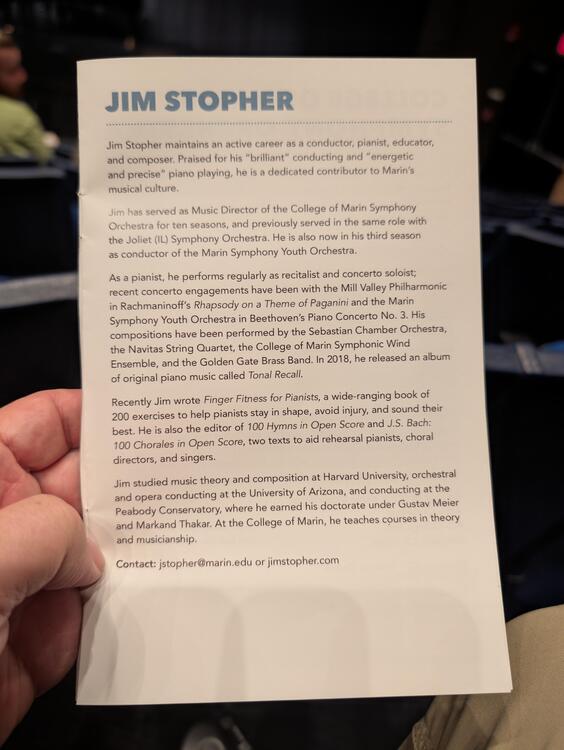
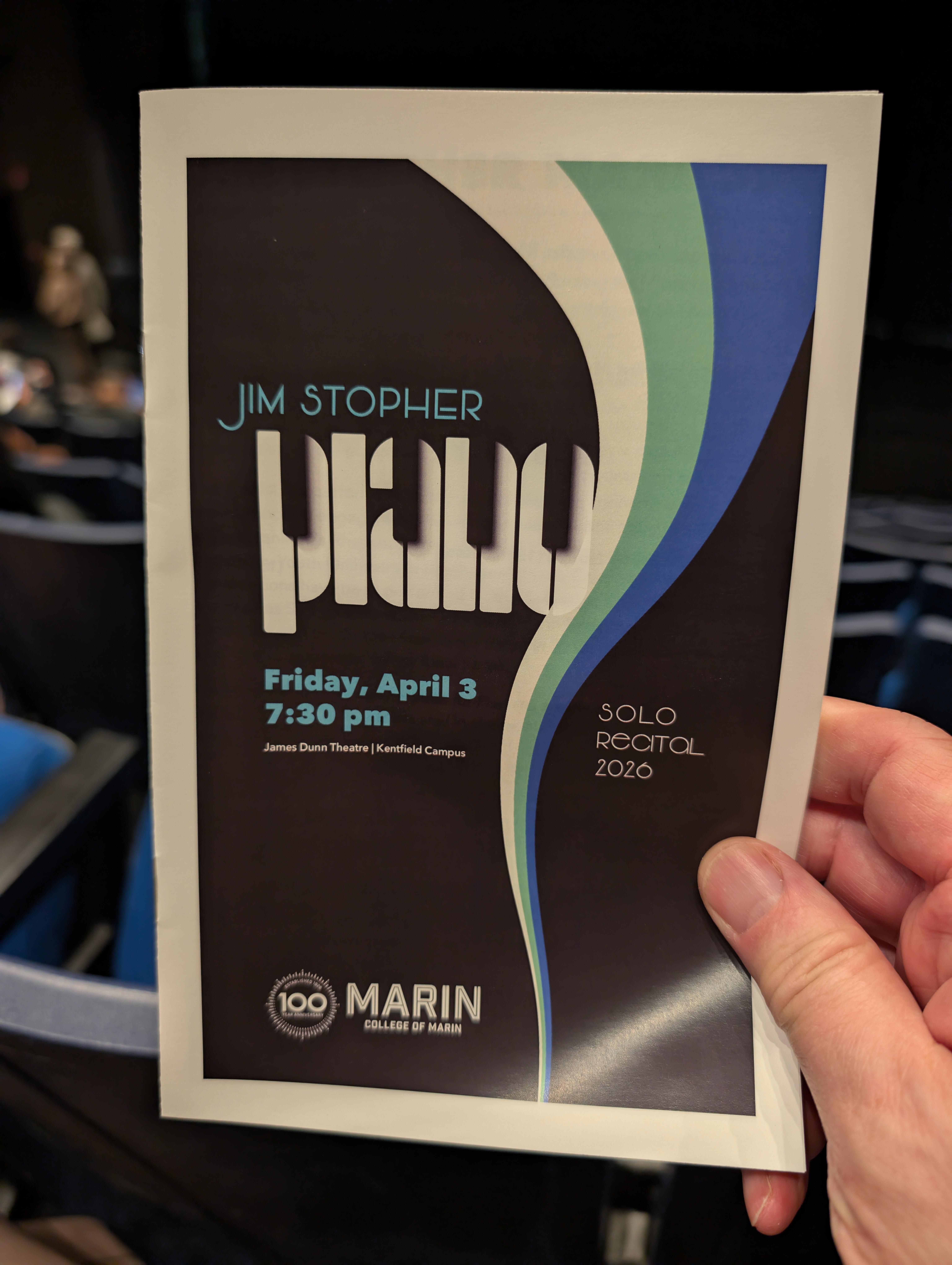
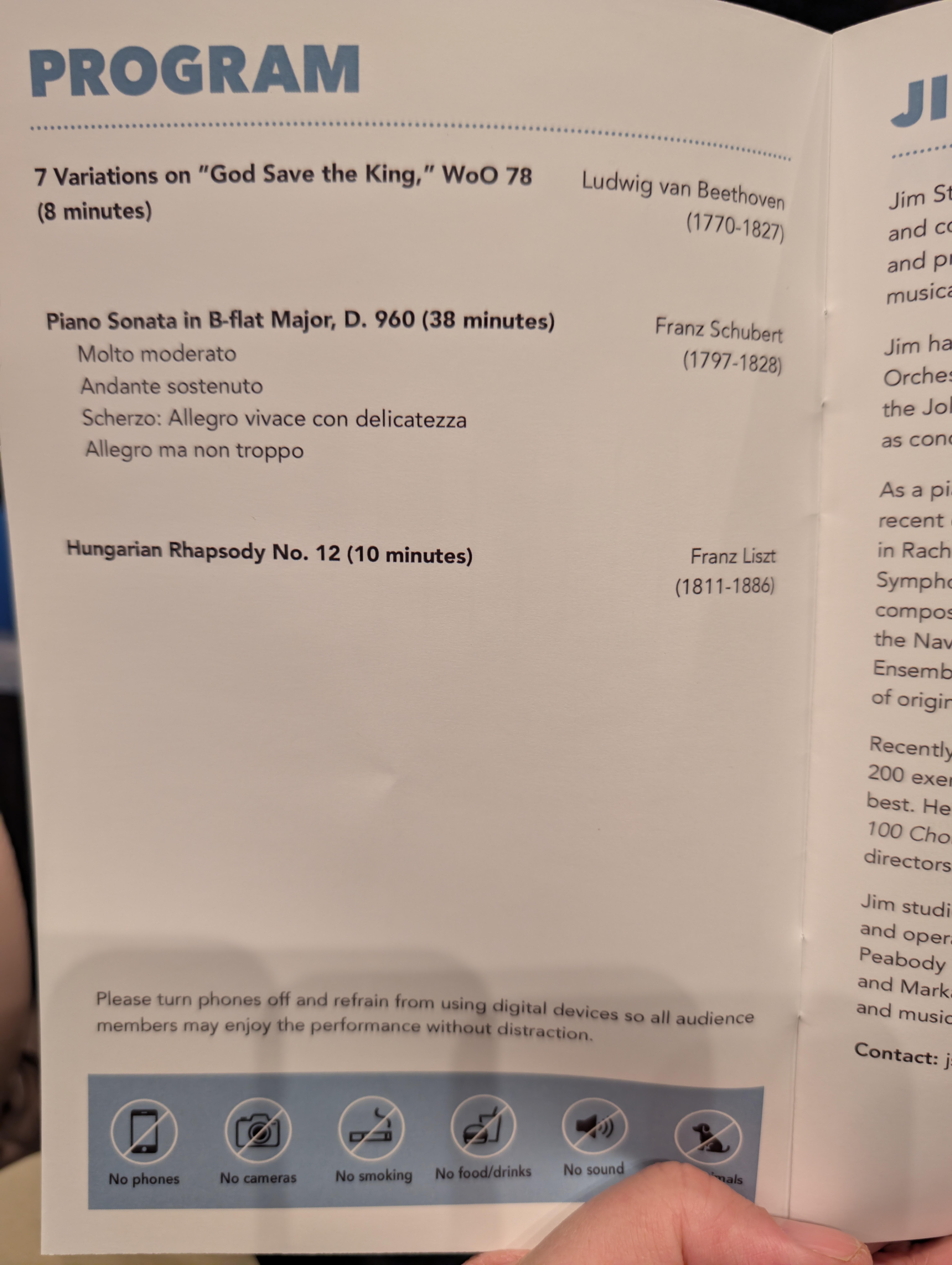
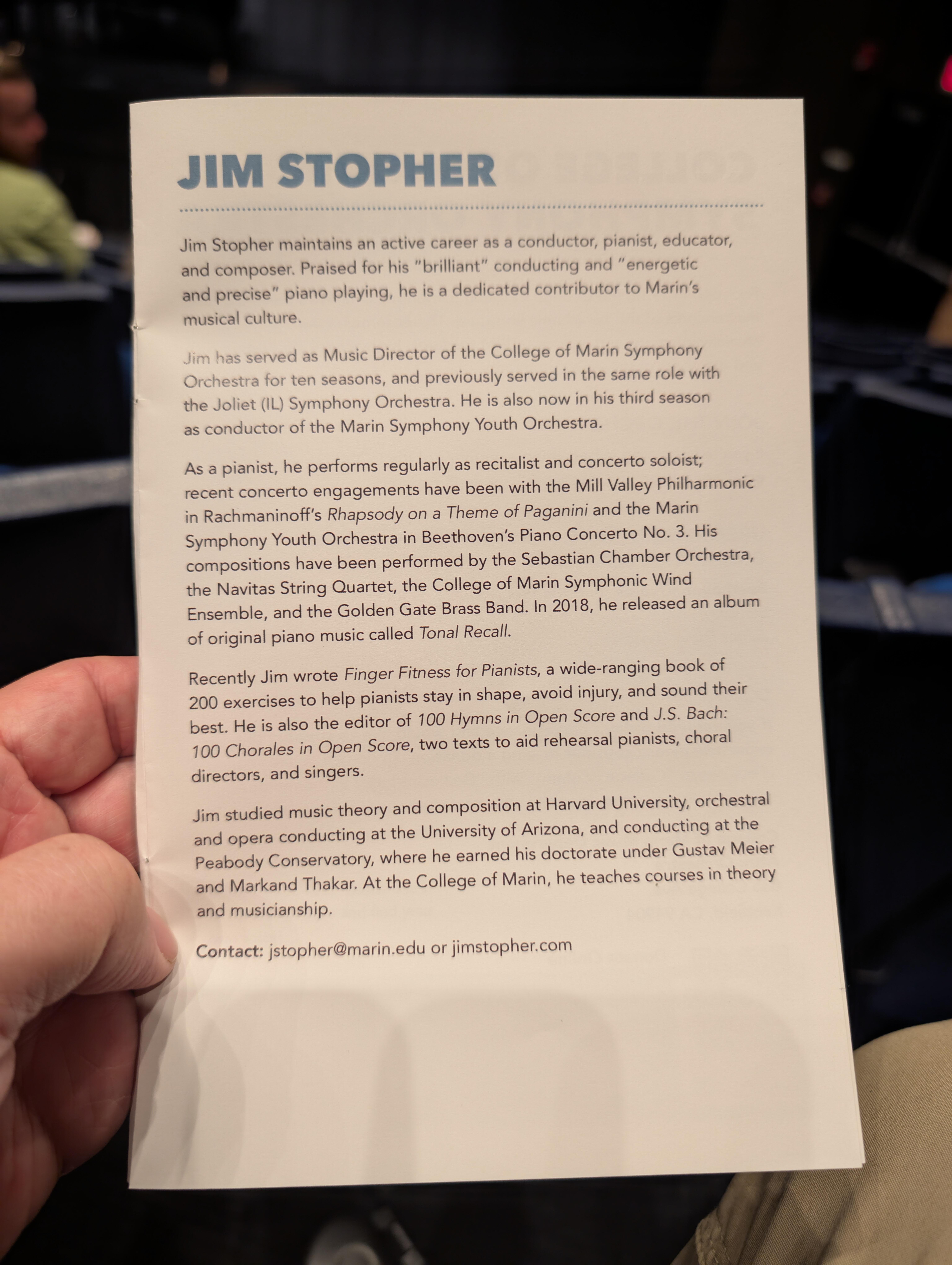
 If, like previously, from memory without sheet music.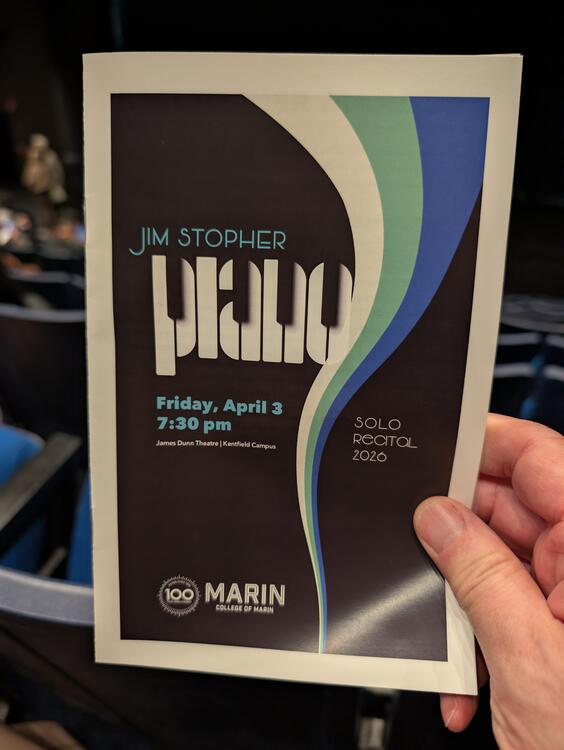
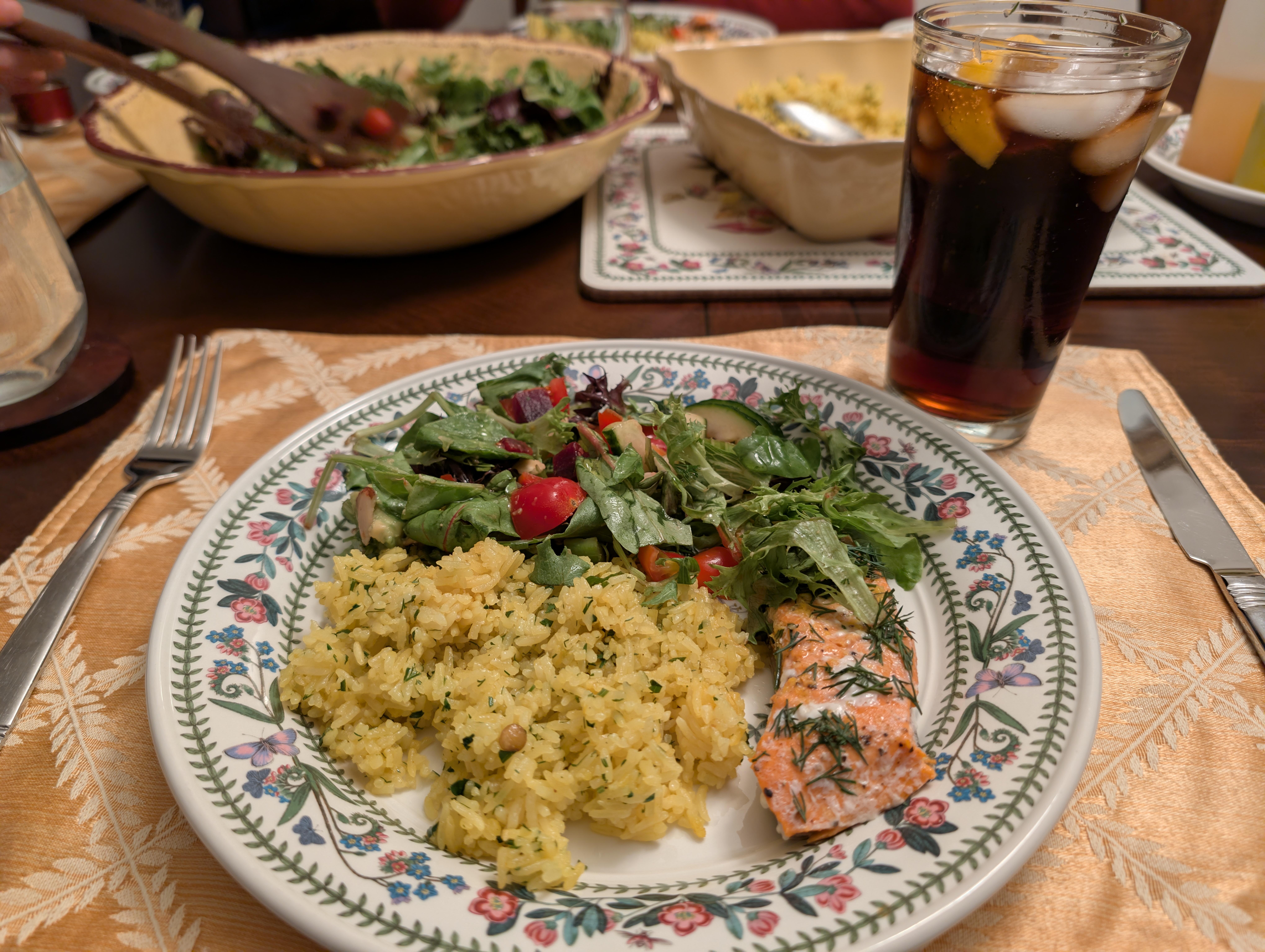
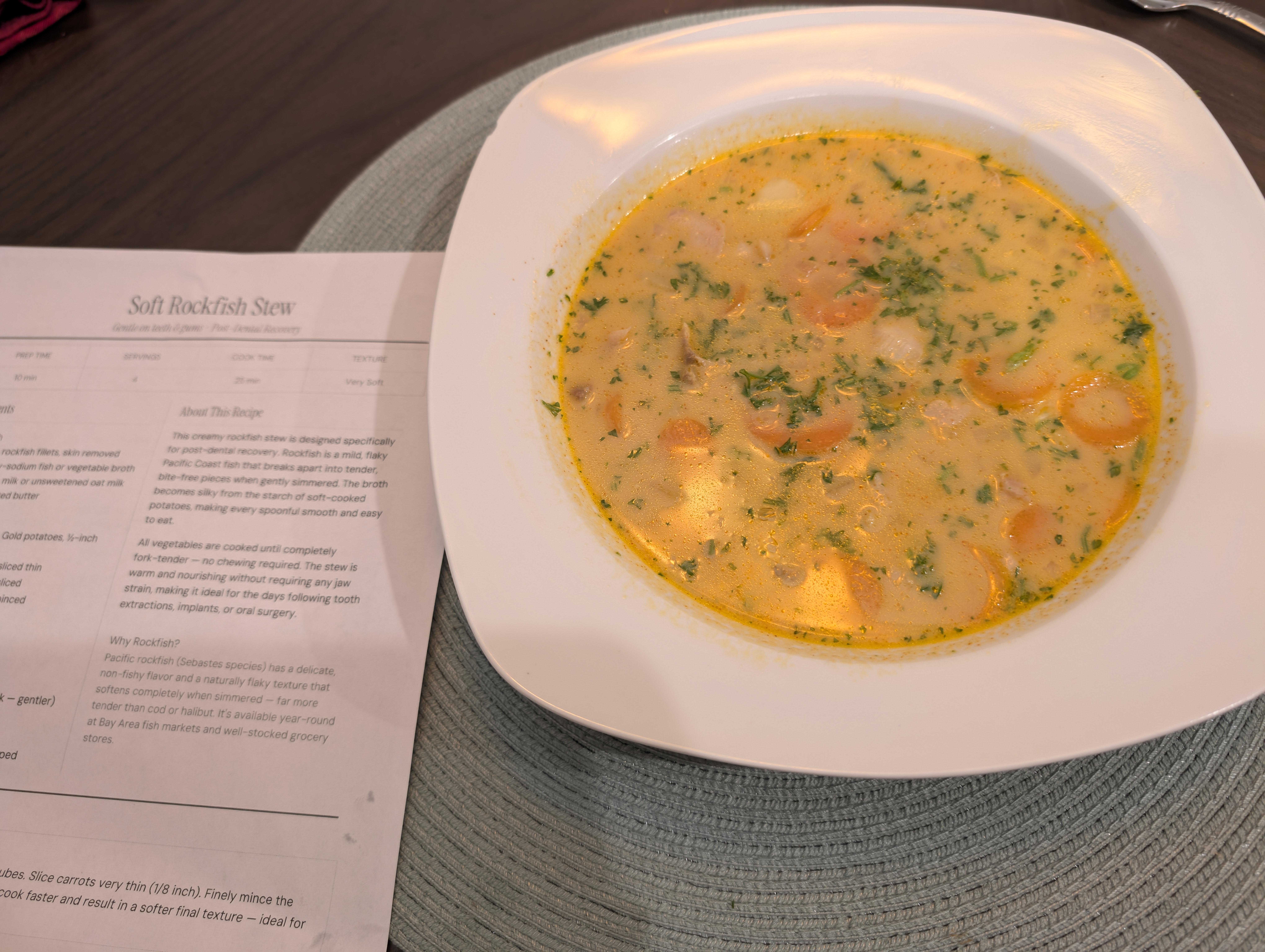
 Post dental work AI Fish Chowder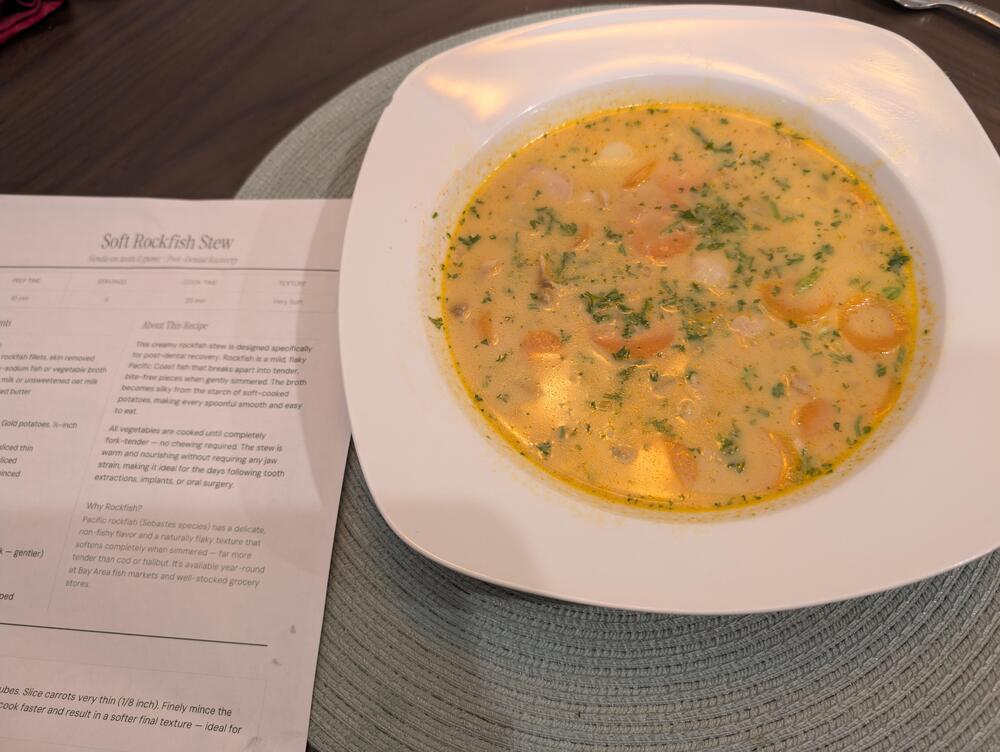







Important Information
By using this site, you agree to our Terms of Use.
Account
Navigation
Search
Configure browser push notifications
Chrome (Android)
- Tap the lock icon next to the address bar.
- Tap Permissions → Notifications.
- Adjust your preference.
Chrome (Desktop)
- Click the padlock icon in the address bar.
- Select Site settings.
- Find Notifications and adjust your preference.
Safari (iOS 16.4+)
- Ensure the site is installed via Add to Home Screen.
- Open Settings App → Notifications.
- Find your app name and adjust your preference.
Safari (macOS)
- Go to Safari → Preferences.
- Click the Websites tab.
- Select Notifications in the sidebar.
- Find this website and adjust your preference.
Edge (Android)
- Tap the lock icon next to the address bar.
- Tap Permissions.
- Find Notifications and adjust your preference.
Edge (Desktop)
- Click the padlock icon in the address bar.
- Click Permissions for this site.
- Find Notifications and adjust your preference.
Firefox (Android)
- Go to Settings → Site permissions.
- Tap Notifications.
- Find this site in the list and adjust your preference.
Firefox (Desktop)
- Open Firefox Settings.
- Search for Notifications.
- Find this site in the list and adjust your preference.