


Hopstretch
High Rollers
-
Joined
-
Last visited
Everything posted by Hopstretch
-
I dig it.
-
I feel attacked.
-
Happy Birthday Mikey!
-
Straight celebration. Big ass rice and cheese ball celebration. Refill and seared fish sandwich celebration.
-
Yeah I got wet driving down through Paso Robles this morning and the wind off the ocean has some bite in Carp this evening. I did wave when passing the exit for 135!
-
I'm sorry, what is that in Freedom Units please?
-
We are given to understand the trepidation is usually on the other side of the interaction?
-
Rotisserie leg of lamb. Going to chop up and eat in pitas with tzatziki and Greek salad.Happy Birthday Marc!Happy Chocolate Raspberry Cheesecake birthday!Happy birthday!Happy Metal Birthday!Happy Birthday!I needed some tranquility today and this delivered.
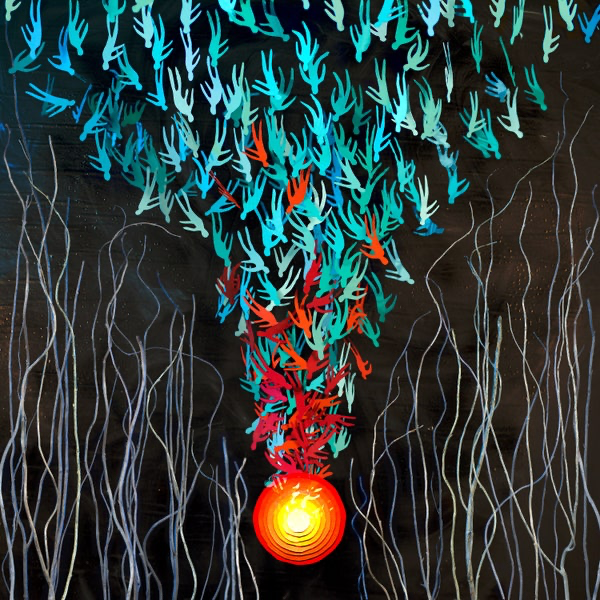
 No mention of Spotify though.Some punk energy.I've been watching the Aaron Franklin Masterclass series and he says the same thing. Go by feel for doneness and rest is crucial. He only takes the temp in that latter part of the process, because he wants to let the meat come back down to 140ish before slicing. That way he knows everything has relaxed appropriately. Mmmm, brisket, aaarrrggghhhh.Bright Eyes -- Down In The Weeds Where The World Once Was
 And there was a corollary.It was necessary.When do we get "horny"?




Important Information
By using this site, you agree to our Terms of Use.
Account
Navigation
Search
Configure browser push notifications
Chrome (Android)
- Tap the lock icon next to the address bar.
- Tap Permissions → Notifications.
- Adjust your preference.
Chrome (Desktop)
- Click the padlock icon in the address bar.
- Select Site settings.
- Find Notifications and adjust your preference.
Safari (iOS 16.4+)
- Ensure the site is installed via Add to Home Screen.
- Open Settings App → Notifications.
- Find your app name and adjust your preference.
Safari (macOS)
- Go to Safari → Preferences.
- Click the Websites tab.
- Select Notifications in the sidebar.
- Find this website and adjust your preference.
Edge (Android)
- Tap the lock icon next to the address bar.
- Tap Permissions.
- Find Notifications and adjust your preference.
Edge (Desktop)
- Click the padlock icon in the address bar.
- Click Permissions for this site.
- Find Notifications and adjust your preference.
Firefox (Android)
- Go to Settings → Site permissions.
- Tap Notifications.
- Find this site in the list and adjust your preference.
Firefox (Desktop)
- Open Firefox Settings.
- Search for Notifications.
- Find this site in the list and adjust your preference.