


Hopstretch
High Rollers
-
Joined
-
Last visited
Everything posted by Hopstretch
-
Happy Birthday, as usual!
-
One of my favorite songs and I really like the cover.
-
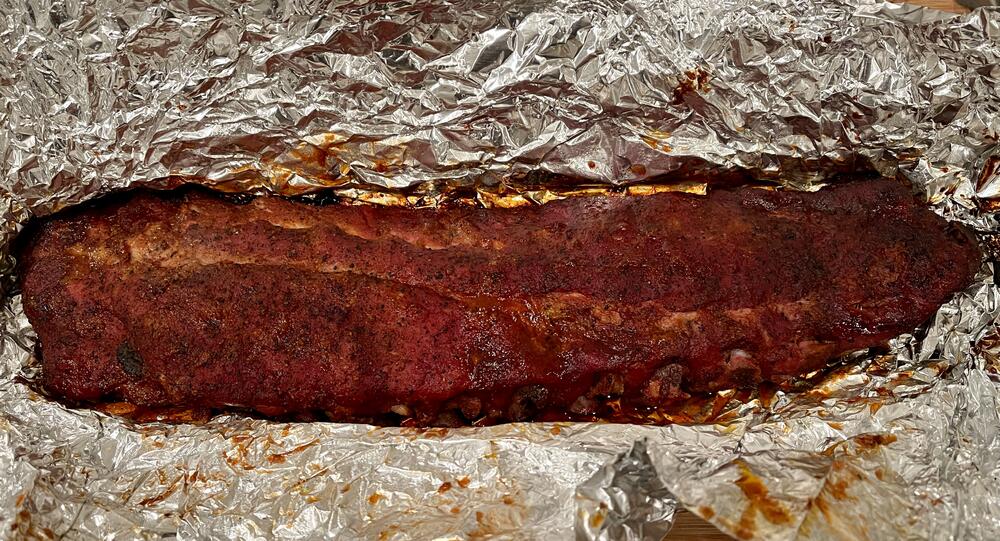
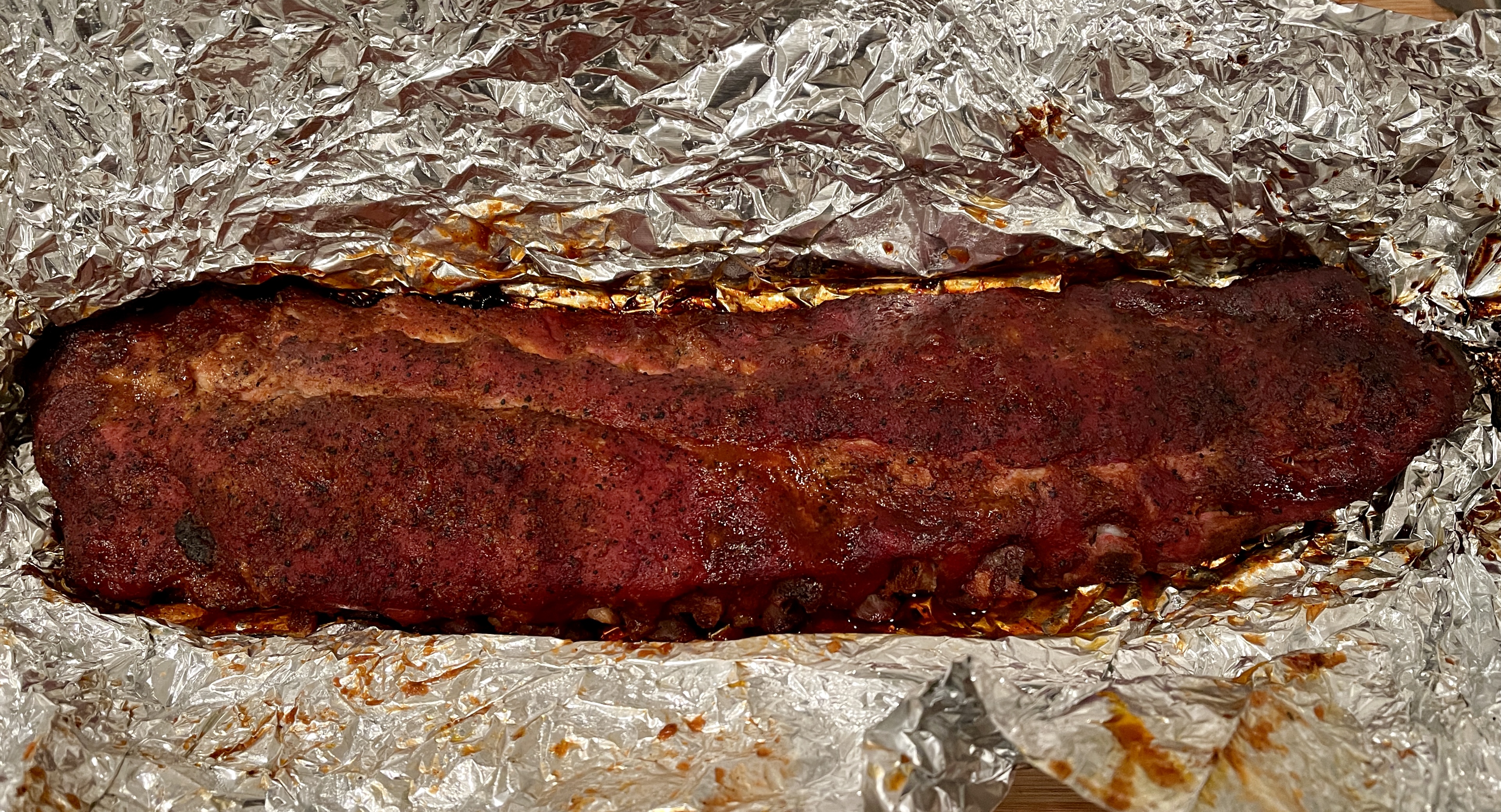
Franklin BBQ method. Two hours rubbed and naked at 275 then about the same spritzed, sauced and wrapped. Turned out well -- the family killed two racks and asked if there was any more.
-
No arguments from me!
-
Happy Birthday Ric!
-
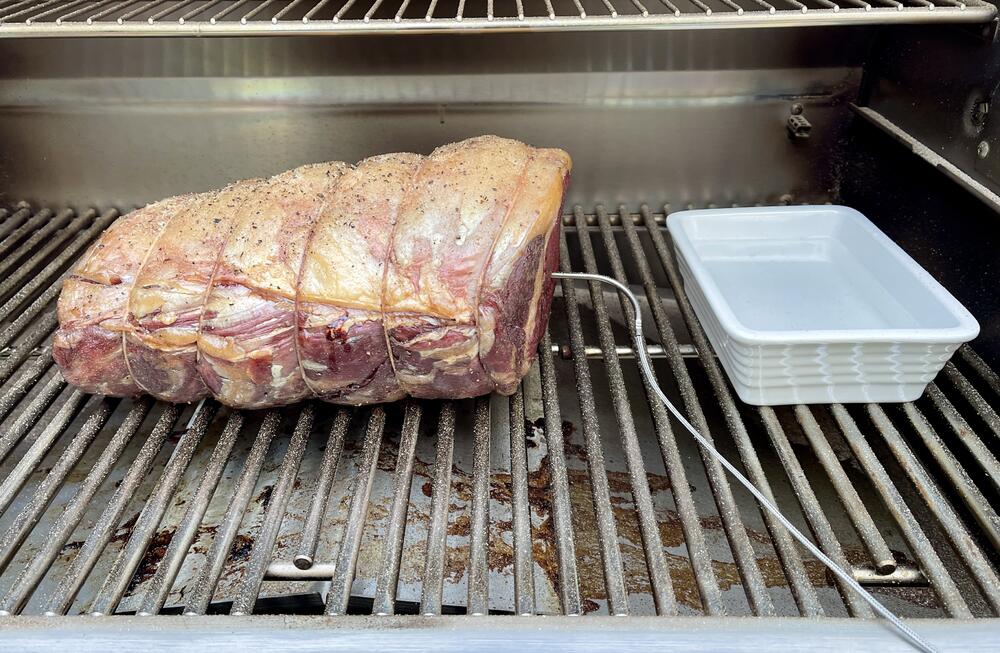
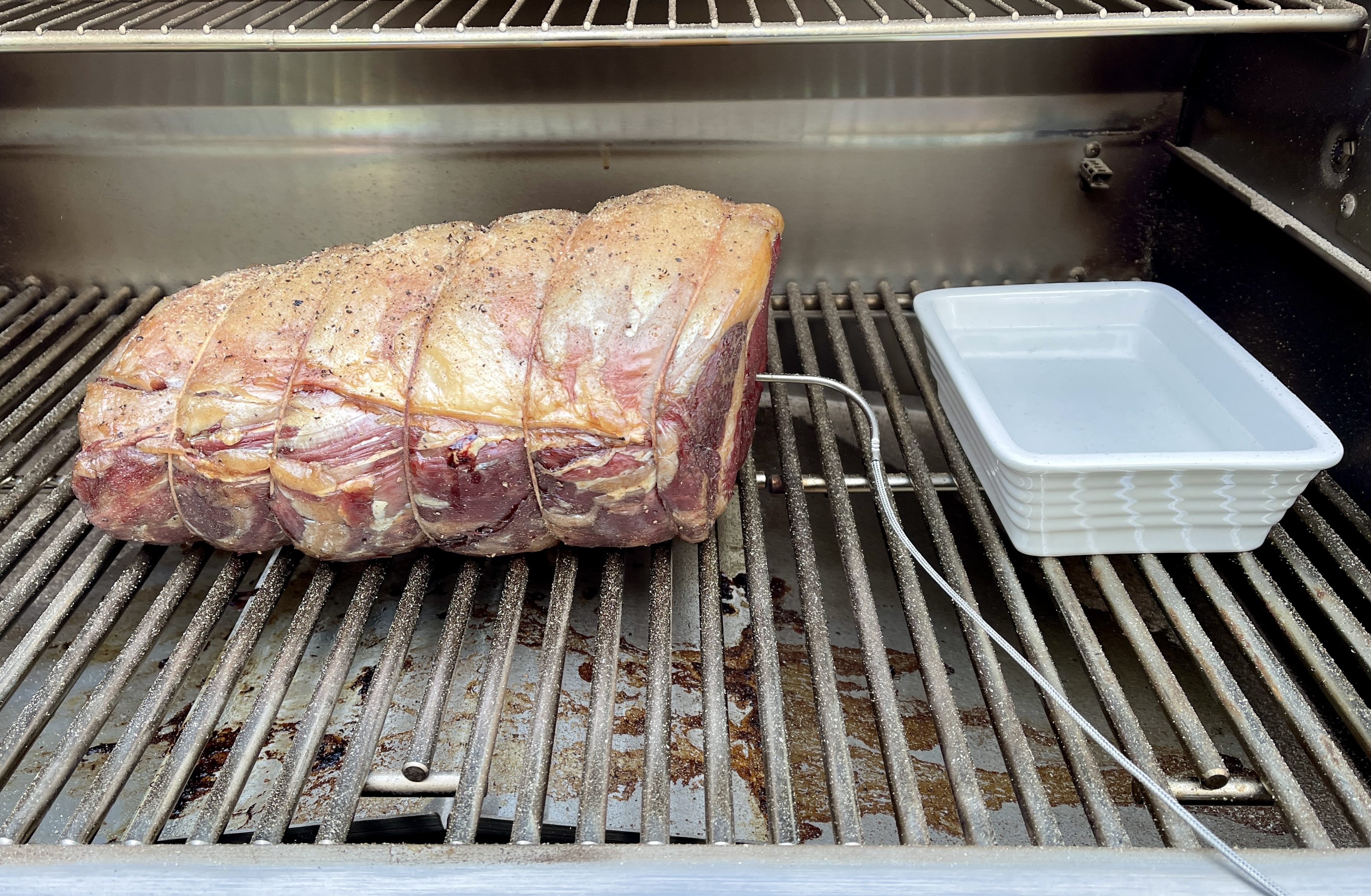
Have had a 10 lb rib roast in the smoker at 150 for 5-1/2 hours so far. Will pull at 125-ish, rest a 1/2 hour then nuke in the big gas grill for a few minutes at 750+ to get a nice crust.
-
Happy Birthday sirrah!
-
It's now objectively the better user of the name, too.
-
Ordered some too. Decent performance, no hassles is about where I am in life right now.
-
Just some nice soaking rain. Very welcome. Sunny and in the 60s through the weekend. Jolly good.
-
It's hard to imagine who went: "What this extended edition really needs is a bunch of solo clarinet!" But God bless him (would definitely have been a him in the '80s).Lighten up Francis Callum.Lightning connector.Guessing this is not going to run great on my 2014 iMac?Happy belated West Coast birthday!Sorry we missed it but it would have been a lot more COVID-style if we'd been there!ZIRP today, ZIRP forever. There is no interest, only Zool ZIRP.This has pretty much everything I'm looking for.Prediction, by next week Jeff is also going to have a Powermatic lathe, drum sander, table saw and CNC kit.Got my Pacific Blue 12 Pro Max. Hopefully Jeff hasn't received his yet.Noice. https://techcrunch.com/2020/11/17/yeah-apples-m1-macbook-pro-is-powerful-but-its-the-battery-life-that-will-blow-you-away/Was listening to this tonight and it occurred to me to hope another actual civil war will not be necessary.






Important Information
By using this site, you agree to our Terms of Use.