


Hopstretch
High Rollers
-
Joined
-
Last visited
Everything posted by Hopstretch
-
-
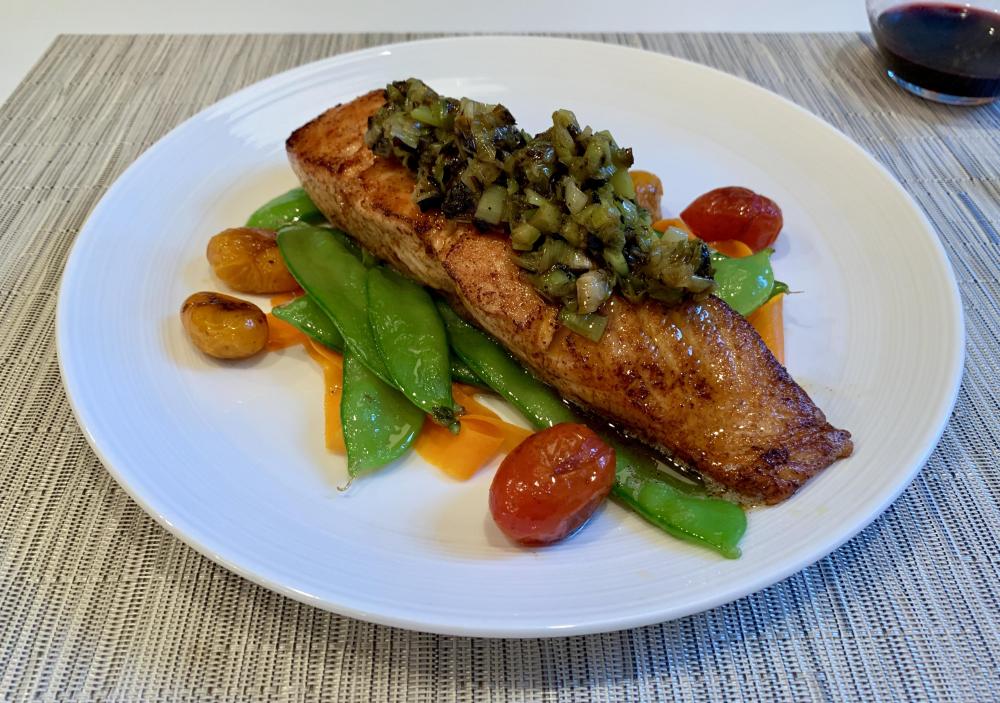
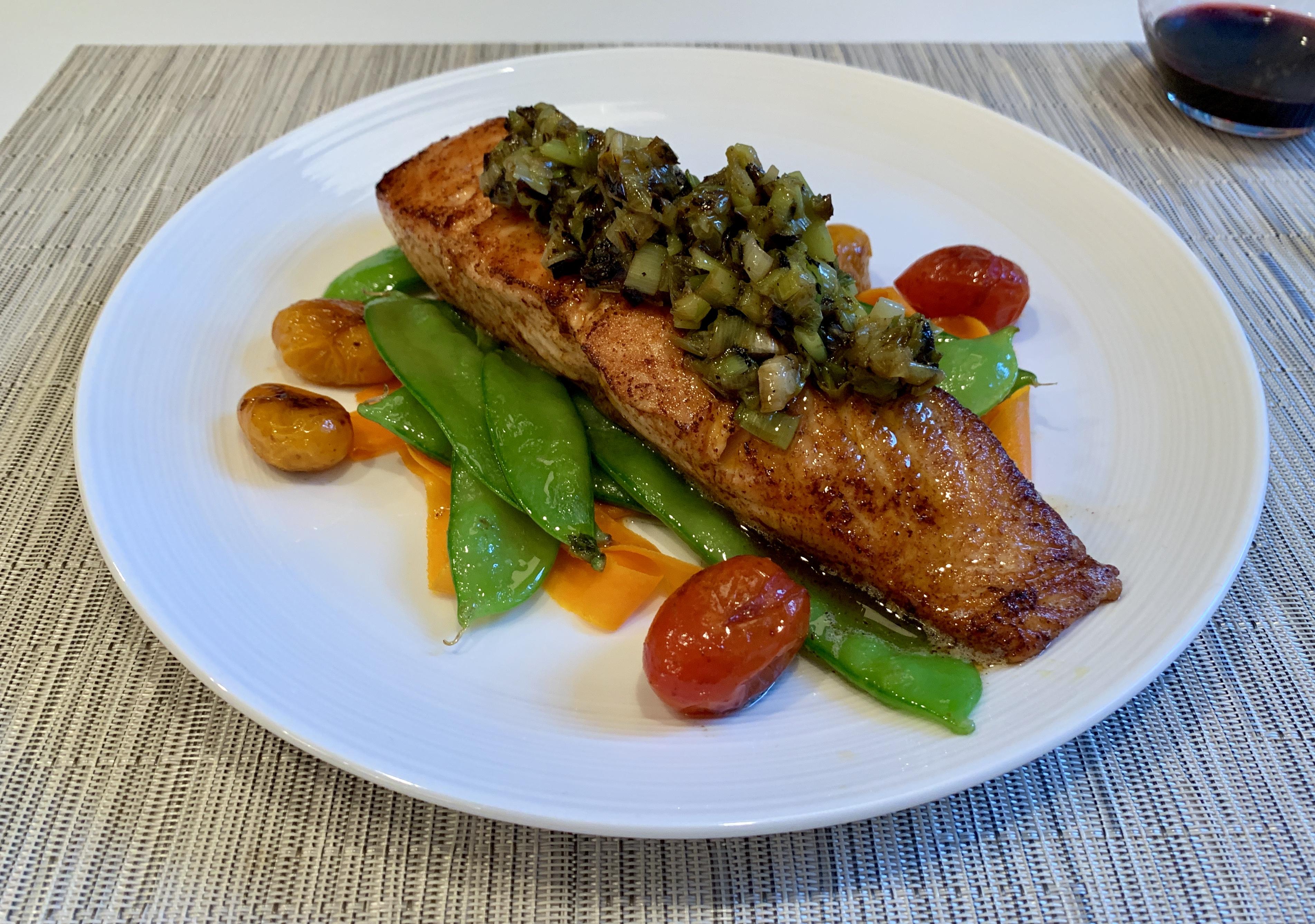
In light of the sad news today.Well looky here.He did a very good podcast recently with a longevity/wellness expert I follow and sounds like top bloke too (he’s a Brit). It’s in three parts and I’ve linked the opener below. https://peterattiamd.com/matthewwalker1/“Why We Sleep” by Matthew Walker. One of the most profound and illuminating books I can remember reading in recent years. (It’s not a rhetorical question either, he is one of the world’s most eminent researchers in neuro-imaging.)Wow.I dig it.Penis coffee art?RIP Johnny Clegg, the "white Zulu". Very influential musical and political figure in South Africa's transition from Apartheid and just a great guy. Fuck cancer! Of course this would all be condemned out of hand as cultural appropriation now because modern woke thought is fucking rubbish, but back in the dark days growing up it was super transgressive and hugely inspiring.Salmon. It's not true you can't pair red wine with it.
 It was shallow. I think somewhat by necessity as there's just too much backstory (all the 80s trivia) to shove in for a current audience. Watched it with my kids and they were like "cool effects, middling story, terrible Dad music."That's my kind of afternoon right there! Claire looks like she's going to need a little lie down.Toight.Seemed like a standup guy, too. RIP Rip.I'm an atheist personally and the UK is very largely a post-religious society. So mad props to Stormzy for bringing everyone along with this. Amazing!Unlikely! Happy birthday anyway, Justin.






Important Information
By using this site, you agree to our Terms of Use.
Account
Navigation
Search
Configure browser push notifications
Chrome (Android)
- Tap the lock icon next to the address bar.
- Tap Permissions → Notifications.
- Adjust your preference.
Chrome (Desktop)
- Click the padlock icon in the address bar.
- Select Site settings.
- Find Notifications and adjust your preference.
Safari (iOS 16.4+)
- Ensure the site is installed via Add to Home Screen.
- Open Settings App → Notifications.
- Find your app name and adjust your preference.
Safari (macOS)
- Go to Safari → Preferences.
- Click the Websites tab.
- Select Notifications in the sidebar.
- Find this website and adjust your preference.
Edge (Android)
- Tap the lock icon next to the address bar.
- Tap Permissions.
- Find Notifications and adjust your preference.
Edge (Desktop)
- Click the padlock icon in the address bar.
- Click Permissions for this site.
- Find Notifications and adjust your preference.
Firefox (Android)
- Go to Settings → Site permissions.
- Tap Notifications.
- Find this site in the list and adjust your preference.
Firefox (Desktop)
- Open Firefox Settings.
- Search for Notifications.
- Find this site in the list and adjust your preference.