Hopstretch
High Rollers
-
Joined
-
Last visited
Everything posted by Hopstretch
-
I'm so looking forward to going back to a Comcast monopoly. Not.
-
Can spell, punctuate, construct a reasonable argument and appreciates Staxen -- I hope he sticks around. Everyone gets hit in the face with a shovel at first, JRU. It's a necessary recalibration from the other place.
-
Newbury Comics! I still listen to 'Til Tuesday. The new album is quite ... specific. Good (of course) but just really focused on telling a certain story in a certain mode.
-
Aimee Mann -- Mental Illness

-
You can't set up the joke and not deliver the punchline ...
-
Goldfrapp -- Silver Eye

-
Sorry HS. Cheers to GG!
-
Happy Birthday Doug. Hope you get five sets in!
-
Cut Copy -- In Ghost Colors

-
Favorite Alaskan band. Definitely.
-
Happy Birthday Indeed!
-
Well I still think the East Sussex "Burgundy" is going to be better than the Nizhny Novgorod.

-
The Jesus And Mary Chain -- Damage And Joy
-
The canon says that hanging on in quiet desperation is the English way. I find no mention of grilled meats other than that if you don't eat them, how can you have any pudding?
-
He's not a South African, by any chance?* (*That would explain the two braais and the bodge job, though not the gas.)
-
Found Grahame's worst nightmare ...
-
Lloyd Cole -- In New York: Collected Recordings 1988 - 1996

-
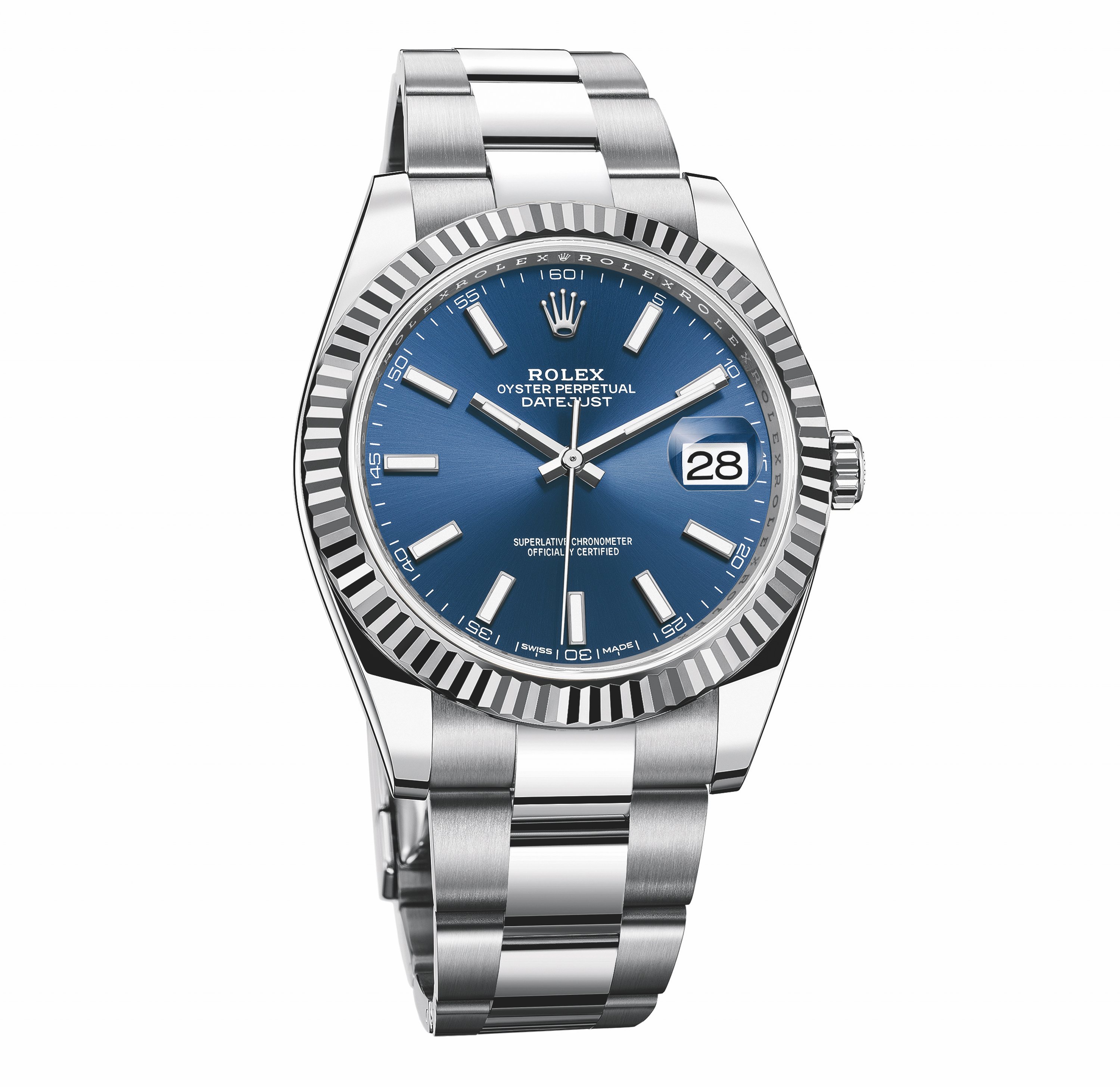
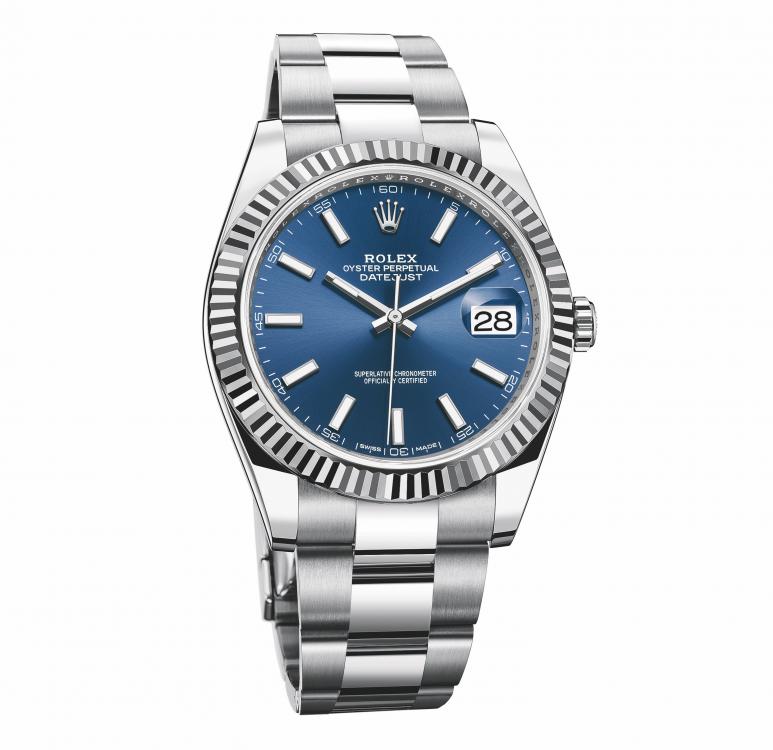
Lot of online bitching about the 41mm size but I think they will sell a boatload of these bigger steel Datejusts. Including one to me. The blue sunray dial is so choice. Baton markers still a bit chunky but the larger dial helps in this regard.
-
The hammer is her penis.
-
Agreed. Top stuff. Sabine is great and I need a DB11 now.
-
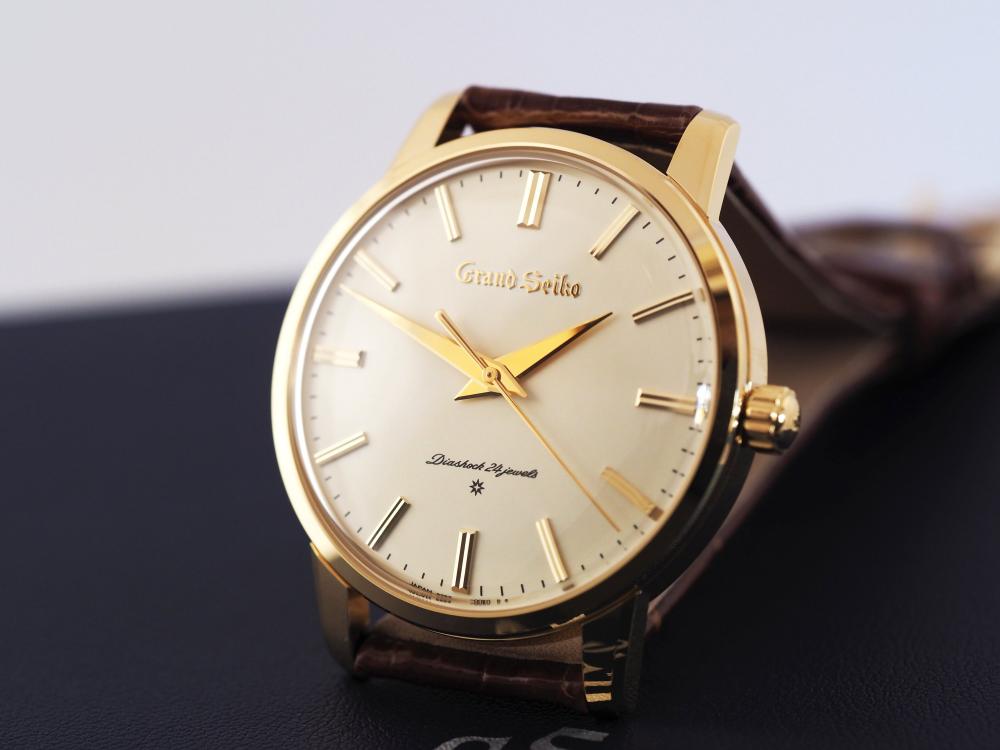
Speaking of limited editions, yes please.
-
Mothership -- High Strangeness
.jpg.8f9be50ee27544264b7a6d823668ba21.jpg)
-
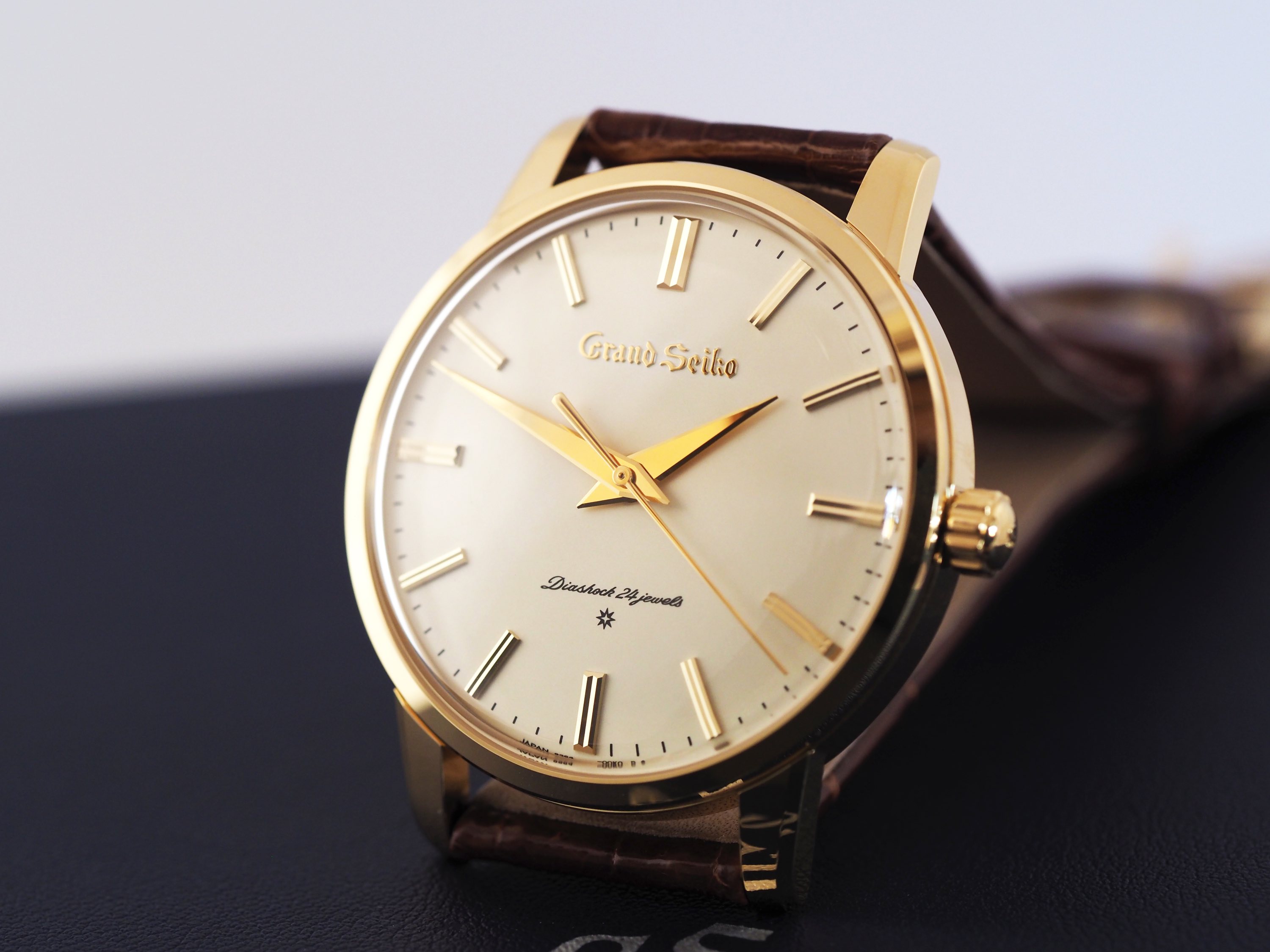
Lovely! Linen dial and engine-turned bezel -- classic.
-
-
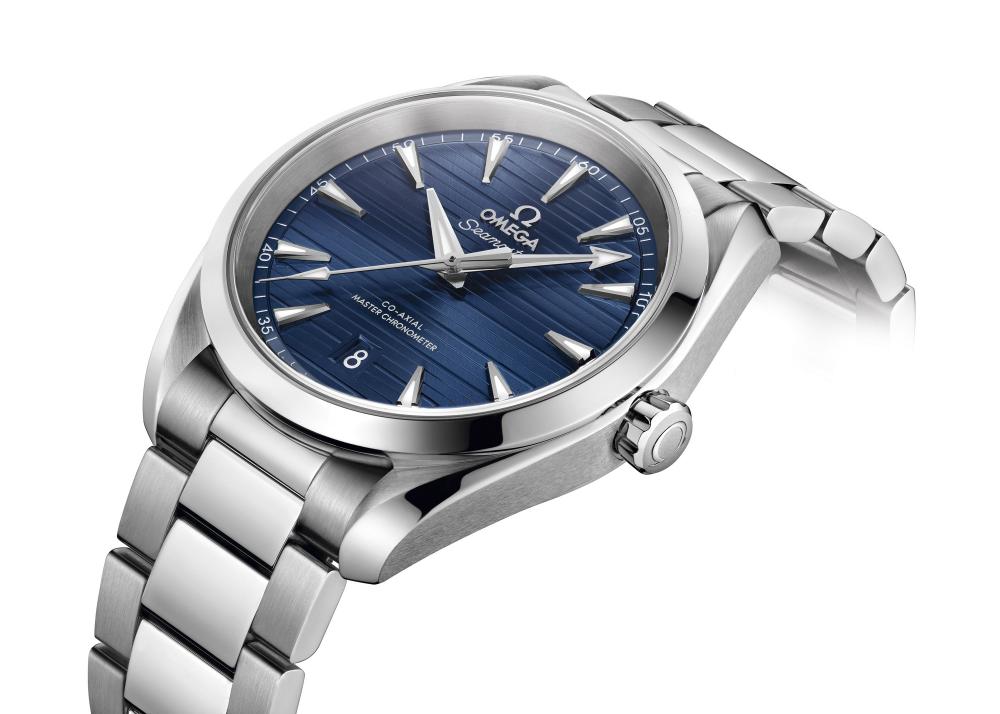
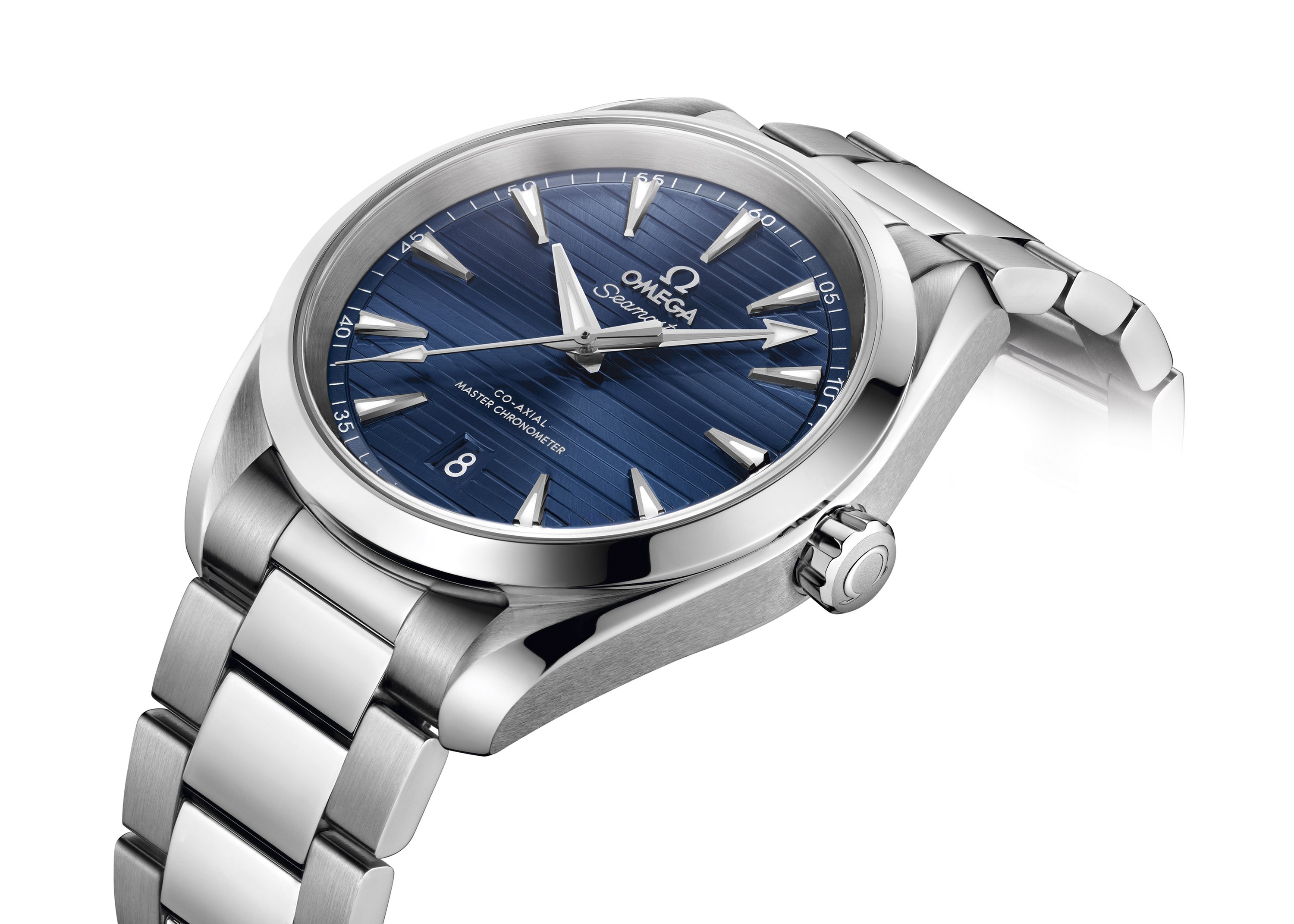
This is now also pretty killer I think. Date window again much better at six and nicely sized at 38.5mm.