

Leaderboard
-
mikeymad
High Rollers6Points13850Posts -
skullguise
High Rollers5Points8915Posts -
Voltron
High Rollers5Points34607Posts -
grawk
Administrators4Points29546Posts




Popular Content
Showing content with the highest reputation on 07/29/18 in Posts
-
3 points
-
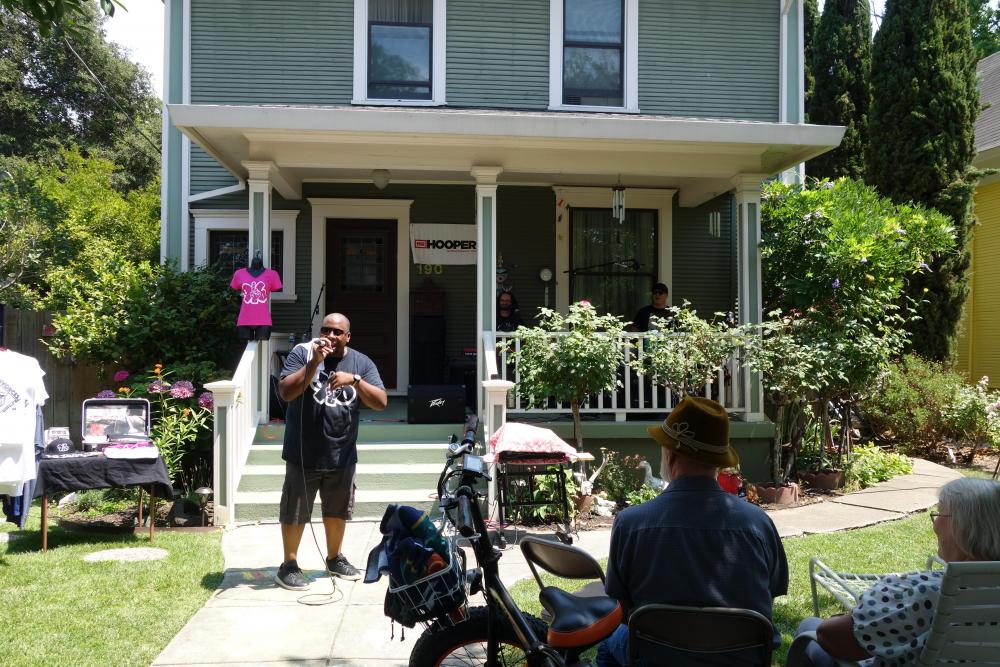
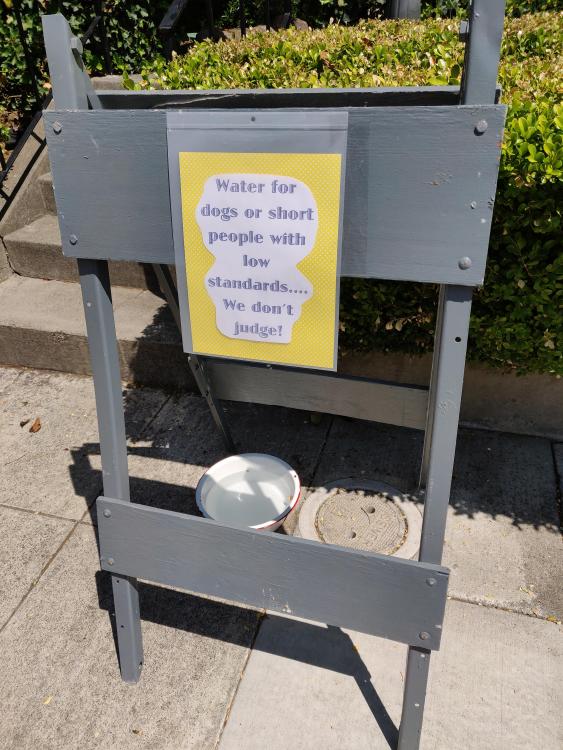
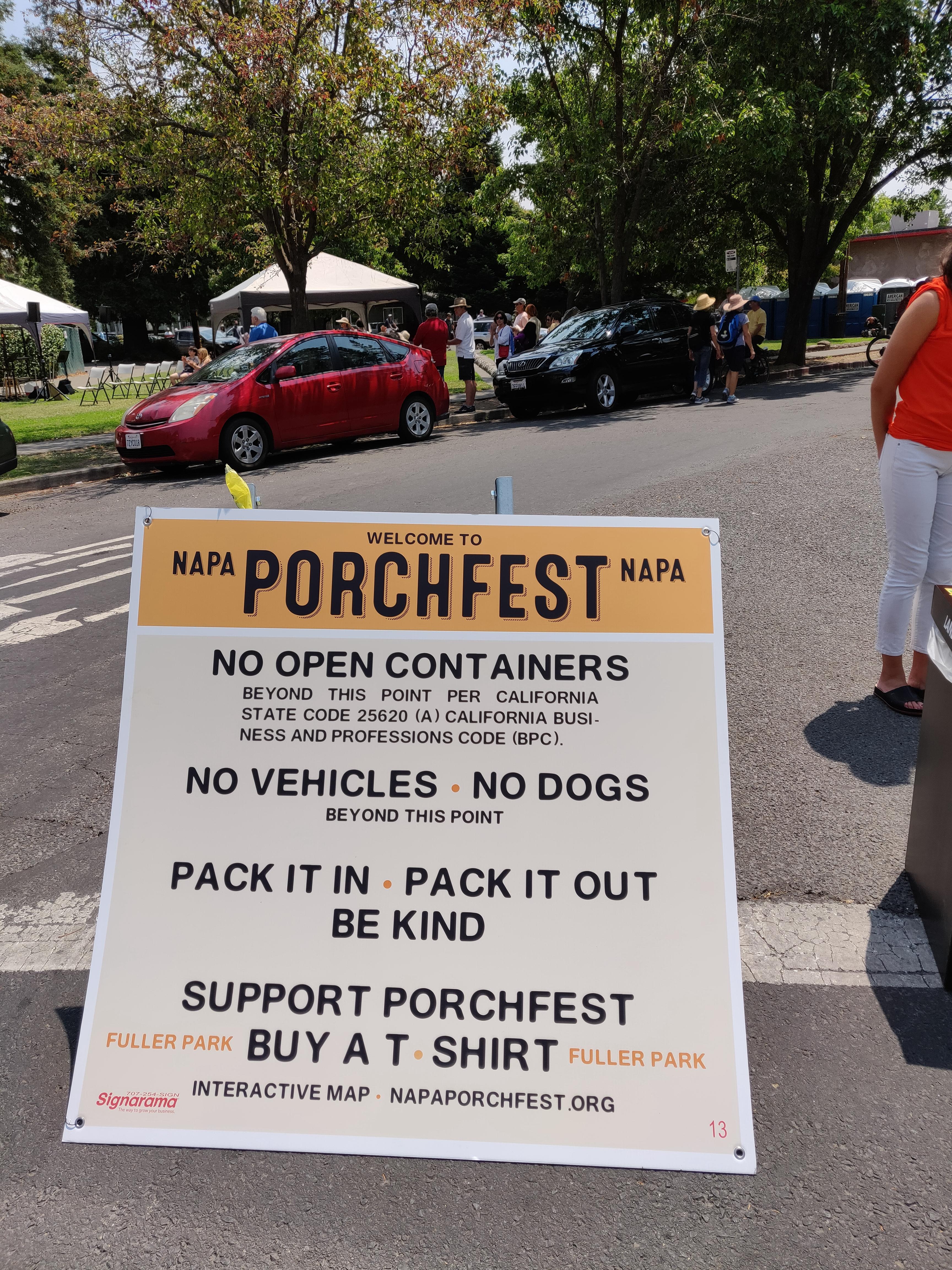
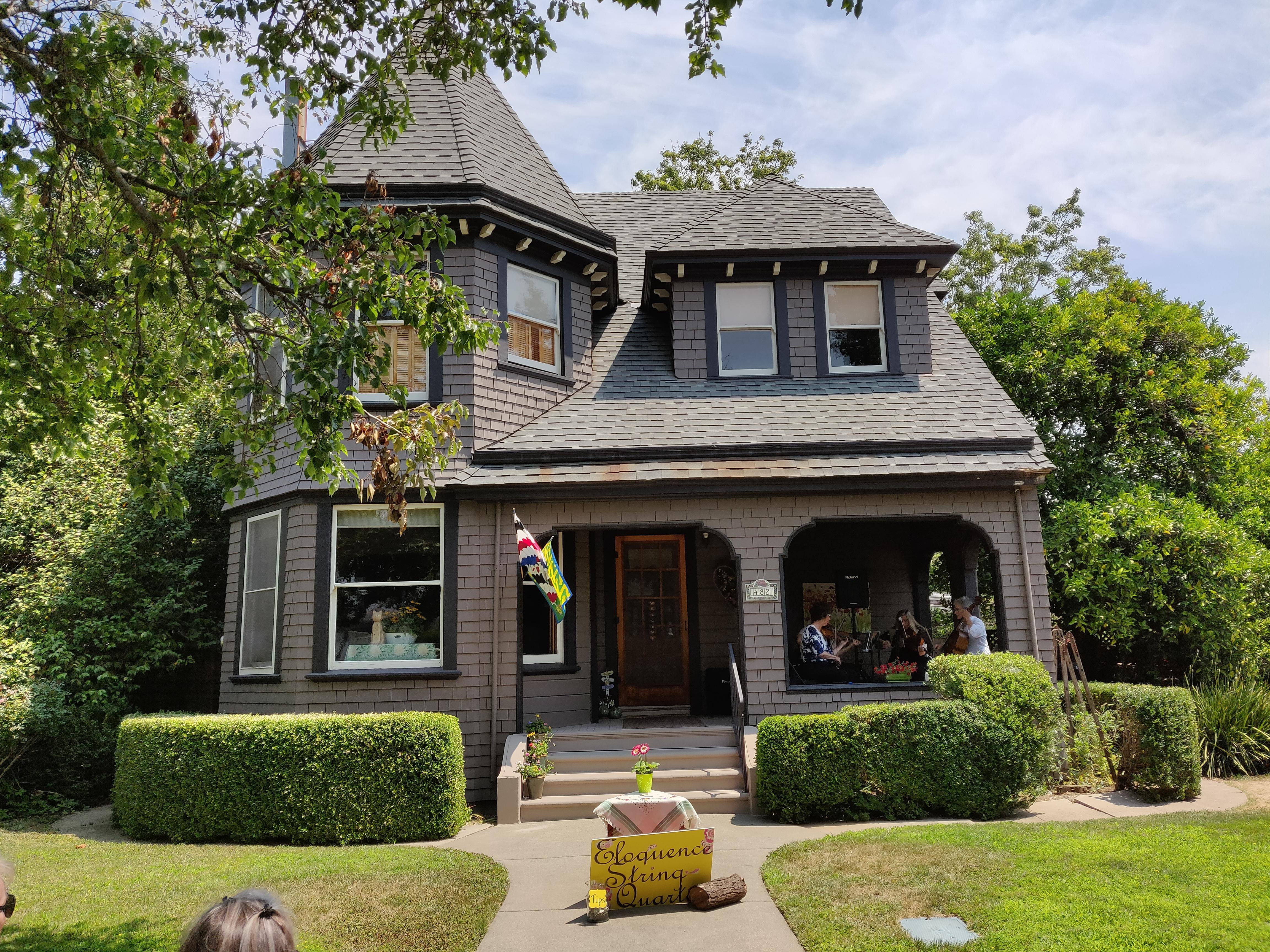
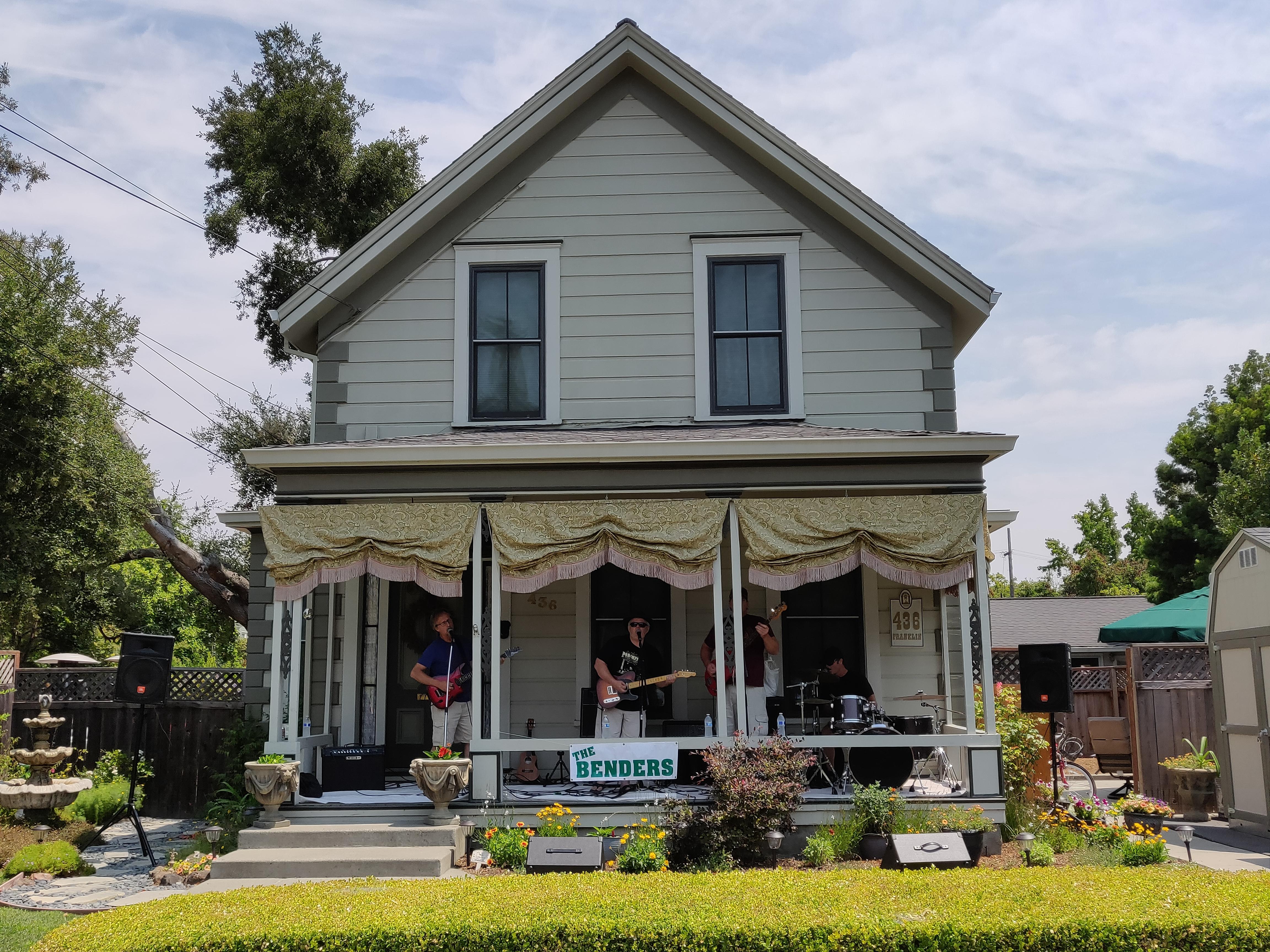
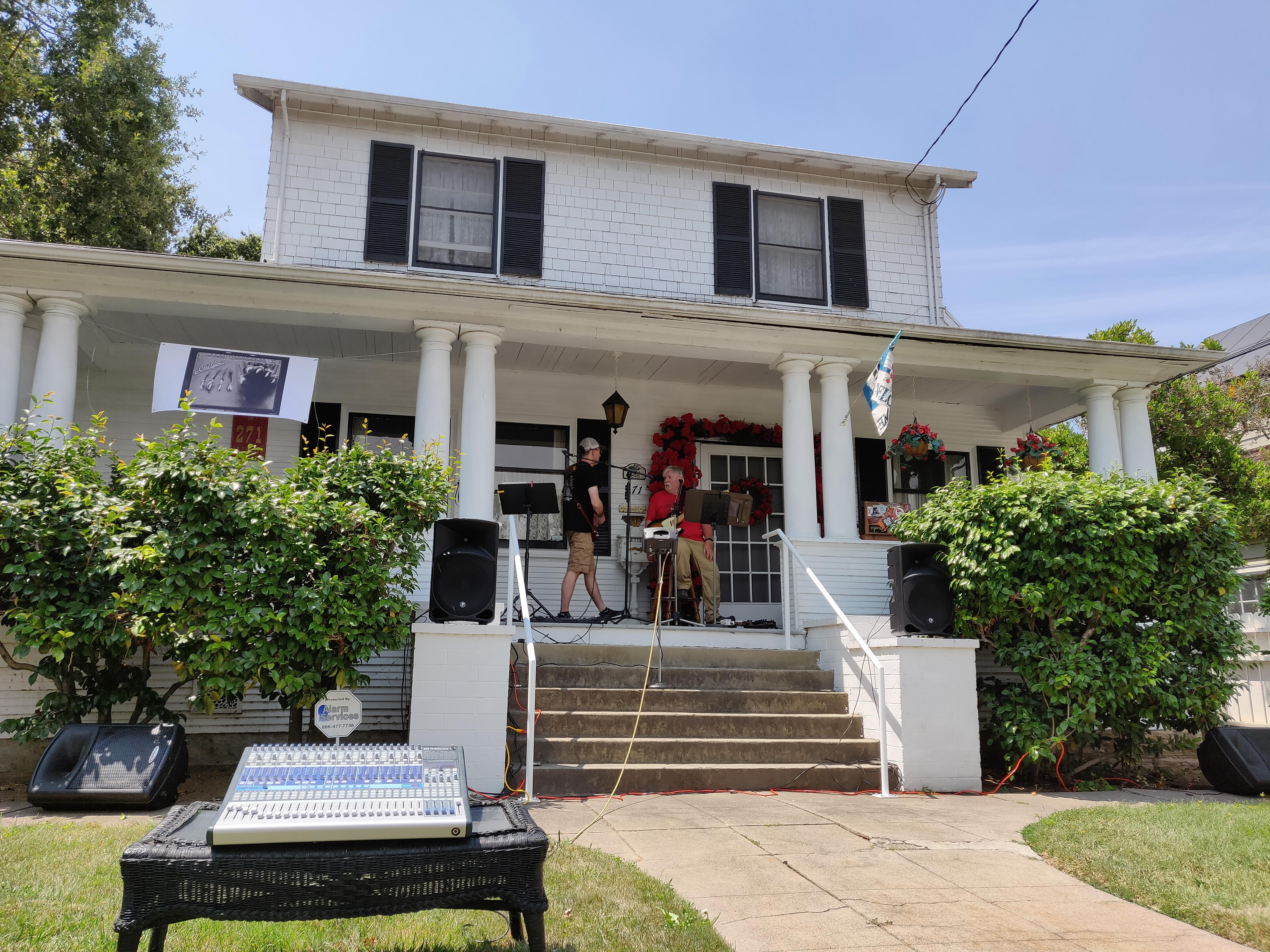
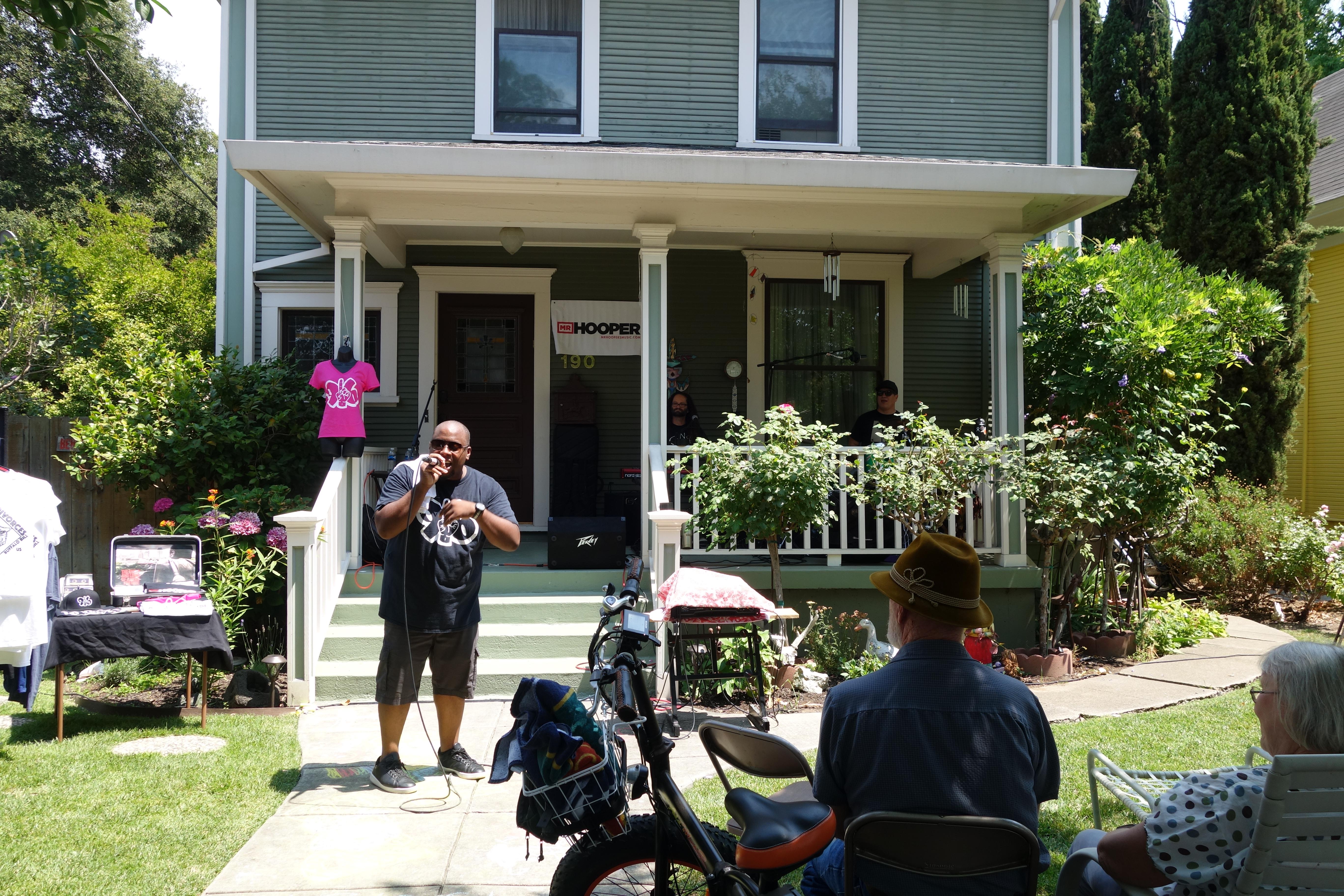
1 pointhttps://napaporchfest.org/ All sorts of live music in very pleasant surroundings. Walked in own beach chair and supply of Chilled Usual to add the finishing touch. Now the Ukulele Friends Ohana http://ufohana.org Complete with Hula dancer's
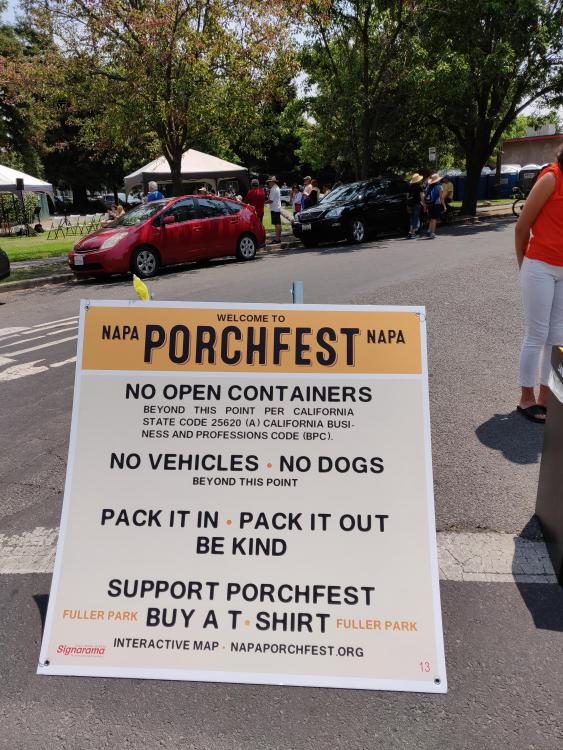
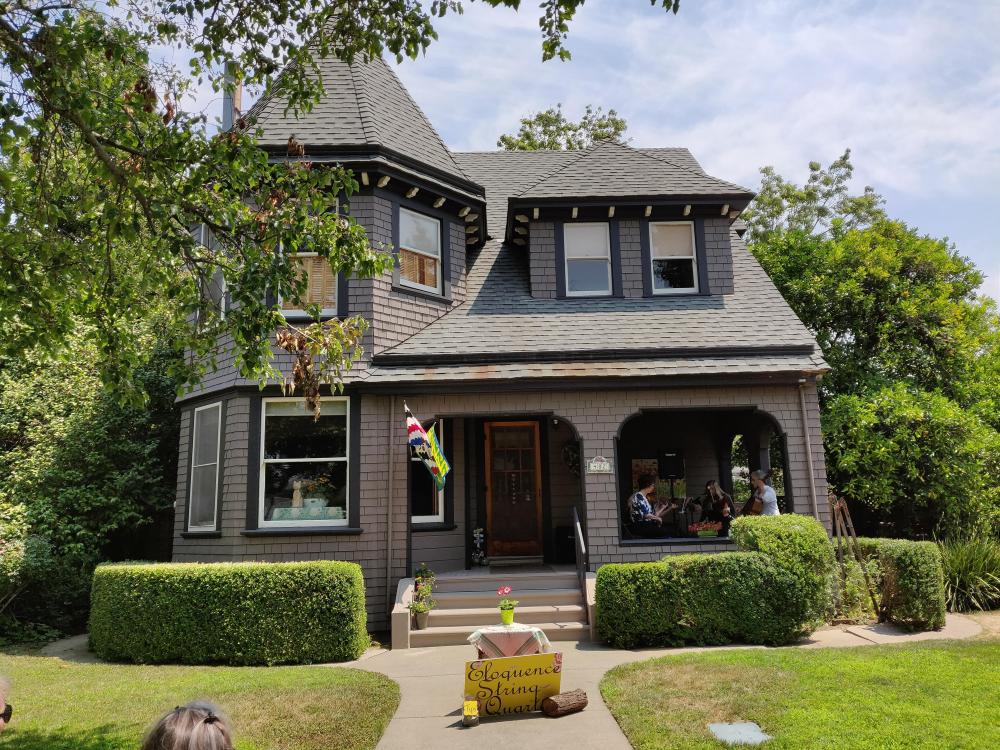
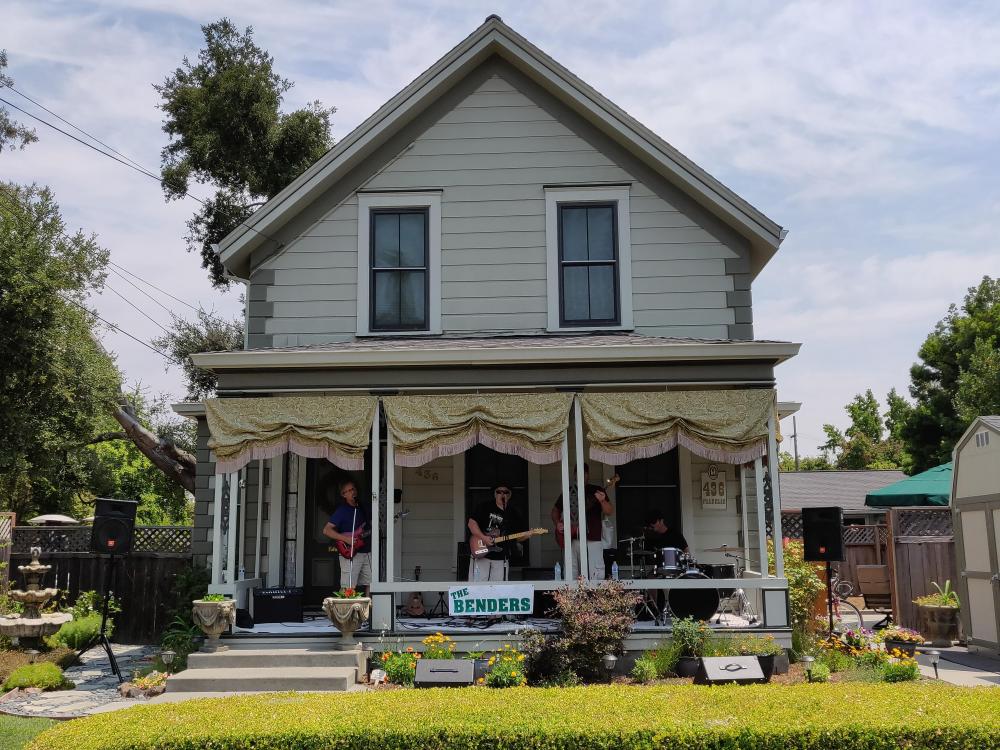
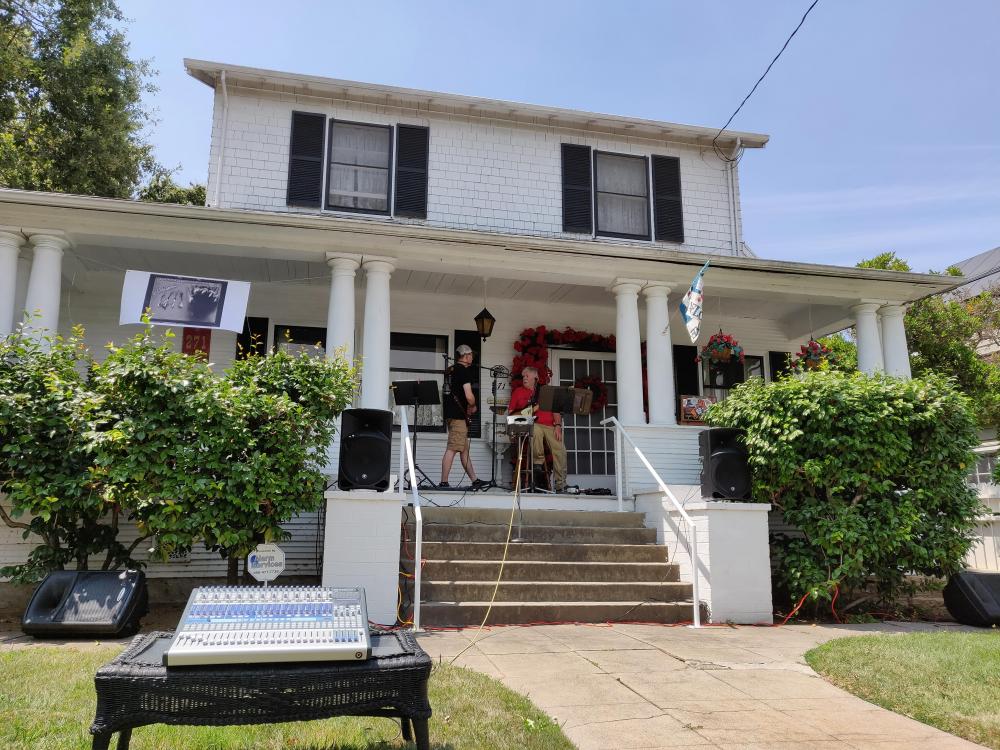
 1 point
 -
1 pointHappy belated Birthday Antonio! Go ahead and take the rest of the week off. Tell those demanding patients that I said it was okay.1 point
-
1 pointThank you very much, mates . It was a nice day, perhaps a bit too hot for my taste. The best part not having to go to work.1 point
-
1 point1 point1 pointMy Grounded Grid sounds very similar to my Blue Hawaii. The Megatron sounds quite different from those two. I agree with Jose that the all-tube front end contributes a lot to the different sound signature. The Megatron is also capacitor-coupled rather than DC-coupled.1 point0 pointsWhat is worse though is the damage suffered to the drivers while they were installing them. Visible finger marks in the dust covers... yeah not good.0 points







Important Information
By using this site, you agree to our Terms of Use.