Leaderboard




Popular Content
Showing content with the highest reputation on 12/02/24 in all areas
-
3 pointsRegarding your last statement, Trump was the one who initiated the agreement with the Taliban for the US to withdraw by May 2021: https://www.axios.com/2021/08/20/trump-taliban-agreement-doha-biden Art of the deal my ass...3 points
-
3 pointsTrump is the only person that can stop things escalating to WW3. He may not be a politician, but he seems to get things done. He would neve have done what Biden/Harris did in pulling out of a country while there were still American citizens in the country, and leave behind all the weapons and vehicles for the enemy to takeup. 😠3 points
-
2 points
-
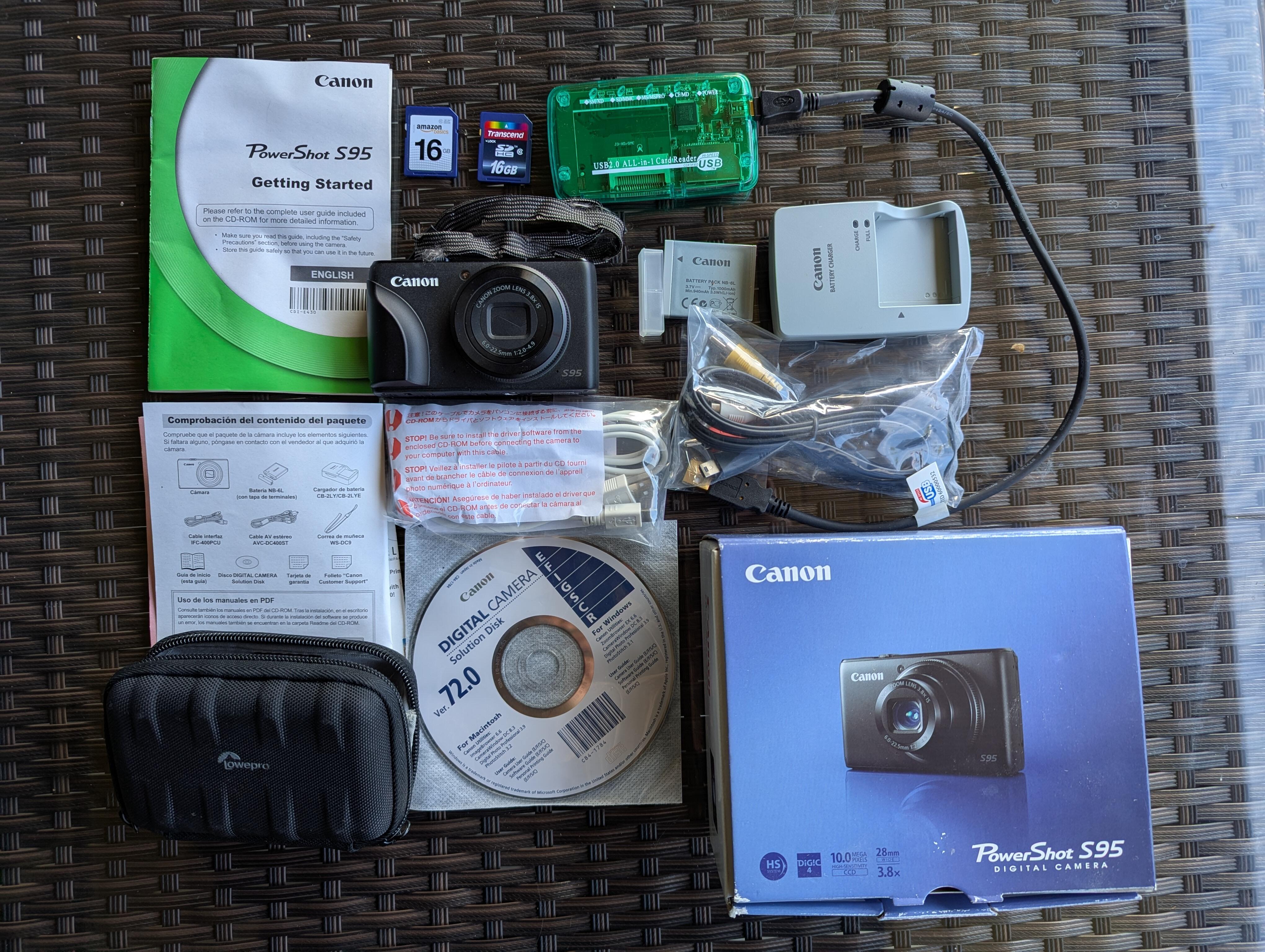
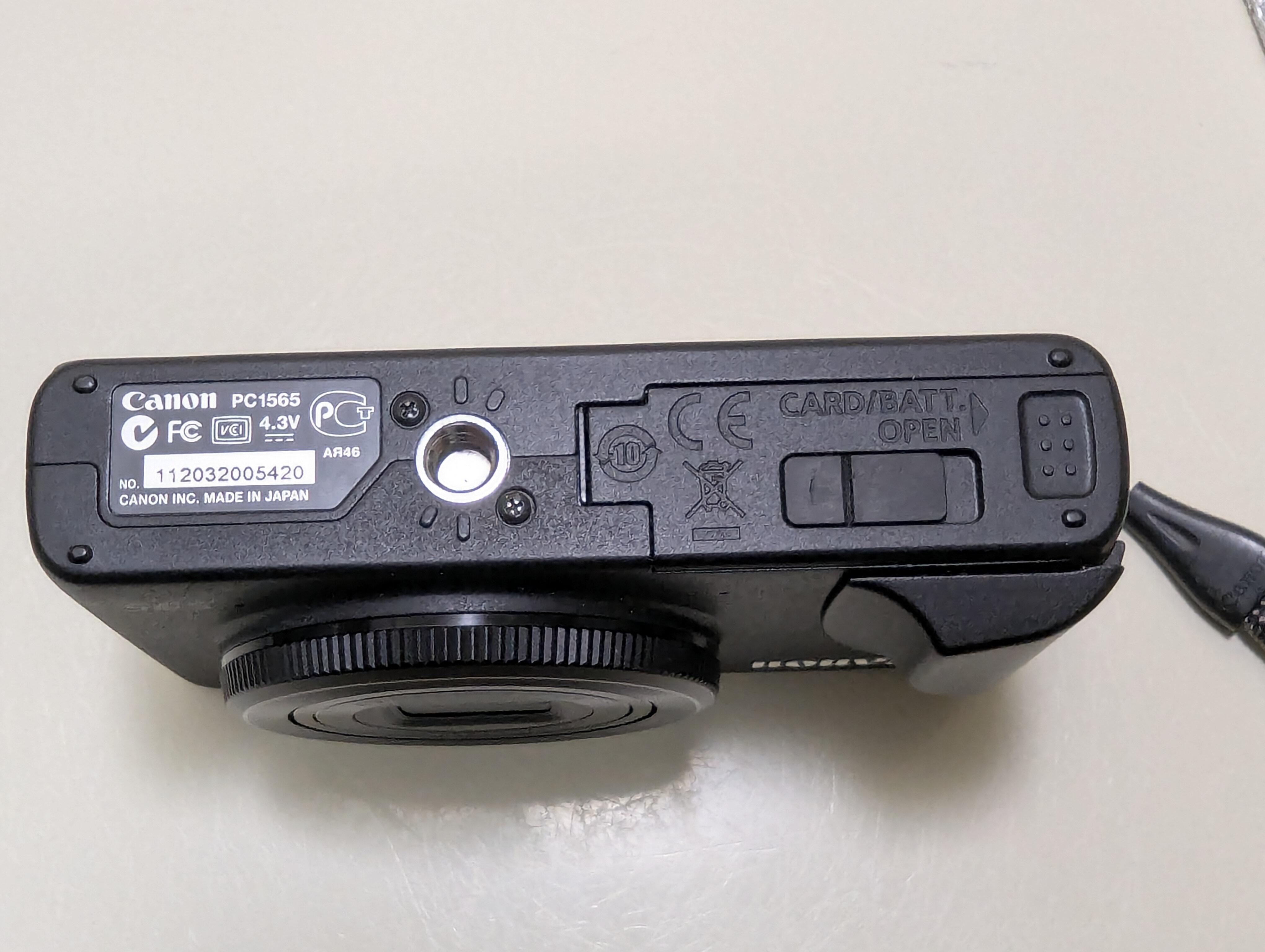
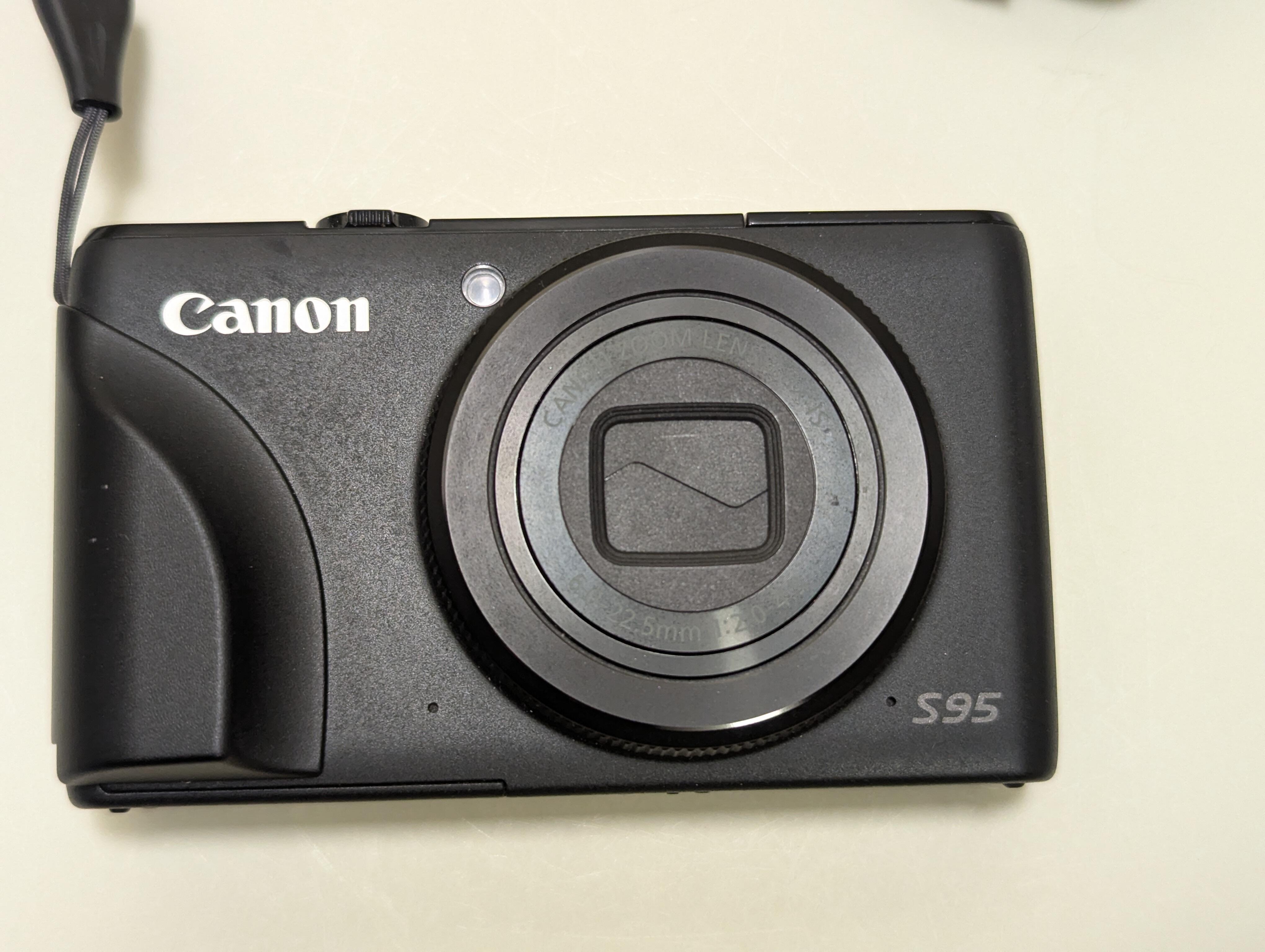
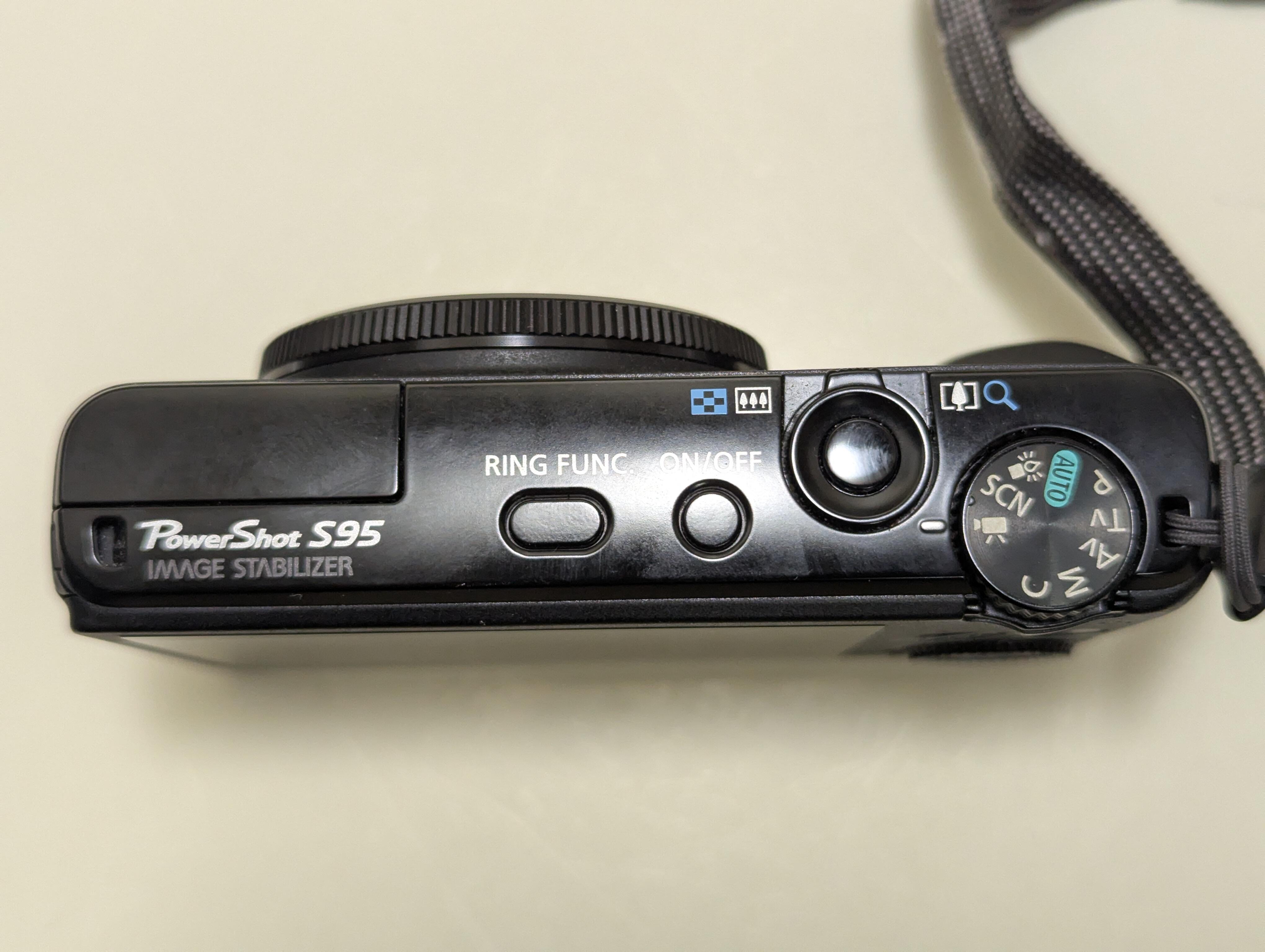
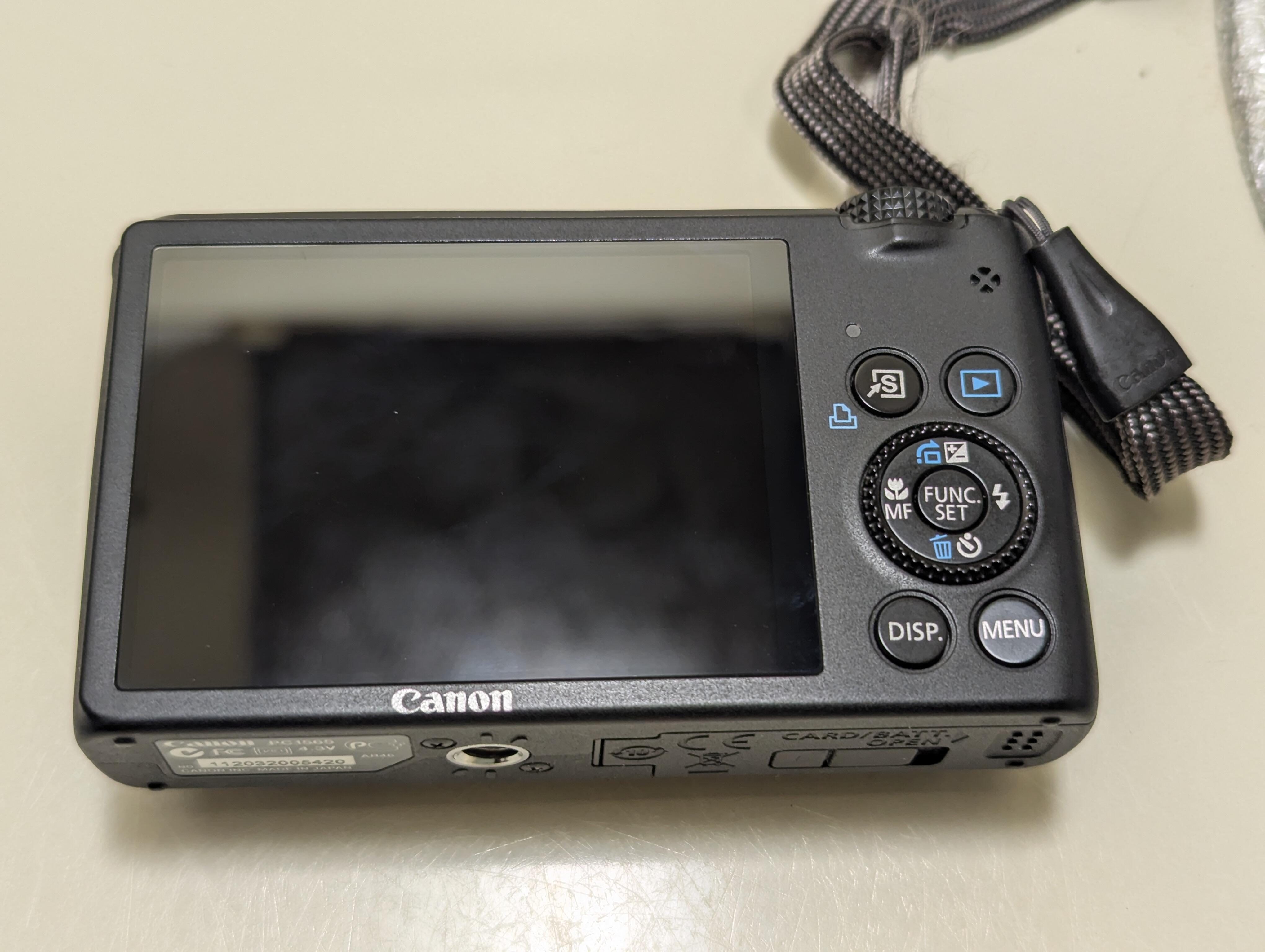
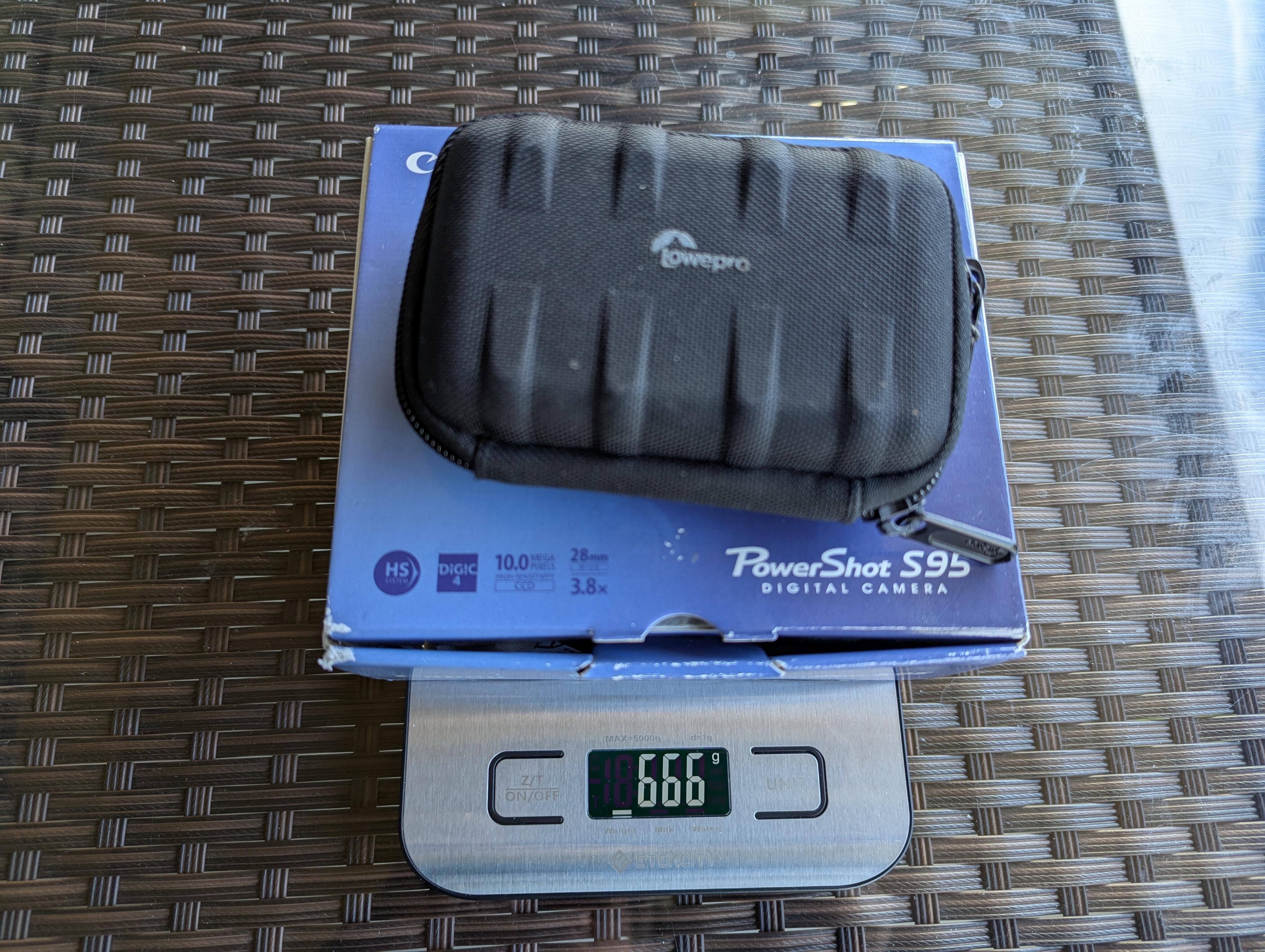
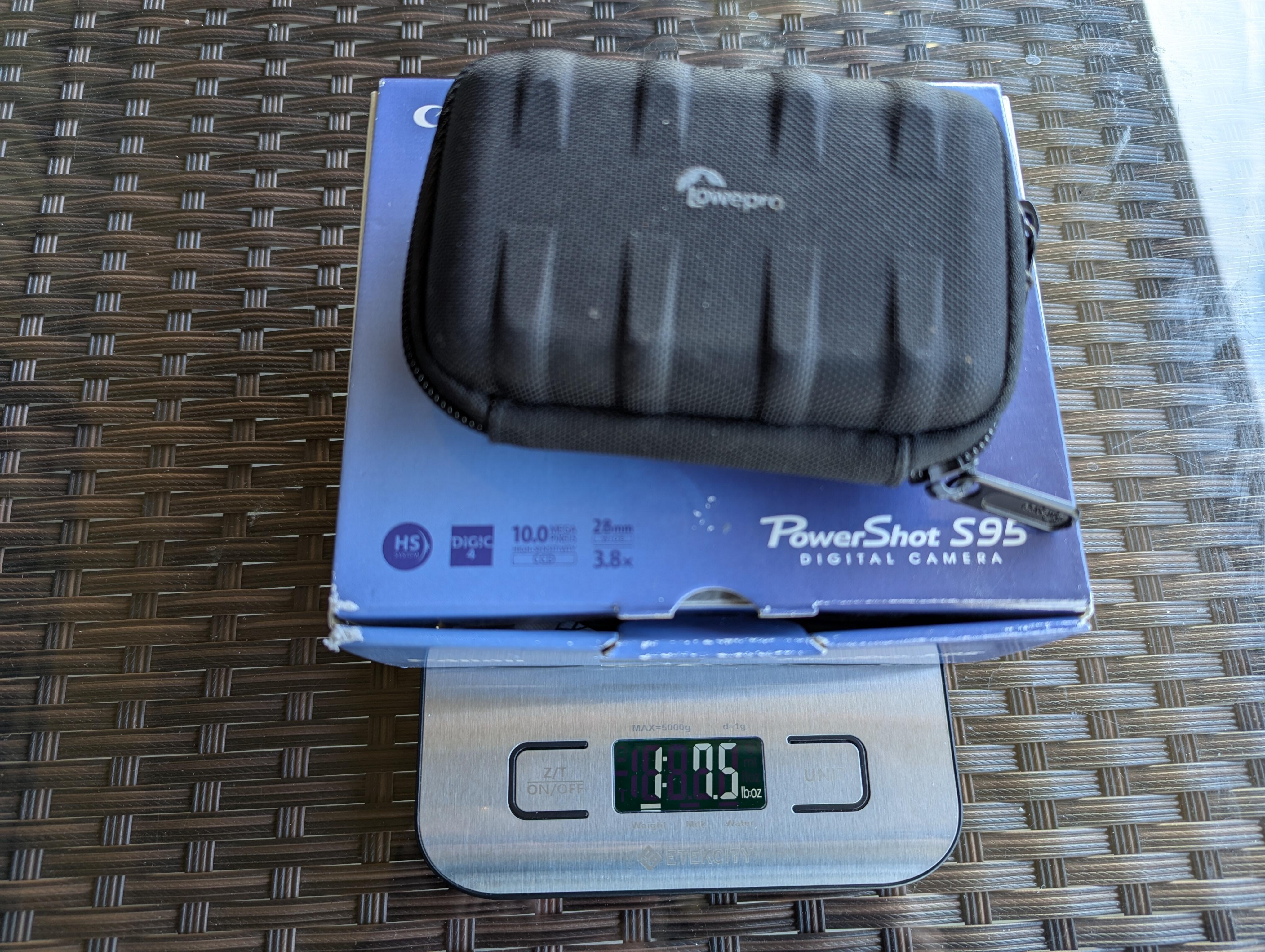
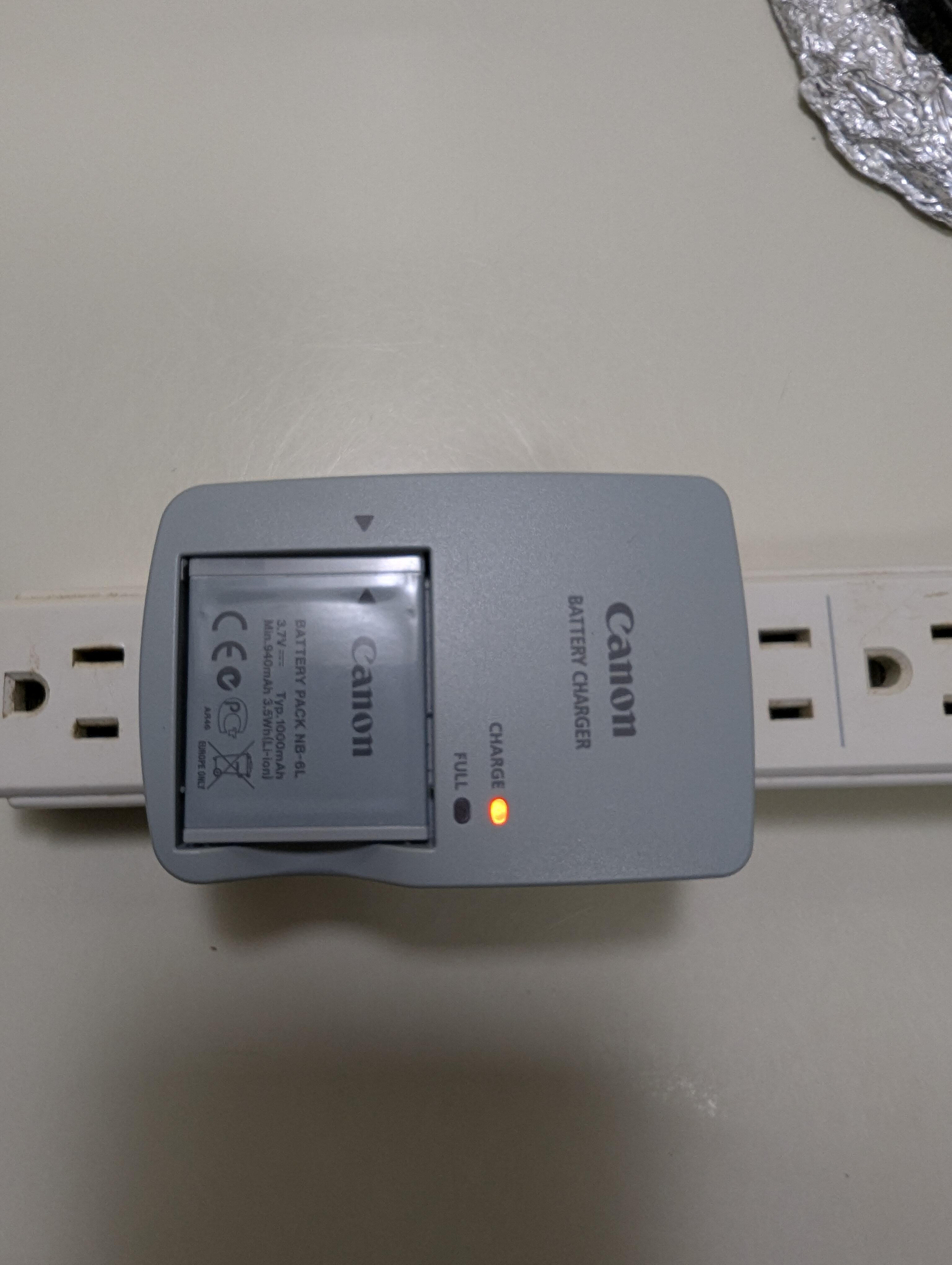
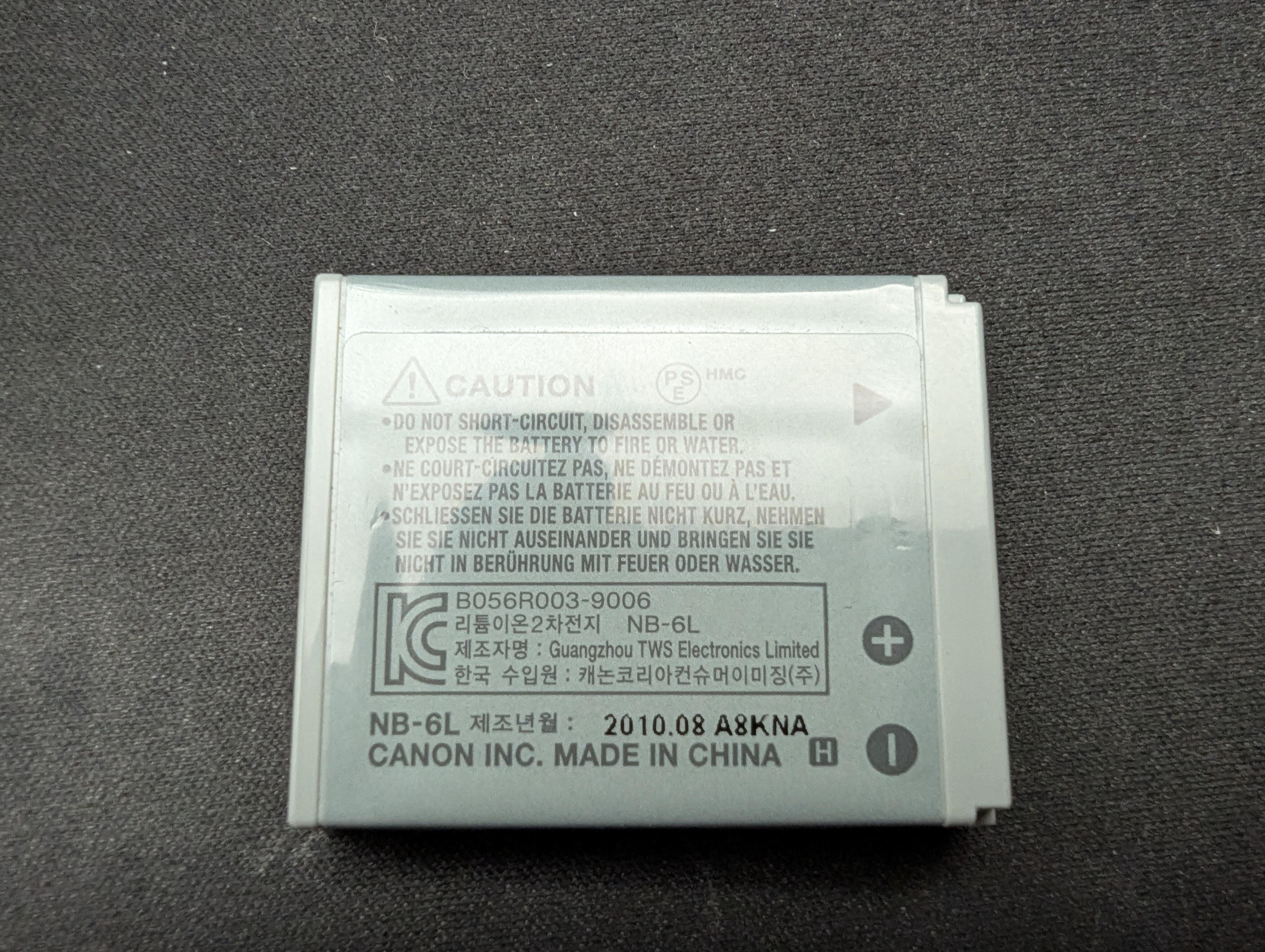
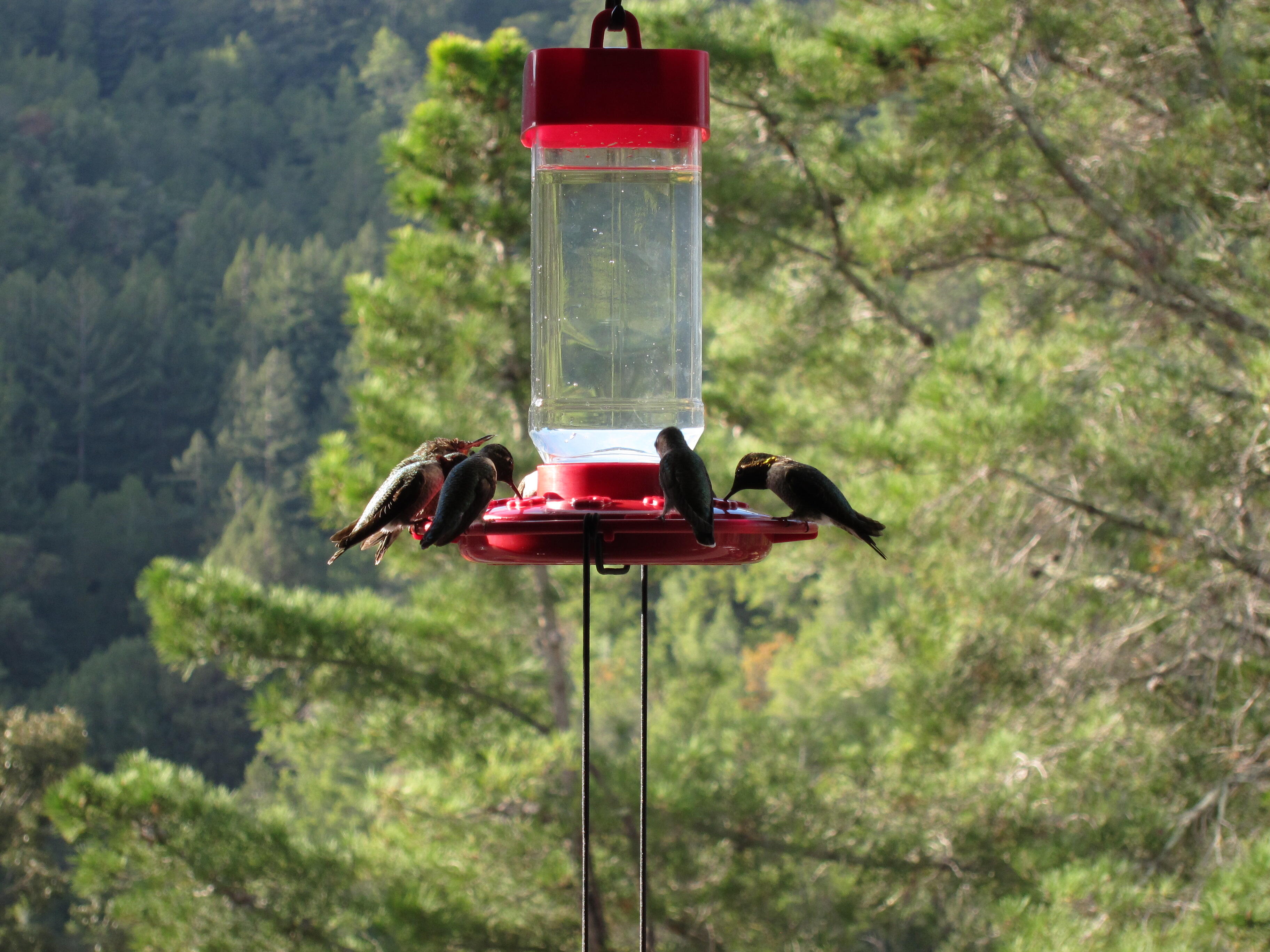
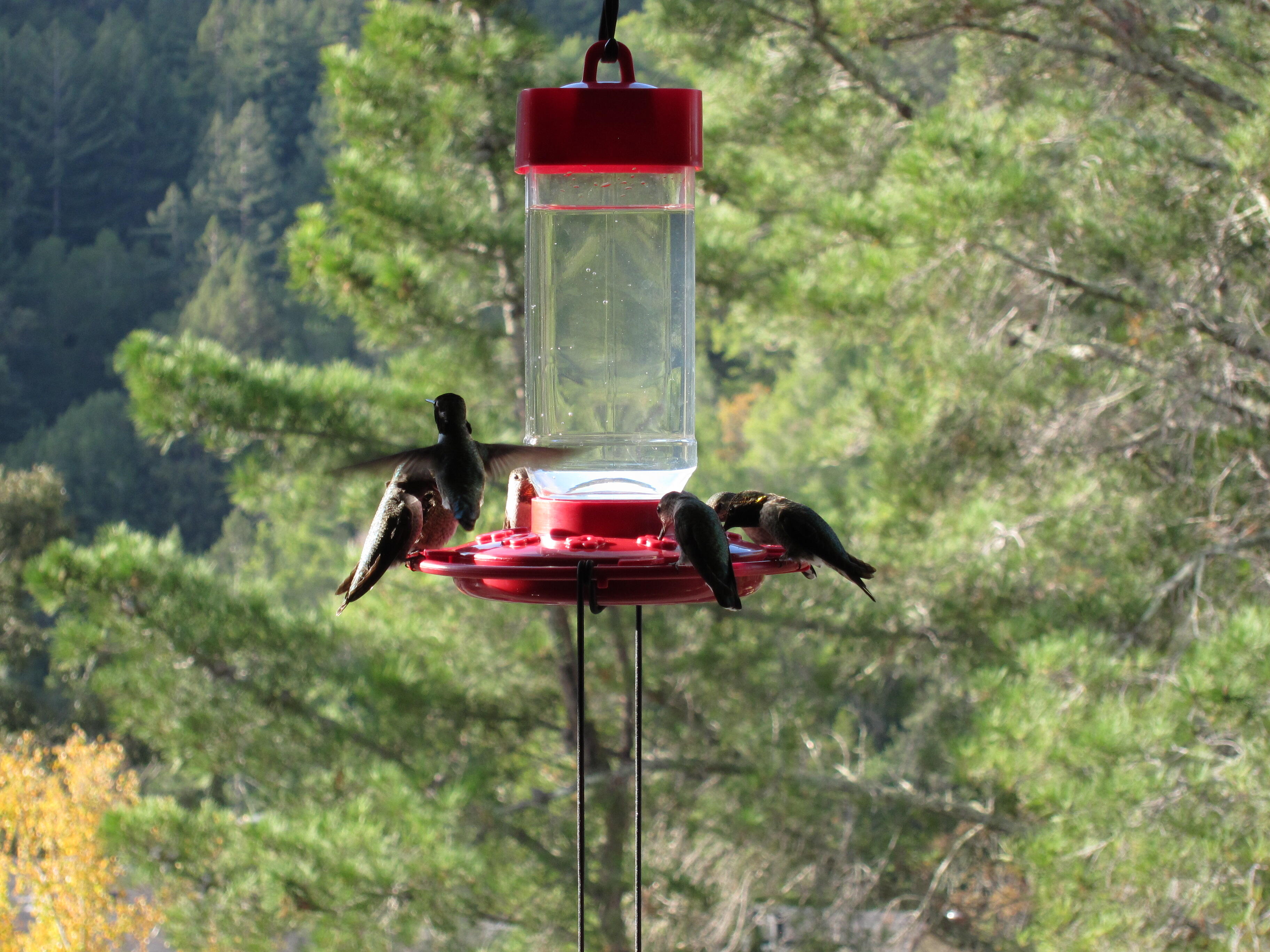
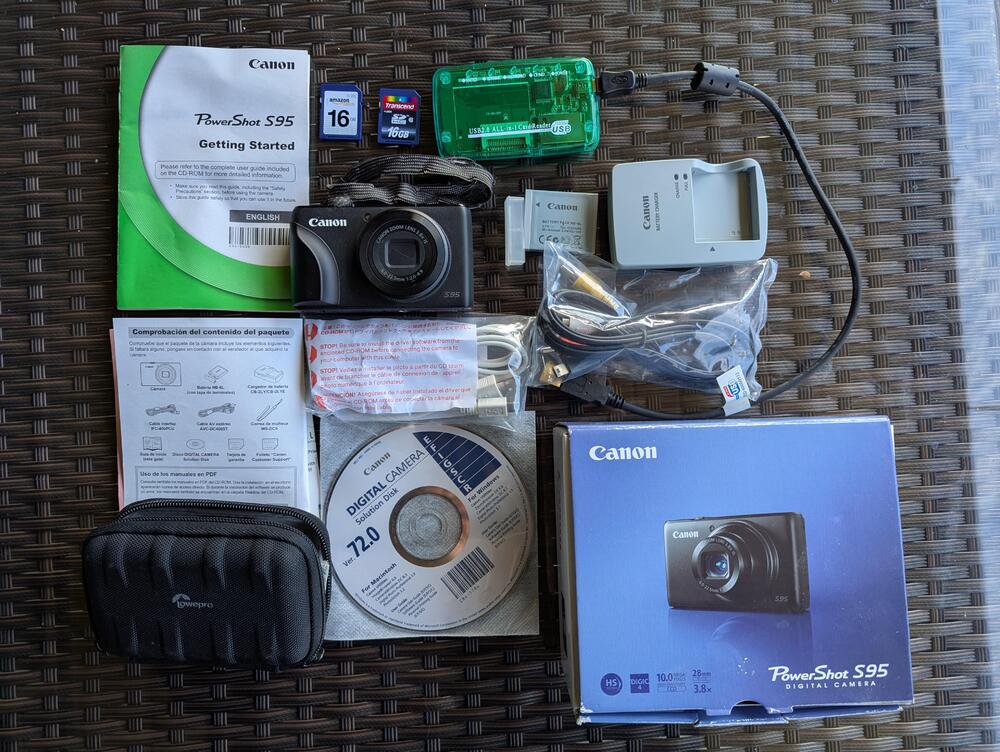
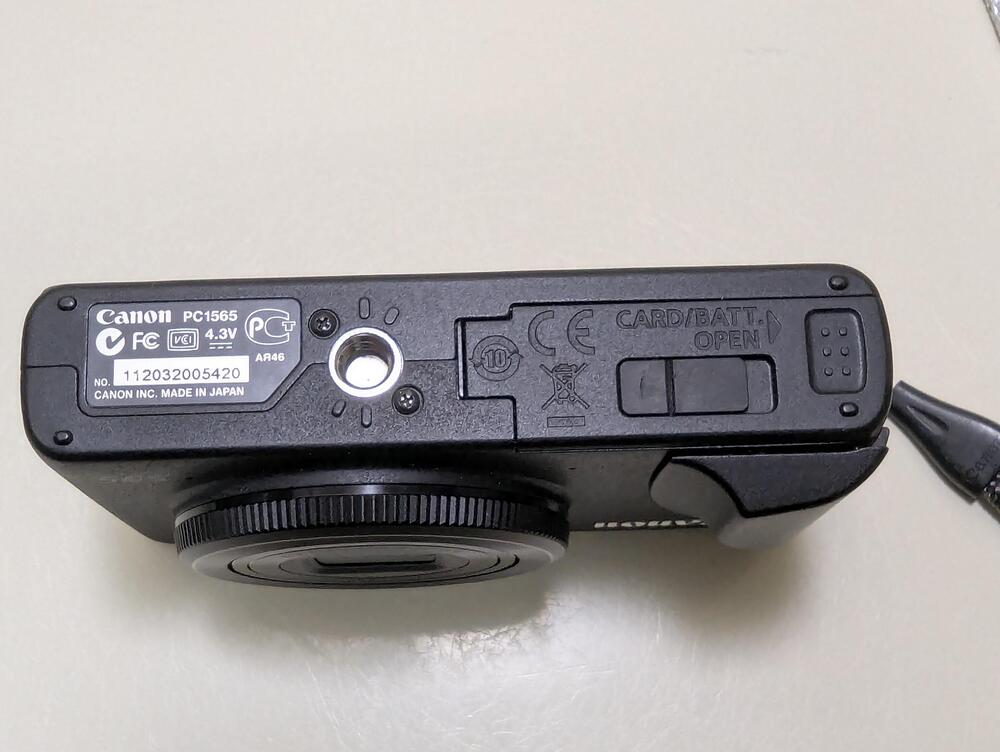
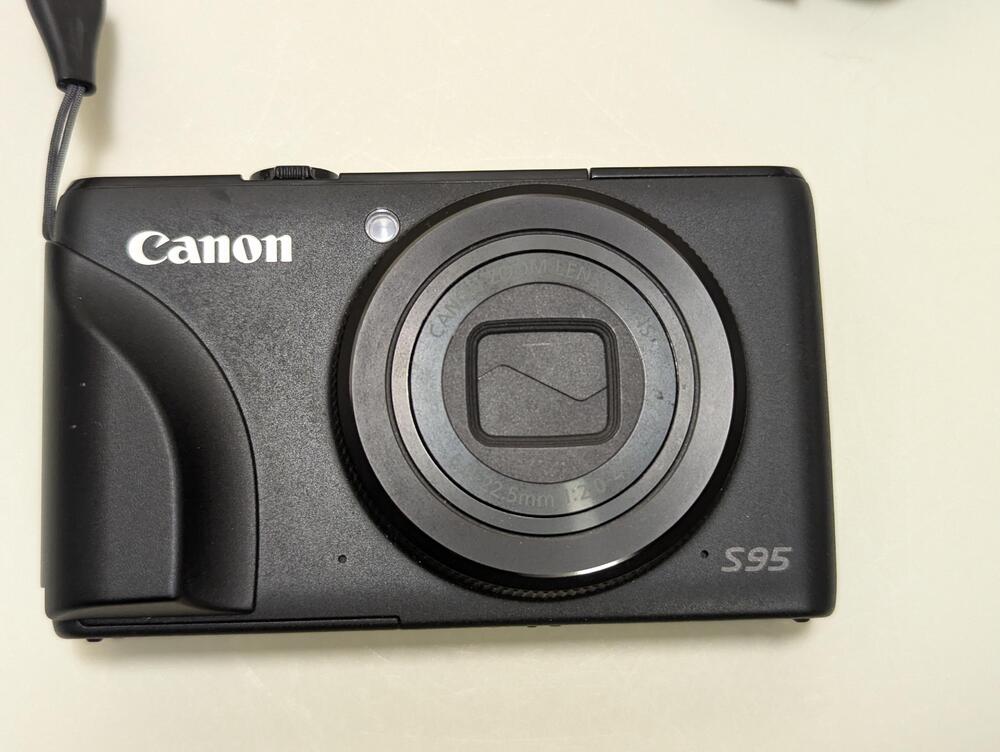
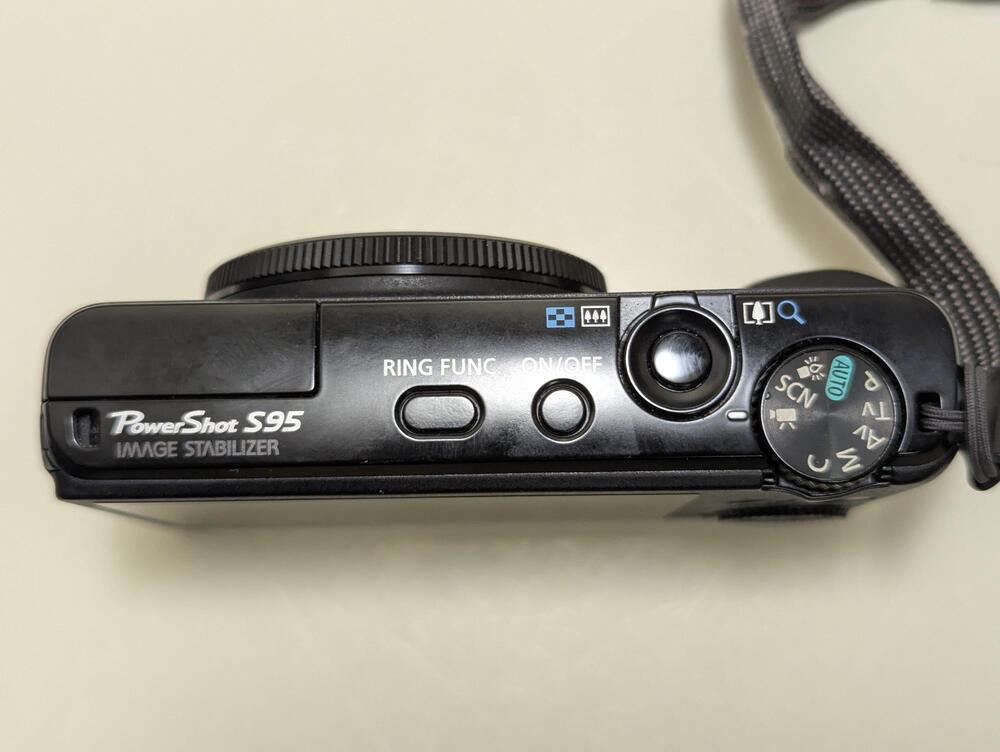
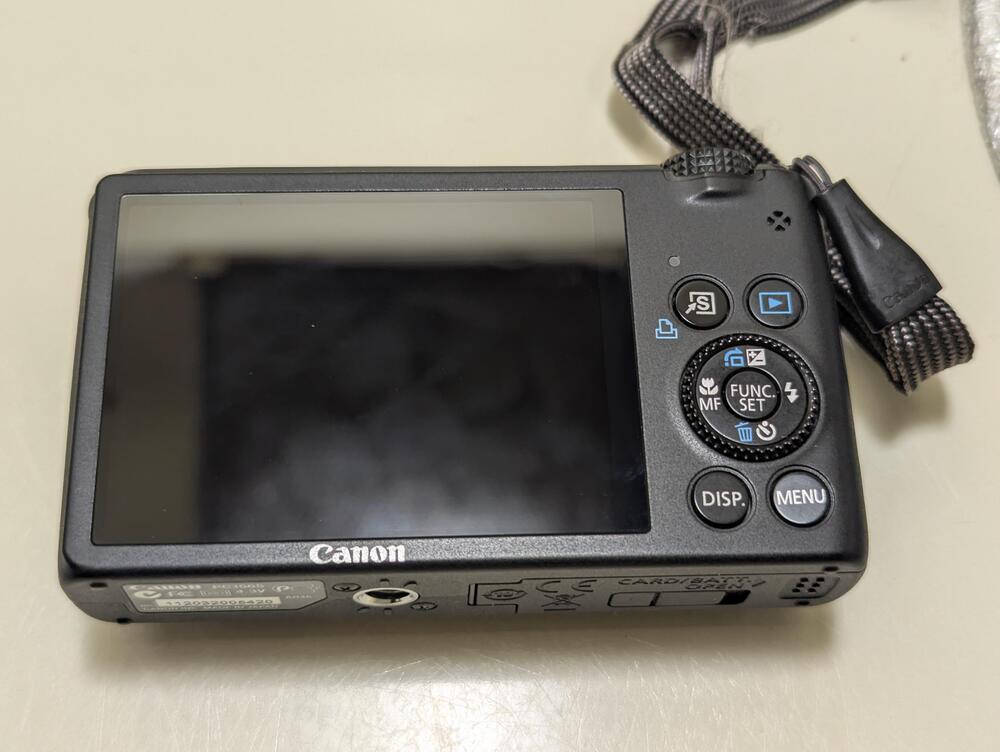
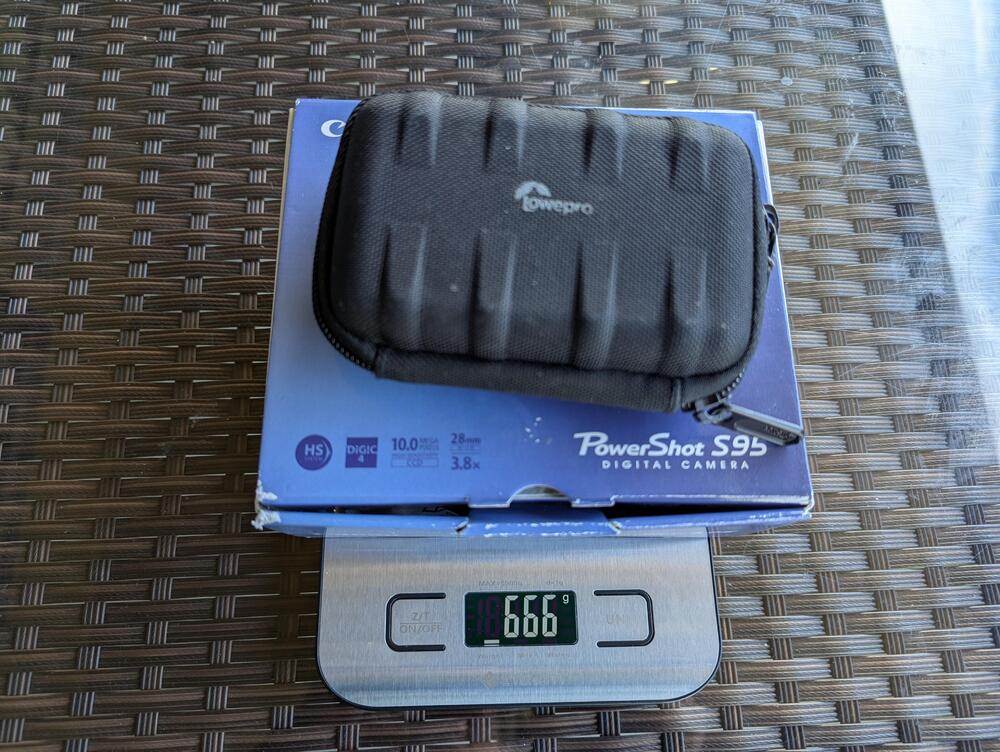
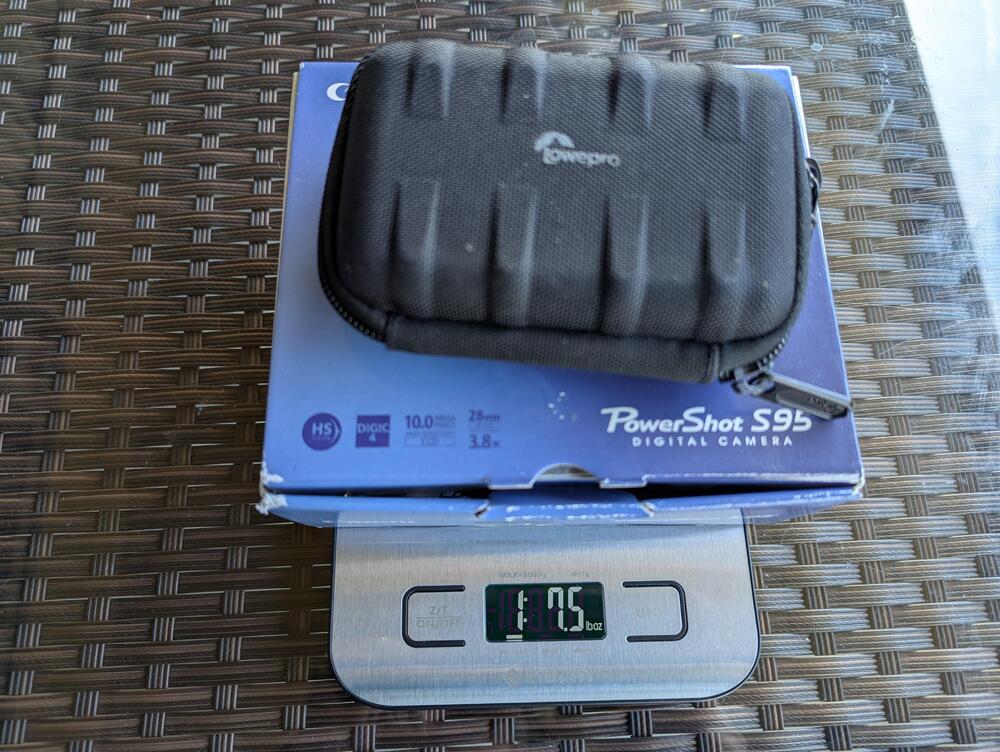
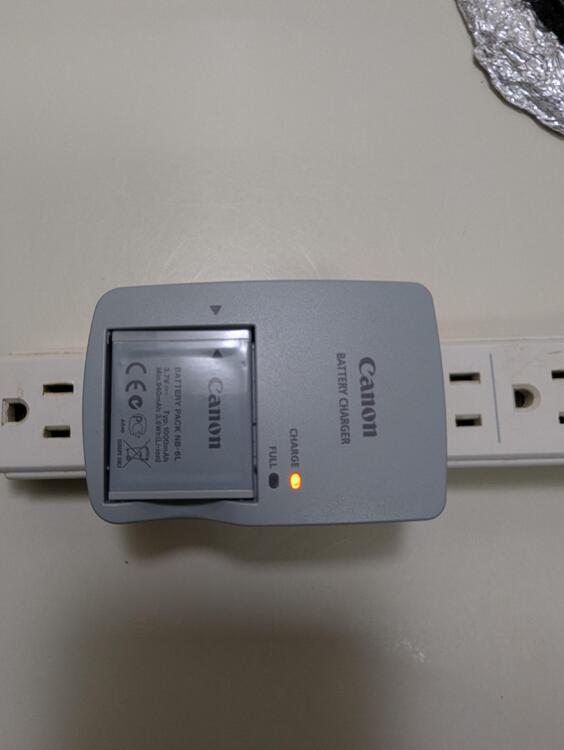
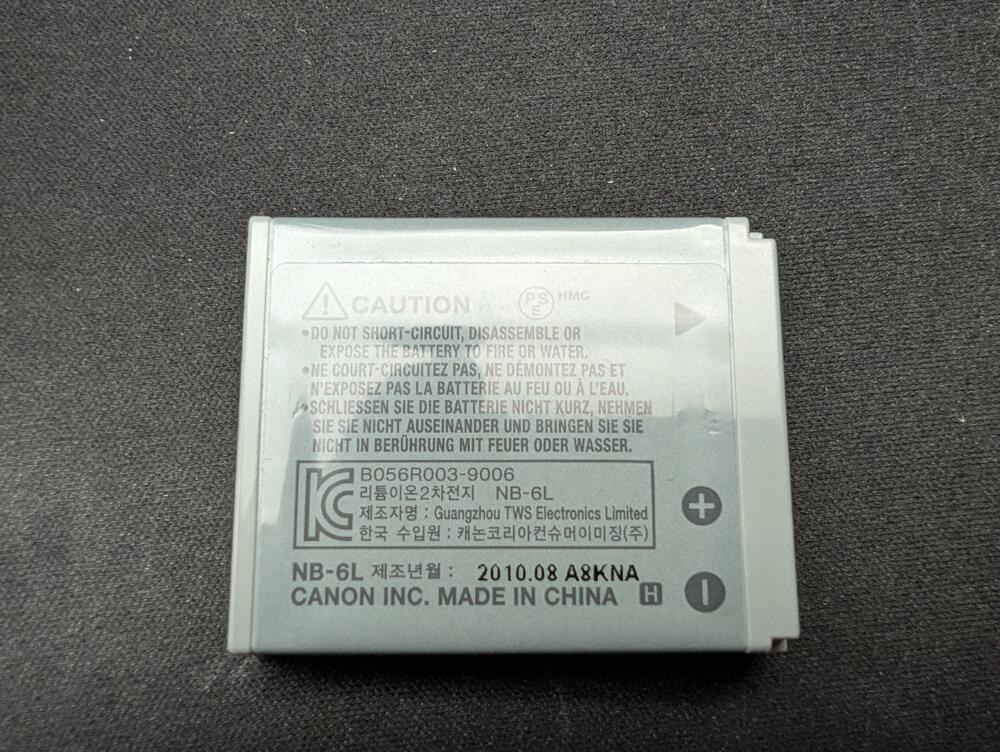
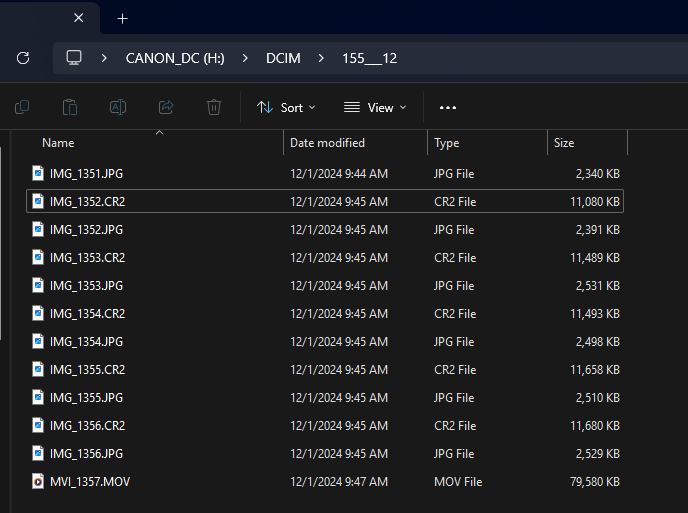
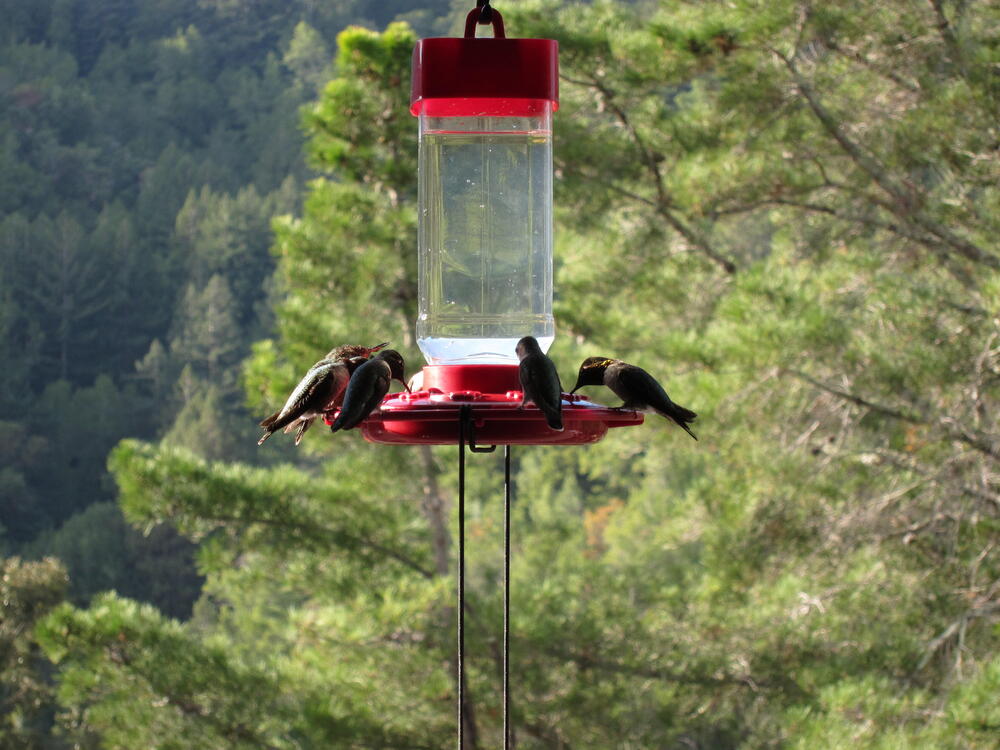
What serious headcaser doesn't keep all the original packaging and components in a drawer "just in case" "it might be useful" Plus a hard case, (franiec?) grip, and card reader because: d-_-b As new condition? You be the judge. As for shipping it all, @MexicanDragon would approve. Or in freedom units As for the does it still work question. Well the battery charges. Although given it's age you might want to get some more new NB-6L compatible batteries and a charger to avoid disappointment, Likewise for the SD cards. Does it still work? Well it powers up, takes pictures and (720p!) video, And the SD card mounts in the reader as an external drive , where you access the .jpg and raw/cr2 files Image quality looks good MVI_1357.MOV



 2 points